warning CHEVROLET CORVETTE 2004 5.G User Guide
[x] Cancel search | Manufacturer: CHEVROLET, Model Year: 2004, Model line: CORVETTE, Model: CHEVROLET CORVETTE 2004 5.GPages: 384, PDF Size: 2.46 MB
Page 119 of 384
Other Warning Devices
If you carry reflective triangles, you can set one up at
the side of the road about 300 feet (100 m) behind your
vehicle.
Horn
To sound the horn, press either horn symbol on the
steering wheel.
Tilt Wheel
A tilt wheel allows you to adjust the steering wheel
before you drive. You can raise it to the highest level to
give your legs more room when you exit and enter
the vehicle.
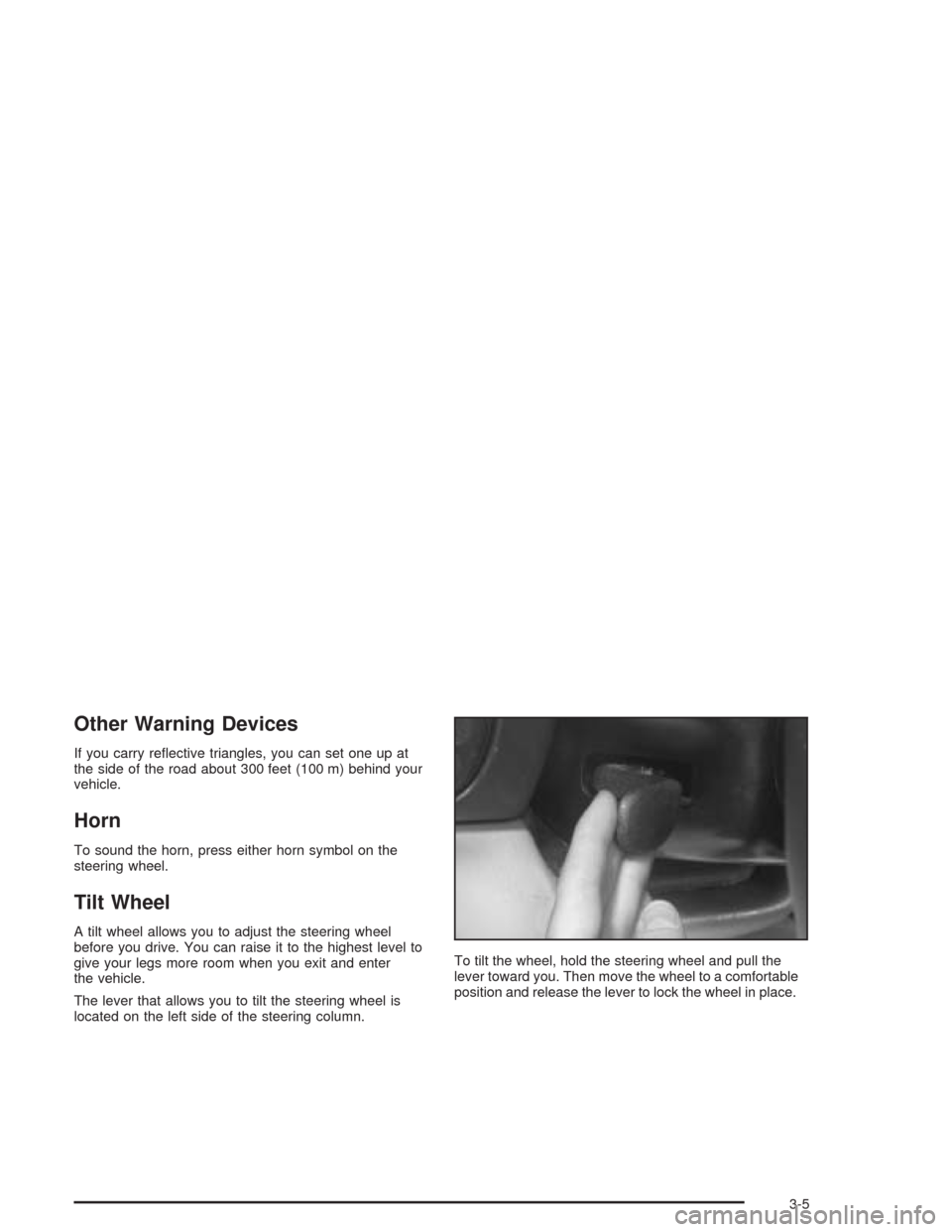
The lever that allows you to tilt the steering wheel is
located on the left side of the steering column.To tilt the wheel, hold the steering wheel and pull the
lever toward you. Then move the wheel to a comfortable
position and release the lever to lock the wheel in place.
3-5
Page 124 of 384
Cruise Control
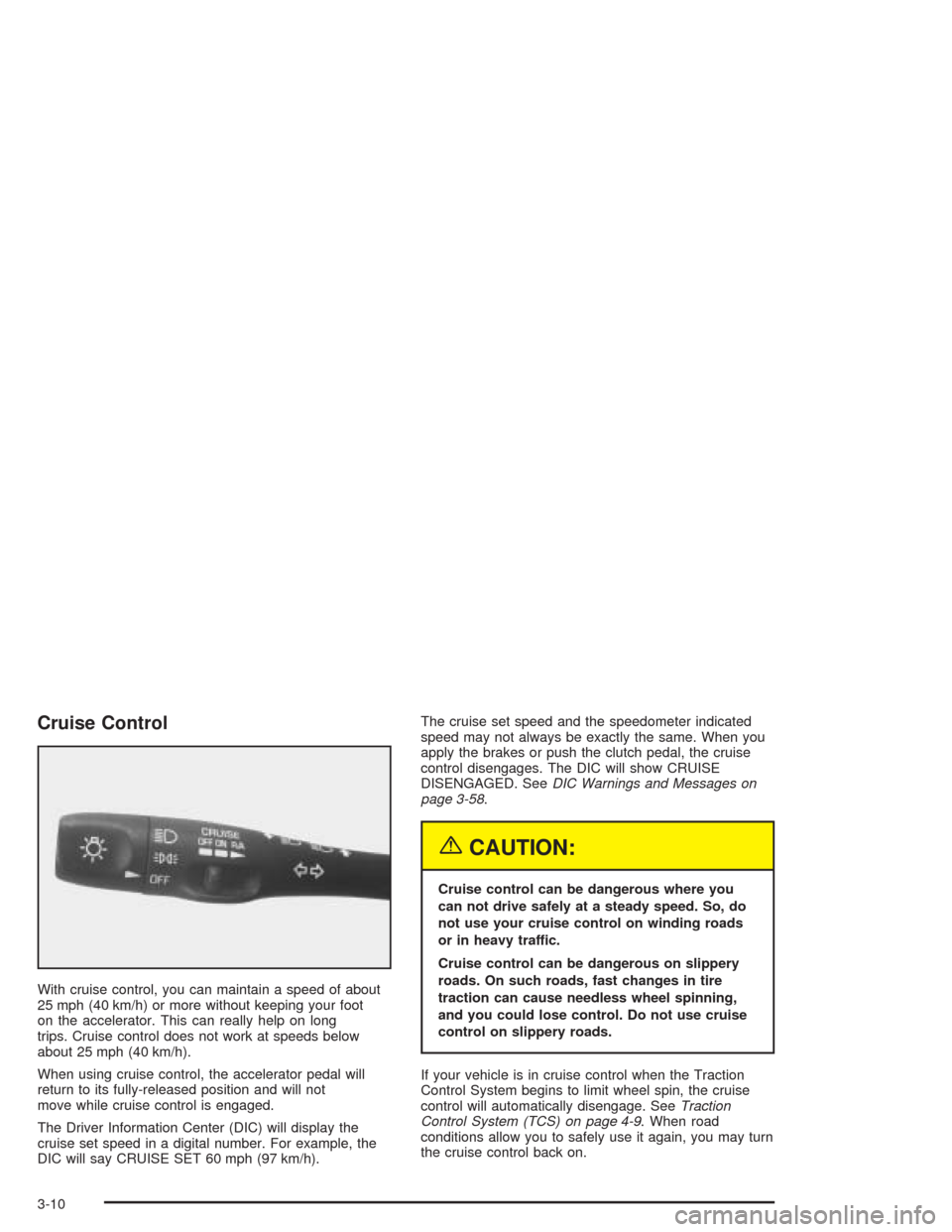
With cruise control, you can maintain a speed of about
25 mph (40 km/h) or more without keeping your foot
on the accelerator. This can really help on long
trips. Cruise control does not work at speeds below
about 25 mph (40 km/h).
When using cruise control, the accelerator pedal will
return to its fully-released position and will not
move while cruise control is engaged.
The Driver Information Center (DIC) will display the
cruise set speed in a digital number. For example, the
DIC will say CRUISE SET 60 mph (97 km/h).The cruise set speed and the speedometer indicated
speed may not always be exactly the same. When you
apply the brakes or push the clutch pedal, the cruise
control disengages. The DIC will show CRUISE
DISENGAGED. SeeDIC Warnings and Messages on
page 3-58.
{CAUTION:
Cruise control can be dangerous where you
can not drive safely at a steady speed. So, do
not use your cruise control on winding roads
or in heavy traffic.
Cruise control can be dangerous on slippery
roads. On such roads, fast changes in tire
traction can cause needless wheel spinning,
and you could lose control. Do not use cruise
control on slippery roads.
If your vehicle is in cruise control when the Traction
Control System begins to limit wheel spin, the cruise
control will automatically disengage. SeeTraction
Control System (TCS) on page 4-9. When road
conditions allow you to safely use it again, you may turn
the cruise control back on.
3-10
Page 134 of 384

Be sure to continue scanning your displays, controls
and driving environment just as you would in a vehicle
without HUD. If you never look at your instrument
panel cluster, you may not see something important,
such as a warning light. Under important warning
conditions, the CHECK GAGES icon will illuminate in
the HUD. View your Driver Information Center (DIC) for
more information.The HUD controls are located to the left of the
steering wheel.
To adjust the HUD so you can see it properly, do the
following:
1. Start your engine and slide the HUD dimmer control
all the way up.
The brightness of the HUD image is determined by
the light conditions in the direction your vehicle is
facing and where you have the HUD dimmer control
set. If you are facing a dark object or a heavily
shaded area, your HUD may anticipate that you are
entering a dark area and may begin to dim.
3-20
Page 146 of 384
Warning Lights, Gages, and
Indicators
This part describes the warning lights and gages that
may be on your vehicle. The pictures will help you
locate them.
Warning lights and gages can signal that something is
wrong before it becomes serious enough to cause
an expensive repair or replacement. Paying attention to
your warning lights and gages could also save you
or others from injury.
Warning lights come on when there may be or is a
problem with one of your vehicle’s functions. As you will
see in the details on the next few pages, some
warning lights come on briefly when you start the
engine just to let you know they are working. If you are
familiar with this section, you should not be alarmed
when this happens.Gages can indicate when there may be or is a problem
with one of your vehicle’s functions. Often gages
and warning lights work together to let you know when
there is a problem with your vehicle.
When one of the warning lights comes on and stays on
when you are driving, or when one of the gages
shows there may be a problem, check the section that
tells you what to do about it. Please follow this
manual’s advice. Waiting to do repairs can be
costly — and even dangerous. So please get to know
your warning lights and gages. They are a big help.
Your vehicle may also have a Driver Information Center
that works along with the warning lights and gages.
SeeDriver Information Center (DIC) on page 3-48.
3-32
Page 147 of 384
Instrument Panel Cluster
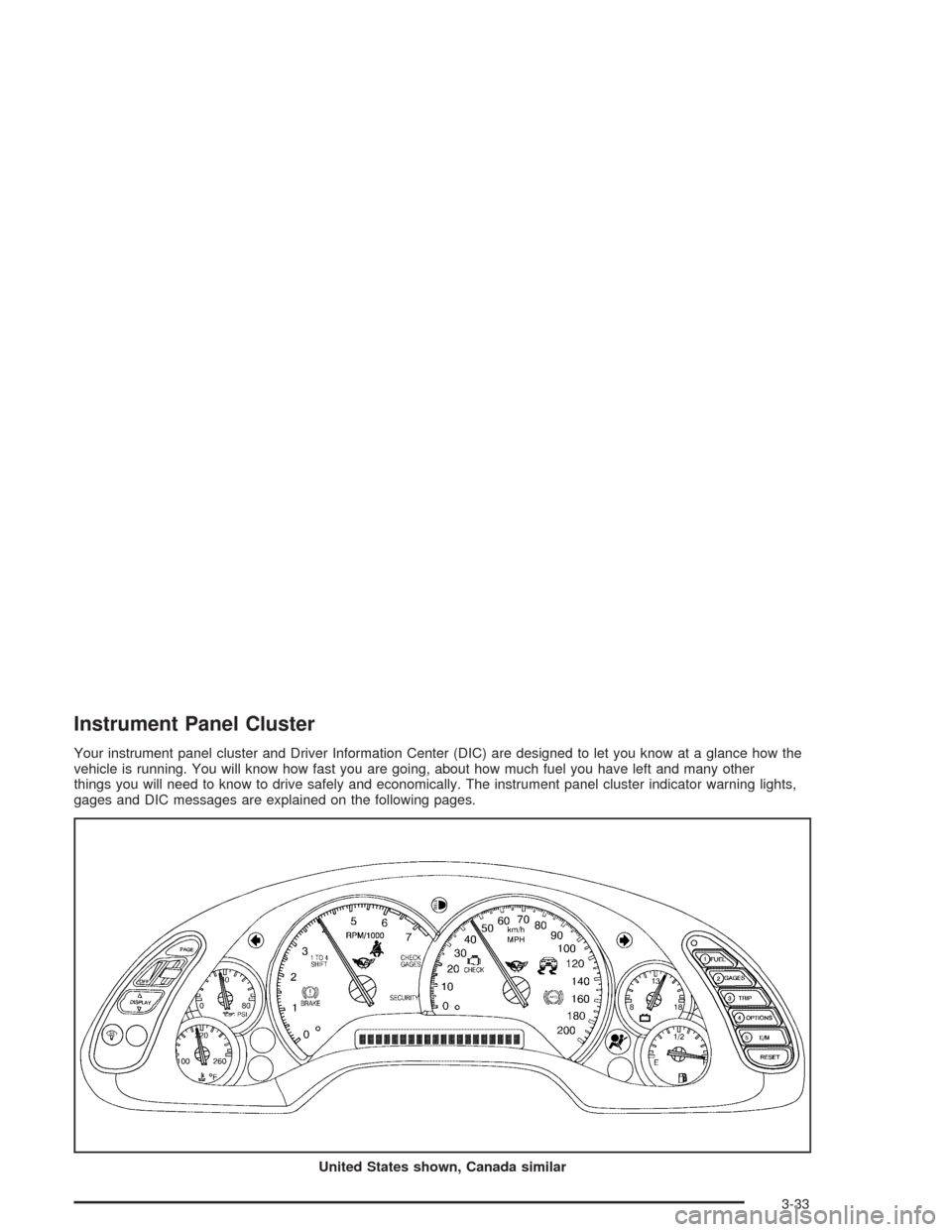
Your instrument panel cluster and Driver Information Center (DIC) are designed to let you know at a glance how the
vehicle is running. You will know how fast you are going, about how much fuel you have left and many other
things you will need to know to drive safely and economically. The instrument panel cluster indicator warning lights,
gages and DIC messages are explained on the following pages.
United States shown, Canada similar
3-33
Page 152 of 384
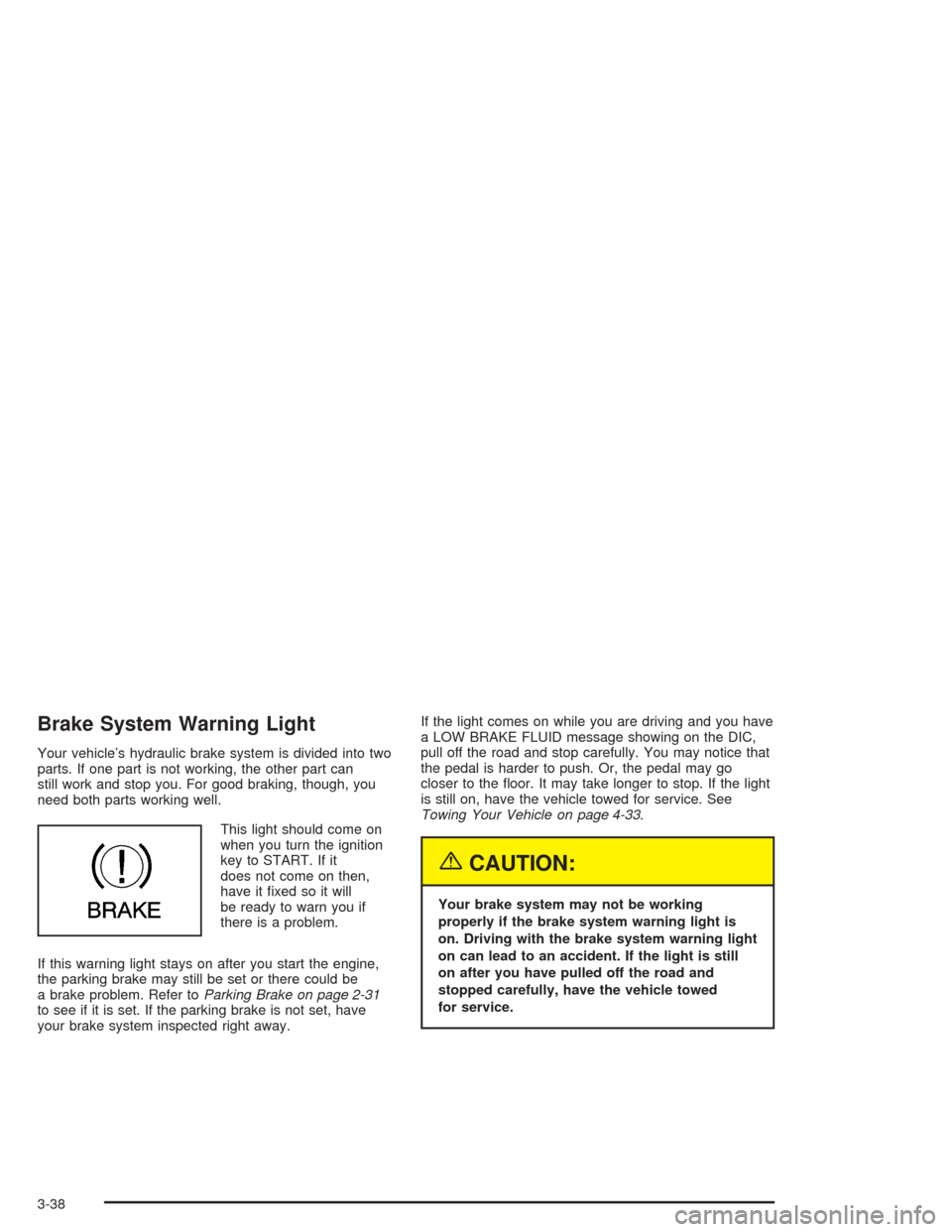
Brake System Warning Light
Your vehicle’s hydraulic brake system is divided into two
parts. If one part is not working, the other part can
still work and stop you. For good braking, though, you
need both parts working well.
This light should come on
when you turn the ignition
key to START. If it
does not come on then,
have it fixed so it will
be ready to warn you if
there is a problem.
If this warning light stays on after you start the engine,
the parking brake may still be set or there could be
a brake problem. Refer toParking Brake on page 2-31
to see if it is set. If the parking brake is not set, have
your brake system inspected right away.If the light comes on while you are driving and you have
a LOW BRAKE FLUID message showing on the DIC,
pull off the road and stop carefully. You may notice that
the pedal is harder to push. Or, the pedal may go
closer to the floor. It may take longer to stop. If the light
is still on, have the vehicle towed for service. See
Towing Your Vehicle on page 4-33.
{CAUTION:
Your brake system may not be working
properly if the brake system warning light is
on. Driving with the brake system warning light
on can lead to an accident. If the light is still
on after you have pulled off the road and
stopped carefully, have the vehicle towed
for service.
3-38
Page 153 of 384
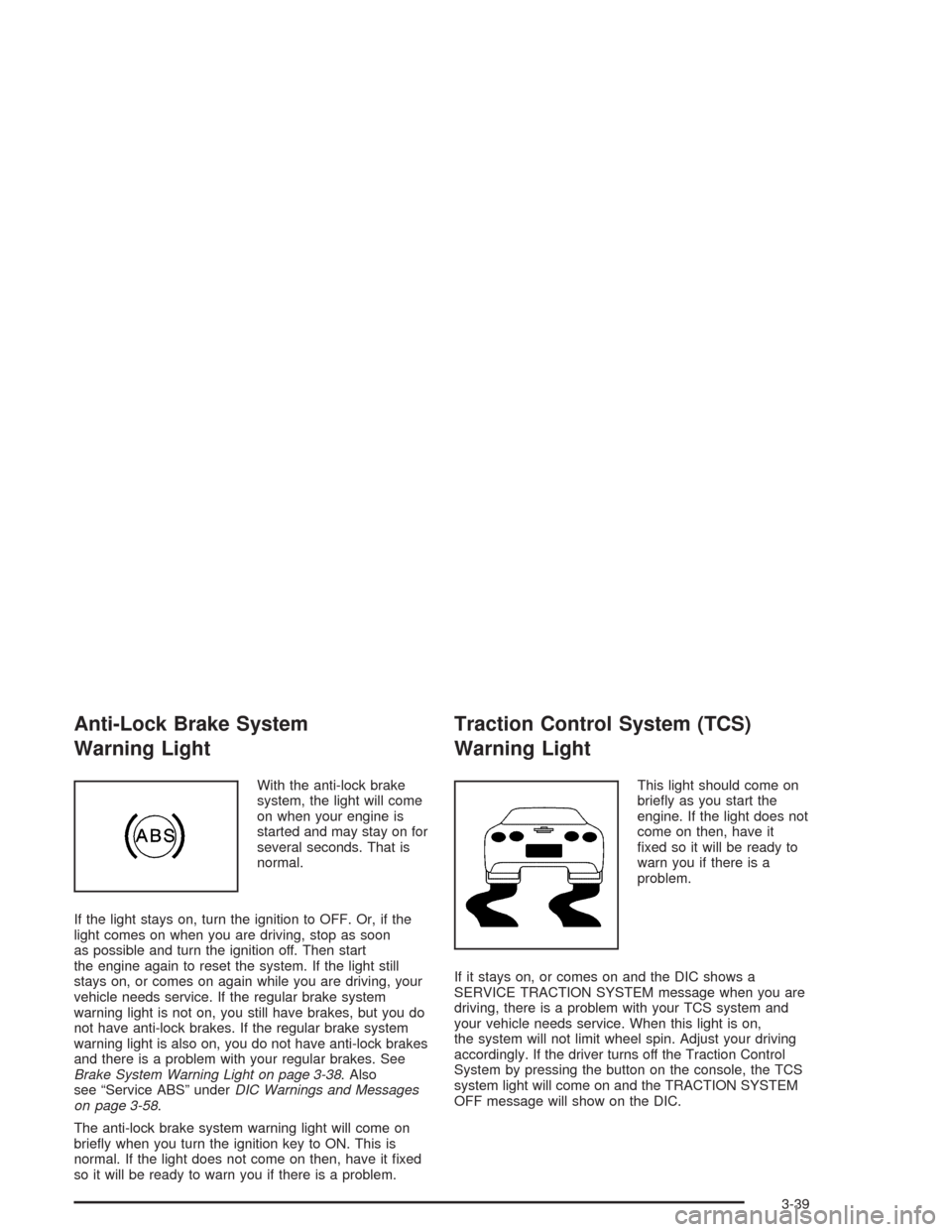
Anti-Lock Brake System
Warning Light
With the anti-lock brake
system, the light will come
on when your engine is
started and may stay on for
several seconds. That is
normal.
If the light stays on, turn the ignition to OFF. Or, if the
light comes on when you are driving, stop as soon
as possible and turn the ignition off. Then start
the engine again to reset the system. If the light still
stays on, or comes on again while you are driving, your
vehicle needs service. If the regular brake system
warning light is not on, you still have brakes, but you do
not have anti-lock brakes. If the regular brake system
warning light is also on, you do not have anti-lock brakes
and there is a problem with your regular brakes. See
Brake System Warning Light on page 3-38. Also
see “Service ABS” underDIC Warnings and Messages
on page 3-58.
The anti-lock brake system warning light will come on
briefly when you turn the ignition key to ON. This is
normal. If the light does not come on then, have it fixed
so it will be ready to warn you if there is a problem.
Traction Control System (TCS)
Warning Light
This light should come on
briefly as you start the
engine. If the light does not
come on then, have it
fixed so it will be ready to
warn you if there is a
problem.
If it stays on, or comes on and the DIC shows a
SERVICE TRACTION SYSTEM message when you are
driving, there is a problem with your TCS system and
your vehicle needs service. When this light is on,
the system will not limit wheel spin. Adjust your driving
accordingly. If the driver turns off the Traction Control
System by pressing the button on the console, the TCS
system light will come on and the TRACTION SYSTEM
OFF message will show on the DIC.
3-39
Page 154 of 384
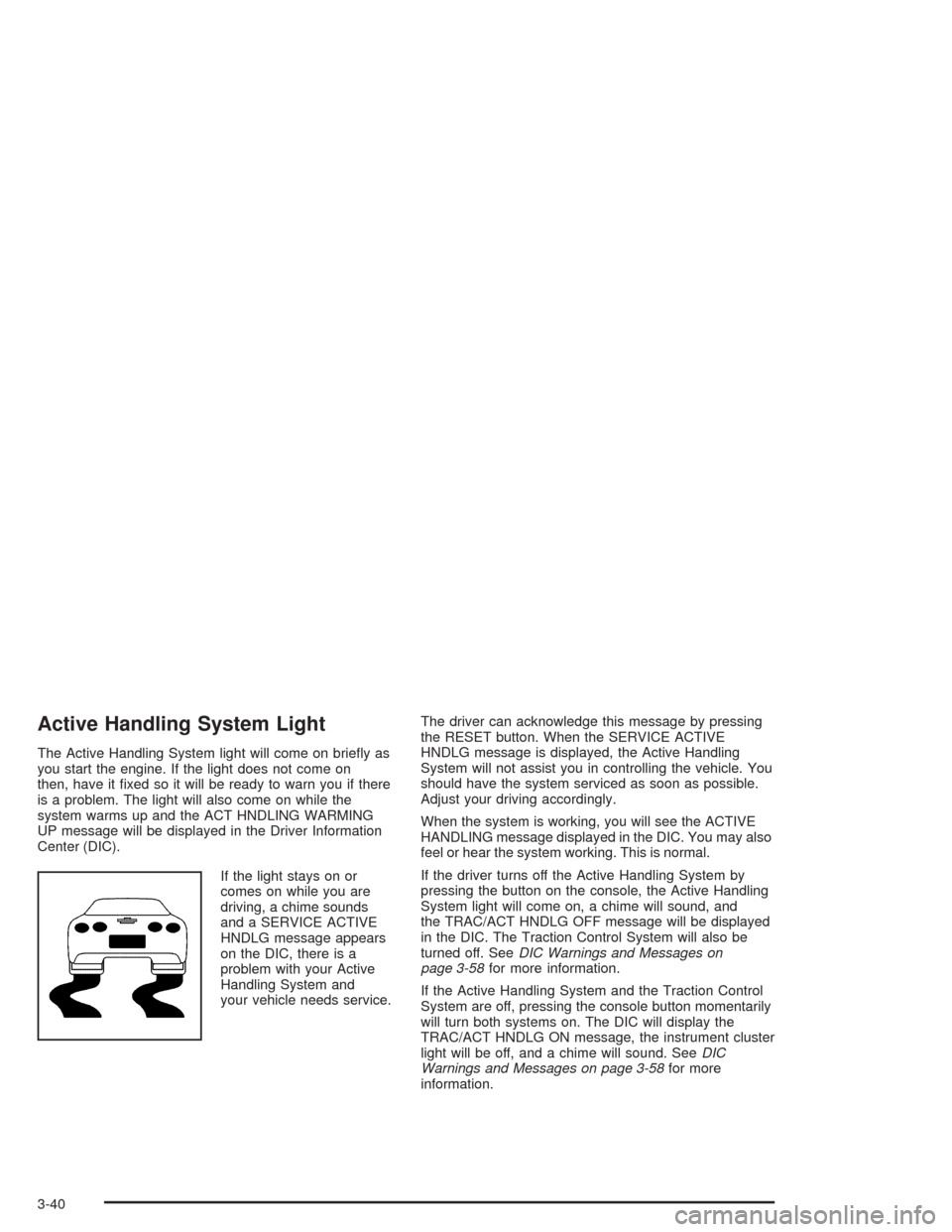
Active Handling System Light
The Active Handling System light will come on briefly as
you start the engine. If the light does not come on
then, have it fixed so it will be ready to warn you if there
is a problem. The light will also come on while the
system warms up and the ACT HNDLING WARMING
UP message will be displayed in the Driver Information
Center (DIC).
If the light stays on or
comes on while you are
driving, a chime sounds
and a SERVICE ACTIVE
HNDLG message appears
on the DIC, there is a
problem with your Active
Handling System and
your vehicle needs service.The driver can acknowledge this message by pressing
the RESET button. When the SERVICE ACTIVE
HNDLG message is displayed, the Active Handling
System will not assist you in controlling the vehicle. You
should have the system serviced as soon as possible.
Adjust your driving accordingly.
When the system is working, you will see the ACTIVE
HANDLING message displayed in the DIC. You may also
feel or hear the system working. This is normal.
If the driver turns off the Active Handling System by
pressing the button on the console, the Active Handling
System light will come on, a chime will sound, and
the TRAC/ACT HNDLG OFF message will be displayed
in the DIC. The Traction Control System will also be
turned off. SeeDIC Warnings and Messages on
page 3-58for more information.
If the Active Handling System and the Traction Control
System are off, pressing the console button momentarily
will turn both systems on. The DIC will display the
TRAC/ACT HNDLG ON message, the instrument cluster
light will be off, and a chime will sound. SeeDIC
Warnings and Messages on page 3-58for more
information.
3-40
Page 160 of 384
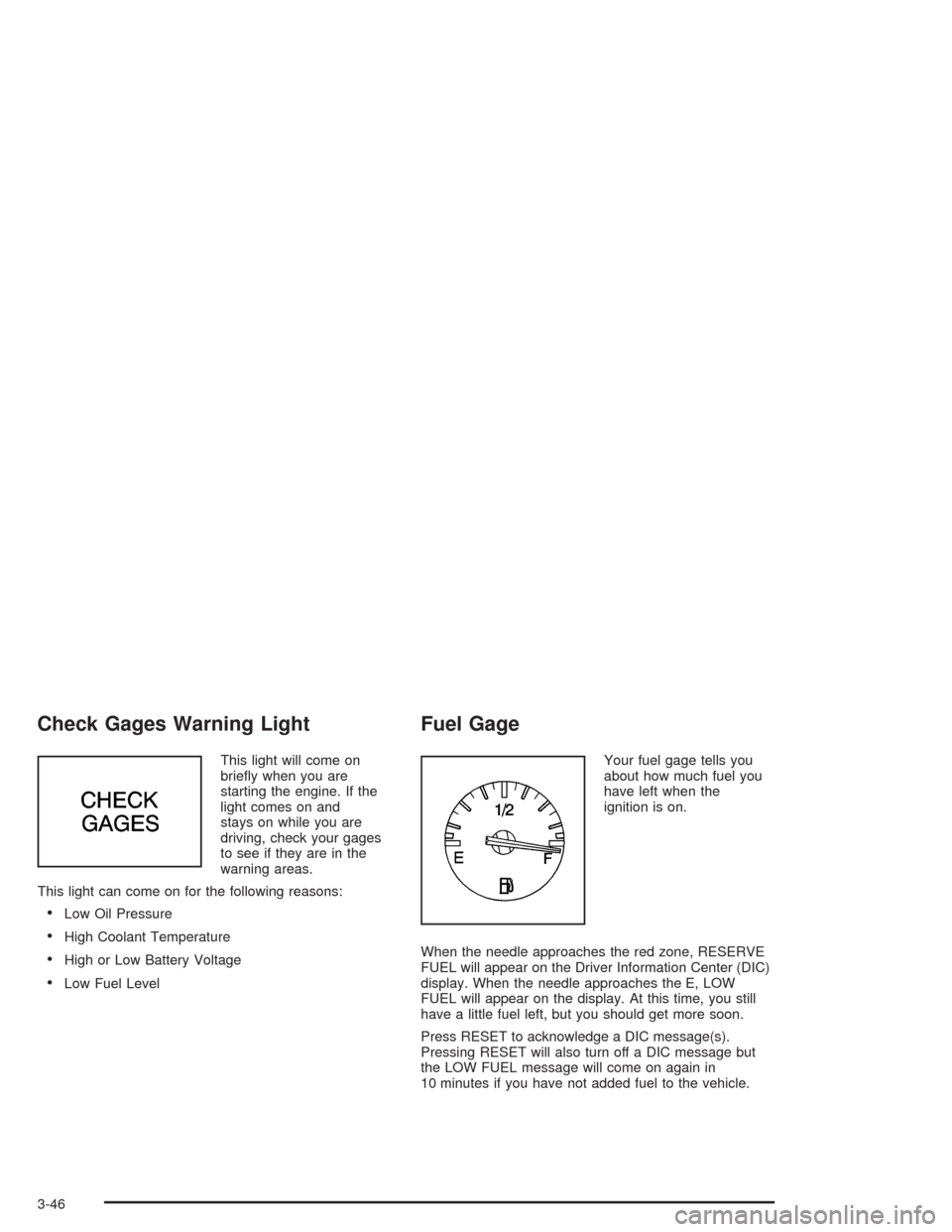
Check Gages Warning Light
This light will come on
briefly when you are
starting the engine. If the
light comes on and
stays on while you are
driving, check your gages
to see if they are in the
warning areas.
This light can come on for the following reasons:
•Low Oil Pressure
•High Coolant Temperature
•High or Low Battery Voltage
•Low Fuel Level
Fuel Gage
Your fuel gage tells you
about how much fuel you
have left when the
ignition is on.
When the needle approaches the red zone, RESERVE
FUEL will appear on the Driver Information Center (DIC)
display. When the needle approaches the E, LOW
FUEL will appear on the display. At this time, you still
have a little fuel left, but you should get more soon.
Press RESET to acknowledge a DIC message(s).
Pressing RESET will also turn off a DIC message but
the LOW FUEL message will come on again in
10 minutes if you have not added fuel to the vehicle.
3-46
Page 162 of 384
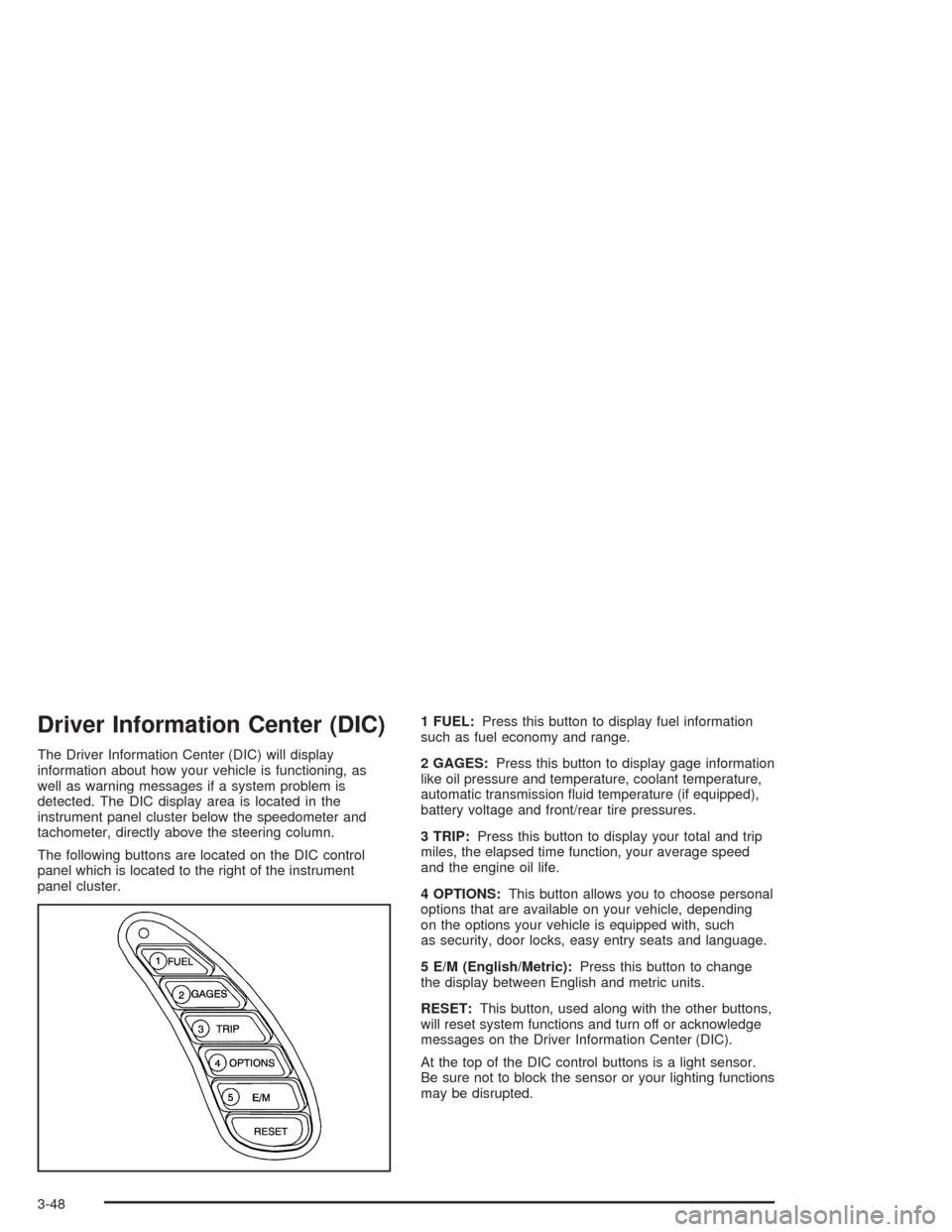
Driver Information Center (DIC)
The Driver Information Center (DIC) will display
information about how your vehicle is functioning, as
well as warning messages if a system problem is
detected. The DIC display area is located in the
instrument panel cluster below the speedometer and
tachometer, directly above the steering column.
The following buttons are located on the DIC control
panel which is located to the right of the instrument
panel cluster.1 FUEL:Press this button to display fuel information
such as fuel economy and range.
2 GAGES:Press this button to display gage information
like oil pressure and temperature, coolant temperature,
automatic transmission fluid temperature (if equipped),
battery voltage and front/rear tire pressures.
3 TRIP:Press this button to display your total and trip
miles, the elapsed time function, your average speed
and the engine oil life.
4 OPTIONS:This button allows you to choose personal
options that are available on your vehicle, depending
on the options your vehicle is equipped with, such
as security, door locks, easy entry seats and language.
5 E/M (English/Metric):Press this button to change
the display between English and metric units.
RESET:This button, used along with the other buttons,
will reset system functions and turn off or acknowledge
messages on the Driver Information Center (DIC).
At the top of the DIC control buttons is a light sensor.
Be sure not to block the sensor or your lighting functions
may be disrupted.
3-48