center console CHEVROLET CORVETTE 2007 6.G User Guide
[x] Cancel search | Manufacturer: CHEVROLET, Model Year: 2007, Model line: CORVETTE, Model: CHEVROLET CORVETTE 2007 6.GPages: 488, PDF Size: 2.62 MB
Page 222 of 488
MAXIMUM SPEED 80 MPH (129 km/h)
This message displays when a malfunction is
present in the Selective Ride Control system. The
vehicle speed will be limited to a value determined
by the vehicle when the shock absorber system
has failed and the shocks are in their full soft
mode. Have your vehicle serviced by your dealer
as soon as possible.
To acknowledge the message, press the RESET
button. The message reappears every 10 minutes
until this condition changes.
NO FOBS DETECTED
This message displays if the vehicle does not
detect the presence of a keyless access transmitter
when you have attempted to start the vehicle
or a vehicle door has just closed. The following
conditions may cause this message to appear:
Driver-added equipment plugged into the
accessory power outlet on the center console
is causing interference. Examples of these
devices are cell phones and cell phone
chargers, two-way radios, power inverters, or
similar items. Try moving the keyless access
transmitter away from these devices when
starting the vehicle. In addition, PDA devices
and remote garage and gate openers may also
generate Electromagnetic Interference (EMI)
that may interfere with the keyless access
transmitter. Do not carry the keyless access
transmitter in the same pocket or bag as these
devices.
The vehicle is experiencing Electromagnetic
Interference (EMI). Some locations, such as
airports, automatic toll booths, and some gas
stations have EMI elds which may interfere
with the keyless access transmitter.
222
Page 284 of 488
The Active Handling System comes on
automatically whenever you start your vehicle.
To help maintain directional control of the vehicle,
you should always leave the system on. You
can turn the system off if you ever need to.
If you turn the Active Handling System off, the
Traction Control System will also be turned off.
Adjust your driving accordingly.
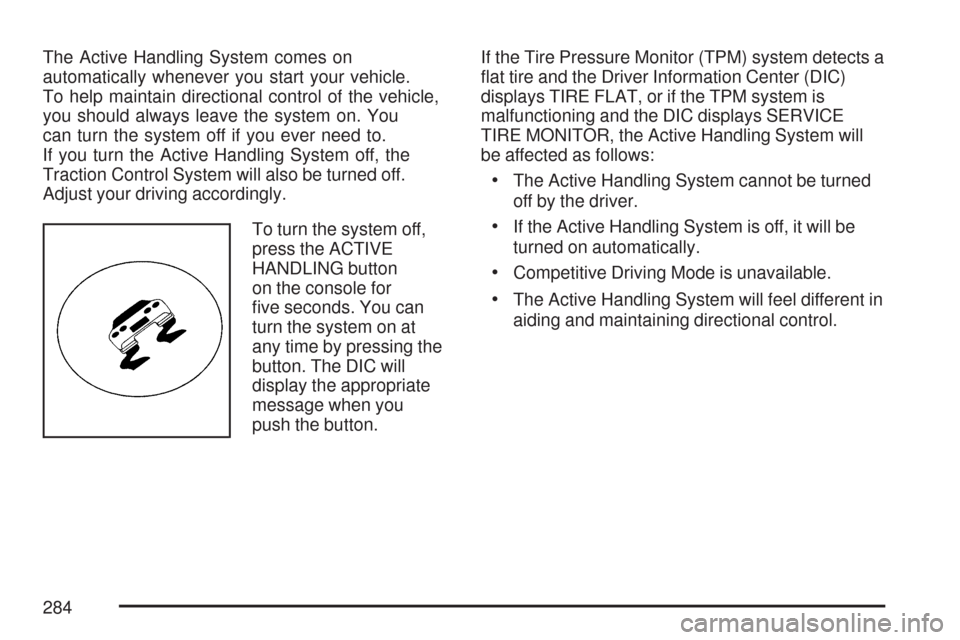
To turn the system off,
press the ACTIVE
HANDLING button
on the console for
ve seconds. You can
turn the system on at
any time by pressing the
button. The DIC will
display the appropriate
message when you
push the button.If the Tire Pressure Monitor (TPM) system detects a
at tire and the Driver Information Center (DIC)
displays TIRE FLAT, or if the TPM system is
malfunctioning and the DIC displays SERVICE
TIRE MONITOR, the Active Handling System will
be affected as follows:
The Active Handling System cannot be turned
off by the driver.
If the Active Handling System is off, it will be
turned on automatically.
Competitive Driving Mode is unavailable.
The Active Handling System will feel different in
aiding and maintaining directional control.
284
Page 286 of 488
Selective Ride Control
You may have a ride control system on your
vehicle called Magnetic Selective Ride Control.
The system provides the following performance
benets:
Reduced Impact Harshness
Improved Road Isolation
Improved High-Speed Stability
Improved Handling Response
Better Control of Body Ride Motions
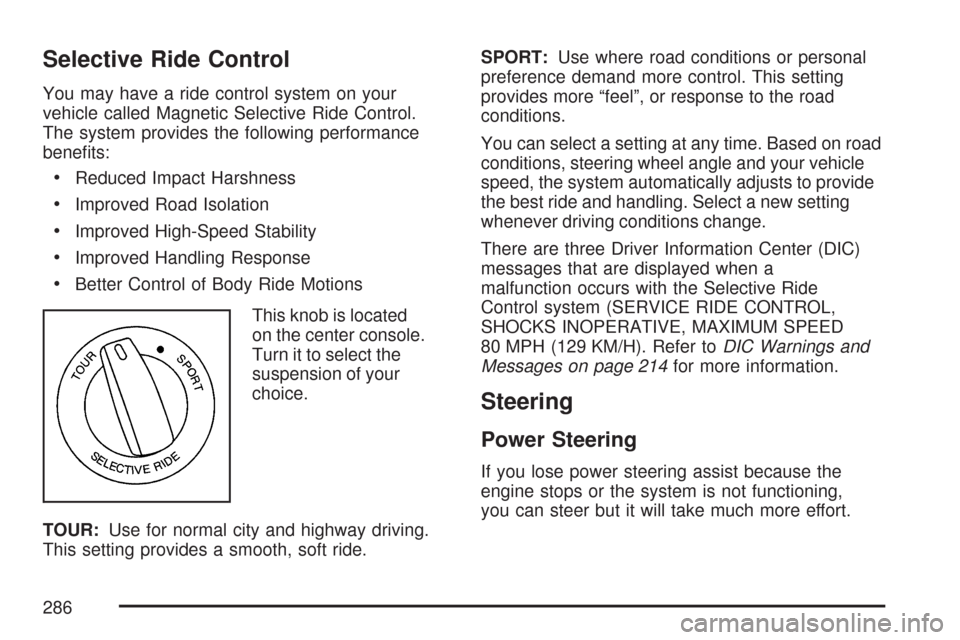
This knob is located
on the center console.
Turn it to select the
suspension of your
choice.
TOUR:Use for normal city and highway driving.
This setting provides a smooth, soft ride.SPORT:Use where road conditions or personal
preference demand more control. This setting
provides more “feel”, or response to the road
conditions.
You can select a setting at any time. Based on road
conditions, steering wheel angle and your vehicle
speed, the system automatically adjusts to provide
the best ride and handling. Select a new setting
whenever driving conditions change.
There are three Driver Information Center (DIC)
messages that are displayed when a
malfunction occurs with the Selective Ride
Control system (SERVICE RIDE CONTROL,
SHOCKS INOPERATIVE, MAXIMUM SPEED
80 MPH (129 KM/H). Refer toDIC Warnings and
Messages on page 214for more information.
Steering
Power Steering
If you lose power steering assist because the
engine stops or the system is not functioning,
you can steer but it will take much more effort.
286
Page 475 of 488
C
Calibration..........................................108, 110
California Fuel............................................. 322
California Proposition 65 Warning................ 320
Canadian Owners........................................... 3
Capacities and Specications...................... 426
Carbon Monoxide............... 82,106, 304, 315
Care of
Safety Belts............................................. 411
Your CD Player........................................ 272
Your CDs ................................................. 271
Cargo Cover............................................... 132
CD, MP3 ..................................................... 261
Center Console Storage Area...................... 130
Chains, Tire................................................. 401
Check
Engine Light............................................ 200
Checking Things Under the Hood................ 328
Chemical Paint Spotting.............................. 416
Child Restraints
Child Restraint Systems............................. 37
Infants and Young Children........................ 34
Lower Anchors and Tethers
for Children..................................... 42, 46Child Restraints (cont.)
Older Children........................................... 31
Securing a Child Restraint in the
Passenger Seat Position......................... 46
Cigarette Lighter.......................................... 179
Cleaning
Aluminum or Chrome-Plated Wheels........ 414
Cargo Cover and Convenience Net.......... 411
Coated Moldings...................................... 409
Convertible Top........................................ 414
Exterior Lamps/Lenses............................. 412
Fabric/Carpet........................................... 409
Fiberglass Springs................................... 416
Finish Care.............................................. 412
Inside of Your Vehicle.............................. 407
Instrument Panel, Vinyl, and
Other Plastic Surfaces.......................... 410
Leather.................................................... 410
Removable Roof Panel............................ 413
Tires........................................................ 415
Underbody Maintenance........................... 416
Washing Your Vehicle.............................. 411
Weatherstrips........................................... 411
Windshield and Wiper Blades................... 413
475
Page 486 of 488
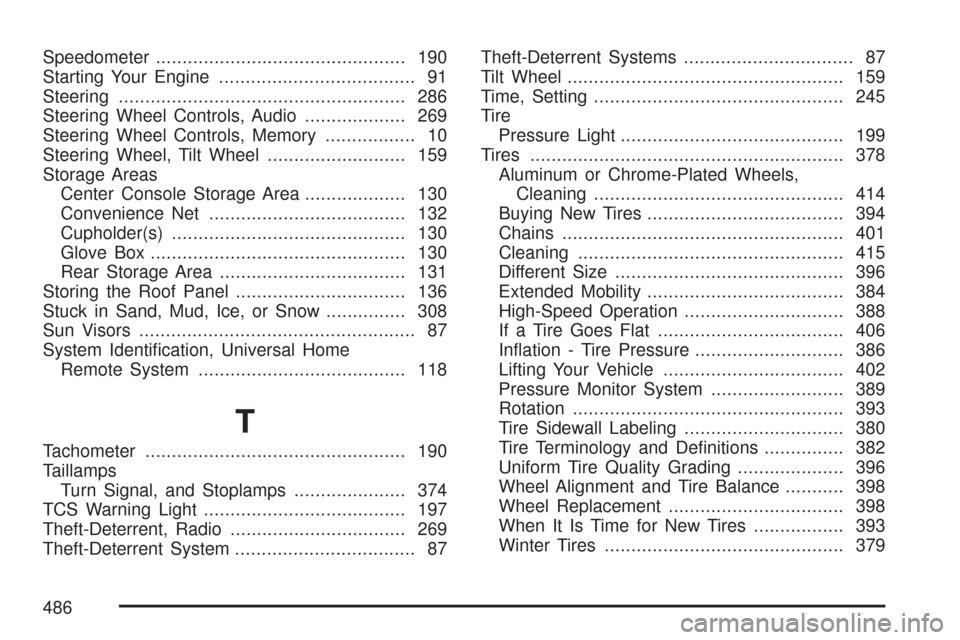
Speedometer............................................... 190
Starting Your Engine..................................... 91
Steering...................................................... 286
Steering Wheel Controls, Audio................... 269
Steering Wheel Controls, Memory................. 10
Steering Wheel, Tilt Wheel.......................... 159
Storage Areas
Center Console Storage Area................... 130
Convenience Net..................................... 132
Cupholder(s)............................................ 130
Glove Box................................................ 130
Rear Storage Area................................... 131
Storing the Roof Panel................................ 136
Stuck in Sand, Mud, Ice, or Snow............... 308
Sun Visors.................................................... 87
System Identication, Universal Home
Remote System....................................... 118
T
Tachometer................................................. 190
Taillamps
Turn Signal, and Stoplamps..................... 374
TCS Warning Light...................................... 197
Theft-Deterrent, Radio................................. 269
Theft-Deterrent System.................................. 87Theft-Deterrent Systems................................ 87
Tilt Wheel.................................................... 159
Time, Setting............................................... 245
Tire
Pressure Light.......................................... 199
Tires........................................................... 378
Aluminum or Chrome-Plated Wheels,
Cleaning............................................... 414
Buying New Tires..................................... 394
Chains..................................................... 401
Cleaning.................................................. 415
Different Size........................................... 396
Extended Mobility..................................... 384
High-Speed Operation.............................. 388
If a Tire Goes Flat................................... 406
Ination - Tire Pressure............................ 386
Lifting Your Vehicle.................................. 402
Pressure Monitor System ......................... 389
Rotation................................................... 393
Tire Sidewall Labeling.............................. 380
Tire Terminology and Denitions............... 382
Uniform Tire Quality Grading.................... 396
Wheel Alignment and Tire Balance........... 398
Wheel Replacement................................. 398
When It Is Time for New Tires................. 393
Winter Tires............................................. 379
486