center console CHEVROLET CORVETTE 2011 6.G User Guide
[x] Cancel search | Manufacturer: CHEVROLET, Model Year: 2011, Model line: CORVETTE, Model: CHEVROLET CORVETTE 2011 6.GPages: 428, PDF Size: 6.63 MB
Page 269 of 428
Black plate (39,1)Chevrolet Corvette Owner Manual - 2011
Driving and Operating 9-39
Notice:Do not attempt to shift
when the drive wheels are
spinning and do not have
traction. This may cause damage
to the transmission. Damage
caused by misuse of the vehicle
is not covered by the vehicle
warranty. See the warranty book
for additional information.
Competitive Driving Mode
(Except ZR1)
Competitive Driving Mode allows
full engine power while the Active
Handling System helps maintain
directional control of the vehicle
by selective brake application.
In this mode, TCS is off and
Launch Control is available.
Adjust your driving style to account
for the available engine power.
See Launch Control later in this
section.
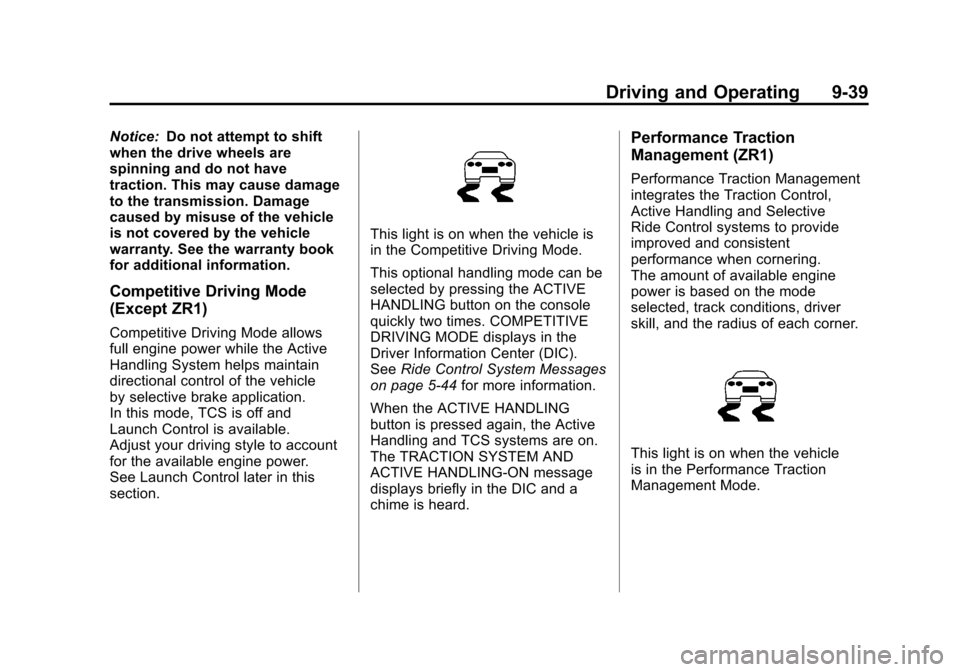
This light is on when the vehicle is
in the Competitive Driving Mode.
This optional handling mode can be
selected by pressing the ACTIVE
HANDLING button on the console
quickly two times. COMPETITIVE
DRIVING MODE displays in the
Driver Information Center (DIC).
See Ride Control System Messages
on page 5‑44 for more information.
When the ACTIVE HANDLING
button is pressed again, the Active
Handling and TCS systems are on.
The TRACTION SYSTEM AND
ACTIVE HANDLING-ON message
displays briefly in the DIC and a
chime is heard.
Performance Traction
Management (ZR1)
Performance Traction Management
integrates the Traction Control,
Active Handling and Selective
Ride Control systems to provide
improved and consistent
performance when cornering.
The amount of available engine
power is based on the mode
selected, track conditions, driver
skill, and the radius of each corner.
This light is on when the vehicle
is in the Performance Traction
Management Mode.
Page 270 of 428
Black plate (40,1)Chevrolet Corvette Owner Manual - 2011
9-40 Driving and Operating
This optional handling mode
can be selected by pressing the
ACTIVE HANDLING button on the
console quickly two times. PERF
TRAC 1 - WET ACTIVE HANDLING
ON displays in the DIC.
To experience the performance
benefit of this system, after entering
a curve and at the point where
the driver would normally start
to increase acceleration, the
accelerator pedal can be fully
pressed. The Performance Traction
Management system will modify the
level of engine power for a smooth
and consistent corner exit.
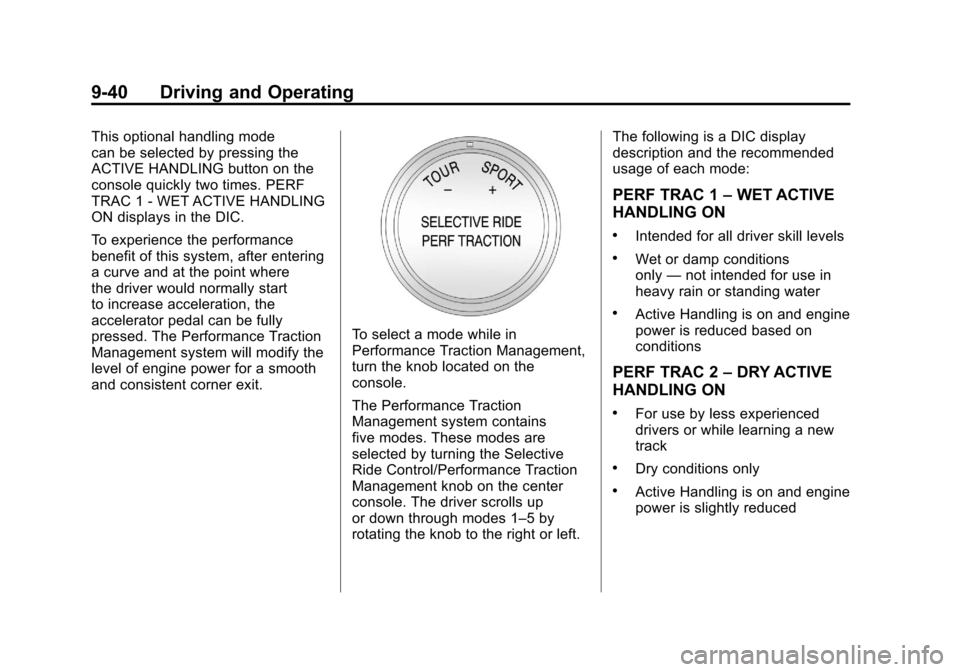
To select a mode while in
Performance Traction Management,
turn the knob located on the
console.
The Performance Traction
Management system contains
five modes. These modes are
selected by turning the Selective
Ride Control/Performance Traction
Management knob on the center
console. The driver scrolls up
or down through modes 1–5 by
rotating the knob to the right or left.The following is a DIC display
description and the recommended
usage of each mode:
PERF TRAC 1
–WET ACTIVE
HANDLING ON
.Intended for all driver skill levels
.Wet or damp conditions
only —not intended for use in
heavy rain or standing water
.Active Handling is on and engine
power is reduced based on
conditions
PERF TRAC 2 –DRY ACTIVE
HANDLING ON
.For use by less experienced
drivers or while learning a new
track
.Dry conditions only
.Active Handling is on and engine
power is slightly reduced
Page 273 of 428
Black plate (43,1)Chevrolet Corvette Owner Manual - 2011
Driving and Operating 9-43
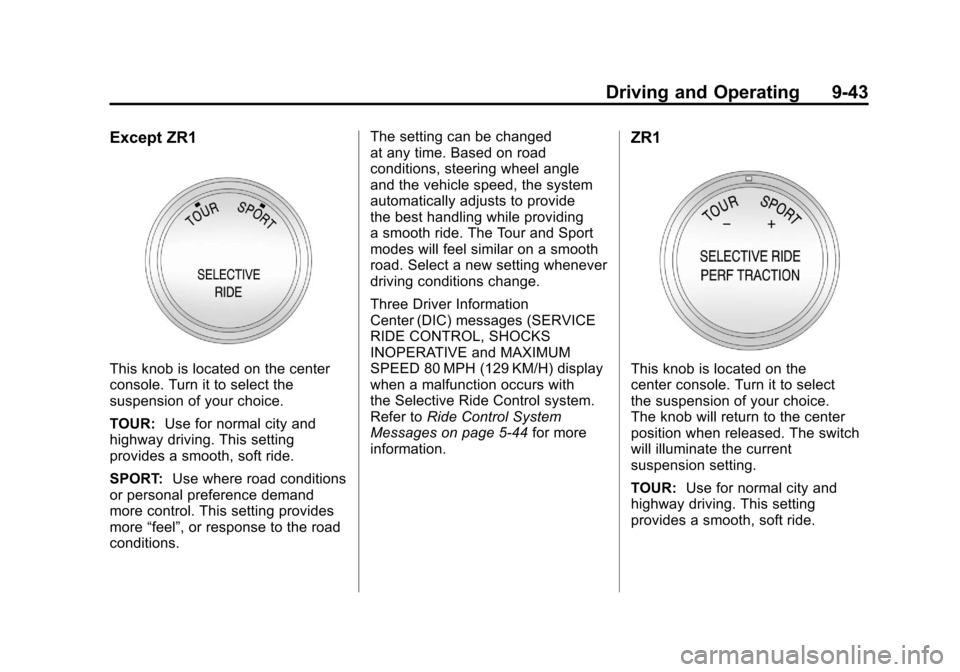
Except ZR1
This knob is located on the center
console. Turn it to select the
suspension of your choice.
TOUR:Use for normal city and
highway driving. This setting
provides a smooth, soft ride.
SPORT: Use where road conditions
or personal preference demand
more control. This setting provides
more “feel”, or response to the road
conditions. The setting can be changed
at any time. Based on road
conditions, steering wheel angle
and the vehicle speed, the system
automatically adjusts to provide
the best handling while providing
a smooth ride. The Tour and Sport
modes will feel similar on a smooth
road. Select a new setting whenever
driving conditions change.
Three Driver Information
Center (DIC) messages (SERVICE
RIDE CONTROL, SHOCKS
INOPERATIVE and MAXIMUM
SPEED 80 MPH (129 KM/H) display
when a malfunction occurs with
the Selective Ride Control system.
Refer to
Ride Control System
Messages on page 5‑44 for more
information.
ZR1
This knob is located on the
center console. Turn it to select
the suspension of your choice.
The knob will return to the center
position when released. The switch
will illuminate the current
suspension setting.
TOUR: Use for normal city and
highway driving. This setting
provides a smooth, soft ride.
Page 418 of 428

Black plate (2,1)Chevrolet Corvette Owner Manual - 2011
i-2 INDEX
B
Battery . . . . . . . . . . . . . . . . . . . . . . . 10-43Exterior Lighting BatterySaver . . . . . . . . . . . . . . . . . . . . . . . . 6-7
Jump Starting . . . . . . . . . . . . . . . 10-82
Power Protection . . . . . . . . . . . . . . 6-7
Voltage and Charging Messages . . . . . . . . . . . . . . . . . . . 5-35
Blade Replacement, Wiper . . . 10-46
Bluetooth . . . . . . . . . . . . . . . . . . . . . . 7-18
Boost Gauge . . . . . . . . . . . . . . . . . . 5-12
Brakes . . . . . . . . . . . . . . . . . . . . . . . . 10-38 Antilock . . . . . . . . . . . . . . . . . . . . . . . 9-34
Assist . . . . . . . . . . . . . . . . . . . . . . . . . 9-36
Fluid . . . . . . . . . . . . . . . . . . . . . . . . 10-41
Parking . . . . . . . . . . . . . . . . . . . . . . . 9-35
System Messages . . . . . . . . . . . . 5-36
Braking . . . . . . . . . . . . . . . . . . . . . . . . . 9-3
Break-In, New Vehicle . . . . . . . . . 9-18
Bulb Replacement . . . . . . . . . . . . 10-50 Fog Lamps . . . . . . . . . . . . . . . . . . . . 6-5
Halogen Bulbs . . . . . . . . . . . . . . 10-48
Headlamp Aiming . . . . . . . . . . . 10-48
Headlamps . . . . . . . . . . . . . . . . . 10-48 Bulb Replacement (cont.)
Headlamps, Front Turn
Signal and Parking
Lamps . . . . . . . . . . . . . . . . . . . . 10-49
High Intensity Discharge (HID) Lighting . . . . . . . . . . . . . 10-48
Taillamps, Turn Signal and Stoplamps . . . . . . . . . . . . 10-50
Buying New Tires . . . . . . . . . . . . . 10-73
C
Calibration . . . . . . . . . . . . . . . . . . . . . . 5-5
California
Fuel Requirements . . . . . . . . . . . 9-49
Perchlorate MaterialsRequirements . . . . . . . . . . . . . . . 10-3
Warning . . . . . . . . . . . . . . . . . . . . . . 10-3
Canadian Vehicle Owners . . . . . . . . iii
Capacities and Specifications . . . . . . . . . . . . . . . . 12-2
Carbon Monoxide Engine Exhaust . . . . . . . . . . . . . . . 9-26
Hatch . . . . . . . . . . . . . . . . . . . . . . . . . 2-10
Winter Driving . . . . . . . . . . . . . . . . 9-11 Cargo
Cover . . . . . . . . . . . . . . . . . . . . . . . . . . 4-2
Cautions, Danger, and Warnings . . . . . . . . . . . . . . . . . . . . . . . . iv
CD Player . . . . . . . . . . . . . . . . . . . . . 7-11
Center Console Storage . . . . . . . . 4-2
Chains, Tire . . . . . . . . . . . . . . . . . . 10-80
Check Engine Light . . . . . . . . . . . . . . . . . . 5-18
Child Restraints Infants and Young
Children . . . . . . . . . . . . . . . . . . . . . 3-39
Lower Anchors and Tethers for Children . . . 3-43, 3-44
Older Children . . . . . . . . . . . . . . . . 3-37
Securing . . . . . . . . . . . . . . . . . . . . . . 3-48
Systems . . . . . . . . . . . . . . . . . . . . . . 3-41
Cigarette Lighter . . . . . . . . . . . . . . . . 5-7
Circuit Breakers . . . . . . . . . . . . . . 10-51
Cleaning Exterior Care . . . . . . . . . . . . . . . 10-86
Interior Care . . . . . . . . . . . . . . . . 10-90
Climate Control Systems Dual Automatic . . . . . . . . . . . . . . . . 8-1
Page 426 of 428

Black plate (10,1)Chevrolet Corvette Owner Manual - 2011
i-10 INDEX
S
Safety Belts . . . . . . . . . . . . . . . . . . . . 3-9Care . . . . . . . . . . . . . . . . . . . . . . . . . . 3-21
Extender . . . . . . . . . . . . . . . . . . . . . . 3-21
How to Wear Safety BeltsProperly . . . . . . . . . . . . . . . . . . . . . 3-13
Lap-Shoulder Belt . . . . . . . . . . . . 3-18
Messages . . . . . . . . . . . . . . . . . . . . 5-49
Reminders . . . . . . . . . . . . . . . . . . . . 5-16
Replacing After a Crash . . . . . . 3-22
Use During Pregnancy . . . . . . . . 3-20
Safety Defects Reporting Canadian Government . . . . . . 13-16
General Motors . . . . . . . . . . . . . 13-17
U.S. Government . . . . . . . . . . . 13-16
Safety System Check . . . . . . . . . . 3-21
Satellite Radio . . . . . . . . . . . . . . . . . . 7-8
Scheduled Maintenance . . . . . . . 11-2
Scheduling Appointments . . . . . 13-10
Seatback Latches . . . . . . . . . . . . . . 3-8
Seats
Adjustment, Front . . . . . . . . . . . . . . 3-2
Head Restraints . . . . . . . . . . . . . . . 3-2
Heated Front . . . . . . . . . . . . . . . . . . 3-8 Seats (cont.)
Lumbar Adjustment, Front . . . . . 3-6
Power Adjustment, Front . . . . . . 3-3
Reclining Seatbacks . . . . . . . . . . . 3-6
Securing Child Restraints . . . . . . 3-48
Security Light . . . . . . . . . . . . . . . . . . . . . . . . . . 5-24
Vehicle . . . . . . . . . . . . . . . . . . . . . . . 2-12
Selective Ride Control . . . . . . . . . 9-42
Service
Accessories andModifications . . . . . . . . . . . . . . . . 10-4
Doing Your Own Work . . . . . . . . 10-8
Engine Soon Light . . . . . . . . . . . . 5-18
Maintenance Records . . . . . . . . 11-9
Maintenance, General Information . . . . . . . . . . . . . . . . . . 11-1
Parts Identification Label . . . . . 12-1
Publications Ordering
Information . . . . . . . . . . . . . . . . 13-15
Scheduling Appointments . . . 13-10
Vehicle Messages . . . . . . . . . . . . 5-50
Servicing the
Airbag-Equipped Vehicle . . . . . 3-34
Shift Lock Control Function Check, Automatic
Transmission . . . . . . . . . . . . . . . . 10-45 Shifting
Into Park . . . . . . . . . . . . . . . . . . . . . . 9-24
Out of Park . . . . . . . . . . . . . . . . . . . 9-25
Signals, Turn and Lane-Change . . . . . . . . . . . . . . . . . 6-4
Specifications and Capacities . . . . . . . . . . . . . . . . . . . . 12-2
Speedometer . . . . . . . . . . . . . . . . . . 5-11
Starter Switch Check . . . . . . . . . 10-44
Starting the Engine . . . . . . . . . . . . 9-21
Starting the Vehicle Messsages . . . . . . . . . . . . . . . . . . . 5-50
Steering . . . . . . . . . . . . . . . . . . . . . . . . 9-4 Fluid, Power . . . . . . . . . . . . . . . . 10-36
Wheel Adjustment . . . . . . . . . . . . . 5-2
Wheel Controls . . . . . . . . . . . . . . . . 5-3
Storage Rear . . . . . . . . . . . . . . . . . . . . . . . . . . . 4-1
Storage Areas Cargo Cover . . . . . . . . . . . . . . . . . . . 4-2
Center Console . . . . . . . . . . . . . . . . 4-2
Convenience Net . . . . . . . . . . . . . . 4-3
Glove Box . . . . . . . . . . . . . . . . . . . . . 4-1
Stuck Vehicle . . . . . . . . . . . . . . . . . . 9-13
Sun Visors . . . . . . . . . . . . . . . . . . . . . 2-18
Symbols . . . . . . . . . . . . . . . . . . . . . . . . . . iv