ESP CHEVROLET CORVETTE 2011 6.G Owners Manual
[x] Cancel search | Manufacturer: CHEVROLET, Model Year: 2011, Model line: CORVETTE, Model: CHEVROLET CORVETTE 2011 6.GPages: 428, PDF Size: 6.63 MB
Page 28 of 428
Black plate (22,1)Chevrolet Corvette Owner Manual - 2011
1-22 In Brief
Tire Pressure Monitor
This vehicle may have a Tire
Pressure Monitor System (TPMS).
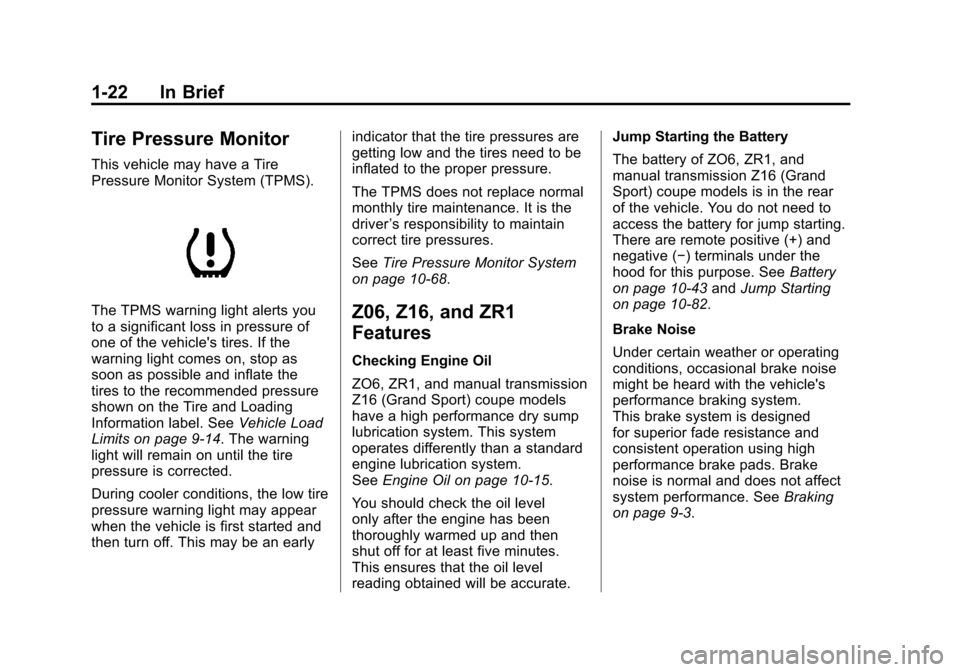
The TPMS warning light alerts you
to a significant loss in pressure of
one of the vehicle's tires. If the
warning light comes on, stop as
soon as possible and inflate the
tires to the recommended pressure
shown on the Tire and Loading
Information label. SeeVehicle Load
Limits on page 9‑14. The warning
light will remain on until the tire
pressure is corrected.
During cooler conditions, the low tire
pressure warning light may appear
when the vehicle is first started and
then turn off. This may be an early indicator that the tire pressures are
getting low and the tires need to be
inflated to the proper pressure.
The TPMS does not replace normal
monthly tire maintenance. It is the
driver
’s responsibility to maintain
correct tire pressures.
See Tire Pressure Monitor System
on page 10‑68.Z06, Z16, and ZR1
Features
Checking Engine Oil
ZO6, ZR1, and manual transmission
Z16 (Grand Sport) coupe models
have a high performance dry sump
lubrication system. This system
operates differently than a standard
engine lubrication system.
See Engine Oil on page 10‑15.
You should check the oil level
only after the engine has been
thoroughly warmed up and then
shut off for at least five minutes.
This ensures that the oil level
reading obtained will be accurate. Jump Starting the Battery
The battery of ZO6, ZR1, and
manual transmission Z16 (Grand
Sport) coupe models is in the rear
of the vehicle. You do not need to
access the battery for jump starting.
There are remote positive (+) and
negative (−) terminals under the
hood for this purpose. See
Battery
on page 10‑43 andJump Starting
on page 10‑82.
Brake Noise
Under certain weather or operating
conditions, occasional brake noise
might be heard with the vehicle's
performance braking system.
This brake system is designed
for superior fade resistance and
consistent operation using high
performance brake pads. Brake
noise is normal and does not affect
system performance. See Braking
on page 9‑3.
Page 31 of 428
Black plate (25,1)Chevrolet Corvette Owner Manual - 2011
In Brief 1-25
OnStar®
OnStar®uses several innovative
technologies and live advisors to
provide a wide range of safety,
security, navigation, diagnostics,
and calling services.
Automatic Crash Response
In a crash, built in sensors can
automatically alert an OnStar
advisor who is immediately
connected to the vehicle to
see if you need help.
How OnStar Service Works
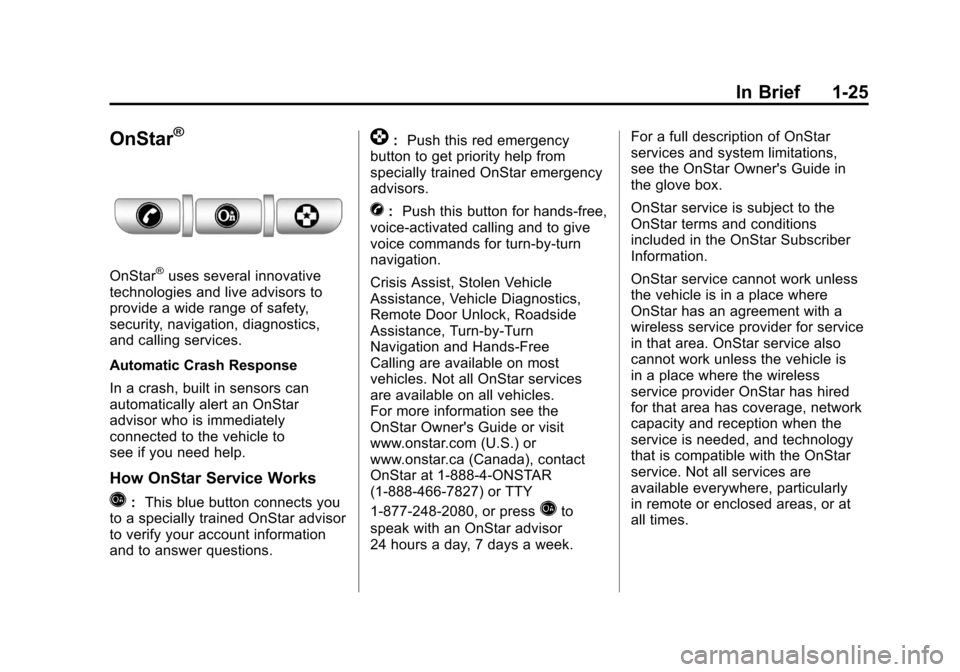
Q: This blue button connects you
to a specially trained OnStar advisor
to verify your account information
and to answer questions.
]: Push this red emergency
button to get priority help from
specially trained OnStar emergency
advisors.
X: Push this button for hands‐free,
voice‐activated calling and to give
voice commands for turn‐by‐turn
navigation.
Crisis Assist, Stolen Vehicle
Assistance, Vehicle Diagnostics,
Remote Door Unlock, Roadside
Assistance, Turn‐by‐Turn
Navigation and Hands‐Free
Calling are available on most
vehicles. Not all OnStar services
are available on all vehicles.
For more information see the
OnStar Owner's Guide or visit
www.onstar.com (U.S.) or
www.onstar.ca (Canada), contact
OnStar at 1-888-4-ONSTAR
(1‐888‐466‐7827) or TTY
1‐877‐248‐2080, or press
Qto
speak with an OnStar advisor
24 hours a day, 7 days a week. For a full description of OnStar
services and system limitations,
see the OnStar Owner's Guide in
the glove box.
OnStar service is subject to the
OnStar terms and conditions
included in the OnStar Subscriber
Information.
OnStar service cannot work unless
the vehicle is in a place where
OnStar has an agreement with a
wireless service provider for service
in that area. OnStar service also
cannot work unless the vehicle is
in a place where the wireless
service provider OnStar has hired
for that area has coverage, network
capacity and reception when the
service is needed, and technology
that is compatible with the OnStar
service. Not all services are
available everywhere, particularly
in remote or enclosed areas, or at
all times.
Page 32 of 428
Black plate (26,1)Chevrolet Corvette Owner Manual - 2011
1-26 In Brief
The OnStar system can record
and transmit vehicle information.
This information is automatically
sent to an OnStar call center when
Qis pressed,]is pressed, or if
the airbags or ACR system deploy.
This information usually includes
the vehicle's GPS location and,
in the event of a crash, additional
information regarding the crash that
the vehicle was involved in (e.g. the
direction from which the vehicle was
hit). When the virtual advisor feature
of OnStar hands-free calling is
used, the vehicle also sends OnStar
the vehicle's GPS location so they
can provide services where it is
located.
Location information about the
vehicle is only available if the GPS
satellite signals are unobstructed
and available. The vehicle must have a working
electrical system, including
adequate battery power, for the
OnStar equipment to operate.
There are other problems OnStar
cannot control that may prevent
OnStar from providing OnStar
service at any particular time or
place. Some examples are damage
to important parts of the vehicle in
a crash, hills, tall buildings, tunnels,
weather or wireless phone network
congestion.
OnStar Steering Wheel
Controls
This vehicle may have a Talk/Mute
button that can be used to interact
with OnStar hands-free calling.
See
Steering Wheel Controls on
page 5‑3 for more information. On some vehicles, the mute button
can be used to dial numbers into
voice mail systems, or to dial phone
extensions. See the OnStar Owner's
Guide for more information.
Your Responsibility
Increase the volume of the radio if
the OnStar advisor cannot be heard.
If the light next to the OnStar
buttons is red, the system may
not be functioning properly.
Press
Qand request a vehicle
diagnostic. If the light appears clear
(no light is appearing), your OnStar
subscription has expired and all
services have been deactivated.
Press
Qto confirm that the OnStar
equipment is active.
Page 37 of 428
Black plate (5,1)Chevrolet Corvette Owner Manual - 2011
Keys, Doors and Windows 2-5
L(Panic):Press to sound the
horn. Press any other button on the
keyless access transmitter to stop it.
The vehicle comes with
two transmitters. Each transmitter
will have a number on top of
it, “1” or“2”. These numbers
correspond to the driver of the
vehicle. For example, the memory
seat position for driver 1 will be
recalled when using the transmitter
labeled “1”, if enabled through the
DIC. See “Memory Seat, Mirrors
and Steering Wheel” underPower
Seat Adjustment on page 3‑3
and Vehicle Personalization on
page 5‑55 for more information.
Programming Transmitters to
the Vehicle
Only keyless access transmitters
programmed to this vehicle will
work. If a transmitter is lost or
stolen, a replacement can be
purchased and programmed through
your dealer. The vehicle can be reprogrammed so that lost or stolen
transmitters no longer work.
Each vehicle can have up to
four transmitters programmed to it.
Programming with a Recognized
Transmitter
A new transmitter can be
programmed to the vehicle when
there is one recognized transmitter.
For vehicles sold in Canada, two
recognized transmitters are required
to program a new transmitter.
1. The vehicle must be off.
2. Both the recognized and new
transmitters must be with you.
3. Insert the vehicle key into the key cylinder located above the
license plate.
4. Open the hatch/trunk.
5. Turn the key five times within five seconds.
6. The DIC displays READY FOR FOB #2, 3 or 4.
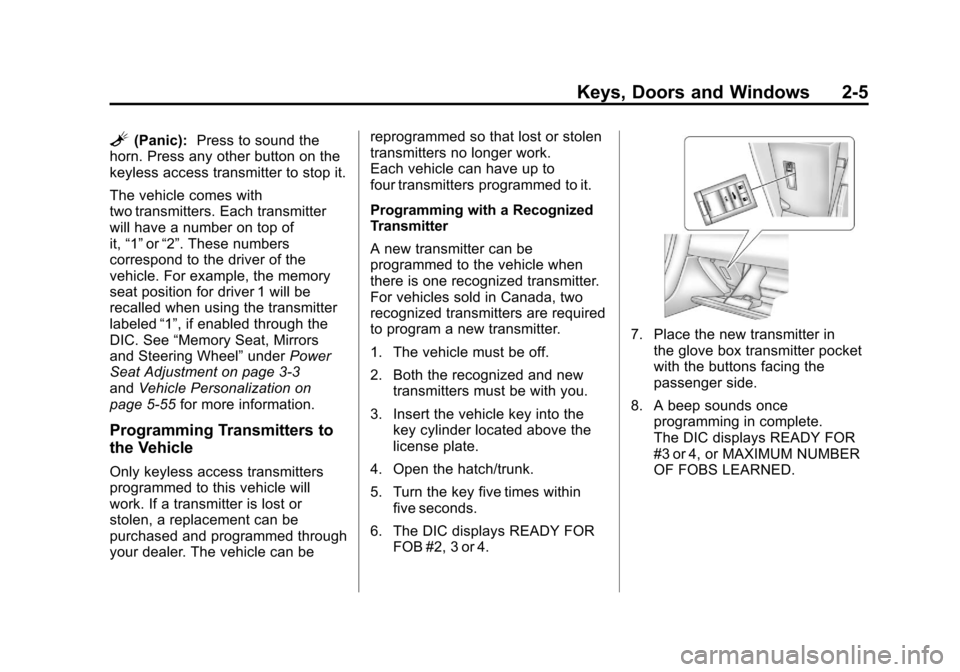
7. Place the new transmitter inthe glove box transmitter pocket
with the buttons facing the
passenger side.
8. A beep sounds once programming in complete.
The DIC displays READY FOR
#3 or 4, or MAXIMUM NUMBER
OF FOBS LEARNED.
Page 40 of 428
Black plate (8,1)Chevrolet Corvette Owner Manual - 2011
2-8 Keys, Doors and Windows
Door Locks
{WARNING
Unlocked doors can be
dangerous.
.Passengers—especially
children —can easily open
the doors and fall out of a
moving vehicle. When a
door is locked it will not open.
You increase the chance
of being thrown out of the
vehicle in a crash if the doors
are not locked. So, wear
safety belts properly and
lock the doors whenever
you drive.
(Continued)
WARNING (Continued)
.Young children who get into
unlocked vehicles may be
unable to get out. A child can
be overcome by extreme heat
and can suffer permanent
injuries or even death from
heat stroke. Always lock
your vehicle whenever you
leave it.
.Outsiders can easily enter
through an unlocked door
when you slow down or stop
your vehicle. Locking your
doors can help prevent this
from happening.
There are several ways to lock and
unlock your vehicle.
From the outside, press the lock or
unlock button on the keyless access
transmitter.When you have the transmitter with
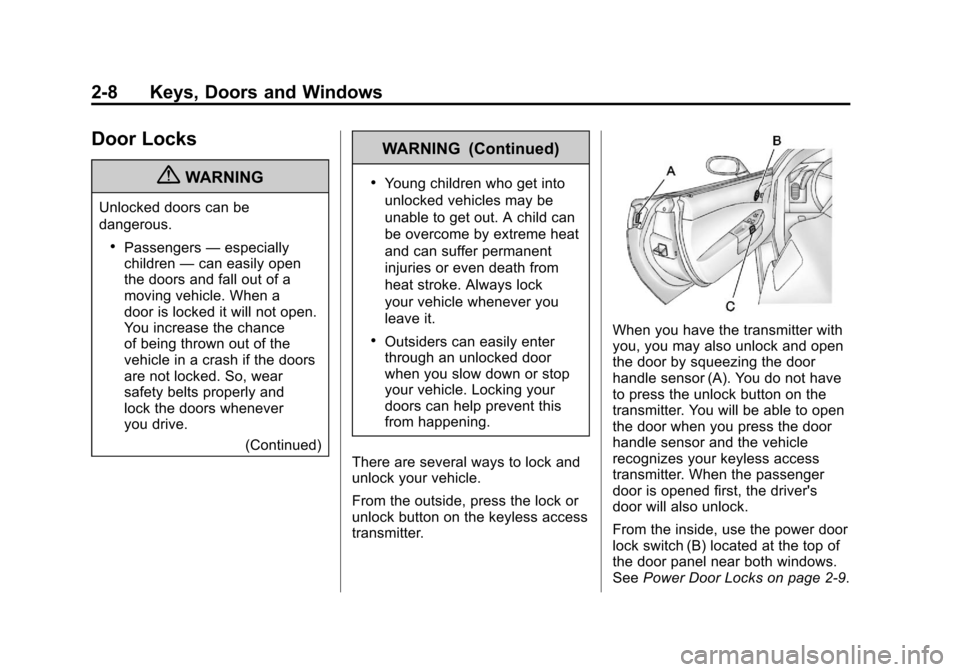
you, you may also unlock and open
the door by squeezing the door
handle sensor (A). You do not have
to press the unlock button on the
transmitter. You will be able to open
the door when you press the door
handle sensor and the vehicle
recognizes your keyless access
transmitter. When the passenger
door is opened first, the driver's
door will also unlock.
From the inside, use the power door
lock switch (B) located at the top of
the door panel near both windows.
See Power Door Locks on page 2‑9.
Page 49 of 428
Black plate (17,1)Chevrolet Corvette Owner Manual - 2011
Keys, Doors and Windows 2-17
Windows
{WARNING
Leaving children, helpless adults,
or pets in a vehicle with the
windows closed is dangerous.
They can be overcome by
the extreme heat and suffer
permanent injuries or even death
from heat stroke. Never leave a
child, a helpless adult, or a pet
alone in a vehicle, especially with
the windows closed in warm or
hot weather.
Power Windows
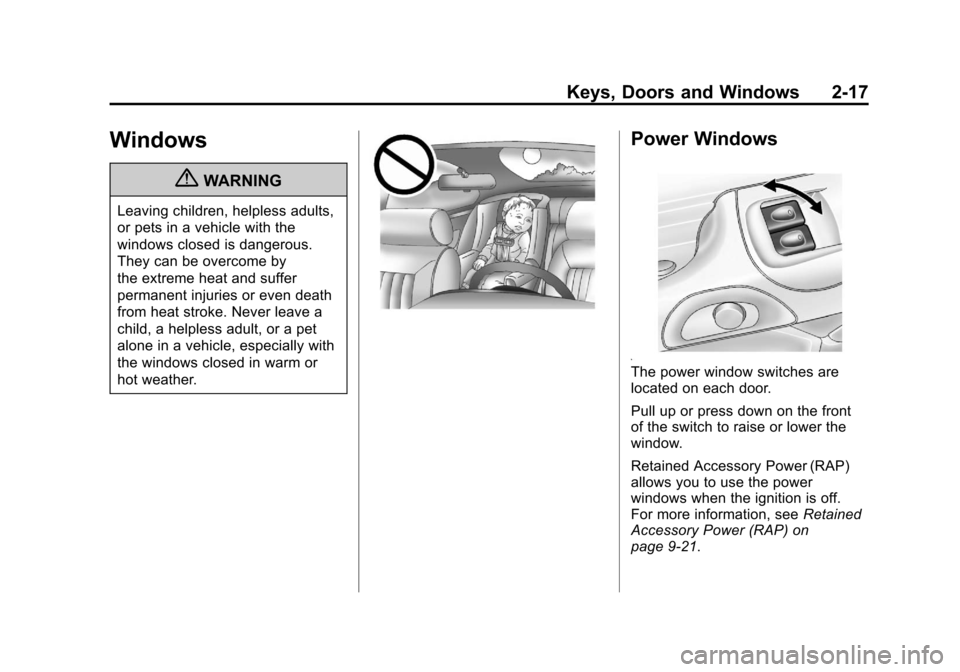
The power window switches are
located on each door.
Pull up or press down on the front
of the switch to raise or lower the
window.
Retained Accessory Power (RAP)
allows you to use the power
windows when the ignition is off.
For more information, seeRetained
Accessory Power (RAP) on
page 9‑21.
Page 67 of 428
Black plate (3,1)Chevrolet Corvette Owner Manual - 2011
Seats and Restraints 3-3
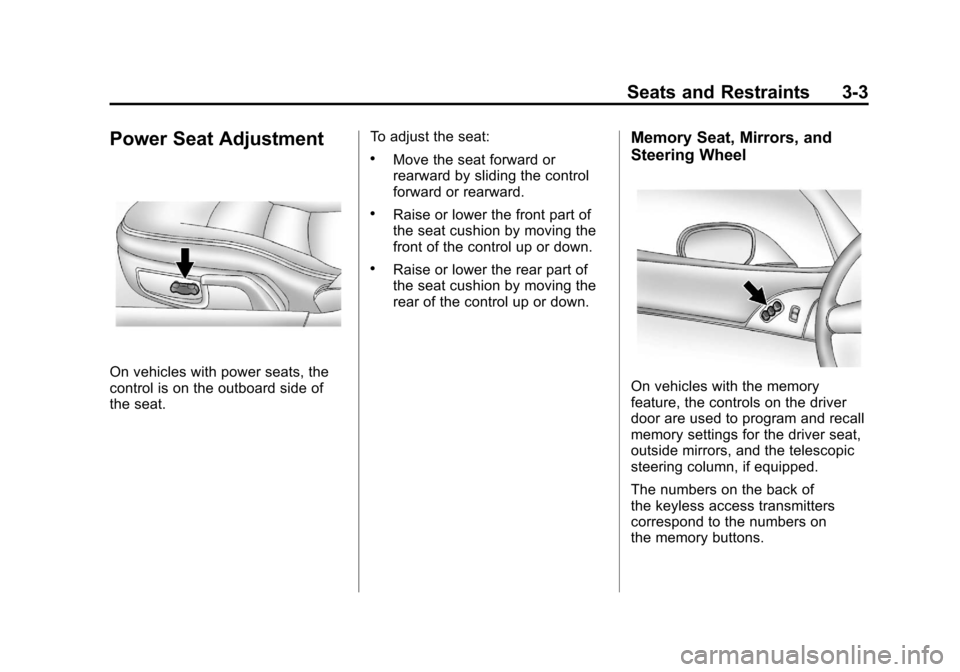
Power Seat Adjustment
On vehicles with power seats, the
control is on the outboard side of
the seat.To adjust the seat:
.Move the seat forward or
rearward by sliding the control
forward or rearward.
.Raise or lower the front part of
the seat cushion by moving the
front of the control up or down.
.Raise or lower the rear part of
the seat cushion by moving the
rear of the control up or down.
Memory Seat, Mirrors, and
Steering Wheel
On vehicles with the memory
feature, the controls on the driver
door are used to program and recall
memory settings for the driver seat,
outside mirrors, and the telescopic
steering column, if equipped.
The numbers on the back of
the keyless access transmitters
correspond to the numbers on
the memory buttons.
Page 72 of 428
Black plate (8,1)Chevrolet Corvette Owner Manual - 2011
3-8 Seats and Restraints
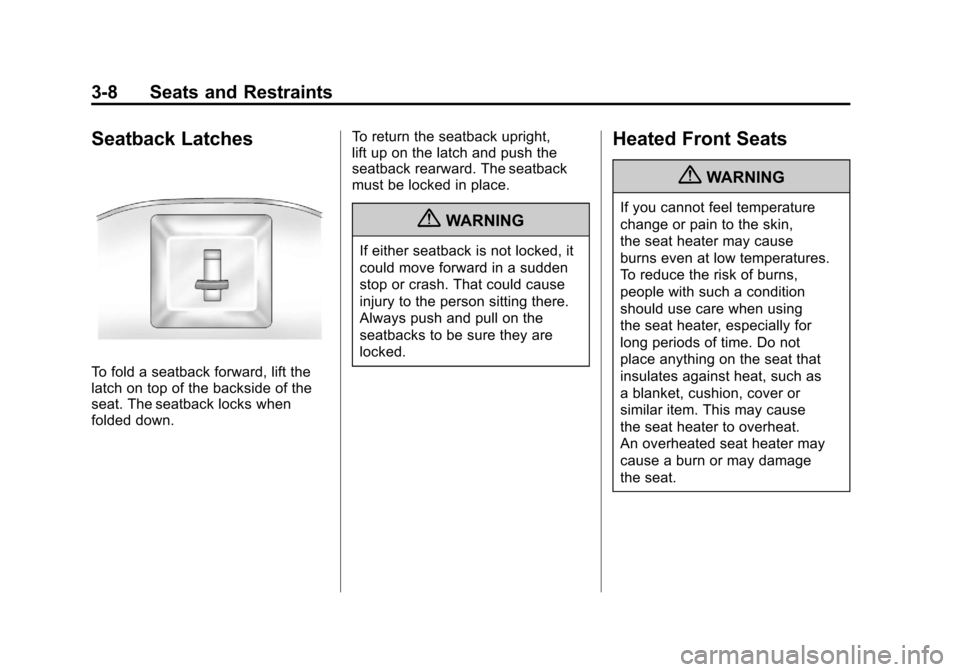
Seatback Latches
To fold a seatback forward, lift the
latch on top of the backside of the
seat. The seatback locks when
folded down.To return the seatback upright,
lift up on the latch and push the
seatback rearward. The seatback
must be locked in place.
{WARNING
If either seatback is not locked, it
could move forward in a sudden
stop or crash. That could cause
injury to the person sitting there.
Always push and pull on the
seatbacks to be sure they are
locked.
Heated Front Seats
{WARNING
If you cannot feel temperature
change or pain to the skin,
the seat heater may cause
burns even at low temperatures.
To reduce the risk of burns,
people with such a condition
should use care when using
the seat heater, especially for
long periods of time. Do not
place anything on the seat that
insulates against heat, such as
a blanket, cushion, cover or
similar item. This may cause
the seat heater to overheat.
An overheated seat heater may
cause a burn or may damage
the seat.
Page 76 of 428
Black plate (12,1)Chevrolet Corvette Owner Manual - 2011
3-12 Seats and Restraints
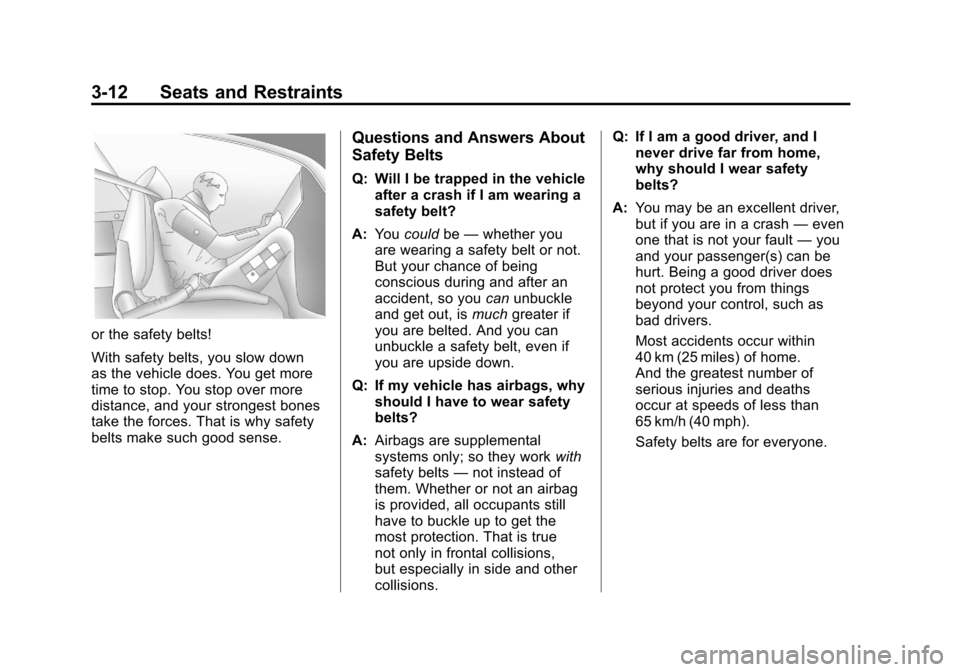
or the safety belts!
With safety belts, you slow down
as the vehicle does. You get more
time to stop. You stop over more
distance, and your strongest bones
take the forces. That is why safety
belts make such good sense.
Questions and Answers About
Safety Belts
Q: Will I be trapped in the vehicleafter a crash if I am wearing a
safety belt?
A: You could be—whether you
are wearing a safety belt or not.
But your chance of being
conscious during and after an
accident, so you canunbuckle
and get out, is muchgreater if
you are belted. And you can
unbuckle a safety belt, even if
you are upside down.
Q: If my vehicle has airbags, why should I have to wear safety
belts?
A: Airbags are supplemental
systems only; so they work with
safety belts —not instead of
them. Whether or not an airbag
is provided, all occupants still
have to buckle up to get the
most protection. That is true
not only in frontal collisions,
but especially in side and other
collisions. Q: If I am a good driver, and I
never drive far from home,
why should I wear safety
belts?
A: You may be an excellent driver,
but if you are in a crash —even
one that is not your fault —you
and your passenger(s) can be
hurt. Being a good driver does
not protect you from things
beyond your control, such as
bad drivers.
Most accidents occur within
40 km (25 miles) of home.
And the greatest number of
serious injuries and deaths
occur at speeds of less than
65 km/h (40 mph).
Safety belts are for everyone.
Page 153 of 428
Black plate (33,1)Chevrolet Corvette Owner Manual - 2011
Instruments and Controls 5-33
Within each mode, the display, can
be further customized by pressing
the PAGE button. Pressing this
button in each mode will turn off
and on the following:
.Street Mode—No tachometer,
circular tachometer, and linear
tachometer.
.Track Modes 1 and 2 —No
minor gauge, coolant
temperature, transmission
oil temperature, engine oil
temperature, engine oil
pressure, and boost gauge.
While in Track Mode 1 or 2, the
maximum G value achieved
during the current ignition cycle
can be displayed by pressing
and holding the PAGE button.
The maximum G display will be
shown until the PAGE button is
released. The maximum G value
display will be identical to the
normal G value display, except
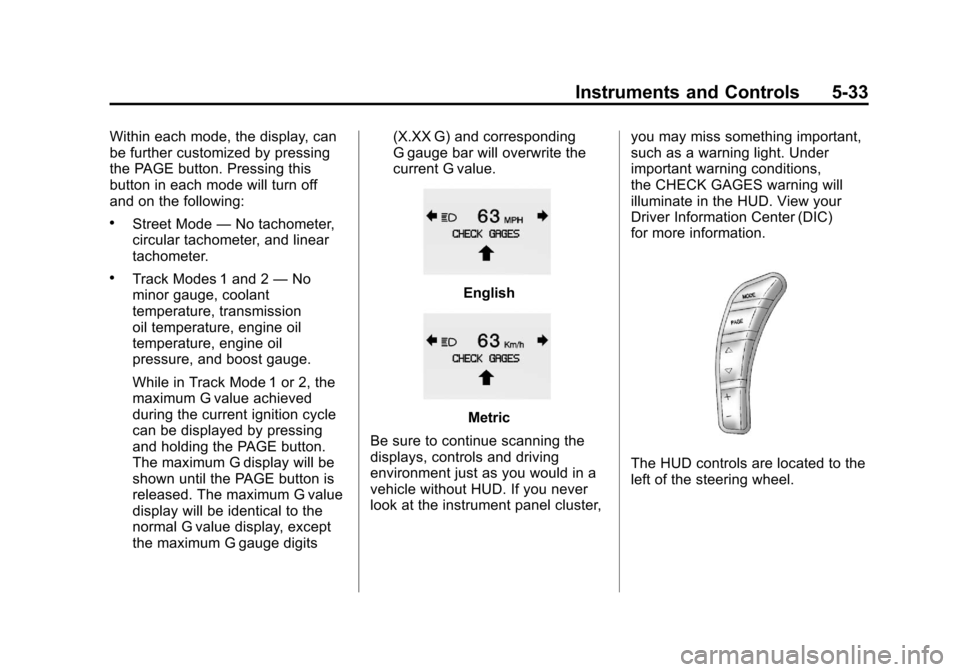
the maximum G gauge digits (X.XX G) and corresponding
G gauge bar will overwrite the
current G value.English
Metric
Be sure to continue scanning the
displays, controls and driving
environment just as you would in a
vehicle without HUD. If you never
look at the instrument panel cluster, you may miss something important,
such as a warning light. Under
important warning conditions,
the CHECK GAGES warning will
illuminate in the HUD. View your
Driver Information Center (DIC)
for more information.
The HUD controls are located to the
left of the steering wheel.