low oil pressure CHEVROLET CORVETTE 2017 7.G Owners Manual
[x] Cancel search | Manufacturer: CHEVROLET, Model Year: 2017, Model line: CORVETTE, Model: CHEVROLET CORVETTE 2017 7.GPages: 360, PDF Size: 6.3 MB
Page 4 of 360
Chevrolet Corvette Owner Manual (GMNA-Localizing-U.S./Canada/Mexico-
9956103) - 2017 - crc - 4/28/16
Introduction 3
{Danger
Danger indicates a hazard with a
high level of risk which will result
in serious injury or death.
{Warning
Warning indicates a hazard that
could result in injury or death.
Caution
Caution indicates a hazard that
could result in property or vehicle
damage.
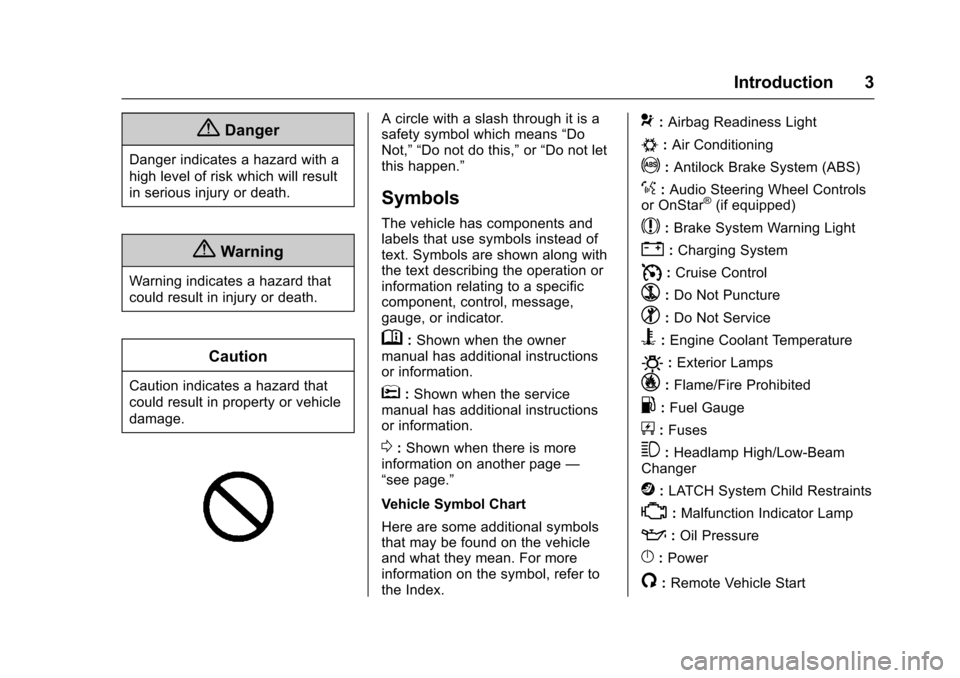
A circle with a slash through it is a
safety symbol which means“Do
Not,” “Do not do this,” or“Do not let
this happen.”
Symbols
The vehicle has components and
labels that use symbols instead of
text. Symbols are shown along with
the text describing the operation or
information relating to a specific
component, control, message,
gauge, or indicator.
M: Shown when the owner
manual has additional instructions
or information.
*: Shown when the service
manual has additional instructions
or information.
0: Shown when there is more
information on another page —
“see page.”
Vehicle Symbol Chart
Here are some additional symbols
that may be found on the vehicle
and what they mean. For more
information on the symbol, refer to
the Index.
9: Airbag Readiness Light
#:Air Conditioning
!:Antilock Brake System (ABS)
%:Audio Steering Wheel Controls
or OnStar®(if equipped)
$: Brake System Warning Light
":Charging System
I: Cruise Control
`:Do Not Puncture
^:Do Not Service
B:Engine Coolant Temperature
O:Exterior Lamps
_: Flame/Fire Prohibited
.:Fuel Gauge
+: Fuses
3:Headlamp High/Low-Beam
Changer
j: LATCH System Child Restraints
*:Malfunction Indicator Lamp
::Oil Pressure
}:Power
/:Remote Vehicle Start
Page 23 of 360
Chevrolet Corvette Owner Manual (GMNA-Localizing-U.S./Canada/Mexico-
9956103) - 2017 - crc - 4/28/16
22 In Brief
the tires to the recommended
pressure shown on the Tire and
Loading Information label. See
Vehicle Load Limits0177. The
warning light will remain on until the
tire pressure is corrected.
The low tire pressure warning light
may come on in cool weather when
the vehicle is first started, and then
turn off as the vehicle is driven. This
may be an early indicator that the
tire pressures are getting low and
the tires need to be inflated to the
proper pressure.
The TPMS does not replace normal
monthly tire maintenance. Maintain
the correct tire pressures.
See Tire Pressure Monitor
System 0273.
Performance Vehicle
Features
Checking Engine Oil
Your vehicle may have a high
performance dry sump lubrication
system. This system operates differently than a standard engine
lubrication system. See
Engine
Oil 0230.
Check the oil level only after the
engine has been thoroughly warmed
up and then check between five and
10 minutes of shutoff. This ensures
that the oil level reading obtained
will be accurate.
Brake Noise
Under certain weather or operating
conditions, occasional brake squeal
may be heard with the vehicle's
performance braking system. This
brake system is designed for
superior fade resistance and
consistent operation using high
performance brake pads. Brake
squeal is normal and does not affect
system performance.
Tire Chatter/Hop
When driving at slow speeds and in
very tight turns, the vehicle may
have tire chatter/hop. This condition
is normal and the vehicle does not
require service. Road Imperfections/Crown Effects
The vehicle's precise steering and
handling make it very responsive to
road surface feedback. A slight pull
may be felt in the steering
depending on the crown of the road
and/or other road surface variations
such as troughs or ruts. This is
normal and the vehicle does not
require service.
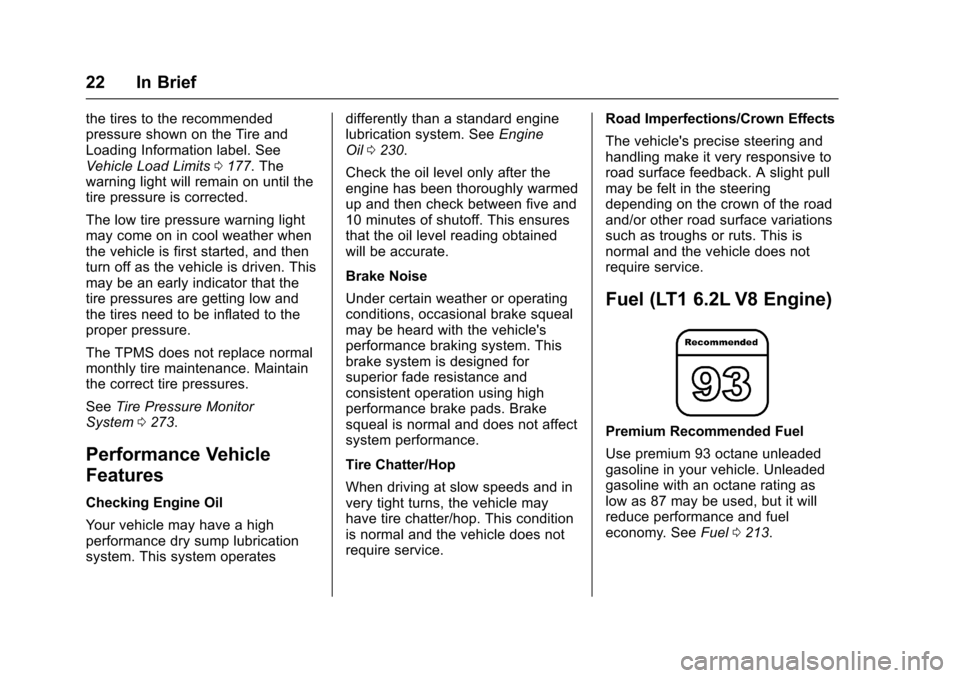
Fuel (LT1 6.2L V8 Engine)
Premium Recommended Fuel
Use premium 93 octane unleaded
gasoline in your vehicle. Unleaded
gasoline with an octane rating as
low as 87 may be used, but it will
reduce performance and fuel
economy. See
Fuel0213.
Page 35 of 360
Chevrolet Corvette Owner Manual (GMNA-Localizing-U.S./Canada/Mexico-
9956103) - 2017 - crc - 4/28/16
34 Keys, Doors, and Windows
Canceling a Remote Start
To cancel a remote start, do any of
the following:
.Press and hold
/until the
parking lamps turn off.
. Turn on the hazard warning
flashers.
. Turn the vehicle on and then off.
Conditions in Which Remote Start
Will Not Work
The remote start will not operate if
any of the following occur:
. The ignition is in any mode other
than OFF.
. The transmitter is in the vehicle.
. The hood is not closed.
. The hazard warning flashers
are on.
. There is an emission control
system malfunction.
. The engine coolant temperature
is too high.
. The oil pressure is low. .
Two remote vehicle starts have
already been used.
. The vehicle is not in P (Park).Door Locks
{Warning
Unlocked doors can be
dangerous.
. Passengers —especially
children —can easily open
the doors and fall out of a
moving vehicle. When a
door is locked it will not
open. You increase the
chance of being thrown out
of the vehicle in a crash if
the doors are not locked.
So, wear safety belts
properly and lock the doors
whenever you drive.
. Young children who get into
unlocked vehicles may be
unable to get out. A child
can be overcome by
extreme heat and can suffer
(Continued)
Warning (Continued)
permanent injuries or even
death from heat stroke.
Always lock your vehicle
whenever you leave it.
. Outsiders can easily enter
through an unlocked door
when you slow down or stop
your vehicle. Locking your
doors can help prevent this
from happening.
To lock or unlock from the outside,
press
QorKon the Remote
Keyless Entry (RKE) transmitter.
Page 94 of 360
Chevrolet Corvette Owner Manual (GMNA-Localizing-U.S./Canada/Mexico-
9956103) - 2017 - crc - 4/28/16
Instruments and Controls 93
Instruments and
Controls
Controls
Steering Wheel Adjustment . . . . 94
Steering Wheel Controls . . . . . . . 94
Horn . . . . . . . . . . . . . . . . . . . . . . . . . . . 94
Windshield Wiper/Washer . . . . . . 94
Compass . . . . . . . . . . . . . . . . . . . . . . 95
Clock . . . . . . . . . . . . . . . . . . . . . . . . . . 96
Power Outlets . . . . . . . . . . . . . . . . . 96
Warning Lights, Gauges, and
Indicators
Warning Lights, Gauges, andIndicators . . . . . . . . . . . . . . . . . . . . 97
Instrument Cluster . . . . . . . . . . . . . 98
Speedometer . . . . . . . . . . . . . . . . . 103
Odometer . . . . . . . . . . . . . . . . . . . . . 103
Trip Odometer . . . . . . . . . . . . . . . . 103
Tachometer . . . . . . . . . . . . . . . . . . . 103
Fuel Gauge . . . . . . . . . . . . . . . . . . . 103
Boost Gauge . . . . . . . . . . . . . . . . . 104
Engine Coolant Temperature Gauge . . . . . . . . . . . . . . . . . . . . . . 105
Safety Belt Reminders . . . . . . . . 106
Airbag Readiness Light . . . . . . . 106
Passenger Airbag Status Indicator . . . . . . . . . . . . . . . . . . . . 107 Charging System Light . . . . . . . 108
Malfunction Indicator Lamp
(Check Engine Light) . . . . . . . . 108
Brake System Warning Light . . . . . . . . . . . . . . . . . . . . . . . . 110
Electric Parking Brake Light . . . . . . . . . . . . . . . . . . . . . . . . 110
Service Electric Parking Brake Light . . . . . . . . . . . . . . . . . . . . . . . . . 111
Antilock Brake System (ABS) Warning Light . . . . . . . . . . . . . . . 111
Gear Shifting Light (Canada and Mexico Only) . . . . . . . . . . . . 111
Traction Off Light . . . . . . . . . . . . . 112
Traction Control System (TCS)/ Electronic Stability Control
Light . . . . . . . . . . . . . . . . . . . . . . . . 112
Electronic Stability Control (ESC) Off Light . . . . . . . . . . . . . . 112
Engine Coolant Temperature Warning Light . . . . . . . . . . . . . . . 113
Tire Pressure Light . . . . . . . . . . . 113
Engine Oil Pressure Light . . . . . 113
Low Fuel Warning Light . . . . . . . 114
Security Light . . . . . . . . . . . . . . . . . 114
High-Beam On Light . . . . . . . . . . 114
Lamps On Reminder . . . . . . . . . . 115
Cruise Control Light . . . . . . . . . . 115
Door Ajar Light . . . . . . . . . . . . . . . 115
Information Displays
Driver Information Center (DIC) . . . . . . . . . . . . . . . . 115
Head-Up Display (HUD) . . . . . . 117
Vehicle Messages
Vehicle Messages . . . . . . . . . . . . 122
Battery Voltage and Charging Messages . . . . . . . . . . . . . . . . . . . 122
Brake System Messages . . . . . 122
Compass Messages . . . . . . . . . . 123
Convertible Top Messages . . . 123
Cruise Control Messages . . . . . 124
Door Ajar Messages . . . . . . . . . . 124
Engine Cooling System Messages . . . . . . . . . . . . . . . . . . . 125
Engine Oil Messages . . . . . . . . . 125
Engine Power Messages . . . . . 126
Fuel System Messages . . . . . . . 126
Key and Lock Messages . . . . . 126
Lamp Messages . . . . . . . . . . . . . . 127
Ride Control System Messages . . . . . . . . . . . . . . . . . . . 127
Airbag System Messages . . . . 129
Security Messages . . . . . . . . . . . 129
Service Vehicle Messages . . . . 129
Starting the Vehicle Messages . . . . . . . . . . . . . . . . . . . 130
Tire Messages . . . . . . . . . . . . . . . . 130
Transmission Messages . . . . . . 131
Page 103 of 360
Chevrolet Corvette Owner Manual (GMNA-Localizing-U.S./Canada/Mexico-
9956103) - 2017 - crc - 4/28/16
102 Instruments and Controls
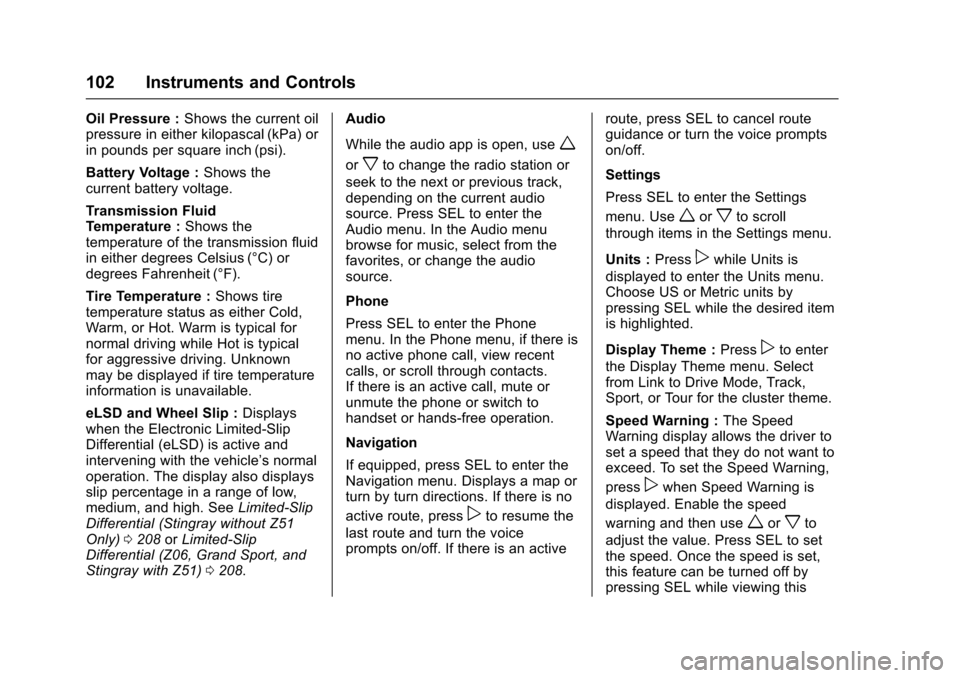
Oil Pressure :Shows the current oil
pressure in either kilopascal (kPa) or
in pounds per square inch (psi).
Battery Voltage : Shows the
current battery voltage.
Transmission Fluid
Temperature : Shows the
temperature of the transmission fluid
in either degrees Celsius (°C) or
degrees Fahrenheit (°F).
Tire Temperature : Shows tire
temperature status as either Cold,
Warm, or Hot. Warm is typical for
normal driving while Hot is typical
for aggressive driving. Unknown
may be displayed if tire temperature
information is unavailable.
eLSD and Wheel Slip : Displays
when the Electronic Limited-Slip
Differential (eLSD) is active and
intervening with the vehicle’s normal
operation. The display also displays
slip percentage in a range of low,
medium, and high. See Limited-Slip
Differential (Stingray without Z51
Only) 0208 orLimited-Slip
Differential (Z06, Grand Sport, and
Stingray with Z51) 0208. Audio
While the audio app is open, use
w
orxto change the radio station or
seek to the next or previous track,
depending on the current audio
source. Press SEL to enter the
Audio menu. In the Audio menu
browse for music, select from the
favorites, or change the audio
source.
Phone
Press SEL to enter the Phone
menu. In the Phone menu, if there is
no active phone call, view recent
calls, or scroll through contacts.
If there is an active call, mute or
unmute the phone or switch to
handset or hands-free operation.
Navigation
If equipped, press SEL to enter the
Navigation menu. Displays a map or
turn by turn directions. If there is no
active route, press
pto resume the
last route and turn the voice
prompts on/off. If there is an active route, press SEL to cancel route
guidance or turn the voice prompts
on/off.
Settings
Press SEL to enter the Settings
menu. Use
worxto scroll
through items in the Settings menu.
Units : Press
pwhile Units is
displayed to enter the Units menu.
Choose US or Metric units by
pressing SEL while the desired item
is highlighted.
Display Theme : Press
pto enter
the Display Theme menu. Select
from Link to Drive Mode, Track,
Sport, or Tour for the cluster theme.
Speed Warning : The Speed
Warning display allows the driver to
set a speed that they do not want to
exceed. To set the Speed Warning,
press
pwhen Speed Warning is
displayed. Enable the speed
warning and then use
worxto
adjust the value. Press SEL to set
the speed. Once the speed is set,
this feature can be turned off by
pressing SEL while viewing this
Page 114 of 360
Chevrolet Corvette Owner Manual (GMNA-Localizing-U.S./Canada/Mexico-
9956103) - 2017 - crc - 4/28/16
Instruments and Controls 113
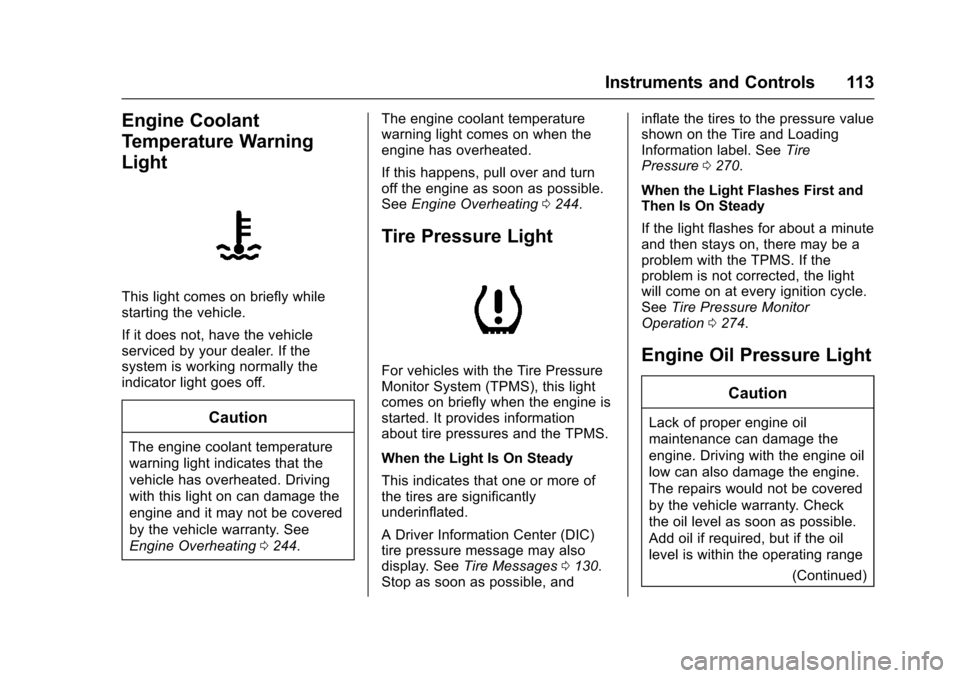
Engine Coolant
Temperature Warning
Light
This light comes on briefly while
starting the vehicle.
If it does not, have the vehicle
serviced by your dealer. If the
system is working normally the
indicator light goes off.
Caution
The engine coolant temperature
warning light indicates that the
vehicle has overheated. Driving
with this light on can damage the
engine and it may not be covered
by the vehicle warranty. See
Engine Overheating0244. The engine coolant temperature
warning light comes on when the
engine has overheated.
If this happens, pull over and turn
off the engine as soon as possible.
See
Engine Overheating 0244.
Tire Pressure Light
For vehicles with the Tire Pressure
Monitor System (TPMS), this light
comes on briefly when the engine is
started. It provides information
about tire pressures and the TPMS.
When the Light Is On Steady
This indicates that one or more of
the tires are significantly
underinflated.
A Driver Information Center (DIC)
tire pressure message may also
display. See Tire Messages 0130.
Stop as soon as possible, and inflate the tires to the pressure value
shown on the Tire and Loading
Information label. See
Tire
Pressure 0270.
When the Light Flashes First and
Then Is On Steady
If the light flashes for about a minute
and then stays on, there may be a
problem with the TPMS. If the
problem is not corrected, the light
will come on at every ignition cycle.
See Tire Pressure Monitor
Operation 0274.Engine Oil Pressure Light
Caution
Lack of proper engine oil
maintenance can damage the
engine. Driving with the engine oil
low can also damage the engine.
The repairs would not be covered
by the vehicle warranty. Check
the oil level as soon as possible.
Add oil if required, but if the oil
level is within the operating range
(Continued)
Page 115 of 360
Chevrolet Corvette Owner Manual (GMNA-Localizing-U.S./Canada/Mexico-
9956103) - 2017 - crc - 4/28/16
114 Instruments and Controls
Caution (Continued)
and the oil pressure is still low,
have the vehicle serviced. Always
follow the maintenance schedule
for changing engine oil.
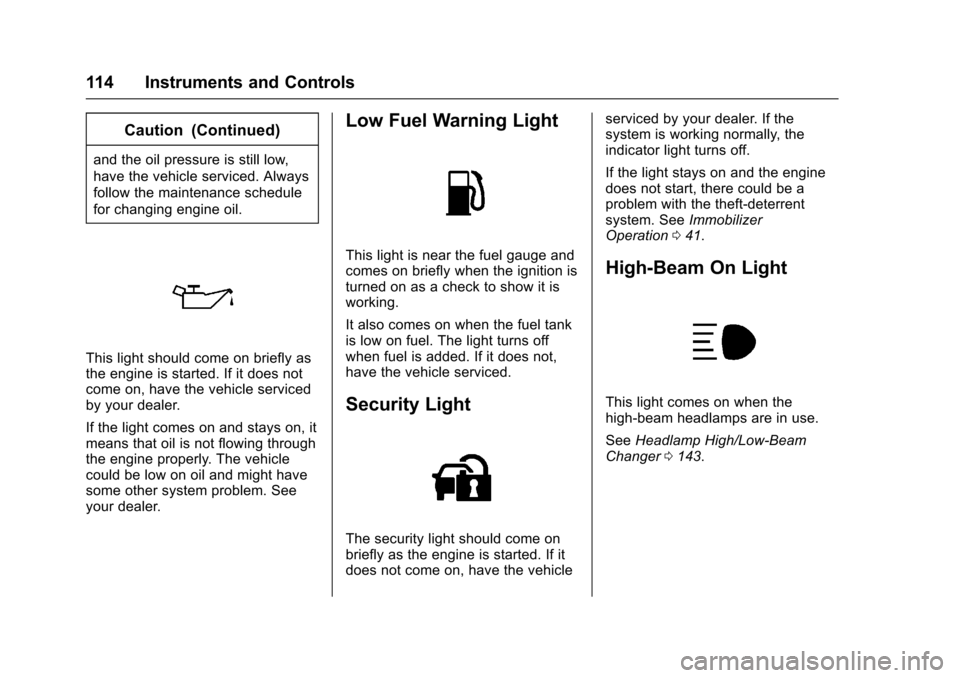
This light should come on briefly as
the engine is started. If it does not
come on, have the vehicle serviced
by your dealer.
If the light comes on and stays on, it
means that oil is not flowing through
the engine properly. The vehicle
could be low on oil and might have
some other system problem. See
your dealer.
Low Fuel Warning Light
This light is near the fuel gauge and
comes on briefly when the ignition is
turned on as a check to show it is
working.
It also comes on when the fuel tank
is low on fuel. The light turns off
when fuel is added. If it does not,
have the vehicle serviced.
Security Light
The security light should come on
briefly as the engine is started. If it
does not come on, have the vehicleserviced by your dealer. If the
system is working normally, the
indicator light turns off.
If the light stays on and the engine
does not start, there could be a
problem with the theft-deterrent
system. See
Immobilizer
Operation 041.
High-Beam On Light
This light comes on when the
high-beam headlamps are in use.
See Headlamp High/Low-Beam
Changer 0143.
Page 118 of 360
Chevrolet Corvette Owner Manual (GMNA-Localizing-U.S./Canada/Mexico-
9956103) - 2017 - crc - 4/28/16
Instruments and Controls 117
as possible. SeeEngine Oil0230.
In addition to the engine oil life
system monitoring the oil life,
additional maintenance is
recommended in the Maintenance
Schedule. See Maintenance
Schedule 0307.
The Oil Life display must be reset
after each oil change. It will not
reset itself. Do not reset the Oil Life
display accidentally at any time
other than when the oil has just
been changed. It cannot be reset
accurately until the next oil change.
To reset the engine oil life system,
press and hold SEL for several
seconds while the Oil Life display is
active. See Engine Oil Life
System 0235.
Tire Pressure : Displays the
approximate pressures of all four
tires. Tire pressure is displayed in
either kilopascal (kPa) or in pounds
per square inch (psi). If the pressure
is low, the value for that tire is
shown in amber. See Tire Pressure
Monitor System 0273 andTire
Pressure Monitor Operation 0274. Best Average Fuel Economy :
Displays the average fuel economy,
the best fuel economy over the
selected distance, and a bar graph
showing instantaneous fuel
economy. Press
pto change the
selected distance.
Fuel Used/Timer : Displays the
approximate liters (L) or
gallons (gal) of fuel that have been
used since last reset. The fuel used
can be reset by pressing and
holding SEL while this display is
active.
This display can also be used as
a timer. To start/stop the timer,
press
pwhile this display is active
and then SEL to start/stop the timer.
The display will show the amount of
time that has passed since the timer
was last reset. To reset the timer to
zero, press and hold SEL or use
p
to access the menu while this
display is active.
ECO Index : Aids the driver in
determining how efficiently they are
driving. This display may also show the
number of cylinders the vehicle is
running on. See
Active Fuel
Management
®0 188.
Speed Limit : Displays sign
information, which comes from a
roadway database in the onboard
navigation.
Engine Hours/Lifetime Revs :
Displays the total number of hours
the engine has run. It also shows
total engine revolutions divided by
10,000.
Head-Up Display (HUD)
{Warning
If the HUD image is too bright,
or too high in your field of view, it
may take you more time to see
things you need to see when it is
dark outside. Be sure to keep the
HUD image dim and placed low in
your field of view.
Page 126 of 360
Chevrolet Corvette Owner Manual (GMNA-Localizing-U.S./Canada/Mexico-
9956103) - 2017 - crc - 4/28/16
Instruments and Controls 125
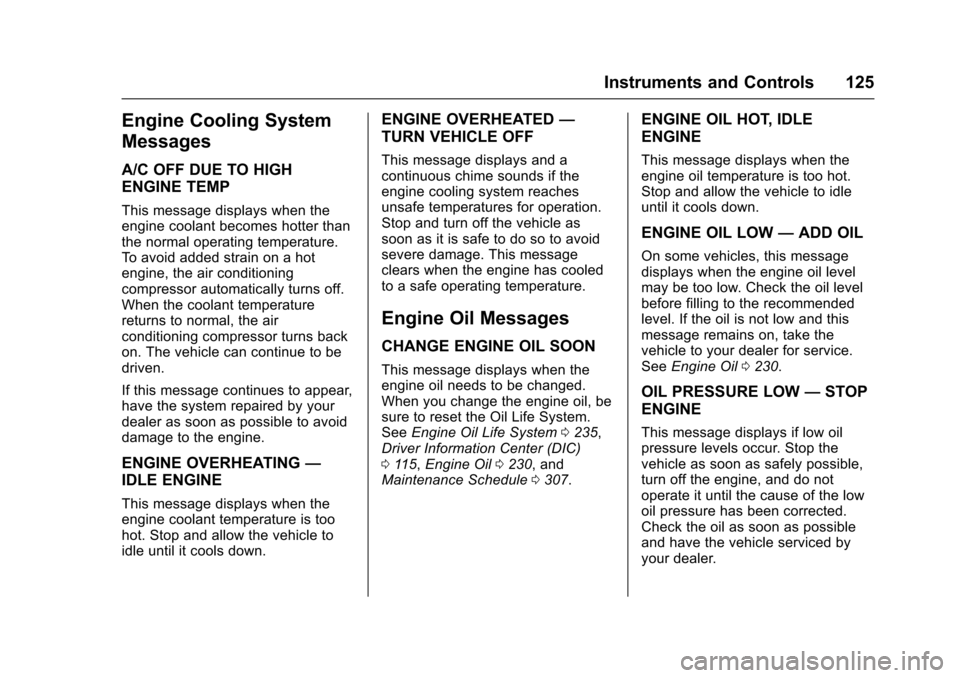
Engine Cooling System
Messages
A/C OFF DUE TO HIGH
ENGINE TEMP
This message displays when the
engine coolant becomes hotter than
the normal operating temperature.
To avoid added strain on a hot
engine, the air conditioning
compressor automatically turns off.
When the coolant temperature
returns to normal, the air
conditioning compressor turns back
on. The vehicle can continue to be
driven.
If this message continues to appear,
have the system repaired by your
dealer as soon as possible to avoid
damage to the engine.
ENGINE OVERHEATING—
IDLE ENGINE
This message displays when the
engine coolant temperature is too
hot. Stop and allow the vehicle to
idle until it cools down.
ENGINE OVERHEATED —
TURN VEHICLE OFF
This message displays and a
continuous chime sounds if the
engine cooling system reaches
unsafe temperatures for operation.
Stop and turn off the vehicle as
soon as it is safe to do so to avoid
severe damage. This message
clears when the engine has cooled
to a safe operating temperature.
Engine Oil Messages
CHANGE ENGINE OIL SOON
This message displays when the
engine oil needs to be changed.
When you change the engine oil, be
sure to reset the Oil Life System.
See Engine Oil Life System 0235,
Driver Information Center (DIC)
0 115, Engine Oil 0230, and
Maintenance Schedule 0307.
ENGINE OIL HOT, IDLE
ENGINE
This message displays when the
engine oil temperature is too hot.
Stop and allow the vehicle to idle
until it cools down.
ENGINE OIL LOW —ADD OIL
On some vehicles, this message
displays when the engine oil level
may be too low. Check the oil level
before filling to the recommended
level. If the oil is not low and this
message remains on, take the
vehicle to your dealer for service.
See Engine Oil 0230.
OIL PRESSURE LOW —STOP
ENGINE
This message displays if low oil
pressure levels occur. Stop the
vehicle as soon as safely possible,
turn off the engine, and do not
operate it until the cause of the low
oil pressure has been corrected.
Check the oil as soon as possible
and have the vehicle serviced by
your dealer.
Page 220 of 360
Chevrolet Corvette Owner Manual (GMNA-Localizing-U.S./Canada/Mexico-
9956103) - 2017 - crc - 4/28/16
Vehicle Care 219
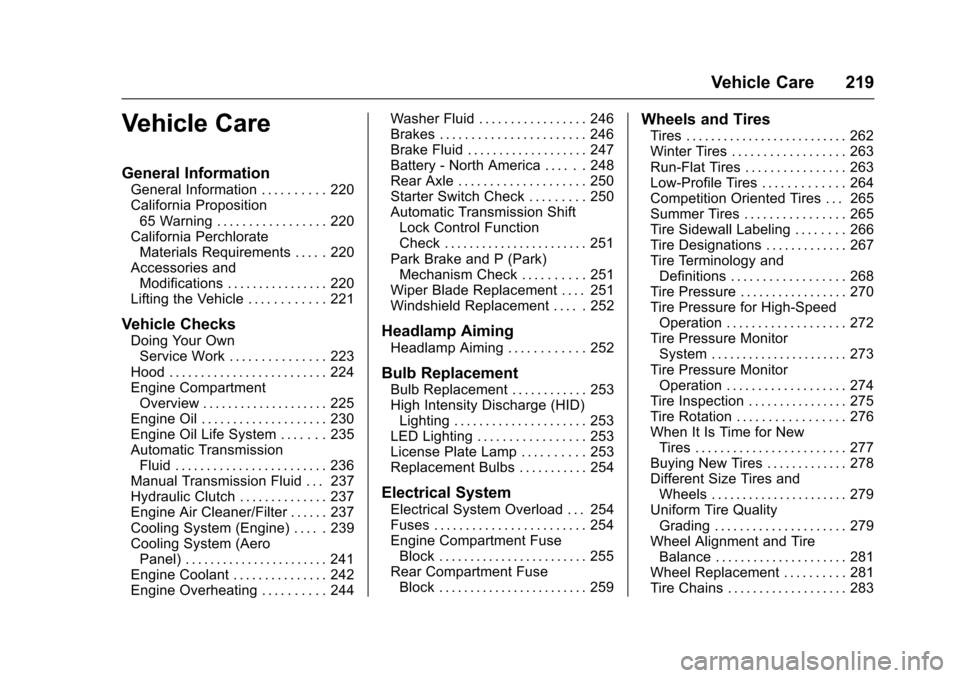
Vehicle Care
General Information
General Information . . . . . . . . . . 220
California Proposition65 Warning . . . . . . . . . . . . . . . . . 220
California Perchlorate Materials Requirements . . . . . 220
Accessories and Modifications . . . . . . . . . . . . . . . . 220
Lifting the Vehicle . . . . . . . . . . . . 221
Vehicle Checks
Doing Your Own Service Work . . . . . . . . . . . . . . . 223
Hood . . . . . . . . . . . . . . . . . . . . . . . . . 224
Engine Compartment Overview . . . . . . . . . . . . . . . . . . . . 225
Engine Oil . . . . . . . . . . . . . . . . . . . . 230
Engine Oil Life System . . . . . . . 235
Automatic Transmission Fluid . . . . . . . . . . . . . . . . . . . . . . . . 236
Manual Transmission Fluid . . . 237
Hydraulic Clutch . . . . . . . . . . . . . . 237
Engine Air Cleaner/Filter . . . . . . 237
Cooling System (Engine) . . . . . 239
Cooling System (Aero Panel) . . . . . . . . . . . . . . . . . . . . . . . 241
Engine Coolant . . . . . . . . . . . . . . . 242
Engine Overheating . . . . . . . . . . 244 Washer Fluid . . . . . . . . . . . . . . . . . 246
Brakes . . . . . . . . . . . . . . . . . . . . . . . 246
Brake Fluid . . . . . . . . . . . . . . . . . . . 247
Battery - North America . . . . . . 248
Rear Axle . . . . . . . . . . . . . . . . . . . . 250
Starter Switch Check . . . . . . . . . 250
Automatic Transmission Shift
Lock Control Function
Check . . . . . . . . . . . . . . . . . . . . . . . 251
Park Brake and P (Park) Mechanism Check . . . . . . . . . . 251
Wiper Blade Replacement . . . . 251
Windshield Replacement . . . . . 252Headlamp Aiming
Headlamp Aiming . . . . . . . . . . . . 252
Bulb Replacement
Bulb Replacement . . . . . . . . . . . . 253
High Intensity Discharge (HID) Lighting . . . . . . . . . . . . . . . . . . . . . 253
LED Lighting . . . . . . . . . . . . . . . . . 253
License Plate Lamp . . . . . . . . . . 253
Replacement Bulbs . . . . . . . . . . . 254
Electrical System
Electrical System Overload . . . 254
Fuses . . . . . . . . . . . . . . . . . . . . . . . . 254
Engine Compartment Fuse Block . . . . . . . . . . . . . . . . . . . . . . . . 255
Rear Compartment Fuse Block . . . . . . . . . . . . . . . . . . . . . . . . 259
Wheels and Tires
Tires . . . . . . . . . . . . . . . . . . . . . . . . . . 262
Winter Tires . . . . . . . . . . . . . . . . . . 263
Run-Flat Tires . . . . . . . . . . . . . . . . 263
Low-Profile Tires . . . . . . . . . . . . . 264
Competition Oriented Tires . . . 265
Summer Tires . . . . . . . . . . . . . . . . 265
Tire Sidewall Labeling . . . . . . . . 266
Tire Designations . . . . . . . . . . . . . 267
Tire Terminology andDefinitions . . . . . . . . . . . . . . . . . . 268
Tire Pressure . . . . . . . . . . . . . . . . . 270
Tire Pressure for High-Speed Operation . . . . . . . . . . . . . . . . . . . 272
Tire Pressure Monitor System . . . . . . . . . . . . . . . . . . . . . . 273
Tire Pressure Monitor Operation . . . . . . . . . . . . . . . . . . . 274
Tire Inspection . . . . . . . . . . . . . . . . 275
Tire Rotation . . . . . . . . . . . . . . . . . 276
When It Is Time for New Tires . . . . . . . . . . . . . . . . . . . . . . . . 277
Buying New Tires . . . . . . . . . . . . . 278
Different Size Tires and Wheels . . . . . . . . . . . . . . . . . . . . . . 279
Uniform Tire Quality Grading . . . . . . . . . . . . . . . . . . . . . 279
Wheel Alignment and Tire Balance . . . . . . . . . . . . . . . . . . . . . 281
Wheel Replacement . . . . . . . . . . 281
Tire Chains . . . . . . . . . . . . . . . . . . . 283