warning CHEVROLET CORVETTE 2020 Workshop Manual
[x] Cancel search | Manufacturer: CHEVROLET, Model Year: 2020, Model line: CORVETTE, Model: CHEVROLET CORVETTE 2020Pages: 336, PDF Size: 5.21 MB
Page 100 of 336
Chevrolet Corvette Owner Manual (GMNA-Localizing-U.S./Canada/Mexico-
12470550) - 2020 - CRC - 4/23/20
Instruments and Controls 99
.The gauge moves a little while
turning a corner or speeding up.
. The gauge takes a few seconds
to stabilize after the ignition is
turned on, and goes back to
empty when the ignition is
turned off.
Engine Coolant
Temperature Gauge
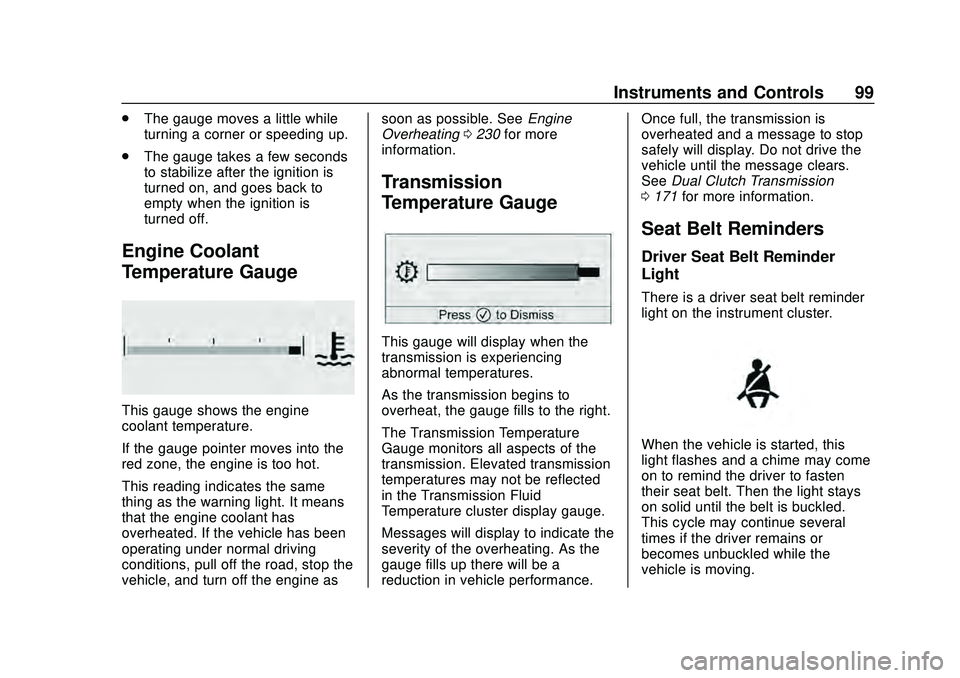
This gauge shows the engine
coolant temperature.
If the gauge pointer moves into the
red zone, the engine is too hot.
This reading indicates the same
thing as the warning light. It means
that the engine coolant has
overheated. If the vehicle has been
operating under normal driving
conditions, pull off the road, stop the
vehicle, and turn off the engine as soon as possible. See
Engine
Overheating 0230 for more
information.
Transmission
Temperature Gauge
This gauge will display when the
transmission is experiencing
abnormal temperatures.
As the transmission begins to
overheat, the gauge fills to the right.
The Transmission Temperature
Gauge monitors all aspects of the
transmission. Elevated transmission
temperatures may not be reflected
in the Transmission Fluid
Temperature cluster display gauge.
Messages will display to indicate the
severity of the overheating. As the
gauge fills up there will be a
reduction in vehicle performance. Once full, the transmission is
overheated and a message to stop
safely will display. Do not drive the
vehicle until the message clears.
See
Dual Clutch Transmission
0 171 for more information.
Seat Belt Reminders
Driver Seat Belt Reminder
Light
There is a driver seat belt reminder
light on the instrument cluster.
When the vehicle is started, this
light flashes and a chime may come
on to remind the driver to fasten
their seat belt. Then the light stays
on solid until the belt is buckled.
This cycle may continue several
times if the driver remains or
becomes unbuckled while the
vehicle is moving.
Page 101 of 336
Chevrolet Corvette Owner Manual (GMNA-Localizing-U.S./Canada/Mexico-
12470550) - 2020 - CRC - 4/23/20
100 Instruments and Controls
If the driver seat belt is buckled,
neither the light nor the chime
comes on.
Passenger Seat Belt Reminder
Light
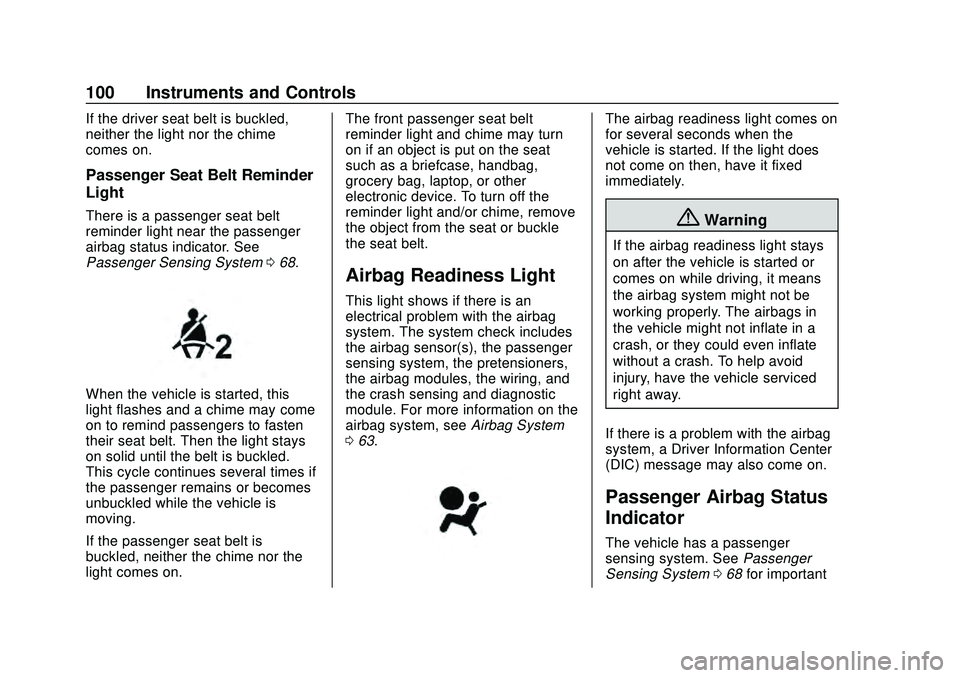
There is a passenger seat belt
reminder light near the passenger
airbag status indicator. See
Passenger Sensing System068.
When the vehicle is started, this
light flashes and a chime may come
on to remind passengers to fasten
their seat belt. Then the light stays
on solid until the belt is buckled.
This cycle continues several times if
the passenger remains or becomes
unbuckled while the vehicle is
moving.
If the passenger seat belt is
buckled, neither the chime nor the
light comes on. The front passenger seat belt
reminder light and chime may turn
on if an object is put on the seat
such as a briefcase, handbag,
grocery bag, laptop, or other
electronic device. To turn off the
reminder light and/or chime, remove
the object from the seat or buckle
the seat belt.
Airbag Readiness Light
This light shows if there is an
electrical problem with the airbag
system. The system check includes
the airbag sensor(s), the passenger
sensing system, the pretensioners,
the airbag modules, the wiring, and
the crash sensing and diagnostic
module. For more information on the
airbag system, see
Airbag System
0 63.
The airbag readiness light comes on
for several seconds when the
vehicle is started. If the light does
not come on then, have it fixed
immediately.
{Warning
If the airbag readiness light stays
on after the vehicle is started or
comes on while driving, it means
the airbag system might not be
working properly. The airbags in
the vehicle might not inflate in a
crash, or they could even inflate
without a crash. To help avoid
injury, have the vehicle serviced
right away.
If there is a problem with the airbag
system, a Driver Information Center
(DIC) message may also come on.
Passenger Airbag Status
Indicator
The vehicle has a passenger
sensing system. See Passenger
Sensing System 068 for important
Page 102 of 336
Chevrolet Corvette Owner Manual (GMNA-Localizing-U.S./Canada/Mexico-
12470550) - 2020 - CRC - 4/23/20
Instruments and Controls 101
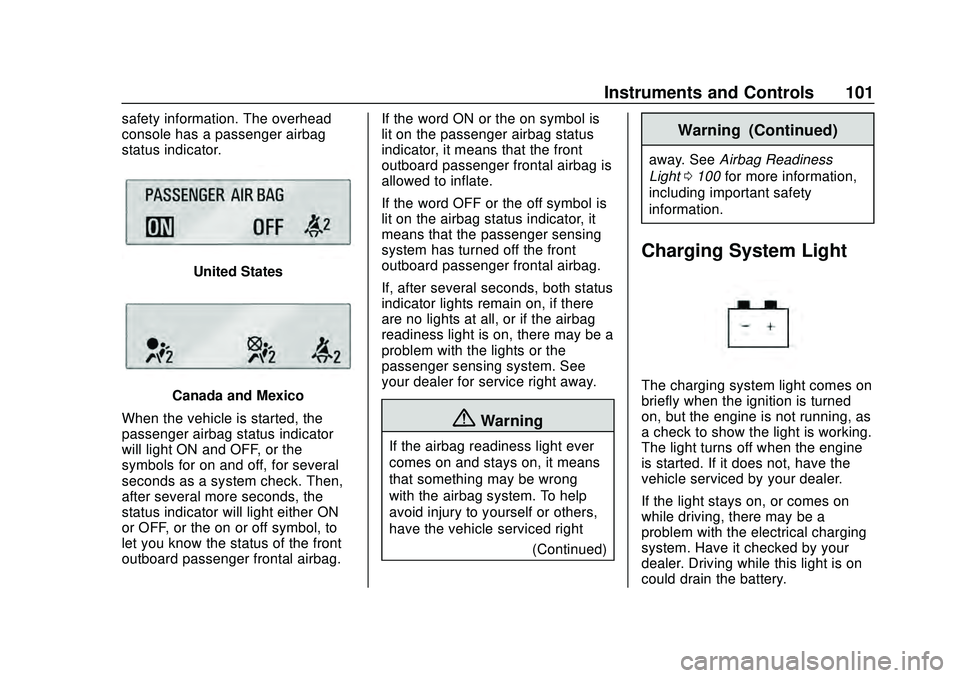
safety information. The overhead
console has a passenger airbag
status indicator.
United States
Canada and Mexico
When the vehicle is started, the
passenger airbag status indicator
will light ON and OFF, or the
symbols for on and off, for several
seconds as a system check. Then,
after several more seconds, the
status indicator will light either ON
or OFF, or the on or off symbol, to
let you know the status of the front
outboard passenger frontal airbag. If the word ON or the on symbol is
lit on the passenger airbag status
indicator, it means that the front
outboard passenger frontal airbag is
allowed to inflate.
If the word OFF or the off symbol is
lit on the airbag status indicator, it
means that the passenger sensing
system has turned off the front
outboard passenger frontal airbag.
If, after several seconds, both status
indicator lights remain on, if there
are no lights at all, or if the airbag
readiness light is on, there may be a
problem with the lights or the
passenger sensing system. See
your dealer for service right away.
{Warning
If the airbag readiness light ever
comes on and stays on, it means
that something may be wrong
with the airbag system. To help
avoid injury to yourself or others,
have the vehicle serviced right
(Continued)
Warning (Continued)
away. SeeAirbag Readiness
Light 0100 for more information,
including important safety
information.
Charging System Light
The charging system light comes on
briefly when the ignition is turned
on, but the engine is not running, as
a check to show the light is working.
The light turns off when the engine
is started. If it does not, have the
vehicle serviced by your dealer.
If the light stays on, or comes on
while driving, there may be a
problem with the electrical charging
system. Have it checked by your
dealer. Driving while this light is on
could drain the battery.
Page 105 of 336
Chevrolet Corvette Owner Manual (GMNA-Localizing-U.S./Canada/Mexico-
12470550) - 2020 - CRC - 4/23/20
104 Instruments and Controls
If equipped, this light will flash to
indicate when the front of the
vehicle is being raised or lowered.
An up or down arrow in the light will
display, depending on the direction
of movement. The light will stay lit
while the front is fully raised.
Brake System Warning
Light
MetricEnglish
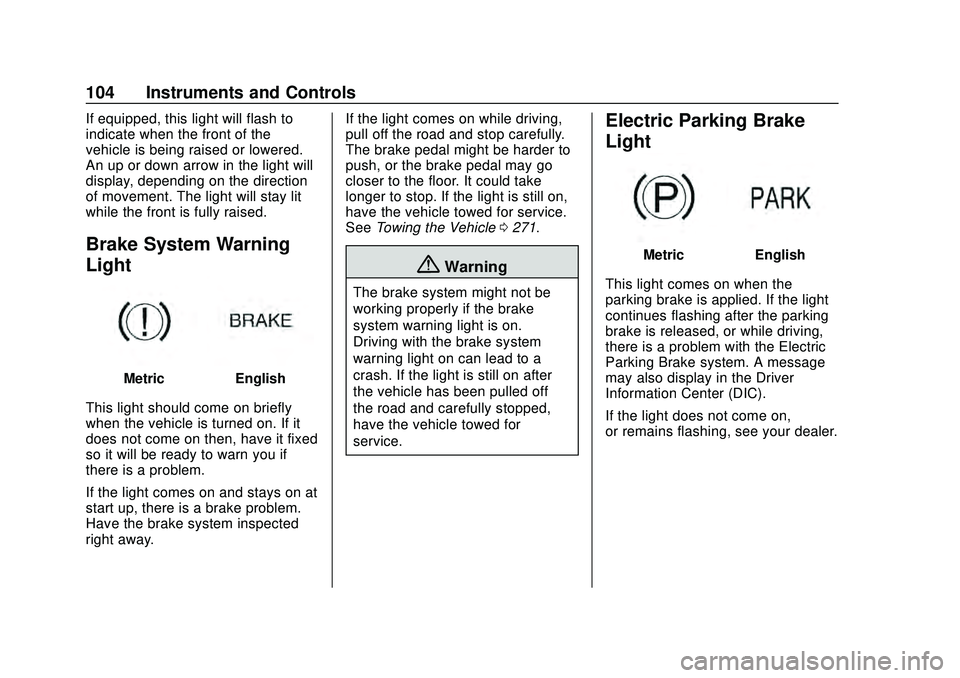
This light should come on briefly
when the vehicle is turned on. If it
does not come on then, have it fixed
so it will be ready to warn you if
there is a problem.
If the light comes on and stays on at
start up, there is a brake problem.
Have the brake system inspected
right away. If the light comes on while driving,
pull off the road and stop carefully.
The brake pedal might be harder to
push, or the brake pedal may go
closer to the floor. It could take
longer to stop. If the light is still on,
have the vehicle towed for service.
See
Towing the Vehicle 0271.
{Warning
The brake system might not be
working properly if the brake
system warning light is on.
Driving with the brake system
warning light on can lead to a
crash. If the light is still on after
the vehicle has been pulled off
the road and carefully stopped,
have the vehicle towed for
service.
Electric Parking Brake
Light
MetricEnglish
This light comes on when the
parking brake is applied. If the light
continues flashing after the parking
brake is released, or while driving,
there is a problem with the Electric
Parking Brake system. A message
may also display in the Driver
Information Center (DIC).
If the light does not come on,
or remains flashing, see your dealer.
Page 106 of 336
Chevrolet Corvette Owner Manual (GMNA-Localizing-U.S./Canada/Mexico-
12470550) - 2020 - CRC - 4/23/20
Instruments and Controls 105
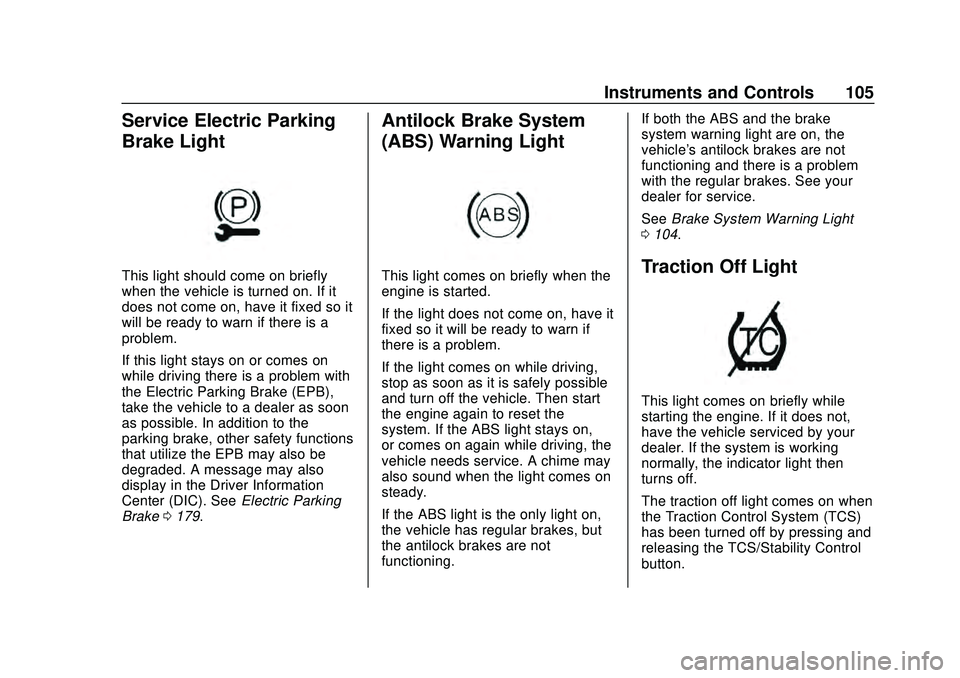
Service Electric Parking
Brake Light
This light should come on briefly
when the vehicle is turned on. If it
does not come on, have it fixed so it
will be ready to warn if there is a
problem.
If this light stays on or comes on
while driving there is a problem with
the Electric Parking Brake (EPB),
take the vehicle to a dealer as soon
as possible. In addition to the
parking brake, other safety functions
that utilize the EPB may also be
degraded. A message may also
display in the Driver Information
Center (DIC). SeeElectric Parking
Brake 0179.
Antilock Brake System
(ABS) Warning Light
This light comes on briefly when the
engine is started.
If the light does not come on, have it
fixed so it will be ready to warn if
there is a problem.
If the light comes on while driving,
stop as soon as it is safely possible
and turn off the vehicle. Then start
the engine again to reset the
system. If the ABS light stays on,
or comes on again while driving, the
vehicle needs service. A chime may
also sound when the light comes on
steady.
If the ABS light is the only light on,
the vehicle has regular brakes, but
the antilock brakes are not
functioning. If both the ABS and the brake
system warning light are on, the
vehicle's antilock brakes are not
functioning and there is a problem
with the regular brakes. See your
dealer for service.
See
Brake System Warning Light
0 104.Traction Off Light
This light comes on briefly while
starting the engine. If it does not,
have the vehicle serviced by your
dealer. If the system is working
normally, the indicator light then
turns off.
The traction off light comes on when
the Traction Control System (TCS)
has been turned off by pressing and
releasing the TCS/Stability Control
button.
Page 107 of 336
Chevrolet Corvette Owner Manual (GMNA-Localizing-U.S./Canada/Mexico-
12470550) - 2020 - CRC - 4/23/20
106 Instruments and Controls
This light and the Electronic Stability
Control (ESC) OFF light come on
when ESC is turned off.
If the TCS is off, wheel spin is not
limited. Adjust driving accordingly.
SeeTraction Control/Electronic
Stability Control 0182.
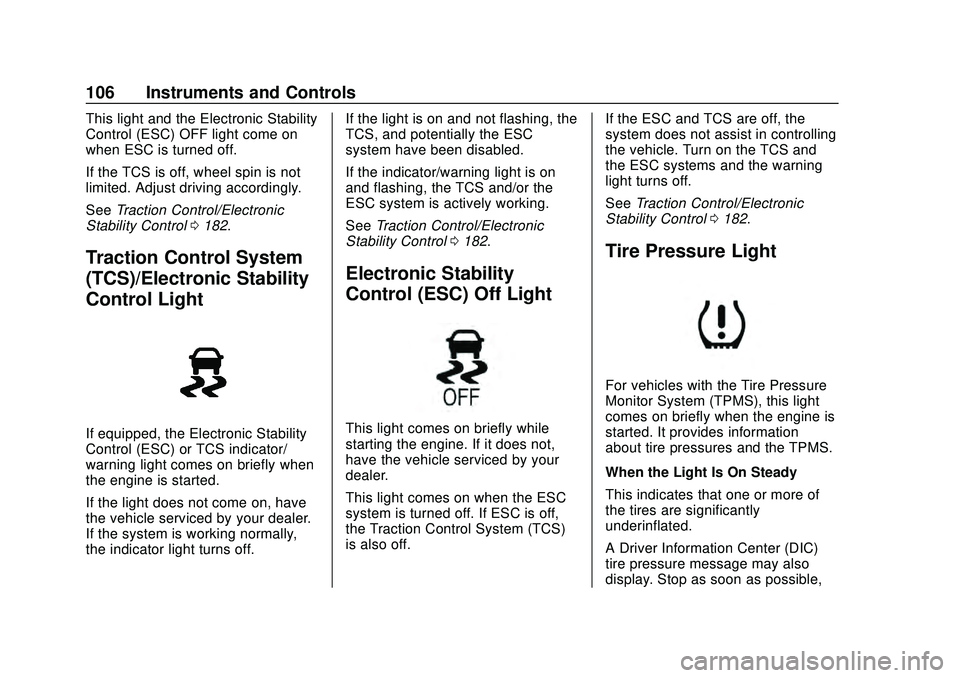
Traction Control System
(TCS)/Electronic Stability
Control Light
If equipped, the Electronic Stability
Control (ESC) or TCS indicator/
warning light comes on briefly when
the engine is started.
If the light does not come on, have
the vehicle serviced by your dealer.
If the system is working normally,
the indicator light turns off. If the light is on and not flashing, the
TCS, and potentially the ESC
system have been disabled.
If the indicator/warning light is on
and flashing, the TCS and/or the
ESC system is actively working.
See
Traction Control/Electronic
Stability Control 0182.
Electronic Stability
Control (ESC) Off Light
This light comes on briefly while
starting the engine. If it does not,
have the vehicle serviced by your
dealer.
This light comes on when the ESC
system is turned off. If ESC is off,
the Traction Control System (TCS)
is also off. If the ESC and TCS are off, the
system does not assist in controlling
the vehicle. Turn on the TCS and
the ESC systems and the warning
light turns off.
See
Traction Control/Electronic
Stability Control 0182.
Tire Pressure Light
For vehicles with the Tire Pressure
Monitor System (TPMS), this light
comes on briefly when the engine is
started. It provides information
about tire pressures and the TPMS.
When the Light Is On Steady
This indicates that one or more of
the tires are significantly
underinflated.
A Driver Information Center (DIC)
tire pressure message may also
display. Stop as soon as possible,
Page 111 of 336
Chevrolet Corvette Owner Manual (GMNA-Localizing-U.S./Canada/Mexico-
12470550) - 2020 - CRC - 4/23/20
110 Instruments and Controls
Transmission Fluid Life :Displays
an estimate of the fluid's remaining
useful life. If REMAINING FLUID
LIFE 99% is displayed, that means
99% of the current fluid life remains.
When the remaining fluid life is low,
the CHANGE TRANSMISSION
FLUID SOON message will appear
on the display. The fluid should be
changed as soon as possible. See
Dual Clutch Transmission Fluid Life
System 0223. In addition to the
Transmission Fluid Life system
monitoring the fluid life, additional
maintenance is recommended in the
Maintenance Schedule. See
Maintenance Schedule 0286.
The Fluid Life display must be reset
after each fluid change. It will not
reset itself. Do not reset the Fluid
Life display accidentally at any time
other than when the fluid has just
been changed. It cannot be reset
accurately until the next fluid
change. To reset the Transmission
Fluid Life system, press and hold
SEL for several seconds while the
Fluid Life display is active. Fuel Economy :
Displays the
average fuel economy, the best fuel
economy over the selected
distance, and a bar graph showing
instantaneous fuel economy.
Pressing the thumbwheel will open
a menu to change the selected
distance or reset the current values.
Timer/Fuel Used : This display can
be used as a timer. To start/stop the
timer, press the thumbwheel while
this display is active and then select
the start/stop the timer. The display
will show the amount of time that
has passed since the timer was last
reset. To reset the timer to zero,
press the thumbwheel to access the
menu while this display is active.
Fuel Used displays the approximate
liters (L) or gallons (gal) of fuel that
have been used since last reset.
The fuel used can be reset by
pressing the thumbwheel and
selecting Reset Fuel Used in
the menu.
Economy Trend : Shows the
instantaneous fuel economy and
current gas mileage. Speed Limit :
Displays sign
information, which comes from a
roadway database in the on-board
navigation.
Engine Hours/Lifetime Revs :
Displays the total number of hours
the engine has run. It also shows
total engine revolutions divided by
10,000.
Head-Up Display (HUD)
{Warning
If the HUD image is too bright,
or too high in your field of view, it
may take you more time to see
things you need to see when it is
dark outside. Be sure to keep the
HUD image dim and placed low in
your field of view.
If equipped with HUD, some
information concerning the
operation of the vehicle is projected
onto the windshield.
Page 126 of 336
Chevrolet Corvette Owner Manual (GMNA-Localizing-U.S./Canada/Mexico-
12470550) - 2020 - CRC - 4/23/20
Lighting 125
Lighting
Exterior Lighting
Exterior Lamp Controls . . . . . . . 125
Exterior Lamps OffReminder . . . . . . . . . . . . . . . . . . . 126
Headlamp High/Low-Beam Changer . . . . . . . . . . . . . . . . . . . . 126
Flash-to-Pass . . . . . . . . . . . . . . . . 126
Daytime Running Lamps (DRL) . . . . . . . . . . . . . . . 126
Automatic Headlamp System . . . . . . . . . . . . . . . . . . . . . . 127
Hazard Warning Flashers . . . . . 128
Turn and Lane-Change Signals . . . . . . . . . . . . . . . . . . . . . . 128
Interior Lighting
Instrument Panel IlluminationControl . . . . . . . . . . . . . . . . . . . . . . 129
Courtesy Lamps . . . . . . . . . . . . . . 129
Reading Lamps . . . . . . . . . . . . . . 129
Engine Compartment Lamp . . . . . . . . . 129
Lighting Features
Entry Lighting . . . . . . . . . . . . . . . . 130
Exit Lighting . . . . . . . . . . . . . . . . . . 130
Battery Power Protection . . . . . 131
Exterior Lighting BatterySaver . . . . . . . . . . . . . . . . . . . . . . . 131Exterior Lighting
Exterior Lamp Controls
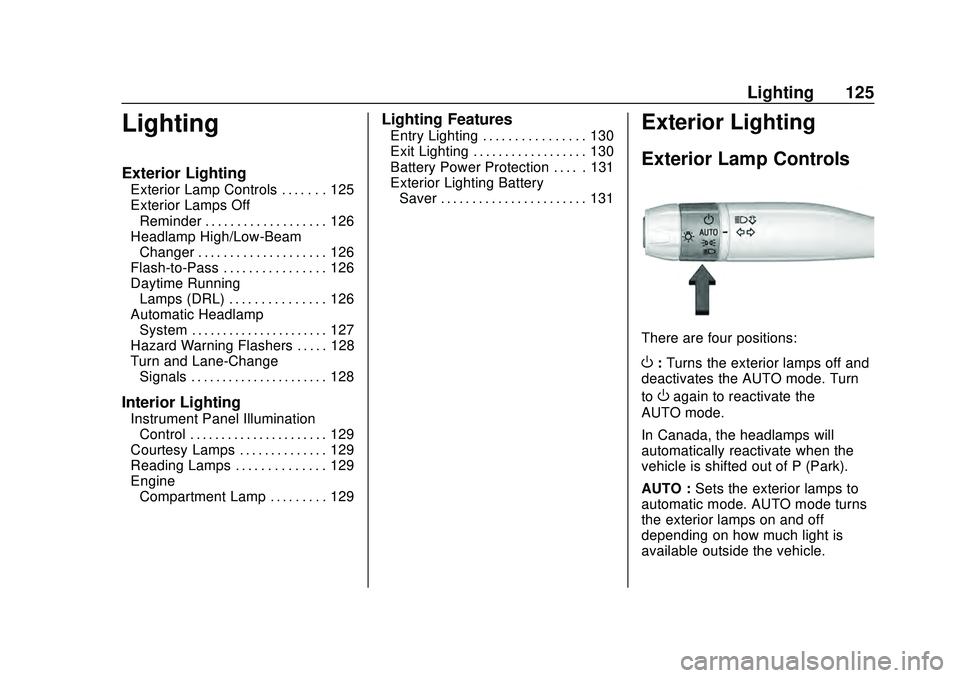
There are four positions:
O: Turns the exterior lamps off and
deactivates the AUTO mode. Turn
to
Oagain to reactivate the
AUTO mode.
In Canada, the headlamps will
automatically reactivate when the
vehicle is shifted out of P (Park).
AUTO : Sets the exterior lamps to
automatic mode. AUTO mode turns
the exterior lamps on and off
depending on how much light is
available outside the vehicle.
Page 127 of 336
Chevrolet Corvette Owner Manual (GMNA-Localizing-U.S./Canada/Mexico-
12470550) - 2020 - CRC - 4/23/20
126 Lighting
To override AUTO mode, turn the
control to
O.
To reset to AUTO mode, turn the
control to
Oand then release back
to AUTO. Automatic mode also
resets when the vehicle is turned off
and then back on again if the control
is left in the AUTO position.
;: Turns on the parking lamps
including all lamps, except the
headlamps.
The parking lamp indicator light
comes on and stays on when the
parking lamps are on with the
engine off and the ignition in ACC/
ACCESSORY.
5: Turns on the headlamps
together with the parking lamps and
instrument panel lights.
Exterior Lamps Off
Reminder
A warning chime will sound if the
exterior lamp control is left on in
either the headlamp or parking lamp
position and the driver door is
opened with the ignition off.
Headlamp High/
Low-Beam Changer
Push the turn signal lever away
from you and release to turn the
high beams on. To return to low
beams, push the lever again or pull
it toward you and release.
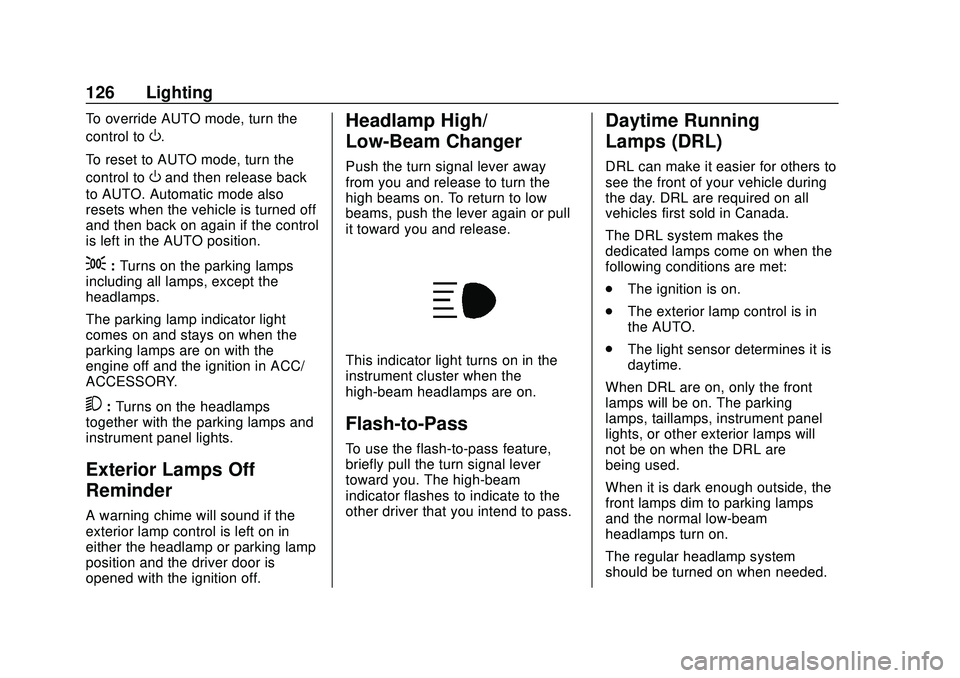
This indicator light turns on in the
instrument cluster when the
high-beam headlamps are on.
Flash-to-Pass
To use the flash-to-pass feature,
briefly pull the turn signal lever
toward you. The high-beam
indicator flashes to indicate to the
other driver that you intend to pass.
Daytime Running
Lamps (DRL)
DRL can make it easier for others to
see the front of your vehicle during
the day. DRL are required on all
vehicles first sold in Canada.
The DRL system makes the
dedicated lamps come on when the
following conditions are met:
. The ignition is on.
. The exterior lamp control is in
the AUTO.
. The light sensor determines it is
daytime.
When DRL are on, only the front
lamps will be on. The parking
lamps, taillamps, instrument panel
lights, or other exterior lamps will
not be on when the DRL are
being used.
When it is dark enough outside, the
front lamps dim to parking lamps
and the normal low-beam
headlamps turn on.
The regular headlamp system
should be turned on when needed.
Page 129 of 336
Chevrolet Corvette Owner Manual (GMNA-Localizing-U.S./Canada/Mexico-
12470550) - 2020 - CRC - 4/23/20
128 Lighting
Hazard Warning Flashers
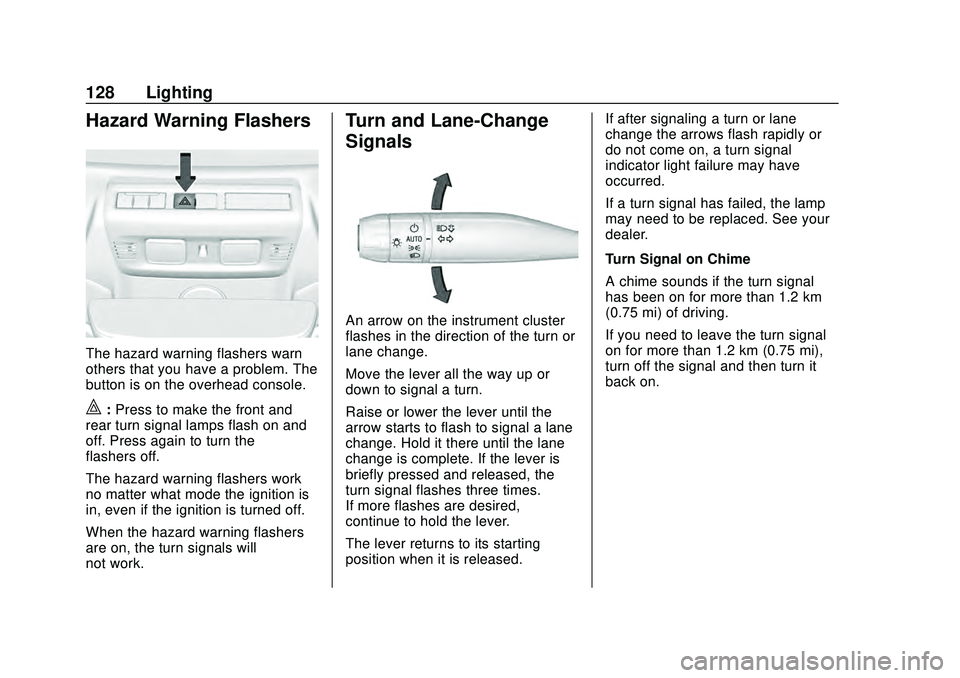
The hazard warning flashers warn
others that you have a problem. The
button is on the overhead console.
|:Press to make the front and
rear turn signal lamps flash on and
off. Press again to turn the
flashers off.
The hazard warning flashers work
no matter what mode the ignition is
in, even if the ignition is turned off.
When the hazard warning flashers
are on, the turn signals will
not work.
Turn and Lane-Change
Signals
An arrow on the instrument cluster
flashes in the direction of the turn or
lane change.
Move the lever all the way up or
down to signal a turn.
Raise or lower the lever until the
arrow starts to flash to signal a lane
change. Hold it there until the lane
change is complete. If the lever is
briefly pressed and released, the
turn signal flashes three times.
If more flashes are desired,
continue to hold the lever.
The lever returns to its starting
position when it is released. If after signaling a turn or lane
change the arrows flash rapidly or
do not come on, a turn signal
indicator light failure may have
occurred.
If a turn signal has failed, the lamp
may need to be replaced. See your
dealer.
Turn Signal on Chime
A chime sounds if the turn signal
has been on for more than 1.2 km
(0.75 mi) of driving.
If you need to leave the turn signal
on for more than 1.2 km (0.75 mi),
turn off the signal and then turn it
back on.