brake light CHEVROLET EPICA 2004 1.G Owners Manual
[x] Cancel search | Manufacturer: CHEVROLET, Model Year: 2004, Model line: EPICA, Model: CHEVROLET EPICA 2004 1.GPages: 338, PDF Size: 2.38 MB
Page 80 of 338
When trying to start the vehicle, if the engine does
not start and the security light continues flashing, the
key may have a damaged transponder. Turn the ignition
off and try again.
If the engine still does not start, and the key appears to
be undamaged, try another key. At this time, you may
also want to check the fuse. SeeFuses and Circuit
Breakers on page 5-79. If the engine still does not start
with the other key, your vehicle needs service. If your
vehicle does start, the first key may be faulty. See your
dealer who can service the theft-deterrent system to
have a new key made.
Up to four keys may be programmed for the vehicle.
If you lose or damage your keys, only a GM dealer
can service the theft-deterrent system to have new
keys made.
If you are ever driving and the security light comes on
and stays on, you will be able to restart your engine
if you turn it off. The theft-deterrent system, however,
is not working properly and must be serviced by
your dealer. Your vehicle is not protected by the
theft-deterrent system at this time.
In an emergency, contact Chevrolet Roadside
Assistance. SeeRoadside Assistance Program
on page 7-6.Starting and Operating Your
Vehicle
New Vehicle Break-In
Notice:Your vehicle does not need an elaborate
“break-in.” But it will perform better in the long run
if you follow these guidelines:
Do not drive at any one speed — fast or
slow — for the rst 500 miles (805 km).
Do not make full-throttle starts.
Avoid making hard stops for the rst
200 miles (322 km) or so. During this time
your new brake linings are not yet broken in.
Hard stops with new linings can mean
premature wear and earlier replacement.
Follow this breaking-in guideline every time
you get new brake linings.
Do not tow a trailer during break-in.
SeeTowing a Trailer on page 4-35for
more information.
2-18
Page 86 of 338
FIRST (1):This position gives you even more power
but lower fuel economy than SECOND (2). You can use
it on very steep hills, or in deep snow or mud. If the
shift lever is put in FIRST (1), the transaxle will not shift
into first gear until the vehicle is going slowly enough.
Notice:Spinning the tires or holding the vehicle in
one place on a hill using only the accelerator
pedal may damage the transaxle. If you are stuck,
do not spin the tires. When stopping on a hill,
use the brakes to hold the vehicle in place.
Adaptive Shift Logic
Your automatic transaxle will automatically select from
three adaptive shift patterns based upon driver behavior:
•Economy mode provides a softer shift feel and
optimizes fuel economy.
•Normal mode provides a solid shift feel and is used
for normal driving conditions.
•Sport mode provides a firm shift feel and optimizes
performance.The driver cannot manually select the shift pattern. The
adaptive shift logic tries to operate in economy mode
as much as possible. Normal and sport modes are used
as little as possible in order to maximize fuel economy.
The first few shifts of every drive cycle may be
somewhat rough until the adaptive shift logic has
learned the driver’s behavior. This is normal.
The transaxle also has the ability to adapt to changing
road grade conditions. It will shift between three
different load settings:
•Load 1 is designed for driving on moderate road
grades.
•Load 2 is designed for driving on steep road
grades.
•Load 3 is designed for driving downhill and allows
for better engine braking.
If there is a malfunction with the automatic transaxle, the
malfunction indicator lamp (MIL) or the HOLD indicator
light will turn on or flash. SeeMalfunction Indicator Lamp
on page 3-39orHold Mode Light on page 3-38.
Have your vehicle fixed as soon as possible.
2-24
Page 88 of 338
Parking Brake
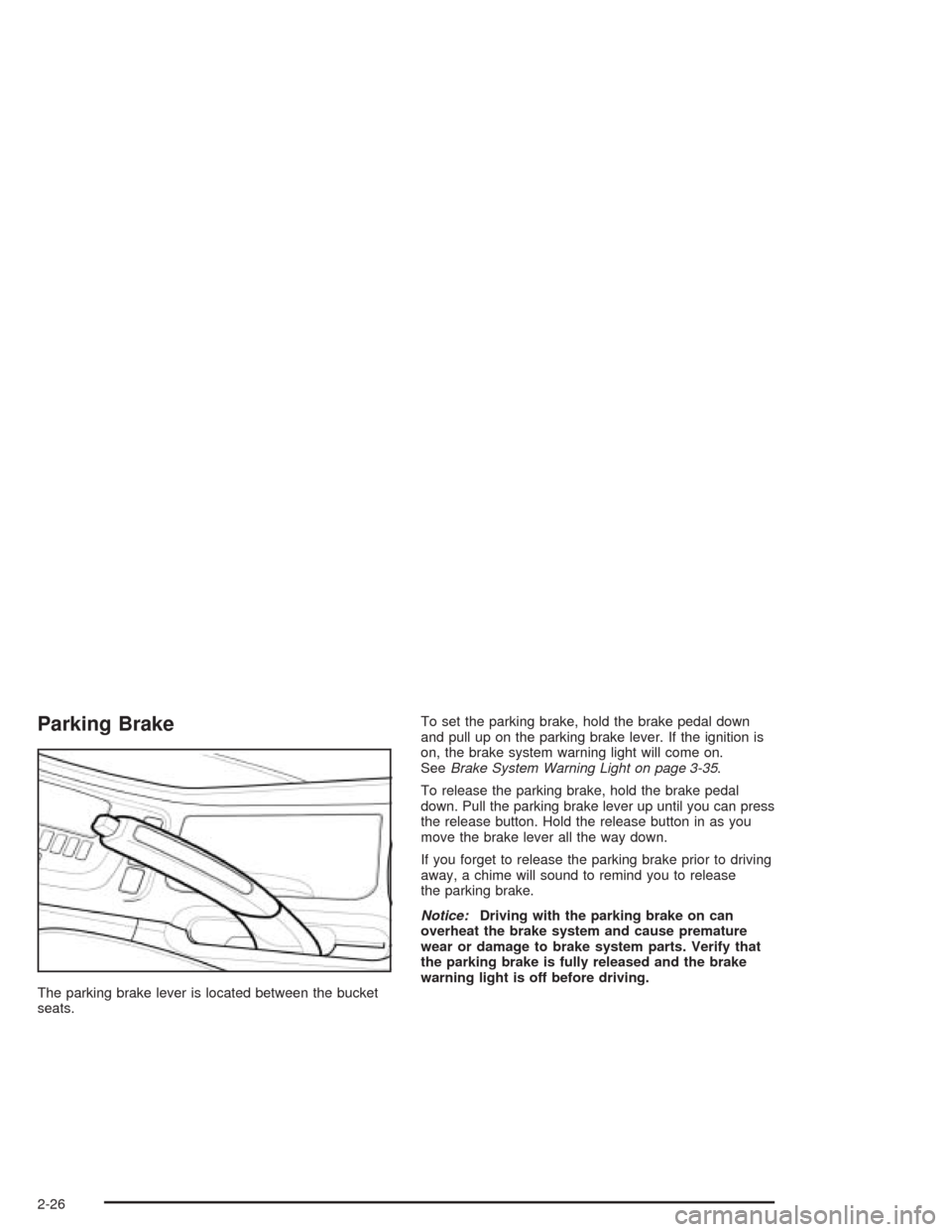
The parking brake lever is located between the bucket
seats.To set the parking brake, hold the brake pedal down
and pull up on the parking brake lever. If the ignition is
on, the brake system warning light will come on.
SeeBrake System Warning Light on page 3-35.
To release the parking brake, hold the brake pedal
down. Pull the parking brake lever up until you can press
the release button. Hold the release button in as you
move the brake lever all the way down.
If you forget to release the parking brake prior to driving
away, a chime will sound to remind you to release
the parking brake.
Notice:Driving with the parking brake on can
overheat the brake system and cause premature
wear or damage to brake system parts. Verify that
the parking brake is fully released and the brake
warning light is off before driving.
2-26
Page 99 of 338
Instrument Panel Overview...............................3-4
Hazard Warning Flashers................................3-6
Other Warning Devices...................................3-6
Horn.............................................................3-6
Tilt Wheel.....................................................3-7
Turn Signal/Multifunction Lever.........................3-7
Windshield Wiper Lever...................................3-9
Cruise Control..............................................3-10
Exterior Lamps.............................................3-13
Interior Lamps..............................................3-15
Accessory Power Outlets...............................3-17
Ashtrays and Cigarette Lighter........................3-18
Climate Controls............................................3-18
Climate Control System.................................3-18
Automatic Climate Control System...................3-22
Outlet Adjustment.........................................3-28
Passenger Compartment Air Filter...................3-28
Warning Lights, Gages, and Indicators............3-30
Instrument Panel Cluster................................3-31
Speedometer and Odometer...........................3-32
Trip Odometer..............................................3-32Tachometer.................................................3-32
Safety Belt Reminder Light.............................3-33
Safety Belt Reminder Tone............................3-33
Air Bag Readiness Light................................3-33
Charging System Light..................................3-34
Brake System Warning Light..........................3-35
Anti-Lock Brake System Warning Light.............3-36
Speed Sensitive Power Steering (SSPS)
Warning Light...........................................3-36
Traction Control System (TCS)
Warning Light...........................................3-37
Traction Control System Active Light...............3-38
Hold Mode Light...........................................3-38
Engine Coolant Temperature Gage..................3-39
Malfunction Indicator Lamp.............................3-39
Oil Pressure Light.........................................3-42
Cruise Control Light......................................3-43
Highbeam On Light.......................................3-43
Daytime Running Lamps
Indicator Light...........................................3-44
Fuel Gage...................................................3-44
Low Fuel Warning Light.................................3-45
Section 3 Instrument Panel
3-1
Page 109 of 338
Setting Cruise Control
{CAUTION:
If you leave your cruise control on when you
are not using cruise, you might hit a button
and go into cruise when you do not want to.
You could be startled and even lose control.
Keep the cruise control switch off until you
want to use cruise control.
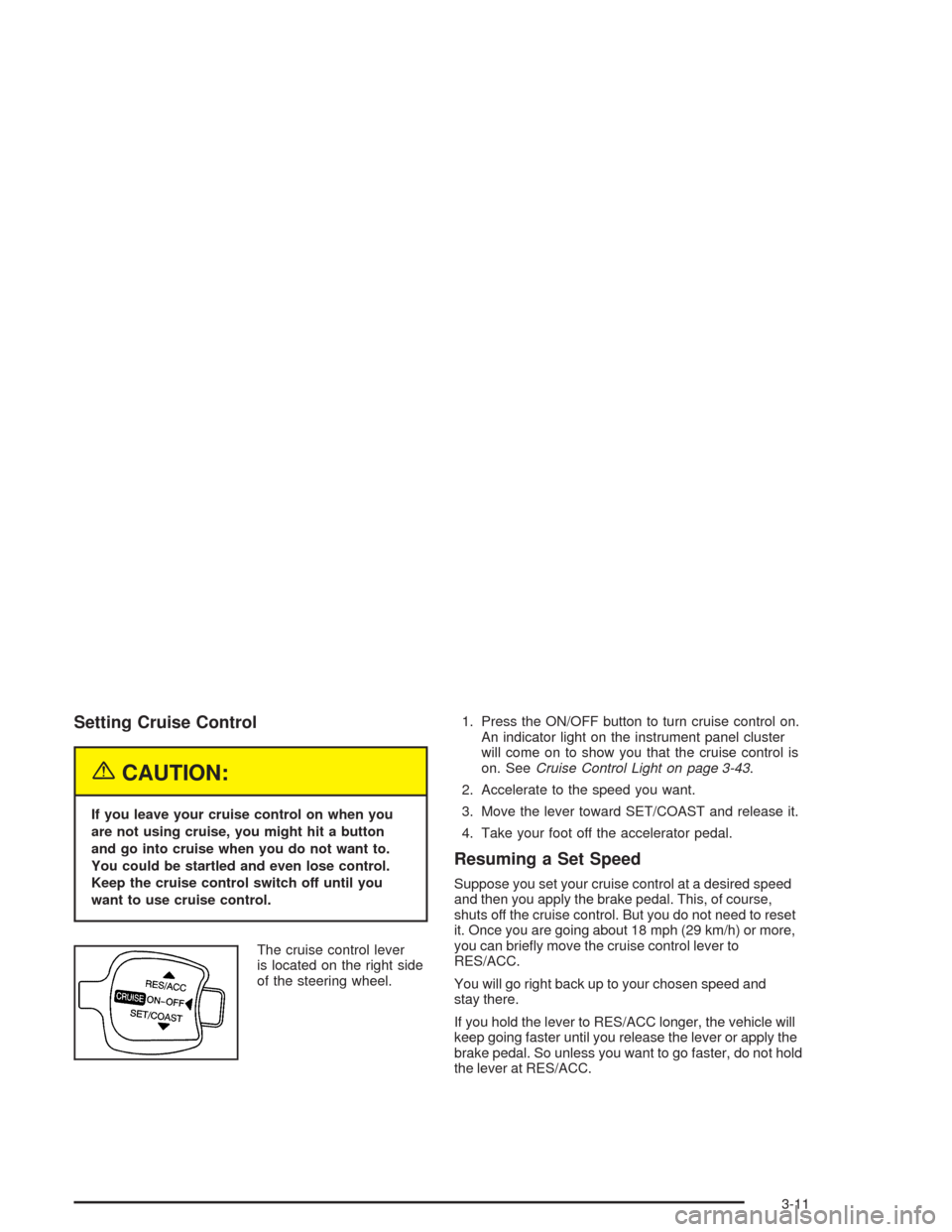
The cruise control lever
is located on the right side
of the steering wheel.1. Press the ON/OFF button to turn cruise control on.
An indicator light on the instrument panel cluster
will come on to show you that the cruise control is
on. SeeCruise Control Light on page 3-43.
2. Accelerate to the speed you want.
3. Move the lever toward SET/COAST and release it.
4. Take your foot off the accelerator pedal.
Resuming a Set Speed
Suppose you set your cruise control at a desired speed
and then you apply the brake pedal. This, of course,
shuts off the cruise control. But you do not need to reset
it. Once you are going about 18 mph (29 km/h) or more,
you can briefly move the cruise control lever to
RES/ACC.
You will go right back up to your chosen speed and
stay there.
If you hold the lever to RES/ACC longer, the vehicle will
keep going faster until you release the lever or apply the
brake pedal. So unless you want to go faster, do not hold
the lever at RES/ACC.
3-11
Page 111 of 338
Using Cruise Control on Hills
How well your cruise control will work on hills depends
upon your speed, load and the steepness of the hills.
When going up steep hills, you may have to step on the
accelerator pedal to maintain your speed. When going
downhill, you may have to brake or shift to a lower gear to
keep your speed down. Of course, applying the brake
pedal takes you out of cruise control. Many drivers find
this to be too much trouble and do not use cruise control
on steep hills.
Ending Cruise Control
There are two ways to turn off the cruise control:
•Step lightly on the brake pedal.
•Press the ON/OFF button on the cruise
control lever.
Erasing Speed Memory
When you turn off the cruise control or the ignition,
your cruise control set speed memory is erased.
Exterior Lamps
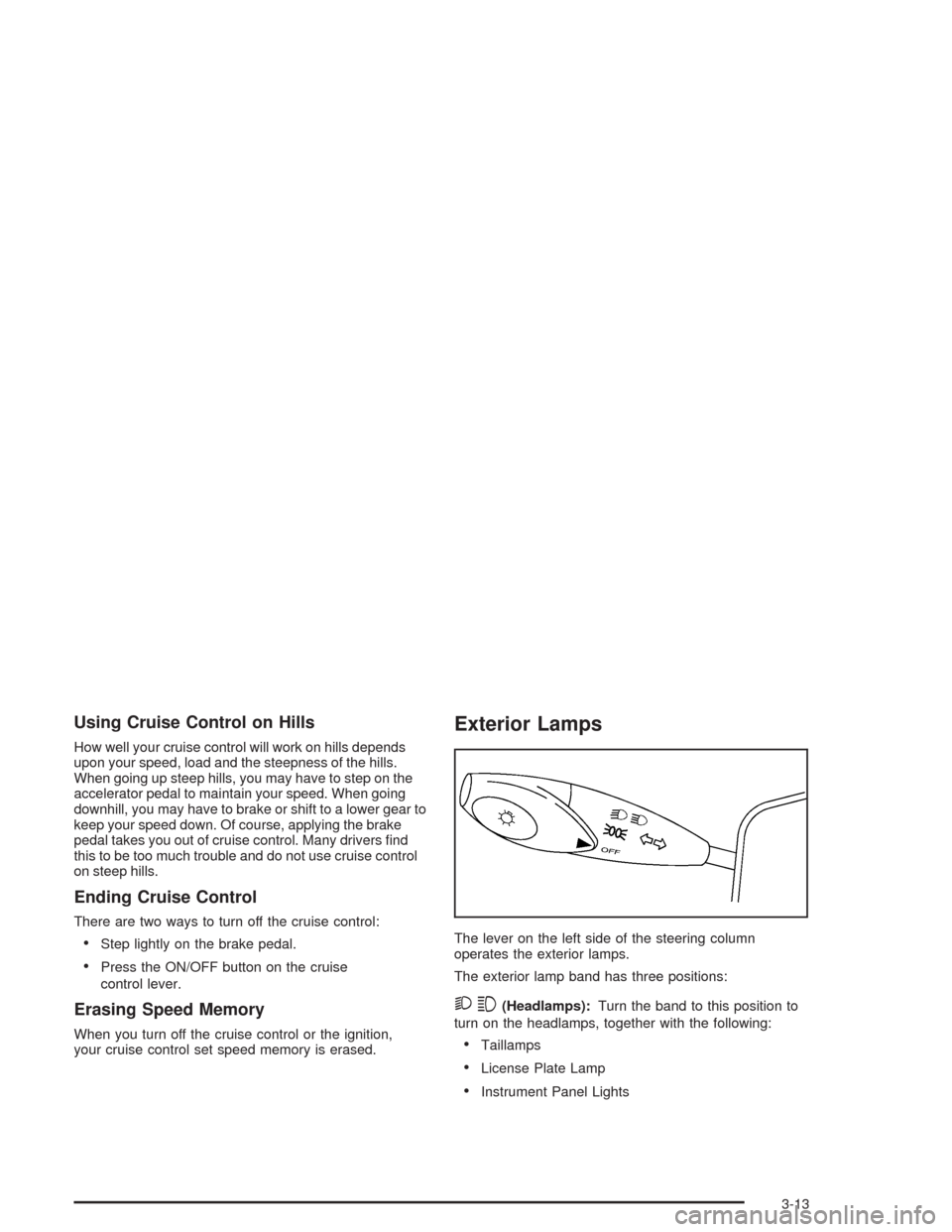
The lever on the left side of the steering column
operates the exterior lamps.
The exterior lamp band has three positions:
23(Headlamps):Turn the band to this position to
turn on the headlamps, together with the following:
•Taillamps
•License Plate Lamp
•Instrument Panel Lights
3-13
Page 112 of 338
Your headlamps only work when your key is turned
to ON.
;(Parking Lamps):Turn the band to this position to
turn on the parking lamps, together with the previously
listed lamps and lights.
OFF:Turn the band to this position to turn all lamps off,
except the Daytime Running Lamps (DRL).
Lamps On Reminder
If you open the driver’s door with the ignition off and
the lamps on, you will hear a warning chime.
Auto-Off Headlamps
Your headlamps will automatically turn off when the
headlamps are on and you turn the key to ACC or LOCK.
Daytime Running Lamps (DRL)
Daytime Running Lamps (DRL) can make it easier for
others to see the front of your vehicle during the
day. DRL can be helpful in many different driving
conditions, but they can be especially helpful in the short
periods after dawn and before sunset. Fully functional
daytime running lamps are required on all vehicles
first sold in Canada.The DRL system will make your low-beam headlamps
come on at a reduced brightness in daylight when
the following conditions are met:
•The ignition is on.
•The exterior lamp band is in OFF or in the parking
lamp position.
•The parking brake is released.
When the DRL system is on, the taillamps, parking
lamps and instrument panel lights will not be illuminated
unless you have turned the exterior lamps control to
the parking lamp or headlamp position.
An indicator light on the instrument panel cluster will
come on when the DRL are on. SeeDaytime Running
Lamps Indicator Light on page 3-44.
The DRL system will turn off when one of the following
conditions are met:
•The ignition is off.
•The parking brakes are on.
•The high-beam headlamps are on.
•The low-beam headlamps are on.
As with any vehicle, you should turn on the regular
headlamp system when you need it.
3-14
Page 133 of 338
Brake System Warning Light
Your vehicle’s hydraulic brake system is divided into
two parts. If one part is not working, the other part can
still work and stop you. For good braking, though,
you need both parts working well.
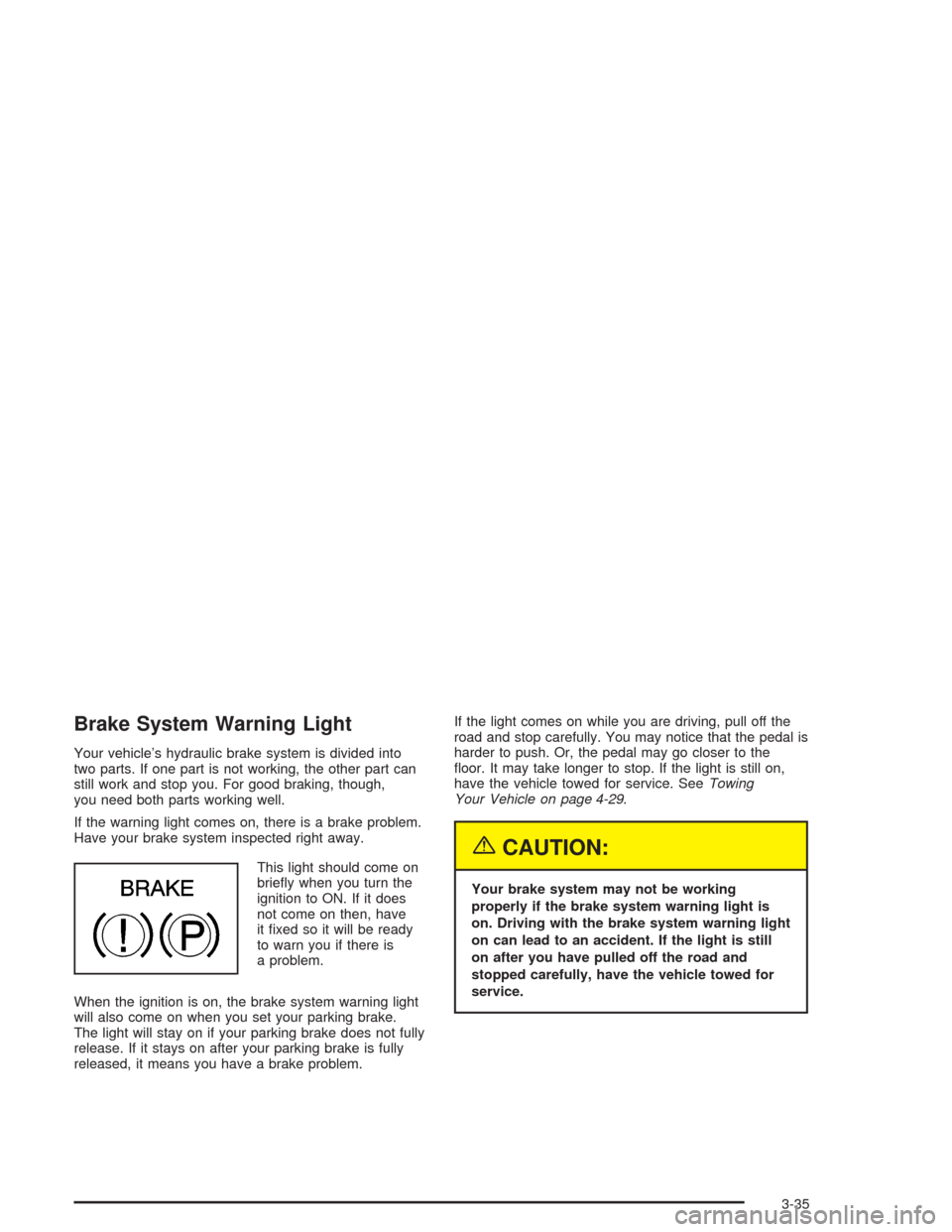
If the warning light comes on, there is a brake problem.
Have your brake system inspected right away.
This light should come on
briefly when you turn the
ignition to ON. If it does
not come on then, have
it fixed so it will be ready
to warn you if there is
a problem.
When the ignition is on, the brake system warning light
will also come on when you set your parking brake.
The light will stay on if your parking brake does not fully
release. If it stays on after your parking brake is fully
released, it means you have a brake problem.If the light comes on while you are driving, pull off the
road and stop carefully. You may notice that the pedal is
harder to push. Or, the pedal may go closer to the
floor. It may take longer to stop. If the light is still on,
have the vehicle towed for service. SeeTowing
Your Vehicle on page 4-29.
{CAUTION:
Your brake system may not be working
properly if the brake system warning light is
on. Driving with the brake system warning light
on can lead to an accident. If the light is still
on after you have pulled off the road and
stopped carefully, have the vehicle towed for
service.
3-35
Page 134 of 338
Anti-Lock Brake System Warning
Light
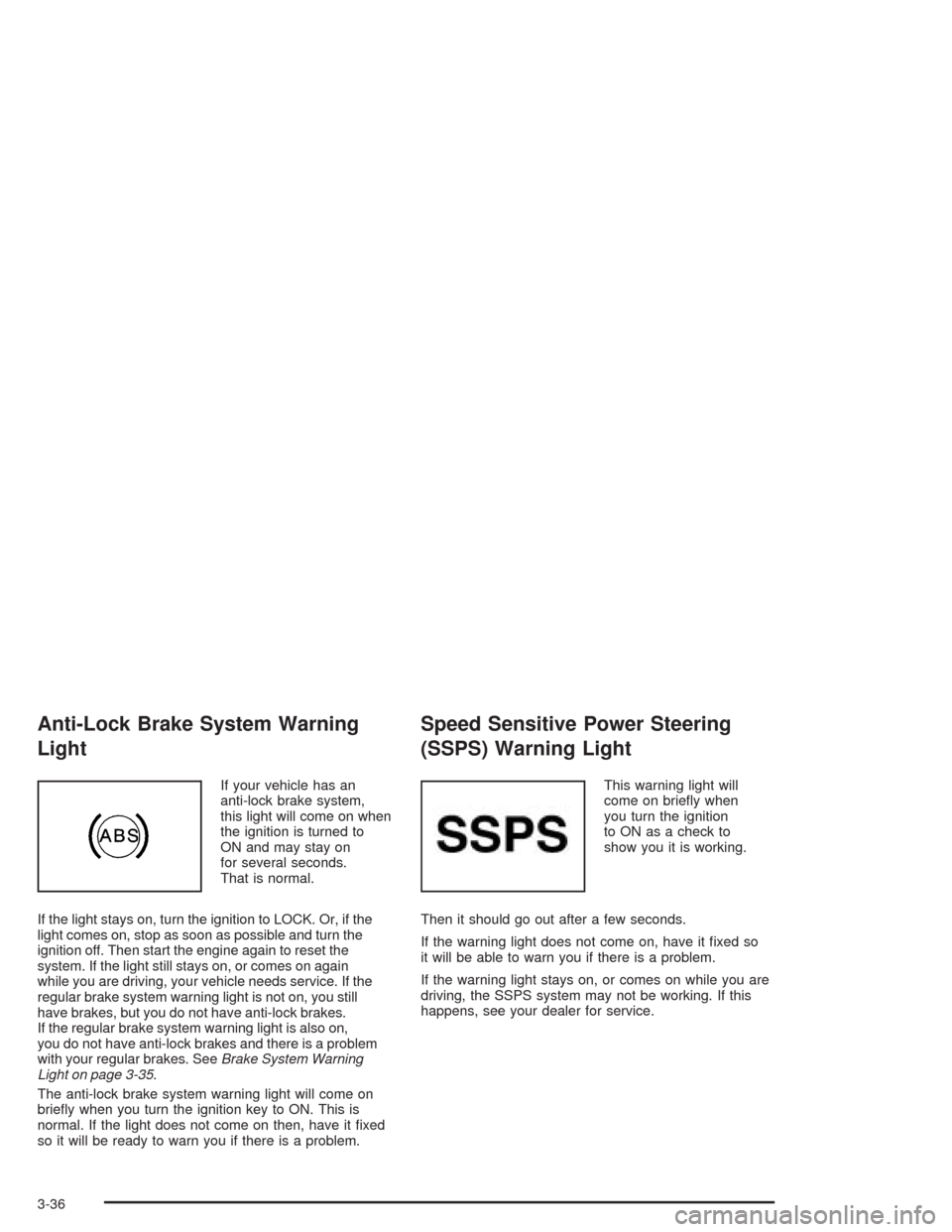
If your vehicle has an
anti-lock brake system,
this light will come on when
the ignition is turned to
ON and may stay on
for several seconds.
That is normal.
If the light stays on, turn the ignition to LOCK. Or, if the
light comes on, stop as soon as possible and turn the
ignition off. Then start the engine again to reset the
system. If the light still stays on, or comes on again
while you are driving, your vehicle needs service. If the
regular brake system warning light is not on, you still
have brakes, but you do not have anti-lock brakes.
If the regular brake system warning light is also on,
you do not have anti-lock brakes and there is a problem
with your regular brakes. SeeBrake System Warning
Light on page 3-35.
The anti-lock brake system warning light will come on
briefly when you turn the ignition key to ON. This is
normal. If the light does not come on then, have it fixed
so it will be ready to warn you if there is a problem.
Speed Sensitive Power Steering
(SSPS) Warning Light
This warning light will
come on briefly when
you turn the ignition
to ON as a check to
show you it is working.
Then it should go out after a few seconds.
If the warning light does not come on, have it fixed so
it will be able to warn you if there is a problem.
If the warning light stays on, or comes on while you are
driving, the SSPS system may not be working. If this
happens, see your dealer for service.
3-36
Page 135 of 338
Traction Control System (TCS)
Warning Light
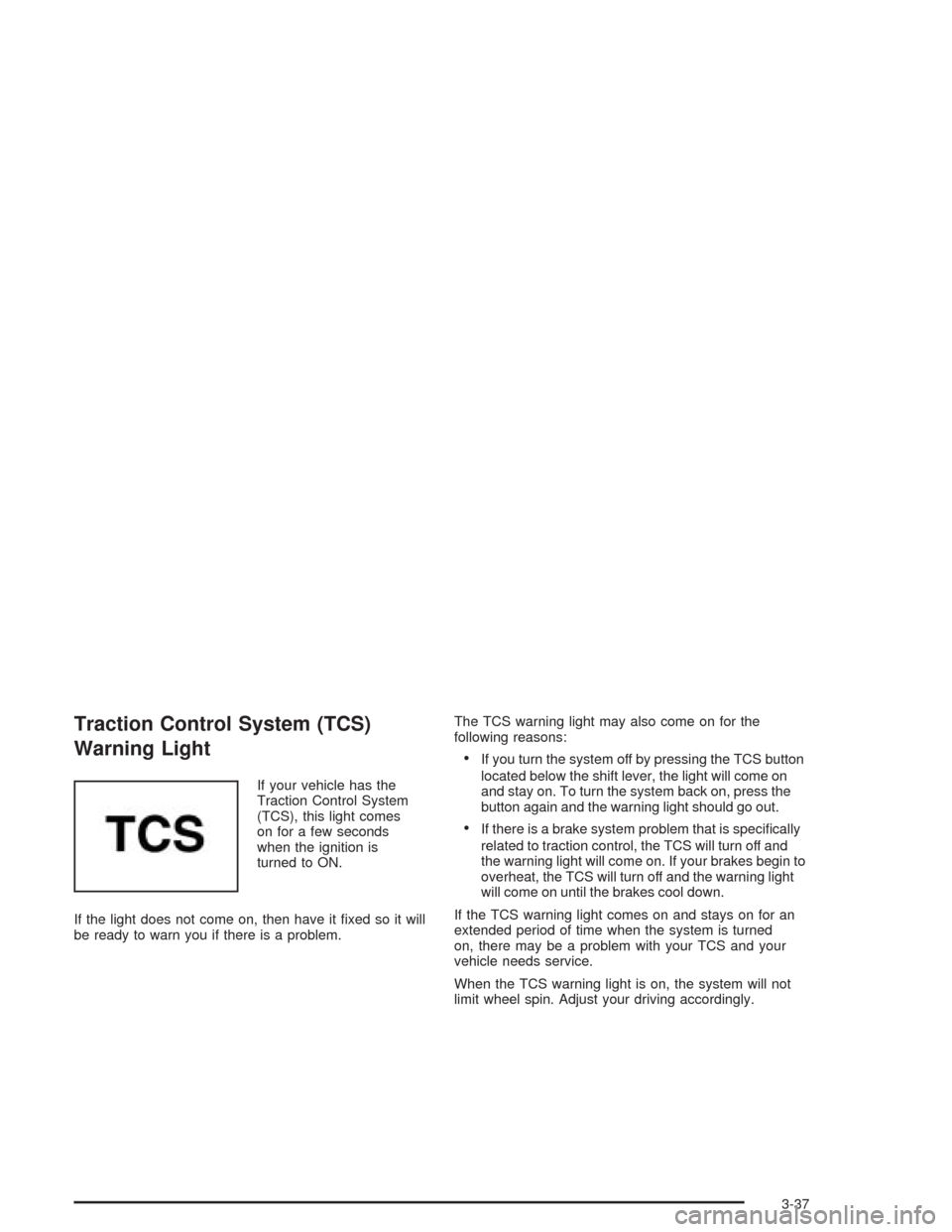
If your vehicle has the
Traction Control System
(TCS), this light comes
on for a few seconds
when the ignition is
turned to ON.
If the light does not come on, then have it fixed so it will
be ready to warn you if there is a problem.The TCS warning light may also come on for the
following reasons:
•If you turn the system off by pressing the TCS button
located below the shift lever, the light will come on
and stay on. To turn the system back on, press the
button again and the warning light should go out.
•If there is a brake system problem that is specifically
related to traction control, the TCS will turn off and
the warning light will come on. If your brakes begin to
overheat, the TCS will turn off and the warning light
will come on until the brakes cool down.
If the TCS warning light comes on and stays on for an
extended period of time when the system is turned
on, there may be a problem with your TCS and your
vehicle needs service.
When the TCS warning light is on, the system will not
limit wheel spin. Adjust your driving accordingly.
3-37