light CHEVROLET EQUINOX 2012 2.G Service Manual
[x] Cancel search | Manufacturer: CHEVROLET, Model Year: 2012, Model line: EQUINOX, Model: CHEVROLET EQUINOX 2012 2.GPages: 428, PDF Size: 6.62 MB
Page 134 of 428
Black plate (18,1)Chevrolet Equinox Owner Manual - 2012
5-18 Instruments and Controls
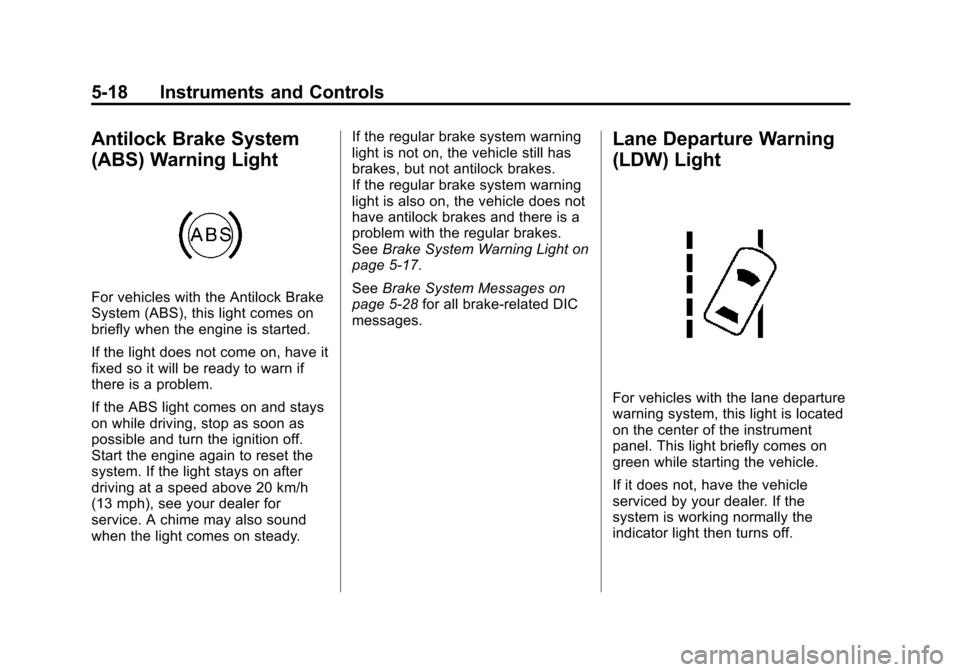
Antilock Brake System
(ABS) Warning Light
For vehicles with the Antilock Brake
System (ABS), this light comes on
briefly when the engine is started.
If the light does not come on, have it
fixed so it will be ready to warn if
there is a problem.
If the ABS light comes on and stays
on while driving, stop as soon as
possible and turn the ignition off.
Start the engine again to reset the
system. If the light stays on after
driving at a speed above 20 km/h
(13 mph), see your dealer for
service. A chime may also sound
when the light comes on steady.If the regular brake system warning
light is not on, the vehicle still has
brakes, but not antilock brakes.
If the regular brake system warning
light is also on, the vehicle does not
have antilock brakes and there is a
problem with the regular brakes.
See
Brake System Warning Light on
page 5‑17.
See Brake System Messages on
page 5‑28 for all brake‐related DIC
messages.
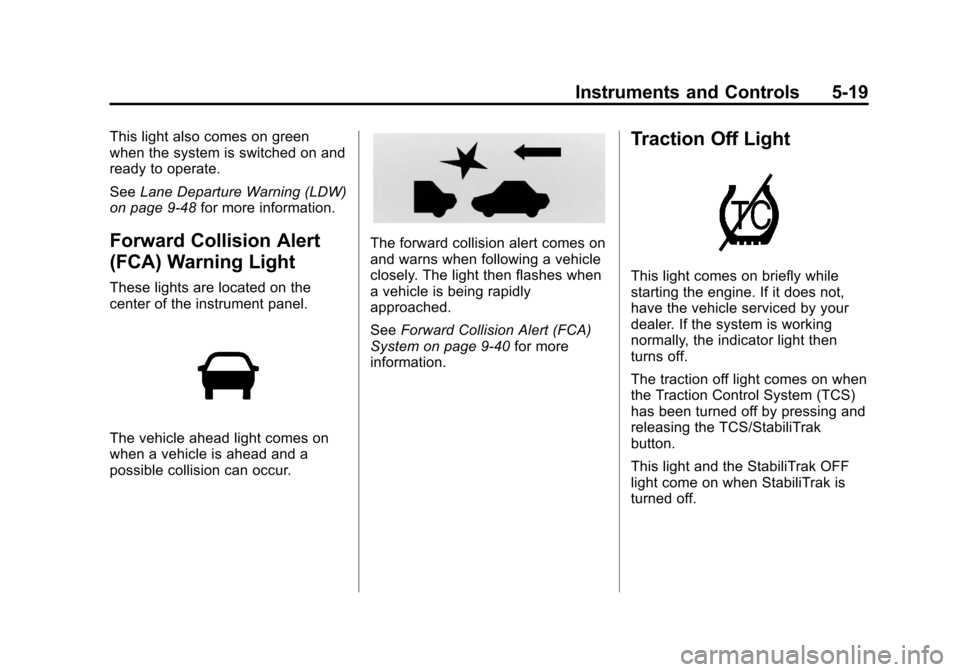
Lane Departure Warning
(LDW) Light
For vehicles with the lane departure
warning system, this light is located
on the center of the instrument
panel. This light briefly comes on
green while starting the vehicle.
If it does not, have the vehicle
serviced by your dealer. If the
system is working normally the
indicator light then turns off.
Page 135 of 428
Black plate (19,1)Chevrolet Equinox Owner Manual - 2012
Instruments and Controls 5-19
This light also comes on green
when the system is switched on and
ready to operate.
SeeLane Departure Warning (LDW)
on page 9‑48 for more information.
Forward Collision Alert
(FCA) Warning Light
These lights are located on the
center of the instrument panel.
The vehicle ahead light comes on
when a vehicle is ahead and a
possible collision can occur.
The forward collision alert comes on
and warns when following a vehicle
closely. The light then flashes when
a vehicle is being rapidly
approached.
SeeForward Collision Alert (FCA)
System on page 9‑40 for more
information.
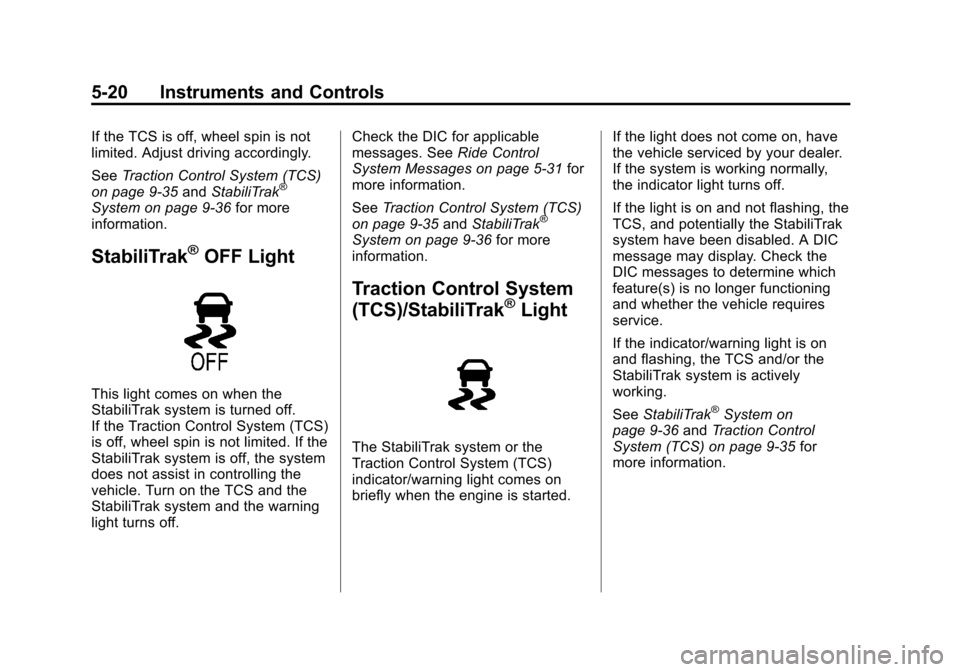
Traction Off Light
This light comes on briefly while
starting the engine. If it does not,
have the vehicle serviced by your
dealer. If the system is working
normally, the indicator light then
turns off.
The traction off light comes on when
the Traction Control System (TCS)
has been turned off by pressing and
releasing the TCS/StabiliTrak
button.
This light and the StabiliTrak OFF
light come on when StabiliTrak is
turned off.
Page 136 of 428
Black plate (20,1)Chevrolet Equinox Owner Manual - 2012
5-20 Instruments and Controls
If the TCS is off, wheel spin is not
limited. Adjust driving accordingly.
SeeTraction Control System (TCS)
on page 9‑35 andStabiliTrak
®
System on page 9‑36 for more
information.
StabiliTrak®OFF Light
This light comes on when the
StabiliTrak system is turned off.
If the Traction Control System (TCS)
is off, wheel spin is not limited. If the
StabiliTrak system is off, the system
does not assist in controlling the
vehicle. Turn on the TCS and the
StabiliTrak system and the warning
light turns off. Check the DIC for applicable
messages. See
Ride Control
System Messages on page 5‑31 for
more information.
See Traction Control System (TCS)
on page 9‑35 andStabiliTrak
®
System on page 9‑36 for more
information.
Traction Control System
(TCS)/StabiliTrak®Light
The StabiliTrak system or the
Traction Control System (TCS)
indicator/warning light comes on
briefly when the engine is started. If the light does not come on, have
the vehicle serviced by your dealer.
If the system is working normally,
the indicator light turns off.
If the light is on and not flashing, the
TCS, and potentially the StabiliTrak
system have been disabled. A DIC
message may display. Check the
DIC messages to determine which
feature(s) is no longer functioning
and whether the vehicle requires
service.
If the indicator/warning light is on
and flashing, the TCS and/or the
StabiliTrak system is actively
working.
See
StabiliTrak
®System on
page 9‑36 andTraction Control
System (TCS) on page 9‑35 for
more information.
Page 137 of 428
Black plate (21,1)Chevrolet Equinox Owner Manual - 2012
Instruments and Controls 5-21
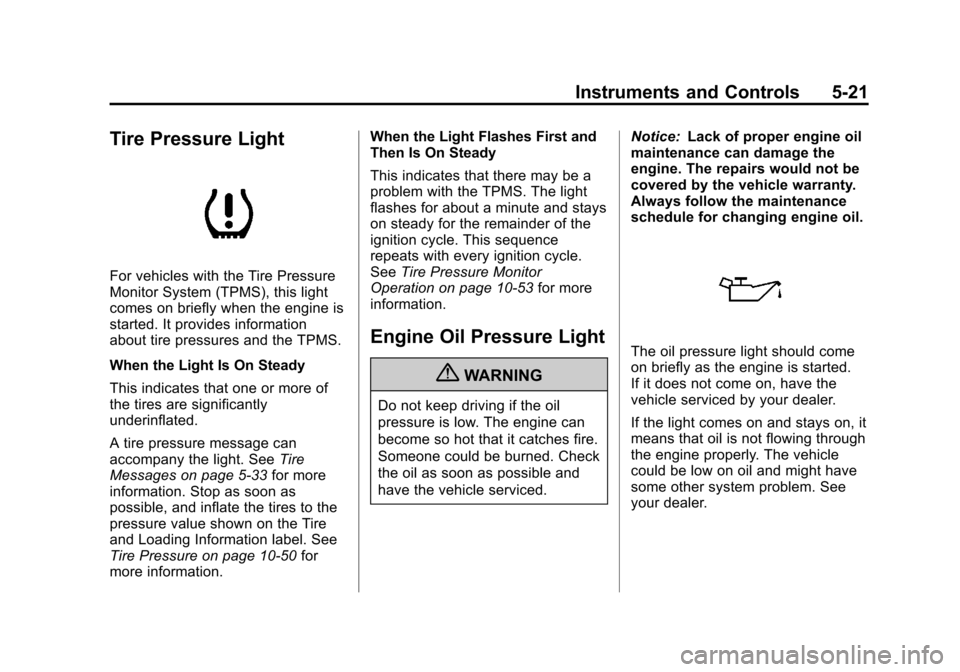
Tire Pressure Light
For vehicles with the Tire Pressure
Monitor System (TPMS), this light
comes on briefly when the engine is
started. It provides information
about tire pressures and the TPMS.
When the Light Is On Steady
This indicates that one or more of
the tires are significantly
underinflated.
A tire pressure message can
accompany the light. SeeTire
Messages on page 5‑33 for more
information. Stop as soon as
possible, and inflate the tires to the
pressure value shown on the Tire
and Loading Information label. See
Tire Pressure on page 10‑50 for
more information. When the Light Flashes First and
Then Is On Steady
This indicates that there may be a
problem with the TPMS. The light
flashes for about a minute and stays
on steady for the remainder of the
ignition cycle. This sequence
repeats with every ignition cycle.
See
Tire Pressure Monitor
Operation on page 10‑53 for more
information.
Engine Oil Pressure Light
{WARNING
Do not keep driving if the oil
pressure is low. The engine can
become so hot that it catches fire.
Someone could be burned. Check
the oil as soon as possible and
have the vehicle serviced. Notice:
Lack of proper engine oil
maintenance can damage the
engine. The repairs would not be
covered by the vehicle warranty.
Always follow the maintenance
schedule for changing engine oil.
The oil pressure light should come
on briefly as the engine is started.
If it does not come on, have the
vehicle serviced by your dealer.
If the light comes on and stays on, it
means that oil is not flowing through
the engine properly. The vehicle
could be low on oil and might have
some other system problem. See
your dealer.
Page 138 of 428
Black plate (22,1)Chevrolet Equinox Owner Manual - 2012
5-22 Instruments and Controls
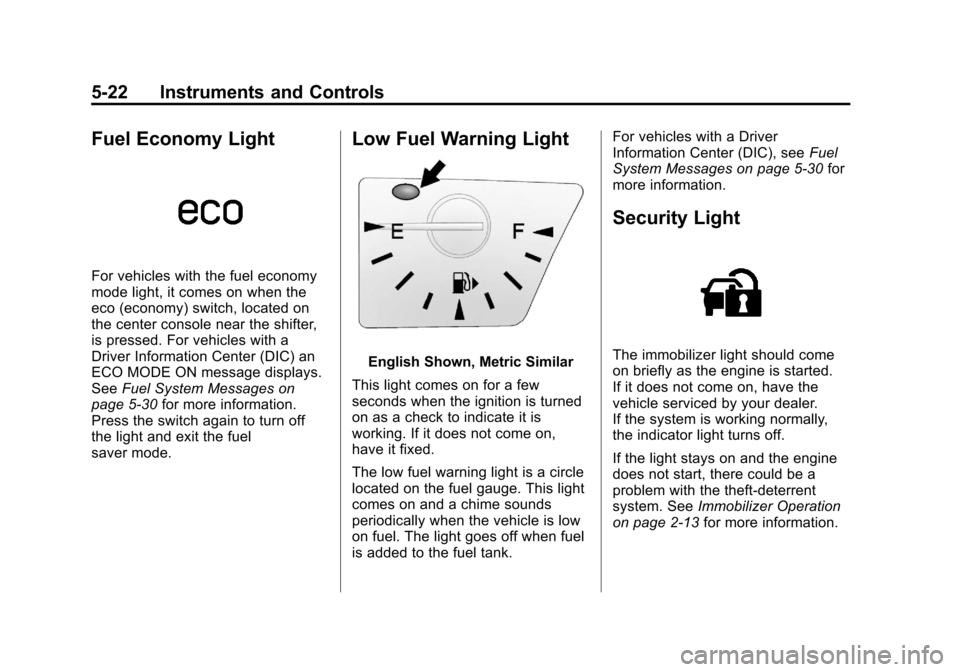
Fuel Economy Light
For vehicles with the fuel economy
mode light, it comes on when the
eco (economy) switch, located on
the center console near the shifter,
is pressed. For vehicles with a
Driver Information Center (DIC) an
ECO MODE ON message displays.
SeeFuel System Messages on
page 5‑30 for more information.
Press the switch again to turn off
the light and exit the fuel
saver mode.
Low Fuel Warning Light
English Shown, Metric Similar
This light comes on for a few
seconds when the ignition is turned
on as a check to indicate it is
working. If it does not come on,
have it fixed.
The low fuel warning light is a circle
located on the fuel gauge. This light
comes on and a chime sounds
periodically when the vehicle is low
on fuel. The light goes off when fuel
is added to the fuel tank. For vehicles with a Driver
Information Center (DIC), see
Fuel
System Messages on page 5‑30 for
more information.
Security Light
The immobilizer light should come
on briefly as the engine is started.
If it does not come on, have the
vehicle serviced by your dealer.
If the system is working normally,
the indicator light turns off.
If the light stays on and the engine
does not start, there could be a
problem with the theft-deterrent
system. See Immobilizer Operation
on page 2‑13 for more information.
Page 139 of 428
Black plate (23,1)Chevrolet Equinox Owner Manual - 2012
Instruments and Controls 5-23
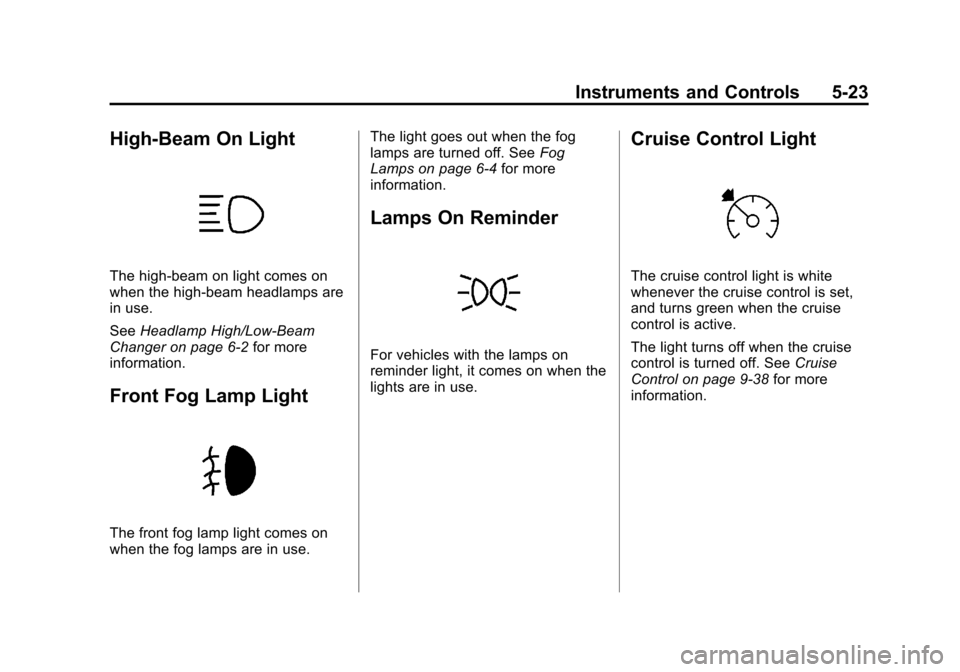
High-Beam On Light
The high‐beam on light comes on
when the high-beam headlamps are
in use.
SeeHeadlamp High/Low-Beam
Changer on page 6‑2 for more
information.
Front Fog Lamp Light
The front fog lamp light comes on
when the fog lamps are in use. The light goes out when the fog
lamps are turned off. See
Fog
Lamps on page 6‑4 for more
information.
Lamps On Reminder
For vehicles with the lamps on
reminder light, it comes on when the
lights are in use.
Cruise Control Light
The cruise control light is white
whenever the cruise control is set,
and turns green when the cruise
control is active.
The light turns off when the cruise
control is turned off. See Cruise
Control on page 9‑38 for more
information.
Page 149 of 428
Black plate (33,1)Chevrolet Equinox Owner Manual - 2012
Instruments and Controls 5-33
Tire Messages
SERVICE TIRE MONITOR
SYSTEM
This message displays if there is a
problem with the Tire Pressure
Monitor System (TPMS). SeeTire
Pressure Monitor Operation on
page 10‑53 for more information.
TIRE LEARNING ACTIVE
This message displays when the
system is learning new tires. See
Tire Pressure Monitor Operation on
page 10‑53for more information.
TIRE LOW ADD AIR TO TIRE
This message displays when the
pressure in one or more of the tires
is low.
This message also displays LEFT
FRONT, RIGHT FRONT, LEFT
REAR, or RIGHT REAR to indicate
the location of the low tire. The low tire pressure warning light
will also come on. See
Tire
Pressure Light on page 5‑21.
If a tire pressure message appears
on the DIC, stop as soon as you
can. Inflate the tires by adding air
until the tire pressure is equal to the
values shown on the Tire and
Loading Information label. See Tires
on page 10‑42, Vehicle Load Limits
on page 9‑16, and Tire Pressure on
page 10‑50.
You can receive more than one tire
pressure message at a time. The
DIC also shows the tire pressure
values. See Driver Information
Center (DIC) on page 5‑24.
Transmission Messages
SERVICE TRANSMISSION
This message displays if there is a
problem with the transmission. See
your dealer.
SHIFT TO PARK
This message displays when the
transmission needs to be shifted to
P (Park). This may appear when
attempting to remove the key from
the ignition or from the vehicle if the
vehicle is not in P (Park).
TRANSMISSION HOT —IDLE
ENGINE
This message displays and a chime
sounds if the transmission fluid in
the vehicle gets hot. Driving with the
transmission fluid temperature high
can cause damage to the vehicle.
Stop the vehicle and let it idle to
allow the transmission to cool. This
message clears when the fluid
temperature reaches a safe level.
Page 150 of 428
Black plate (34,1)Chevrolet Equinox Owner Manual - 2012
5-34 Instruments and Controls
Vehicle Reminder
Messages
ICE POSSIBLE DRIVE
WITH CARE
This message is displayed when ice
conditions are possible.
TURN WIPER CONTROL TO
INTERMITTENT FIRST
This message is displayed when
attempting to adjust the intermittent
wiper speed without intermittent
selected on the wiper control. See
Windshield Wiper/Washer on
page 5‑3.
Vehicle
Personalization
The audio system controls are used
to access the personalization
menus for customizing vehicle
features.
CONFIG (Configuration):Press to
access the Configuration
Settings Menu.
MENU/SELECT Knob: Press the
center of this knob to enter the
menus and select menu items. Turn
the knob to scroll through the
menus.
EBACK: Press to exit or move
backwards in a menu.
Entering the Personalization
Menus
1. Turn the infotainment system on and press the CONFIG button to
access the Configuration
Settings menu. 2. Turn the MENU/SELECT knob to
highlight Vehicle Settings.
3. Press the center of the MENU/ SELECT knob to select the
Vehicle Settings menu.
The following list of menu items will
be available:
.Climate and Air Quality
.Comfort and Convenience
.Collision/Detection Systems
.Languages
.Lighting
.Power Door Locks
.Remote Lock/Unlock/Start
.Return to Factory Settings
Turn the MENU/SELECT knob to
highlight the menu. Press the knob
to select it. Each of the menus is
detailed in the following information.
All of the menus may not be
available. Only those tied to the
features on your vehicle will be
shown.
Page 151 of 428
Black plate (35,1)Chevrolet Equinox Owner Manual - 2012
Instruments and Controls 5-35
Climate and Air Quality
Select the Climate and Air Quality
menu and the following will be
displayed:
.Auto Fan Speed
.Air Conditioning Mode
.Remote Start Auto Heat Seats
Auto Fan Speed
This selection is available on
vehicles with the Automatic Climate
Control System. Choose from the
following blower speed settings:
High: Increased speed.
Low: Reduced speed.
Normal: Moderate speed.
Press the MENU/SELECT knob
when Auto Fan Speed is
highlighted. Turn the knob to
highlight “High,” “Normal,” or“Low.”
Press the knob to confirm the
selection and go back to the
last menu. Air Conditioning Mode
This will allow you to select whether
or not the air conditioning comes on
automatically the next time the
vehicle is started.
“On”means that
the air conditioning will be on at
start up, regardless of whether it
was on or off the last time the
vehicle was turned off. “Off”means
the air conditioning will be off at the
next start up, regardless of whether
it was on or off the last time the
vehicle was turned off. “Last
Setting” means that when the
vehicle is started, the air
conditioning will resume whichever
setting it was at the last time the
vehicle was turned off.
Press the MENU/SELECT knob
when Air Conditioning Mode is
highlighted. Turn the knob to
highlight “On,” “Off,” or“Last
Setting.” Press the knob to confirm
the selection and go back to the
last menu. Remote Start Auto Heat Seats
When on, this feature will turn the
heated seats on when using remote
start on cold days.
Press the MENU/SELECT knob
when
“Remote Start Auto Heat
Seats” is highlighted to toggle
between “On”or“Off.” PressE
BACK to confirm the selection and
go back to the last menu.
Comfort and Convenience
Select the Comfort and
Convenience menu and the
following will be displayed:
.Easy Exit Driver Seat
.Chime Volume
.Reverse Tilt Mirror
Page 152 of 428
Black plate (36,1)Chevrolet Equinox Owner Manual - 2012
5-36 Instruments and Controls
Easy Exit Driver Seat
When on, this feature will move the
driver seat rearward upon turning
the ignition off and the driver door
opening. This may be performed to
make it easier to exit the vehicle.
See the“Easy Exit Driver Seat”
information under Power Seat
Adjustment on page 3‑4 for more
information.
This allows you to turn the easy exit
seat feature on or off.
Press the MENU/SELECT knob
when “Easy Exit Driver Seat” is
highlighted. Turn the knob to select
“On” or“Off.” Press the knob to
confirm and go back to the
last menu.
Chime Volume
This allows the selection of the
chime volume level.
Press the MENU/SELECT knob
when “Chime Volume” is
highlighted. Turn the knob to select “Normal”
or“High.” Press the knob
to confirm and go back to the
last menu.
Reverse Tilt Mirror
When on, both the driver and
passenger mirrors will tilt downward
when vehicle is shifted to
R (Reverse) to improve visibility of
the ground near the rear wheels.
They will return to their previous
driving position when the vehicle is
shifted out of R (Reverse), the
ignition is turned to OFF, or the
vehicle is left in reverse. See Park
Tilt Mirrors on page 2‑17 for more
information.
This allows you to turn the park tilt
mirrors feature on or off.
Press the MENU/SELECT knob
when “Reverse Tilt Mirror” is
highlighted. Turn the knob to select
“On” or“Off.” Press the knob to
confirm and go back to the
last menu.Collision/Detection Systems
Select the Collision/Detection
Systems menu and the following will
be displayed:
.Park Assist
Park Assist
This allows the Ultrasonic Parking
Assist feature to be turned on or off.
Press the MENU/SELECT knob
when “Park Assist” is highlighted.
Turn the knob to select “On,” “Off,”
or “Tow Bar.” Press the knob to
confirm and go back to the
last menu.
See Ultrasonic Parking Assist on
page 9‑43 for more information
Languages
Select the Languages menu and the
following will be displayed:
.English
.French
.Spanish