Index CHEVROLET EXPRESS 1997 1.G Owner's Manual
[x] Cancel search | Manufacturer: CHEVROLET, Model Year: 1997, Model line: EXPRESS, Model: CHEVROLET EXPRESS 1997 1.GPages: 386, PDF Size: 20.32 MB
Page 104 of 386
Downloaded from www.Manualslib.com manuals search engine Mirrors
Inside Mirror
Push or pull the tab under
the mirror to red1 Jce glare
from headlamps behind you after dark.
Outside Mirrors
Adjust your outside mirrors so you can just see the
side of your vehicle, and have a clear view
of objects
behind
you. Some mirrors can be folded in to enter
narrow doorways.
Electric Outside Rearview Mirrors (Option)
If you have electric mirrors, they can be adjusted to
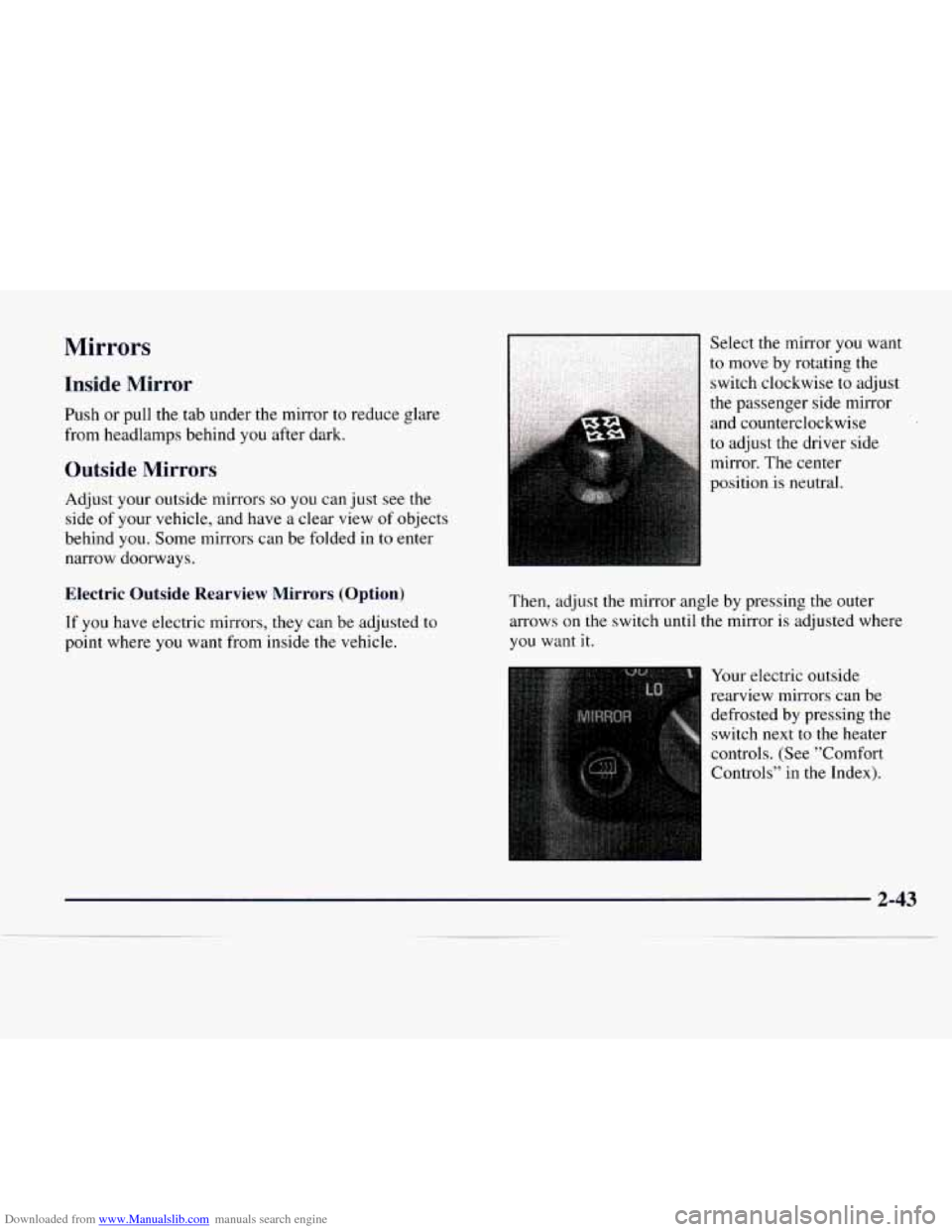
point where you want from inside the vehicle. Select
the mirror you want
to move
by rotating the
switch clockwise to adjust
the passenger side mirror
and counterclockwise
to adjust the driver side
mirror. The center
position is neutral.
Then, adjust the mirror angle by pressing the outer
arrows on the switch until the mirror is adjusted where
you want
it.
Your electric outside
rearview mirrors can be
defrosted by pressing the
switch next
to the heater
controls. (See "Comfort
Controls" in the Index).
2-43
Page 112 of 386
Downloaded from www.Manualslib.com manuals search engine Air Bag Readiness Light
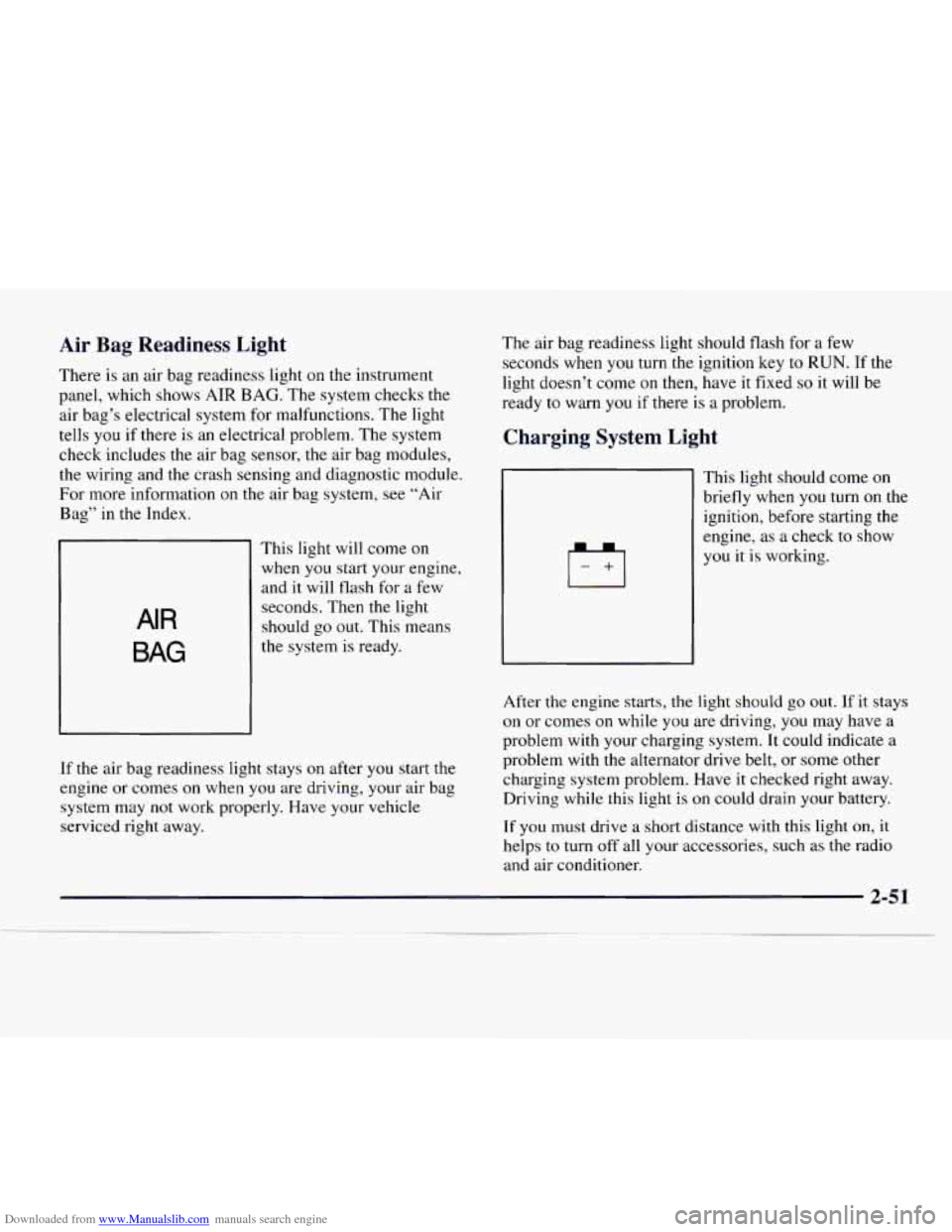
There is an air bag readiness light on the instrument
panel, which shows
AIR BAG. The system checks the
air bag’s electrical system for malfunctions. The light
tells you
if there is an electrical problem. The system
check includes the air bag sensor,
the air bag modules,
the wiring and the crash sensing and diagnostic module.
For more information on the air bag system, see “Air
Bag” in the Index.
AIR
BAG
This light will come on
when
you start your engine,
and it will
flash for a few
seconds. Then
the light
should go out. This means
the system is ready.
If the air bag readiness light stays on after
you start the
engine or comes on when you are driving, your air bag
system may not work properly. Have your vehicle
serviced right away. The air
bag readiness light should flash for a few
seconds when you turn the ignition key to
RUN. If the
light doesn’t come on then, have it fixed
so it will be
ready to warn
you if there is a problem.
Charging System Light
This light should come on
briefly when
you turn on the
ignition, before starting the
engine, as a check to show
you it is working.
After the engine starts,
the light should go out. If it stays
on or comes on while you are driving, you may have a
problem with your charging system. It could indicate a
problem with
the alternator drive belt, or some other
charging system problem. Have
it checked right away.
Driving while this light
is on could drain your battery.
If
you must drive a short distance with this light on, it
helps to turn off all your accessories, such as the radio
and air conditioner.
2-51
Page 113 of 386
Downloaded from www.Manualslib.com manuals search engine Brake System Warning Light
Your vehicle’s hydraulic brake system is divided into
two parts. If one part isn’t working, the other part can
still work and stop
you. For good braking, though, you
need both parts working well.
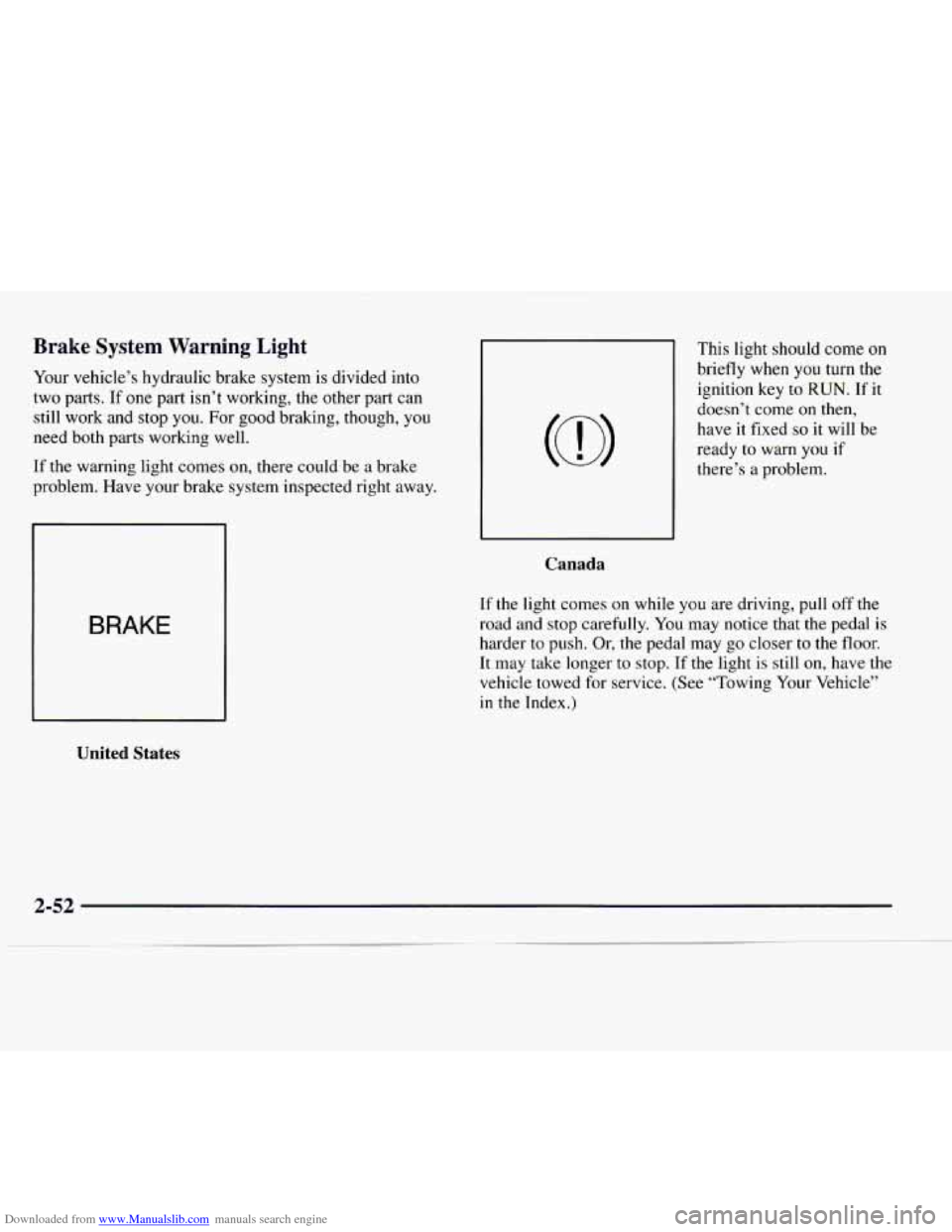
If the warning light comes
on, there could be a brake
problem. Have your brake system inspected right away.
BRAKE
United States
This light should come on
briefly when you turn the
ignition key to
RUN. If it
doesn’t come on then,
have it fixed
so it will be
ready to warn you
if
there’s a problem.
Canada
If the light comes on while you are driving, pull off the
road and stop carefully. You
may notice that the pedal is
harder to push. Or, the pedal may go closer to the floor.
It may take longer to stop. If the light is still on, have the
vehicle towed for service.
(See “Towing Your Vehicle”
in the Index.)
Page 117 of 386
Downloaded from www.Manualslib.com manuals search engine If the Light Is On Steady
You may be able to correct the emission system
malfunction by considering the following:
Did you just drive through a deep puddle of water?
If so, your electrical system may be wet. The condition
will usually be corrected when the electrical system
dries
out. A few driving trips should turn the light off.
Are you low on fuel?
As your engine starts to run out of fuel, your engine may
not run as efficiently
as designed since small amounts of
air are sucked
into the fuel line causing a misfire. The
system can detect this. Adding fuel should correct this
condition. Make sure
to install the fuel cap properly. It
will take a few driving trips
to turn the light off.
Have
you recently changed brands of fuel?
If so, be sure to fuel your vehicle with quality fuel (see
“Fuel” in the Index). Poor fuel quality will cause your
engine not
to run as efficiently as designed. You may
notice this
as stalling after start-up, stalling when you
put the vehicle into gear, misfiring, hesitation on
acceleration or stumbling on acceleration. (These
conditions may go away once
the engine is warmed up.)
This will be detected by the system and cause the light
to turn on.
If you experience one or more of these conditions,
change
the fuel brand you use. It will require at least one
full tank of the proper fuel to turn the light off.
If none of the above steps have made the light turn off,
have your dealer or qualified service center check the
vehicle. Your dealer has
the proper test equipment and
diagnostic tools to
fix any mechanical or electrical
problems that may have developed.
2-56
Page 120 of 386
Downloaded from www.Manualslib.com manuals search engine Listed are four situations you may experience with your
fuel gage:
0
0
0
0
At the gas station, the fuel pump shuts off before the
gage reads
FULL (F).
It takes a little more or less fuel to fill up than the
fuel gage indicated. For example, the gage may have
indicated the tank was half full, but it actually took a
little more or less than half the tank’s capacity to
fill
the tank.
The gage moves a little when you turn
a corner or
speed up.
The gage doesn’t
go back to EMPTY (E) when you
turn off the ignition.
None
of these indicate a problem with the fuel gage.
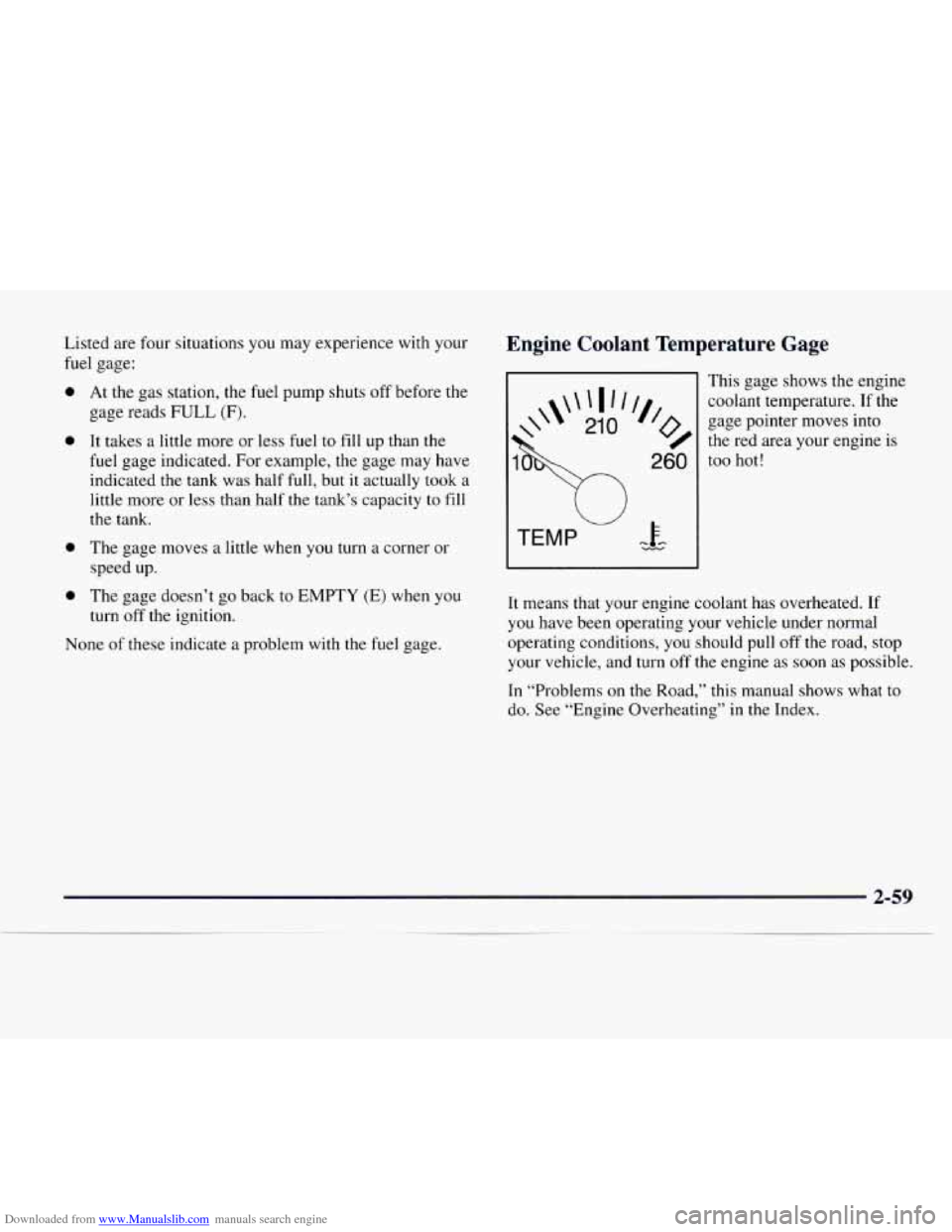
Engine Coolant Temperature Gage
This gage shows the engine
gage pointer moves into
the red area your engine is
coolant
temperature.
If the
’% 260
too hot!
It means that your engine coolant has overheated. If
you have been operating your vehicle under normal
operating conditions,
you should pull off the road, stop
your vehicle, and turn
off the engine as soon as possible.
In “Problems on the Road,” this manual shows what to
do. See “Engine Overheating” in the Index.
Page 132 of 386
Downloaded from www.Manualslib.com manuals search engine Air Conditioning Heating
Before using your
vehicle’s air conditioning, open the
windows to clear the vehicle of hot air. This reduces the
time it takes for your vehicle
to cool down. Then keep
your windows closed for the air conditioner to work at
its best.
You can use MAX
A/C with the temperature knob in the
blue area, when it’s really hot outside and you need to
cool the inside air quickly. MAX A/C lets in only a little
air from the outside.
If you first use MAX
A/C, you can then use A/C with
the temperature knob in the blue area, as
soon as the
vehicle has cooled down,
so outside air will be going
through your vehicle.
If your vehicle has rear air conditioning, setting it on
LO may enhance front A/C performance by allowing
trapped refrigerant in rear lines to circulate.
When the air conditioning, DEFROST or BLEND is on,
you may notice a slight increase or decrease in engine
speed, due to compressor operation. This is normal
because the system is designed to cycle the compressor
on and off to keep the desired temperature. On
cold days, use HEATER with the temperature knob
in the red area. Outside air will be brought in through
the floor outlets. The heater works best if you keep your
windows closed while using it.
If you use the optional engine coolant heater before
starting your engine, your heating system will produce
warmer air faster to heat the passenger compartment in
cold weather. See “Engine Coolant Heater” in the Index.
Ventilation Tips
Keep the hood and front air inlet free of ice, snow,
or any other obstruction (such as leaves). The heater
and defroster will work far better, reducing the
chance of fogging the inside of your windows.
When you enter a vehicle in cold weather, turn the
blower fan to HI for a few moments before driving
off. This helps clear the intake ducts of snow and
moisture, and reduces the chance of fogging the
inside of yow windows.
3-7
Page 138 of 386
Downloaded from www.Manualslib.com manuals search engine RECALL: Press this knob to switch tape sides.
E JECE Press this button to remove the tape or stop
the tape and play the radio. If
you leave a cassette
tape
in the player while listening to the radio, it may
become warm.
CLN: If this message appears on the display, the
cassette tape player needs to be cleaned. It will still play
tapes, but you should clean it as soon as possible
to
prevent damage to the tapes and player. See “Care of
Your Cassette Tape Player” in the Index. After you
clean the player, press and hold EJECT for five seconds
to reset the CLN indicator. The radio will display --- to
show the indicator was reset.
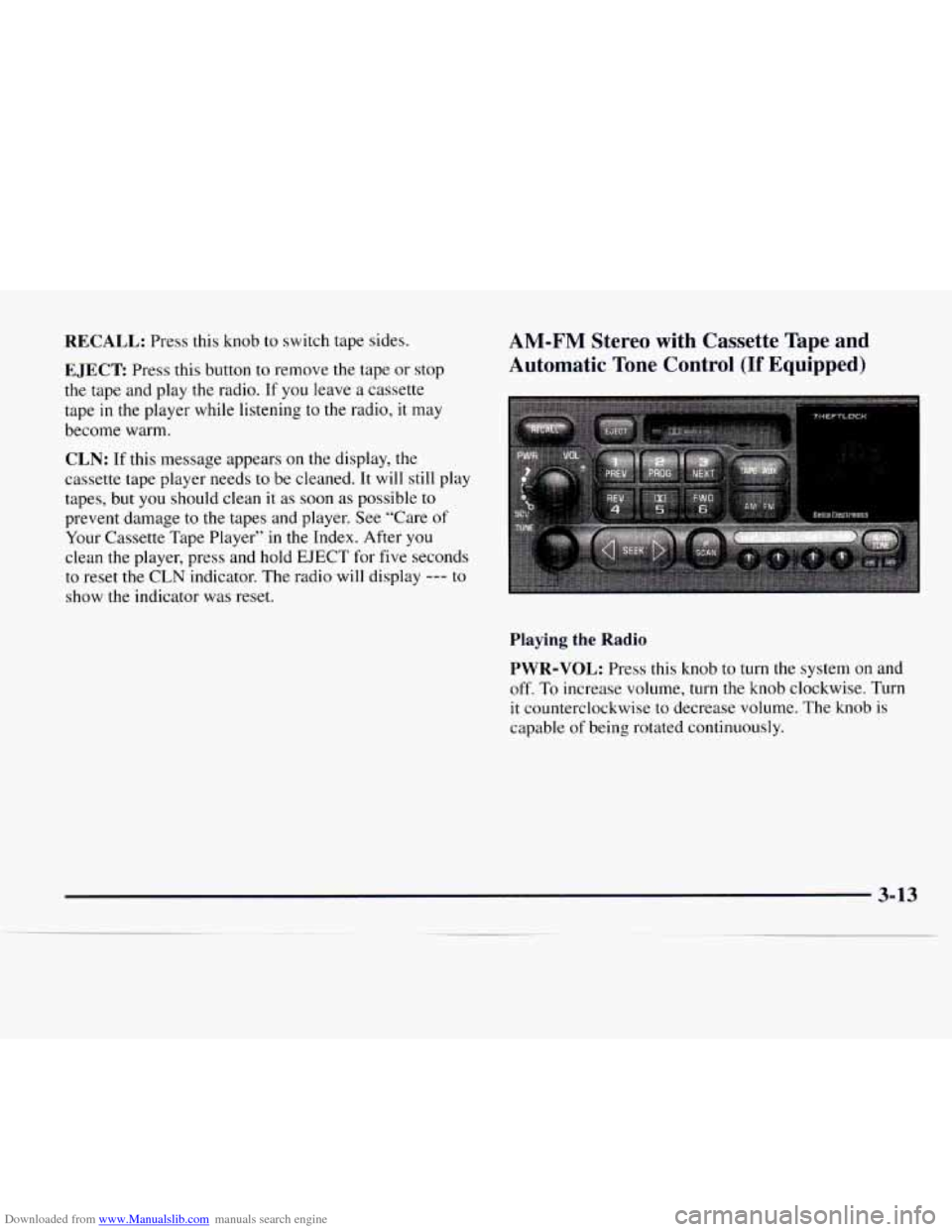
AM-FM Stereo with Cassette Tape and
Automatic Tone Control
(If Equipped)
Playing the Radio
PWR-VOL:
Press this knob to turn the system on and
off. To increase volume, turn the knob clockwise. Turn
it counterclockwise to decrease volume. The knob
is
capable of being rotated continuously.
3-13
Page 142 of 386
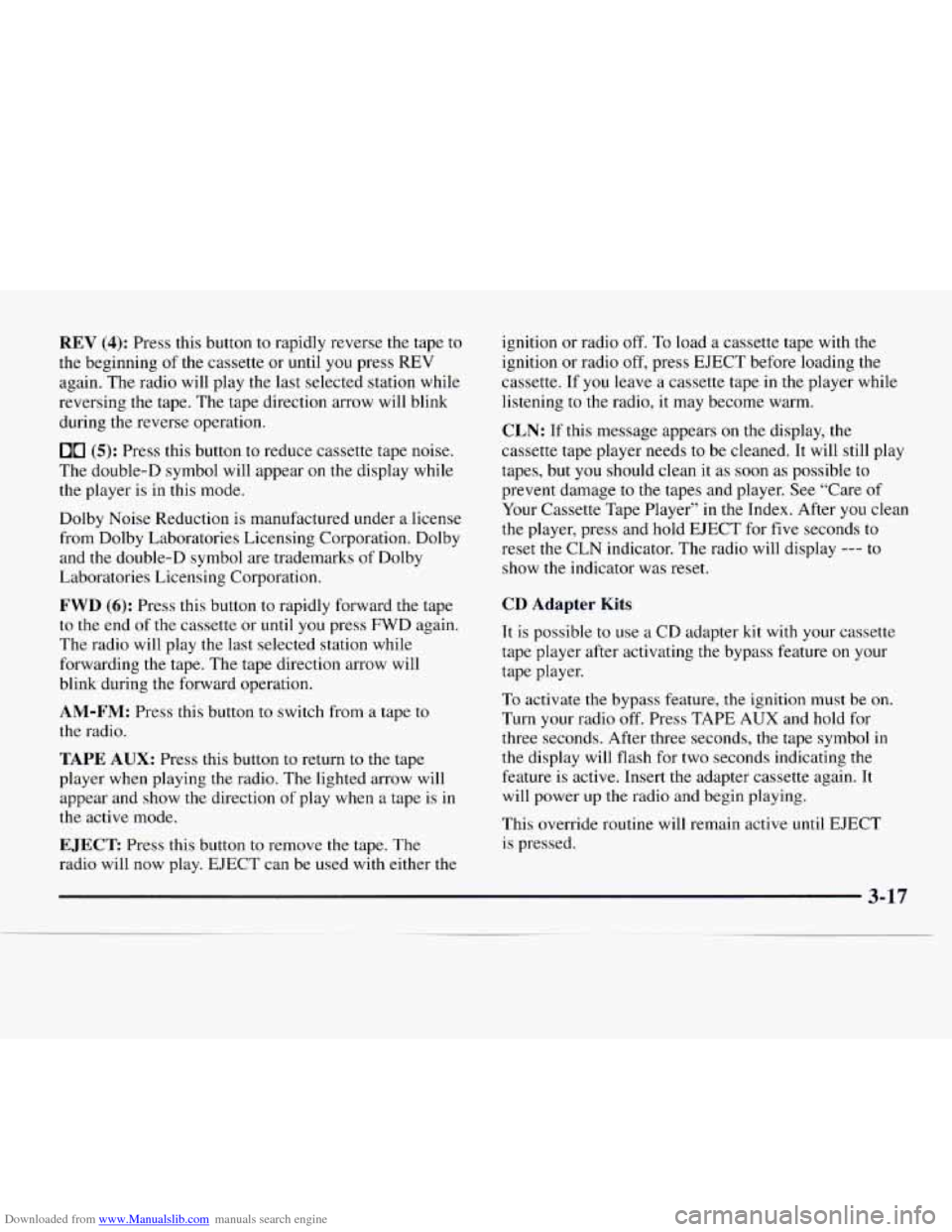
Downloaded from www.Manualslib.com manuals search engine REV (4): Press this button to rapidly reverse the tape to
the beginning of the cassette or until you press
REV
again. The radio will play the last selected station while
reversing the tape. The tape direction arrow will blink
during the reverse operation.
00 (5): Press this button to reduce cassette tape noise.
The double-D symbol will appear on the display while
the player is in this mode.
Dolby Noise Reduction is manufactured under a license
from Dolby Laboratories Licensing Corporation. Dolby
and the double-D symbol are trademarks
of Dolby
Laboratories Licensing Corporation.
FWD (6): Press this button to rapidly forward the tape
to
the end of the cassette or until you press FWD again.
The radio will play the last selected station while
forwarding the tape. The tape direction arrow will
blink during the forward operation.
AM-FM: Press this button to switch from a tape to
the radio.
TAPE AUX: Press this button to return to the tape
player when playing
the radio. The lighted arrow will
appear and show the direction of play when a tape is in
the active mode.
EJECT Press this button to remove the tape. The
radio will now play. EJECT can be used with either the ignition
or radio off.
To load a cassette tape with the
ignition or radio
off, press EJECT before loading the
cassette. If you leave a cassette tape in the player while
listening to the radio, it may become warm.
CLN: If this message appears on the display, the
cassette tape player needs to be cleaned. It will still play
tapes, but you should clean it as soon as possible to
prevent damage to the tapes and player. See “Care of
Your Cassette Tape Player” in
the Index. After you clean
the player, press and hold EJECT for five seconds to
reset the CLN indicator. The radio will display
--- to
show the indicator was reset.
CD Adapter Kits
It is possible to use a CD adapter kit with your cassette
tape player after activating the bypass feature on your
tape player.
To activate
the bypass feature, the ignition must be on.
Turn your radio off. Press TAPE
AUX and hold for
three seconds. After three seconds, the tape symbol
in
the display will flash for two seconds indicating the
feature is active. Insert the adapter cassette again. It
will power up the radio and begin playing.
This override routine will remain active
until EJECT
is pressed.
3-17
Page 155 of 386
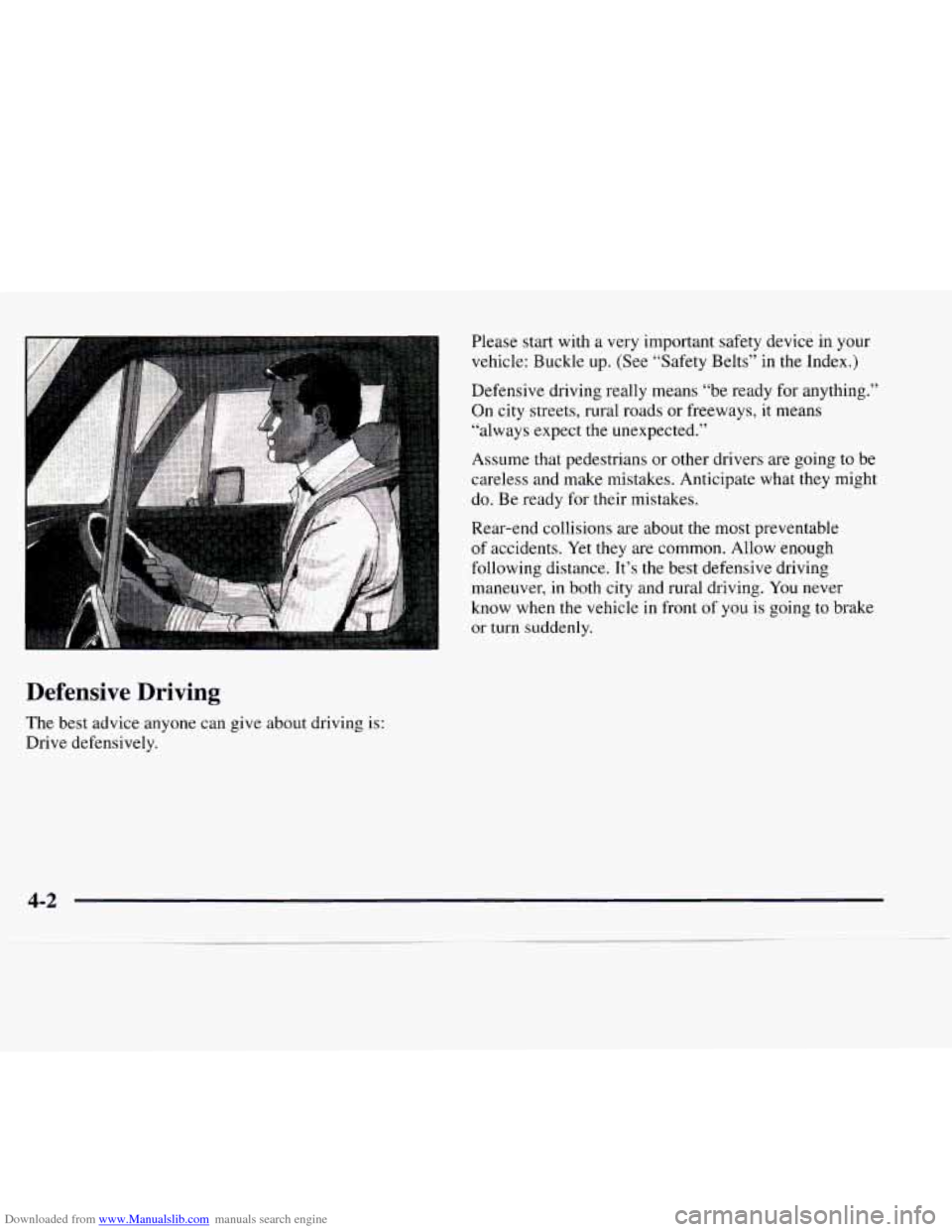
Downloaded from www.Manualslib.com manuals search engine Please start with a very important safety device in your
vehicle: Buckle up. (See “Safety Belts” in
the Index.)
Defensive driving really means “be ready for anything.”
On city streets, rural roads or freeways, it means
“always expect
the unexpected.”
Assume that pedestrians or other drivers are going to be
careless and make mistakes. Anticipate what they might
do. Be ready for their mistakes.
Rear-end collisions are about
the most preventable
of accidents. Yet they are common. Allow enough
following distance. It’s the best defensive driving
maneuver, in both city and rural driving. You never
know when the vehicle in front
of you is going to brake
or turn suddenly.
Defensive Driving
The best advice anyone can give about driving is:
Drive defensively.
4-2
Page 160 of 386
Downloaded from www.Manualslib.com manuals search engine Avoid needless heavy braking. Some people drive in
spurts -- heavy acceleration followed by heavy
braking
-- rather than keeping pace with traffic. This is a
mistake. Your brakes may not have time to cool between
hard stops. Your brakes will wear
out much faster if you
do a lot of heavy braking. If you keep pace with the
traffic and allow realistic following distances, you
will
eliminate a lot of unnecessary braking. That means
better braking and longer brake life.
If your engine ever stops while you’re driving, brake
normally but don’t pump your brakes. If you do, the
pedal may get harder
to push down. If your engine
stops, you will still have some power brake assist. But
you will use it when you brake. Once the power assist is
used up, it may take longer to stop and the brake pedal
will be harder to push.
Anti-Lock Brakes (ABS)
Your vehicle has anti-lock brakes (ABS). ABS is an
advanced electronic braking system that will help
prevent a braking skid.
When
you start your engine and begin to drive away,
your anti-lock brake system will check itself. You may
hear a momentary motor or clicking noise while this test
is going on. This is normal.
ANTI -
LOCK
If there’s a problem with the
anti-lock brake system, this
warning light will stay
on.
See “Anti-Lock Brake
System Warning Light” in
the Index.