ECU CHEVROLET EXPRESS 1998 1.G Owner's Manual
[x] Cancel search | Manufacturer: CHEVROLET, Model Year: 1998, Model line: EXPRESS, Model: CHEVROLET EXPRESS 1998 1.GPages: 386, PDF Size: 20.74 MB
Page 132 of 386
Downloaded from www.Manualslib.com manuals search engine I A CAUTION:
Don’t keep driving if the oil pressure is low. If
you do, your engine can become so hot that it
catches fire. You or others could be burned.
Check your oil as soon
as possible and have your
vehicle serviced.
I NOTICE:
Damage to your engine from neglected oil
problems can be costly and
is not covered by
your warranty.
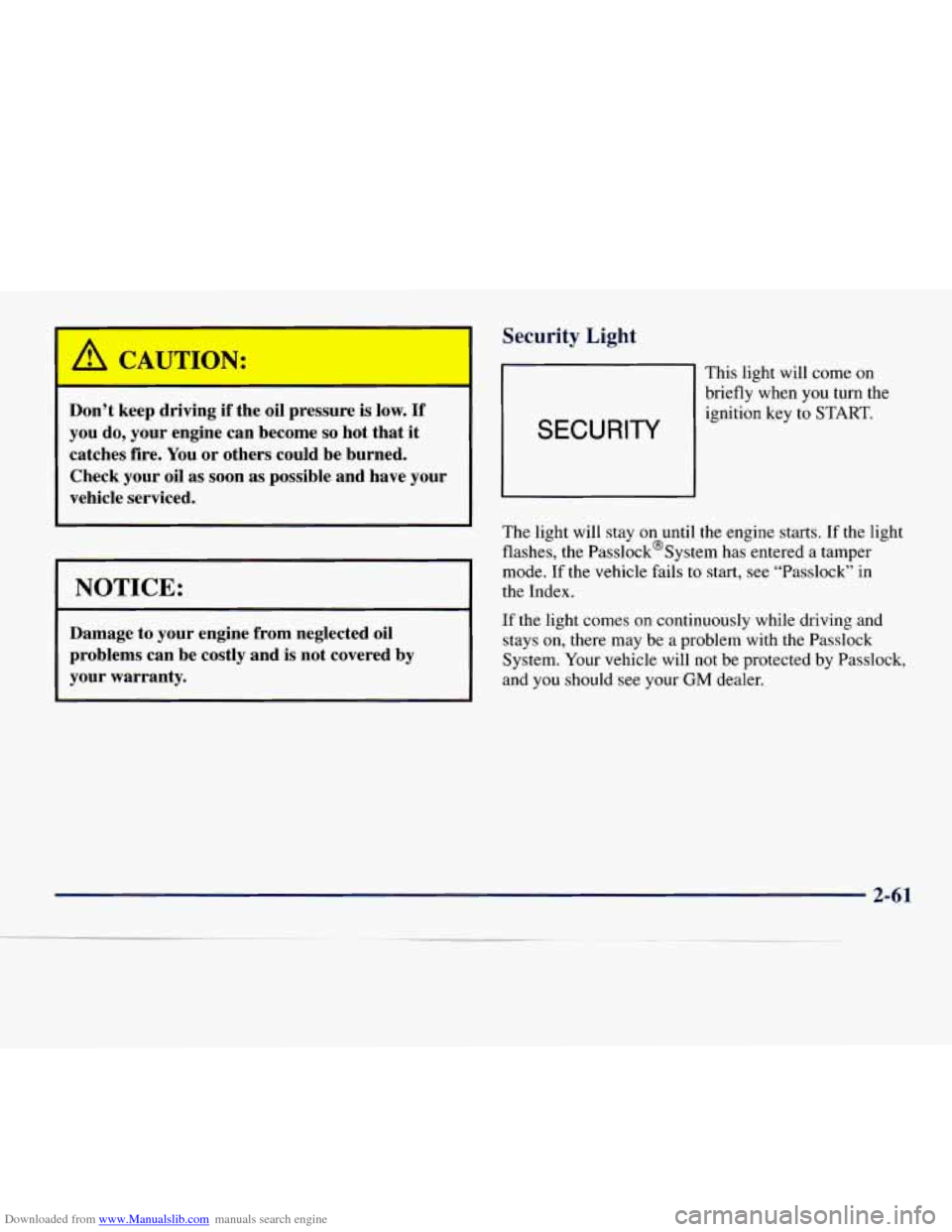
Security Light
SECURITY
This light will come on
briefly when you turn the
ignition key to START.
m
The light will stay on until the engine starts. If the
flashes, the Passlock%ystem has entered
a tampel light I-
mode. If the vehicle
fails to start, see “Passlock” in
the Index.
If the light comes
on continuously while driving and
stays on, there may be a problem with the Passlock
System.
Your vehicle will not be protected by Passlock,
and you should see your
GM dealer.
2-61
Page 155 of 386
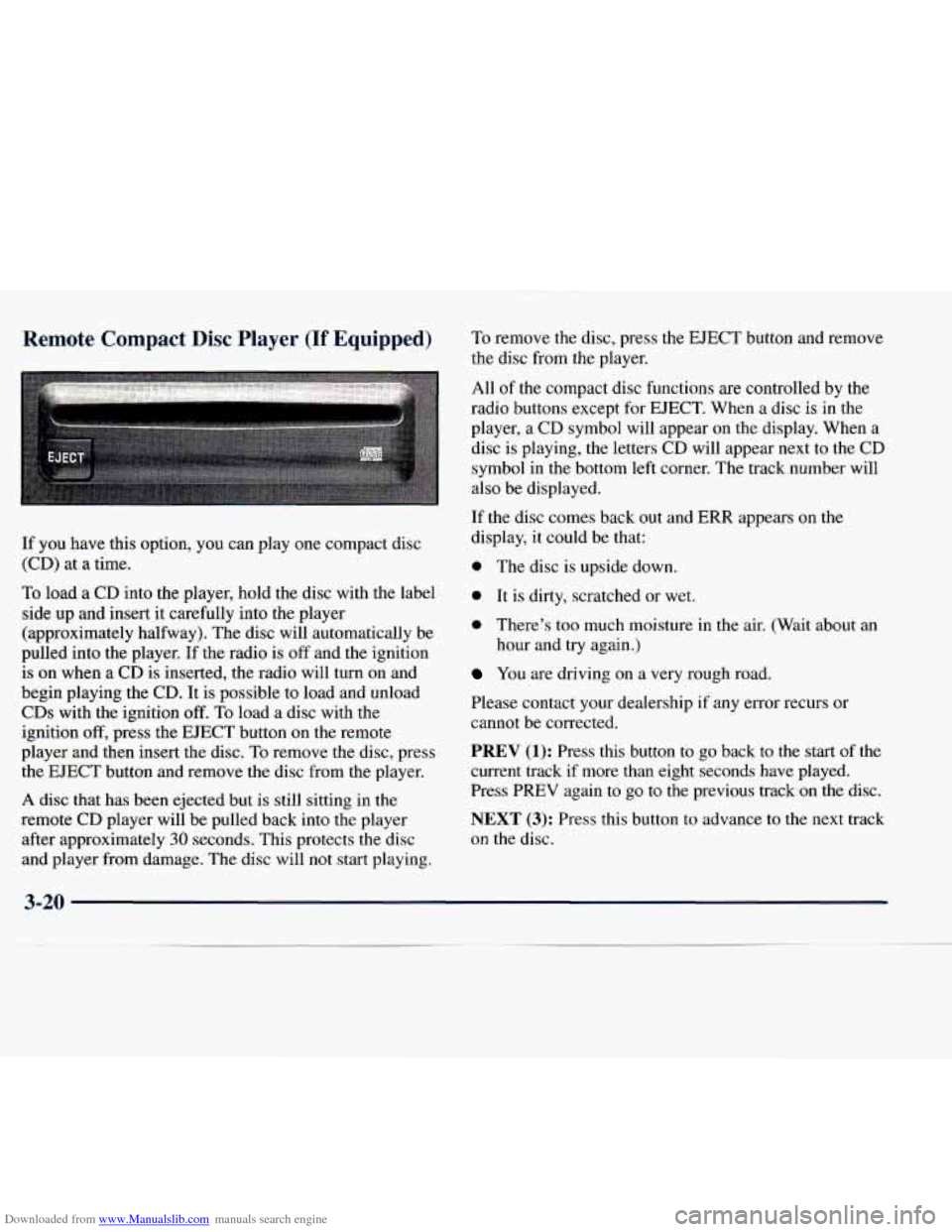
Downloaded from www.Manualslib.com manuals search engine Remote Compact Disc Player (If Equipped)
If you h .ave this option, you can pla
(cD) at a time. .y
one compact
disc
To load
a CD into the player, hold the disc with the label
side up and insert it carefully into the player
(approximately halfway). The disc will automatically be
pulled into the player.
If the radio is off and the ignition
is on when a CD
is inserted, the radio will turn on and
begin playing the
CD. It is possible to load and unload
CDs with the ignition off. To load a disc with the
ignition
off, press the EJECT button on the remote
player and then insert the disc. To remove the disc, press
the EJECT button and remove the disc from
the player.
A disc that has been ejected but is still sitting in the
remote CD player will be pulled back into the player
after approximately
30 seconds. This protects the disc
and player from damage. The disc will not start playing. To
remove the disc, press the EJECT button and remove
the disc from the player.
All
of the compact disc functions are controlled by the
radio buttons except for EJECT. When a disc is in the
player, a CD symbol will appear on the display. When
a
disc is playing, the letters CD will appear next to the CD
symbol in the bottom left corner. The track number will
also be displayed.
If the disc comes back out and
ERR appears on the
display, it could be that:
0 The disc is upside down.
0 It is dirty, scratched or wet.
0 There’s too much moisture in the air. (Wait about an
hour and try again.)
You are driving on a very rough road.
Please contact your dealership
if any error recurs or
cannot be corrected.
PREV (1): Press this button to go back to the start of the
current track if more than eight seconds have played.
Press
PREV again to go to the previous track on the disc.
NEXT (3): Press this button to advance to the next track
on
the disc.
3-20
Page 157 of 386
Downloaded from www.Manualslib.com manuals search engine Activating the Theft-Deterrent Feature
The instructions which follow explain how to enter your
secret code to activate the THEFTLOCK system. It is
recommended that you read through all nine steps
before starting the procedure.
NOTE:
If you allow more than 15 seconds to elapse
between any steps, the radio automatically reverts to
time and you must start the procedure over at Step
4.
1.
2.
3.
4.
5.
6.
7.
Write down any three or four-digit number from
000 to 1999 and keep it in a safe place separate from
the vehicle.
Turn the ignition to ACCESSORY or RUN.
Turn
the radio off.
Press the 1 and 4 buttons together. Hold them down
until
--- shows on the display. Next you will use the
secret code number which
you have written down.
Press MN and
000 will appear on the display.
Press MN again to make the last two digits agree
with your code.
Press HR
to make the first one or two digits agree
with your code.
8. Press AM-FM after you have confirmed that the
code matches the secret code you have written down.
The display will show
REP to let you know that you
need to repeat Steps
5 through 7 to confirm your
secret code.
9. Press AM-FM and this time the display will show
SEC to let
you know that your radio is secure. The
indicator by the volume control will begin flashing
when the ignition is turned off.
Unlocki ~ the Theft-Deterrent Feature After a
Power Loss
Enter your secret code as follows; pause no more than
15 seconds between steps:
1. LOC appears when the ignition is on.
2. Press MN and 000 will appear on the display.
3. Press MN again to make the last two digits agree
with your code.
4. Press HR to make the first one or two digits agree
with your code.
code matches the secret code you have written down.
The display will show
SEC, indicating the radio is
now operable and secure.
5. Press AM-FM after you have confirmed that the
3-22
Page 158 of 386
Downloaded from www.Manualslib.com manuals search engine If you enter the wrong code eight times, INOP will
appear on the display. You will have to wait an hour
with the ignition
on before you can try again. When you
try again, you will only have three chances to enter the
correct code before INOP appears.
If
you lose or forget your code, contact your dealer.
Disabling the Theft-Deterrent Feature
Enter your secret code as follows; pause no more than
15 seconds between steps:
1.
2.
3.
4.
5.
6.
7.
Turn the ignition to ACCESSORY or RUN.
Turn the radio
off.
Press the 1 and 4 buttons together. Hold them down
until
SEC shows on the display.
Press MN and
000 will appear on the display.
Press MN again to make the last two digits agree
with your code.
Press HR
to make the first one or two digits agree
with your code.
Press AM-FM after
you have confirmed that the
code matches the secret code you have written down.
The display will show
---, indicating that the radio is
no longer secured. If
the code entered is incorrect, SEC will appear on
the
display. The radio will remain secured until the correct
code is entered.
When battery power
is removed and later applied to a
secured radio, the radio won’t turn
on and LOC will
appear on the display.
To unlock a secured radio, see “Unlocking the
Theft-Deterrent Feature After a Power
Loss” earlier
in this section.
Understanding Radio Reception
AM
The range for most AM stations is greater than for FM,
especially at night. The longer range, however, can
cause stations
to interfere with each other. AM can pick
up noise from things like storms and power lines. Try
reducing the treble
to reduce this noise if you ever get it.
FM Stereo
FM stereo will give you the best sound, but FM signals
will reach only about
10 to 40 miles ( 16 to 65 km). Tall
buildings or hills can interfere with FM signals, causing
the sound
to come and go.
Page 186 of 386
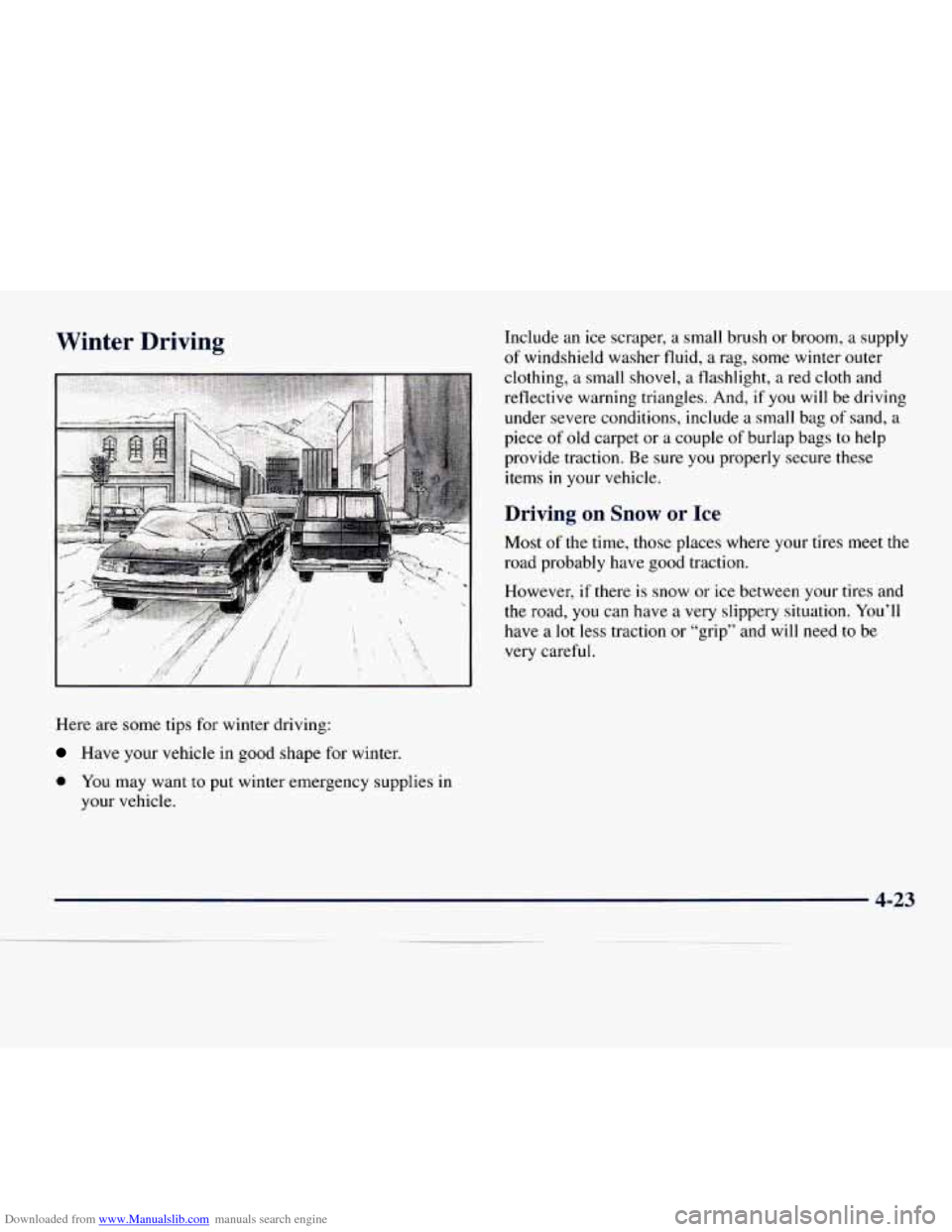
Downloaded from www.Manualslib.com manuals search engine Winter Driving
Here are some tips for winter driving:
Have your vehicle in good shape for winter. Include
an ice scraper, a small brush or broom, a supply
of windshield washer fluid, a rag, some winter outer
clothing,
a small shovel, a flashlight, a red cloth and
reflective warning triangles. And,
if you will be driving
under severe conditions, include a small bag
of sand, a
piece of old carpet or a couple of burlap bags
to help
provide traction. Be sure you properly secure these
items in your vehicle.
Driving on Snow or Ice
Most of the time, those places where your tires meet the
road probably have good traction.
However, if there
is snow or ice between your tires and
the road,
you can have a very slippery situation. You’ll
have a
lot less traction or “grip” and will need to be
very careful.
0 You may want to put winter emergency supplies in
your vehicle.
4-23
Page 191 of 386
Downloaded from www.Manualslib.com manuals search engine Things you put inside your vehicle can strike
and injure people in a sudden stop or turn, or
in a crash.
0 Put things in the cargo area of your vehicle.
0 Never stack heavier things, like suitcases,
Try
to spread the weight evenly.
inside the vehicle
so that some of them are
above the tops of the seats.
0 Don’t leave an unsecured child restraint in
your vehicle.
0 When you carry something inside the
vehicle, secure
it whenever you can.
Towing a Trailer
,- CAUTION:
If you don’t use the correct equipment and drive
properly, you can lose control when you pull
a
trailer. For example, if the trailer is too heavy,
the brakes may not work well
-- or even at all.
You and your passengers could be seriously
injured. Pull
a trailer only if you have followed
all the steps in this section. Ask your dealer for
advice and information about towing
a trailer
with your vehicle.
4-28
Page 197 of 386
Downloaded from www.Manualslib.com manuals search engine Towing a trailer requires a certain amount of experience.
Before setting
out for the open road, you’ll want to get
to know your rig. Acquaint yourself with the feel of
handling and braking with the added weight
of the
trailer. And always keep in mind that the vehicle
you are
driving is now a good deal longer and
not nearly as
responsive as your vehicle is by itself.
Before
you start, check the trailer hitch and platform
(and attachments), safety chains, electrical connector,
lamps, tires and mirror adjustment.
If the trailer has
electric brakes, start your vehicle and trailer moving and
then apply the trailer brake controller by hand to be sure
the brakes are working. This lets
you check your
electrical connection
at the same time.
During your trip, check occasionally to be sure that the
load is secure, and that the lamps and any trailer brakes
are still working.
Following Distance
Stay at least twice as far behind the vehicle ahead as you
would when driving your vehicle without a trailer. This
can help you avoid situations that require heavy braking
and sudden turns.
Passing
You’ll need more passing distance up ahead when
you’re towing a trailer. And, because you’re a good deal
longer, you’ll need
to go much farther beyond the
passed vehicle before you can return
to your lane.
Backing Up
Hold the bottom of the steering wheel with one hand.
Then, to move
the trailer to the left, just move that hand
to the left. To move the trailer to the right, move your
hand to the right. Always back up slowly and, if
possible, have someone guide you.
Page 200 of 386
Downloaded from www.Manualslib.com manuals search engine Trailer Wiring Harness
The light-duty trailer wiring harness is a six-wire
harness assembly. The optional heavy-duty trailer
wiring package is an eight-wire harness assembly. The
harness is stored under the vehicle, along the driver’s
side rear corner of the frame rail. The heavy-duty trailer
wiring harness has a 30-amp feed wire. Both harnesses
come without connectors and should be wired by a
qualified electrical technician. The technician can use
the following color code chart when connecting the
wiring harness to your trailer.
Dark Blue: Use for electric trailer brakes (eight-wire
harness only)
Orange: Trailer accessory (eight-wire harness only)
0 Light Green: Back-up lamps
0 Brown: Parking lamps
Yellow: Left stoplamp and turn signal
0 Dark Green: Right stoplamp and turn signal
0 White (heavy gage): Ground wire
White (light gage): Center high-mounted stoplamp
Securely attach the harness to the trailer, then tape or
strap
it to your vehicle’s frame rail. Be sure you leave it
loose enough
so the wiring doesn’t bend or break, but
not
so loose that it drags on the ground. Store the
harness in its original place. Wrap the harness together
and tie it neatly
so it won’t be damaged.
Page 210 of 386
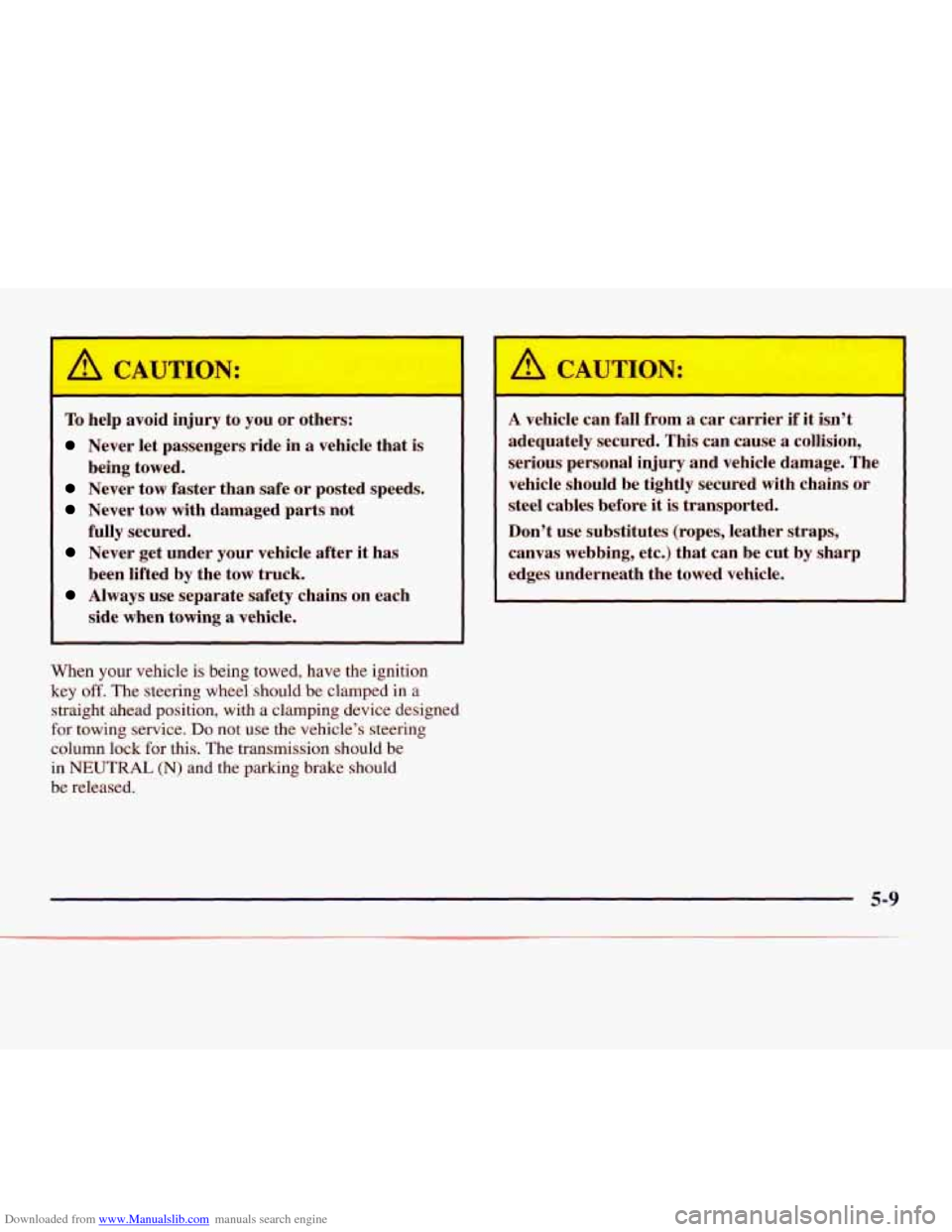
Downloaded from www.Manualslib.com manuals search engine A CAUTWN:
To help avoid injury to you or others:
Never let passengers ride in a vehicle that is
Never tow faster than safe or posted speeds.
Never tow with damaged parts not
Never get under your vehicle after it has
Always use separate safety chains on each
being
towed.
fully secured. been lifted by the tow truck.
side when towing
a vehicle.
When your vehicle is being towed, have the ignition
key
off. The steering wheel should be clamped in a
straight ahead position, with a clamping device designed
for towing service.
Do not use the vehicle’s steering
column lock for this. The transmission should be
in
NEUTRAL (N) and the parking brake should
be released.
I
A vehicle can fall from a car carrier if it isn’t
adequately secured. This can cause
a collision,
serious personal injury and vehicle damage. The
vehicle should be tightly secured with chains or
steel cables before
it is transported.
Don’t use substitutes (ropes, leather straps,
canvas webbing, etc.) that can be cut by sharp
edges underneath the towed vehicle.
5-9
Page 224 of 386
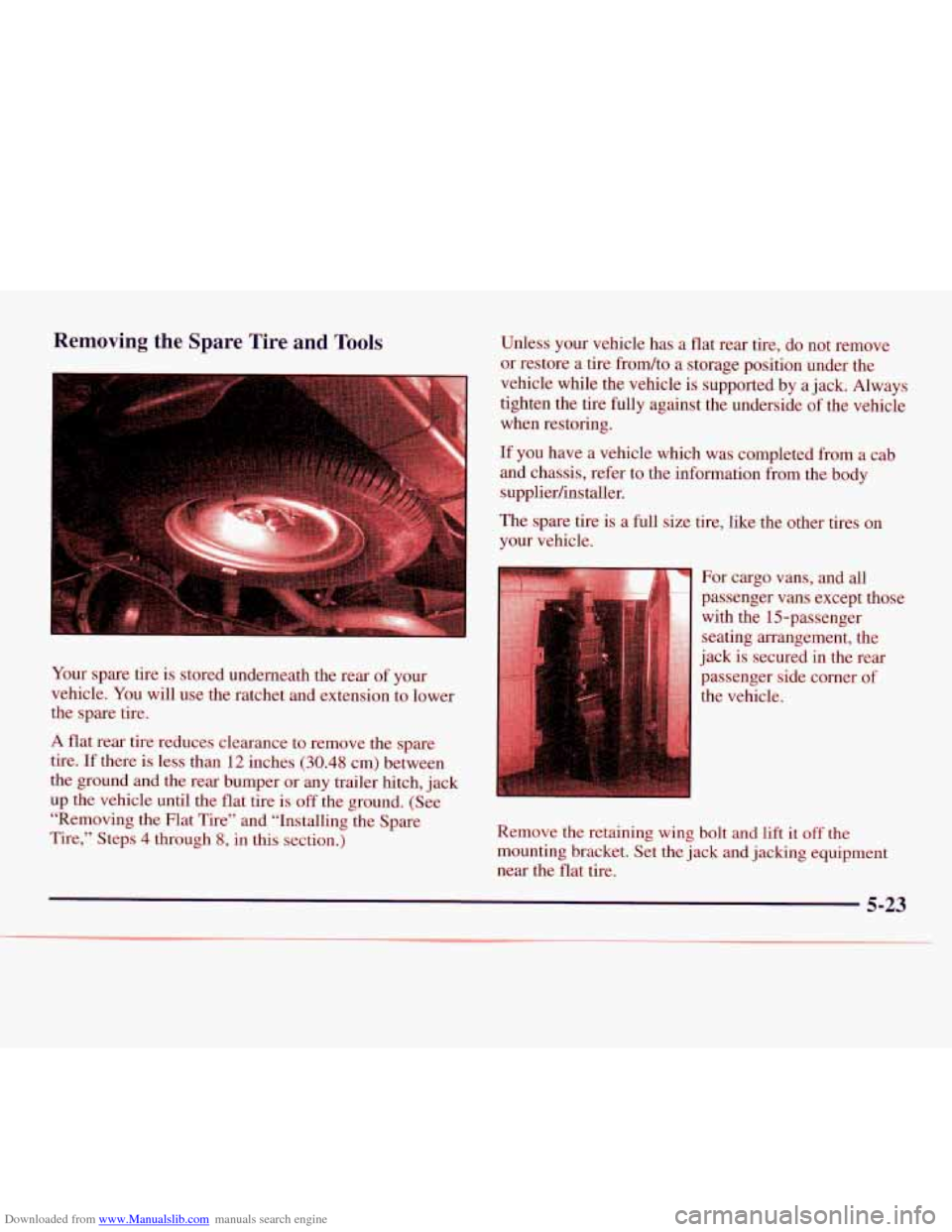
Downloaded from www.Manualslib.com manuals search engine Removing the Spare Tire and Tools
::.. ..,. .. .
. . . . , . . .. . .j
Your spare tire is stored underneath the rear of your
vehicle. You will use the ratchet and extension to lower
the spare tire.
A flat rear tire reduces clearance to remove the spare
tire. If there is less than 12 inches (30.48 cm) between
the ground and the rear bumper or any trailer hitch, jack
up the vehicle until the flat tire is
off the ground. (See
“Removing the Flat Tire” and “Installing the Spare
Tire,” Steps
4 through 8, in this section.) Unless your vehicle has
a flat rear tire, do not remove
or restore a tire frodto a storage position under the
vehicle while the vehicle is supported by a jack. Always
tighten the tire fully against the underside
of the vehicle
when restoring.
If you have a vehicle which was completed from a cab
and chassis, refer to the information from the body
supplierhnstaller.
The spare
tire is a full size tire, like the other tires on
your vehicle.
For cargo vans, and all
passenger vans except those
with the 15-passenger
seating arrangement, the
jack is secured in the rear
passenger side corner
of
the vehicle.
Remove the retaining wing
bolt and lift it off the
mounting bracket. Set the jack and jacking equipment
near the flat tire.
5-23