engine CHEVROLET HHR 2007 1.G Owner's Manual
[x] Cancel search | Manufacturer: CHEVROLET, Model Year: 2007, Model line: HHR, Model: CHEVROLET HHR 2007 1.GPages: 446, PDF Size: 2.43 MB
Page 133 of 446
Running the Engine While Parked
It is better not to park with the engine running. But if
you ever have to, here are some things to know.
{CAUTION:
Idling the engine with the climate control
system off could allow dangerous exhaust
into your vehicle. See the earlier caution
underEngine Exhaust on page 132.
Also, idling in a closed-in place can let
deadly carbon monoxide (CO) into your
vehicle even if the climate control fan is at
the highest setting. One place this can
happen is a garage. Exhaust — with
CO — can come in easily. NEVER park in
a garage with the engine running.
Another closed-in place can be a blizzard.
SeeWinter Driving on page 264.
{CAUTION:
It can be dangerous to get out of your
vehicle if the shift lever is not fully in
PARK (P) with the parking brake rmly
set. Your vehicle can roll. Do not leave
your vehicle when the engine is running
unless you have to. If you have left the
engine running, the vehicle can move
suddenly. You or others could be injured.
To be sure your vehicle will not move,
even when you are on fairly level ground,
always set your parking brake and move
the shift lever to PARK (P).
Follow the proper steps to be sure your vehicle
will not move. SeeShifting Into Park (P)
(Automatic Transaxle) on page 128.
If you are parking on a hill and if you are pulling a
trailer, also seeTowing a Trailer (Manual
Transaxle) on page 276orTowing a Trailer
(Automatic Transaxle) on page 277.
133
Page 150 of 446
Brake System Warning Light..................... 185
Anti-Lock Brake System Warning Light........ 186
Enhanced Traction System Warning Light.... 187
Engine Coolant Temperature
Warning Light........................................ 187
Engine Coolant Temperature Gage............ 188
Malfunction Indicator Lamp........................ 188
Oil Pressure Light..................................... 192
Security Light............................................ 193
Fog Lamp Light......................................... 193
Highbeam On Light................................... 193
Fuel Gage................................................. 193
Driver Information Center (DIC).................. 194
DIC Operation and Displays...................... 195
DIC Warnings and Messages.................... 197
DIC Vehicle Personalization....................... 200Audio System(s)......................................... 206
Setting the Time (Without Date Display).... 207
Setting the Time (With Date Display)......... 208
Radio with CD (Base)............................... 210
Radio with CD (MP3)................................ 215
Using an MP3........................................... 226
XM Radio Messages................................. 232
Theft-Deterrent Feature............................. 233
Audio Steering Wheel Controls.................. 234
Radio Reception........................................ 234
Care of Your CDs..................................... 235
Care of the CD Player.............................. 235
Fixed Mast Antenna.................................. 236
XM™ Satellite Radio Antenna System....... 236
Section 3 Instrument Panel
150
Page 168 of 446
Mirror Reading Lamps
Your vehicle may have reading lamps on the
rearview mirror. Push the button to turn the reading
lamps on and off. The reading lamps will
automatically come on when a door is open.
Rear Reading Lamps
Push the lens to turn the reading lamps on
and off.
Electric Power Management
The vehicle has Electric Power Management
(EPM) that estimates the battery’s temperature and
state of charge. It then adjusts the voltage for
best performance and extended life of the battery.
When the battery’s state of charge is low, the
voltage is raised slightly to quickly put the charge
back in. When the state of charge is high, the
voltage is lowered slightly to prevent overcharging.
If the vehicle has a voltmeter gage or voltage
display on the Driver Information Center (DIC), you
may see the voltage move up or down. This is
normal. If there is a problem, an alert will be
displayed.The battery can be discharged at idle if the
electrical loads are very high. This is true for all
vehicles. This is because the generator (alternator)
may not be spinning fast enough at idle to
produce all the power that is needed for very high
electrical loads.
A high electrical load occurs when several of the
following loads are on: headlamps, high beams,
fog lamps, rear window defogger, climate
control fan at high speed, heated seats, engine
cooling fans, trailer loads, and loads plugged into
accessory power outlets.
EPM works to prevent excessive discharge of the
battery. It does this by balancing the generator’s
output and the vehicle’s electrical needs.
It can increase engine idle speed to generate
more power, whenever needed.
Battery Run-Down Protection
Your vehicle has a battery saver feature designed
to protect your vehicle’s battery.
When any interior lamp is left on and the ignition
is turned off, the battery rundown protection
system will automatically turn the lamp off after
20 minutes. This will avoid draining the battery.
168
Page 173 of 446
The air conditioning system removes moisture
from the air, so you may sometimes notice a small
amount of water dripping underneath your
vehicle while idling or after turning off the engine.
This is normal.
The air conditioning compressor cannot be turned
on when the fan is off.
Defogging and Defrosting
Fog on the inside of windows is a result of high
humidity (moisture) condensing on the cool window
glass. This can be minimized if the climate
control system is used properly. There are
two modes to clear fog or frost from your
windshield and side windows. Use the defog mode
to clear the windows of fog or moisture and
warm the passengers. Use the defrost mode to
remove fog or frost from the windshield more
quickly. For best results, clear all snow and ice
from the windshield before defrosting.
Turn the right knob to select the defog or
defrost mode.
-(Defog):This mode directs approximately half
of the air to the windshield and the side window
outlets and half to the oor outlets. When you
select this mode the system runs the air
conditioning compressor. To defog the windows
faster, turn the temperature control knob clockwise
to the warmest setting.
Recirculation mode is not available in defog mode.
0(Defrost):This mode directs most of the
air to the windshield, with some air directed to the
side window outlets and the oor outlets. When
you select this mode the system runs the air
conditioning compressor. To defrost the windows
faster, turn the temperature control knob
clockwise to the warmest setting.
Recirculation mode is not available in defog mode.
173
Page 174 of 446
Rear Window Defogger
The rear window defogger uses a warming grid to
remove fog from the rear window.
The rear window defogger will only work when the
ignition is in RUN.
<(Rear):Press the button to turn the rear
window defogger on or off. Be sure to clear
as much snow from the rear window as possible.
An indicator light below the symbol will come
on to let you know that the rear window defogger
is activated.
The rear window defogger will turn off
approximately 15 minutes after the button is
pressed. If turned on again, the defogger will only
run for approximately seven minutes before
turning off. If turned on again, the defogger will
only run for approximately seven minutes before
turning off. If vehicle speed is greater than 50 mph
(80 km/h) and the rear defogger is active, it will
remain on as long as the speed is greater
than 50 mph (80 km/h). The defogger can also be
turned off by pressing the button again or by
turning off the engine.Notice:Do not use anything sharp on the
inside of the rear window. If you do, you could
cut or damage the warming grid, and the
repairs would not be covered by your warranty.
Do not attach a temporary vehicle license,
tape, a decal or anything similar to the
defogger grid.
Outlet Adjustment
Rotate the outlets and move the outlet vanes to
change the direction of the airow and to open and
close the outlets.
Operation Tips
Clear away any ice, snow or leaves from the
air inlets at the base of the windshield that
may block the ow of air into your vehicle.
Use of non-GM approved hood deectors may
adversely affect the performance of the
system.
Keep the path under the front seats clear of
objects to help circulate the air inside of
your vehicle more effectively.
174
Page 177 of 446
Warning Lights, Gages, and
Indicators
This part describes the warning lights and gages
that may be on your vehicle. The pictures will
help you locate them.
Warning lights and gages can signal that
something is wrong before it becomes serious
enough to cause an expensive repair or
replacement. Paying attention to your warning
lights and gages could also save you or others
from injury.
Warning lights come on when there may be or is a
problem with one of your vehicle’s functions. As
you will see in the details on the next few
pages, some warning lights come on briey when
you start the engine just to let you know they
are working. If you are familiar with this section,
you should not be alarmed when this happens.Gages can indicate when there may be or is a
problem with one of your vehicle’s functions. Often
gages and warning lights work together to let
you know when there is a problem with your
vehicle.
When one of the warning lights comes on and
stays on as you are driving, or when one of
the gages shows there may be a problem, check
the section that tells you what to do about it.
Please follow this manual’s advice. Waiting to do
repairs can be costly and even dangerous. So
please get to know your warning lights and gages.
They are a big help.
177
Page 179 of 446
Speedometer and Odometer
Your speedometer lets you see your speed in both
miles per hour (mph) and kilometers
per hour (km/h).
Your vehicle’s odometer works together with the
driver information center. You can set a Trip A and
Trip B odometer. See “Trip Information” under
DIC Operation and Displays on page 195.
The odometer mileage can be checked without the
vehicle running. Simply open the driver’s door
and the mileage will be displayed briey.
If your vehicle ever needs a new odometer
installed, the new one will be set to the correct
mileage total of the old odometer.
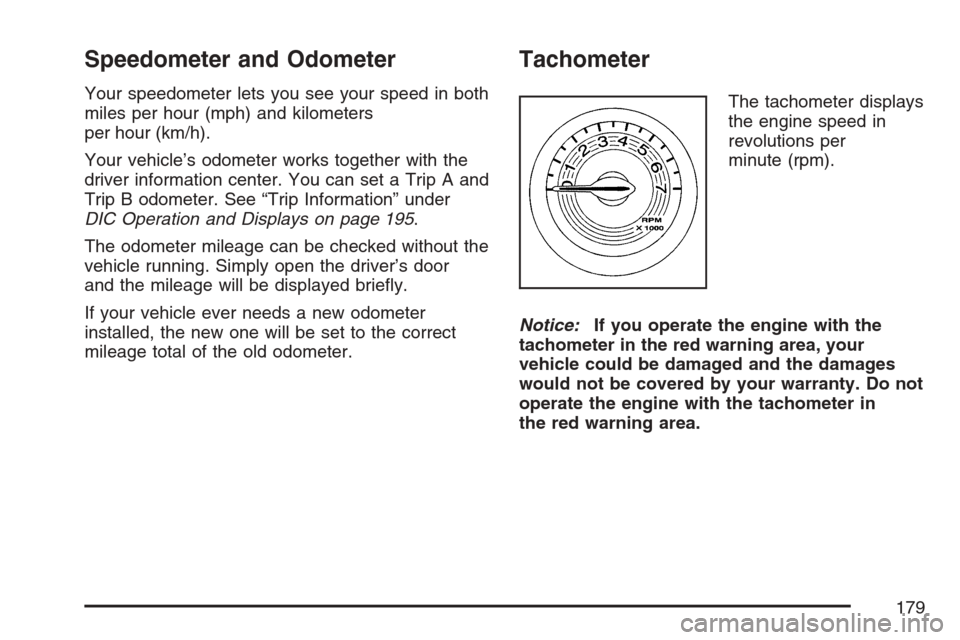
Tachometer
The tachometer displays
the engine speed in
revolutions per
minute (rpm).
Notice:If you operate the engine with the
tachometer in the red warning area, your
vehicle could be damaged and the damages
would not be covered by your warranty. Do not
operate the engine with the tachometer in
the red warning area.
179
Page 184 of 446
If the word OFF or the off symbol is lit on the
airbag status indicator, it means that the
passenger sensing system has turned off the right
front passenger’s frontal airbag. SeePassenger
Sensing System on page 82for more on this,
including important safety information.
If, after several seconds, all status indicator lights
remain on, or if there are no lights at all, there
may be a problem with the lights or the passenger
sensing system. See your dealer for service.
{CAUTION:
If the off indicator and the airbag
readiness light ever come on together, it
means that something may be wrong with
the airbag system. If this ever happens,
have the vehicle serviced promptly,
because an adult-size person sitting in the
right front passenger seat may not have
the protection of the frontal airbag. See
Airbag Readiness Light on page 181.
Charging System Light
The charging system
light will come on briey
when you turn on the
ignition, and the engine
is not running, as a
check to show you it is
working.
Then it should go out when the engine is started.
If it stays on, or comes on while you are driving,
you may have a problem with the electrical
charging system. Have it checked by your dealer.
Driving while this light is on could drain your
battery.
If you must drive a short distance with the light on,
be certain to turn off all your accessories, such
as the radio and air conditioner.
184
Page 186 of 446
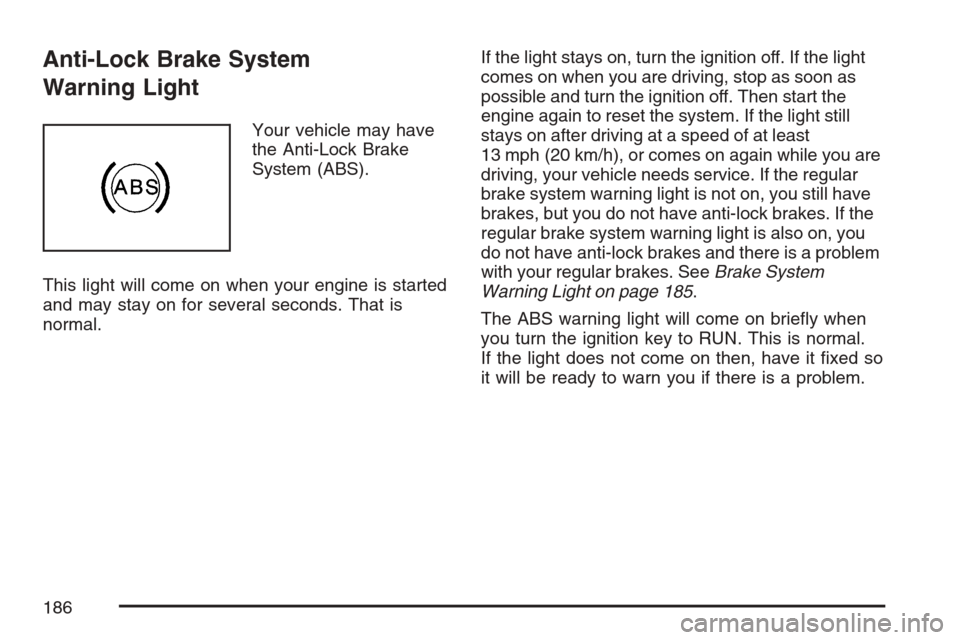
Anti-Lock Brake System
Warning Light
Your vehicle may have
the Anti-Lock Brake
System (ABS).
This light will come on when your engine is started
and may stay on for several seconds. That is
normal.If the light stays on, turn the ignition off. If the light
comes on when you are driving, stop as soon as
possible and turn the ignition off. Then start the
engine again to reset the system. If the light still
stays on after driving at a speed of at least
13 mph (20 km/h), or comes on again while you are
driving, your vehicle needs service. If the regular
brake system warning light is not on, you still have
brakes, but you do not have anti-lock brakes. If the
regular brake system warning light is also on, you
do not have anti-lock brakes and there is a problem
with your regular brakes. SeeBrake System
Warning Light on page 185.
The ABS warning light will come on briey when
you turn the ignition key to RUN. This is normal.
If the light does not come on then, have it xed so
it will be ready to warn you if there is a problem.
186
Page 187 of 446
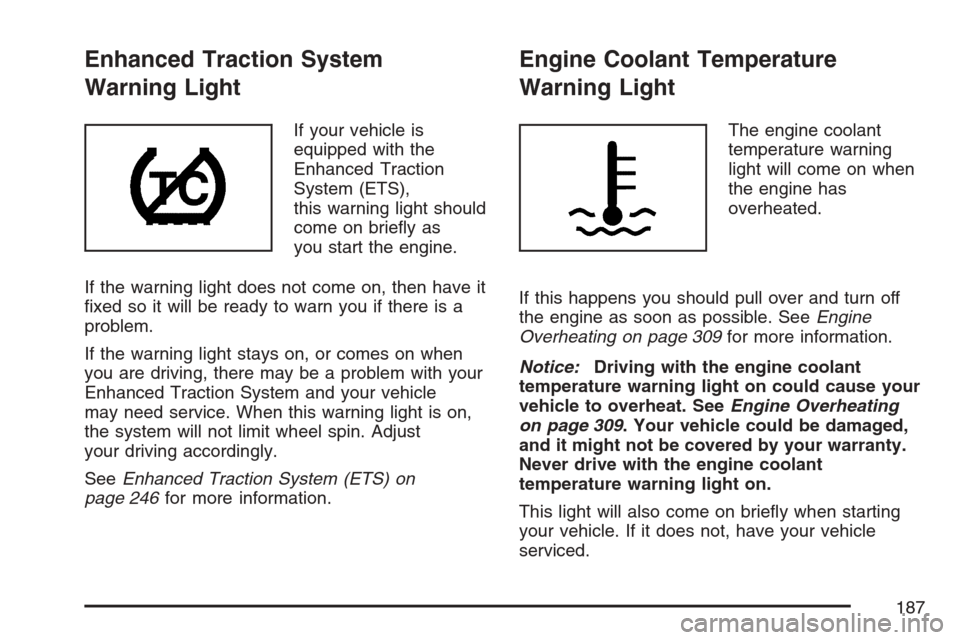
Enhanced Traction System
Warning Light
If your vehicle is
equipped with the
Enhanced Traction
System (ETS),
this warning light should
come on briey as
you start the engine.
If the warning light does not come on, then have it
xed so it will be ready to warn you if there is a
problem.
If the warning light stays on, or comes on when
you are driving, there may be a problem with your
Enhanced Traction System and your vehicle
may need service. When this warning light is on,
the system will not limit wheel spin. Adjust
your driving accordingly.
SeeEnhanced Traction System (ETS) on
page 246for more information.
Engine Coolant Temperature
Warning Light
The engine coolant
temperature warning
light will come on when
the engine has
overheated.
If this happens you should pull over and turn off
the engine as soon as possible. SeeEngine
Overheating on page 309for more information.
Notice:Driving with the engine coolant
temperature warning light on could cause your
vehicle to overheat. SeeEngine Overheating
on page 309. Your vehicle could be damaged,
and it might not be covered by your warranty.
Never drive with the engine coolant
temperature warning light on.
This light will also come on briey when starting
your vehicle. If it does not, have your vehicle
serviced.
187