display CHEVROLET IMPALA 2004 8.G User Guide
[x] Cancel search | Manufacturer: CHEVROLET, Model Year: 2004, Model line: IMPALA, Model: CHEVROLET IMPALA 2004 8.GPages: 420, PDF Size: 2.73 MB
Page 119 of 420
CHIRP (Horn Chirp Timer)
This feature allows you to choose between short or long
horn chirp sounds when the remote keyless entry
transmitter is used.
Programmable Modes
Mode 1:SHORT
Mode 2:LONG
Your vehicle was originally programmed to Mode 1. The
mode may have been changed since then. To determine
the current mode, or to change the mode, do the
following:
1. Scroll, using the SEEK/PSCAN up or down arrows,
until CHIRP appears on the display.
2. Press the PREV or NEXT button to enter the
submenu. The current selection will have an
asterisk (*) next to it. If you do not wish to change
the current mode, you can either exit the
programming mode by following the directions later
in this section or program the next feature
available on your vehicle.
3. Scroll, using the PREV or NEXT buttons, through
the modes to change the current mode.4. With your preference displayed, press the
TUNE/DISP button to select. A chime will be heard
to verify the new setting. The new selection will
be displayed with an asterisk (*) for one second.
The mode you selected is now set. You can either exit
the programming mode by following the instructions
later in this section or program the next feature available
on your vehicle.
ORIG. SET (Return to the Original
Settings)
This feature allows you to return all feature
customization settings back to their original factory
settings. To reset do the following:
1. Scroll, using the SEEK/PSCAN up or down arrows,
until ORIG. SET appears on the display.
2. Press the PREV or NEXT button to enter the
submenu. SET ALL will appear.
3. With your preference displayed, press the
TUNE/DISP button to select. A chime will be heard
to verify the new setting. The new selection will
be displayed with an asterisk (*) for one second.
The original factory settings are now reset. You can
either exit the programming mode by following the
instructions later in this section or program the next
feature available on your vehicle.
2-51
Page 120 of 420
FOB PROG (Remote Keyless Entry
Transmitter Programming)
This feature allows you to match the remote keyless
entry transmitter to your vehicle. To match the
transmitter do the following:
1. Scroll, using the SEEK/PSCAN up or down arrows,
until FOB PROG appears on the display.
2. Press the PREV or NEXT button to enter the
submenu. BEGIN will be displayed.
3. Press the TUNE/DISP button to start programming.
When the message PUSH FOB ashes, press and
hold the LOCK and UNLOCK buttons on the rst
transmitter at the same time for 15 seconds. A chime
will be heard to verify the transmitter is learned.
4. Repeat Step 3 for each additional transmitter.
The transmitter is programmed now. You can either exit
the programming mode by following the instructions
later in this section or program the next feature available
on your vehicle.
EXIT (Exit Feature Customization Mode)
This feature allows you to exit the vehicle customization
programming. To exit do the following:
Scroll until EXIT appears on the display.
Press the TUNE/DISP button to exit programming.
A chime will be heard to verify the exit.
2-52
Page 138 of 420
Delayed Exit Lighting
This feature illuminates the interior for a period of time
after the key is removed from the ignition.
The ignition must be off for delayed exit lighting to work.
When the key is removed, interior illumination will
activate and remain on until one of the following occurs:
The ignition is moved to ON,
the power door locks are activated, or
an illumination period of 25 seconds has elapsed.
If during the illumination period a door is opened,
the timed illumination period will be canceled and the
interior lamps will remain on because a door is open.
Parade Dimming
The instrument panel has an added feature called
parade mode. This feature prohibits the dimming of your
instrument panel displays during the daylight while
the headlamps are on so that you’ll still be able to see
the displays.
Reading Lamps
Your vehicle may be equipped with reading lamps that
are located on the assist handles in the headliner.
These lamps and the interior courtesy lamps come on
when any door is opened. Press the lens to turn them on
and off.
Dome Lamp
If your vehicle has this feature, the dome lamp will
come on when you open a door. You can also turn this
lamp on by turning the exterior lamps control clockwise
as far as it will go. Vehicles that have the optional
sunroof do not have a dome lamp.
Battery Rundown Protection
Your vehicle has a feature to help prevent you from
draining the battery in case you accidentally leave on the
interior courtesy lamps, reading/map lamps, visor
vanity lamps or trunk lamp. If you leave any of these
lamps on, they will automatically turn off after
10 minutes, if the ignition is off. The lamps won’t come
back on again until you do the following:
Turn the ignition on, or
turn the exterior lamps control off, then on again.
If your vehicle has less than 15 miles (25 km) on
the odometer, the battery saver will turn off the lamps
after only three minutes.
Battery rundown protection will also work if the
headlamps are left on. After having been left on for
10 minutes, the headlamps and the parking lamps will
ash three times. They will remain on for one more
minute before turning off automatically.
3-18
Page 151 of 420
Tachometer
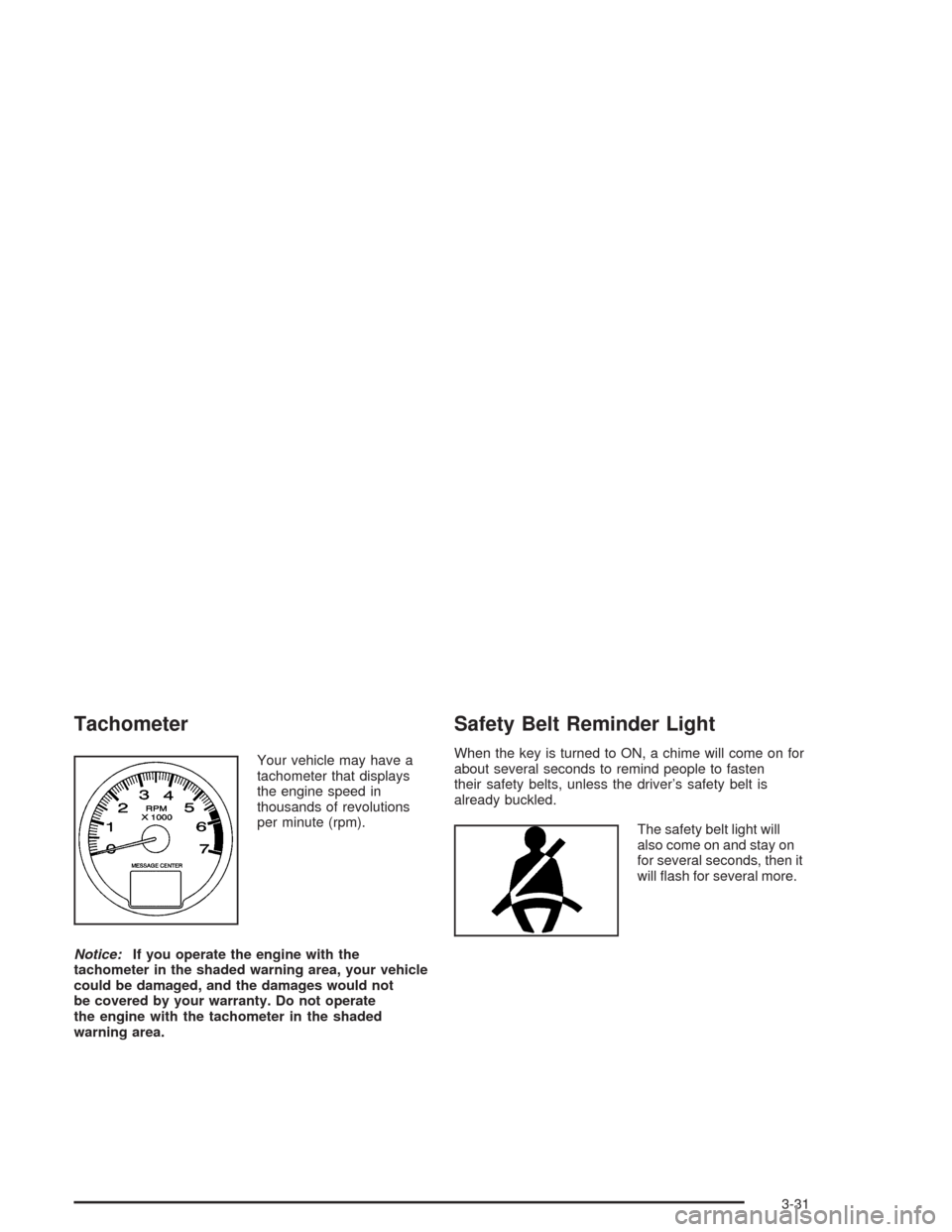
Your vehicle may have a
tachometer that displays
the engine speed in
thousands of revolutions
per minute (rpm).
Notice:If you operate the engine with the
tachometer in the shaded warning area, your vehicle
could be damaged, and the damages would not
be covered by your warranty. Do not operate
the engine with the tachometer in the shaded
warning area.
Safety Belt Reminder Light
When the key is turned to ON, a chime will come on for
about several seconds to remind people to fasten
their safety belts, unless the driver’s safety belt is
already buckled.
The safety belt light will
also come on and stay on
for several seconds, then it
will ash for several more.
3-31
Page 164 of 420
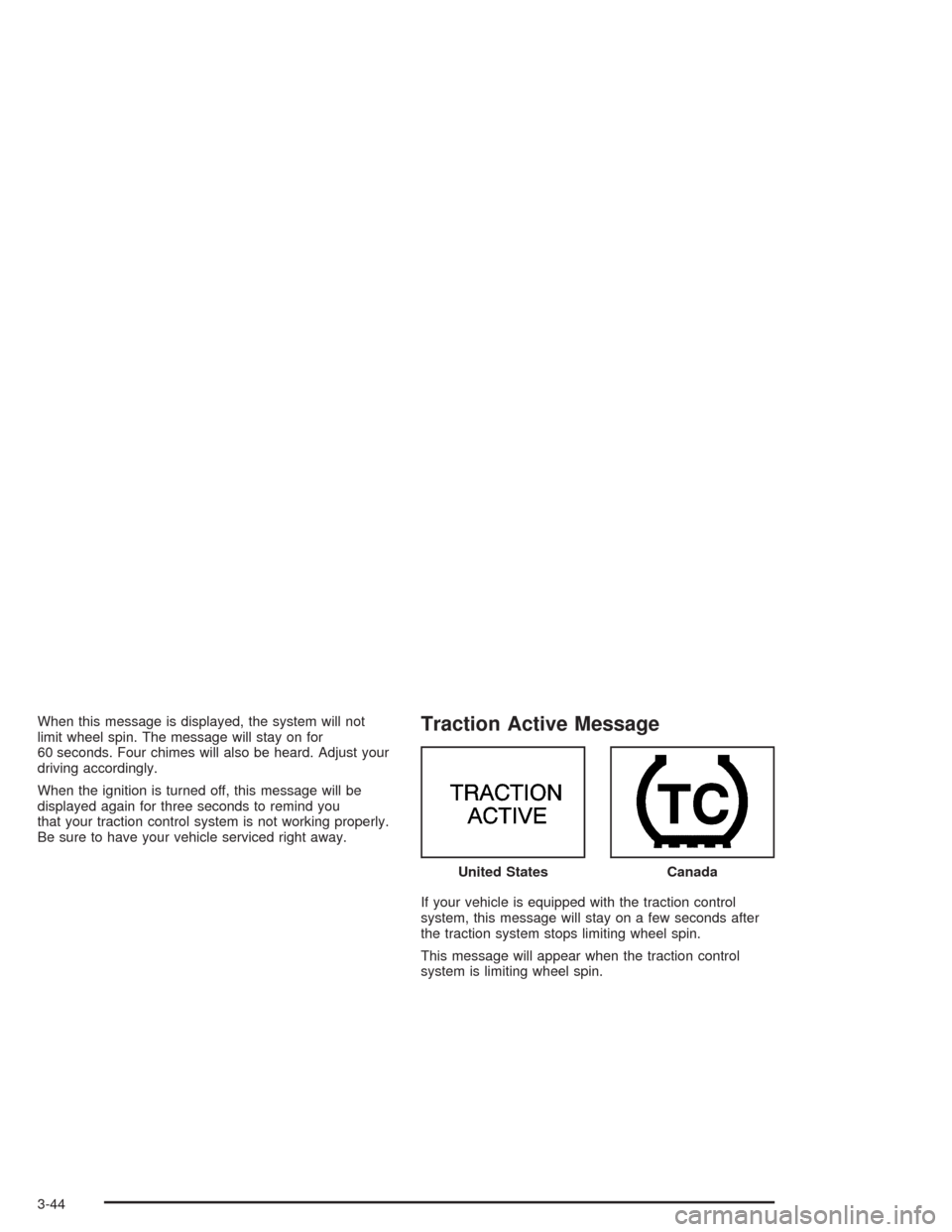
When this message is displayed, the system will not
limit wheel spin. The message will stay on for
60 seconds. Four chimes will also be heard. Adjust your
driving accordingly.
When the ignition is turned off, this message will be
displayed again for three seconds to remind you
that your traction control system is not working properly.
Be sure to have your vehicle serviced right away.Traction Active Message
If your vehicle is equipped with the traction control
system, this message will stay on a few seconds after
the traction system stops limiting wheel spin.
This message will appear when the traction control
system is limiting wheel spin.United States
Canada
3-44
Page 165 of 420
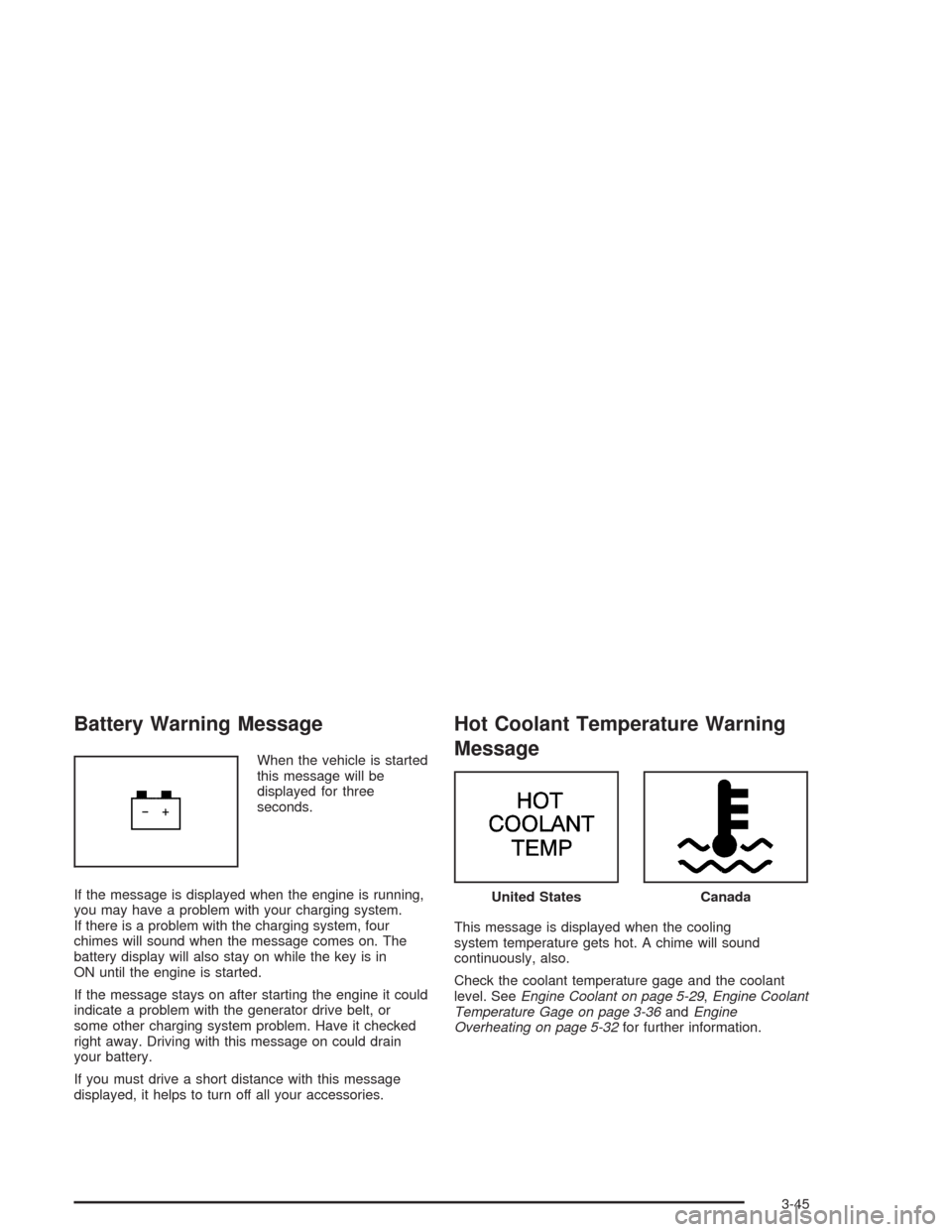
Battery Warning Message
When the vehicle is started
this message will be
displayed for three
seconds.
If the message is displayed when the engine is running,
you may have a problem with your charging system.
If there is a problem with the charging system, four
chimes will sound when the message comes on. The
battery display will also stay on while the key is in
ON until the engine is started.
If the message stays on after starting the engine it could
indicate a problem with the generator drive belt, or
some other charging system problem. Have it checked
right away. Driving with this message on could drain
your battery.
If you must drive a short distance with this message
displayed, it helps to turn off all your accessories.
Hot Coolant Temperature Warning
Message
This message is displayed when the cooling
system temperature gets hot. A chime will sound
continuously, also.
Check the coolant temperature gage and the coolant
level. SeeEngine Coolant on page 5-29,Engine Coolant
Temperature Gage on page 3-36andEngine
Overheating on page 5-32for further information.
United StatesCanada
3-45
Page 166 of 420
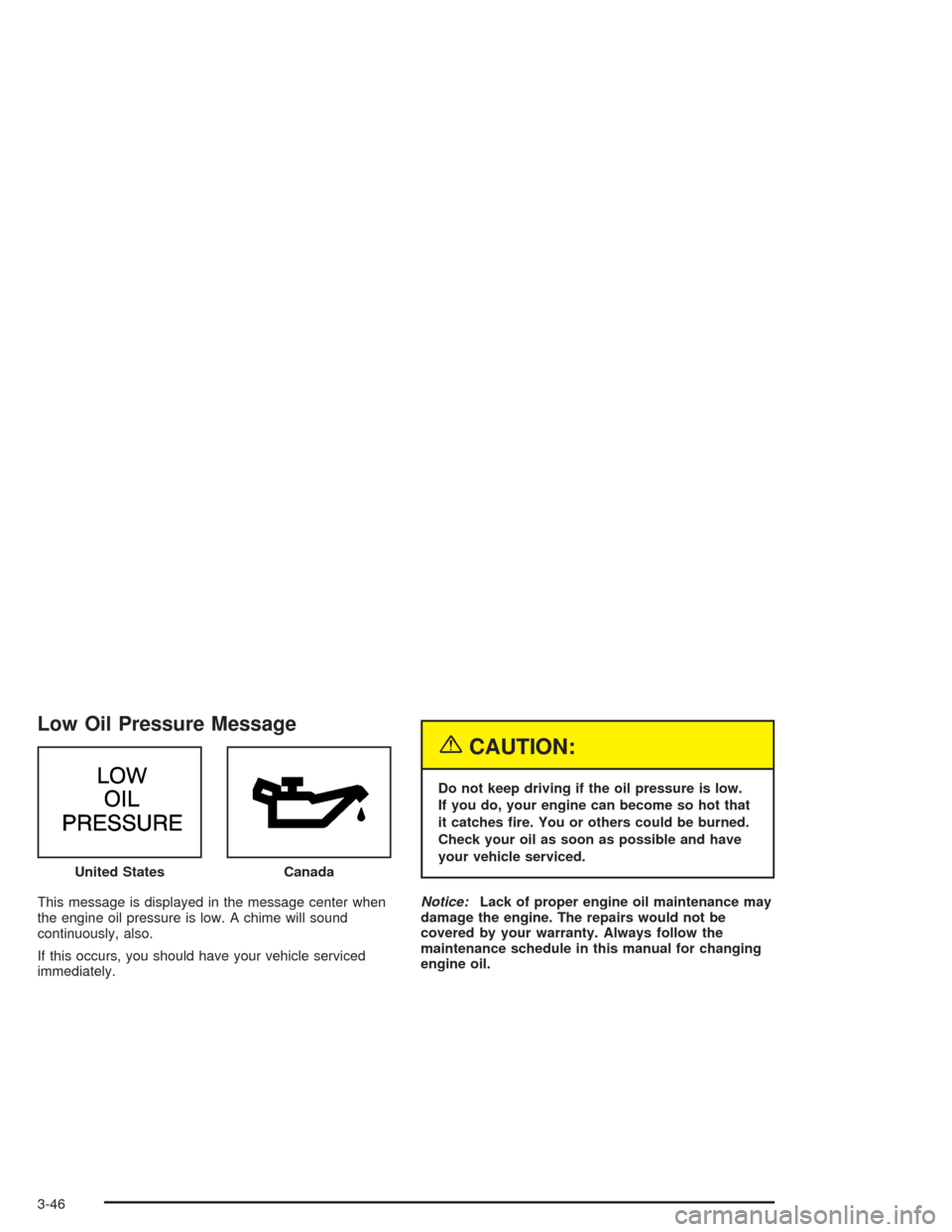
Low Oil Pressure Message
This message is displayed in the message center when
the engine oil pressure is low. A chime will sound
continuously, also.
If this occurs, you should have your vehicle serviced
immediately.
{CAUTION:
Do not keep driving if the oil pressure is low.
If you do, your engine can become so hot that
it catches re. You or others could be burned.
Check your oil as soon as possible and have
your vehicle serviced.
Notice:Lack of proper engine oil maintenance may
damage the engine. The repairs would not be
covered by your warranty. Always follow the
maintenance schedule in this manual for changing
engine oil. United States
Canada
3-46
Page 167 of 420
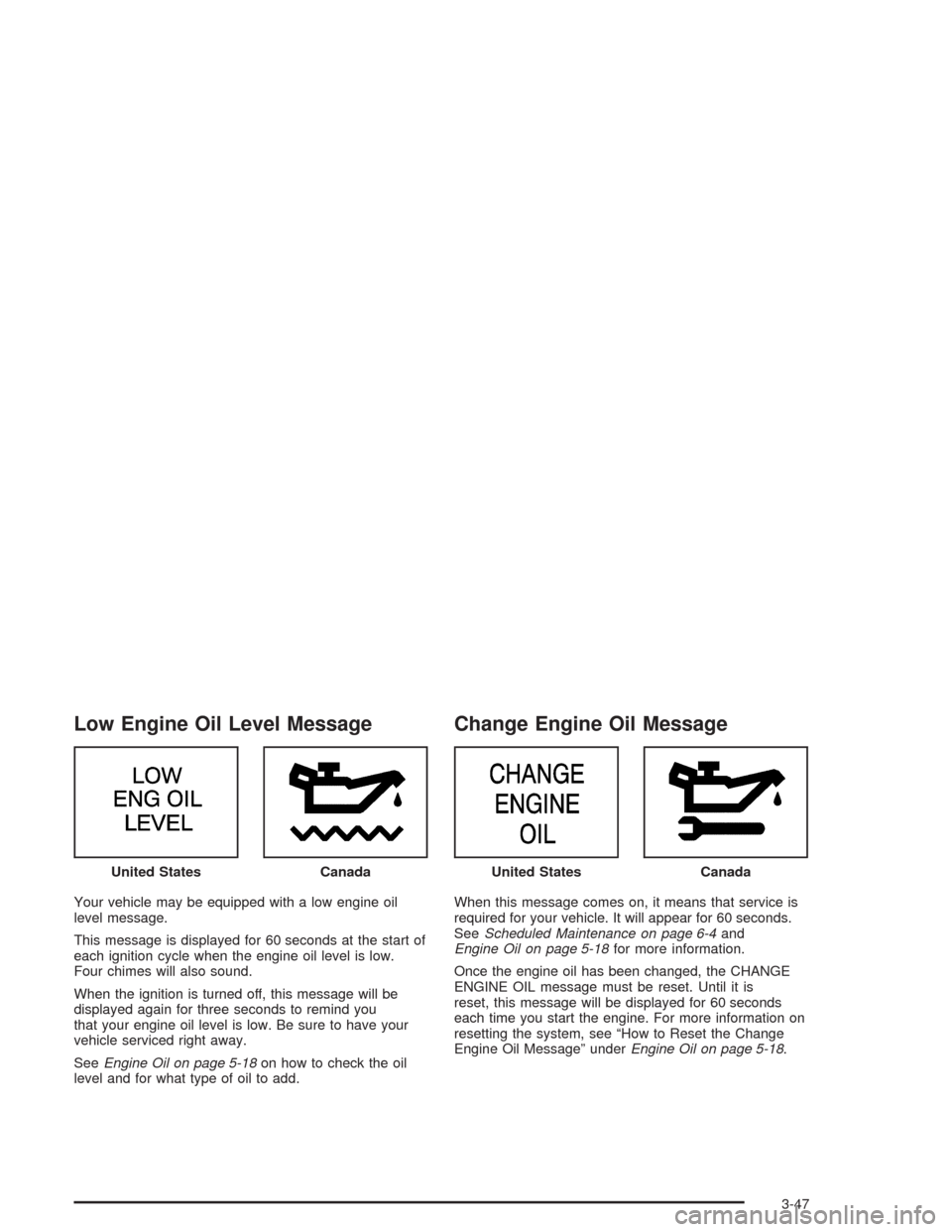
Low Engine Oil Level Message
Your vehicle may be equipped with a low engine oil
level message.
This message is displayed for 60 seconds at the start of
each ignition cycle when the engine oil level is low.
Four chimes will also sound.
When the ignition is turned off, this message will be
displayed again for three seconds to remind you
that your engine oil level is low. Be sure to have your
vehicle serviced right away.
SeeEngine Oil on page 5-18on how to check the oil
level and for what type of oil to add.
Change Engine Oil Message
When this message comes on, it means that service is
required for your vehicle. It will appear for 60 seconds.
SeeScheduled Maintenance on page 6-4and
Engine Oil on page 5-18for more information.
Once the engine oil has been changed, the CHANGE
ENGINE OIL message must be reset. Until it is
reset, this message will be displayed for 60 seconds
each time you start the engine. For more information on
resetting the system, see “How to Reset the Change
Engine Oil Message” underEngine Oil on page 5-18. United States
CanadaUnited StatesCanada
3-47
Page 168 of 420
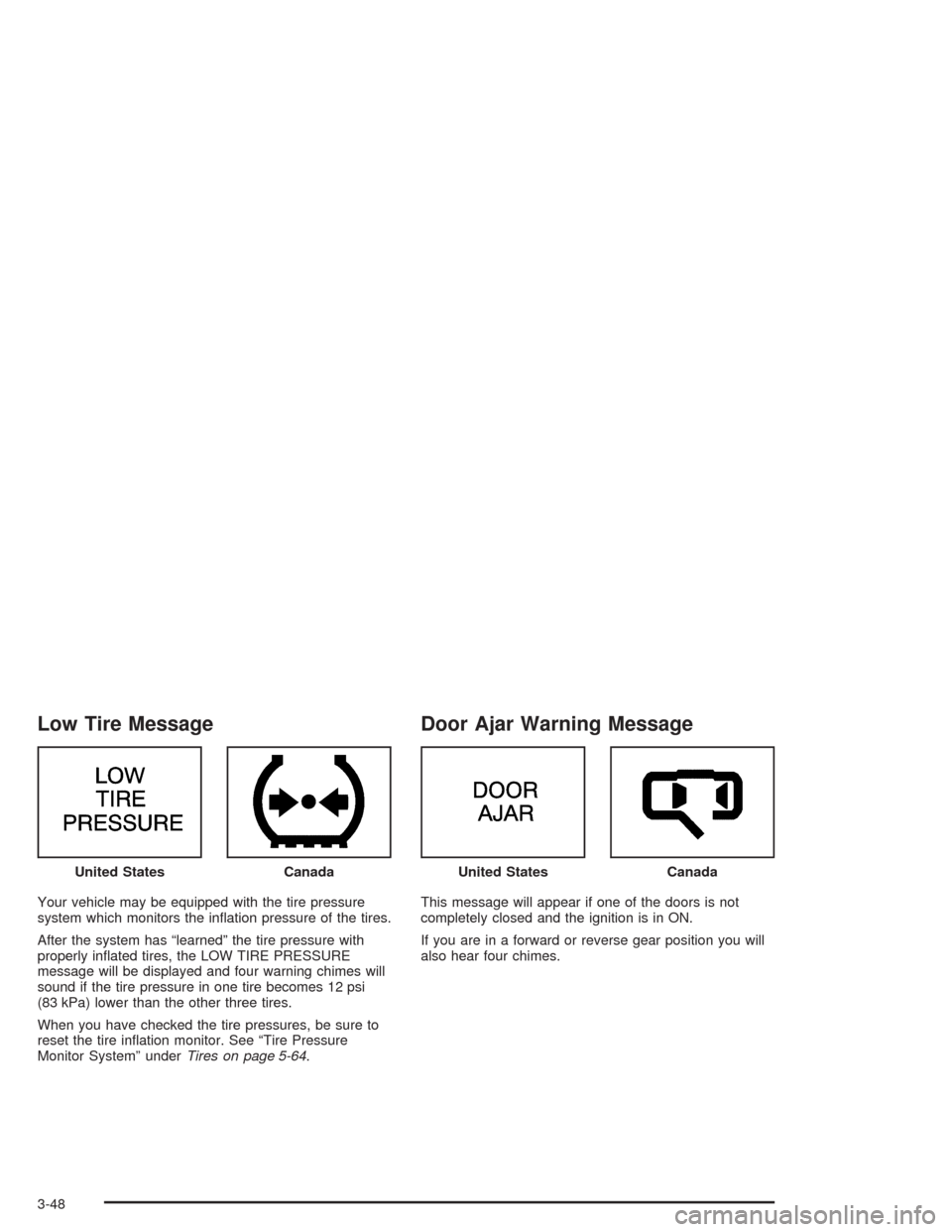
Low Tire Message
Your vehicle may be equipped with the tire pressure
system which monitors the ination pressure of the tires.
After the system has “learned” the tire pressure with
properly inated tires, the LOW TIRE PRESSURE
message will be displayed and four warning chimes will
sound if the tire pressure in one tire becomes 12 psi
(83 kPa) lower than the other three tires.
When you have checked the tire pressures, be sure to
reset the tire ination monitor. See “Tire Pressure
Monitor System” underTires on page 5-64.
Door Ajar Warning Message
This message will appear if one of the doors is not
completely closed and the ignition is in ON.
If you are in a forward or reverse gear position you will
also hear four chimes. United States
CanadaUnited StatesCanada
3-48
Page 169 of 420
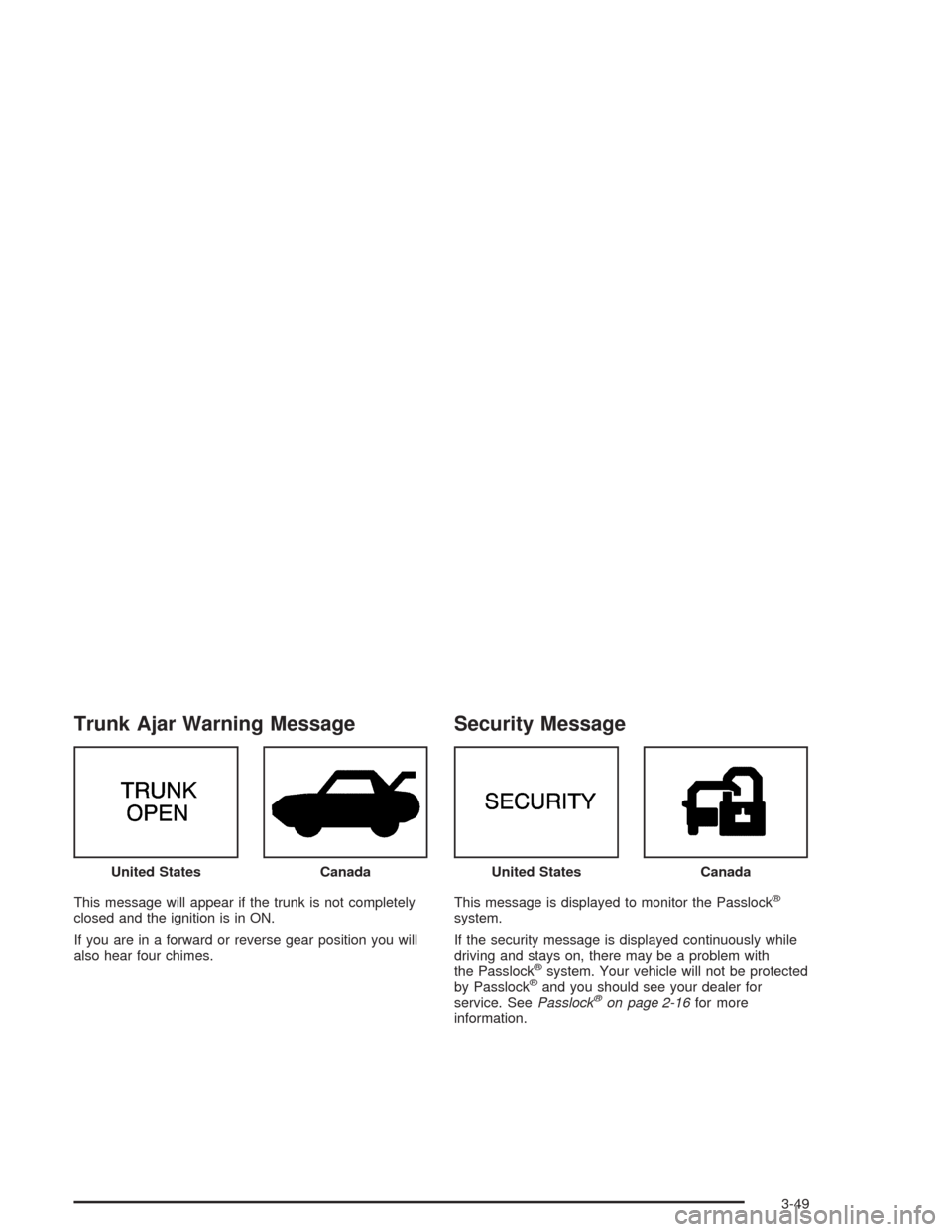
Trunk Ajar Warning Message
This message will appear if the trunk is not completely
closed and the ignition is in ON.
If you are in a forward or reverse gear position you will
also hear four chimes.
Security Message
This message is displayed to monitor the Passlock®
system.
If the security message is displayed continuously while
driving and stays on, there may be a problem with
the Passlock
®system. Your vehicle will not be protected
by Passlock®and you should see your dealer for
service. SeePasslock®on page 2-16for more
information. United States
CanadaUnited StatesCanada
3-49