buttons CHEVROLET IMPALA 2004 8.G Owner's Manual
[x] Cancel search | Manufacturer: CHEVROLET, Model Year: 2004, Model line: IMPALA, Model: CHEVROLET IMPALA 2004 8.GPages: 420, PDF Size: 2.73 MB
Page 201 of 420
Setting Preset Stations
The six numbered pushbuttons let you return to your
favorite stations. You can set up to 30 stations
(six FM1, six FM2, and six AM, six XM1 and six XM2
(48 contiguous US states, if equipped), by performing
the following steps:
1. Turn the radio on.
2. Press BAND to select FM1, FM2, AM, or XM1 or
XM2.
3. Tune in the desired station.
4. Press AUTO TONE to select the equalization.
5. Press and hold one of the six numbered
pushbuttons until you hear a beep. Whenever you
press that numbered pushbutton, the station
you set will return and the equalization that you
selected will be automatically stored for that
pushbutton.
6. Repeat the steps for each pushbutton.
Setting the Tone (Bass/Treble)
AUDIO:Push and release the AUDIO knob until BASS
or TREB appears on the display. Then turn the knob
to increase or to decrease. The display will show
the bass or the treble level. If a station is weak or noisy,
you may want to decrease the treble.
To adjust the bass and the treble to the middle position,
push and hold the AUDIO knob. The radio will produce
one beep and adjust the display level to the middle
position.
To adjust all tone and speaker controls to the middle
position, push and hold the AUDIO knob when no tone
or speaker control is displayed. ALL will appear on
the display and you will hear a beep.
AUTO TONE (Automatic Tone):Press this button to
select customized equalization settings designed
for country/western, jazz, talk, pop, rock, and classical.
To return the bass and treble to the manual mode,
push and release the AUDIO knob until MANUAL
appears on the display.
3-81
Page 213 of 420
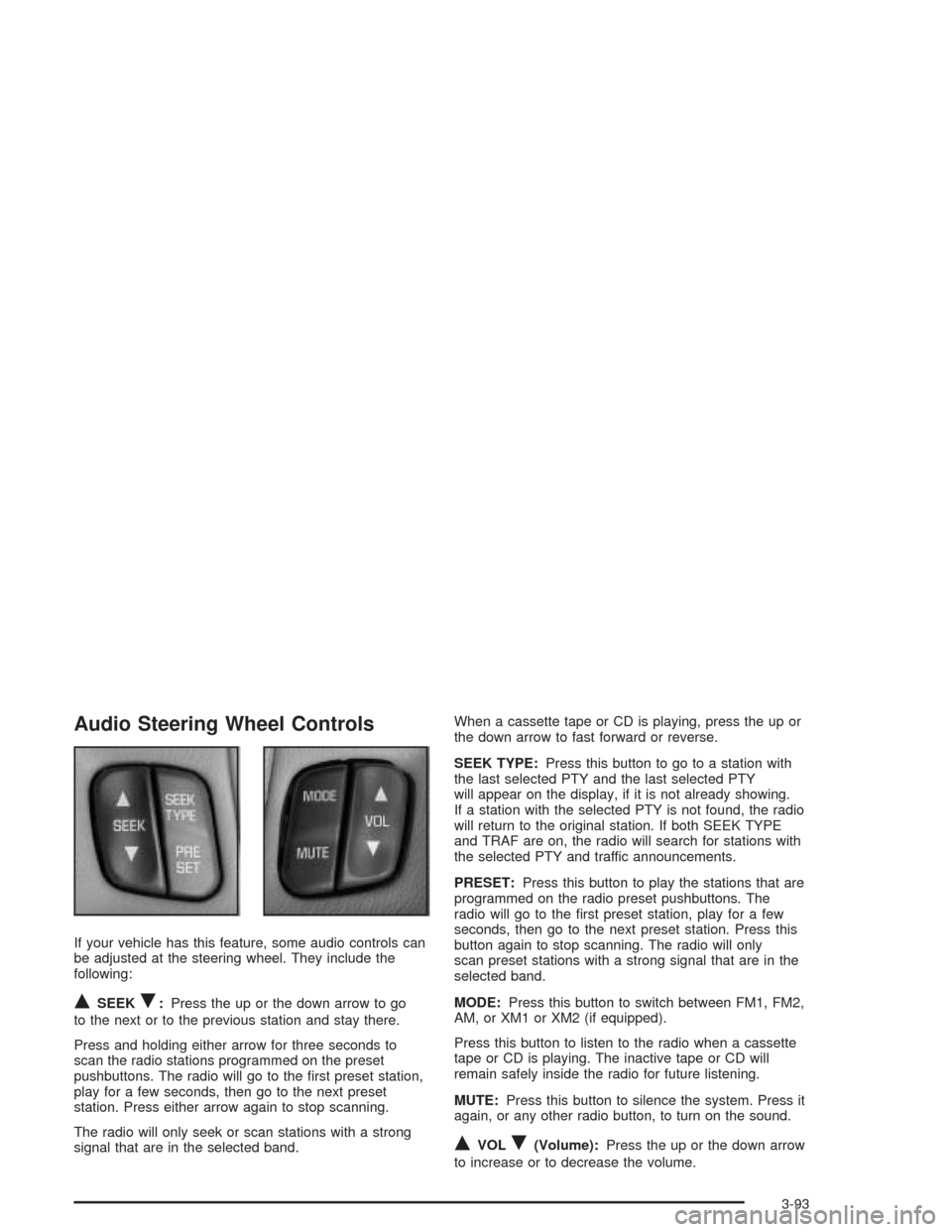
Audio Steering Wheel Controls
If your vehicle has this feature, some audio controls can
be adjusted at the steering wheel. They include the
following:
QSEEKR:Press the up or the down arrow to go
to the next or to the previous station and stay there.
Press and holding either arrow for three seconds to
scan the radio stations programmed on the preset
pushbuttons. The radio will go to the rst preset station,
play for a few seconds, then go to the next preset
station. Press either arrow again to stop scanning.
The radio will only seek or scan stations with a strong
signal that are in the selected band.When a cassette tape or CD is playing, press the up or
the down arrow to fast forward or reverse.
SEEK TYPE:Press this button to go to a station with
the last selected PTY and the last selected PTY
will appear on the display, if it is not already showing.
If a station with the selected PTY is not found, the radio
will return to the original station. If both SEEK TYPE
and TRAF are on, the radio will search for stations with
the selected PTY and traffic announcements.
PRESET:Press this button to play the stations that are
programmed on the radio preset pushbuttons. The
radio will go to the rst preset station, play for a few
seconds, then go to the next preset station. Press this
button again to stop scanning. The radio will only
scan preset stations with a strong signal that are in the
selected band.
MODE:Press this button to switch between FM1, FM2,
AM, or XM1 or XM2 (if equipped).
Press this button to listen to the radio when a cassette
tape or CD is playing. The inactive tape or CD will
remain safely inside the radio for future listening.
MUTE:Press this button to silence the system. Press it
again, or any other radio button, to turn on the sound.
QVOLR(Volume):Press the up or the down arrow
to increase or to decrease the volume.
3-93
Page 284 of 420
When to Change Engine Oil
(GM Oil Life System)
Your vehicle has a computer system that lets you know
when to change the engine oil and lter. This is based on
engine revolutions and engine temperature, and not on
mileage. Based on driving conditions, the mileage at
which an oil change will be indicated can vary
considerably. For the oil life system to work properly, you
must reset the system every time the oil is changed.
When the system has calculated that oil life has been
diminished, it will indicate that an oil change is
necessary. A CHANGE ENGINE OIL message will
come on. Change your oil as soon as possible within
the next two times you stop for fuel. It is possible that, if
you are driving under the best conditions, the oil life
system may not indicate that an oil change is necessary
for over a year. However, your engine oil and lter
must be changed at least once a year and at this time
the system must be reset. Your dealer has GM-trained
service people who will perform this work using
genuine GM parts and reset the system. It is also
important to check your oil regularly and keep it at the
proper level.
If the system is ever reset accidentally, you must
change your oil at 3,000 miles (5 000 km) since your
last oil change. Remember to reset the oil life system
whenever the oil is changed.
How to Reset the CHANGE ENGINE OIL
Message
The GM Oil Life System calculates when to change
your engine oil and lter based on vehicle use.
Anytime your oil is changed, reset the system so it can
calculate when the next oil change is required. If a
situation occurs where you change your oil prior to a
CHANGE ENGINE OIL message being turned on, reset
the system.
After changing the engine oil, the system must be reset.
To reset the CHANGE ENGINE OIL message use
one of the following procedures:
Using the Radio
1. Turn the ignition to ACC or ON, with the radio off.
2. Press and hold the TUNE DISP knob on the
radio for at least ve seconds until SETTINGS
is displayed.
3. Press the SEEK PSCAN up or down arrow to scroll
through the main menu.
4. Scroll until OIL LIFE appears on the display.
5. Press the 1 PREV or 2 NEXT buttons to enter the
submenu. RESET will be displayed.
5-22
Page 410 of 420
Engine (cont.)
Overheating................................................5-32
Starting......................................................2-18
Supercharger Oil.........................................5-24
Engine Cooling When Trailer Towing..................4-43
Engine Oil Additives........................................5-21
Entry Lighting.................................................3-17
Erasing HomeLink
®Buttons..............................2-41
Event Data Recorders (EDR)............................7-10
EXIT (Exit Feature Customization Mode)..............2-52
Express-Down Window....................................2-14
Extender, Safety Belt.......................................1-30
Exterior Lamps...............................................3-14
F
Filter
Engine Air Cleaner......................................5-25
Finding a Program Type (PTY) Station
(RDS and XM™).........................3-60, 3-71, 3-82
Finding a Station............................3-58, 3-69, 3-80
Finish Care....................................................5-98
Finish Damage.............................................5-100
Flash-to-Pass................................................... 3-9
Flat Tire........................................................5-81
Flat Tire, Changing.........................................5-82Fluid
Automatic Transaxle.....................................5-26
Power Steering...........................................5-45
Windshield Washer......................................5-46
FM Stereo.....................................................3-94
FOB HORN (Remote Audible Verication)...........2-48
FOB LIGHT (Remote Visual Verication)............2-47
FOB PROG (Remote Keyless Entry Transmitter
Programming).............................................2-52
Fog Lamps....................................................3-16
Folding Rear Seat............................................ 1-6
Following Distance..........................................4-41
Front Storage Area.........................................2-42
Fuel............................................................... 5-5
Additives...................................................... 5-6
California Fuel.............................................. 5-6
Filling a Portable Fuel Container....................5-10
Filling Your Tank........................................... 5-7
Fuels in Foreign Countries.............................. 5-7
Gage.........................................................3-42
Gasoline Octane........................................... 5-5
Gasoline Specications.................................. 5-5
Low Warning Message.................................3-50
Fuses
Fuses and Circuit Breakers.........................5-103
Windshield Wiper.......................................5-103
6