remote control CHEVROLET IMPALA 2007 9.G User Guide
[x] Cancel search | Manufacturer: CHEVROLET, Model Year: 2007, Model line: IMPALA, Model: CHEVROLET IMPALA 2007 9.GPages: 460, PDF Size: 2.56 MB
Page 143 of 460
5. After entering all of the switch positions,
again, rmly press and release all three
buttons at the same time. The indicator lights
will turn on.
6. Press and hold the button you would like to use
to control the garage door until the garage door
moves. The indicator light above the selected
button should slowly blink. You may need to
hold the button from ve to 55 seconds.
7. Immediately release the button when the
garage door moves. The indicator light will
blink rapidly until programming is complete.
8. Press and release the same button again.
The garage door should move, conrming
that programming is successful and complete.
To program another Fixed Code device such as an
additional garage door opener, a security device,
or home automation device, repeat Steps 1-8,
choosing a different button in Step 6 than what you
used for the garage door opener.
Using Universal Home Remote
Press and hold the appropriate button for at least
half of a second. The indicator light will come
on while the signal is being transmitted.
Reprogramming Universal Home
Remote Buttons
You can reprogram any of the three buttons by
repeating the instructions.
Erasing Universal Home Remote
Buttons
You should erase the programmed buttons when
you sell or terminate your lease.
To erase either Rolling Code or Fixed Code on
the Universal Home Remote device, do the
following:
1. Press and hold the two outside buttons at the
same time for approximately 20 seconds, until
the indicator lights, located directly above
the buttons, begin to blink rapidly.
2. Once the indicator lights begin to blink,
release both buttons. The codes from all
buttons will be erased.
For help or information on the Universal Home
Remote System, call the customer assistance
phone number underCustomer Assistance Offices
on page 430.
143
Page 151 of 460
The main components of your instrument panel are listed here:
A. Air Vent. SeeOutlet Adjustment on page 172.
B. Remote Trunk Release Button. See “Remote
Trunk Release” underTrunk on page 102.
C. Multifunction Lever. SeeTurn
Signal/Multifunction Lever on page 153.
D. Instrument Panel Cluster. SeeInstrument Panel
Cluster on page 175.
E. Hazard Warning Flasher Button. SeeHazard
Warning Flashers on page 152.
F. Driver Information Center. SeeDriver
Information Center (DIC) on page 190.
G. Passenger Air Bag status Indicator. See
Passenger Airbag Status Indicator on page 179.
H. Audio System. SeeAudio System(s) on
page 215.
I. Exterior Lamps Control. SeeExterior Lamps on
page 160.
J. Instrument Panel Brightness. SeeInstrument
Panel Brightness on page 163.
K. Traction Control On/Off Button (If Equipped).
SeeTraction Control System (TCS) on
page 256.L. Tilt Steering Wheel Lever. SeeTilt Wheel on
page 153.
M. Steering Wheel Cruise Control. SeeCruise
Control on page 157.
N. Hood Release. SeeHood Release on
page 305.
O. Horn. SeeHorn on page 152.
P. Audio Steering Wheel Controls (If Equipped).
SeeAudio Steering Wheel Controls on
page 243.
Q. Ignition Switch. SeeIgnition Positions on
page 112.
R. Climate Controls. SeeClimate Control System
on page 168.
S. Accessory Power Outlets. SeeAccessory
Power Outlet(s) on page 167.
T. Center Console Shift Lever (If Equipped).
See “Console Shift Lever” underShifting Into
Park (P) on page 121.
U. Glove Box. SeeGlove Box on page 144.
151
Page 164 of 460
Dome Lamp
The dome lamp will come on when you open a
door. You can also turn this lamp on by turning the
instrument panel brightness control clockwise.
Entry Lighting
Your vehicle may have courtesy lamps that will
come on and stay on for a set time whenever the
unlock symbol is pressed on the Remote
Keyless Entry (RKE) Transmitter, if the vehicle
has one.
If a door is opened, the lamps will stay on while it
is open and then turn off automatically about
25 seconds after the door is closed. If the unlock
symbol is pressed and you do not open a
door, the lamps will turn off after about
20 seconds.
Entry lighting includes a feature called theater
dimming. With theater dimming, the lamps do not
turn off at the end of the delay time. Instead,
they slowly dim after the delay time until they go
out. The delay time is canceled if you turn the
ignition key to ON or press the power door
lock switch. The lamps will dim right away.When the ignition is on, illuminated entry is
inactive, which means the courtesy lamps will not
come on unless a door is opened.
Delayed Entry Lighting
Delayed entry lighting illuminates the interior for a
period of time after all the doors have been closed.
The ignition must be off for delayed entry lighting
to work. Immediately after all the doors have been
closed, the delayed entry lighting feature will
continue to work until one of the following occurs:
The ignition is in ON.
The doors are locked.
An illumination period of 25 seconds has
elapsed.
If during the illumination period a door is opened,
the timed illumination period will be canceled
and the interior lamps will remain on because a
door is open.
164
Page 191 of 460
If your vehicle has these features, the DIC also
displays the compass direction and the outside
air temperature when viewing the trip and fuel
information. The compass direction appears on the
top right corner of the DIC display. The outside air
temperature automatically appears in the bottom
right corner of the DIC display. If there is a problem
with the system that controls the temperature
display, the numbers will be replaced with dashes.
If this occurs, have the vehicle serviced by your
dealer.
The DIC also allows some features to be
customized. SeeDIC Vehicle Customization on
page 208for more information.
DIC Operation and Displays
The DIC has different displays which can be
accessed by pressing the DIC buttons located
on the instrument panel, to the right of the
instrument panel cluster.
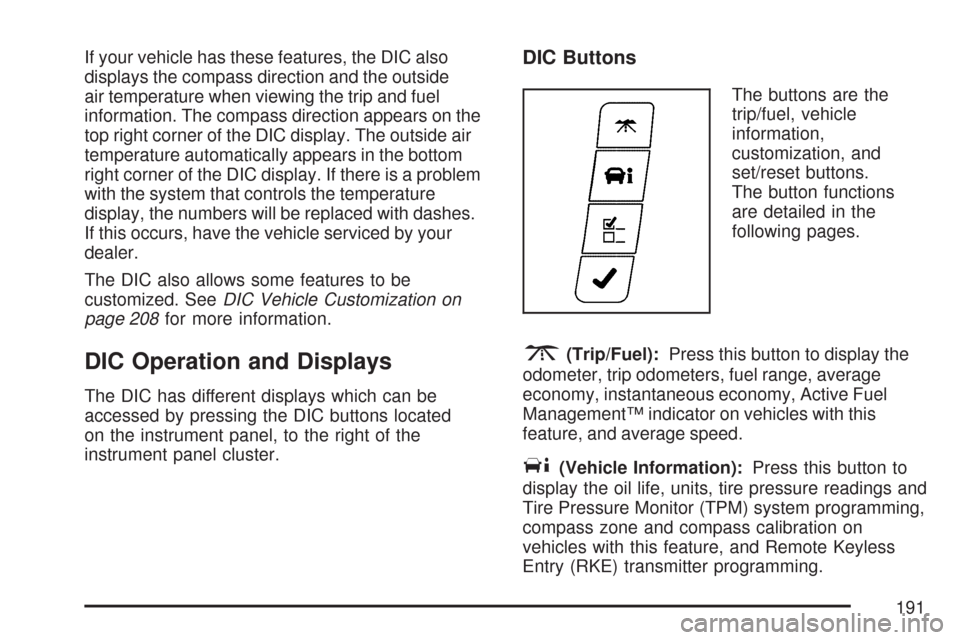
DIC Buttons
The buttons are the
trip/fuel, vehicle
information,
customization, and
set/reset buttons.
The button functions
are detailed in the
following pages.
3(Trip/Fuel):Press this button to display the
odometer, trip odometers, fuel range, average
economy, instantaneous economy, Active Fuel
Management™ indicator on vehicles with this
feature, and average speed.
T(Vehicle Information):Press this button to
display the oil life, units, tire pressure readings and
Tire Pressure Monitor (TPM) system programming,
compass zone and compass calibration on
vehicles with this feature, and Remote Keyless
Entry (RKE) transmitter programming.
191
Page 204 of 460
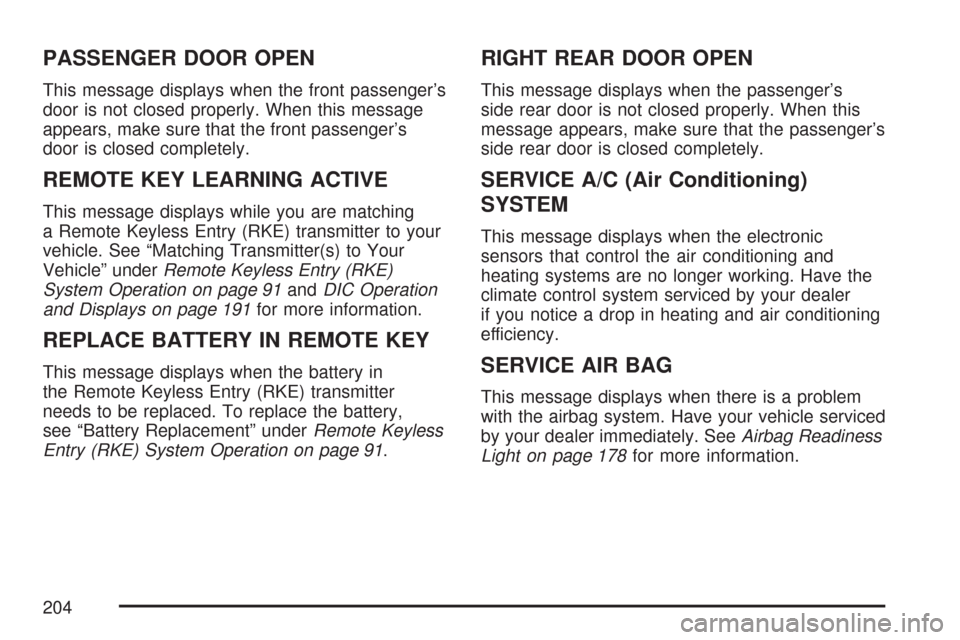
PASSENGER DOOR OPEN
This message displays when the front passenger’s
door is not closed properly. When this message
appears, make sure that the front passenger’s
door is closed completely.
REMOTE KEY LEARNING ACTIVE
This message displays while you are matching
a Remote Keyless Entry (RKE) transmitter to your
vehicle. See “Matching Transmitter(s) to Your
Vehicle” underRemote Keyless Entry (RKE)
System Operation on page 91andDIC Operation
and Displays on page 191for more information.
REPLACE BATTERY IN REMOTE KEY
This message displays when the battery in
the Remote Keyless Entry (RKE) transmitter
needs to be replaced. To replace the battery,
see “Battery Replacement” underRemote Keyless
Entry (RKE) System Operation on page 91.
RIGHT REAR DOOR OPEN
This message displays when the passenger’s
side rear door is not closed properly. When this
message appears, make sure that the passenger’s
side rear door is closed completely.
SERVICE A/C (Air Conditioning)
SYSTEM
This message displays when the electronic
sensors that control the air conditioning and
heating systems are no longer working. Have the
climate control system serviced by your dealer
if you notice a drop in heating and air conditioning
efficiency.
SERVICE AIR BAG
This message displays when there is a problem
with the airbag system. Have your vehicle serviced
by your dealer immediately. SeeAirbag Readiness
Light on page 178for more information.
204
Page 263 of 460
If you have the Anti-Lock Brake System (ABS),
remember: It helps avoid only the braking skid.
If you do not have ABS, then in a braking
skid, where the wheels are no longer rolling,
release enough pressure on the brakes to get
the wheels rolling again. This restores steering
control. Push the brake pedal down steadily
when you have to stop suddenly. As long as the
wheels are rolling, you will have steering control.
Driving at Night
Night driving is more dangerous than day driving.
One reason is that some drivers are likely to
be impaired — by alcohol or drugs, with night
vision problems, or by fatigue.
Here are some tips on night driving.
Drive defensively.
Do not drink and drive.
Adjust the inside rearview mirror to reduce the
glare from headlamps behind you.
Since you cannot see as well, slow down and
keep more space between you and other
vehicles.
Slow down, especially on higher speed roads.
Your vehicle’s headlamps can light up only so
much road ahead.
In remote areas, watch for animals.
If you are tired, pull off the road in a safe
place and rest.
No one can see as well at night as in the daytime.
But as we get older these differences increase.
A 50-year-old driver might require at least twice as
much light to see the same thing at night as a
20-year-old.
What you do in the daytime can also affect your
night vision. For example, if you spend the
day in bright sunshine you are wise to wear
sunglasses. Your eyes will have less trouble
adjusting to night. But if you are driving, do not
wear sunglasses at night. They might cut down on
glare from headlamps, but they also make a lot
of things invisible.
263
Page 457 of 460
Safety Warnings and Symbols......................... 4
Scheduled Maintenance............................... 408
Seats
Center Seat............................................... 14
Head Restraints......................................... 13
Heated Seats............................................. 10
Manual Lumbar.......................................... 10
Manual Passenger....................................... 9
Power Seats................................................ 9
Reclining Seatbacks................................... 11
Split Folding Rear Seat.............................. 15
Securing a Child Restraint
Center Front Seat Position......................... 63
Rear Seat Position..................................... 61
Right Front Seat Position........................... 64
Security Light.............................................. 189
Service........................................................ 296
Accessories and Modications.................. 296
Adding Equipment to the Outside of
Your Vehicle......................................... 298
California Proposition 65 Warning............. 297
Doing Your Own Work............................. 297
Engine Soon Light................................... 185
Publications Ordering Information............. 441
Servicing Your Airbag-Equipped Vehicle......... 82
Sheet Metal Damage................................... 393
Shifting Into Park (P)................................... 121Shifting Out of Park (P)............................... 123
Shoulder Belt Height Adjuster........................ 32
Signals, Turn and Lane-Change.................. 154
Spare Tire
Compact.................................................. 385
Installing.................................................. 377
Removing................................................ 375
Storing..................................................... 383
Specications, Capacities............................ 403
Speedometer............................................... 176
Split Folding Rear Seat ................................. 15
Starting Your Engine................................... 113
Steering...................................................... 257
Steering Wheel Controls, Audio................... 243
Steering Wheel, Tilt Wheel.......................... 153
Storage Areas
Center Console Storage Area................... 144
Convenience Net..................................... 145
Cupholder(s)............................................ 144
Glove Box................................................ 144
Rear Seat Armrest................................... 144
Rear Storage Area................................... 144
Sunglasses Storage Compartment............ 144
Stuck in Sand, Mud, Ice, or Snow............... 276
Sun Visors.................................................. 107
Sunroof....................................................... 145
System Identication, Universal Home
Remote System....................................... 132
457
Page 459 of 460
U
Understanding Radio Reception................... 244
Uniform Tire Quality Grading....................... 369
Universal Home Remote System................. 133
Operation........................................133, 137
System Identication................................ 132
V
Vehicle
Control..................................................... 252
Damage Warnings....................................... 5
Loading.................................................... 277
Symbols...................................................... 5
Vehicle Customization, DIC......................... 208
Vehicle Data Recording and Privacy............ 443
Vehicle Identication
Number (VIN).......................................... 396
Service Parts Identication Label.............. 396
Ventilation Adjustment.................................. 172
Visors.......................................................... 107
W
Warning Lights, Gages and Indicators......... 174
Warnings
DIC Warnings and Messages................... 199
Hazard Warning Flashers......................... 152
Other Warning Devices............................ 152
Safety and Symbols..................................... 4
Vehicle Damage.......................................... 5
Wheels
Alignment and Tire Balance..................... 370
Different Size........................................... 368
Replacement............................................ 371
Where to Put the Restraint............................ 52
Windows..................................................... 104
Power...................................................... 105
459