traction control CHEVROLET IMPALA 2010 9.G Owners Manual
[x] Cancel search | Manufacturer: CHEVROLET, Model Year: 2010, Model line: IMPALA, Model: CHEVROLET IMPALA 2010 9.GPages: 432, PDF Size: 1.89 MB
Page 5 of 432
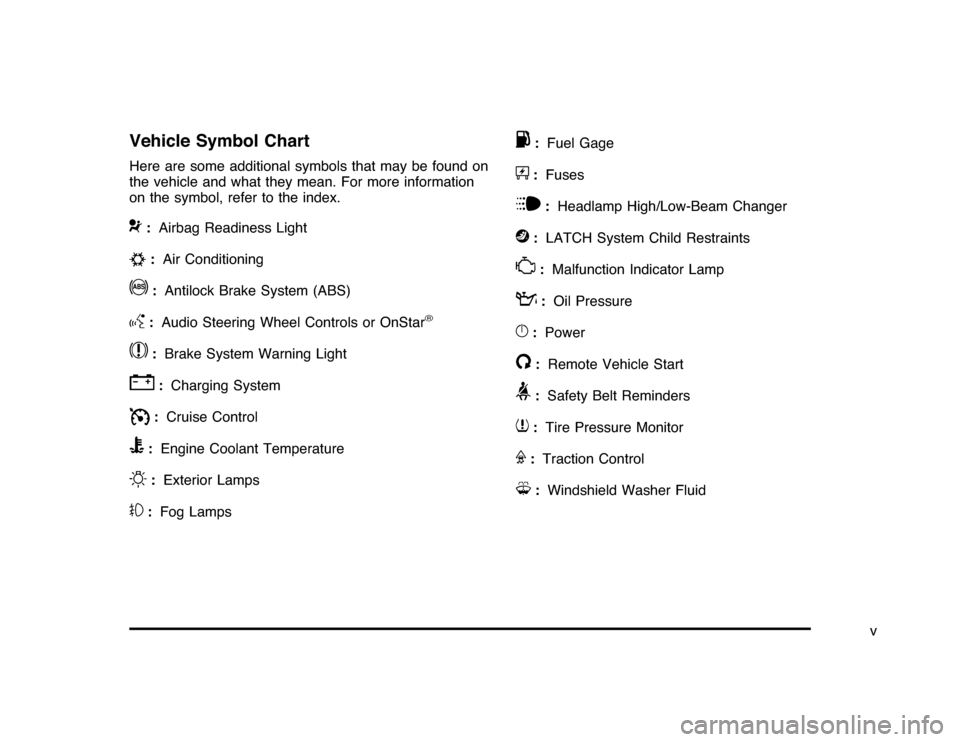
Vehicle Symbol ChartHere are some additional symbols that may be found on
the vehicle and what they mean. For more information
on the symbol, refer to the index.9
:Airbag Readiness Light
#
:Air Conditioning
!
:Antilock Brake System (ABS)
g
:Audio Steering Wheel Controls or OnStar
®
$
:Brake System Warning Light
"
:Charging System
I
:Cruise Control
B
:Engine Coolant Temperature
O
:Exterior Lamps
#
:Fog Lamps
.
:Fuel Gage
+
:Fuses
i
:Headlamp High/Low-Beam Changer
j
:LATCH System Child Restraints
*
:Malfunction Indicator Lamp
:
:Oil Pressure
}
:Power
/
:Remote Vehicle Start
>
:Safety Belt Reminders
7
:Tire Pressure Monitor
F
:Traction Control
M
:Windshield Washer Fluid
v
Page 7 of 432
Instrument Panel..............................................1-2
Initial Drive Information....................................1-4
Remote Keyless Entry (RKE) System................1-4
Remote Vehicle Start......................................1-4
Door Locks....................................................1-5
Trunk Release...............................................1-5
Windows.......................................................1-6
Seat Adjustment.............................................1-6
Second Row Seats.........................................1-8
Head Restraint Adjustment...............................1-8
Safety Belt....................................................1-9
Sensing System for Passenger Airbag...............1-9
Mirror Adjustment.........................................1-10
Steering Wheel Adjustment............................1-11
Interior Lighting............................................1-11
Exterior Lighting...........................................1-12
Windshield Wiper/Washer...............................1-13
Climate Controls...........................................1-14Vehicle Features.............................................1-15
Radio(s)......................................................1-15
Satellite Radio..............................................1-16
Portable Audio Devices ..................................1-16
Steering Wheel Controls . . ..............................1-17
Bluetooth
®
...................................................1-17
Cruise Control..............................................1-18
Power Outlets..............................................1-18
Performance and Maintenance.........................1-19
Traction Control System (TCS).......................1-19
Electronic Stability Control (ESC)....................1-19
Tire Pressure Monitor....................................1-20
Engine Oil Life System ..................................1-20
Fuel E85 (85% Ethanol) . . ..............................1-20
Driving for Better Fuel Economy . . ...................1-21
Roadside Assistance Program........................1-21
OnStar
®
......................................................1-22
Section 1 In Brief
1-1
Page 9 of 432

A.Outlet Adjustment on page 4-20.
B. Remote Trunk Release Button. SeeTrunk on
page 3-12.
C.Turn Signal/Multifunction Lever on page 4-4.
D.Instrument Panel Cluster on page 4-22.
E.Hazard Warning Flashers on page 4-3.
F.Driver Information Center (DIC) on page 4-37.
G.Passenger Airbag Status Indicator on page 4-25.
H.Audio System(s) on page 4-57.
I.Exterior Lamps on page 4-9.
J.Instrument Panel Brightness on page 4-11.
K.Traction Control System (TCS) on page 5-7
(If Equipped).L.Tilt Wheel on page 4-3.
M.Cruise Control on page 4-6.
N.Hood Release on page 6-13.
O.Horn on page 4-3.
P.Audio Steering Wheel Controls on page 4-84
(If Equipped).
Q.Ignition Positions on page 3-20.
R.Climate Control System on page 4-16.
S.Accessory Power Outlet(s) on page 4-15.
T. Center Console Shift Lever (If Equipped).
SeeShifting Into Park on page 3-28.
U.Glove Box on page 3-42.
1-3
Page 25 of 432
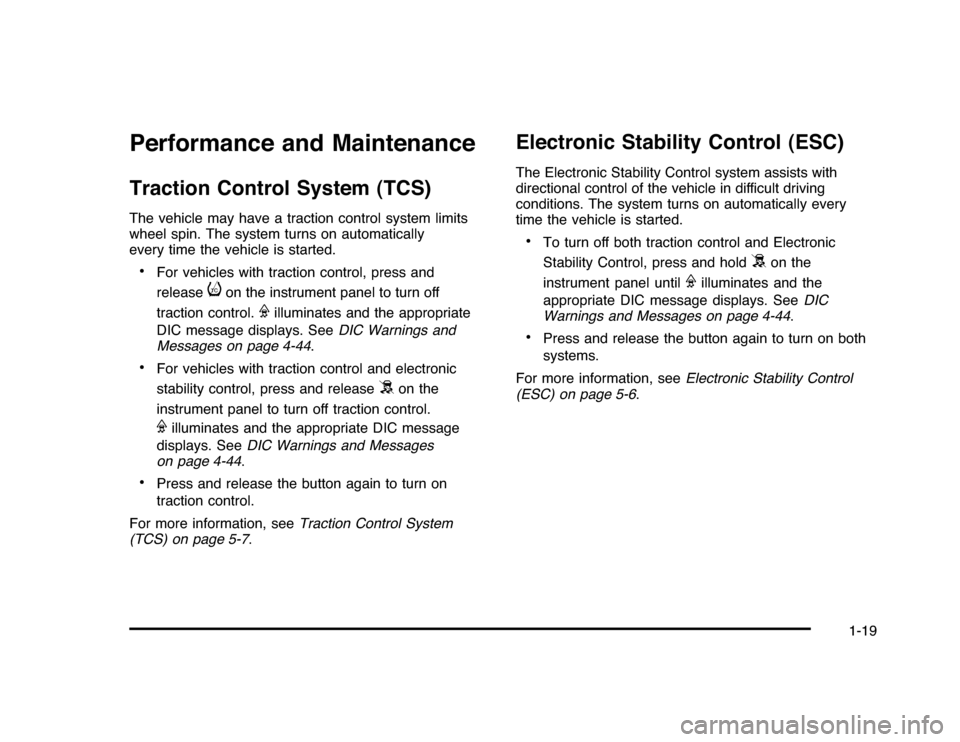
Performance and MaintenanceTraction Control System (TCS)The vehicle may have a traction control system limits
wheel spin. The system turns on automatically
every time the vehicle is started.•
For vehicles with traction control, press and
release
i
on the instrument panel to turn off
traction control.
F
illuminates and the appropriate
DIC message displays. SeeDIC Warnings and
Messages on page 4-44.
•
For vehicles with traction control and electronic
stability control, press and release
5
on the
instrument panel to turn off traction control.
F
illuminates and the appropriate DIC message
displays. SeeDIC Warnings and Messages
on page 4-44.
•
Press and release the button again to turn on
traction control.
For more information, seeTraction Control System
(TCS) on page 5-7.
Electronic Stability Control (ESC)The Electronic Stability Control system assists with
directional control of the vehicle in difficult driving
conditions. The system turns on automatically every
time the vehicle is started.•
To turn off both traction control and Electronic
Stability Control, press and hold
5
on the
instrument panel until
F
illuminates and the
appropriate DIC message displays. SeeDIC
Warnings and Messages on page 4-44.
•
Press and release the button again to turn on both
systems.
For more information, seeElectronic Stability Control
(ESC) on page 5-6.
1-19
Page 151 of 432
Instrument Panel Overview...............................4-3
Hazard Warning Flashers................................4-3
Horn.............................................................4-3
Tilt Wheel . . . ..................................................4-3
Turn Signal/Multifunction Lever.........................4-4
Turn and Lane-Change Signals........................4-4
Headlamp High/Low-Beam Changer..................4-5
Flash-to-Pass.................................................4-5
Windshield Wipers..........................................4-5
Windshield Washer.........................................4-6
Cruise Control................................................4-6
Exterior Lamps...............................................4-9
Daytime Running Lamps (DRL)/Automatic
Headlamp System......................................4-10
Fog Lamps..................................................4-11
Instrument Panel Brightness...........................4-11
Courtesy Lamps...........................................4-11
Dome Lamp . . ...............................................4-11
Entry Lighting...............................................4-12
Delayed Entry Lighting...................................4-12
Delayed Exit Lighting.....................................4-13
Parade Dimming...........................................4-13
Reading Lamps............................................4-13
Map Lamps . . ...............................................4-13
Electric Power Management...........................4-13Battery Run-Down Protection ..........................4-14
Accessory Power Outlet(s).............................4-15
Ashtray(s) and Cigarette Lighter......................4-16
Climate Controls............................................4-16
Climate Control System.................................4-16
Outlet Adjustment.........................................4-20
Passenger Compartment Air Filter...................4-20
Warning Lights, Gages, and Indicators............4-21
Instrument Panel Cluster . . ..............................4-22
Speedometer and Odometer
...........................4-23
Tachometer.................................................4-23
Safety Belt Reminders . . .................................4-23
Airbag Readiness Light ..................................4-24
Passenger Airbag Status Indicator...................4-25
Charging System Light ..................................4-26
Brake System Warning Light ..........................4-27
Antilock Brake System (ABS) Warning
Light........................................................4-28
Traction Control System (TCS) Warning
Light........................................................4-28
Electronic Stability Control Indicator Light . . . . . . . . .4-29
Engine Coolant Temperature Warning Light . . . . . .4-30
Engine Coolant Temperature Gage..................4-30
Tire Pressure Light.......................................4-31
Malfunction Indicator Lamp.............................4-31
Section 4 Instrument Panel
4-1
Page 156 of 432
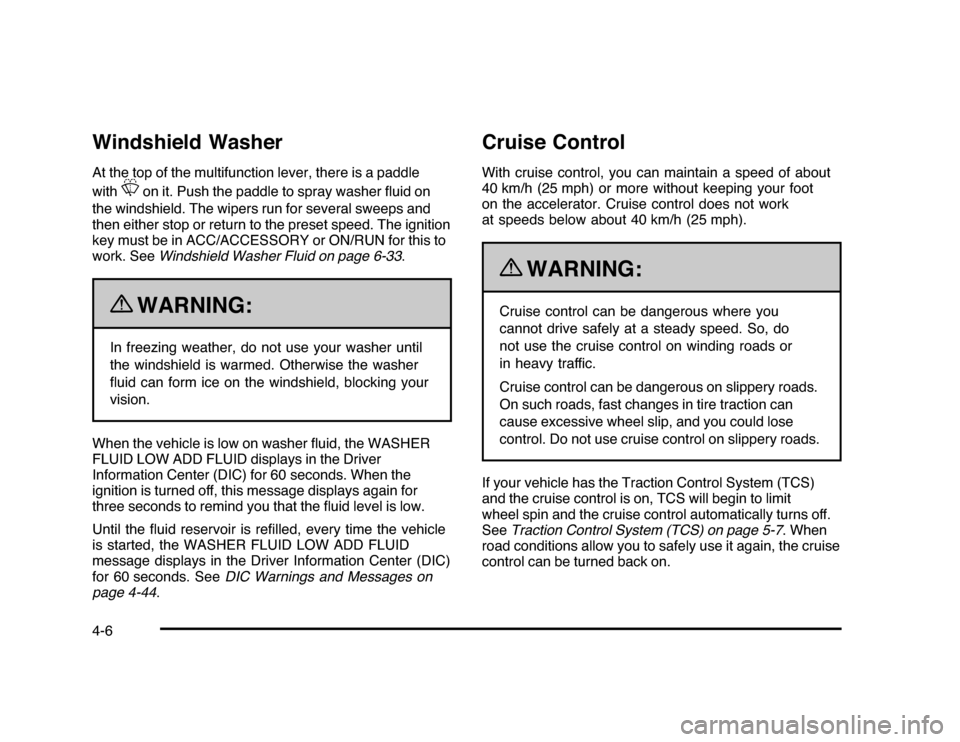
Windshield WasherAt the top of the multifunction lever, there is a paddle
with
L
on it. Push the paddle to spray washer fluid on
the windshield. The wipers run for several sweeps and
then either stop or return to the preset speed. The ignition
key must be in ACC/ACCESSORY or ON/RUN for this to
work. SeeWindshield Washer Fluid on page 6-33.
{
WARNING:
In freezing weather, do not use your washer until
the windshield is warmed. Otherwise the washer
fluid can form ice on the windshield, blocking your
vision.
When the vehicle is low on washer fluid, the WASHER
FLUID LOW ADD FLUID displays in the Driver
Information Center (DIC) for 60 seconds. When the
ignition is turned off, this message displays again for
three seconds to remind you that the fluid level is low.
Until the fluid reservoir is refilled, every time the vehicle
is started, the WASHER FLUID LOW ADD FLUID
message displays in the Driver Information Center (DIC)
for 60 seconds. SeeDIC Warnings and Messages on
page 4-44.
Cruise ControlWith cruise control, you can maintain a speed of about
40 km/h (25 mph) or more without keeping your foot
on the accelerator. Cruise control does not work
at speeds below about 40 km/h (25 mph).
{
WARNING:
Cruise control can be dangerous where you
cannot drive safely at a steady speed. So, do
not use the cruise control on winding roads or
in heavy traffic.
Cruise control can be dangerous on slippery roads.
On such roads, fast changes in tire traction can
cause excessive wheel slip, and you could lose
control. Do not use cruise control on slippery roads.
If your vehicle has the Traction Control System (TCS)
and the cruise control is on, TCS will begin to limit
wheel spin and the cruise control automatically turns off.
SeeTraction Control System (TCS) on page 5-7. When
road conditions allow you to safely use it again, the cruise
control can be turned back on.
4-6
Page 178 of 432
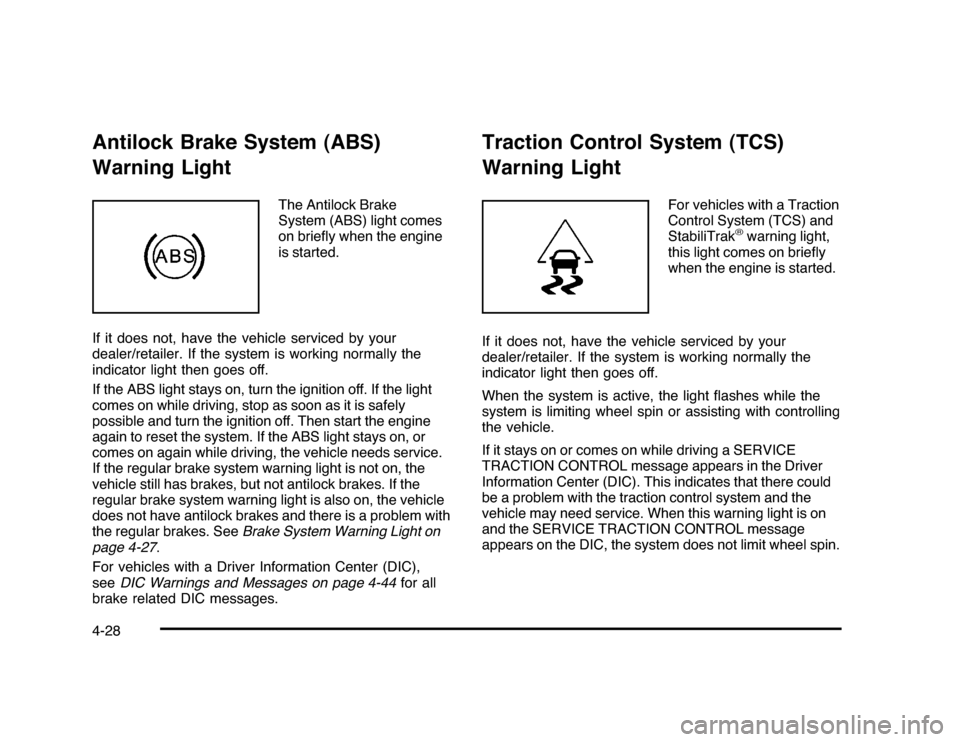
Antilock Brake System (ABS)
Warning Light
The Antilock Brake
System (ABS) light comes
on briefly when the engine
is started.
If it does not, have the vehicle serviced by your
dealer/retailer. If the system is working normally the
indicator light then goes off.
If the ABS light stays on, turn the ignition off. If the light
comes on while driving, stop as soon as it is safely
possible and turn the ignition off. Then start the engine
again to reset the system. If the ABS light stays on, or
comes on again while driving, the vehicle needs service.
If the regular brake system warning light is not on, the
vehicle still has brakes, but not antilock brakes. If the
regular brake system warning light is also on, the vehicle
does not have antilock brakes and there is a problem with
the regular brakes. SeeBrake System Warning Light on
page 4-27.
For vehicles with a Driver Information Center (DIC),
seeDIC Warnings and Messages on page 4-44for all
brake related DIC messages.
Traction Control System (TCS)
Warning Light
For vehicles with a Traction
Control System (TCS) and
StabiliTrak
®warning light,
this light comes on briefly
when the engine is started.
If it does not, have the vehicle serviced by your
dealer/retailer. If the system is working normally the
indicator light then goes off.
When the system is active, the light flashes while the
system is limiting wheel spin or assisting with controlling
the vehicle.
If it stays on or comes on while driving a SERVICE
TRACTION CONTROL message appears in the Driver
Information Center (DIC). This indicates that there could
be a problem with the traction control system and the
vehicle may need service. When this warning light is on
and the SERVICE TRACTION CONTROL message
appears on the DIC, the system does not limit wheel spin.
4-28
Page 179 of 432
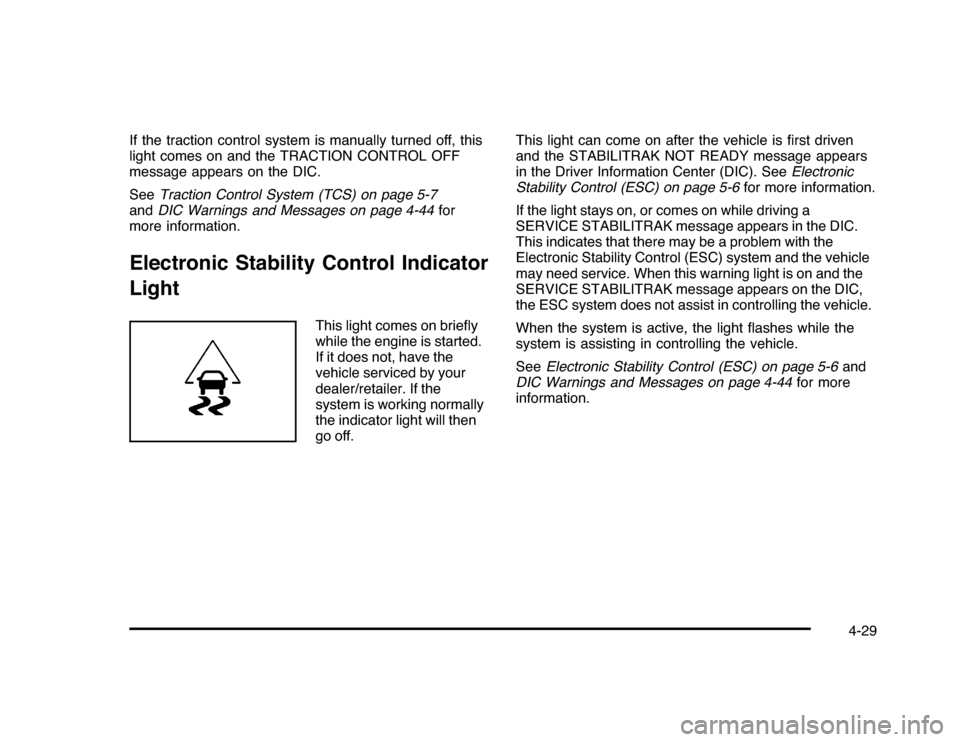
If the traction control system is manually turned off, this
light comes on and the TRACTION CONTROL OFF
message appears on the DIC.
SeeTraction Control System (TCS) on page 5-7
andDIC Warnings and Messages on page 4-44for
more information.Electronic Stability Control Indicator
Light
This light comes on briefly
while the engine is started.
If it does not, have the
vehicle serviced by your
dealer/retailer. If the
system is working normally
the indicator light will then
go off.This light can come on after the vehicle is first driven
and the STABILITRAK NOT READY message appears
in the Driver Information Center (DIC). SeeElectronic
Stability Control (ESC) on page 5-6for more information.
If the light stays on, or comes on while driving a
SERVICE STABILITRAK message appears in the DIC.
This indicates that there may be a problem with the
Electronic Stability Control (ESC) system and the vehicle
may need service. When this warning light is on and the
SERVICE STABILITRAK message appears on the DIC,
the ESC system does not assist in controlling the vehicle.
When the system is active, the light flashes while the
system is assisting in controlling the vehicle.
SeeElectronic Stability Control (ESC) on page 5-6and
DIC Warnings and Messages on page 4-44for more
information.
4-29
Page 198 of 432
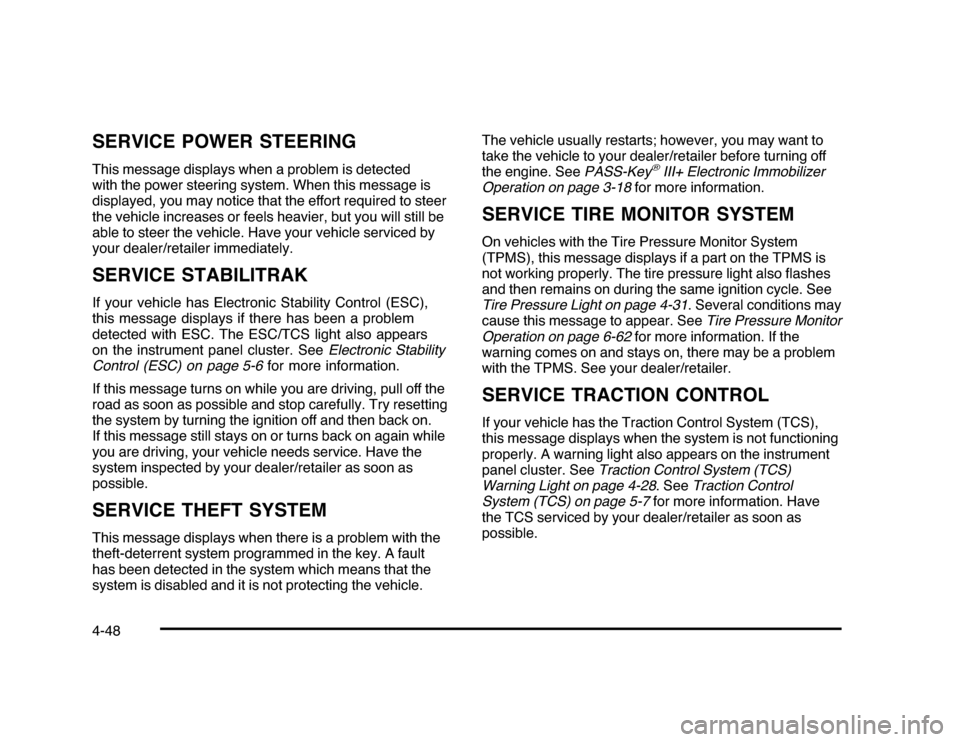
SERVICE POWER STEERINGThis message displays when a problem is detected
with the power steering system. When this message is
displayed, you may notice that the effort required to steer
the vehicle increases or feels heavier, but you will still be
able to steer the vehicle. Have your vehicle serviced by
your dealer/retailer immediately.SERVICE STABILITRAKIf your vehicle has Electronic Stability Control (ESC),
this message displays if there has been a problem
detected with ESC. The ESC/TCS light also appears
on the instrument panel cluster. SeeElectronic Stability
Control (ESC) on page 5-6for more information.
If this message turns on while you are driving, pull off the
road as soon as possible and stop carefully. Try resetting
the system by turning the ignition off and then back on.
If this message still stays on or turns back on again while
you are driving, your vehicle needs service. Have the
system inspected by your dealer/retailer as soon as
possible.SERVICE THEFT SYSTEMThis message displays when there is a problem with the
theft-deterrent system programmed in the key. A fault
has been detected in the system which means that the
system is disabled and it is not protecting the vehicle.The vehicle usually restarts; however, you may want to
take the vehicle to your dealer/retailer before turning off
the engine. SeePASS-Key
®III+ Electronic Immobilizer
Operation on page 3-18for more information.
SERVICE TIRE MONITOR SYSTEMOn vehicles with the Tire Pressure Monitor System
(TPMS), this message displays if a part on the TPMS is
not working properly. The tire pressure light also flashes
and then remains on during the same ignition cycle. See
Tire Pressure Light on page 4-31. Several conditions may
cause this message to appear. SeeTire Pressure Monitor
Operation on page 6-62for more information. If the
warning comes on and stays on, there may be a problem
with the TPMS. See your dealer/retailer.SERVICE TRACTION CONTROLIf your vehicle has the Traction Control System (TCS),
this message displays when the system is not functioning
properly. A warning light also appears on the instrument
panel cluster. SeeTraction Control System (TCS)
Warning Light on page 4-28. SeeTraction Control
System (TCS) on page 5-7for more information. Have
the TCS serviced by your dealer/retailer as soon as
possible.
4-48
Page 200 of 432
TIRE LOW ADD AIR TO TIREOn vehicles with the Tire Pressure Monitor System
(TPMS), this message displays when the pressure in one
or more of the vehicle’s tires is low. This message also
displays LEFT FRT (left front), RIGHT FRT (right front),
LEFT RR (left rear), or RIGHT RR (right rear) to indicate
the location of the low tire. The low tire pressure warning
light will also come on. SeeTire Pressure Light on
page 4-31. You can receive more than one tire pressure
message at a time. To read the other messages that may
have been sent at the same time, press the set/reset
button. If a tire pressure message appears on the DIC,
stop as soon as you can. Have the tire pressures
checked and set to those shown on the Tire Loading
Information label. SeeTires on page 6-51,Loading the
Vehicle on page 5-20, andInflation - Tire Pressure on
page 6-59. The DIC also shows the tire pressure values.
SeeDIC Operation and Displays on page 4-37.TRACTION CONTROL OFFIf your vehicle has the Traction Control System (TCS),
this message displays when the TCS turns off.
SeeTraction Control System (TCS) on page 5-7
for more information.
This message only displays while the ignition is in
ON/RUN and disappears after 10 seconds, unless
it is acknowledged or an urgent warning appears.Any of the following conditions may cause the TCS to
turn off:
•
The TCS is turned off by pressing the traction
control button. SeeTraction Control System (TCS)
on page 5-7for more information.
•
The battery is low.
•
There is a TCS failure. See your dealer/retailer for
service.
TRACTION CONTROL ONIf your vehicle has the Traction Control System (TCS),
this message displays when the TCS is turned on.
SeeTraction Control System (TCS) on page 5-7
for more information.TRANSMISSION HOT IDLE ENGINEThis message displays when the transmission fluid in
your vehicle is too hot. Stop the vehicle and allow it to idle
until it cools down. If the warning message continues to
display, have the vehicle serviced by your dealer/retailer
as soon as possible.TRUNK OPENThis message displays when the trunk is not closed
completely. Make sure that the trunk is closed
completely. SeeTrunk on page 3-12.
4-50