lock CHEVROLET KODIAK 2004 Owner's Guide
[x] Cancel search | Manufacturer: CHEVROLET, Model Year: 2004, Model line: KODIAK, Model: CHEVROLET KODIAK 2004Pages: 366, PDF Size: 6.87 MB
Page 129 of 366
Climate Controls
Climate Control System
With these systems, you can control the heating,
cooling and ventilation for your vehicle.
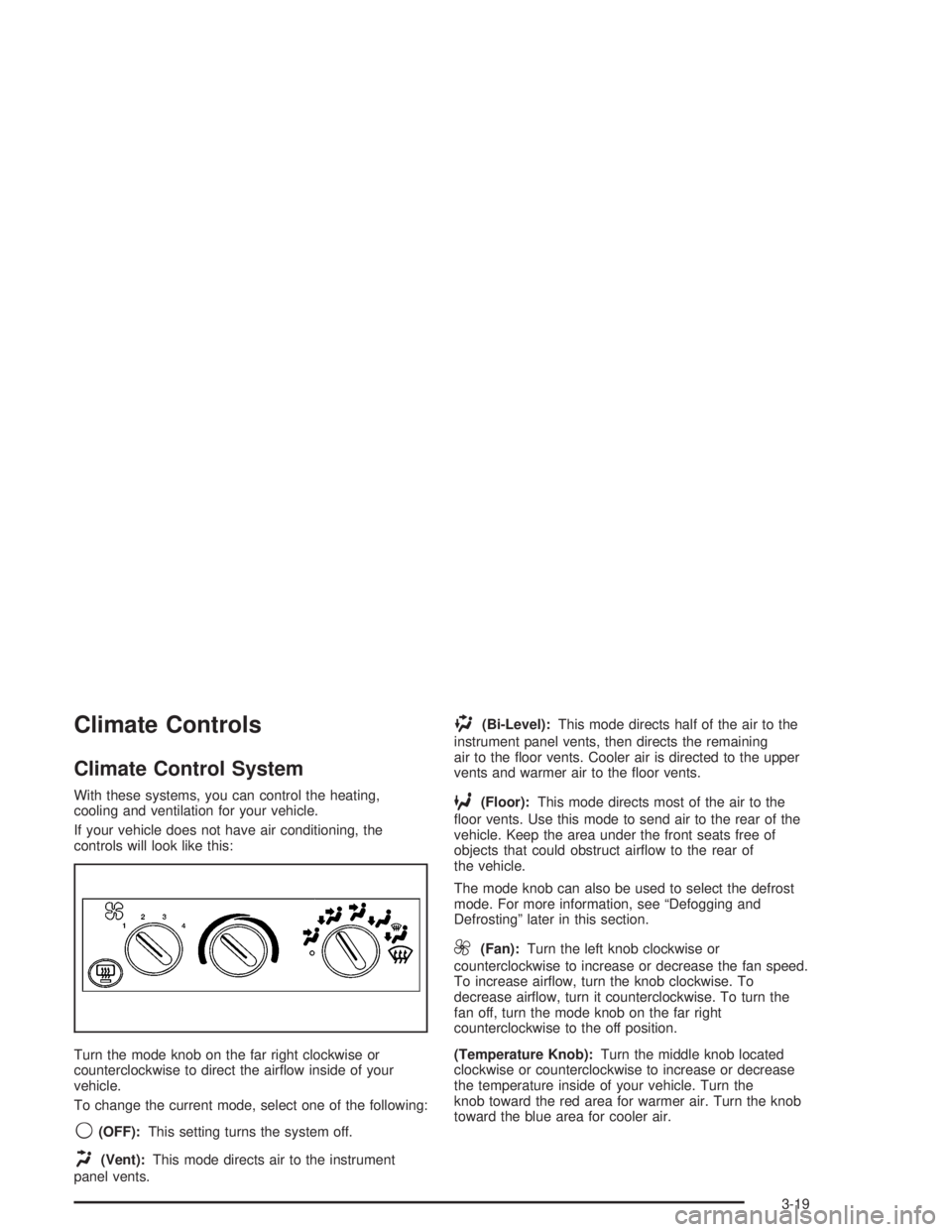
If your vehicle does not have air conditioning, the
controls will look like this:
Turn the mode knob on the far right clockwise or
counterclockwise to direct the airflow inside of your
vehicle.
To change the current mode, select one of the following:
9(OFF):This setting turns the system off.
H(Vent):This mode directs air to the instrument
panel vents.
)(Bi-Level):This mode directs half of the air to the
instrument panel vents, then directs the remaining
air to the floor vents. Cooler air is directed to the upper
vents and warmer air to the floor vents.
6(Floor):This mode directs most of the air to the
floor vents. Use this mode to send air to the rear of the
vehicle. Keep the area under the front seats free of
objects that could obstruct airflow to the rear of
the vehicle.
The mode knob can also be used to select the defrost
mode. For more information, see “Defogging and
Defrosting” later in this section.
9(Fan):Turn the left knob clockwise or
counterclockwise to increase or decrease the fan speed.
To increase airflow, turn the knob clockwise. To
decrease airflow, turn it counterclockwise. To turn the
fan off, turn the mode knob on the far right
counterclockwise to the off position.
(Temperature Knob):Turn the middle knob located
clockwise or counterclockwise to increase or decrease
the temperature inside of your vehicle. Turn the
knob toward the red area for warmer air. Turn the knob
toward the blue area for cooler air.
3-19
Page 144 of 366
Parking Brake Warning Light
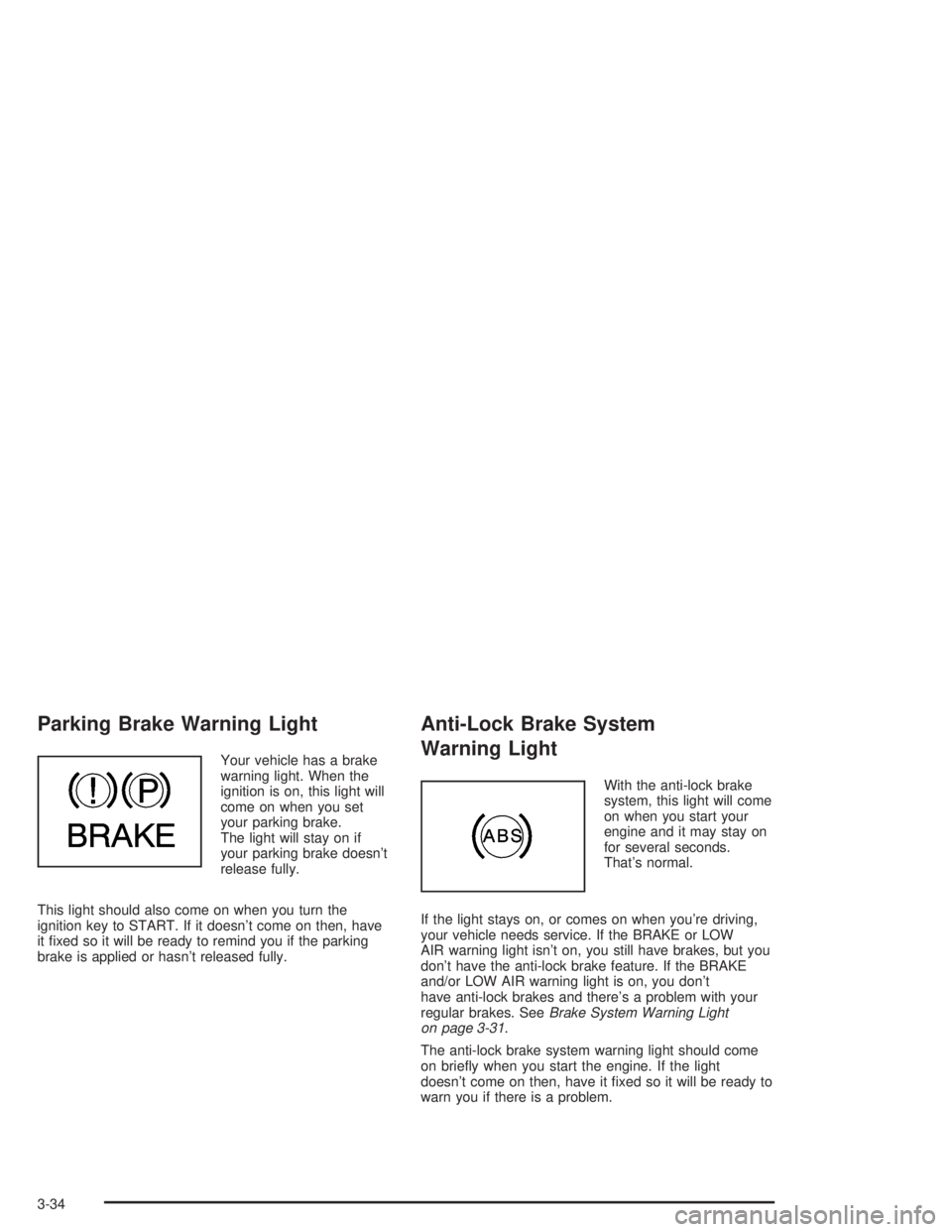
Your vehicle has a brake
warning light. When the
ignition is on, this light will
come on when you set
your parking brake.
The light will stay on if
your parking brake doesn’t
release fully.
This light should also come on when you turn the
ignition key to START. If it doesn’t come on then, have
it fixed so it will be ready to remind you if the parking
brake is applied or hasn’t released fully.
Anti-Lock Brake System
Warning Light
With the anti-lock brake
system, this light will come
on when you start your
engine and it may stay on
for several seconds.
That’s normal.
If the light stays on, or comes on when you’re driving,
your vehicle needs service. If the BRAKE or LOW
AIR warning light isn’t on, you still have brakes, but you
don’t have the anti-lock brake feature. If the BRAKE
and/or LOW AIR warning light is on, you don’t
have anti-lock brakes and there’s a problem with your
regular brakes. SeeBrake System Warning Light
on page 3-31.
The anti-lock brake system warning light should come
on briefly when you start the engine. If the light
doesn’t come on then, have it fixed so it will be ready to
warn you if there is a problem.
3-34
Page 145 of 366
Trailer Anti-Lock Brake System
Warning Light
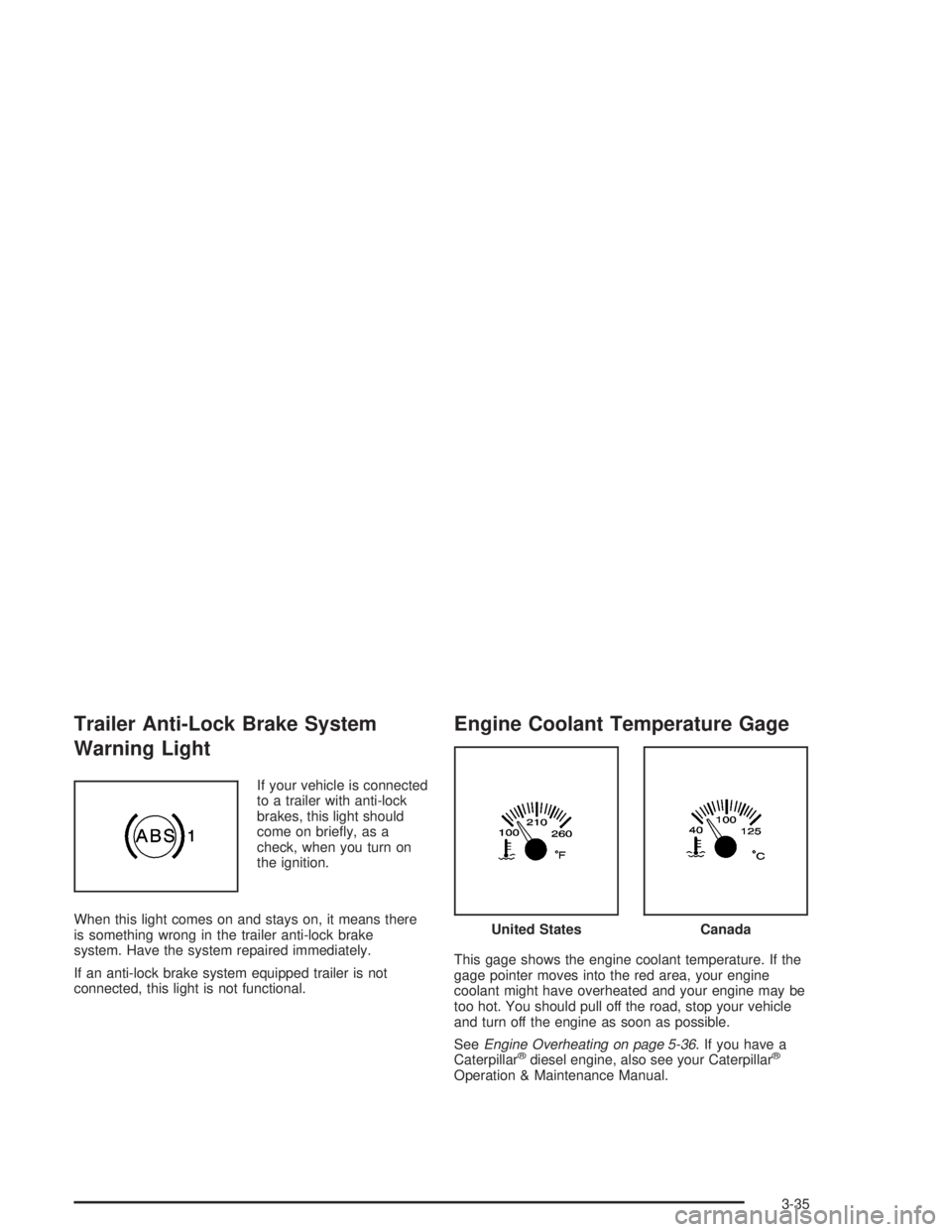
If your vehicle is connected
to a trailer with anti-lock
brakes, this light should
come on briefly, as a
check, when you turn on
the ignition.
When this light comes on and stays on, it means there
is something wrong in the trailer anti-lock brake
system. Have the system repaired immediately.
If an anti-lock brake system equipped trailer is not
connected, this light is not functional.
Engine Coolant Temperature Gage
This gage shows the engine coolant temperature. If the
gage pointer moves into the red area, your engine
coolant might have overheated and your engine may be
too hot. You should pull off the road, stop your vehicle
and turn off the engine as soon as possible.
SeeEngine Overheating on page 5-36. If you have a
Caterpillar
®diesel engine, also see your Caterpillar®
Operation & Maintenance Manual.
United StatesCanada
3-35
Page 150 of 366
Transmission Temperature Gage
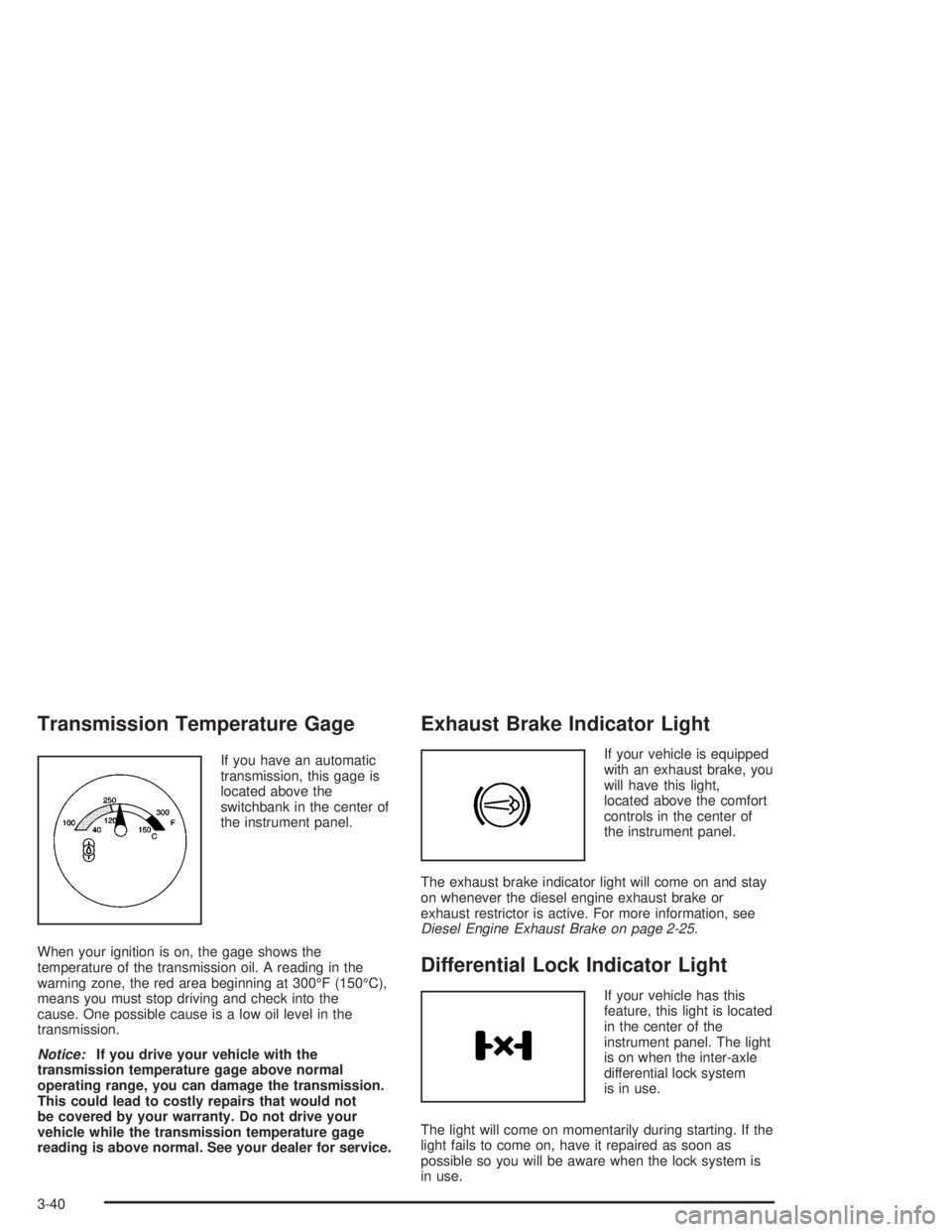
If you have an automatic
transmission, this gage is
located above the
switchbank in the center of
the instrument panel.
When your ignition is on, the gage shows the
temperature of the transmission oil. A reading in the
warning zone, the red area beginning at 300°F (150°C),
means you must stop driving and check into the
cause. One possible cause is a low oil level in the
transmission.
Notice:If you drive your vehicle with the
transmission temperature gage above normal
operating range, you can damage the transmission.
This could lead to costly repairs that would not
be covered by your warranty. Do not drive your
vehicle while the transmission temperature gage
reading is above normal. See your dealer for service.
Exhaust Brake Indicator Light
If your vehicle is equipped
with an exhaust brake, you
will have this light,
located above the comfort
controls in the center of
the instrument panel.
The exhaust brake indicator light will come on and stay
on whenever the diesel engine exhaust brake or
exhaust restrictor is active. For more information, see
Diesel Engine Exhaust Brake on page 2-25.
Differential Lock Indicator Light
If your vehicle has this
feature, this light is located
in the center of the
instrument panel. The light
is on when the inter-axle
differential lock system
is in use.
The light will come on momentarily during starting. If the
light fails to come on, have it repaired as soon as
possible so you will be aware when the lock system is
in use.
3-40
Page 158 of 366
To adjust both tone controls and both speaker controls
to the middle position, end out of audio by waiting
for the display to change to the time display. Then press
and hold AUDIO for more than two seconds until you
hear a beep. CEN will appear on the display.
Fade may not be available if you have a regular cab
model.
Radio Messages
CAL (Calibrated):Your audio system has been
calibrated for your vehicle from the factory. If CAL
appears on the display it means that your radio has not
been configured properly for your vehicle and must
be returned to the dealer for service.
LOC (Locked):This message is displayed when the
Theftlock
®system has locked up. Your vehicle must be
returned to the dealer for service.
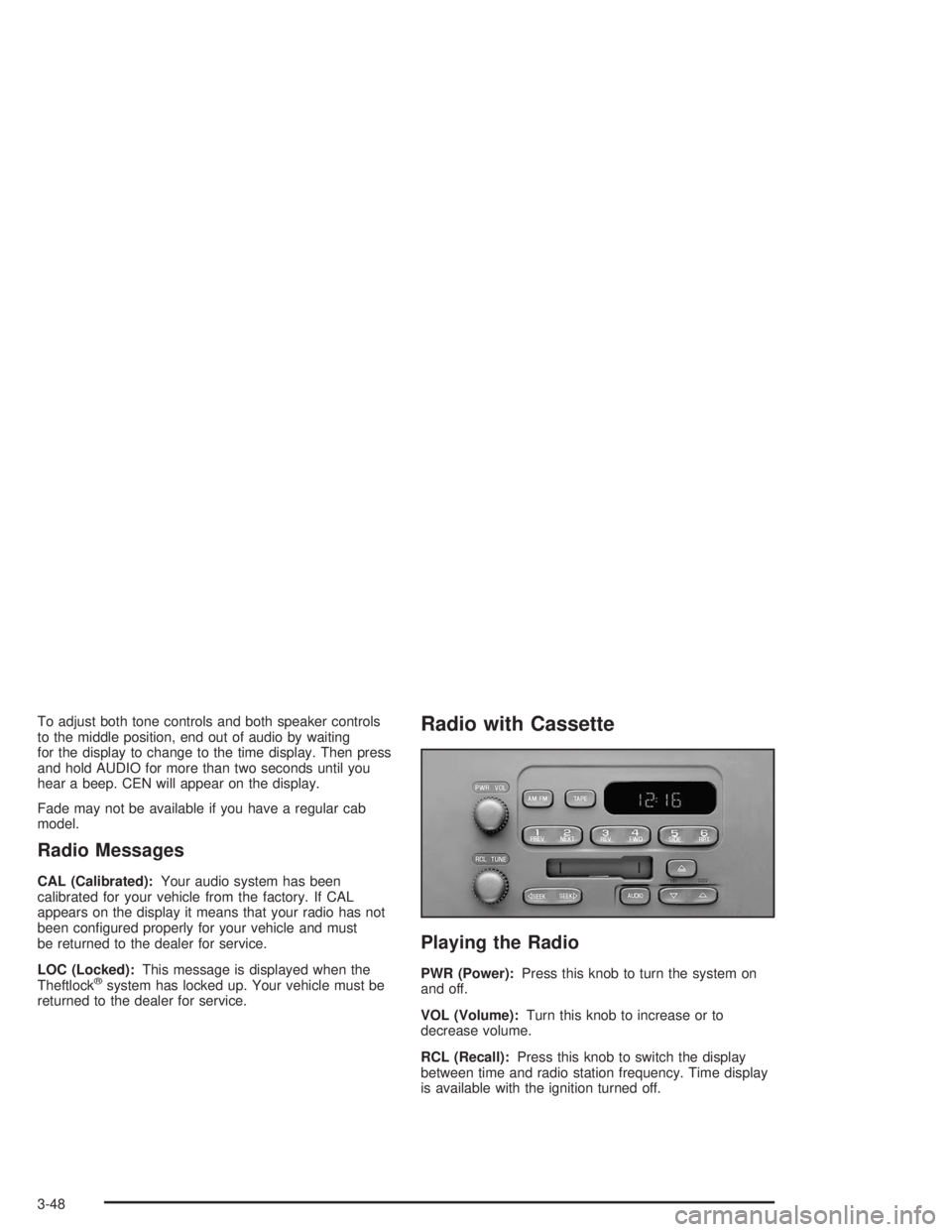
Radio with Cassette
Playing the Radio
PWR (Power):Press this knob to turn the system on
and off.
VOL (Volume):Turn this knob to increase or to
decrease volume.
RCL (Recall):Press this knob to switch the display
between time and radio station frequency. Time display
is available with the ignition turned off.
3-48
Page 160 of 366
To adjust both tone controls and both speaker controls
to the middle position, end out of audio by waiting
for the display to change to the clock display. Then
press and hold AUDIO for more than two seconds until
you hear a beep. CEN will appear on the display.
Adjusting the Speakers (Balance/Fade)
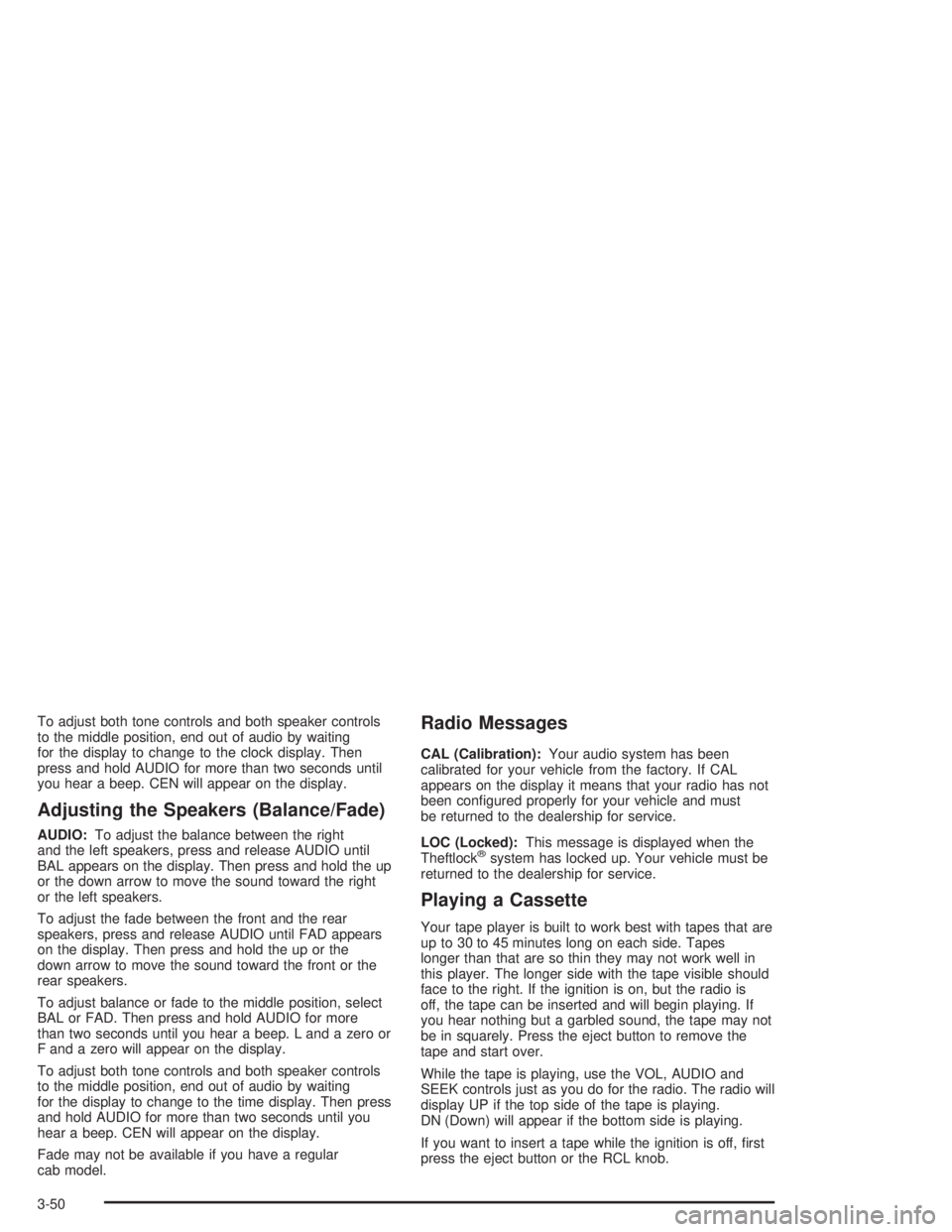
AUDIO:To adjust the balance between the right
and the left speakers, press and release AUDIO until
BAL appears on the display. Then press and hold the up
or the down arrow to move the sound toward the right
or the left speakers.
To adjust the fade between the front and the rear
speakers, press and release AUDIO until FAD appears
on the display. Then press and hold the up or the
down arrow to move the sound toward the front or the
rear speakers.
To adjust balance or fade to the middle position, select
BAL or FAD. Then press and hold AUDIO for more
than two seconds until you hear a beep. L and a zero or
F and a zero will appear on the display.
To adjust both tone controls and both speaker controls
to the middle position, end out of audio by waiting
for the display to change to the time display. Then press
and hold AUDIO for more than two seconds until you
hear a beep. CEN will appear on the display.
Fade may not be available if you have a regular
cab model.
Radio Messages
CAL (Calibration):Your audio system has been
calibrated for your vehicle from the factory. If CAL
appears on the display it means that your radio has not
been configured properly for your vehicle and must
be returned to the dealership for service.
LOC (Locked):This message is displayed when the
Theftlock
®system has locked up. Your vehicle must be
returned to the dealership for service.
Playing a Cassette
Your tape player is built to work best with tapes that are
up to 30 to 45 minutes long on each side. Tapes
longer than that are so thin they may not work well in
this player. The longer side with the tape visible should
face to the right. If the ignition is on, but the radio is
off, the tape can be inserted and will begin playing. If
you hear nothing but a garbled sound, the tape may not
be in squarely. Press the eject button to remove the
tape and start over.
While the tape is playing, use the VOL, AUDIO and
SEEK controls just as you do for the radio. The radio will
display UP if the top side of the tape is playing.
DN (Down) will appear if the bottom side is playing.
If you want to insert a tape while the ignition is off, first
press the eject button or the RCL knob.
3-50
Page 165 of 366
Radio Messages
CAL (Calibrated):Your audio system has been
calibrated for your vehicle from the factory. If CAL
appears on the display it means that your radio has not
been configured properly for your vehicle and must
be returned to the dealership for service.
LOC (Locked):This message is displayed when the
Theftlock
®system has locked up. Your vehicle must be
returned to the dealership for service.
Playing a Compact Disc
Insert a disc partway into the slot, label side up. The
player will pull it in. The disc should begin playing. The
display will show CD. If you want to insert a compact
disc with the ignition off, first press RCL or the eject
button.
The integral CD player can play the smaller 8 cm single
discs with an adapter ring. Full-size compact discs
and the smaller discs are loaded in the same manner.
If playing a CD-R the sound quality may be reduced due
to CD-R quality, the method of recording, the quality
of the music that has been recorded and the way
the CD-R has been handled. You may experience an
increase in skipping, difficulty in finding tracks and/or
difficulty in loading and ejecting. If these problems occur
try a known good CD.Do not add paper labels to discs, they could get caught
in the CD player.
Do not play 3 inch discs without a standard
adapter disc.
If an error appears on the display, see “Compact Disc
Messages” later in this section.
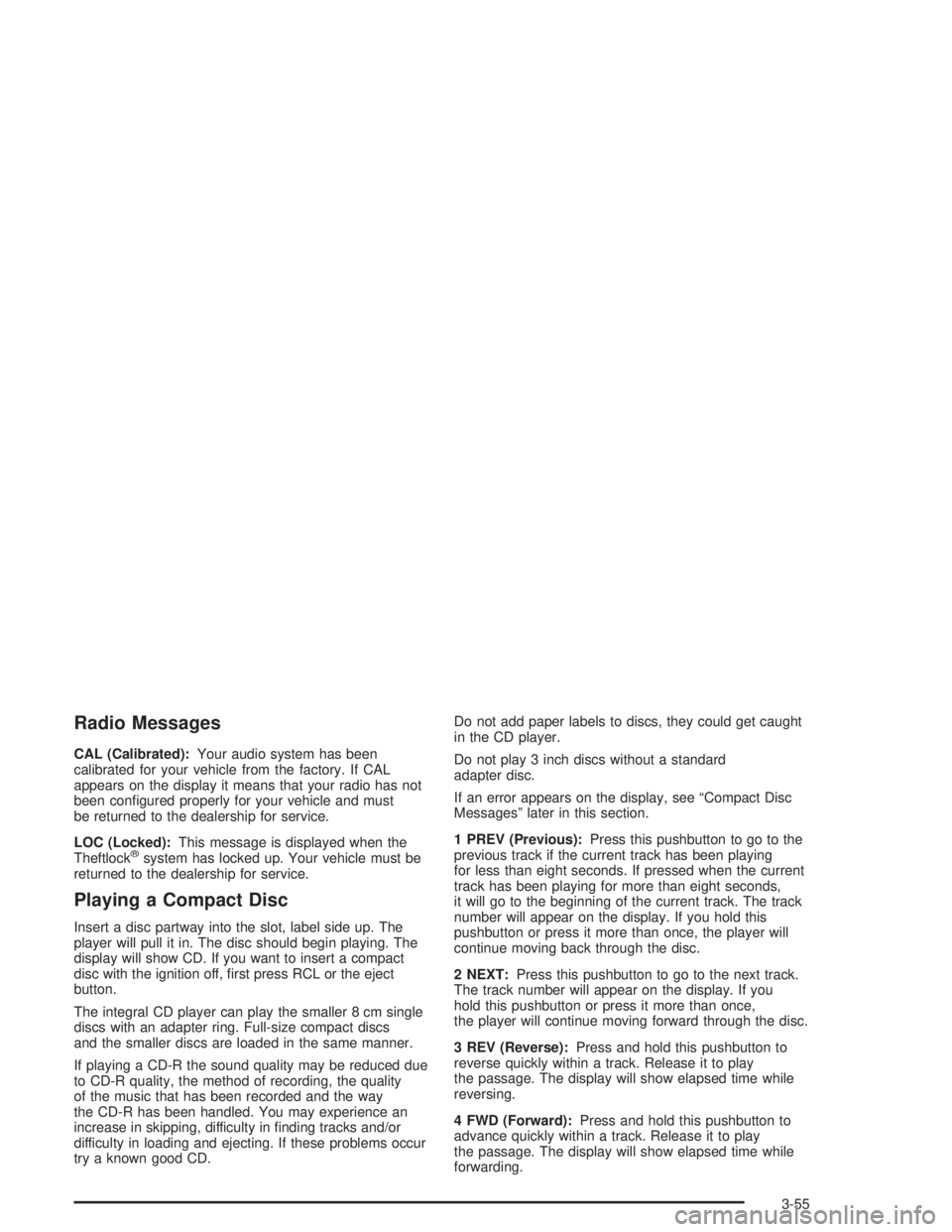
1 PREV (Previous):Press this pushbutton to go to the
previous track if the current track has been playing
for less than eight seconds. If pressed when the current
track has been playing for more than eight seconds,
it will go to the beginning of the current track. The track
number will appear on the display. If you hold this
pushbutton or press it more than once, the player will
continue moving back through the disc.
2 NEXT:Press this pushbutton to go to the next track.
The track number will appear on the display. If you
hold this pushbutton or press it more than once,
the player will continue moving forward through the disc.
3 REV (Reverse):Press and hold this pushbutton to
reverse quickly within a track. Release it to play
the passage. The display will show elapsed time while
reversing.
4 FWD (Forward):Press and hold this pushbutton to
advance quickly within a track. Release it to play
the passage. The display will show elapsed time while
forwarding.
3-55
Page 167 of 366

Theft-Deterrent Feature
(Non-RDS Radios)
THEFTLOCK®is designed to discourage theft of your
radio. The feature works automatically by learning
a portion of the Vehicle Identification Number (VIN). If
the radio is moved to a different vehicle, it will not
operate and LOC will appear on the display.
With THEFTLOCK
®activated, your radio will not
operate if stolen.
Radio Reception
AM
The range for most AM stations is greater than for FM,
especially at night. The longer range, however, can
cause stations to interfere with each other. AM can pick
up noise from things like storms and power lines. Try
reducing the treble to reduce this noise.
FM
FM stereo will give you the best sound, but FM signals
will reach only about 10 to 40 miles (16 to 65 km).
Tall buildings or hills can interfere with FM signals,
causing the sound to come and go.
Care of Your Cassette Tape Player
A tape player that is not cleaned regularly can cause
reduced sound quality, ruined cassettes or a damaged
mechanism. Cassette tapes should be stored in their
cases away from contaminants, direct sunlight and
extreme heat. If they aren’t, they may not operate
properly or may cause failure of the tape player.
Your tape player should be cleaned regularly after every
50 hours of use. Your radio may display CLN to
indicate that you have used your tape player for
50 hours without resetting the tape clean timer. If this
message appears on the display, your cassette
tape player needs to be cleaned. It will still play tapes,
but you should clean it as soon as possible to
prevent damage to your tapes and player. If you notice
a reduction in sound quality, try a known good
cassette to see if the tape or the tape player is at fault.
If this other cassette has no improvement in sound
quality, clean the tape player.
For best results, use a scrubbing action, non-abrasive
cleaning cassette with pads which scrub the tape
head as the hubs of the cleaner cassette turn. The
recommended cleaning cassette is available through
your dealer (GM Part No. 12344789).
3-57
Page 171 of 366
Your Driving, the Road, and Your Vehicle..........4-2
Defensive Driving...........................................4-2
Drunken Driving.............................................4-2
Control of a Vehicle........................................4-5
Braking.........................................................4-6
Trailer Brake Hand Control Valve......................4-9
Inter-Axle Differential Lock Control...................4-10
Rear Axle Differential Lock Control..................4-10
Traction Control System (TCS).......................4-11
Steering......................................................4-12
Off-Road Recovery.......................................4-14
Passing.......................................................4-14
Loss of Control.............................................4-16
Driving at Night............................................4-17Driving in Rain and on Wet Roads..................4-18
City Driving..................................................4-21
Freeway Driving...........................................4-22
Highway Hypnosis........................................4-23
Hill and Mountain Roads................................4-23
Winter Driving..............................................4-25
If You Are Stuck: In Sand, Mud,
Ice or Snow..............................................4-29
Towing..........................................................4-31
Towing Your Vehicle.....................................4-31
Loading Your Vehicle....................................4-33
Trailer Connections (C4/C5 Models Only).........4-35
Power Take-Off (PTO)...................................4-36
Section 4 Driving Your Vehicle
4-1
Page 177 of 366
Anti-lock Brake System (ABS)
Your vehicle has anti-lock brakes. ABS is an advanced
electronic braking system that will help prevent a
braking skid.
When you start your engine and begin to drive away,
your anti-lock brake system will check itself. You
may hear a momentary motor or clicking noise while
this test is going on. This is normal.
If there is a problem with
the anti-lock brake system,
this warning light will
stay on. SeeAnti-Lock
Brake System Warning
Light on page 3-34.
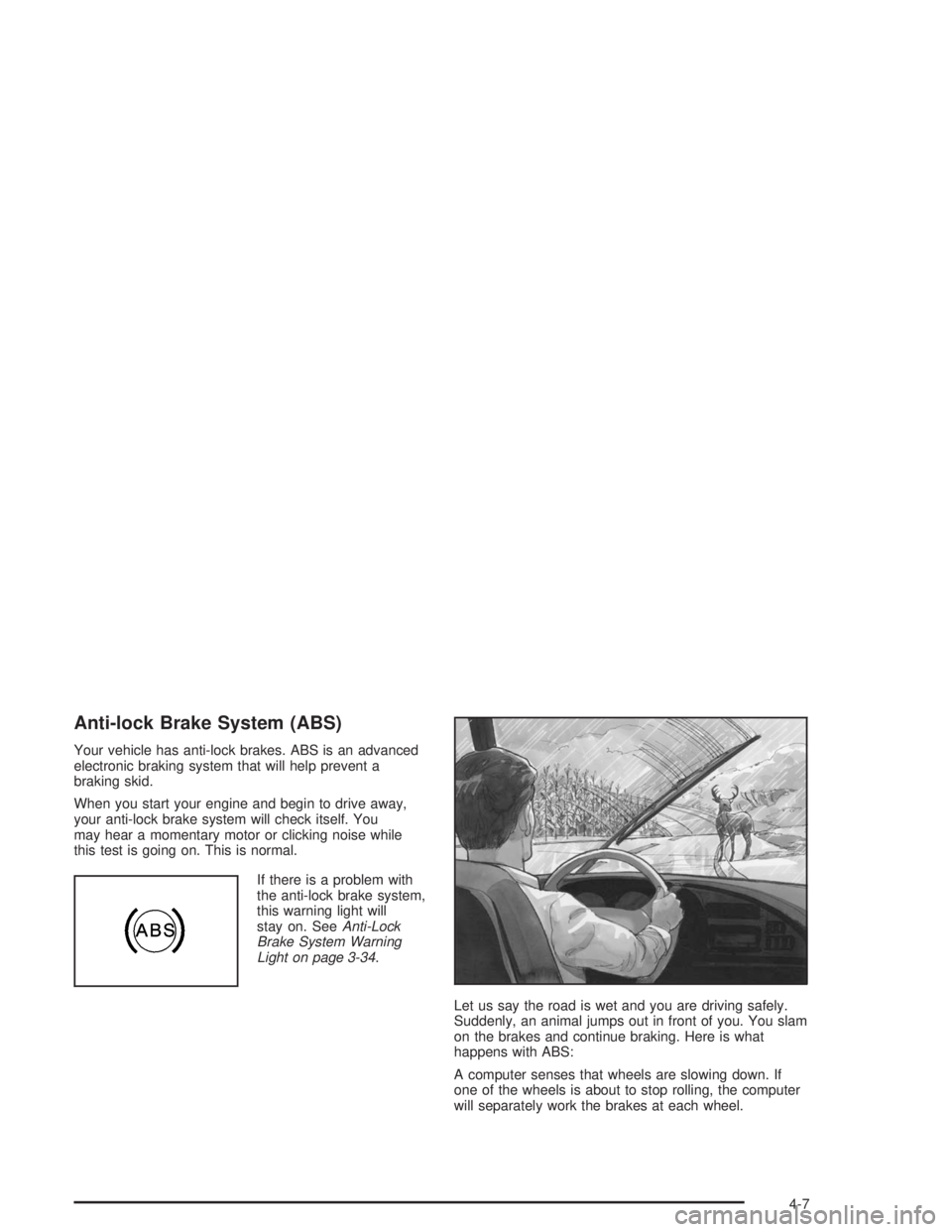
Let us say the road is wet and you are driving safely.
Suddenly, an animal jumps out in front of you. You slam
on the brakes and continue braking. Here is what
happens with ABS:
A computer senses that wheels are slowing down. If
one of the wheels is about to stop rolling, the computer
will separately work the brakes at each wheel.
4-7