radio controls CHEVROLET KODIAK 2007 Owners Manual
[x] Cancel search | Manufacturer: CHEVROLET, Model Year: 2007, Model line: KODIAK, Model: CHEVROLET KODIAK 2007Pages: 430, PDF Size: 6.06 MB
Page 108 of 430
Exhaust Restrictor
(Engine Warm-Up)
Exhaust Restrictor
If your vehicle has a Isuzu 6H or Caterpillar®
Diesel Engine, it may have a feature called
an Exhaust Restrictor (NPE), which uses an air
actuated valve in the exhaust system to restrict
exhaust gas flow which enhances the engine and
heater warm-up.
Automatic Quick Warm-Up
If your vehicle has a DURAMAX®6600 engine, it
has a feature called an Automatic Quick
Warm-Up, which uses the turbocharger to restrict
the exhaust gas flow which enhances the
engine and heater warm-up.
In both systems, exhaust restrictor or automatic
quick warm-up, the cold temperature high
idle feature elevates the engines idle speed, up to
1500 rpm, and restricts the exhaust gas flow,
when outside temperatures are below 32°F (0°C),
and the engine coolant temperature is below
certain levels. This feature enhances heater
performance by raising the engine coolant
temperature faster.For all engines this feature is already turned on.
The automatic quick warm-up on the DURAMAX
®
engine can be turned off and on by doing the
following procedure:
1. Turn the ignition to RUN, with the vehicle off.
2. Press the accelerator pedal to the floor
and hold it while quickly pressing and
fully releasing the brake pedal three times in
less than eight seconds.
3. Release the accelerator pedal and start the
engine. The green exhaust brake/restrictor
light below the radio controls will be lit
for 10 seconds.
If this feature is turned off, by doing the
procedure described previously, and then the
engine is started, the exhaust brake/restrictor
light will flash for 10 seconds and then it
will turn off.
When the engine is started, it will slowly increase to
the high idle speed after a delay of a few seconds;
up to about two minutes. For this method to work
properly there must be no throttle or brake pedal
faults, and the throttle pedal must not fall below
75 percent of wide open throttle while pressing the
brake pedal.
108
Page 152 of 430
Marker Lamps
If your vehicle has this feature, you can manually
blink the marker and clearance lamps.
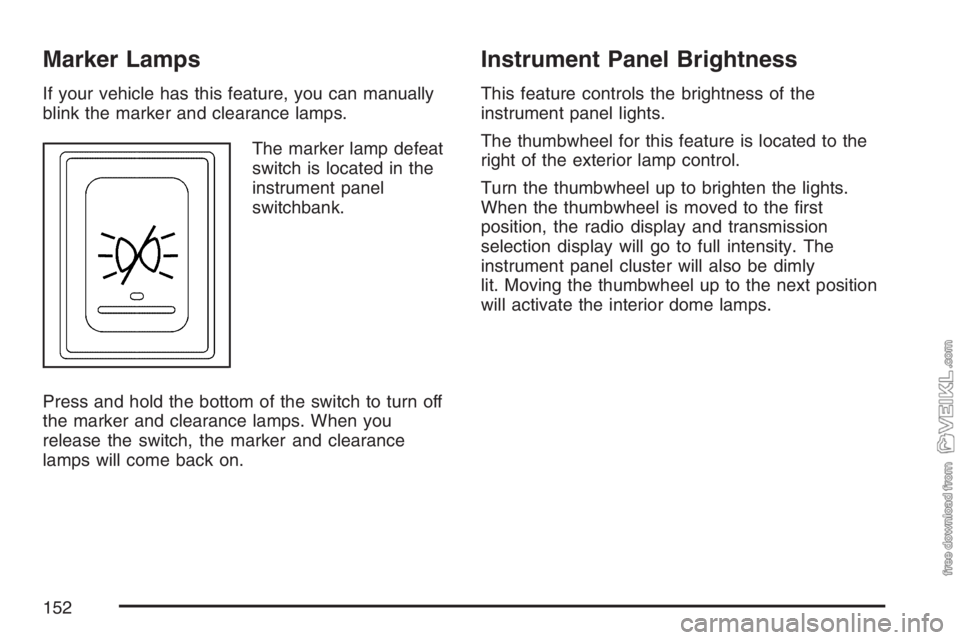
The marker lamp defeat
switch is located in the
instrument panel
switchbank.
Press and hold the bottom of the switch to turn off
the marker and clearance lamps. When you
release the switch, the marker and clearance
lamps will come back on.
Instrument Panel Brightness
This feature controls the brightness of the
instrument panel lights.
The thumbwheel for this feature is located to the
right of the exterior lamp control.
Turn the thumbwheel up to brighten the lights.
When the thumbwheel is moved to the first
position, the radio display and transmission
selection display will go to full intensity. The
instrument panel cluster will also be dimly
lit. Moving the thumbwheel up to the next position
will activate the interior dome lamps.
152
Page 184 of 430
Audio System(s)
If your vehicle came without a radio, the wiring
provisions for a radio and an antenna were
installed at the assembly plant, so that if you want,
a radio can be installed at the dealer.
Determine which radio your vehicle has and then
read the pages following to familiarize yourself
with its features.
Driving without distraction is a necessity for a
safer driving experience. SeeDefensive Driving on
page 206. By taking a few moments to read this
manual and get familiar with your vehicle’s
audio system, you can use it with less effort, as
well as take advantage of its features. While your
vehicle is parked, set up your audio system by
presetting your favorite radio stations, setting the
tone and adjusting the speakers. Then, when
driving conditions permit, you can tune to
your favorite stations using the presets and
steering wheel controls if the vehicle has them.{CAUTION:
This system provides you with a far greater
access to audio stations and song listings.
Giving extended attention to entertainment
tasks while driving can cause a crash and
you or others can be injured or killed.
Always keep your eyes on the road and
your mind on the drive — avoid engaging
in extended searching while driving.
Keeping your mind on the drive is important for
safe driving. For more information, seeDefensive
Driving on page 206.
Here are some ways in which you can help avoid
distraction while driving.
184
Page 185 of 430
While your vehicle is parked:
•Familiarize yourself with all of its controls.
•Familiarize yourself with its operation.
•Set up your audio system by presetting your
favorite radio stations, setting the tone, and
adjusting the speakers. Then, when driving
conditions permit, you can tune to your favorite
radio stations using the presets and steering
wheel controls if the vehicle has them.
Notice:Before adding any sound equipment to
your vehicle, such as an audio system, CD
player, CB radio, mobile telephone, or two-way
radio, make sure that it can be added by
checking with your dealer. Also, check federal
rules covering mobile radio and telephone
units. If sound equipment can be added, it is
very important to do it properly. Added sound
equipment may interfere with the operation of
your vehicle’s engine, radio, or other systems,
and even damage them. Your vehicle’s systems
may interfere with the operation of sound
equipment that has been added.Notice:The chime signals related to safety
belts, parking brake, and other functions
of your vehicle operate through the
radio/entertainment system. If that equipment
is replaced or additional equipment is added
to your vehicle, the chimes may not work. Make
sure that replacement or additional equipment
is compatible with your vehicle before
installing it.
Setting the Time
Press and hold the HR (down) or MIN (up) arrow
for two seconds. Then press HR until the
correct hour appears on the display. Press and
hold MIN until the correct minute appears on
the display. The time can be set with the ignition
on or off.
185
Page 187 of 430
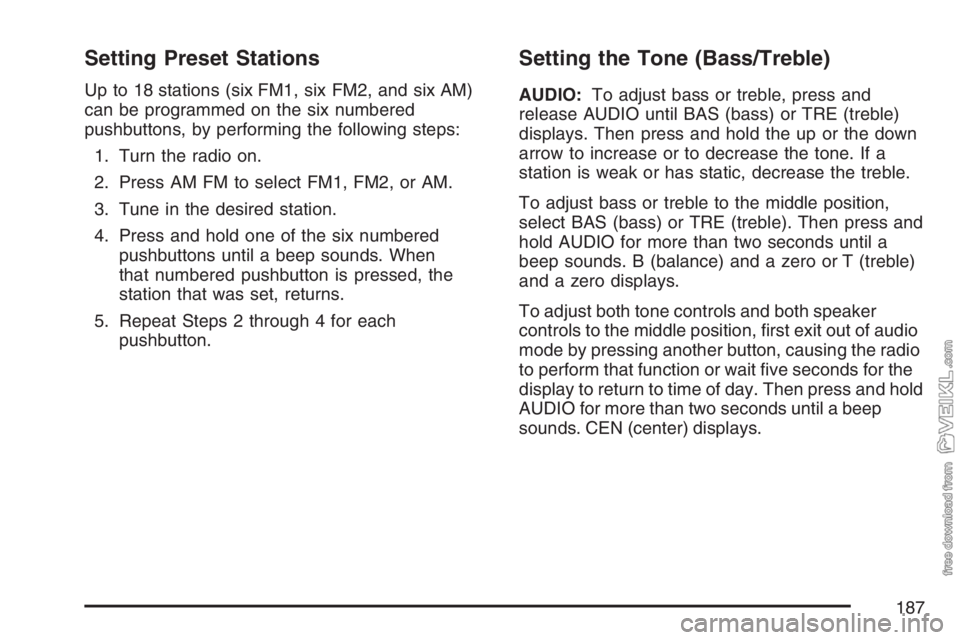
Setting Preset Stations
Up to 18 stations (six FM1, six FM2, and six AM)
can be programmed on the six numbered
pushbuttons, by performing the following steps:
1. Turn the radio on.
2. Press AM FM to select FM1, FM2, or AM.
3. Tune in the desired station.
4. Press and hold one of the six numbered
pushbuttons until a beep sounds. When
that numbered pushbutton is pressed, the
station that was set, returns.
5. Repeat Steps 2 through 4 for each
pushbutton.
Setting the Tone (Bass/Treble)
AUDIO:To adjust bass or treble, press and
release AUDIO until BAS (bass) or TRE (treble)
displays. Then press and hold the up or the down
arrow to increase or to decrease the tone. If a
station is weak or has static, decrease the treble.
To adjust bass or treble to the middle position,
select BAS (bass) or TRE (treble). Then press and
hold AUDIO for more than two seconds until a
beep sounds. B (balance) and a zero or T (treble)
and a zero displays.
To adjust both tone controls and both speaker
controls to the middle position, first exit out of audio
mode by pressing another button, causing the radio
to perform that function or wait five seconds for the
display to return to time of day. Then press and hold
AUDIO for more than two seconds until a beep
sounds. CEN (center) displays.
187
Page 188 of 430
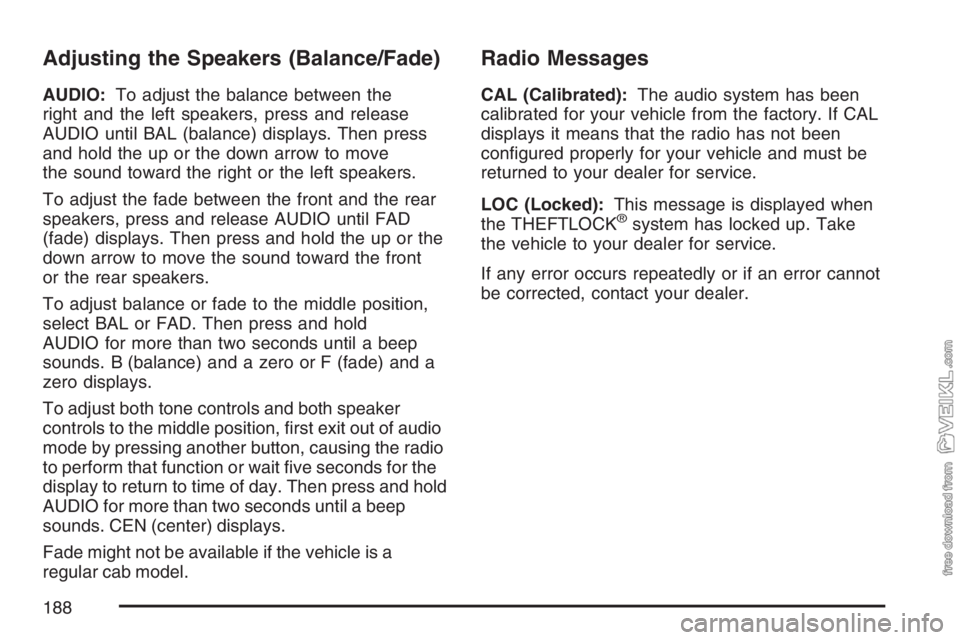
Adjusting the Speakers (Balance/Fade)
AUDIO:To adjust the balance between the
right and the left speakers, press and release
AUDIO until BAL (balance) displays. Then press
and hold the up or the down arrow to move
the sound toward the right or the left speakers.
To adjust the fade between the front and the rear
speakers, press and release AUDIO until FAD
(fade) displays. Then press and hold the up or the
down arrow to move the sound toward the front
or the rear speakers.
To adjust balance or fade to the middle position,
select BAL or FAD. Then press and hold
AUDIO for more than two seconds until a beep
sounds. B (balance) and a zero or F (fade) and a
zero displays.
To adjust both tone controls and both speaker
controls to the middle position, first exit out of audio
mode by pressing another button, causing the radio
to perform that function or wait five seconds for the
display to return to time of day. Then press and hold
AUDIO for more than two seconds until a beep
sounds. CEN (center) displays.
Fade might not be available if the vehicle is a
regular cab model.
Radio Messages
CAL (Calibrated):The audio system has been
calibrated for your vehicle from the factory. If CAL
displays it means that the radio has not been
configured properly for your vehicle and must be
returned to your dealer for service.
LOC (Locked):This message is displayed when
the THEFTLOCK
®system has locked up. Take
the vehicle to your dealer for service.
If any error occurs repeatedly or if an error cannot
be corrected, contact your dealer.
188
Page 190 of 430
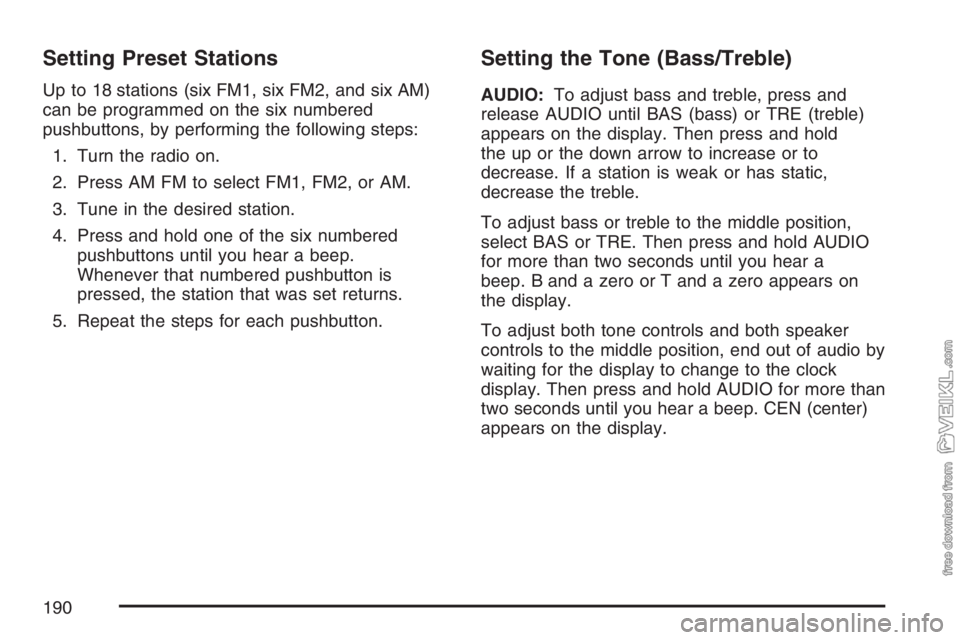
Setting Preset Stations
Up to 18 stations (six FM1, six FM2, and six AM)
can be programmed on the six numbered
pushbuttons, by performing the following steps:
1. Turn the radio on.
2. Press AM FM to select FM1, FM2, or AM.
3. Tune in the desired station.
4. Press and hold one of the six numbered
pushbuttons until you hear a beep.
Whenever that numbered pushbutton is
pressed, the station that was set returns.
5. Repeat the steps for each pushbutton.
Setting the Tone (Bass/Treble)
AUDIO:To adjust bass and treble, press and
release AUDIO until BAS (bass) or TRE (treble)
appears on the display. Then press and hold
the up or the down arrow to increase or to
decrease. If a station is weak or has static,
decrease the treble.
To adjust bass or treble to the middle position,
select BAS or TRE. Then press and hold AUDIO
for more than two seconds until you hear a
beep. B and a zero or T and a zero appears on
the display.
To adjust both tone controls and both speaker
controls to the middle position, end out of audio by
waiting for the display to change to the clock
display. Then press and hold AUDIO for more than
two seconds until you hear a beep. CEN (center)
appears on the display.
190
Page 191 of 430
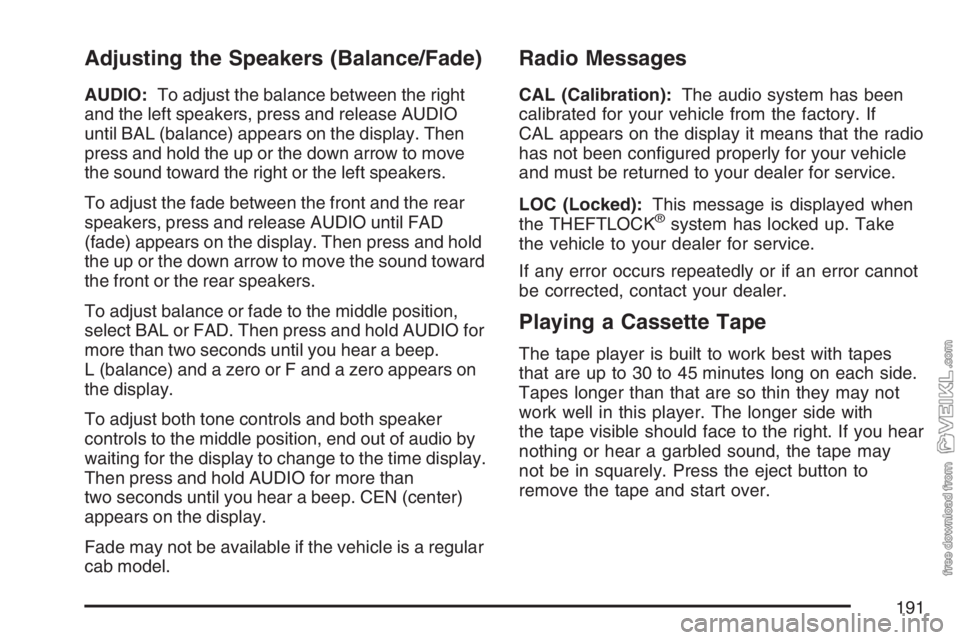
Adjusting the Speakers (Balance/Fade)
AUDIO:To adjust the balance between the right
and the left speakers, press and release AUDIO
until BAL (balance) appears on the display. Then
press and hold the up or the down arrow to move
the sound toward the right or the left speakers.
To adjust the fade between the front and the rear
speakers, press and release AUDIO until FAD
(fade) appears on the display. Then press and hold
the up or the down arrow to move the sound toward
the front or the rear speakers.
To adjust balance or fade to the middle position,
select BAL or FAD. Then press and hold AUDIO for
more than two seconds until you hear a beep.
L (balance) and a zero or F and a zero appears on
the display.
To adjust both tone controls and both speaker
controls to the middle position, end out of audio by
waiting for the display to change to the time display.
Then press and hold AUDIO for more than
two seconds until you hear a beep. CEN (center)
appears on the display.
Fade may not be available if the vehicle is a regular
cab model.
Radio Messages
CAL (Calibration):The audio system has been
calibrated for your vehicle from the factory. If
CAL appears on the display it means that the radio
has not been configured properly for your vehicle
and must be returned to your dealer for service.
LOC (Locked):This message is displayed when
the THEFTLOCK
®system has locked up. Take
the vehicle to your dealer for service.
If any error occurs repeatedly or if an error cannot
be corrected, contact your dealer.
Playing a Cassette Tape
The tape player is built to work best with tapes
that are up to 30 to 45 minutes long on each side.
Tapes longer than that are so thin they may not
work well in this player. The longer side with
the tape visible should face to the right. If you hear
nothing or hear a garbled sound, the tape may
not be in squarely. Press the eject button to
remove the tape and start over.
191
Page 192 of 430
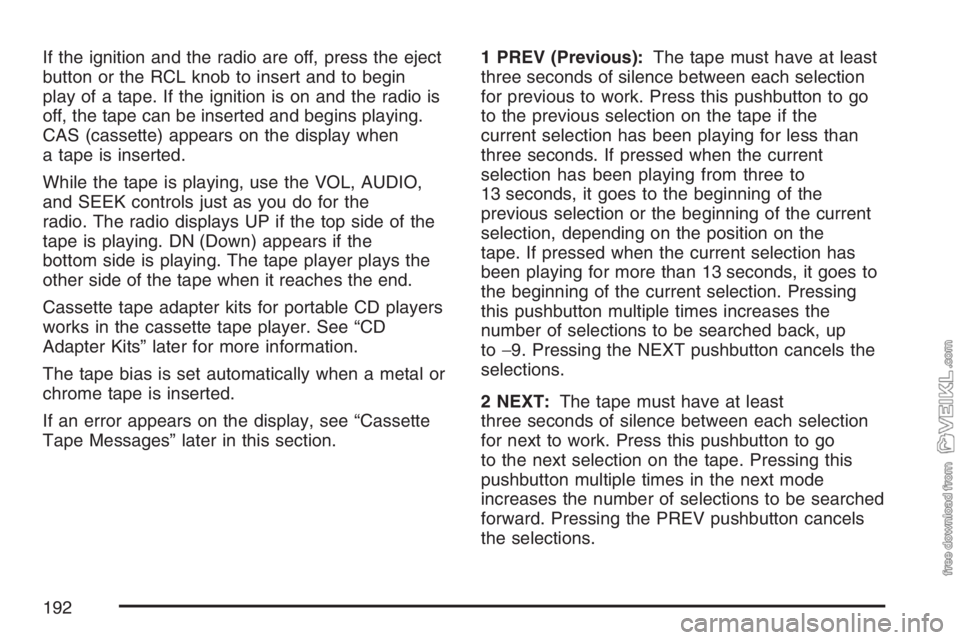
If the ignition and the radio are off, press the eject
button or the RCL knob to insert and to begin
play of a tape. If the ignition is on and the radio is
off, the tape can be inserted and begins playing.
CAS (cassette) appears on the display when
a tape is inserted.
While the tape is playing, use the VOL, AUDIO,
and SEEK controls just as you do for the
radio. The radio displays UP if the top side of the
tape is playing. DN (Down) appears if the
bottom side is playing. The tape player plays the
other side of the tape when it reaches the end.
Cassette tape adapter kits for portable CD players
works in the cassette tape player. See “CD
Adapter Kits” later for more information.
The tape bias is set automatically when a metal or
chrome tape is inserted.
If an error appears on the display, see “Cassette
Tape Messages” later in this section.1 PREV (Previous):The tape must have at least
three seconds of silence between each selection
for previous to work. Press this pushbutton to go
to the previous selection on the tape if the
current selection has been playing for less than
three seconds. If pressed when the current
selection has been playing from three to
13 seconds, it goes to the beginning of the
previous selection or the beginning of the current
selection, depending on the position on the
tape. If pressed when the current selection has
been playing for more than 13 seconds, it goes to
the beginning of the current selection. Pressing
this pushbutton multiple times increases the
number of selections to be searched back, up
to−9. Pressing the NEXT pushbutton cancels the
selections.
2 NEXT:The tape must have at least
three seconds of silence between each selection
for next to work. Press this pushbutton to go
to the next selection on the tape. Pressing this
pushbutton multiple times in the next mode
increases the number of selections to be searched
forward. Pressing the PREV pushbutton cancels
the selections.
192
Page 193 of 430
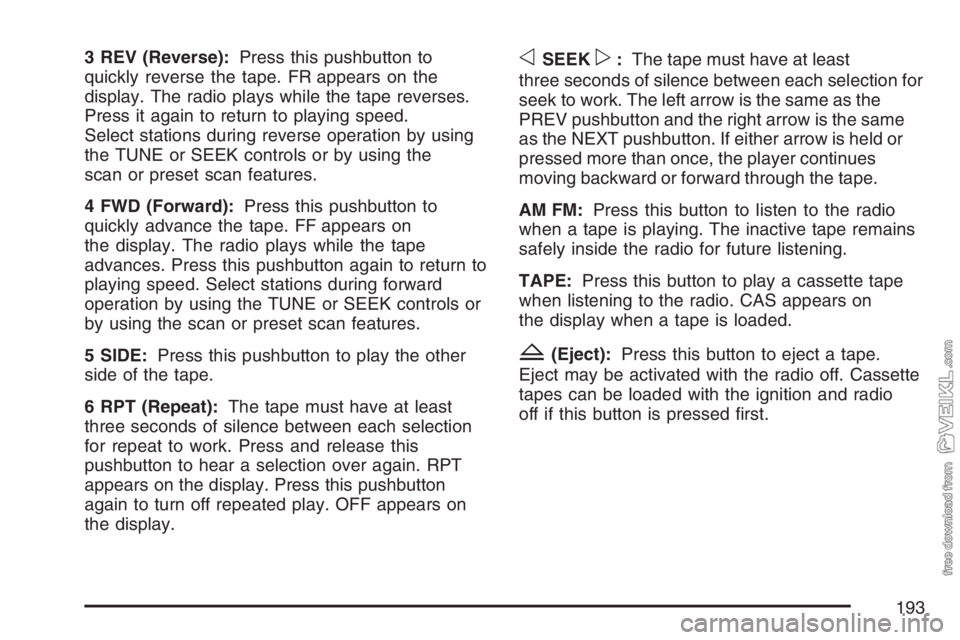
3 REV (Reverse):Press this pushbutton to
quickly reverse the tape. FR appears on the
display. The radio plays while the tape reverses.
Press it again to return to playing speed.
Select stations during reverse operation by using
the TUNE or SEEK controls or by using the
scan or preset scan features.
4 FWD (Forward):Press this pushbutton to
quickly advance the tape. FF appears on
the display. The radio plays while the tape
advances. Press this pushbutton again to return to
playing speed. Select stations during forward
operation by using the TUNE or SEEK controls or
by using the scan or preset scan features.
5 SIDE:Press this pushbutton to play the other
side of the tape.
6 RPT (Repeat):The tape must have at least
three seconds of silence between each selection
for repeat to work. Press and release this
pushbutton to hear a selection over again. RPT
appears on the display. Press this pushbutton
again to turn off repeated play. OFF appears on
the display.oSEEKp:The tape must have at least
three seconds of silence between each selection for
seek to work. The left arrow is the same as the
PREV pushbutton and the right arrow is the same
as the NEXT pushbutton. If either arrow is held or
pressed more than once, the player continues
moving backward or forward through the tape.
AM FM:Press this button to listen to the radio
when a tape is playing. The inactive tape remains
safely inside the radio for future listening.
TAPE:Press this button to play a cassette tape
when listening to the radio. CAS appears on
the display when a tape is loaded.
Z(Eject):Press this button to eject a tape.
Eject may be activated with the radio off. Cassette
tapes can be loaded with the ignition and radio
off if this button is pressed first.
193