clock CHEVROLET LUMINA 1993 1.G Owners Manual
[x] Cancel search | Manufacturer: CHEVROLET, Model Year: 1993, Model line: LUMINA, Model: CHEVROLET LUMINA 1993 1.GPages: 324, PDF Size: 17.44 MB
Page 6 of 324
Downloaded from www.Manualslib.com manuals search engine :co
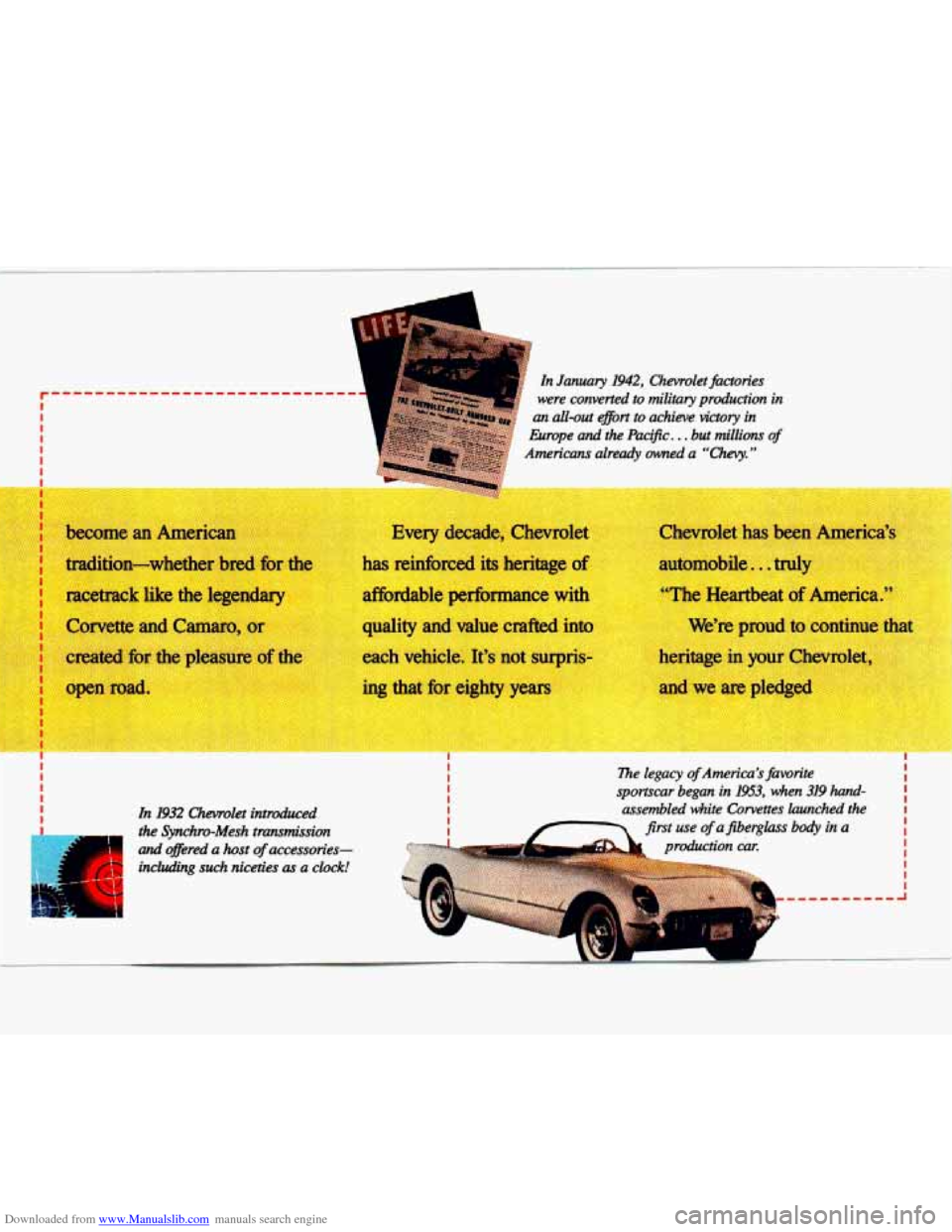
1 In January 1942, Chevrolet factories
were converted to military production in
an all-out ejtort to achieve victory in
Europe and the Pac$c.
. . but millions of
Americans already owed a “Chevy.”
tradition-whether bred for __
racetrack like the legendary
--A reinforced its heritage of
affordable performance wi -
Corvette and Camaro, 1
created for the pleas e c -
+en road. he
quality and value crafted intc
each vehicle. It’s not
su-ris
‘Lp I_
c
automob-, . tn,
’-he Heartbeat of
. . s’re proud to continue t
tage in your Chew let
In 1932 Chevrolet introduced
the Synchrv-Mesh tmmiksion
and @!red a host of accessories-
including such niceties
as a clock!
neric
Page 99 of 324
Downloaded from www.Manualslib.com manuals search engine 1 n this part you’ll find out how to
operate the comfort control systems and audio systems offered with your
Chevrolet
. Be sure to read about the
particular system supplied with your
vehicle
.
Heater Controls ........................................................................\
................................. 98
Air Conditioning ........................................................................\
................................ 99
Setting the Clock ........................................................................\
............................. 103
AM/FM Stereo Radio
........................................................................\
...................... 104
AM/FM Stereo Radio with Cassette Player
.......................................................... 106
AM/FM Stereo Radio with Cassette Player and BoseB Speakers ........................ 108
AM/FM Stereo with Compact Disc Player
............................................................. 110
Understanding Radio Reception
........................................................................\
..... 113
Care of Your Cassette Tape Player ........................................................................\
113
Care of Your Compact Discs ........................................................................\
........... 114
Fixed Mast Antenna ........................................................................\
....................... 114
Page 105 of 324
Downloaded from www.Manualslib.com manuals search engine Audio Systems
The following pages describe the audio
systems available for your Chevrolet,
and how to get the best performance
from them. Please read about the
system in your vehicle.
Hearing damage hrn loud
noise is almost undetectable
until it is too late. Your hearing can
adapt to higher volumes of sound.
Sound
that seems nod can be
loud and harmful to your hearing.
Take precautions by adjusting the
volume control on your radio to a
safe level before your hearing
adapts to it.
To help avoid hearing loss or
damage:
1. Adjust the volume mntrcd to the
2. Increase volume slowly until you
hear comfortably and clearly.
lowest settifig.
I
Before you add any sound
equipment to your ve
tape player,
CB radio,
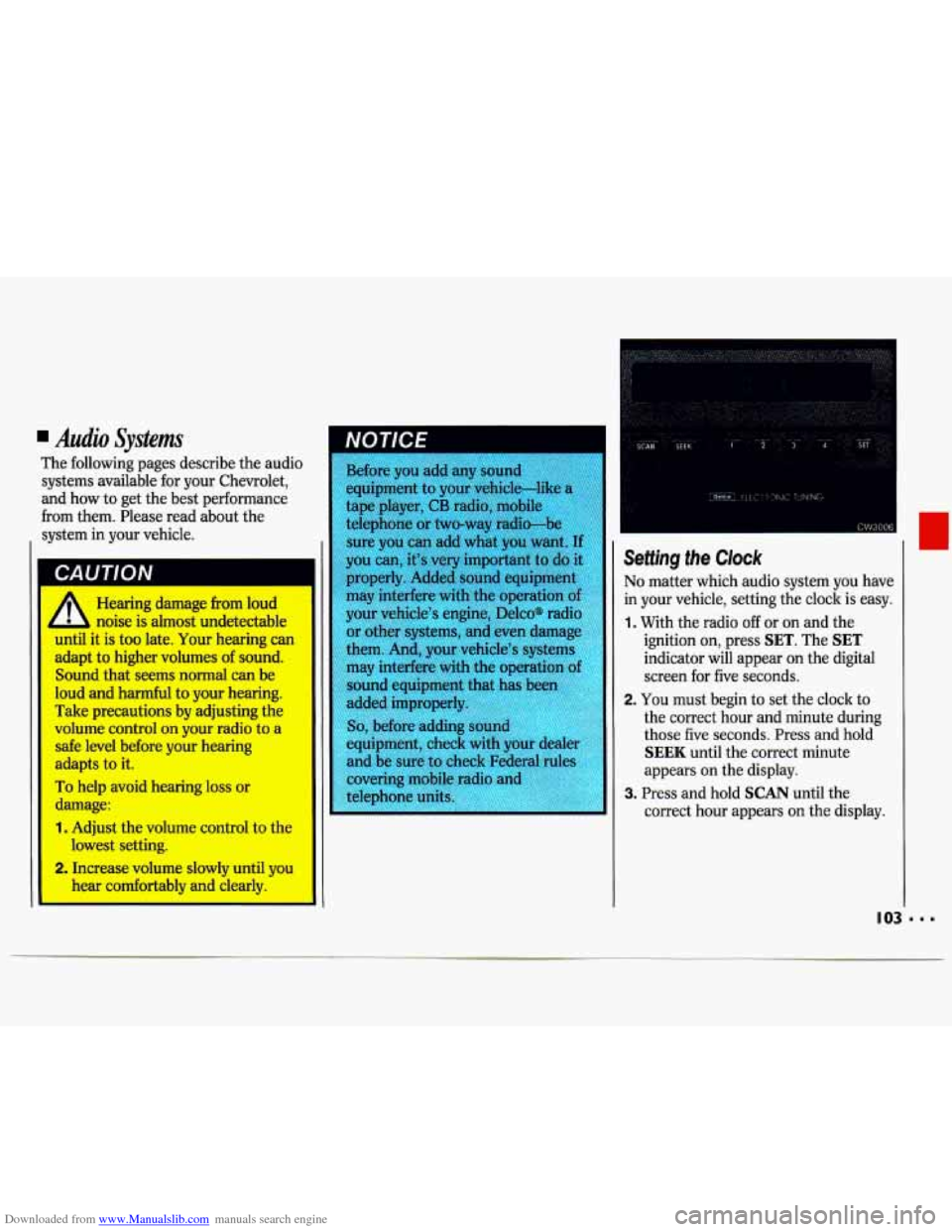
Seffing the Clock
roperly. Added sound equipment No matter which audio system you have
in your vehicle, setting the clock is easy.
1. With the radio off or on and the
ignition on, press
SET. The SET
I
them. Ana, your'vehicle's systen,,
may interfere with the operatinn
nf
I sound equipment. that has bec
equipment, check with your dealer
and be sure to
c
iGdicator will appear on the digital
screen for five seconds.
I I 2. You must begin to set the clock to
the correct hour and minute during
those five seconds. Press and hold
SEEK until the correct minute
appears on the display.
3. Press and hold SCAN until the
correct hour appears on the display.
Page 106 of 324
Downloaded from www.Manualslib.com manuals search engine Comfort Controls & Audio Systems
I
= 104
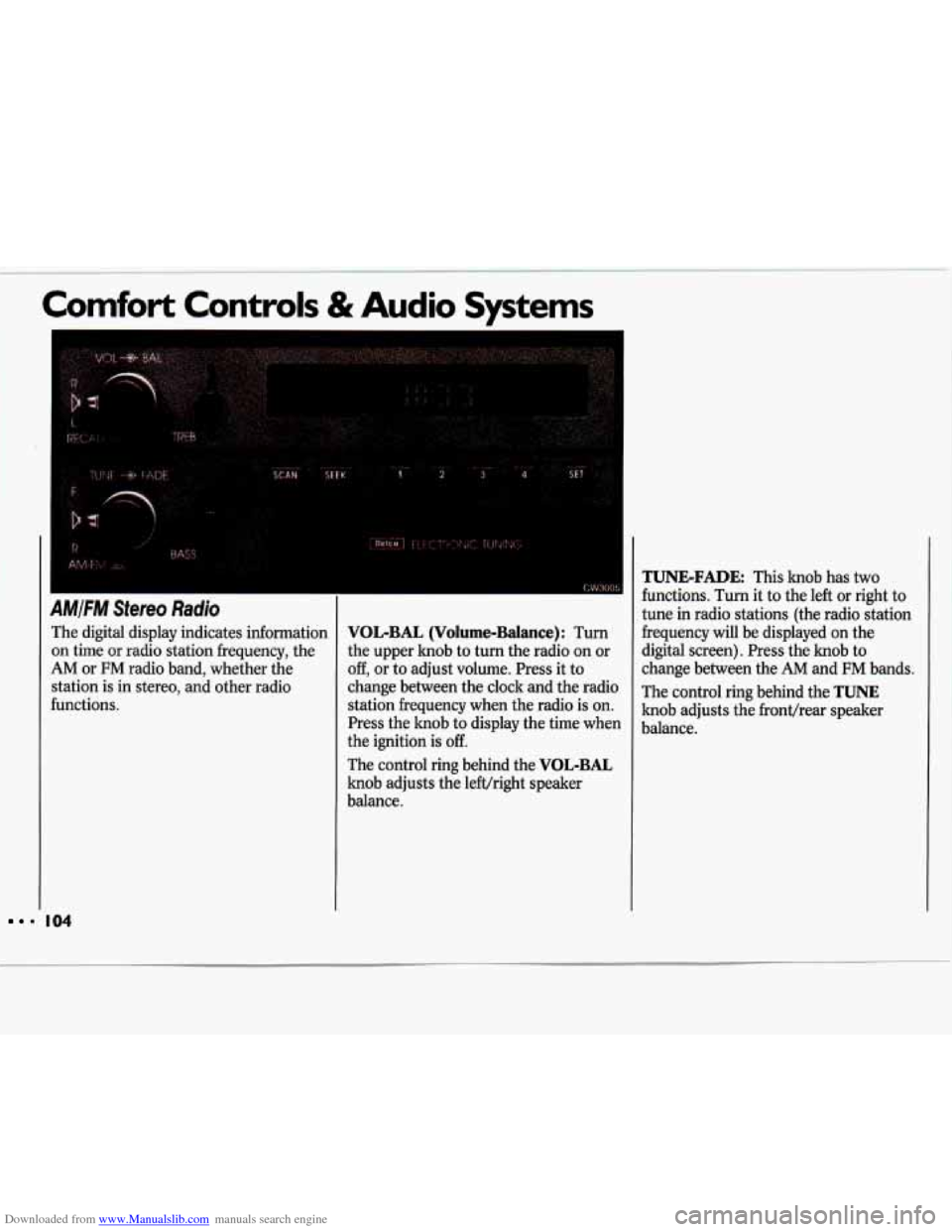
AMFM Stereo Radio
The digital display indicates information
on time or radio station frequency, the
AM or FM radio band, whether the
station is in stereo, and other radio
functions.
VOL-BAL (Volume-Balance): Turn
the upper knob to turn the radio on or
off, or to adjust volume. Press it to
change between the clock and the radio
station frequency when the radio is on.
Press the knob to display the time when
the ignition is
off.
The control ring behind the VOL-BAL
knob adjusts the lefVright speaker
balance.
TUNIE-FADE This knob has two
functions. Turn it to the left
or right to
tune in radio stations (the radio station
frequency will be displayed on the
digital screen). Press the knob to
change between the
AM and FM bands.
The control ring behind the
TUNE
knob adjusts the fronthear speaker
balance.
Page 108 of 324
Downloaded from www.Manualslib.com manuals search engine 1 Comfort Controls & Audio Systems
1
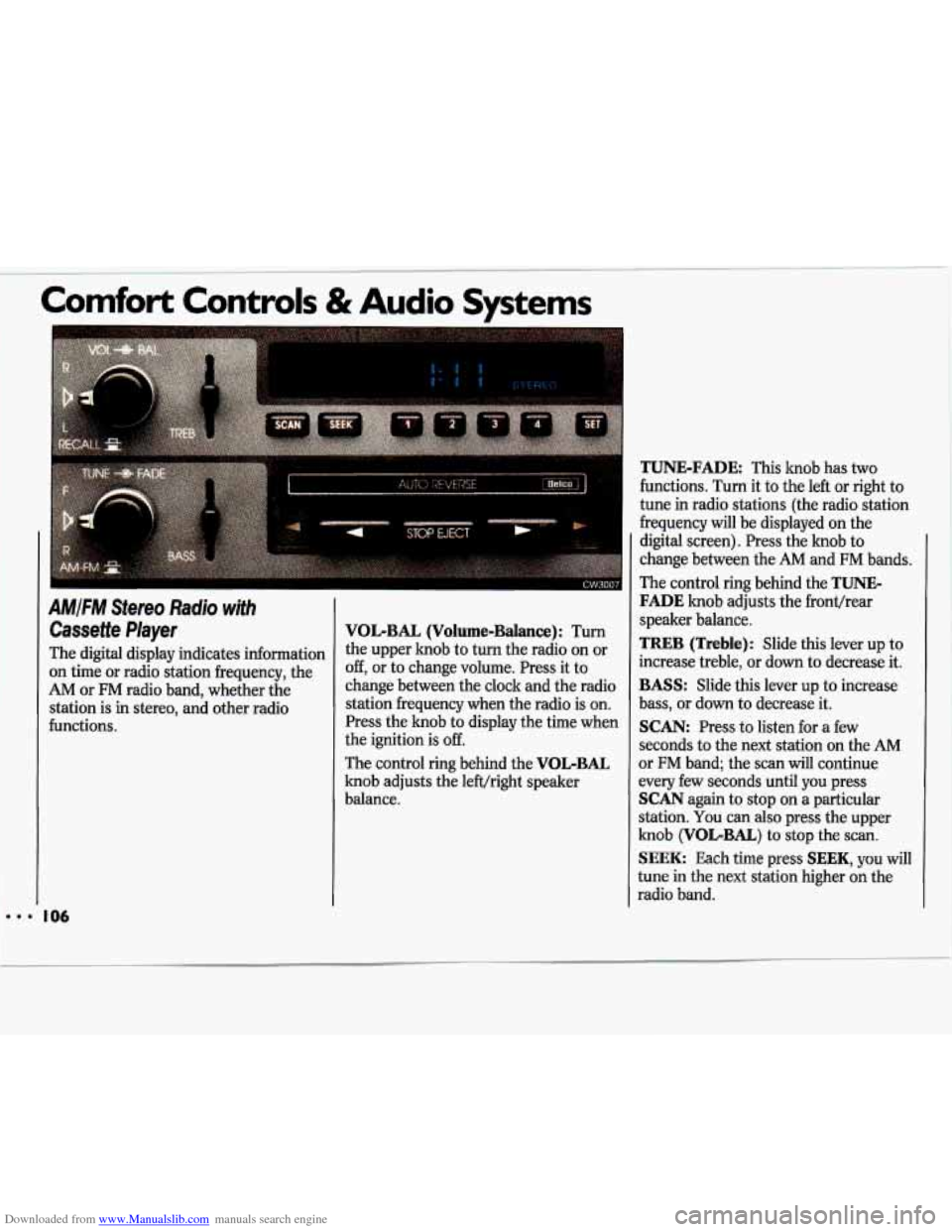
AMIFM Stereo Radio with
Cassette Player
The digital display indicates information
on time or radio station frequency, the
AM or FM radio band, whether the
station is in stereo, and other radio
functions.
TUNE-FADE This knob has two
functions. Turn it to the left or right to
I tune in radio stations (the radio station
VOL-BAL (Volume-Balance): Turn
the upper knob to turn the radio on or
off, or to change volume. Press it to
change between the clock and the radio
station frequency when the radio is on.
Press the knob to display the time when
the ignition
is off.
The control ring behind the VOL-BAL
knob adjusts the left/right speaker
balance. frequency will be displayed on
the
digital screen). Press the knob to
change between the
AM and FM bands.
The control ring behind the
TUNE-
FADE knob adjusts the fronthear
speaker balance.
TREB (Treble): Slide this lever up to
increase treble, or down to decrease it.
BASS: Slide this lever up to increase
bass, or down to decrease
it.
SCAN: Press to listen for a few
seconds to the next station on the
AM
or FM band; the scan will continue
every few seconds until
you press
SCAN again to stop on a particular
station.
You can also press the upper
knob
(VOLBAL) to stop the scan
SEEK: Each time press SEEK, you will
tune in the next station higher on the
radio
band.
Page 112 of 324
Downloaded from www.Manualslib.com manuals search engine Comfort Controls & Audio Systems
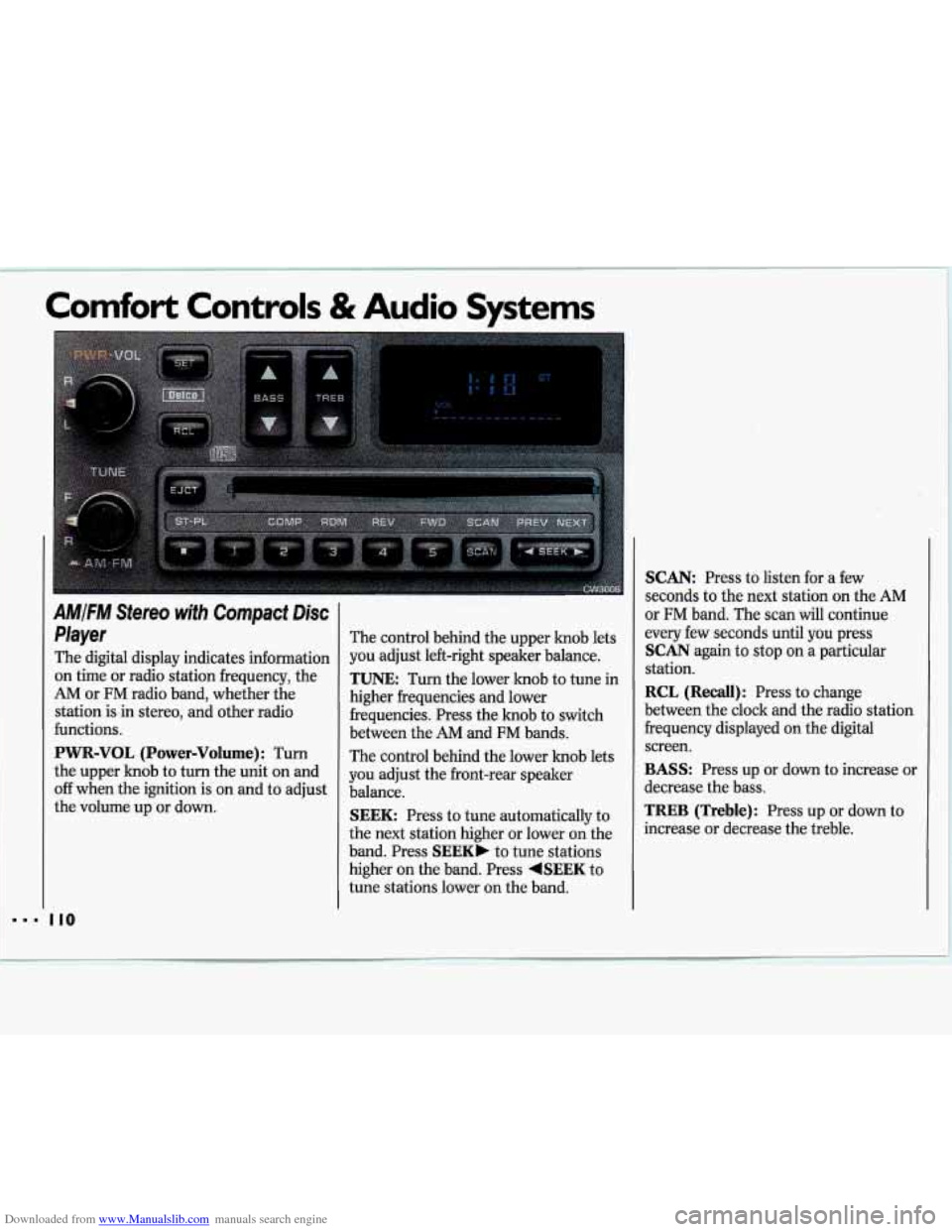
AMIFM Stereo with Compact Disc
Player
The digital display indicates information on time or radio station frequency, the
AM or FM radio band, whether the
station is in stereo, and other radio
functions.
PWR-VOL (Power-Volume) : Turn
the upper knob to turn the unit on and
off when the ignition is on and to adjust
the volume up or down. The control behind
the upper knob lets
you adjust left-right speaker balance.
TUNE: Turn the lower knob to tune in
higher frequencies and lower
frequencies. Press the hob to switch
between the AM and FM bands.
The control behind the lower knob lets
you adjust the front-rear speaker
balance.
SEEK: Press to tune automatically to
the next station higher or lower on the
band. Press
SEEK, to tune stations
higher on the band. Press
+SEEK to
tune stations lower on the band.
SCAN: Press to listen for a few
seconds to the next station on the AM
or
FM band. The scan will continue
every few seconds until you press
SCAN again to stop on a particular
station.
RCL (Recall): Press to change
between the clock and the radio station
frequency displayed on the digital
screen.
BASS: Press up or down to increase or
decrease the bass.
TREB (Treble): Press up or down to
increase or decrease the treble.
110
Page 113 of 324
Downloaded from www.Manualslib.com manuals search engine To Preset Radio Stations:
The five pushbuttons can be used to
preset up to ten radio stations (five
AM and five FM stations). The
buttons have other uses when you are
playing a compact disc.
1. Tune the digital display to the station
2. Press SET. The SET indicator will
you want.
appear on the digital screen for five
seconds.
3. While the SET indicator is displayed,
press one of the five pushbuttons.
4. Repeat steps 1-3 for each of five AM
and five FM stations.
To Play a Compact Disc:
Many of the controls for the radio also
have functions for the compact disc
player, as explained here.
Don’t use mini-discs that are called
singles. They won’t eject. Use only full-
size compact discs.
1. Turn PWR-VOL to turn the unit on.
2. Insert a disc part-way into the slot,
with the label side up. The player
will pull it in. In a few seconds, the
disc should play. If
the disc comes back out:
The disc may be upside down.
The disc may be dirty, scratched or
wet.
There may be too much moisture in
the air (wait about one hour and try
again).
The player may be too hot, or the road
may be too rough for the disc to play.
While a disc is playing, the
CD
indicator is displayed on the digital
screen, as is the clock.
1
Page 135 of 324
Downloaded from www.Manualslib.com manuals search engine Steering in Emergencies
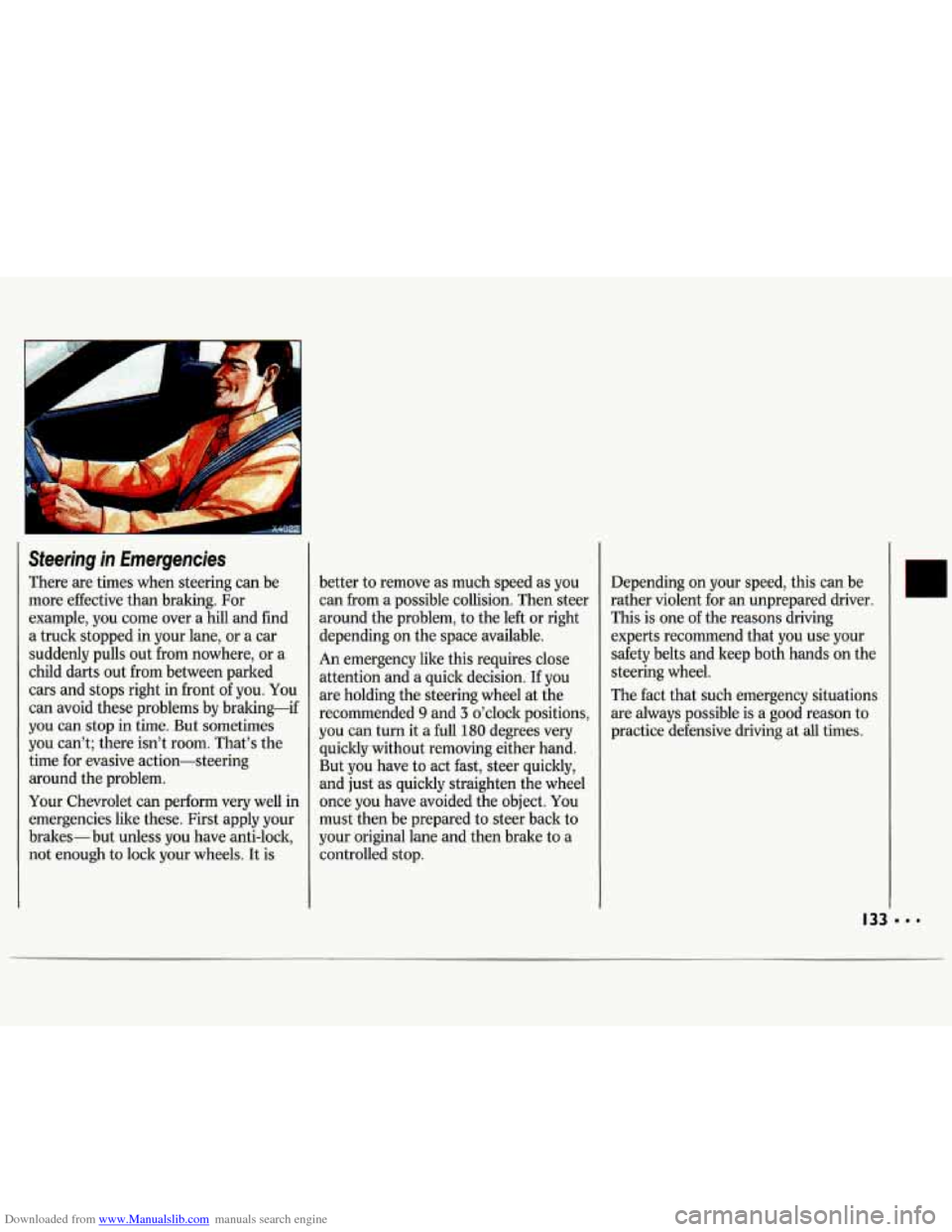
There are times when steering can be
more effective than braking. For
example, you come over a hill and find
a truck stopped in your lane, or
a car
suddenly pulls out from nowhere, or a
child darts out from between parked
cars and stops right in front
of you. You
can avoid these problems by braking-if
you can stop in time. But sometimes
you can’t; there isn’t room. That’s the
time for evasive action-steering around the problem.
Your Chevrolet can perform very well in
emergencies like these. First apply your
brakes- but unless you have anti-lock,
not enough to lock your wheels. It is better
to remove as much speed as you
can from a possible collision. Then steer
around the problem, to the left or right
depending
on the space available.
An emergency like this requires close
attention and a quick decision. If you
are holding the steering wheel at the
recommended
9 and 3 o’clock positions,
you can turn it a full 180 degrees very
quickly without removing either hand.
But you have to act fast, steer quickly,
and just as quickly straighten the wheel
once you have avoided the object. You
must then be prepared to steer back
to
your original lane and then brake to a
controlled stop. Depending
on your speed, this can be
rather violent for an unprepared driver.
This is one of the reasons driving
experts recommend that you use your
safety belts and keep both hands on the
steering wheel.
The fact that such emergency situations
are always possible is a good reason to
practice defensive driving at
all times.
Page 184 of 324
Downloaded from www.Manualslib.com manuals search engine Problems on the Road
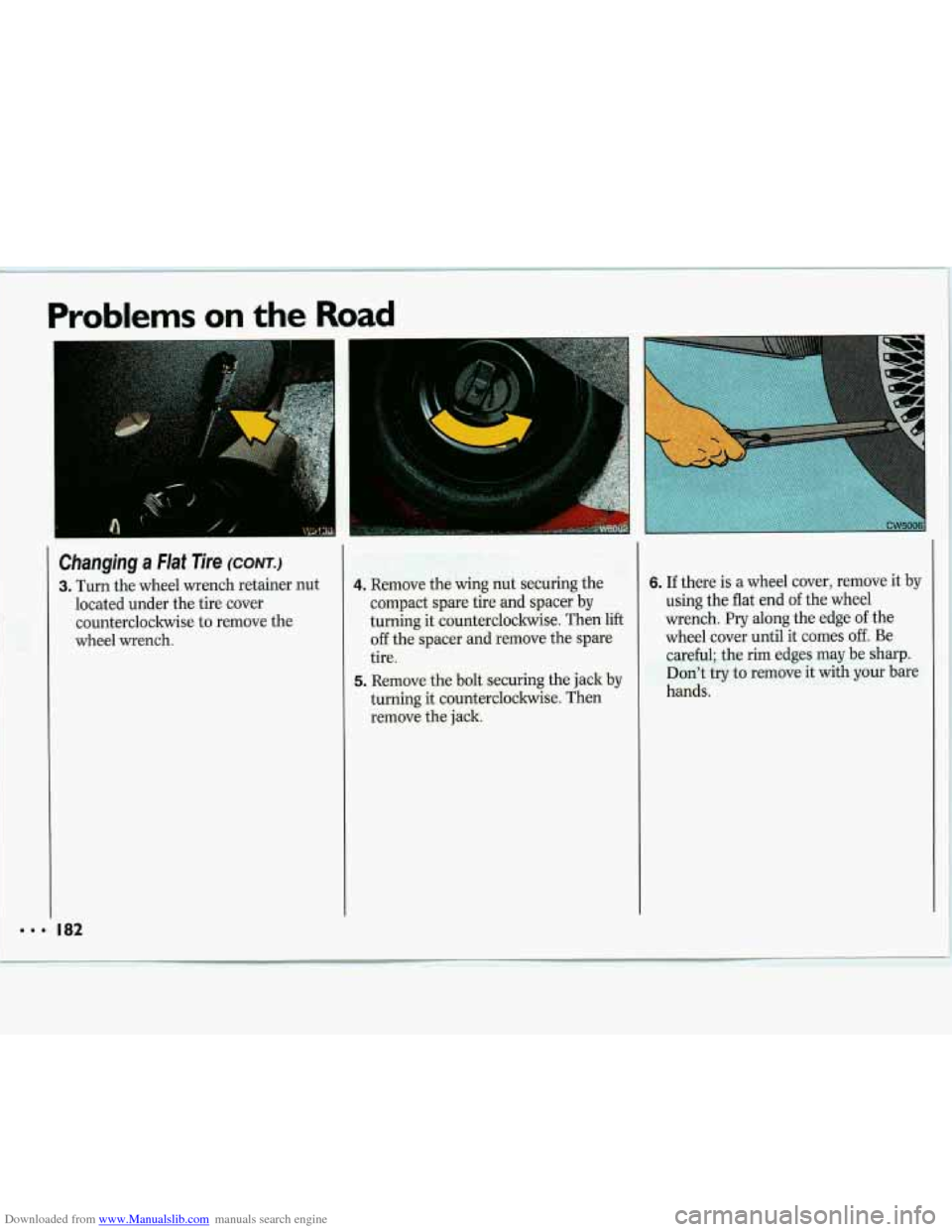
Changing a Flat Tire (CONT.)
3. Turn the wheel wrench retainer nut
located under the tire cover
counterclockwise to remove the
wheel wrench. 4. Remove the wing nut securing the
compact spare tire and spacer by
turning it counterclockwise. Then lift
off the spacer and remove the spare
tire.
5. Remove the bolt securing the jack by
turning it countercloclnvise. Then
remove the jack.
6. If there is a wheel cover, remove it by
using the flat end
of the wheel
wrench.
Pry along the edge of the
wheel cover until it comes
off. Be
careful; the rim edges may be sharp.
Don’t
try to remove it with your bare
hands.
Page 185 of 324
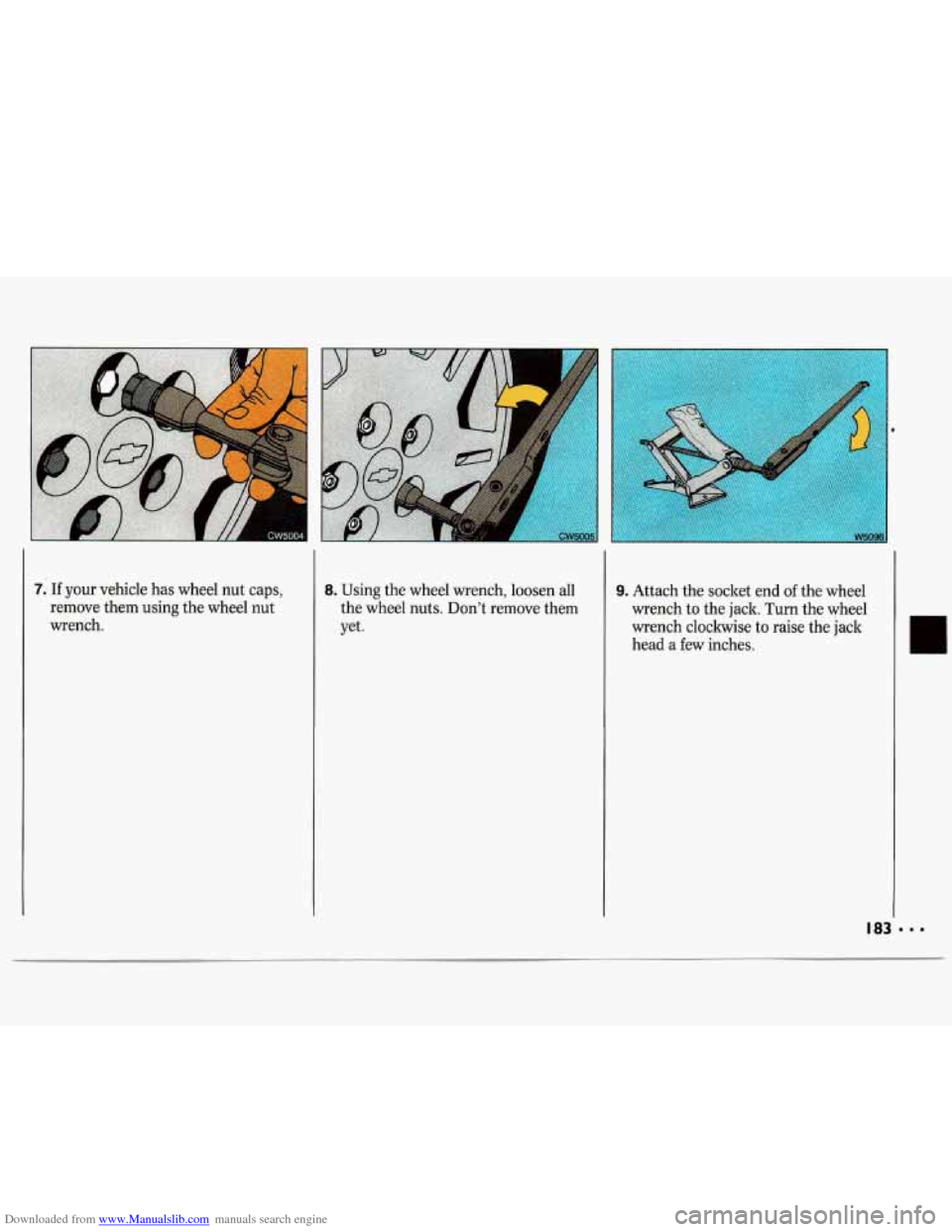
Downloaded from www.Manualslib.com manuals search engine 7.- If your vehicle has wheel nut caps,
remove them using the wheel nut
wrench. 8. Using the wheel wrench, loosen all
the wheel nuts. Don’t remove them
yet.
I
9. Attach the socket end of the wheel
wrench to the jack. Turn the wheel
wrench clockwise to raise the jack
head a few inches.