instrument panel CHEVROLET MALIBU 1997 5.G User Guide
[x] Cancel search | Manufacturer: CHEVROLET, Model Year: 1997, Model line: MALIBU, Model: CHEVROLET MALIBU 1997 5.GPages: 354, PDF Size: 18.87 MB
Page 86 of 354
Downloaded from www.Manualslib.com manuals search engine Turn SignaVMultifunction Lever
_1_
L,
I
.. . .. .. , .
.. . .::..::x ‘111111
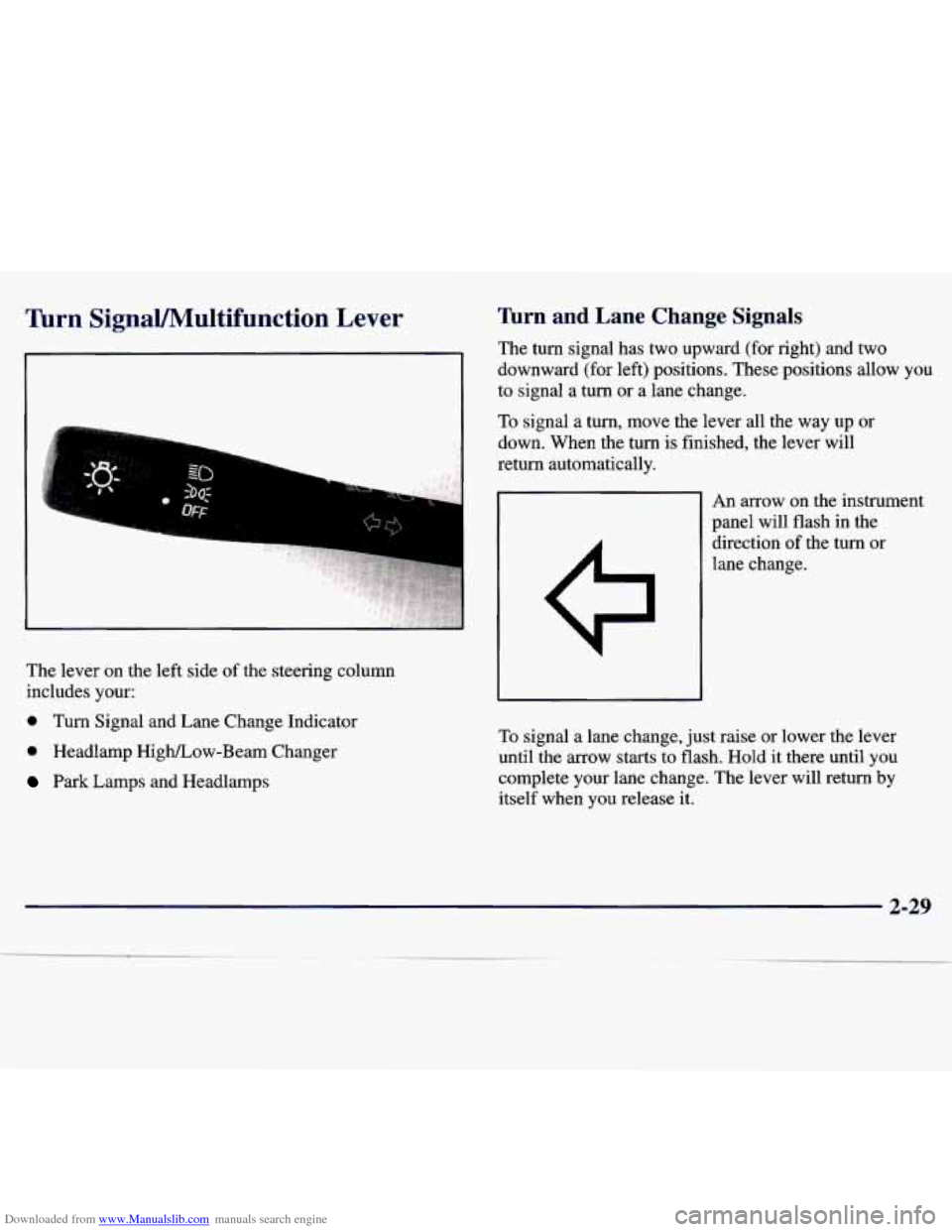
The lever on the left side of the steering column
includes your:
0 Turn Signal and Lane Change Indicator
0 Headlamp HigWLow-Beam Changer
Park Lamps and Headlamps
Turn and Lane Change Signals
The turn signal has two upward (for right) and two
downward (for left) positions. These positions allow you
to signal a turn or a lane change.
To signal a turn, move the lever all the way up or
down. When the
turn is finished, the lever will
return automatically.
An arrow on the instrument
panel will flash in the
direction of the turn
or
lane change.
To signal a lane change, just raise or lower the lever
until the arrow starts to flash. Hold
it there until you
complete your lane change. The lever will return
by
itself when you release it.
2-29
Page 87 of 354
Downloaded from www.Manualslib.com manuals search engine A warning chime signal will come on if you have left
your turn signal on
for more than 3/4 mile (1 km).
As you signal a turn or a lane change, if the arrows flash
rapidly, a signal bulb may be burned out and other drivers won’t see your turn signal.
If a bulb is burned out, replace it to help avoid an
accident. If the arrows don’t go on at all when you
signal a turn, check for burned-out bulbs and then check
the fuse (see “Fuses and Circuit Breakers” in the Index).
Headlamp High/Low Beam
To change the headlamps
from low beam to high
beam, push forward on the
turn signal/multifunction
lever.
To change the
headlamps from high beam
to low beam, pull the turn
signal lever backward.
When the high beams are
on, a light on the instrument
panel also will be on.
Flash to Pass
This feature lets you use your high-beam headlamps to
signal a driver in front of you that you want to pass.
To use it, pull the turn signal/multifunction lever toward
you until the high-beam headlamps come
on, then
release the lever to
turn them off.
Windshield Wipers
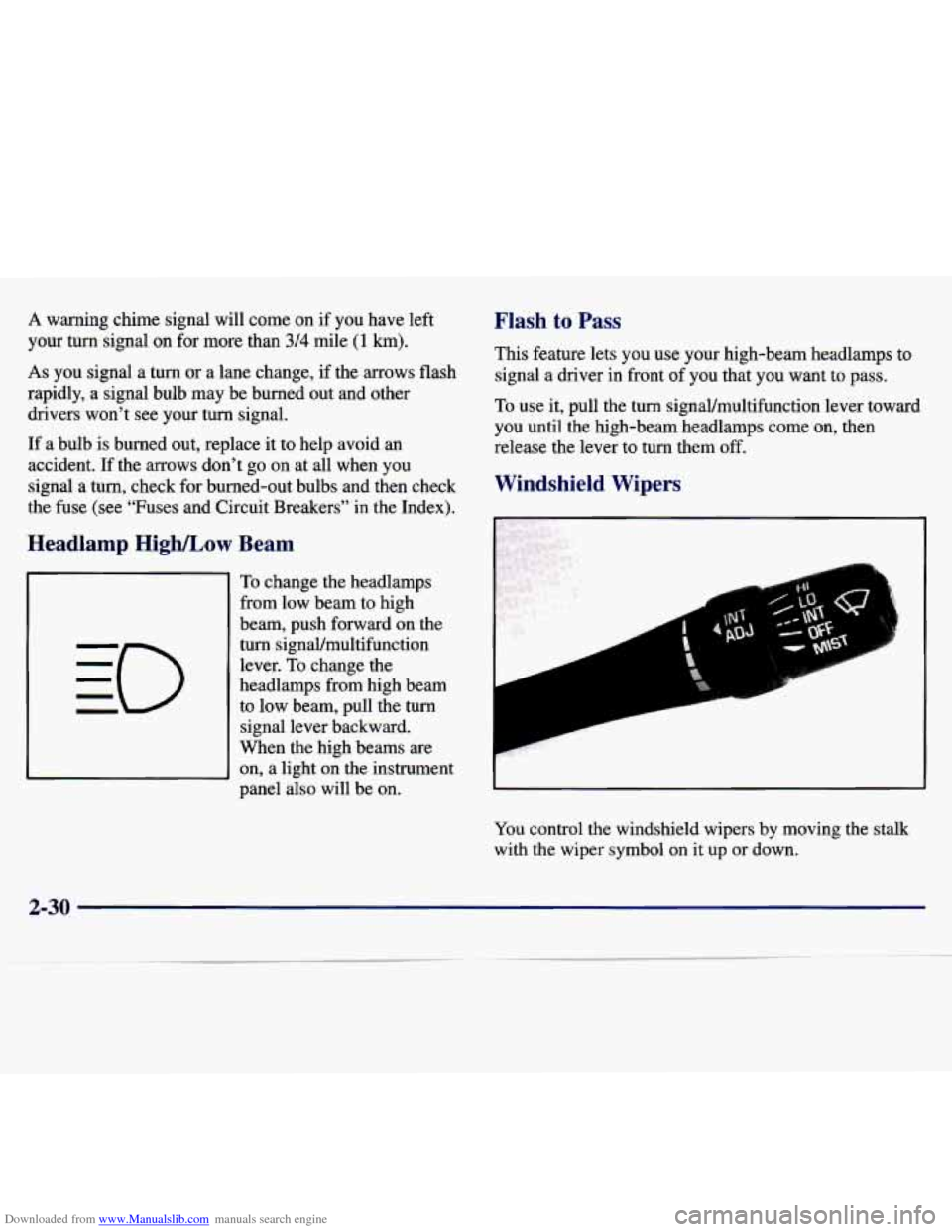
You control the windshield wipers by moving the stalk
with the wiper symbol on it up or down.
2-30
Page 93 of 354
Downloaded from www.Manualslib.com manuals search engine Lamps
1
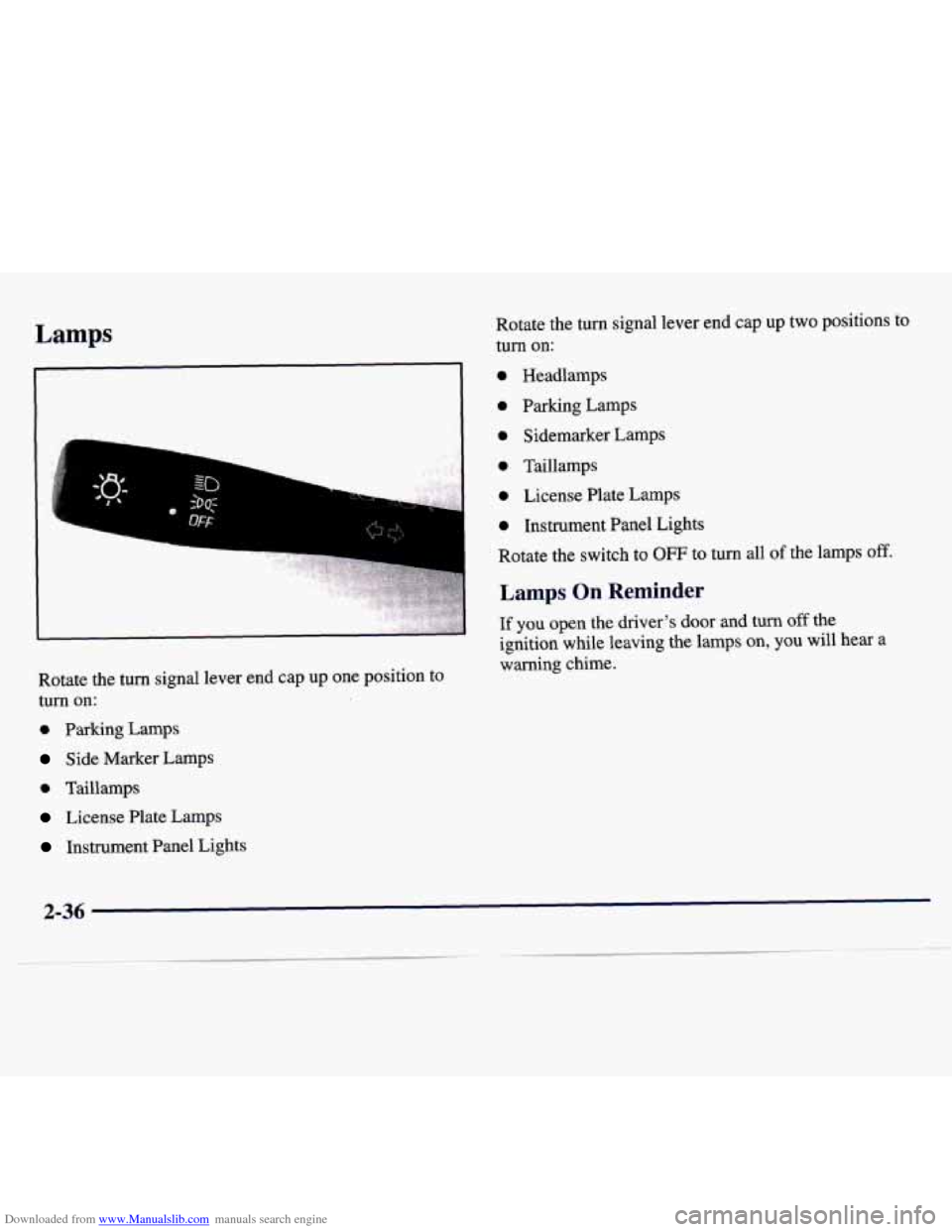
Rotate the turn signal lever end cap up one position to
turn on:
0 Parking Lamps
Side Marker Lamps
0 Taillamps
License Plate Lamps
Instrument Panel Lights Rotate the turn signal lever end cap
up two positions to
turn on:
0 Headlamps
0 Parking Lamps
0 Sidemarker Lamps
0 Taillamps
0 License Plate Lamps
0 Instrument Panel Lights
Rotate the switch to
OFF to turn all of the lamps off.
Lamps On Reminder
If you open the driver's door and turn off the
ignition while leaving the lamps on, you will hear a
warning chime.
2-36
Page 94 of 354
Downloaded from www.Manualslib.com manuals search engine Daytime Running Lamps / Automatic
Light Control
Daytime Running Lamps (DRL) can make it easier for
others to see the front of your vehicle during the day.
DRL can be helpful in many different driving
conditions, but they can be especially helpful in the
short periods after dawn and before sunset.
A light sensor below the defroster grille makes the DRL
and Automatic Light Control (ALC) work, so be sure it
isn’t covered. The
DRL system will make your
low-beam headlamps come on at a reduced
brightness when:
0 The ignition is on,
0 The headlamp switch is off,
The transaxle is not in PARK (P) and
The park brake is not set. When the DRL are
on, only your low-beam headlamps
will be on. The taillamps, sidemarker and other lamps
won’t be on. Your instrument panel won’t be lit
up either.
When it’s dark enough outside, the ALC system will
turn your headlamps on to full brightness. The other
lamps that come on with your headlamps will
also
come on.
When it’s bright enough outside, the ALC system will
turn off your regular lamps, and your low-beam
headlamps change to the reduced brightness of DRL.
To idle your vehicle with the DRL off, set the park brake
while the ignition is off. Then start the vehicle. The
DRL will stay off until you release the park brake.
As with any vehicle, you should turn on the regular
headlamp system when you need it.
2-37
Page 95 of 354
Downloaded from www.Manualslib.com manuals search engine Fog Lamps (If Equipped)
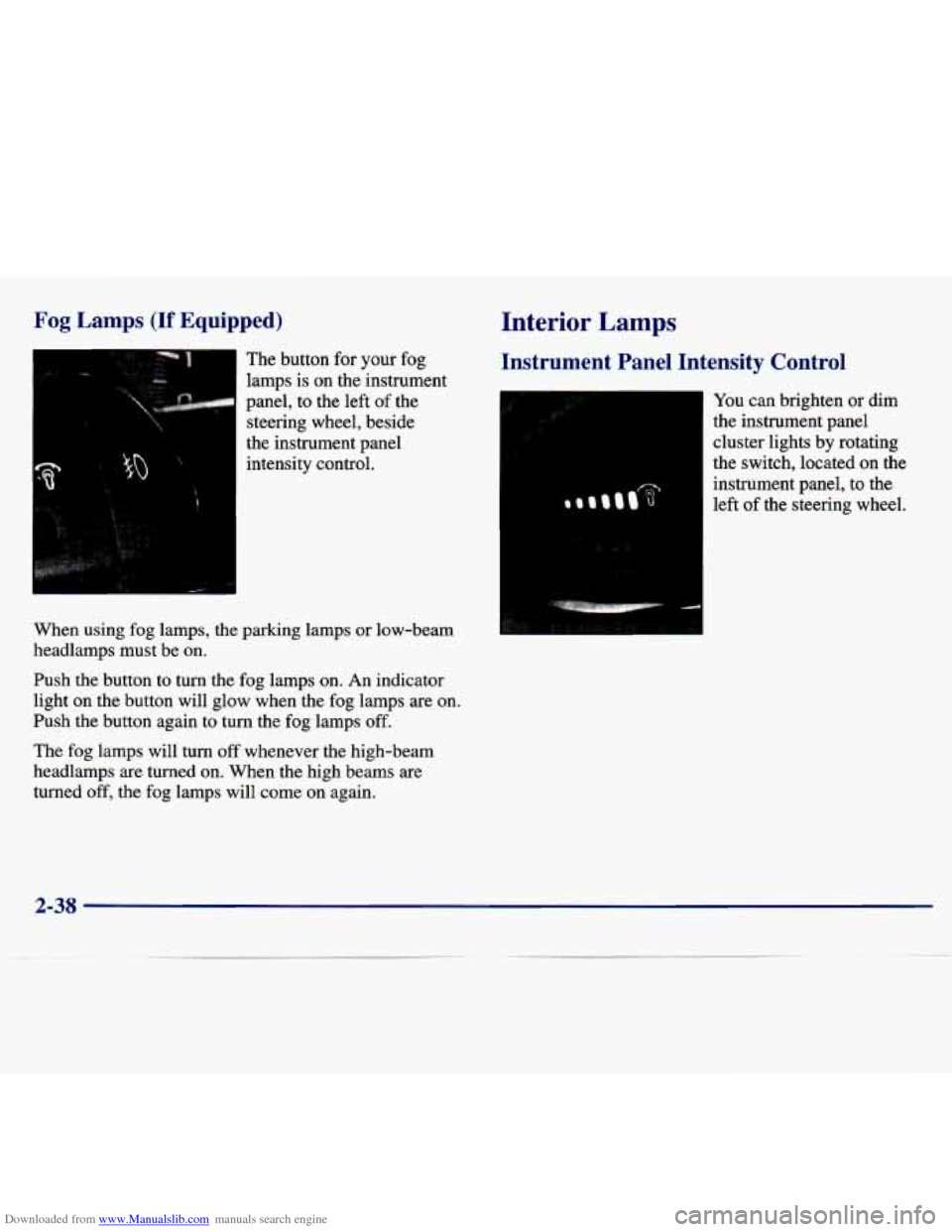
The button for your fog
lamps is on the instrument
panel, to the left of the
steering wheel, beside
the instrument panel intensity control.
When using fog lamps, the parking lamps or low-beam
headlamps must be on.
Push the button to turn the fog lamps on. An indicator
light
on the button will glow when the fog lamps are on.
Push the button again to turn the fog lamps off.
The fog lamps will turn off whenever the high-beam
headlamps are turned on. When the high beams are
turned off, the fog lamps will come on again.
Interior Lamps
Instrument Panel Intensity Control
You can brighten or dim
the instrument panel
cluster lights by rotating
the switch, located
on the
instrument panel, to the
left of the steering wheel.
2-38
Page 100 of 354
Downloaded from www.Manualslib.com manuals search engine Instrument Panel Cupholder
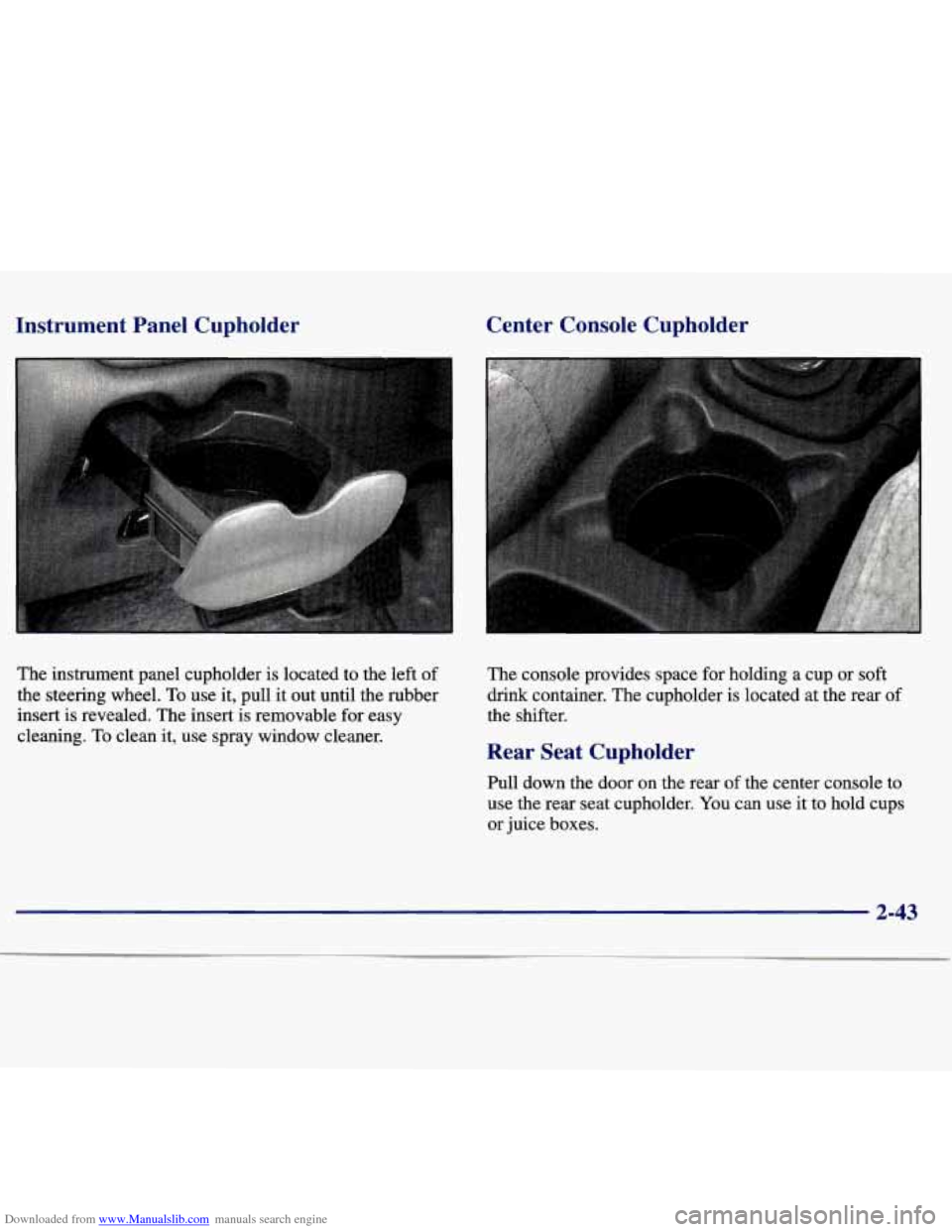
The instrument panel cupholder is located to the left of
the steering wheel.
To use it, pull it out until the rubber
insert
is revealed. The insert is removable for easy
cleaning.
To clean it, use spray window cleaner.
Center Console Cupholder
The console provides space for holding a cup or soft
drink container. The cupholder is located
at the rear of
the shifter.
Rear Seat Cupholder
Pull down the door on the rear of the center console to
use the rear seat cupholder. You can use it to hold cups
or juice boxes.
2-43
Page 101 of 354
Downloaded from www.Manualslib.com manuals search engine Convenience Net (If Equipped)
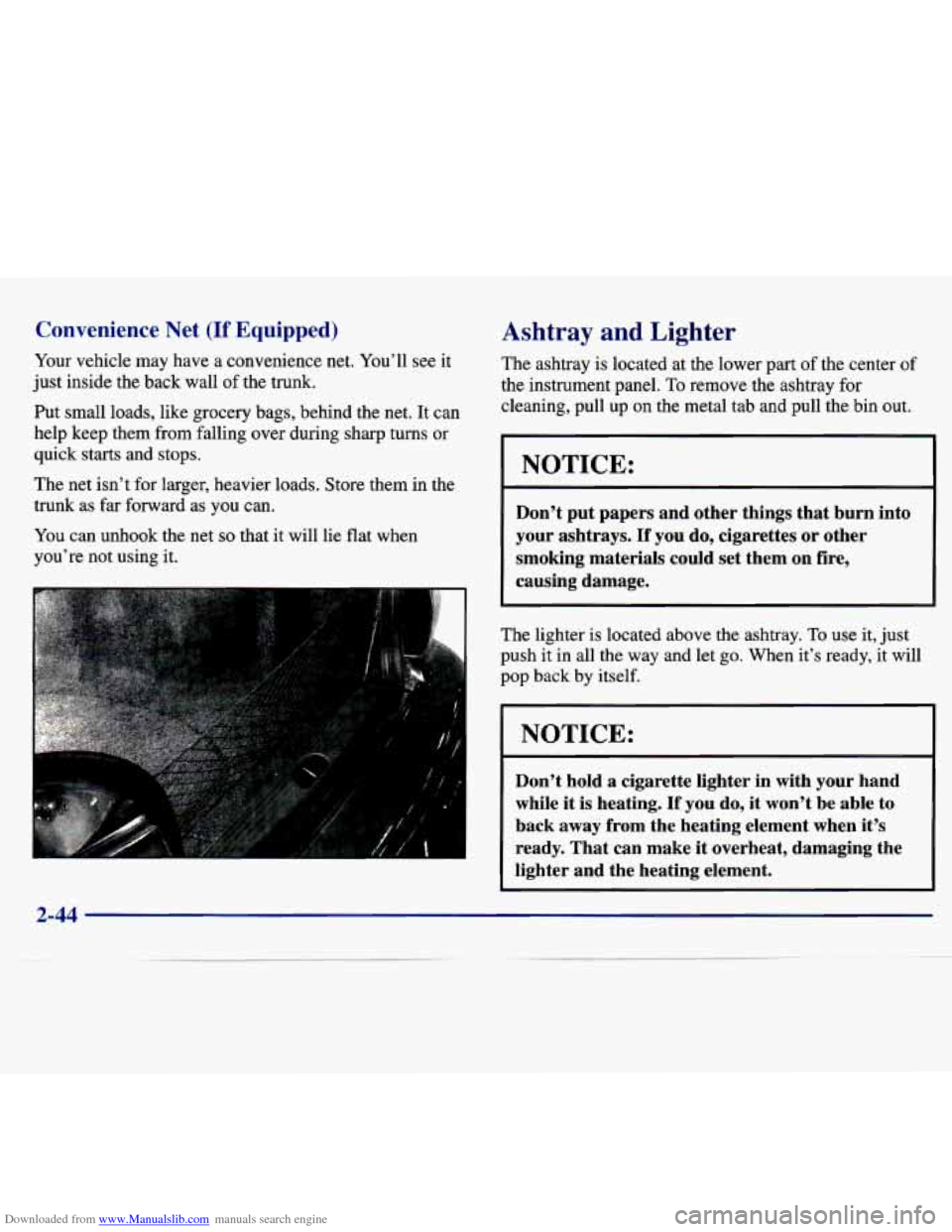
Your vehicle may have a convenience net. You’ll see it
just inside the back wall of the trunk.
Put small loads, like grocery bags, behind the net. It can
help keep them from falling over during sharp turns or
quick starts and stops.
The net isn’t for larger, heavier loads. Store them in the
trunk as
far forward as you can.
You can unhook the net
so that it will lie flat when
you’re not using it.
Ashtray and Lighter
The ashtray is located at the lower part of the center of
the instrument panel. To remove the ashtray for
cleaning, pull
up on the metal tab and pull the bin out.
NOTICE:
Don’t put papers and other things that burn into
your ashtrays.
If you do, cigarettes or other
smoking materials could set them on fire,
causing damage.
1
The lighter is located above the ashtray. To use it, just
push it in all the way and let go. When it’s ready,
it will
pop back by itself.
NOTICE:
Don’t hold a cigarette lighter in with your hand
while it
is heating. If you do, it won’t be able to
back away from the heating element when it’s
ready. That can make it overheat, damaging the
lighter and the heating element.
2-44
Page 105 of 354
Downloaded from www.Manualslib.com manuals search engine Instrument Panel
2-48
Page 106 of 354
Downloaded from www.Manualslib.com manuals search engine Your instrument panel is designed to let you know
at a glance how your vehicle is running. You’ll know
how fast you’re going, how much fuel you’re using,
and many other things you’ll need to drive safely
and economically.
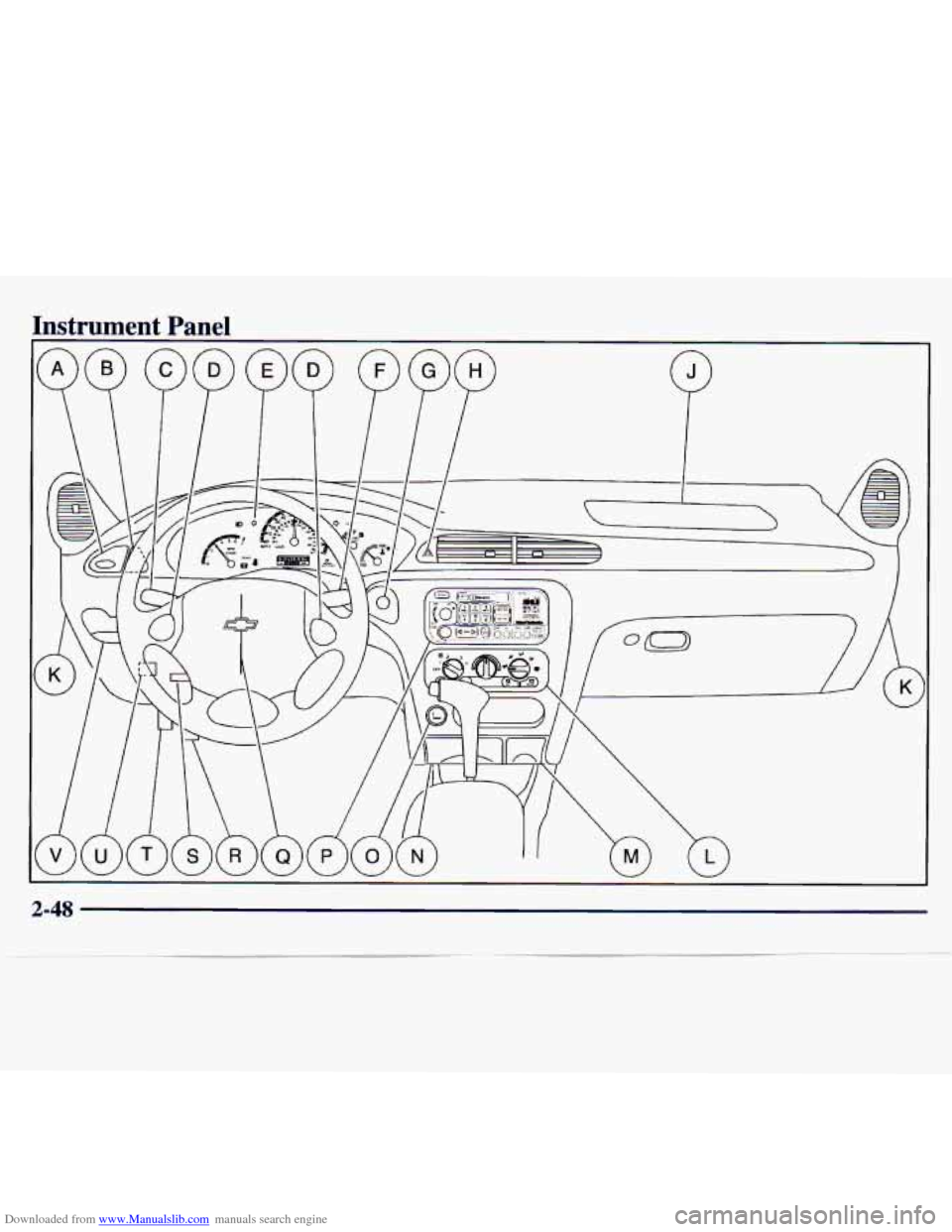
The main components of your instrument panel are:
A. Instrument Panel Brightness Control
B. Fog Lamp Switch
C. Turn Signal Multifunction Lever
D. Cruise Control Switches
E. Instrument Cluster
E WIndshield Wipermasher Lever
G. Ignition Switch
H. Hazard Switch
J. Supplemental Restraint System (SRS)
K. Fuse Panel
L. Climate Control System
M. Accessory Power Outlet
N. Ashtray
0. Lighter
P. Audio System
Q. Supplement Restraint System (SRS) and Horn
R. Park Brake Pedal
S. Tilt Wheel Lever
T. Hood Release Lever
U. Remote Trunk Release Switch
V. Instrument Panel Cupholder
2-49
Page 107 of 354
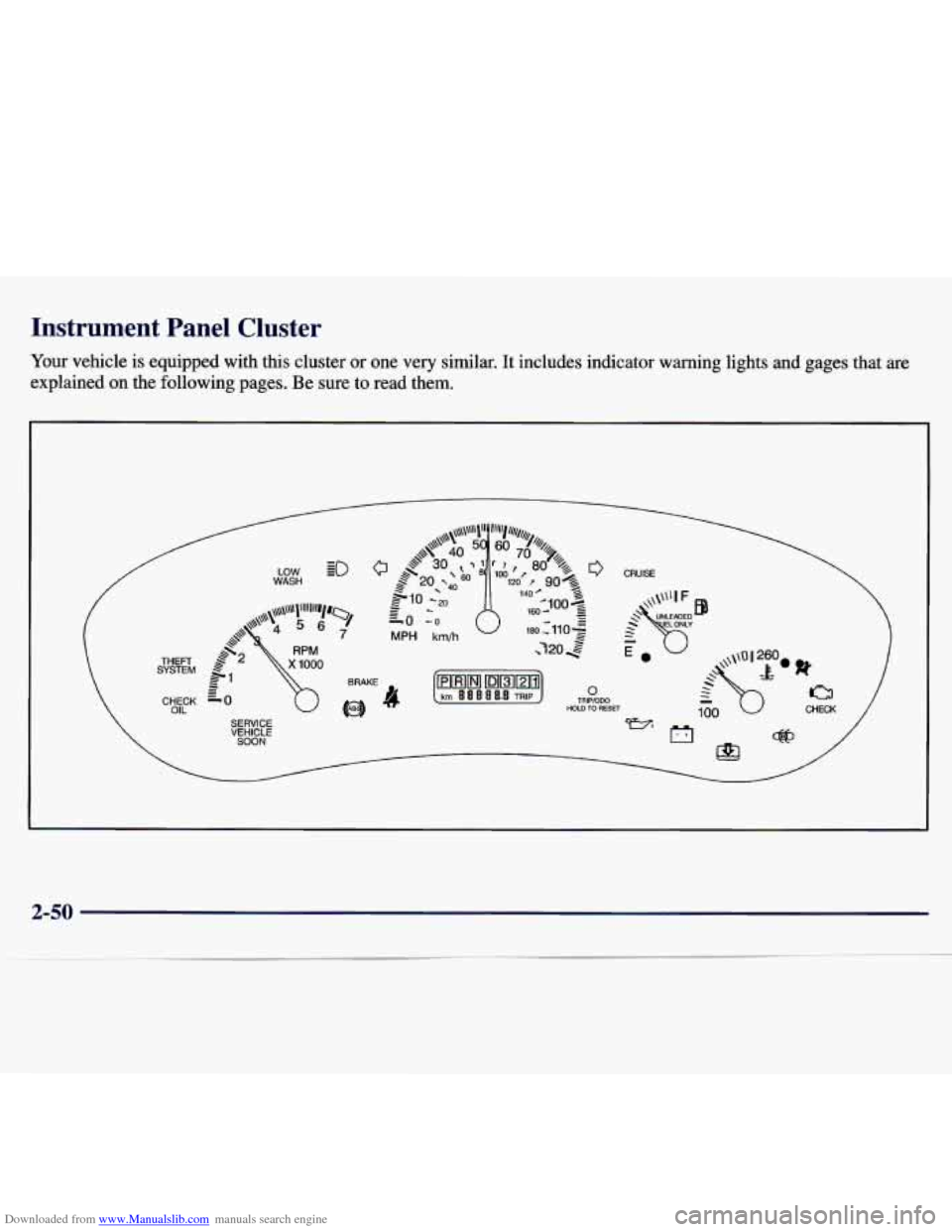
Downloaded from www.Manualslib.com manuals search engine Instrument Panel Cluster
Your vehicle is equipped with this cluster or one very similar. It includes indicator warning lights and gages that are
explained on the following pages. Be sure to read them.
HOLD TO RESET
2-50