ECU CHEVROLET MALIBU 1998 User Guide
[x] Cancel search | Manufacturer: CHEVROLET, Model Year: 1998, Model line: MALIBU, Model: CHEVROLET MALIBU 1998Pages: 362, PDF Size: 19.35 MB
Page 55 of 362
Downloaded from www.Manualslib.com manuals search engine Top Strap
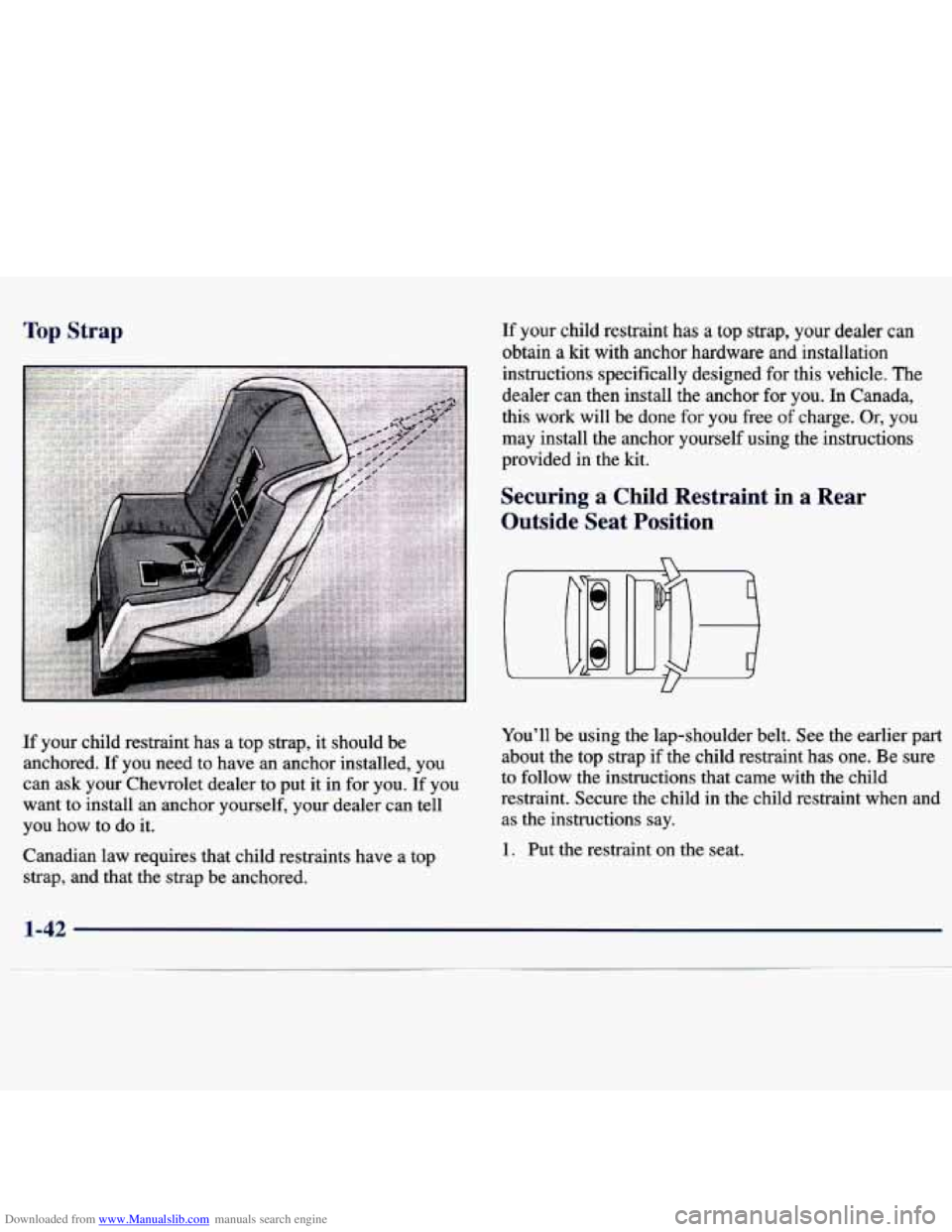
If your child restraint has a top strap, it should be
anchored. If you need to have an anchor installed, you
can ask your Chevrolet dealer to put it in for
you. If you
want to install
an anchor yourself, your dealer can tell
you how to do it.
Canadian law requires that child restraints have a top strap, and that the strap be anchored.
If your child restraint has a top strap, your dealer can
obtain a kit with anchor hardware and installation
instructions specifically designed for this vehicle. The
dealer
can then install the anchor for you. In Canada,
this work will be done
for you free of charge. Or, you
may install the anchor yourself using the instructions
provided in the kit.
Securing a Child Restraint in a Rear
Outside Seat Position
You'll be using the lap-shoulder belt. See the earlier part
about the top strap if the child restraint has one. Be sure
to follow the instructions that came with the child
restraint. Secure the child in the child restraint when and as the instructions say.
1. Put the restraint on the seat.
1-42
Page 57 of 362
Downloaded from www.Manualslib.com manuals search engine To remove the child restraint, just unbuckle the vehicle’s
safety belt
and let it go back all the way. The safety belt
will move freely again and be ready to work for
an adult
or larger child passenger.
Securing a Child Restraint in the Center
Rear Seat Position
U
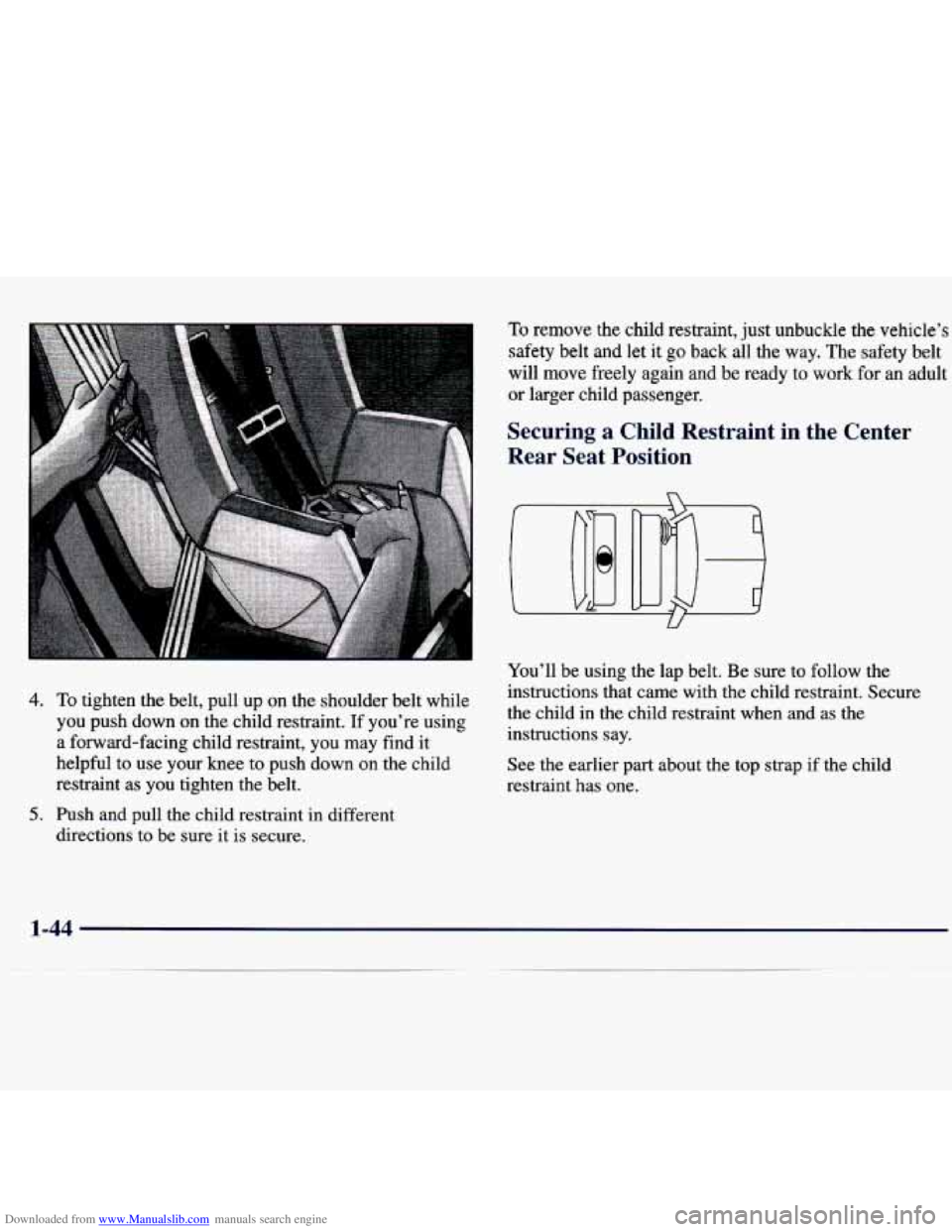
4. To tighten the belt, pull up on the shoulder belt while
you push down on the child restraint. If you’re using
a forward-facing child restraint, you may find it
helpful to use
your knee to push down on the child
restraint as
you tighten the belt.
directions to
be sure it is secure.
5. Push and pull the child restraint in different You’ll
be using the lap belt. Be sure to follow the
instructions that came with the child restraint. Secure
the child in the child restraint when and as the
instructions say.
See the earlier part about the top strap if the child
restraint has one.
1-44
Page 59 of 362
Downloaded from www.Manualslib.com manuals search engine 6. Push and pull the child restraint in different
directions
to be sure it is secure.
To remove the child restraint, just unbuckle the vehicle’s
safety belt. It will be ready to work for
an adult or larger
child passenger.
Securing a Child Restraint in the Right
Front Seat Position
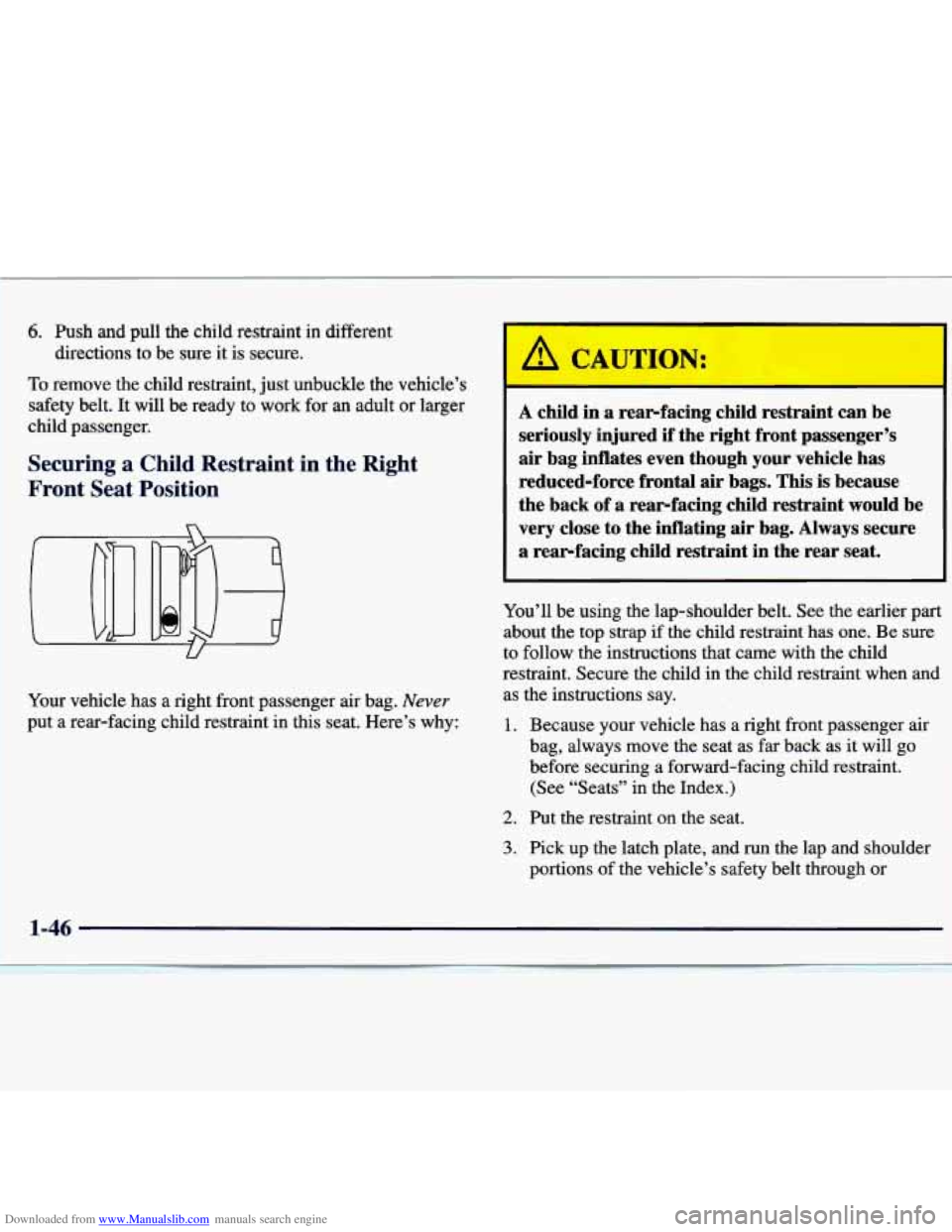
Your vehicle has a right front passenger air bag. Never
put a rear-facing child restraint in this seat. Here’s why:
1-46
/1 CAUTION:
A child in a rear-facing child restraint can be
seriously injured
if the right front passenger’s
air bag inflates even though your vehicle has
reduced-force frontal air bags. This is because
the back
of a rearfacing child restraint would be
very close to the inflating air bag. Always secure
a rearfacing child restraint in the rear seat.
Page 61 of 362
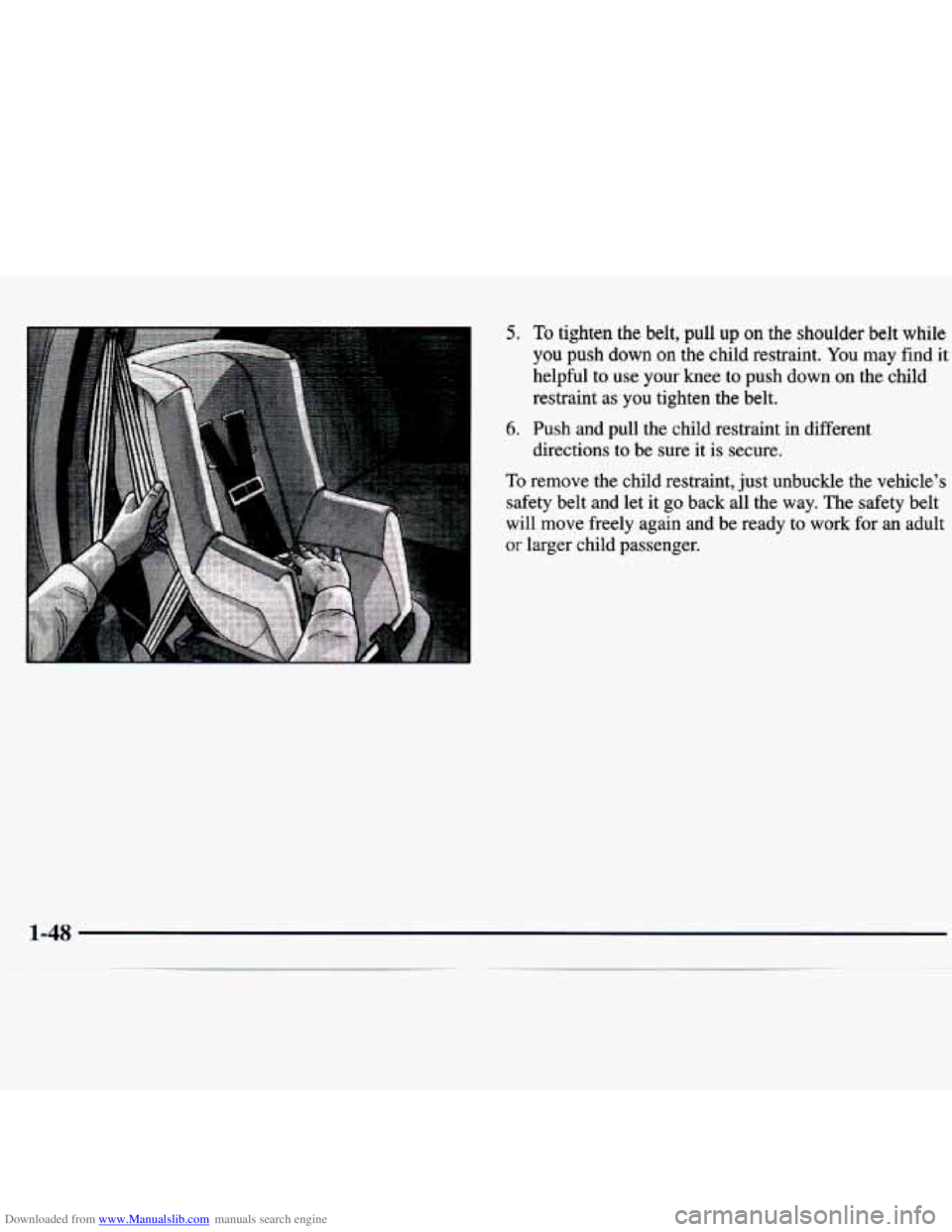
Downloaded from www.Manualslib.com manuals search engine 5. To tighten the belt, pull up on the shoulder belt while
you push down on the child restraint. You may find it
helpful to use your knee to push down
on the child
restraint as you tighten the belt.
directions to be sure it is secure.
6. Push and pull the child restraint in different
To remove the child restraint, just unbuckle the vehicle’s
safety belt and let it go back all the way. The safety belt \
will move freely again and be ready to work for an adult
or larger child passenger.
1-48
Page 70 of 362
Downloaded from www.Manualslib.com manuals search engine Power Door Locks (If Equipped) Rear Door Security Locks
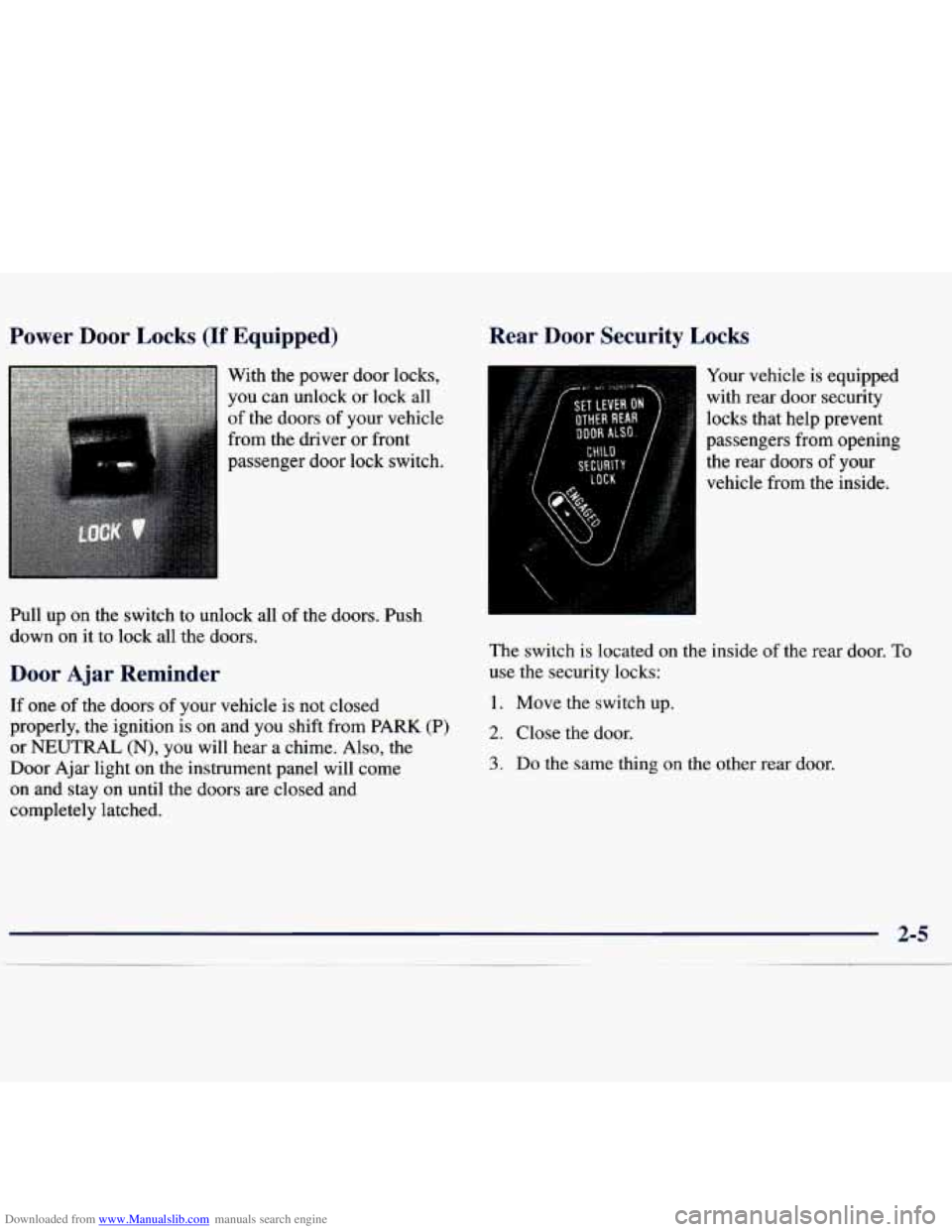
With the power
door locks,
you can unlock or lock all
of the doors of your vehicle
from the driver or front
passenger door lock switch.
Pull
up on the switch to unlock all of the doors. Push
down on it to lock all the doors.
Door Ajar Reminder
If one of the doors of your vehicle is not closed
properly, the ignition is on and
you shift from PARK (P)
or
NEUTRAL (N), you will hear a chime. Also, the
Door Ajar light on the instrument panel will come
on and stay
on until the doors are closed and
completely latched.
Your vehicle is equipped
with rear door security
locks that help prevent
passengers from opening
the rear doors of your
vehicle from the inside.
The switch is located
on the inside of the rear door. To
use the security locks:
1. Move the switch up.
2. Close the door.
3. Do the same thing on the other rear door.
Page 71 of 362
Downloaded from www.Manualslib.com manuals search engine The rear doors of your vehicle cannot be opened from
the inside when this feature is in use. If you want to
open
a rear door when the security lock is on:
1. Unlock the door from the inside.
2. Then open the door from the outside.
If you don’t cancel the security lock feature, adults or
older children who ride in the rear won’t be able to open \
the rear door from the inside. You should let adults and
older children know how these security locks work, and
how to cancel the locks.
To cancel the rear door lock:
1. Unlock the door from the inside and open it from
the outside.
2. Move the switch down.
3. Do the same for the other rear door.
The rear doors will now work normally.
Leaving Your Vehicle
If you are leaving your vehicle, open your door and
set the locks from the inside, then get out and close
the door.
Keyless Entry System (If Equipped)
If your vehicle has this option, you can lock and unlock
your doors or unlock your trunk from about
3 feet (1 m)
up to
30 feet (9 m) away using the remote keyless entry
transmitter supplied with your vehicle.
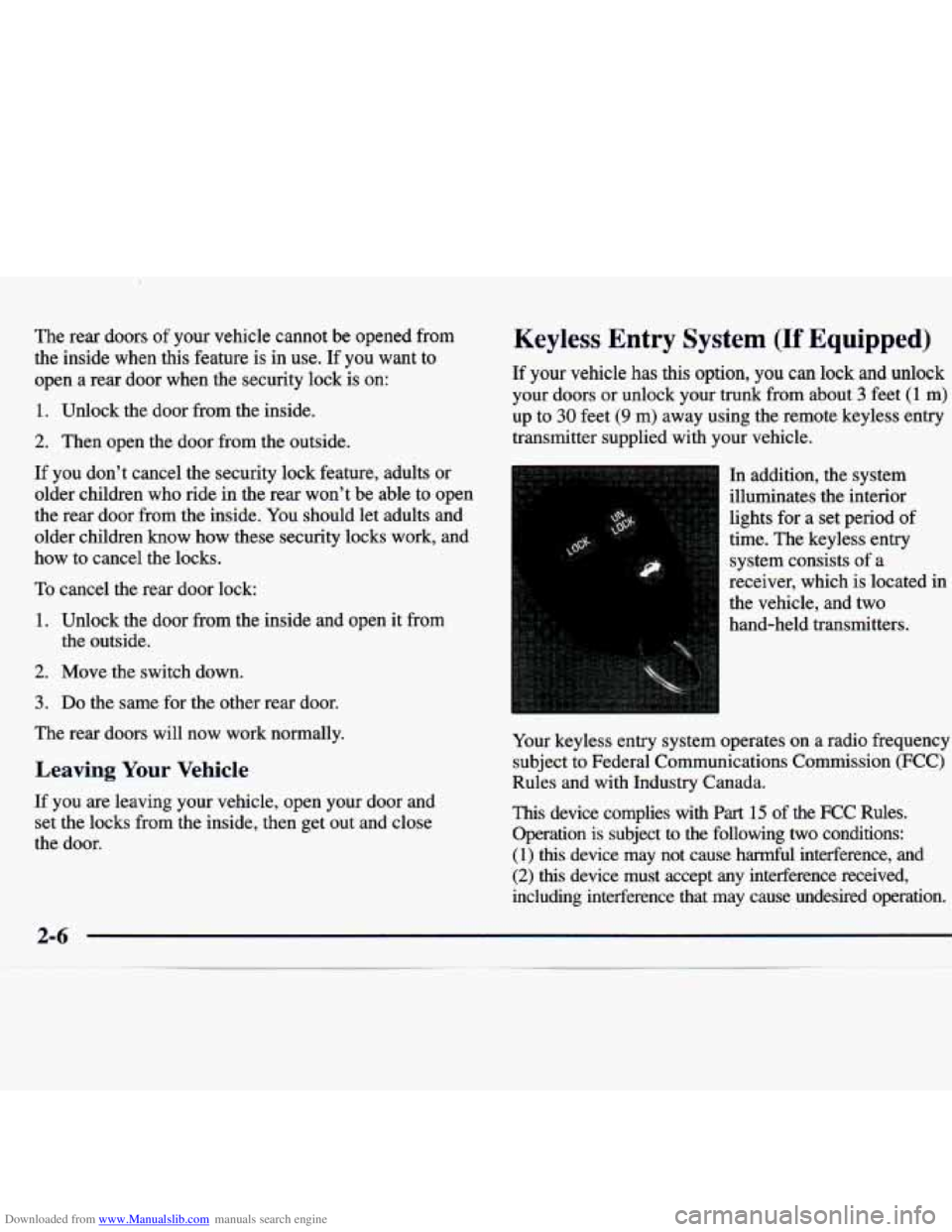
In addition, the system
illuminates the interior
lights for a set period of
time. The keyless entry
system consists of a
receiver, which is located in
the vehicle, and two
hand-held transmitters.
Your keyless entry system operates on a radio frequency
subject to Federal Communications Commission
(FCC)
Rules and with Industry Canada.
This device complies with Part 15 of the FCC Rules.
Operation is subject to the following
two conditions:
(1)
this device may not cause harmful interference, and
(2) this device must accept any interference received,
including interference that may cause undesired operation.
Page 74 of 362
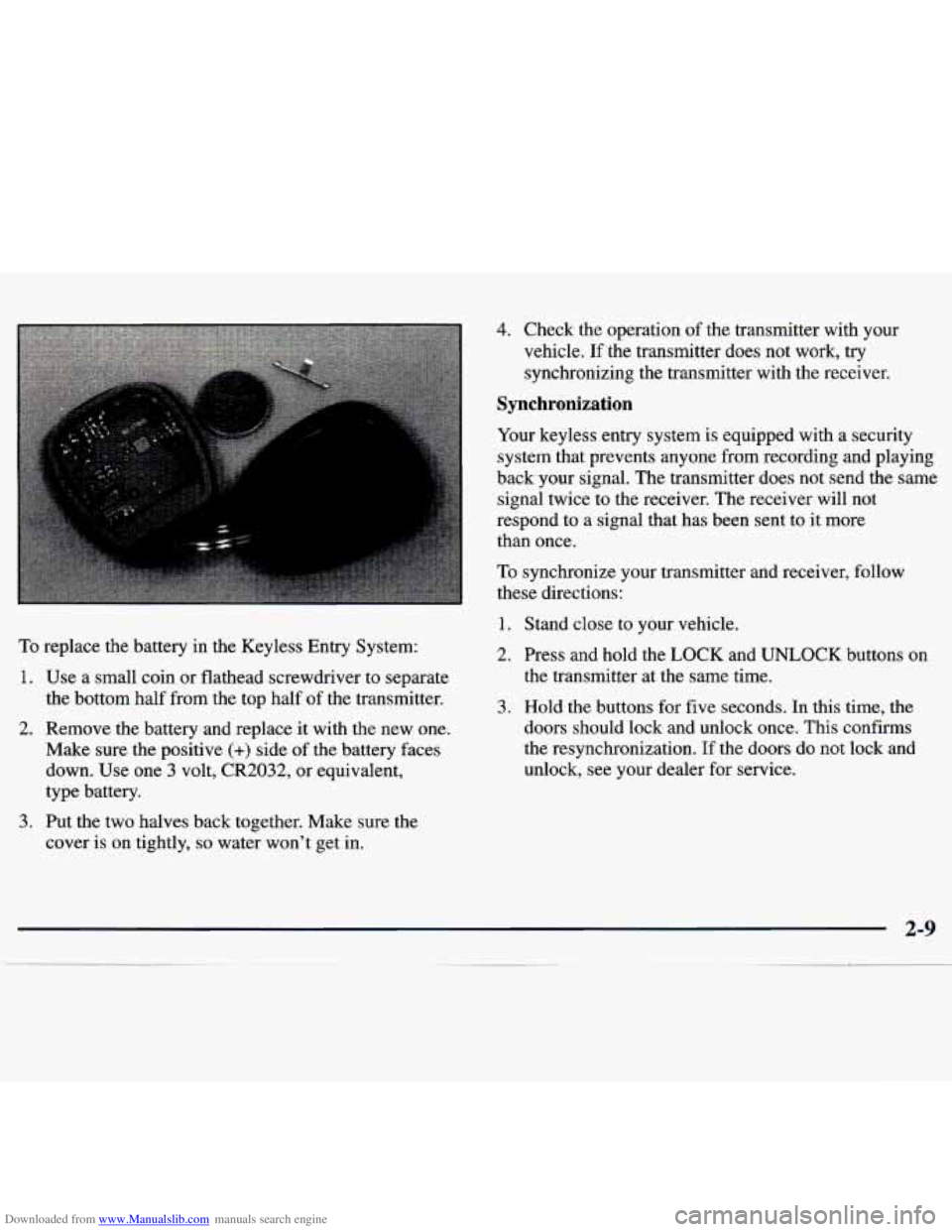
Downloaded from www.Manualslib.com manuals search engine To replace the battery in the Keyless Entry System:
1. Use a small coin or flathead screwdriver to separate
the bottom half from the top half
of the transmitter.
2. Remove the battery and replace it with the new one.
Make sure
the positive (+) side of the battery faces
down. Use one
3 volt, CR2032, or equivalent,
type battery.
3. Put the two halves back together. Make sure the
cover is on tightly,
so water won't get in.
4. Check the operation of the transmitter with your
vehicle. If the transmitter does not work, try
synchronizing the transmitter with the receiver.
Synchronization
Your keyless entry system is equipped with a security
system that prevents anyone from recording and playing
back your signal. The transmitter does not send the same
signal twice to
the receiver. The receiver will not
respond to a signal that has been sent to it more
than once.
To synchronize your transmitter and receiver, follow
these directions:
1. Stand close to your vehicle.
2. Press and hold the
LOCK and UNLOCK buttons on
the transmitter at the same time.
3. Hold the buttons for five seconds. In this time, the
doors should lock and unlock once.
This confirms
the resynchronization. If the doors do not lock and
unlock, see your dealer for service.
Page 147 of 362
Downloaded from www.Manualslib.com manuals search engine 3. Turn the radio off.
4. Press the 1 and 4 buttons together. Hold them down
until
--- shows on the display. Next you will use the
secret code number which you have written down.
Unlocking the Theft-Deterrent Feature After a
Power
Loss
Enter your secret code as follows; pause no more than
15 seconds between steps:
5. Press MN and 000 will appear on the display.
6. Press MN again to make the last two digits agree
7. Press HR to make the first one or two digits agree
8. Press AM-FM after you have confirmed that the
with your code.
with your code.
code matches the secret code you have written down.
The display will show
REP to let you know that you
need to repeat Steps
5 through 7 to confirm your
secret code.
9. Press AM-FM and this time the display will show
SEC to let you know that your radio is secure. The
indicator by the volume control will begin flashing
when the ignition is turned
off.
1. LOC appears when the ignition is on.
2. Press MN and 000 will appear on the display.
3. Press MN again to make the last two digits agree
with your code.
4. Press HR to make the first one or two digits agree
with your code.
5. Press AM-FM after you have confirmed that the
code matches the secret code
you have written down.
The display will show
SEC, indicating the radio is
now operable and secure.
If you enter the wrong code eight times, INOP will
appear on the display. You will have to wait an hour
with the ignition
on before you can try again. When you
try again, you will only have three chances to enter the
correct code before INOP appears.
If
you lose or forget your code, contact your dealer.
Page 148 of 362
Downloaded from www.Manualslib.com manuals search engine Disabling the Theft-Deterrent Feature
Enter your secret code as follows; pause no more than
15 seconds between steps:
1. Turn the ignition to ACC or ON.
2. Turn the radio off.
3. Press the 1 and 4 buttons together. Hold them down
until
SEC shows on the display.
4. Press MN and 000 will appear on the display.
5. Press MN again to make the last two digits agree
6. Press HR to make the first one or two digits agree
with your code.
with your code.
7. Press AM-FM after you have confirmed that the
code matches the secret code you have written down.
The display will show
---, indicating that the radio is
no longer secured.
If the code entered is incorrect,
SEC will appear on the
display. The radio will remain secured until the correct
code is entered.
When battery power is removed and later applied to a
secured radio, the radio won’t turn on and
LOC will
appear on the display. To
unlock a secured radio, see “Unlocking the
Theft-Deterrent Feature After a Power
Loss”
earlier in this section.
Understanding Radio Reception
AM
The range for most AM stations is greater than for FM,
especially at night. The longer range, however, can
cause stations to interfere with each other.
AM can pick
up noise from things like storms and power lines. Try
reducing the treble to reduce this noise if you ever get it.
FM Stereo
FM stereo will give you the best sound, but FM signals
will reach only about
10 to 40 miles (16 to 65 km). Tall
buildings or hills can interfere with FM signals, causing
the sound to come and go.
Tips About Your Audio System
Hearing damage from loud noise is almost undetectable
until it is too late. Your hearing can adapt to higher
volumes of sound. Sound that seems normal can be
loud and harmful to your hearing. Take precautions
by
adjusting the volume control on your radio to a safe
sound level before your hearing adapts to it.
Page 175 of 362
Downloaded from www.Manualslib.com manuals search engine I P'
I
I I Winter Driving
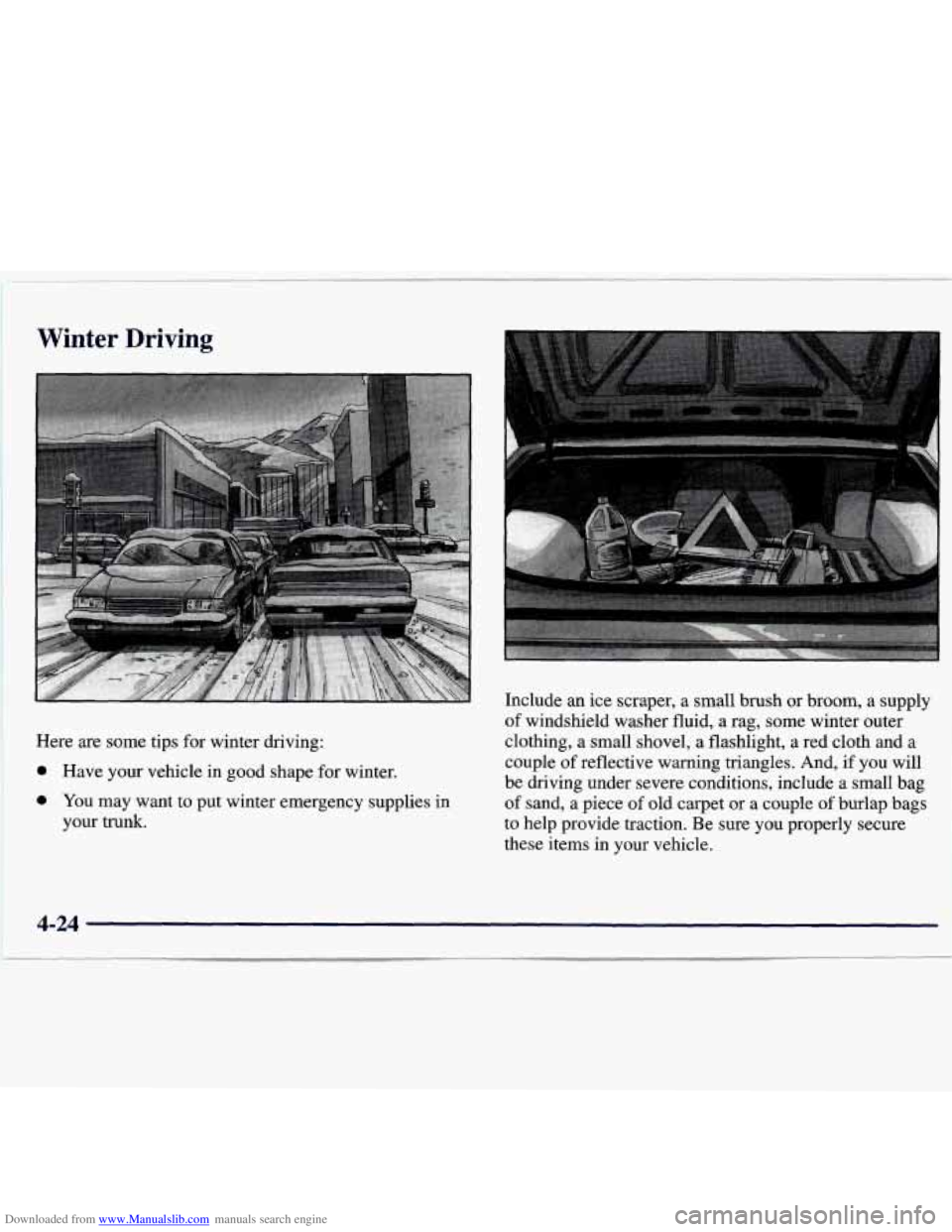
Here are some tips for winter driving:
e Have your vehicle in good shape for winter.
e You may want to put winter emergency supplies in
your
trunk.
Include an ice scraper, a small brush or broom, a supply
of windshield washer fluid, a rag, some winter outer
clothing, a small shovel, a flashlight,
a red cloth and a
couple of reflective warning triangles. And, if you
will
be driving under severe conditions, include a small bag
of sand, a piece of old carpet or a couple of burlap bags
to help provide traction. Be sure you properly secure
these items in your vehicle.
4-24