audio CHEVROLET MALIBU 1998 Owners Manual
[x] Cancel search | Manufacturer: CHEVROLET, Model Year: 1998, Model line: MALIBU, Model: CHEVROLET MALIBU 1998Pages: 362, PDF Size: 19.35 MB
Page 6 of 362
Downloaded from www.Manualslib.com manuals search engine 0 The 1998 Chevrolet Malibu Owner’s Manual
1-1
2-1
3-1
4- 1
5- 1
6- 1
7- 1
8- 1
9-1
Seats and Restraint Systems
This section tells you how to use your seats and safety belts\
properly. It also explains the “SRS” system.
Features and Controls
This section explains how to start and operate your vehicle.
Comfort Controls and Audio Systems
This section tells you how to adjust the ventilation and comfo\
rt controls and how to operate your audio system.
Your Driving and the Road
Here you’ll find helpful information and tips about the road\
and how to drive under different conditions.
Problems on the Road
This section tells what to do if you have a problem while dr\
iving, such as a flat tire or overheated engine, etc.
Service and Appearance Care
Here the manual tells you how to keep your vehicle running properly and looking good.
Maintenance Schedule
This section tells you when to perform vehicle maintenance and \
what fluids and lubricants to use.
Customer Assistance Information
This section tells you how to contact Chevrolet for assistance \
and how to get service and owner publications.
It also gives you information on “Reporting Safety Defects”\
on page
8-10.
Index
Here’s an alphabetical listing of almost every subject in th\
is manual. You can use it to quickly find
something you want to read.
Page 112 of 362
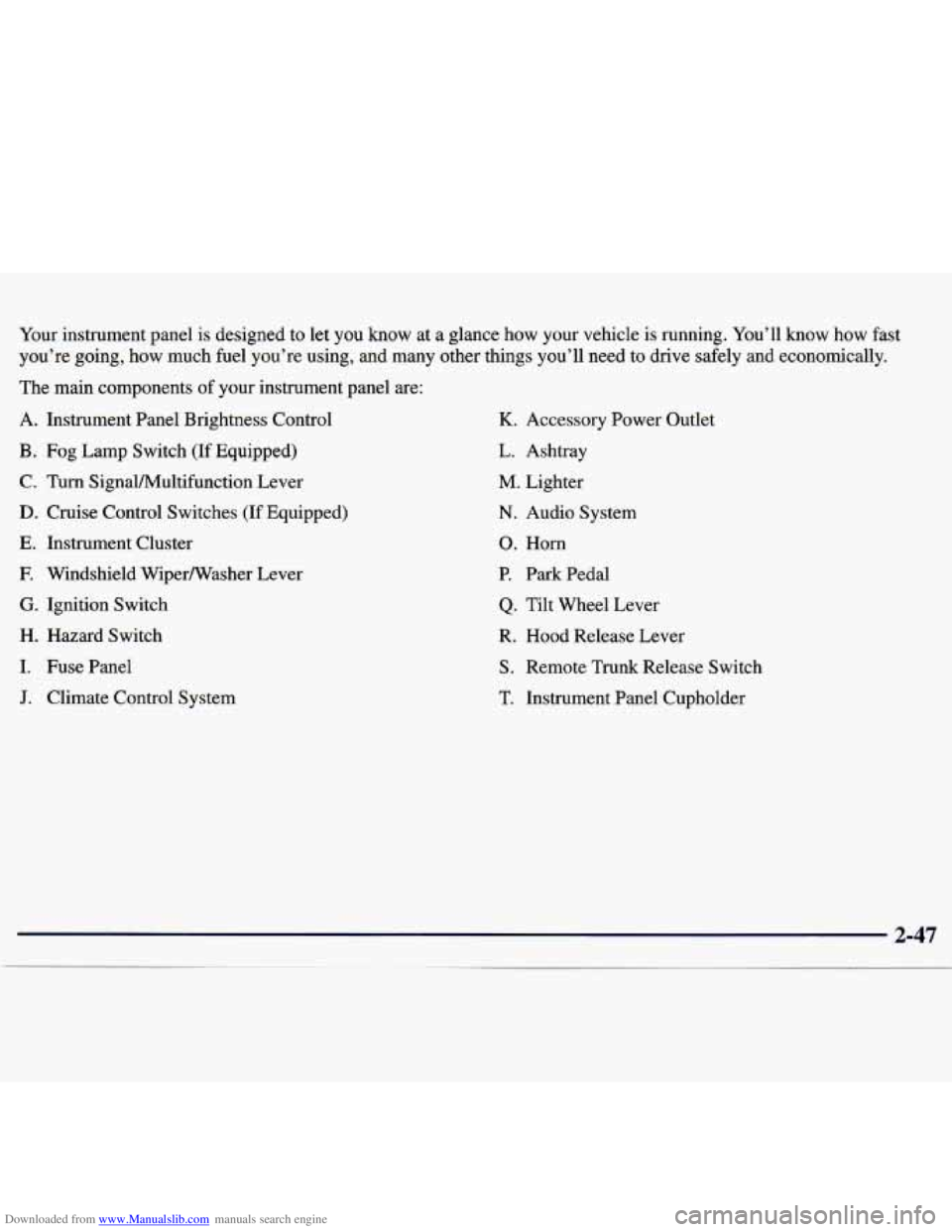
Downloaded from www.Manualslib.com manuals search engine Your instrument panel is designed to let you know at a glance how your vehicle is running. You’ll know how fast
you’re going, how much fuel you’re using, and many other things you’ll need to drive \
safely and economically.
The main components
of your instrument panel are:
A. Instrument Panel Brightness Control
B. Fog Lamp Switch (If Equipped)
C. Turn SignaVMultifunction Lever
D. Cruise Control Switches (If Equipped)
E. Instrument Cluster
F. Windshield Wipermasher Lever
G. Ignition Switch
H. Hazard Switch
I. Fuse Panel
J. Climate Control System
K. Accessory Power Outlet
L. Ashtray
M. Lighter
N. Audio System
0. Horn
P. Park Pedal
Q. Tilt Wheel Lever
R. Hood Release Lever
S. Remote Trunk Release Switch
T. Instrument Panel Cupholder
Page 128 of 362
Downloaded from www.Manualslib.com manuals search engine Section 3 Cornfort Controls and Audio Systems
In this section, you’ll find out how to operate the comfort control and audio systems offered with your vehicle. Be
sure to read about the particular systems supplied with your vehicle.
3-2 3-2
3-3
3-4
3-4
3-5
3-5
3-6
3-6
3-6 Cornfort Controls
Climate Control System with
Air Conditioning
Air Conditioning
Heating
Defogging and Defrosting Windows
Rear Window Defogger
(If Equipped)
Ventilation System
Audio Systems Setting the Clock for Systems without
Automatic
Tone Control
Setting the Clock for Systems with Automatic
Tone Control 3
-7
3-9
3-14
3-18
3-19
3-21
3-2
1
3-22
3-23
3-23
3-23 AM-FM Stereo
AM-FM Stereo with Cassette Tape Player and
Automatic Tone
Control (If Equipped)
AM-FM Stereo with Compact Disc Player and
Automatic Tone Control
(If Equipped)
Remote Cassette Tape Player
(If Equipped)
Theft-Deterrent Feature
Understanding Radio Reception
Tips About
Your Audio System
Care of
Your Cassette Tape Player
Care of Your Compact Discs
Care of Your Compact Disc Player
Fixed Mast Antenna
3-1
Page 133 of 362
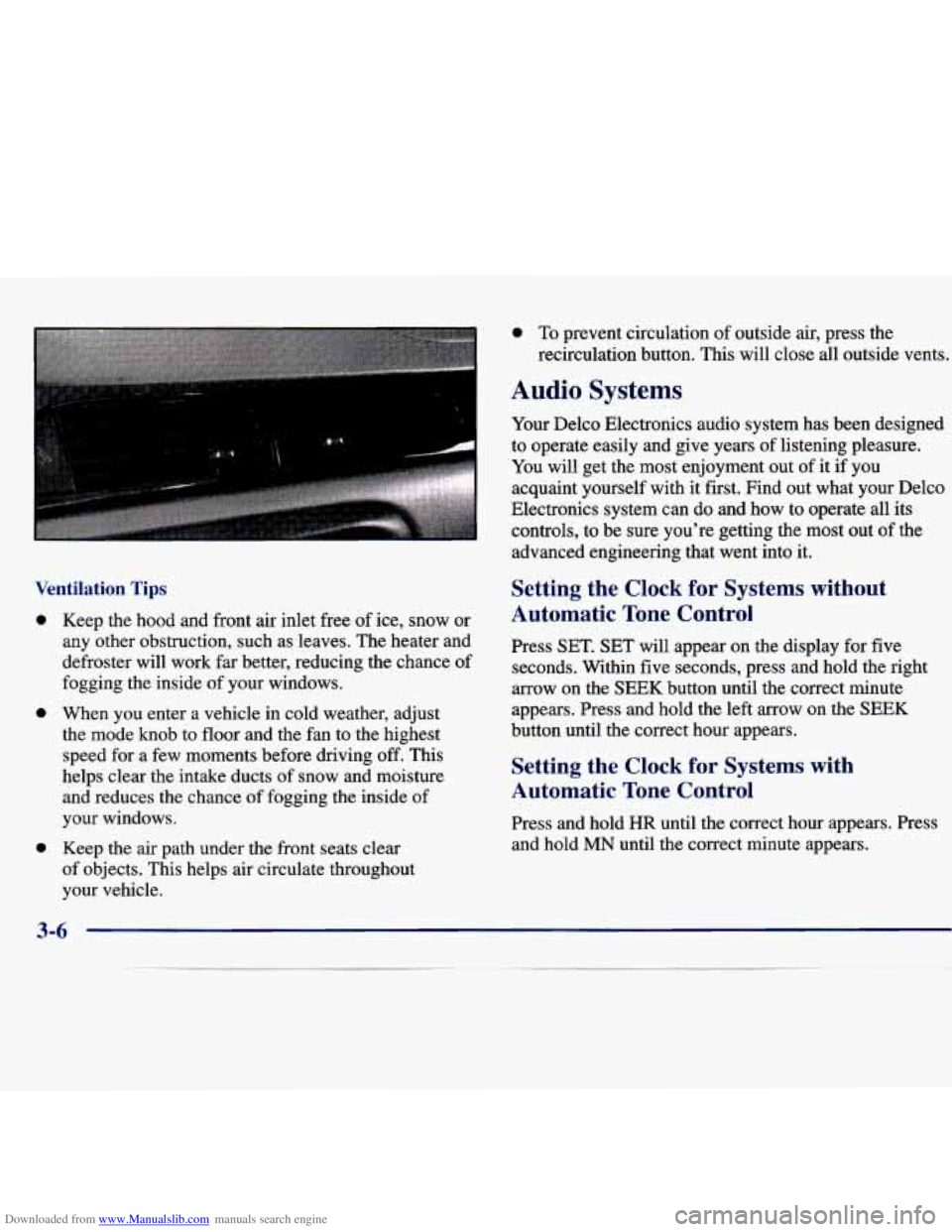
Downloaded from www.Manualslib.com manuals search engine Ventilation Tips
0
0
0
Keep the hood and front air inlet free of ice, snow or
any other obstruction, such as leaves. The heater and
defroster will work far better, reducing the chance of
fogging the inside
of your windows.
When you enter a vehicle in cold weather, adjust
the mode knob to floor and the fan to the highest speed for a few moments before driving off. This
helps clear the intake ducts of snow and moisture
and reduces the chance of fogging the inside
of
your windows.
Keep the air path under the front seats clear
of objects. This helps air circulate throughout
your vehicle.
0 To prevent circulation of outside air, press the
recirculation button.
This will close all outside vents.
Audio Systems
Your Delco Electronics audio system has been designed
to operate easily and give years of listening pleasure.
You will get the most enjoyment
out of it if you
acquaint yourself with it first. Find out what your Delco
Electronics system
can do and how to operate all its
controls, to be sure you’re getting the most out of the
advanced engineering that went into
it.
Setting the Clock for Systems without
Automatic Tone Control
Press SET. SET will appear on the display for five
seconds. Within five seconds, press and hold the right
arrow on the SEEK button until the correct minute
appears. Press and hold the left arrow on the SEEK
button until the correct hour appears.
Setting the Clock for Systems with
Automatic Tone Control
Press and hold HR until the correct hour appears. Press
and hold
MN until the correct minute appears.
3-6
Page 136 of 362
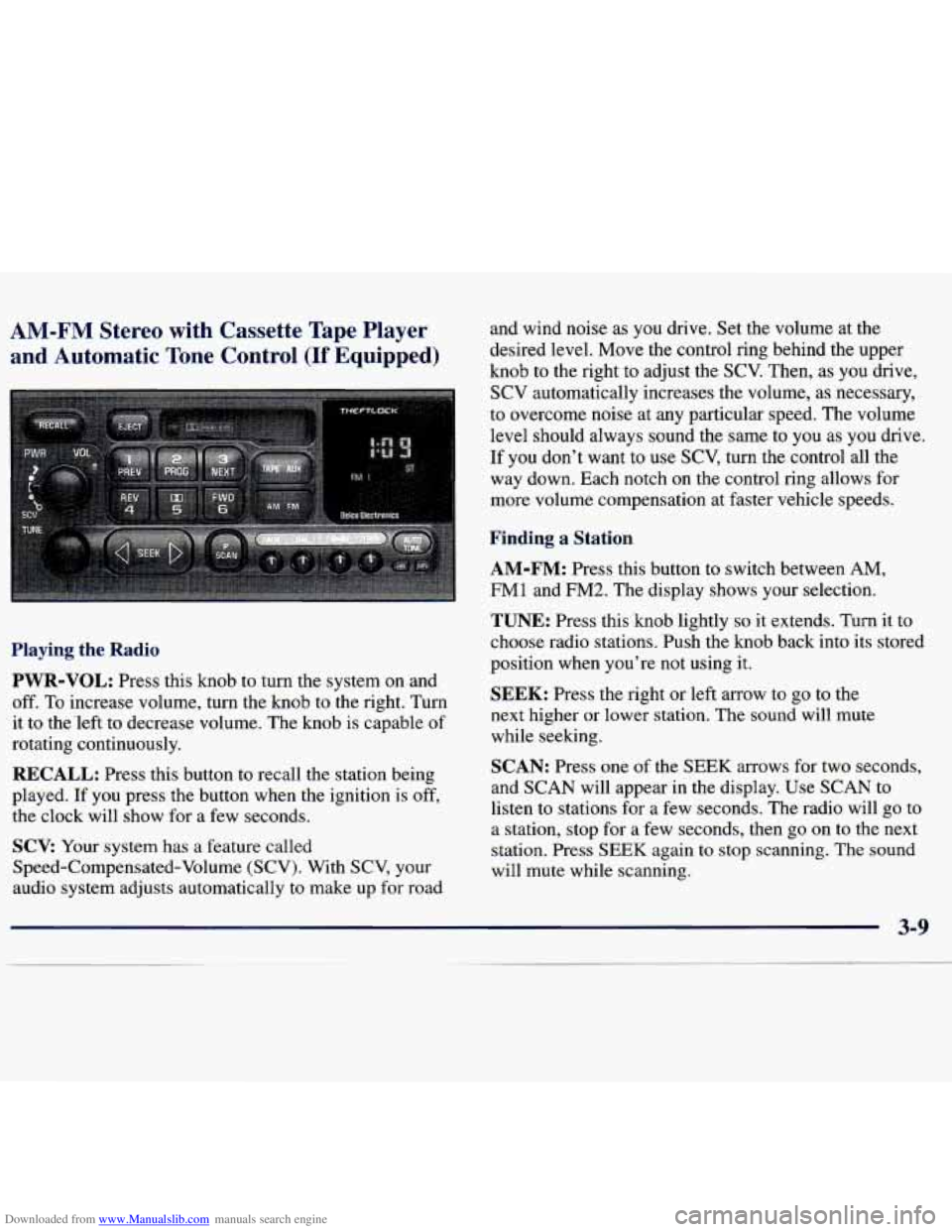
Downloaded from www.Manualslib.com manuals search engine AM-FM Stereo with Cassette Tape Player
and Automatic Tone Control
(If Equipped)
and wind noise as you drive. Set the volume at the
desired level. Move the control ring behind the upper
knob to the right to adjust the SCV. Then, as you drive,
SCV automatically increases the volume, as necessary,
to overcome noise at any particular speed. The volume
level should always sound the sme
to you as you drive.
If you don't want to
use SCV, turn the control all the
way down. Each notch on the control ring allows for
more volume compensation at faster vehicle speeds.
Finding a Station
AM-FM:
Press this button to switch between AM,
FM1 and
FM2. The display shows your selection.
Playing the Radio
PWR-VOL:
Press this knob to turn the system on and
off. To increase volume, turn the knob to the right. Turn
it to the'left to decrease volume. The knob is capable of
rotating continuously.
RECALL: Press this button to recall the station being
played.
If you press the button when the ignition is off,
the clock will show for a few seconds.
SCV: Your system has a feature called
Speed-Compensated-Volume (SCV). With SCV, your
audio system adjusts automatically to make up
for road
TUNE: Press this knob lightly so it extends. Turn it to
choose radio stations. Push the knob back into its stored
position when you're not using it.
SEEK: Press the right or left arrow to go to the
next higher or lower station. The sound will mute
while seeking.
SCAN: Press one of the SEEK arrows for two seconds,
and SCAN will appear in the display. Use SCAN to
listen to stations for a few seconds. The radio will go to
a station, stop for a few seconds, then
go on to the next
station. Press
SEEK again to stop scanning. The sound
will mute while scanning.
Page 141 of 362
Downloaded from www.Manualslib.com manuals search engine AM
and
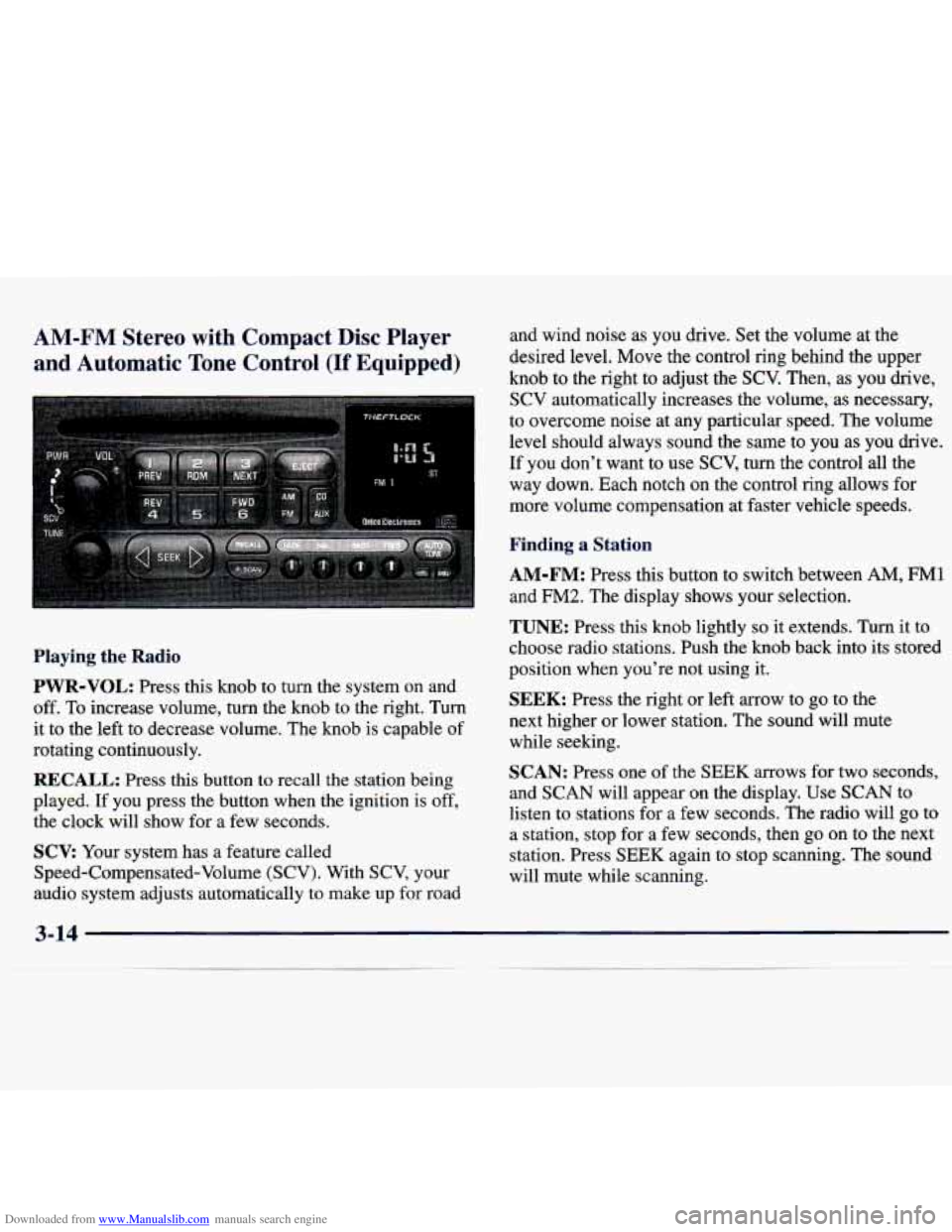
:-FM Stereo with Compact Disc Player
Automatic
Tone Control (If Equipped)
Playing the Radio
PWR-VOL: Press this knob to turn the system on and
off. To increase volume, turn the knob to the right. Turn
it to the left to decrease volume. The knob is capable of
rotating continuously.
RECALL: Press this button to recall the station being
played. If you press the button when the ignition is off,
the clock will show for
a few seconds.
SCV: Your system has a feature called
Speed-Compensated-Volume (SCV). With SCV, your
audio system adjusts automatically to make up
for road and wind noise as you drive. Set the volume
at the
desired level. Move the control ring behind the upper
knob to the right to adjust the
SCV. Then, as you drive,
SCV automatically increases the volume, as necessary,
to overcome noise at any particular speed. The volume
level should always sound the same to you as you drive.
If you don't want to use
SCV, turn the control all the
way down. Each notch
on the control ring allows for
more volume compensation at faster vehicle speeds.
Finding a Station
AM-FM: Press this button to switch between AM, FM1
and
FM2. The display shows your selection.
TUNE: Press this knob lightly so it extends. Turn it to
choose radio stations. Push the knob back into its stored
position when you're not using it.
SEEK: Press the right or left arrow to go to the
next higher or lower station. The sound will mute
while seeking.
SCAN: Press one of the SEEK arrows for two seconds,
and SCAN will appear on the display. Use SCAN to
listen to stations for a few seconds. The radio will go to
a station, stop for a few seconds, then go on to the next
station. Press
SEEK again to stop scanning. The sound
will mute while scanning.
3-1 4
Page 148 of 362
Downloaded from www.Manualslib.com manuals search engine Disabling the Theft-Deterrent Feature
Enter your secret code as follows; pause no more than
15 seconds between steps:
1. Turn the ignition to ACC or ON.
2. Turn the radio off.
3. Press the 1 and 4 buttons together. Hold them down
until
SEC shows on the display.
4. Press MN and 000 will appear on the display.
5. Press MN again to make the last two digits agree
6. Press HR to make the first one or two digits agree
with your code.
with your code.
7. Press AM-FM after you have confirmed that the
code matches the secret code you have written down.
The display will show
---, indicating that the radio is
no longer secured.
If the code entered is incorrect,
SEC will appear on the
display. The radio will remain secured until the correct
code is entered.
When battery power is removed and later applied to a
secured radio, the radio won’t turn on and
LOC will
appear on the display. To
unlock a secured radio, see “Unlocking the
Theft-Deterrent Feature After a Power
Loss”
earlier in this section.
Understanding Radio Reception
AM
The range for most AM stations is greater than for FM,
especially at night. The longer range, however, can
cause stations to interfere with each other.
AM can pick
up noise from things like storms and power lines. Try
reducing the treble to reduce this noise if you ever get it.
FM Stereo
FM stereo will give you the best sound, but FM signals
will reach only about
10 to 40 miles (16 to 65 km). Tall
buildings or hills can interfere with FM signals, causing
the sound to come and go.
Tips About Your Audio System
Hearing damage from loud noise is almost undetectable
until it is too late. Your hearing can adapt to higher
volumes of sound. Sound that seems normal can be
loud and harmful to your hearing. Take precautions
by
adjusting the volume control on your radio to a safe
sound level before your hearing adapts to it.
Page 255 of 362
Downloaded from www.Manualslib.com manuals search engine Replacing Brake System Parts
The braking system on a modern vehicle is complex.
Its many parts have to be of top quality and work well
together
if the vehicle is to have really good braking.
Your vehicle was designed and tested with top-quality
GM brake parts. When you replace parts of your braking
system
-- for example, when your brake linings wear
down and you have to have new ones put
in -- be sure
you get new approved
GM replacement parts. If you
don’t, your brakes may no longer work properly. For
example, if someone puts in brake linings that are wrong
for your vehicle, the balance between your front and
rear brakes can change
-- for the worse. The braking
performance you’ve come to expect can change
in many
other ways
if someone puts in the wrong replacement
brake parts.
Battery
Every new Chevrolet has an ACDelco Freedom@
battery. You never have to add water to one of these.
When it’s time for a new battery, we recommend an
ACDelco Freedom battery. Get one that has the
replacement number shown on the original
battery’s label.
Vehicle Storage
If you’re not going to drive your vehicle for 25 days or
more, remove
the black, negative (-) cable from
the battery.
This will help keep your battery from
running down.
I
Batteries have acid that can burn you and gas
that can explode. You can be badly hurt if you
aren’t careful.
See “Jump Starting” in the Index
for tips on working around a battery without getting hurt.
Contact your dealer to learn how to prepare your vehicle
for longer storage periods.
Also, for your audio system, see “Theft-Deterrent
Feature”
in the Index.
6-30
Page 320 of 362
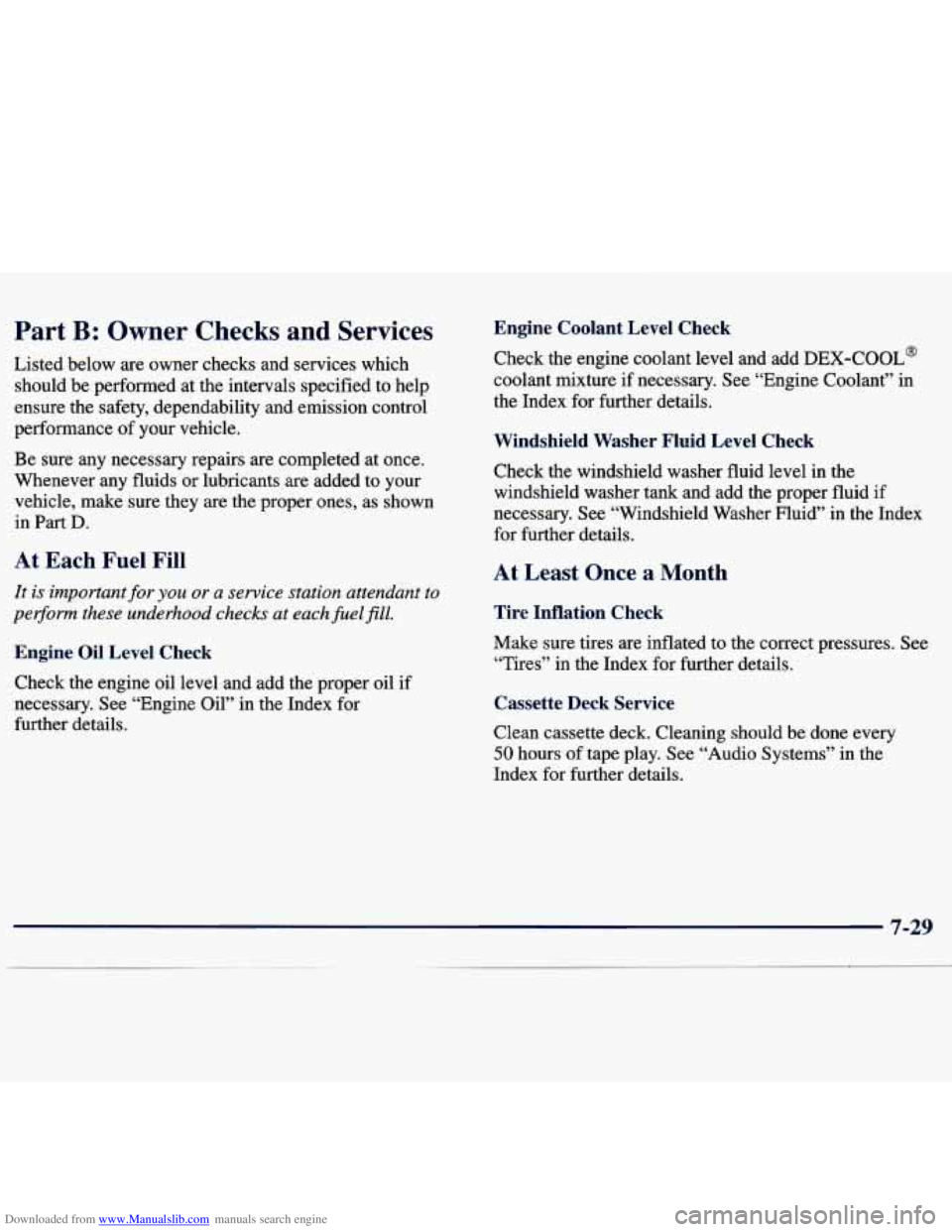
Downloaded from www.Manualslib.com manuals search engine Part B: Owner Checks and Services
Listed below are owner checks and services which
should be performed at the intervals specified to help
ensure the safety, dependability and emission control
performance of your vehicle.
Be sure any necessary repairs are completed at once.
Whenever any fluids or lubricants are added to your
vehicle, make sure they are the proper ones, as shown
in
Part D.
At Each Fuel Fill
It is important for you or a service station attendant to
pe~orm these underhood checks at eachfielfill,
Engine Oil Level Check
Check the engine oil level and add the proper oil if
necessary. See “Engine Oil” in the Index for
further details.
Engine Coolant Level Check
Check the engine coolant level and add DEX-COOL@
coolant mixture
if necessary. See “Engine Coolant” in
the Index for further details.
Windshield Washer Fluid Level Check
Check the windshield washer fluid level in the
windshield washer tank and add the proper fluid
if
necessary. See “Windshield Washer Fluid” in the Index
for further details.
At Least Once a Month
Tire Inflation Check
Make sure tires are inflated to the correct pressures. See
“Tires”
in the Index for further details.
Cassette Deck Service
Clean cassette deck. Cleaning should be done every
50 hours of tape play. See “Audio Systems” in the
Index for further details.
7-29
~.
Page 346 of 362
Downloaded from www.Manualslib.com manuals search engine 0 Section 9 Index
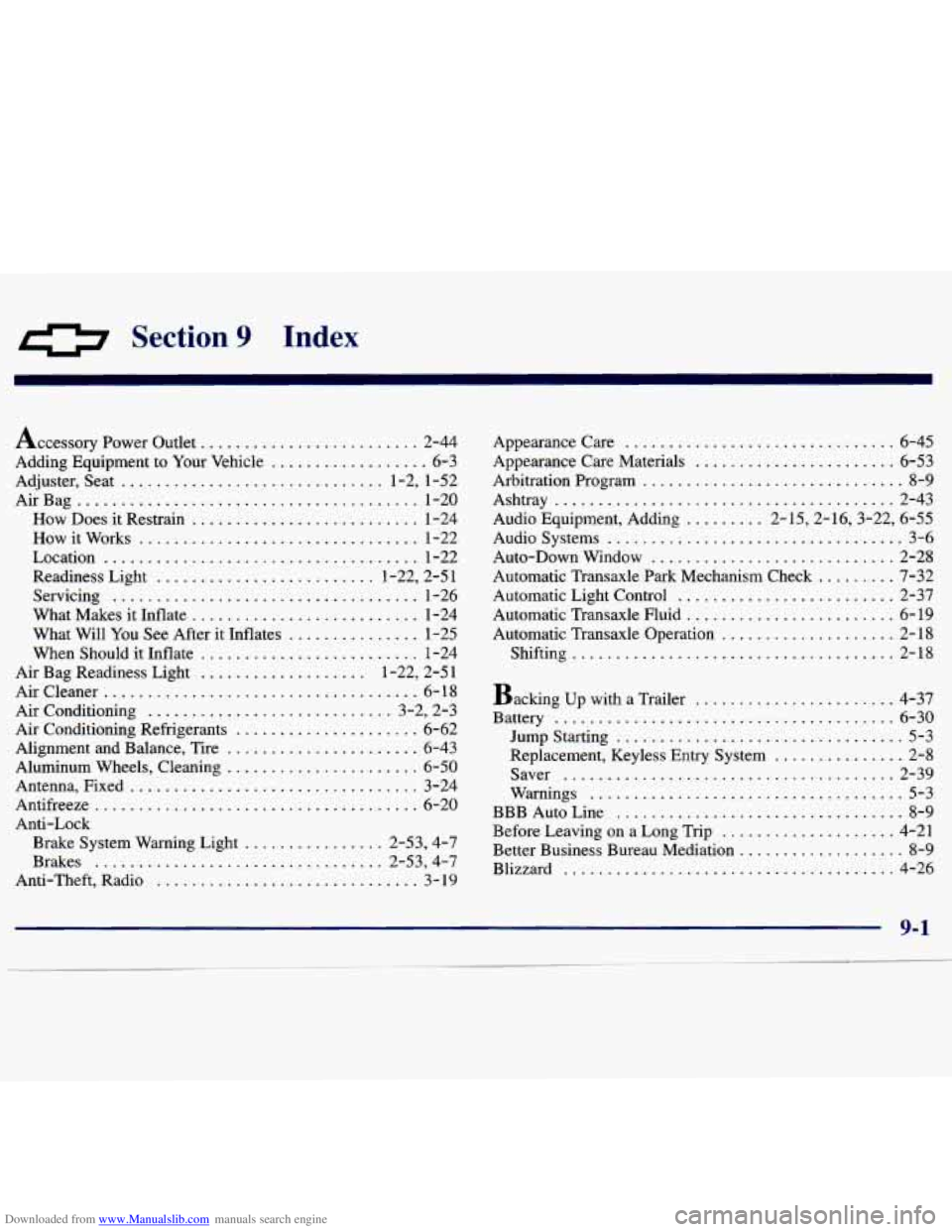
Accessory Power Outlet ......................... 2-44
Adding Equipment to Your Vehicle
.................. 6-3
Adjuster. Seat .............................. 1.2. 1.52
AirBag
....................................... 1-20
How Does it Restrain
.......................... 1-24
Howitworks
................................ 1-22
Location
.................................... 1-22
Readiness Light
......................... 1.22. 2.5 1
Servicing ................................... 1-26
What Makes it Inflate
.......................... 1-24
What Will
You See After it Inflates ............... 1-25
When Should it Inflate ......................... 1-24
Air Bag Readiness Light
................... 1.22. 2.5 1
Aircleaner .................................... 6-18
Air Conditioning ............................ 3.2. 2.3
Air Conditioning Refrigerants ..................... 6-62
Alignment and Balance. Tire
...................... 6-43
Aluminum Wheels. Cleaning
...................... 6-50
Antenna. Fixed ................................. 3-24
Antifreeze
..................................... 6-20
Anti-Lock
Brake System Warning Light
................ 2.53. 4.7
Brakes
................................. 2.53. 4.7
Anti.Theft. Radio .............................. 3- 19 Appearancecare
............................... 6-45
Appearance Care Materials
....................... 6-53
Arbitration Program
.............................. 8-9
Audio Equipment. Adding
......... 2.15.2.16.3.22. 6.55
Audio Systems .................................. 3-6
Auto-Down Window
............................ 2-28
Automatic Transaxle Park Mechanism Check
......... 7-32
Automatic Light Control
......................... 2-37
Automatic Transaxle Fluid
........................ 6-19
Automatic Transaxle Operation
.................... 2-18
Shifting
..................................... 2-18
Ashtray
....................................... 2-43
Backing up with a Trailer
....................... 4-37
Battery
....................................... 6-30
Jump Starting ................................. 5-3
Replacement, Keyless Entry System ............... 2-8
Saver
...................................... 2-39
Warnings
.................................... 5-3
BBB Auto Line
................................. 8-9
Before Leaving on
a Long Trip .................... 4-21
Better Business Bureau Mediation
................... 8-9
Blizzard
...................................... 4-26
__.~ ... .......... ~- ~