shift CHEVROLET MALIBU 2006 6.G Owner's Manual
[x] Cancel search | Manufacturer: CHEVROLET, Model Year: 2006, Model line: MALIBU, Model: CHEVROLET MALIBU 2006 6.GPages: 442, PDF Size: 2.61 MB
Page 185 of 442
When LIGHT FLASH appears on the display, press the
enter button to move between OFF and ON. When you
have made your choice, press the MENU button to record
your selection. The initial setting from the factory is ON.
DELAY LOCK:The delayed locking option, which
delays the actual locking of the vehicle, can be enabled
or disabled. When DELAY LOCK appears on the
display, press the enter button to move between OFF
and ON. When you have made your choice, press
the MENU button to record your selection. The initial
setting from the factory is ON.
AUTO UNLK (Unlock):The automatic door unlocking
option, which allows the vehicle to automatically
unlock certain doors can be enabled or disabled. When
AUTO UNLK appears on the display, press the enter
button to move between ALL, DRIVER, or NONE. When
you have made your choice, press and the MENU
button to record your selection. The initial setting from
the factory is ALL. SeeProgrammable Automatic
Door Locks on page 2-13for more information.
UNLK (Unlock):This screen displays only if DRIVER
or ALL is selected for the AUTO UNLK option. This
option determines when the automatic door unlocking
will occur, when either the key is turned to OFF or
the vehicle is shifted into PARK (P). When UNLK
appears on the display, press the enter button to
move between KEY OFF and SHIFT TO P (Park).When you have made your choice, press the MENU
button to record your selection. The initial setting from
the factory is SHIFT TO P (Park). SeeProgrammable
Automatic Door Locks on page 2-13for more
information.
EXT (Exterior) LIGHTS:If your vehicle has remote
keyless entry, this option, which allows the vehicle’s
exterior perimeter lighting to turn on each time the
unlock button on the remote keyless entry transmitter
is pressed, can be enabled or disabled. When
EXT LIGHTS appears on the display, press the enter
button to move between ON and OFF. When you have
made your choice, press the MENU button to record
your selection. The initial setting from the factory is ON.
LANGUAGE:To select your choice of language,
press the enter button to move between the optional
languages.
The languages are ENGLISH, FRENCH, SPANISH,
and GERMAN.
Choosing a language will display all of the information
on the DIC in the desired language.
When you have made your choice, press the MENU
button for at least one second to record your selection.
The initial setting from the factory is ENGLISH.
3-53
Page 226 of 442
b(Size):Press this button to change the display
mode for 4:3 aspect ratio movies. This function cycles
between NORMAL, WIDE, and FULL video modes.
NormalThe horizontal image is not stretched.
The borders at the left and the right of the
picture are blanked. All lines of the vertical image
are displayed.
WideThe horizontal image is non-lineraly stretched.
The image tends to be stretched more at the
borders then the middle. The borders are not
displayed.
FullThe horizontal image is linearly stretched.
All vertical lines are displayed. No borders are
present.
z(Display):Press this button to display the title,
chapter, the time of a DVD or track number, the time
of a CD, and the menu functions on the video screen.
Press this button again to turn off the display item.
}(Audio Compression):DVDs have a wide
dynamic audio range. Audio compression may be
used to reduce the difference between soft and loud
selections of the DVD. Press this button to switch
the audio compression on and off.
AUX (Auxiliary):Press this button to switch the system
between the DVD player and an auxiliary source.
Setup Menu
To access the setup menu, ensure that a DVD is in
the player and the video is stopped. Press the display
button. Once the menu is activated, use the directional
arrows and the enter button to navigate the screen.
Picture Preferences
The USER PREFERENCE SETTINGS menu allows
the default viewing preferences to be modied. Use the
remote control up and down arrow buttons to select.
The movie may stop while selections are being made.
TV Shape:The default video screen display may
be selected from 4:3 letterbox, 4:3 panscan, or 16:9.
Black Level Shift:The default black level to the video
screen may be adjusted.
Video Shift:The default position of the video on the
display may be adjusted.
Color Settings:The default color setting of the video
screen may be selected from Personal, Rich, Natural,
Soft, or Animation.
Personal Color:The default setting for Saturation,
Brightness, and Contrast may be adjusted.
3-94
Page 249 of 442
Braking in Emergencies
At some time, nearly every driver gets into a situation
that requires hard braking.
If you have ABS, you can steer and brake at the same
time. However, if you do not have ABS, your rst
reaction — to hit the brake pedal hard and hold it
down — may be the wrong thing to do. Your wheels can
stop rolling. Once they do, the vehicle cannot respond
to your steering. Momentum will carry it in whatever
direction it was headed when the wheels stopped rolling.
That could be off the road, into the very thing you
were trying to avoid, or into traffic.
If you do not have ABS, use a “squeeze” braking
technique. This will give you maximum braking while
maintaining steering control. You can do this by pushing
on the brake pedal with steadily increasing pressure.
In an emergency, you will probably want to squeeze
the brakes hard without locking the wheels. If you hear
or feel the wheels sliding, ease off the brake pedal. This
will help you retain steering control. If you do have ABS, it
is different. SeeAnti-Lock Brake System (ABS) on
page 4-7.
In many emergencies, steering can help you more than
even the very best braking.
Traction Control System (TCS)
Your vehicle may have a Traction Control System (TCS)
that limits wheel spin. This is especially useful in
slippery road conditions. The system operates only if it
senses that one or both of the front wheels are
spinning or beginning to lose traction. When this
happens, the system reduces engine power and may
also upshift the transaxle to limit wheel spin. Also,
the traction control system activates the appropriate
corner brakes to gain even quicker control to limit
wheel spin.
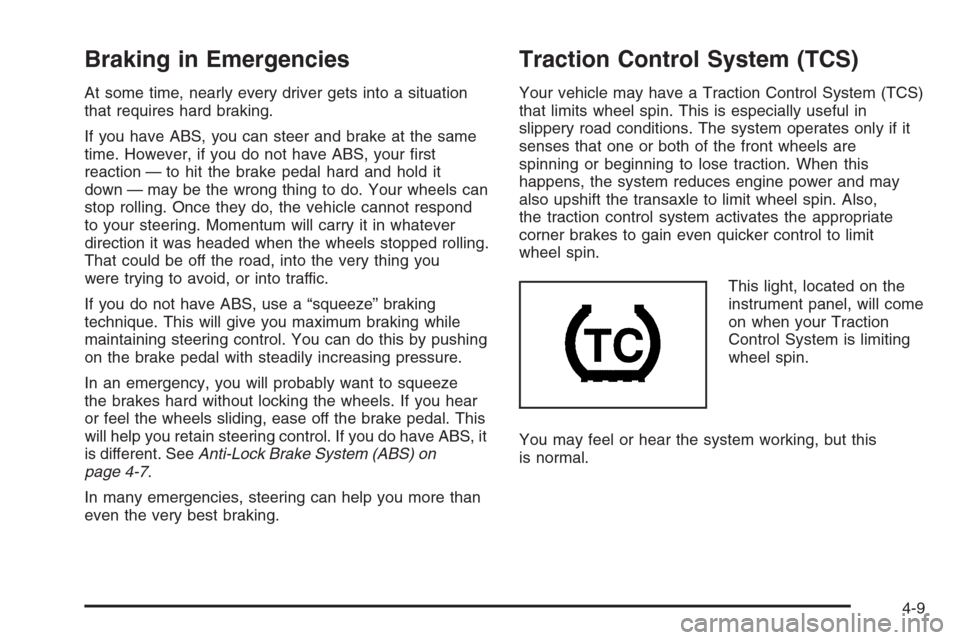
This light, located on the
instrument panel, will come
on when your Traction
Control System is limiting
wheel spin.
You may feel or hear the system working, but this
is normal.
4-9
Page 250 of 442
If your vehicle is in cruise control when the traction
control system begins to limit wheel spin, the cruise
control will automatically disengage. When road
conditions allow you to safely use it again, you may
re-engage the cruise control. SeeCruise Control
on page 3-11.
The Traction Control System operates in all transaxle
shift lever positions except park or neutral. But the
system can upshift the transaxle only as high as the
shift lever position you’ve chosen, so you should use
the lower gears only when necessary. SeeAutomatic
Transaxle Operation (Base Models) on page 2-27
orAutomatic Transaxle Operation (SS Models)
on page 2-30.
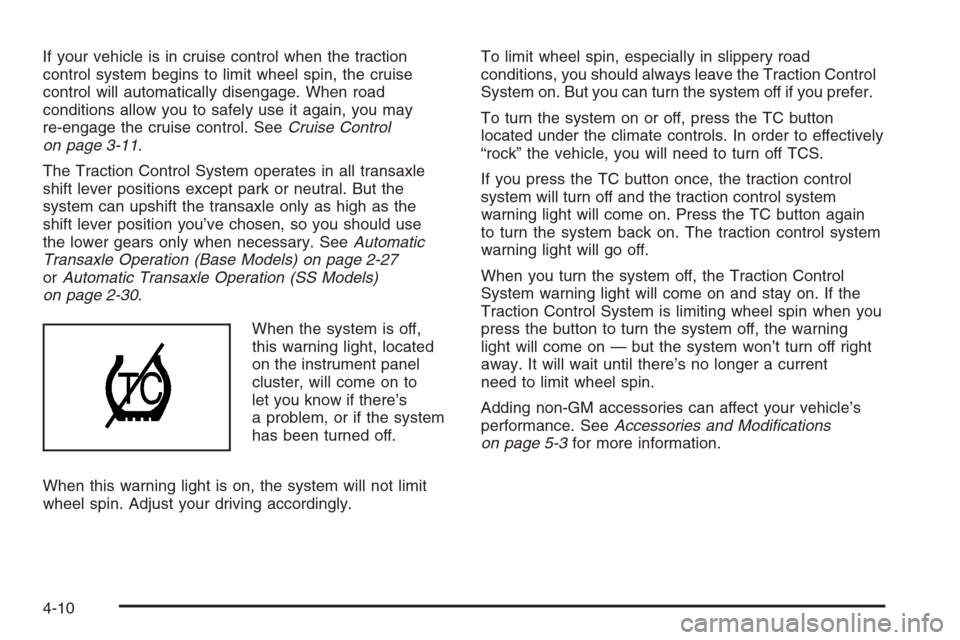
When the system is off,
this warning light, located
on the instrument panel
cluster, will come on to
let you know if there’s
a problem, or if the system
has been turned off.
When this warning light is on, the system will not limit
wheel spin. Adjust your driving accordingly.To limit wheel spin, especially in slippery road
conditions, you should always leave the Traction Control
System on. But you can turn the system off if you prefer.
To turn the system on or off, press the TC button
located under the climate controls. In order to effectively
“rock” the vehicle, you will need to turn off TCS.
If you press the TC button once, the traction control
system will turn off and the traction control system
warning light will come on. Press the TC button again
to turn the system back on. The traction control system
warning light will go off.
When you turn the system off, the Traction Control
System warning light will come on and stay on. If the
Traction Control System is limiting wheel spin when you
press the button to turn the system off, the warning
light will come on — but the system won’t turn off right
away. It will wait until there’s no longer a current
need to limit wheel spin.
Adding non-GM accessories can affect your vehicle’s
performance. SeeAccessories and Modications
on page 5-3for more information.
4-10
Page 251 of 442
Enhanced Traction System (ETS)
Your vehicle may have an Enhanced Traction System
(ETS) that limits wheel spin. This is especially useful
in slippery road conditions. The system operates only
if it senses that one or both of the front wheels are
spinning or beginning to lose traction. When this
happens, the system reduces engine power and may
also upshift the transaxle to limit wheel spin.
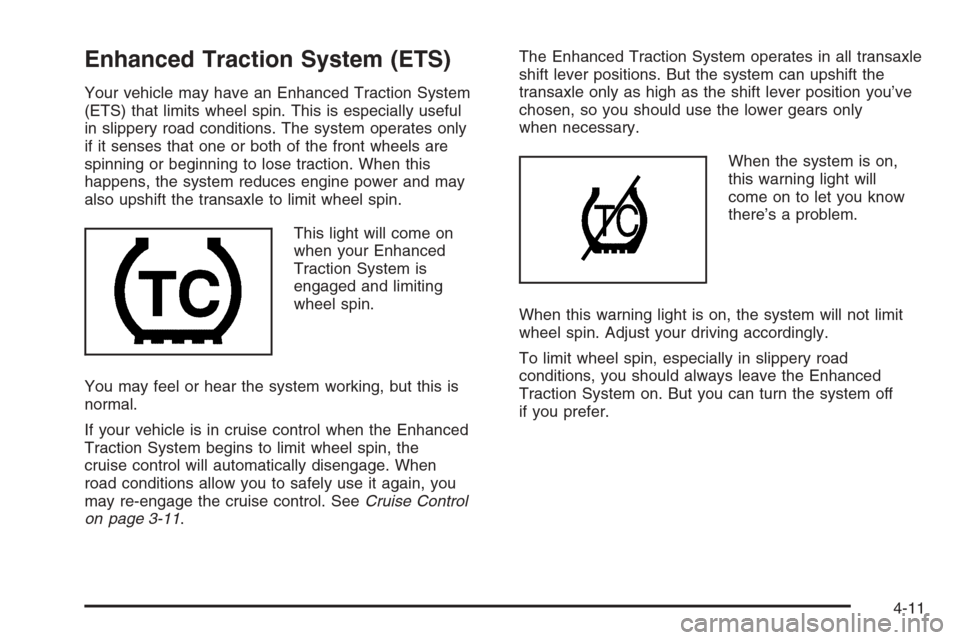
This light will come on
when your Enhanced
Traction System is
engaged and limiting
wheel spin.
You may feel or hear the system working, but this is
normal.
If your vehicle is in cruise control when the Enhanced
Traction System begins to limit wheel spin, the
cruise control will automatically disengage. When
road conditions allow you to safely use it again, you
may re-engage the cruise control. SeeCruise Control
on page 3-11.The Enhanced Traction System operates in all transaxle
shift lever positions. But the system can upshift the
transaxle only as high as the shift lever position you’ve
chosen, so you should use the lower gears only
when necessary.
When the system is on,
this warning light will
come on to let you know
there’s a problem.
When this warning light is on, the system will not limit
wheel spin. Adjust your driving accordingly.
To limit wheel spin, especially in slippery road
conditions, you should always leave the Enhanced
Traction System on. But you can turn the system off
if you prefer.
4-11
Page 257 of 442
Loss of Control
Let us review what driving experts say about what
happens when the three control systems — brakes,
steering, and acceleration — do not have enough
friction where the tires meet the road to do what the
driver has asked.
In any emergency, do not give up. Keep trying to
steer and constantly seek an escape route or area
of less danger.
Skidding
In a skid, a driver can lose control of the vehicle.
Defensive drivers avoid most skids by taking reasonable
care suited to existing conditions, and by not overdriving
those conditions. But skids are always possible.
The three types of skids correspond to your vehicle’s
three control systems. In the braking skid, your wheels
are not rolling. In the steering or cornering skid, too
much speed or steering in a curve causes tires to slip and
lose cornering force. And in the acceleration skid, too
much throttle causes the driving wheels to spin.
A cornering skid and an acceleration skid are best
handled by easing your foot off the accelerator pedal.If your vehicle starts to slide, ease your foot off the
accelerator pedal and quickly steer the way you want
the vehicle to go. If you start steering quickly enough,
your vehicle may straighten out. Always be ready
for a second skid if it occurs.
Of course, traction is reduced when water, snow,
ice, gravel, or other material is on the road. For safety,
you will want to slow down and adjust your driving
to these conditions. It is important to slow down
on slippery surfaces because stopping distance will be
longer and vehicle control more limited.
While driving on a surface with reduced traction, try
your best to avoid sudden steering, acceleration,
or braking, including reducing vehicle speed by shifting
to a lower gear. Any sudden changes could cause
the tires to slide. You may not realize the surface is
slippery until your vehicle is skidding. Learn to recognize
warning clues — such as enough water, ice, or packed
snow on the road to make a mirrored surface — and
slow down when you have any doubt.
If you have the Anti-Lock Brake System (ABS),
remember: It helps avoid only the braking skid. If you
do not have ABS, then in a braking skid, where the
wheels are no longer rolling, release enough pressure
on the brakes to get the wheels rolling again. This
restores steering control. Push the brake pedal down
steadily when you have to stop suddenly. As long as
the wheels are rolling, you will have steering control.
4-17
Page 266 of 442
If you drive regularly in steep country, or if you are
planning to visit there, here are some tips that can
make your trips safer and more enjoyable.
Keep your vehicle in good shape. Check all uid
levels and also the brakes, tires, cooling system,
and transaxle. These parts can work hard on
mountain roads.
{CAUTION:
If you do not shift down, your brakes could
get so hot that they would not work well. You
would then have poor braking or even none
going down a hill. You could crash. Shift down
to let your engine assist your brakes on a
steep downhill slope.
{CAUTION:
Coasting downhill in NEUTRAL (N) or with the
ignition off is dangerous. Your brakes will have
to do all the work of slowing down. They could
get so hot that they would not work well. You
would then have poor braking or even none
going down a hill. You could crash. Always
have your engine running and your vehicle in
gear when you go downhill.
Know how to go down hills. The most important
thing to know is this: let your engine do some of
the slowing down. Shift to a lower gear when you
go down a steep or long hill.
Know how to go uphill. Drive in the highest gear
possible.
4-26
Page 272 of 442
If Your Vehicle is Stuck in Sand,
Mud, Ice, or Snow
In order to free your vehicle when it is stuck, you
will need to spin the wheels, but you do not want to
spin your wheels too fast. The method known as
rocking can help you get out when you are stuck,
but you must use caution.
If your vehicle has a traction system, the traction system
can often help to free a stuck vehicle. SeeTraction
Control System (TCS) on page 4-9orEnhanced
Traction System (ETS) on page 4-11. If the stuck
condition is too severe for the traction system to free
the vehicle, turn the traction system off and use
the rocking method.
{CAUTION:
If you let your tires spin at high speed, they
can explode, and you or others could be
injured. And, the transaxle or other parts of
the vehicle can overheat. That could cause an
engine compartment re or other damage.
When you are stuck, spin the wheels as little
as possible. Do not spin the wheels above
35 mph (55 km/h) as shown on the
speedometer.
Notice:Spinning your wheels can destroy parts of
your vehicle as well as the tires. If you spin the
wheels too fast while shifting your transaxle back
and forth, you can destroy your transaxle. See
Rocking Your Vehicle to Get It Out on page 4-33.
For information about using tire chains on your vehicle,
seeTire Chains on page 5-70.
4-32
Page 273 of 442
Rocking Your Vehicle to Get It Out
First, turn your steering wheel left and right. That
will clear the area around your front wheels. If your
vehicle has a traction system, you should turn the
traction system off. SeeTraction Control System (TCS)
on page 4-9orEnhanced Traction System (ETS)
on page 4-11. Then shift back and forth between
REVERSE (R) and a forward gear, spinning the wheels
as little as possible. Release the accelerator pedal
while you shift, and press lightly on the accelerator
pedal when the transaxle is in gear. By slowly spinning
your wheels in the forward and reverse directions,
you will cause a rocking motion that may free your
vehicle. If that does not get you out after a few tries,
you may need to be towed out. If you do need to
be towed out, seeTowing Your Vehicle on page 4-39.
Loading Your Vehicle
It is very important to know how much weight your
vehicle can carry. This weight is called the vehicle
capacity weight and includes the weight of all occupants,
cargo and all nonfactory-installed options. Two labels
on your vehicle show how much weight it may properly
carry, the Tire and Loading Information label and the
Certication label.
{CAUTION:
Do not load your vehicle any heavier than the
Gross Vehicle Weight Rating (GVWR), or either
the maximum front or rear Gross Axle Weight
Rating (GAWR). If you do, parts on your
vehicle can break, and it can change the way
your vehicle handles. These could cause you
to lose control and crash. Also, overloading
can shorten the life of your vehicle.
4-33
Page 280 of 442
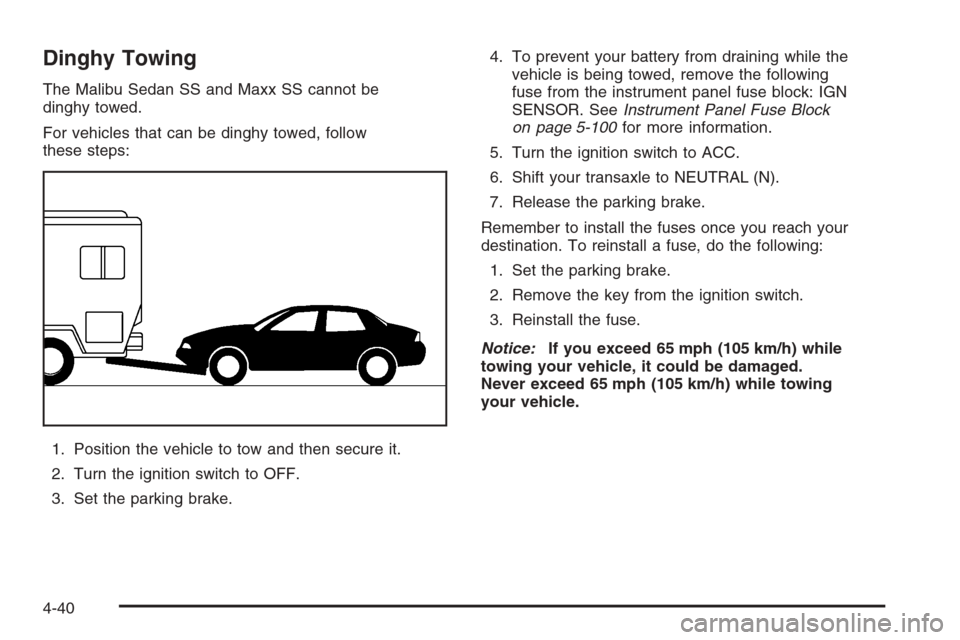
Dinghy Towing
The Malibu Sedan SS and Maxx SS cannot be
dinghy towed.
For vehicles that can be dinghy towed, follow
these steps:
1. Position the vehicle to tow and then secure it.
2. Turn the ignition switch to OFF.
3. Set the parking brake.4. To prevent your battery from draining while the
vehicle is being towed, remove the following
fuse from the instrument panel fuse block: IGN
SENSOR. SeeInstrument Panel Fuse Block
on page 5-100for more information.
5. Turn the ignition switch to ACC.
6. Shift your transaxle to NEUTRAL (N).
7. Release the parking brake.
Remember to install the fuses once you reach your
destination. To reinstall a fuse, do the following:
1. Set the parking brake.
2. Remove the key from the ignition switch.
3. Reinstall the fuse.
Notice:If you exceed 65 mph (105 km/h) while
towing your vehicle, it could be damaged.
Never exceed 65 mph (105 km/h) while towing
your vehicle.
4-40