warning light CHEVROLET MALIBU 2011 7.G Owner's Manual
[x] Cancel search | Manufacturer: CHEVROLET, Model Year: 2011, Model line: MALIBU, Model: CHEVROLET MALIBU 2011 7.GPages: 382, PDF Size: 5.81 MB
Page 133 of 382
Black plate (23,1)Chevrolet Malibu Owner Manual - 2011
Instruments and Controls 5-23
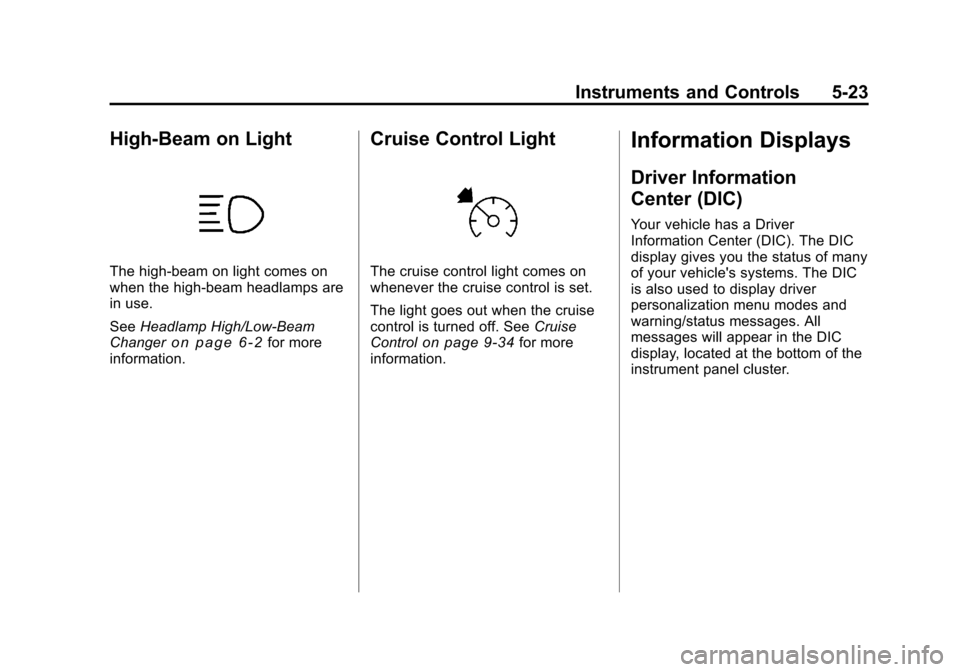
High-Beam on Light
The high-beam on light comes on
when the high-beam headlamps are
in use.
SeeHeadlamp High/Low-Beam
Changer
on page 6‑2for more
information.
Cruise Control Light
The cruise control light comes on
whenever the cruise control is set.
The light goes out when the cruise
control is turned off. See Cruise
Control
on page 9‑34for more
information.
Information Displays
Driver Information
Center (DIC)
Your vehicle has a Driver
Information Center (DIC). The DIC
display gives you the status of many
of your vehicle's systems. The DIC
is also used to display driver
personalization menu modes and
warning/status messages. All
messages will appear in the DIC
display, located at the bottom of the
instrument panel cluster.
Page 137 of 382
Black plate (27,1)Chevrolet Malibu Owner Manual - 2011
Instruments and Controls 5-27
Brake System Messages
BRAKE FLUID
This message displays, while the
ignition is on, when the brake fluid
level is low. The brake system
warning light on the instrument
panel cluster also comes on. See
Brake System Warning Light
on
page 5‑18for more information.
Have the brake system serviced by
your dealer as soon as possible.
PUSH PARK PEDAL
This message displays if the parking
brake is left engaged. See Parking
Brake
on page 9‑29for more
information.
Cruise Control Messages
CRUISE ENGAGED
This message displays when the
cruise control system is active. See
Cruise Control
on page 9‑34for
more information.
Door Ajar Messages
DOOR AJAR
This message displays if one or
more of the vehicle's doors are not
closed properly. Make sure that the
door(s) are closed completely.
TRUNK AJAR
This message displays when the
trunk is not closed completely.
Make sure that the trunk is closed
completely. See Trunk
on
page 2‑10for more information.
Engine Oil Messages
CHANGE OIL SOON
This message displays when the life
of the engine oil has expired and it
should be changed.
When this message is
acknowledged and cleared
from the display, the engine
oil life system must still be reset separately. See
Engine Oil Life
System
on page 10‑12, Engine Oilon page 10‑9, and Scheduled
Maintenanceon page 11‑2for
more information.
Engine Power Messages
ENG (Engine) PWR
(Power) REDUCED
This message displays when the
vehicle's engine power is reduced.
Reduced engine power can affect
the vehicle's ability to accelerate.
If this message is on, but there is no
reduction in performance, proceed
to your destination. The
performance may be reduced the
next time the vehicle is driven. The
vehicle may be driven at a reduced
speed while this message is on, but
acceleration and speed may be
reduced. Anytime this message
stays on, the vehicle should be
taken to your dealer for service as
soon as possible.
Page 138 of 382
Black plate (28,1)Chevrolet Malibu Owner Manual - 2011
5-28 Instruments and Controls
Fuel System Messages
CHECK GAS CAP
This message displays if the fuel
cap has not been fully tightened.
Recheck the fuel cap to make sure
that it is on properly. A few driving
trips with the cap properly installed
should turn the message off.
LOW FUEL
This message displays when your
vehicle is low on fuel. Refill the fuel
tank as soon as possible. SeeFuel
Gauge
on page 5‑11, Fuelon
page 9‑37, and Filling the Tankon
page 9‑41for more information.
Key and Lock Messages
KEY FOB BATT (Battery) LOW
This message displays if the
Remote Keyless Entry (RKE)
transmitter battery is low. Replace
the battery in the transmitter. See
“Battery Replacement” under
Remote Keyless Entry (RKE)
System Operation on page 2‑3.
Lamp Messages
AUTO (Automatic)
LIGHTS OFF
This message displays if the
automatic headlamp system is
disabled with the headlamp switch.
See Automatic Headlamp System
on page 6‑3for more information.
AUTO (Automatic) LIGHTS ON
This message displays if the
automatic headlamp system is
enabled with the headlamp switch.
SeeAutomatic Headlamp System
on page 6‑3for more information.
Ride Control System
Messages
ESC (Electronic Stability
Control) ACTIVE
If your vehicle has Electronic
Stability Control (ESC), this
message displays and the ESC/TCS
light on the instrument panel cluster
flashes when ESC is assisting you with directional control of the
vehicle. You may feel or hear the
system working and see this
message displayed in the DIC.
Slippery road conditions may exist
when this message is displayed, so
adjust your driving accordingly. This
message may stay on for a few
seconds after ESC stops assisting
you with directional control of the
vehicle. This is normal when the
system is operating. See
Electronic
Stability Control (ESC)
on
page 9‑32and Electronic Stability
Control (ESC)/Traction Control
System (TCS) Indicator/Warning
Light
on page 5‑20for more
information.
ESC (Electronic Stability
Control) OFF
If your vehicle has Electronic
Stability Control (ESC), this
message displays and the ESC/TCS
light on the instrument panel cluster
comes on solid when ESC is turned
off. Adjust your driving accordingly.
Page 139 of 382
Black plate (29,1)Chevrolet Malibu Owner Manual - 2011
Instruments and Controls 5-29
SeeElectronic Stability Control
(ESC)on page 9‑32and Electronic
Stability Control (ESC)/Traction
Control System (TCS) Indicator/
Warning Light
on page 5‑20for
more information.
LOW TRACTION
If your vehicle has the Traction
Control System (TCS), this
message displays and the ESC/TCS
light on the instrument panel cluster
flashes when the system is actively
limiting wheel spin. Slippery road
conditions may exist if this message
is displayed, so adjust your driving
accordingly. This message stays on
for a few seconds after the system
stops limiting wheel spin. See
Traction Control System (TCS)
on
page 9‑30and Electronic Stability
Control (ESC)/Traction Control
System (TCS) Indicator/Warning
Light
on page 5‑20for more
information.
SERVICE ESC (ELECTRONIC
STABILITY CONTROL)
If your vehicle has Electronic
Stability Control (ESC), this
message displays and a chime
sounds if there has been a problem
detected with ESC. The ESC/TCS
light also appears on the instrument
panel cluster. This light stays on
solid as long as the detected
problem remains present. When this
message displays, the system is not
working. Adjust your driving
accordingly. See Electronic Stability
Control (ESC)
on page 9‑32and
Electronic Stability Control (ESC)/
Traction Control System (TCS)
Indicator/Warning Light
on
page 5‑20for more information.
If this message turns on while you
are driving, pull off the road as soon
as possible and stop carefully. Try
resetting the system by turning the
ignition off and then back on. If this message still stays on or turns back
on again while you are driving, your
vehicle needs service. Have the
ESC inspected by your dealer as
soon as possible.
SERVICE TRACTION
If your vehicle has the Traction
Control System (TCS), this
message displays and a chime
sounds when the system is not
functioning properly. The ESC/TCS
light also appears on the instrument
panel cluster. This light stays on
solid as long as the detected
problem remains present. When this
message displays, the system is not
working. Adjust your driving
accordingly. See
Traction Control
System (TCS)
on page 9‑30and
Electronic Stability Control (ESC)/
Traction Control System (TCS)
Indicator/Warning Light
on
page 5‑20for more information.
Have the system serviced by your
dealer as soon as possible.
Page 140 of 382
Black plate (30,1)Chevrolet Malibu Owner Manual - 2011
5-30 Instruments and Controls
TRACTION OFF
If your vehicle has the Traction
Control System (TCS), this
message displays and the ESC/TCS
light on the instrument panel cluster
comes on solid when the system is
turned off. Adjust your driving
accordingly. SeeTraction Control
System (TCS)
on page 9‑30and
Electronic Stability Control (ESC)/
Traction Control System (TCS)
Indicator/Warning Light
on
page 5‑20for more information.
Airbag System Messages
SERVICE AIR BAG
This message displays when there
is a problem with the airbag system.
Have your vehicle serviced by your
dealer immediately.
Service Vehicle Messages
ENGINE DISABLED
This message displays if the starting
of the engine is disabled. Have your
vehicle serviced by your dealer
immediately.
POWER STEERING
On some vehicles, this message
displays if a problem has been
detected with the electric power
steering. Have your vehicle serviced
by your dealer immediately.
Tire Messages
SVC (Service) TIRE MONITOR
On vehicles with the Tire Pressure
Monitor System (TPMS), this
message displays if a part on the
TPMS is not working properly. The
tire pressure light also flashes and
then remains on during the same
ignition cycle. See Tire Pressure
Light
on page 5‑21. Several conditions may cause this
message to appear. See
Tire
Pressure Monitor Operation
on
page 10‑48for more information.
If the warning comes on and stays
on, there may be a problem with the
TPMS. See your dealer.
TIRE LOW ADD AIR
On vehicles with the Tire Pressure
Monitor System (TPMS), this
message displays when the
pressure in one or more of the
vehicle's tires is low on air. The low
tire pressure warning light also
comes on. See Tire Pressure Light
on page 5‑21. If this message
appears on the DIC, stop as soon
as you can. Have the tire pressures
checked and set to those shown on
the Tire Loading Information label.
See Tires
on page 10‑38,Vehicle
Load Limitson page 9‑12, and Tire
Pressureon page 10‑45. The DIC
also shows the tire pressure values.
See Driver Information Center (DIC)
on page 5‑23.
Page 147 of 382
Black plate (1,1)Chevrolet Malibu Owner Manual - 2011
Lighting 6-1
Lighting
Exterior Lighting
Exterior Lamp Controls . . . . . . . . 6-1
Exterior Lamps OffReminder . . . . . . . . . . . . . . . . . . . . 6-2
Headlamp High/Low-Beam Changer . . . . . . . . . . . . . . . . . . . . . 6-2
Flash-to-Pass . . . . . . . . . . . . . . . . . 6-3
Daytime Running Lamps (DRL) . . . . . . . . . . . . . . . . 6-3
Automatic Headlamp System . . . . . . . . . . . . . . . . . . . . . . 6-3
Delayed Headlamps . . . . . . . . . . 6-4
Hazard Warning Flashers . . . . . 6-4
Turn and Lane-Change Signals . . . . . . . . . . . . . . . . . . . . . . 6-4
Fog Lamps . . . . . . . . . . . . . . . . . . . . 6-5
Interior Lighting
Instrument Panel Illumination Control . . . . . . . . . . . . . . . . . . . . . . 6-5
Dome Lamps . . . . . . . . . . . . . . . . . 6-5
Reading Lamps . . . . . . . . . . . . . . . 6-5
Lighting Features
Entry/Exit Lighting . . . . . . . . . . . . . 6-6
Parade Dimming . . . . . . . . . . . . . . 6-6
Battery Load Management . . . . 6-6
Battery Power Protection . . . . . . 6-7
Exterior Lighting
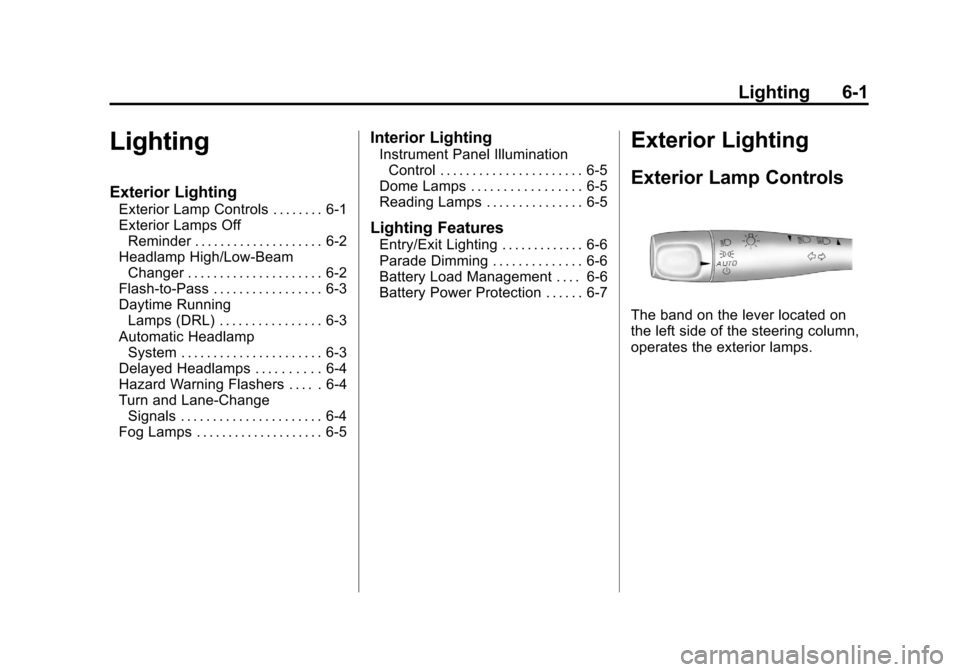
Exterior Lamp Controls
The band on the lever located on
the left side of the steering column,
operates the exterior lamps.
Page 148 of 382
Black plate (2,1)Chevrolet Malibu Owner Manual - 2011
6-2 Lighting
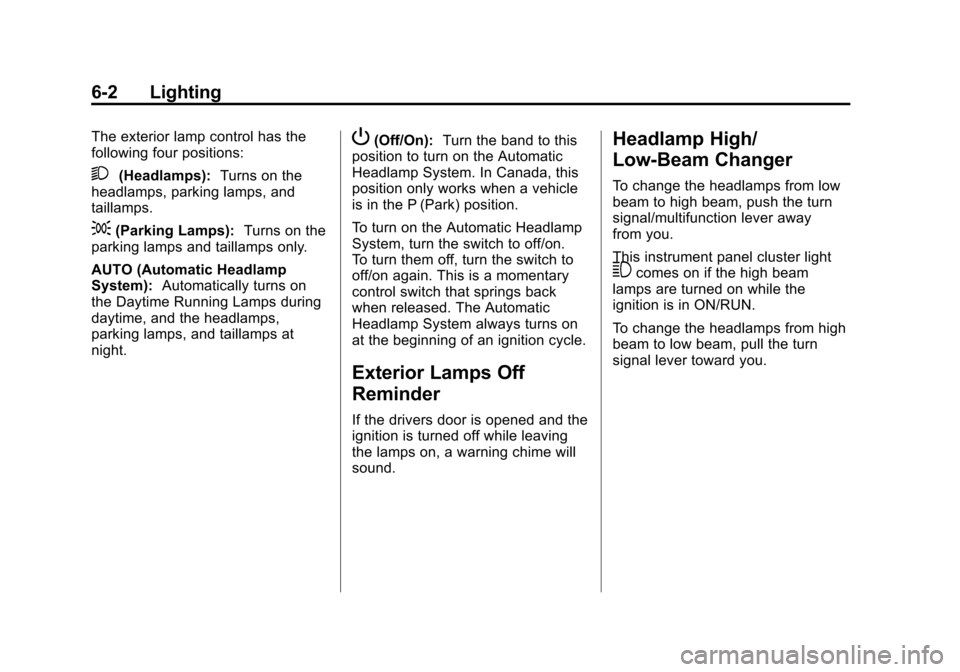
The exterior lamp control has the
following four positions:
2(Headlamps):Turns on the
headlamps, parking lamps, and
taillamps.
;(Parking Lamps): Turns on the
parking lamps and taillamps only.
AUTO (Automatic Headlamp
System): Automatically turns on
the Daytime Running Lamps during
daytime, and the headlamps,
parking lamps, and taillamps at
night.
P(Off/On): Turn the band to this
position to turn on the Automatic
Headlamp System. In Canada, this
position only works when a vehicle
is in the P (Park) position.
To turn on the Automatic Headlamp
System, turn the switch to off/on.
To turn them off, turn the switch to
off/on again. This is a momentary
control switch that springs back
when released. The Automatic
Headlamp System always turns on
at the beginning of an ignition cycle.
Exterior Lamps Off
Reminder
If the drivers door is opened and the
ignition is turned off while leaving
the lamps on, a warning chime will
sound.
Headlamp High/
Low-Beam Changer
To change the headlamps from low
beam to high beam, push the turn
signal/multifunction lever away
from you.
This instrument panel cluster light
3comes on if the high beam
lamps are turned on while the
ignition is in ON/RUN.
To change the headlamps from high
beam to low beam, pull the turn
signal lever toward you.
Page 150 of 382
Black plate (4,1)Chevrolet Malibu Owner Manual - 2011
6-4 Lighting
If the vehicle is started in a dark
garage, the automatic headlamp
system comes on immediately.
Once the vehicle leaves the garage,
it takes about one minute for the
automatic headlamp system to
change to DRL if it is light outside.
During that delay, the instrument
panel cluster may not be as bright
as usual. Make sure the instrument
panel brightness control is in the full
bright position. SeeInstrument
Panel Illumination Control
on
page 6‑5.
To idle the vehicle with the
automatic headlamp system off, turn
the ignition on and set the exterior
light switch to the off/on position.
For vehicles first sold in Canada,
the transmission must stay in
P (Park) for this function.
The regular headlamps should be
used when needed.
Delayed Headlamps
The delayed headlamps feature
keeps the headlamps on for
20 seconds after the key is turned to
LOCK/OFF, then the headlamps
automatically turn off.
To override the 20 second delayed
headlamp feature while it is active
turn the turn signal/multifunction
lever up one position and then back
to AUTO.
Hazard Warning Flashers
|
(Hazard Warning Flasher):
Press this button located on the
instrument panel, to make the front
and rear turn signal lamps flash on
and off. This warns others that you
are having trouble.
Press
|again to turn the
flashers off.
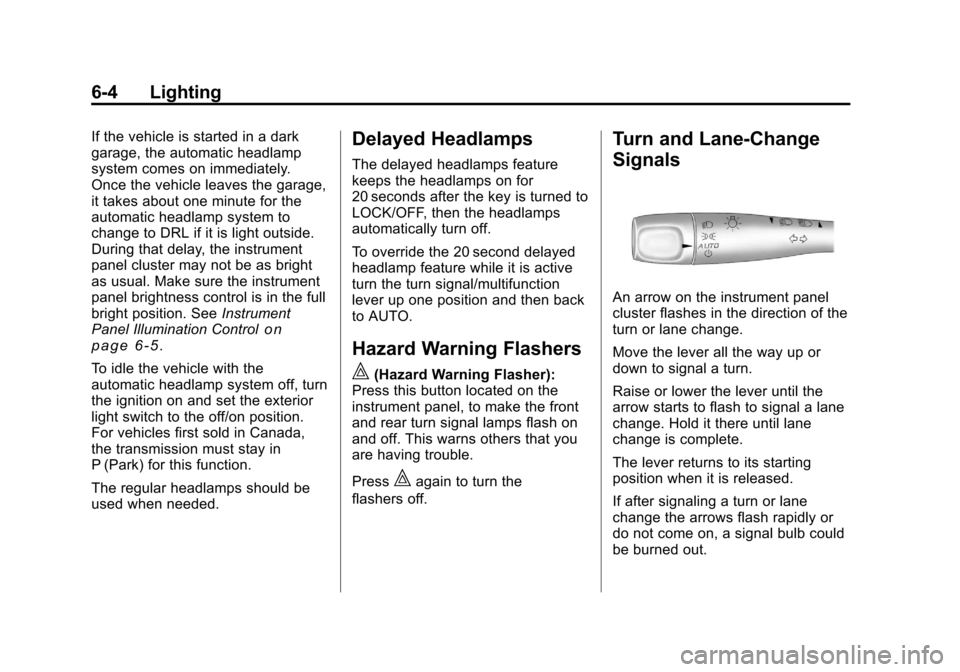
Turn and Lane-Change
Signals
An arrow on the instrument panel
cluster flashes in the direction of the
turn or lane change.
Move the lever all the way up or
down to signal a turn.
Raise or lower the lever until the
arrow starts to flash to signal a lane
change. Hold it there until lane
change is complete.
The lever returns to its starting
position when it is released.
If after signaling a turn or lane
change the arrows flash rapidly or
do not come on, a signal bulb could
be burned out.
Page 197 of 382
Black plate (3,1)Chevrolet Malibu Owner Manual - 2011
Driving and Operating 9-3
Medical research shows that
alcohol in a person's system can
make crash injuries worse,
especially injuries to the brain,
spinal cord, or heart. This means
that when anyone who has been
drinking—driver or passenger —is
in a crash, that person's chance of
being killed or permanently disabled
is higher than if the person had not
been drinking.
Control of a Vehicle
The following three systems
help to control the vehicle while
driving —brakes, steering, and
accelerator. At times, as when
driving on snow or ice, it is easy to
ask more of those control systems
than the tires and road can provide.
Meaning, you can lose control of the
vehicle.
Adding non‐dealer/non‐retailer
accessories can affect vehicle
performance. See Accessories and
Modifications on page 10‑3.
Braking
See Brake System Warning Lighton page 5‑18.
Braking action involves perception
time and reaction time. Deciding to
push the brake pedal is perception
time. Actually doing it is
reaction time.
Average reaction time is about
three‐fourths of a second. But that
is only an average. It might be less
with one driver and as long as two
or three seconds or more with
another. Age, physical condition,
alertness, coordination, and
eyesight all play a part. So do
alcohol, drugs, and frustration. But
even in three‐fourths of a second,
a vehicle moving at 100 km/h
(60 mph) travels 20 m (66 ft). That
could be a lot of distance in an
emergency, so keeping enough
space between the vehicle and
others is important. And, of course, actual stopping
distances vary greatly with the
surface of the road, whether it is
pavement or gravel; the condition
of the road, whether it is wet, dry,
or icy; tire tread; the condition of the
brakes; the weight of the vehicle;
and the amount of brake force
applied.
Avoid needless heavy
braking. Some people drive in
spurts
—heavy acceleration
followed by heavy braking —rather
than keeping pace with traffic. This
is a mistake. The brakes might not
have time to cool between hard
stops. The brakes will wear out
much faster with a lot of heavy
braking. Keeping pace with the
traffic and allowing realistic following
distances eliminates a lot of
unnecessary braking. That means
better braking and longer brake life.
Page 201 of 382
Black plate (7,1)Chevrolet Malibu Owner Manual - 2011
Driving and Operating 9-7
Driving on Wet Roads
Rain and wet roads can reduce
vehicle traction and affect your
ability to stop and accelerate.
Always drive slower in these types
of driving conditions and avoid
driving through large puddles and
deep‐standing or flowing water.
{WARNING
Wet brakes can cause crashes.
They might not work as well in a
quick stop and could cause
pulling to one side. You could
lose control of the vehicle.
After driving through a large
puddle of water or a car/vehicle
wash, lightly apply the brake
pedal until the brakes work
normally.(Continued)
WARNING (Continued)
Flowing or rushing water creates
strong forces. Driving through
flowing water could cause your
vehicle to be carried away. If this
happens, you and other vehicle
occupants could drown. Do not
ignore police warnings and be
very cautious about trying to drive
through flowing water.
Hydroplaning
Hydroplaning is dangerous. Water
can build up under your vehicle's
tires so they actually ride on the
water. This can happen if the road is
wet enough and you are going fast
enough. When your vehicle is
hydroplaning, it has little or no
contact with the road. There is no hard and fast rule about
hydroplaning. The best advice is to
slow down when the road is wet.
Other Rainy Weather Tips
Besides slowing down, other wet
weather driving tips include:
.Allow extra following distance.
.Pass with caution.
.Keep windshield wiping
equipment in good shape.
.Keep the windshield washer fluid
reservoir filled.
.Have good tires with proper
tread depth. See
Tireson
page 10‑38.
.Turn off cruise control.