warning CHEVROLET MALIBU 2013 8.G Workshop Manual
[x] Cancel search | Manufacturer: CHEVROLET, Model Year: 2013, Model line: MALIBU, Model: CHEVROLET MALIBU 2013 8.GPages: 436, PDF Size: 7.43 MB
Page 121 of 436
Black plate (13,1)Chevrolet Malibu Owner Manual - 2013 - CRC - 6/6/12
Instruments and Controls 5-13
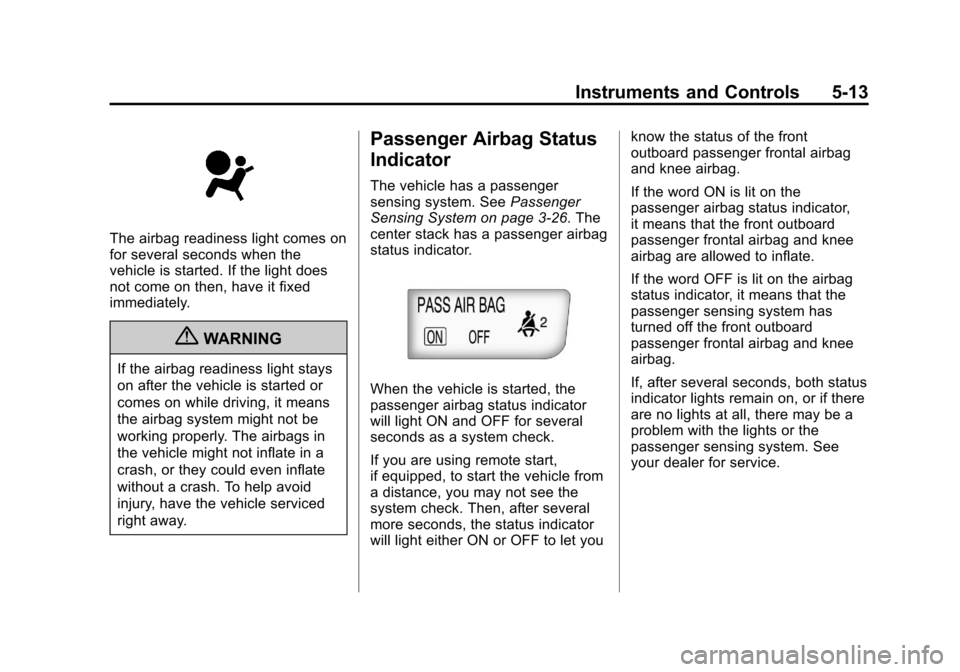
The airbag readiness light comes on
for several seconds when the
vehicle is started. If the light does
not come on then, have it fixed
immediately.
{WARNING
If the airbag readiness light stays
on after the vehicle is started or
comes on while driving, it means
the airbag system might not be
working properly. The airbags in
the vehicle might not inflate in a
crash, or they could even inflate
without a crash. To help avoid
injury, have the vehicle serviced
right away.
Passenger Airbag Status
Indicator
The vehicle has a passenger
sensing system. SeePassenger
Sensing System on page 3‑26. The
center stack has a passenger airbag
status indicator.
When the vehicle is started, the
passenger airbag status indicator
will light ON and OFF for several
seconds as a system check.
If you are using remote start,
if equipped, to start the vehicle from
a distance, you may not see the
system check. Then, after several
more seconds, the status indicator
will light either ON or OFF to let you know the status of the front
outboard passenger frontal airbag
and knee airbag.
If the word ON is lit on the
passenger airbag status indicator,
it means that the front outboard
passenger frontal airbag and knee
airbag are allowed to inflate.
If the word OFF is lit on the airbag
status indicator, it means that the
passenger sensing system has
turned off the front outboard
passenger frontal airbag and knee
airbag.
If, after several seconds, both status
indicator lights remain on, or if there
are no lights at all, there may be a
problem with the lights or the
passenger sensing system. See
your dealer for service.
Page 122 of 436
Black plate (14,1)Chevrolet Malibu Owner Manual - 2013 - CRC - 6/6/12
5-14 Instruments and Controls
{WARNING
If the airbag readiness light ever
comes on and stays on, it means
that something may be wrong
with the airbag system. To help
avoid injury to yourself or others,
have the vehicle serviced right
away. SeeAirbag Readiness
Light on page 5‑12 for more
information, including important
safety information.
Charging System Light
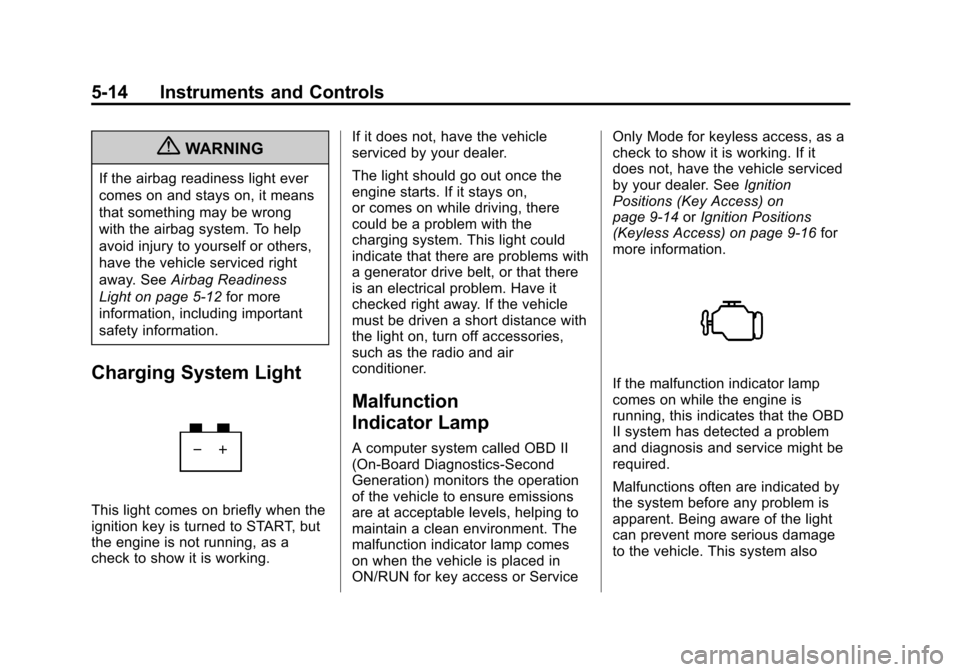
This light comes on briefly when the
ignition key is turned to START, but
the engine is not running, as a
check to show it is working. If it does not, have the vehicle
serviced by your dealer.
The light should go out once the
engine starts. If it stays on,
or comes on while driving, there
could be a problem with the
charging system. This light could
indicate that there are problems with
a generator drive belt, or that there
is an electrical problem. Have it
checked right away. If the vehicle
must be driven a short distance with
the light on, turn off accessories,
such as the radio and air
conditioner.
Malfunction
Indicator Lamp
A computer system called OBD II
(On-Board Diagnostics-Second
Generation) monitors the operation
of the vehicle to ensure emissions
are at acceptable levels, helping to
maintain a clean environment. The
malfunction indicator lamp comes
on when the vehicle is placed in
ON/RUN for key access or ServiceOnly Mode for keyless access, as a
check to show it is working. If it
does not, have the vehicle serviced
by your dealer. See
Ignition
Positions (Key Access) on
page 9‑14 orIgnition Positions
(Keyless Access) on page 9‑16 for
more information.
If the malfunction indicator lamp
comes on while the engine is
running, this indicates that the OBD
II system has detected a problem
and diagnosis and service might be
required.
Malfunctions often are indicated by
the system before any problem is
apparent. Being aware of the light
can prevent more serious damage
to the vehicle. This system also
Page 125 of 436
Black plate (17,1)Chevrolet Malibu Owner Manual - 2013 - CRC - 6/6/12
Instruments and Controls 5-17
Brake System Warning
Light
The vehicle brake system consists
of two hydraulic circuits. If one
circuit is not working, the remaining
circuit can still work to stop the
vehicle. For normal braking
performance, both circuits need to
be working.
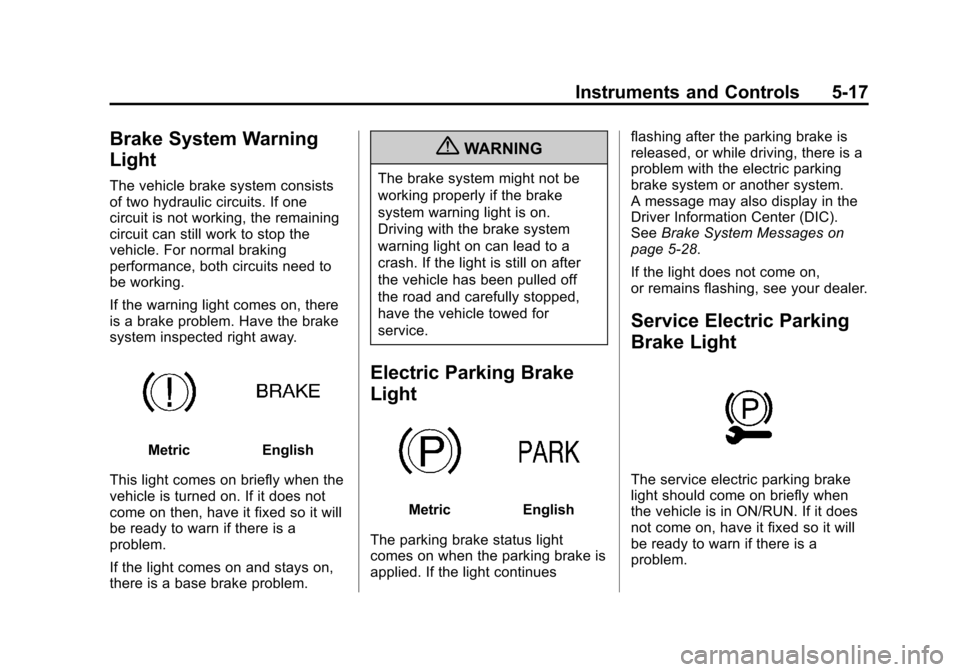
If the warning light comes on, there
is a brake problem. Have the brake
system inspected right away.
MetricEnglish
This light comes on briefly when the
vehicle is turned on. If it does not
come on then, have it fixed so it will
be ready to warn if there is a
problem.
If the light comes on and stays on,
there is a base brake problem.
{WARNING
The brake system might not be
working properly if the brake
system warning light is on.
Driving with the brake system
warning light on can lead to a
crash. If the light is still on after
the vehicle has been pulled off
the road and carefully stopped,
have the vehicle towed for
service.
Electric Parking Brake
Light
MetricEnglish
The parking brake status light
comes on when the parking brake is
applied. If the light continues flashing after the parking brake is
released, or while driving, there is a
problem with the electric parking
brake system or another system.
A message may also display in the
Driver Information Center (DIC).
See
Brake System Messages on
page 5‑28.
If the light does not come on,
or remains flashing, see your dealer.
Service Electric Parking
Brake Light
The service electric parking brake
light should come on briefly when
the vehicle is in ON/RUN. If it does
not come on, have it fixed so it will
be ready to warn if there is a
problem.
Page 126 of 436
Black plate (18,1)Chevrolet Malibu Owner Manual - 2013 - CRC - 6/6/12
5-18 Instruments and Controls
If this light stays on, there is a
problem with a system on the
vehicle that is causing the parking
brake system to work at a reduced
level. The vehicle can still be driven,
but should be taken to a dealer as
soon as possible. SeeParking
Brake on page 9‑29.
For vehicles with the uplevel or
eAssist cluster, this telltale displays
in the DIC screen.
Antilock Brake System
(ABS) Warning Light
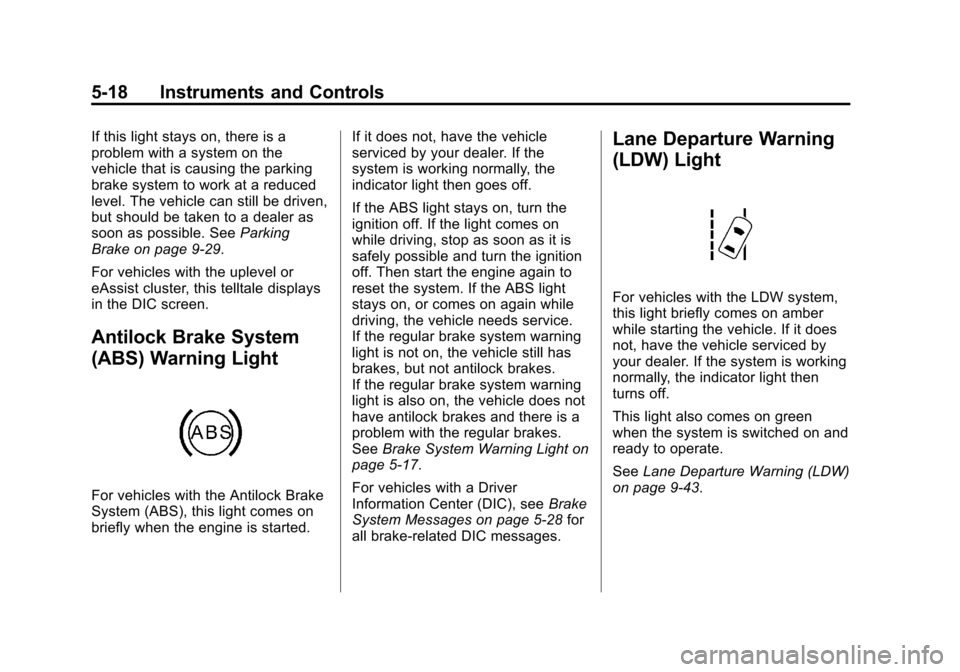
For vehicles with the Antilock Brake
System (ABS), this light comes on
briefly when the engine is started. If it does not, have the vehicle
serviced by your dealer. If the
system is working normally, the
indicator light then goes off.
If the ABS light stays on, turn the
ignition off. If the light comes on
while driving, stop as soon as it is
safely possible and turn the ignition
off. Then start the engine again to
reset the system. If the ABS light
stays on, or comes on again while
driving, the vehicle needs service.
If the regular brake system warning
light is not on, the vehicle still has
brakes, but not antilock brakes.
If the regular brake system warning
light is also on, the vehicle does not
have antilock brakes and there is a
problem with the regular brakes.
See
Brake System Warning Light on
page 5‑17.
For vehicles with a Driver
Information Center (DIC), see Brake
System Messages on page 5‑28 for
all brake-related DIC messages.
Lane Departure Warning
(LDW) Light
For vehicles with the LDW system,
this light briefly comes on amber
while starting the vehicle. If it does
not, have the vehicle serviced by
your dealer. If the system is working
normally, the indicator light then
turns off.
This light also comes on green
when the system is switched on and
ready to operate.
See Lane Departure Warning (LDW)
on page 9‑43.
Page 127 of 436
Black plate (19,1)Chevrolet Malibu Owner Manual - 2013 - CRC - 6/6/12
Instruments and Controls 5-19
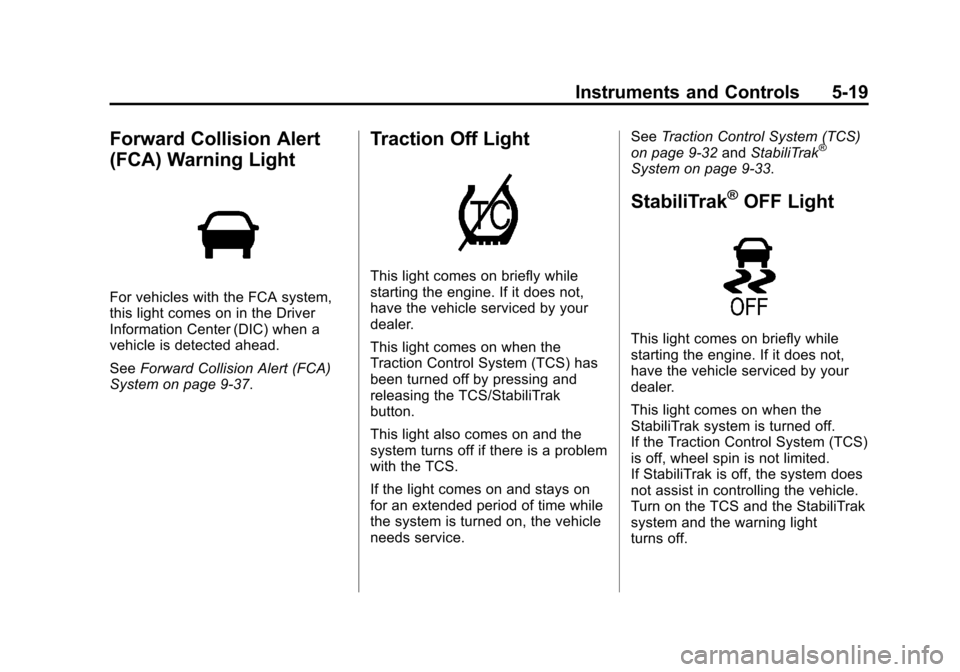
Forward Collision Alert
(FCA) Warning Light
For vehicles with the FCA system,
this light comes on in the Driver
Information Center (DIC) when a
vehicle is detected ahead.
SeeForward Collision Alert (FCA)
System on page 9‑37.
Traction Off Light
This light comes on briefly while
starting the engine. If it does not,
have the vehicle serviced by your
dealer.
This light comes on when the
Traction Control System (TCS) has
been turned off by pressing and
releasing the TCS/StabiliTrak
button.
This light also comes on and the
system turns off if there is a problem
with the TCS.
If the light comes on and stays on
for an extended period of time while
the system is turned on, the vehicle
needs service. See
Traction Control System (TCS)
on page 9‑32 andStabiliTrak
®
System on page 9‑33.
StabiliTrak®OFF Light
This light comes on briefly while
starting the engine. If it does not,
have the vehicle serviced by your
dealer.
This light comes on when the
StabiliTrak system is turned off.
If the Traction Control System (TCS)
is off, wheel spin is not limited.
If StabiliTrak is off, the system does
not assist in controlling the vehicle.
Turn on the TCS and the StabiliTrak
system and the warning light
turns off.
Page 128 of 436
Black plate (20,1)Chevrolet Malibu Owner Manual - 2013 - CRC - 6/6/12
5-20 Instruments and Controls
SeeTraction Control System (TCS)
on page 9‑32 andStabiliTrak®
System on page 9‑33 for more
information.
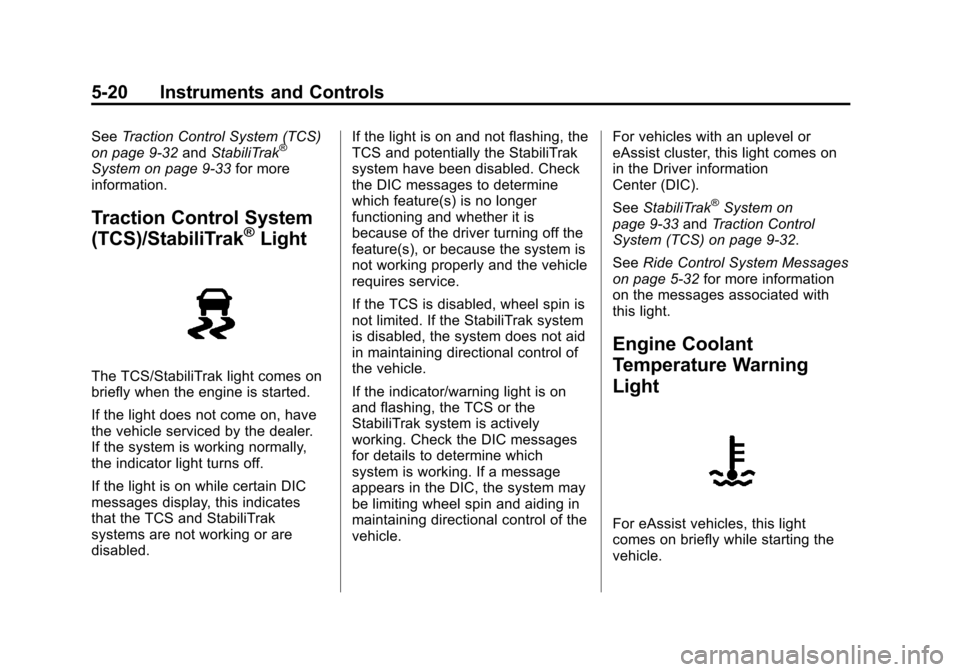
Traction Control System
(TCS)/StabiliTrak®Light
The TCS/StabiliTrak light comes on
briefly when the engine is started.
If the light does not come on, have
the vehicle serviced by the dealer.
If the system is working normally,
the indicator light turns off.
If the light is on while certain DIC
messages display, this indicates
that the TCS and StabiliTrak
systems are not working or are
disabled. If the light is on and not flashing, the
TCS and potentially the StabiliTrak
system have been disabled. Check
the DIC messages to determine
which feature(s) is no longer
functioning and whether it is
because of the driver turning off the
feature(s), or because the system is
not working properly and the vehicle
requires service.
If the TCS is disabled, wheel spin is
not limited. If the StabiliTrak system
is disabled, the system does not aid
in maintaining directional control of
the vehicle.
If the indicator/warning light is on
and flashing, the TCS or the
StabiliTrak system is actively
working. Check the DIC messages
for details to determine which
system is working. If a message
appears in the DIC, the system may
be limiting wheel spin and aiding in
maintaining directional control of the
vehicle.
For vehicles with an uplevel or
eAssist cluster, this light comes on
in the Driver information
Center (DIC).
See
StabiliTrak
®System on
page 9‑33 andTraction Control
System (TCS) on page 9‑32.
See Ride Control System Messages
on page 5‑32 for more information
on the messages associated with
this light.
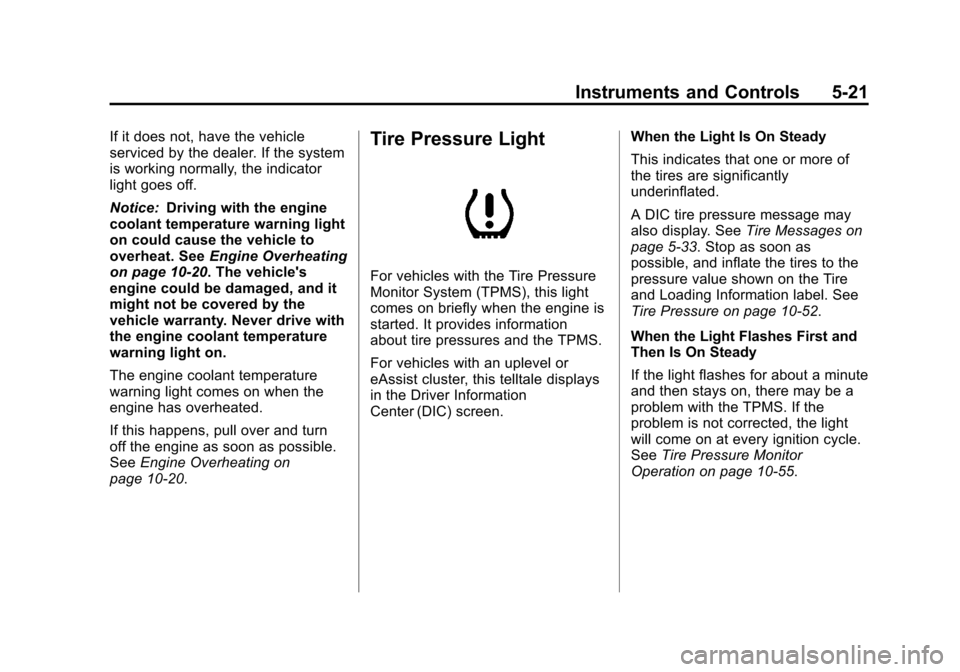
Engine Coolant
Temperature Warning
Light
For eAssist vehicles, this light
comes on briefly while starting the
vehicle.
Page 129 of 436
Black plate (21,1)Chevrolet Malibu Owner Manual - 2013 - CRC - 6/6/12
Instruments and Controls 5-21
If it does not, have the vehicle
serviced by the dealer. If the system
is working normally, the indicator
light goes off.
Notice:Driving with the engine
coolant temperature warning light
on could cause the vehicle to
overheat. See Engine Overheating
on page 10‑20. The vehicle's
engine could be damaged, and it
might not be covered by the
vehicle warranty. Never drive with
the engine coolant temperature
warning light on.
The engine coolant temperature
warning light comes on when the
engine has overheated.
If this happens, pull over and turn
off the engine as soon as possible.
See Engine Overheating on
page 10‑20.Tire Pressure Light
For vehicles with the Tire Pressure
Monitor System (TPMS), this light
comes on briefly when the engine is
started. It provides information
about tire pressures and the TPMS.
For vehicles with an uplevel or
eAssist cluster, this telltale displays
in the Driver Information
Center (DIC) screen. When the Light Is On Steady
This indicates that one or more of
the tires are significantly
underinflated.
A DIC tire pressure message may
also display. See
Tire Messages on
page 5‑33. Stop as soon as
possible, and inflate the tires to the
pressure value shown on the Tire
and Loading Information label. See
Tire Pressure on page 10‑52.
When the Light Flashes First and
Then Is On Steady
If the light flashes for about a minute
and then stays on, there may be a
problem with the TPMS. If the
problem is not corrected, the light
will come on at every ignition cycle.
See Tire Pressure Monitor
Operation on page 10‑55.
Page 130 of 436
Black plate (22,1)Chevrolet Malibu Owner Manual - 2013 - CRC - 6/6/12
5-22 Instruments and Controls
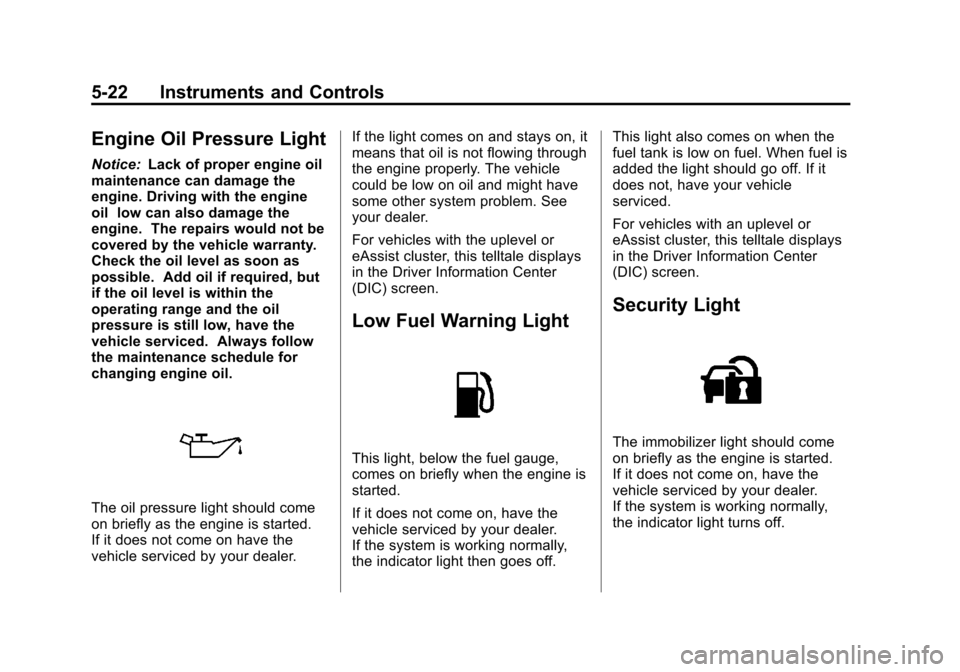
Engine Oil Pressure Light
Notice:Lack of proper engine oil
maintenance can damage the
engine. Driving with the engine
oil low can also damage the
engine. The repairs would not be
covered by the vehicle warranty.
Check the oil level as soon as
possible. Add oil if required, but
if the oil level is within the
operating range and the oil
pressure is still low, have the
vehicle serviced. Always follow
the maintenance schedule for
changing engine oil.
The oil pressure light should come
on briefly as the engine is started.
If it does not come on have the
vehicle serviced by your dealer. If the light comes on and stays on, it
means that oil is not flowing through
the engine properly. The vehicle
could be low on oil and might have
some other system problem. See
your dealer.
For vehicles with the uplevel or
eAssist cluster, this telltale displays
in the Driver Information Center
(DIC) screen.
Low Fuel Warning Light
This light, below the fuel gauge,
comes on briefly when the engine is
started.
If it does not come on, have the
vehicle serviced by your dealer.
If the system is working normally,
the indicator light then goes off.This light also comes on when the
fuel tank is low on fuel. When fuel is
added the light should go off. If it
does not, have your vehicle
serviced.
For vehicles with an uplevel or
eAssist cluster, this telltale displays
in the Driver Information Center
(DIC) screen.
Security Light
The immobilizer light should come
on briefly as the engine is started.
If it does not come on, have the
vehicle serviced by your dealer.
If the system is working normally,
the indicator light turns off.
Page 132 of 436
Black plate (24,1)Chevrolet Malibu Owner Manual - 2013 - CRC - 6/6/12
5-24 Instruments and Controls
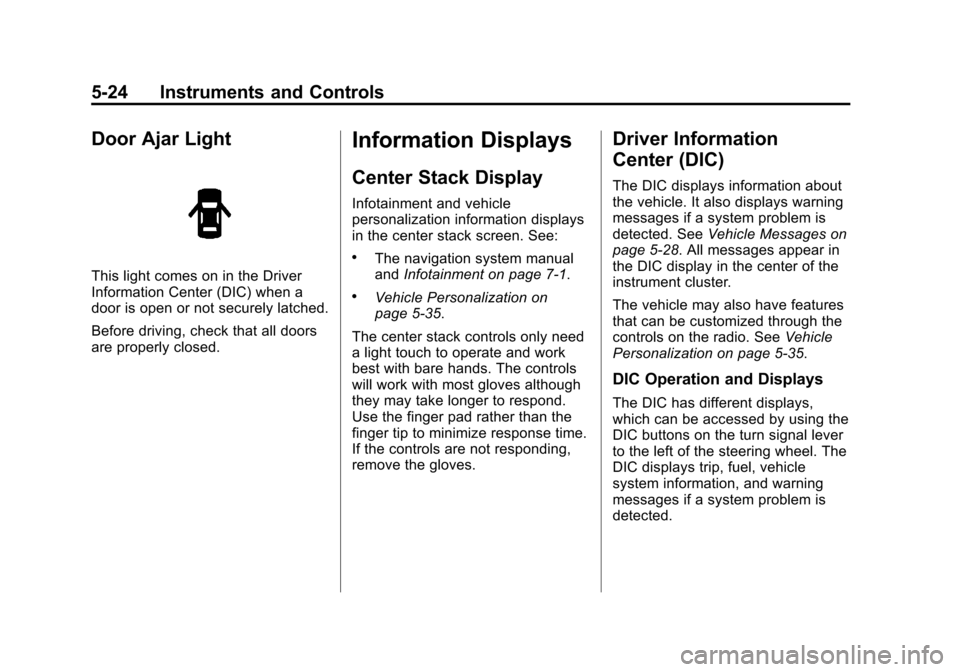
Door Ajar Light
This light comes on in the Driver
Information Center (DIC) when a
door is open or not securely latched.
Before driving, check that all doors
are properly closed.
Information Displays
Center Stack Display
Infotainment and vehicle
personalization information displays
in the center stack screen. See:
.The navigation system manual
andInfotainment on page 7‑1.
.Vehicle Personalization on
page 5‑35.
The center stack controls only need
a light touch to operate and work
best with bare hands. The controls
will work with most gloves although
they may take longer to respond.
Use the finger pad rather than the
finger tip to minimize response time.
If the controls are not responding,
remove the gloves.
Driver Information
Center (DIC)
The DIC displays information about
the vehicle. It also displays warning
messages if a system problem is
detected. See Vehicle Messages on
page 5‑28. All messages appear in
the DIC display in the center of the
instrument cluster.
The vehicle may also have features
that can be customized through the
controls on the radio. See Vehicle
Personalization on page 5‑35.
DIC Operation and Displays
The DIC has different displays,
which can be accessed by using the
DIC buttons on the turn signal lever
to the left of the steering wheel. The
DIC displays trip, fuel, vehicle
system information, and warning
messages if a system problem is
detected.
Page 139 of 436
Black plate (31,1)Chevrolet Malibu Owner Manual - 2013 - CRC - 6/6/12
Instruments and Controls 5-31
message stays on, the vehicle
should be taken to your dealer for
service as soon as possible.
Fuel System Messages
FUEL LEVEL LOW
This message displays when the
vehicle is low on fuel. Refuel as
soon as possible.
TIGHTEN GAS CAP
This message displays when the
fuel cap is not on tight. Tighten the
fuel cap.
Key and Lock Messages
NO REMOTE DETECTED
This message displays when the
transmitter battery is weak on
vehicles with keyless access. See
“Starting the Vehicle with a Low
Transmitter Battery”underRemote
Keyless Entry (RKE) System
Operation on page 2‑3.
REPLACE BATTERY IN
REMOTE KEY
This message displays when the
battery in the Remote Keyless
Entry (RKE) transmitter needs
to be replaced. See “Battery
Replacement” underRemote
Keyless Entry (RKE) System
Operation on page 2‑3.
Lamp Messages
AUTOMATIC LIGHT CONTROL
ON/OFF
This message is displayed when the
automatic light control has been
turned on or off. See Automatic
Headlamp System on page 6‑3.
CHECK XXX TURN
SIGNAL LAMP
When one of the turn signals is out,
this message displays to show
which bulb needs to be replaced.
See Bulb Replacement on
page 10‑28 andReplacement Bulbs
on page 10‑36.
TURN SIGNAL ON
This message is displayed if the
turn signal has been left on. Turn off
the turn signal.
Object Detection System
Messages
LANE DEPARTURE WARNING
UNAVAILABLE
This message may appear if LDW
does not activate due to a
temporary condition.
PARK ASSIST OFF
This message displays when the
park assist system has been turned
off or when there is a temporary
condition causing the system to be
disabled. See Ultrasonic Parking
Assist on page 9‑39.