brake sensor CHEVROLET MALIBU 2017 9.G User Guide
[x] Cancel search | Manufacturer: CHEVROLET, Model Year: 2017, Model line: MALIBU, Model: CHEVROLET MALIBU 2017 9.GPages: 419, PDF Size: 7.81 MB
Page 263 of 419
Chevrolet Malibu Owner Manual (GMNA-Localizing-U.S./Canada/Mexico-10122664) - 2017 - crc - 5/23/16
262 Driving and Operating
of approximately 40 m (131 ft).During nighttime driving, systemperformance is very limited.
{Warning
FPB does not provide an alert or
automatically brake the vehicle,
unless it detects a pedestrian.
FPB may not detect pedestrians,
including children:
.When the pedestrian is notdirectly ahead, fully visible,or standing upright, or whenpart of a group.
.Due to poor visibility,including nighttimeconditions, fog, rain,or snow.
.If the FPB sensor is blockedby dirt, snow, or ice.
.If the headlamps orwindshield are not cleanedor in proper condition.
(Continued)
Warning (Continued)
Be ready to take action and apply
the brakes. For more information,
seeDefensive Driving0216.
Keep the windshield, headlamps,
and FPB sensor clean and in
good repair.
FPB can be set to Off, Alert andBrake, or Alert Only through vehiclepersonalization. See“FrontPedestrian Detection”in“Collision/Detection Systems”underVehiclePersonalization0147.
Detecting the Pedestrian
Ahead
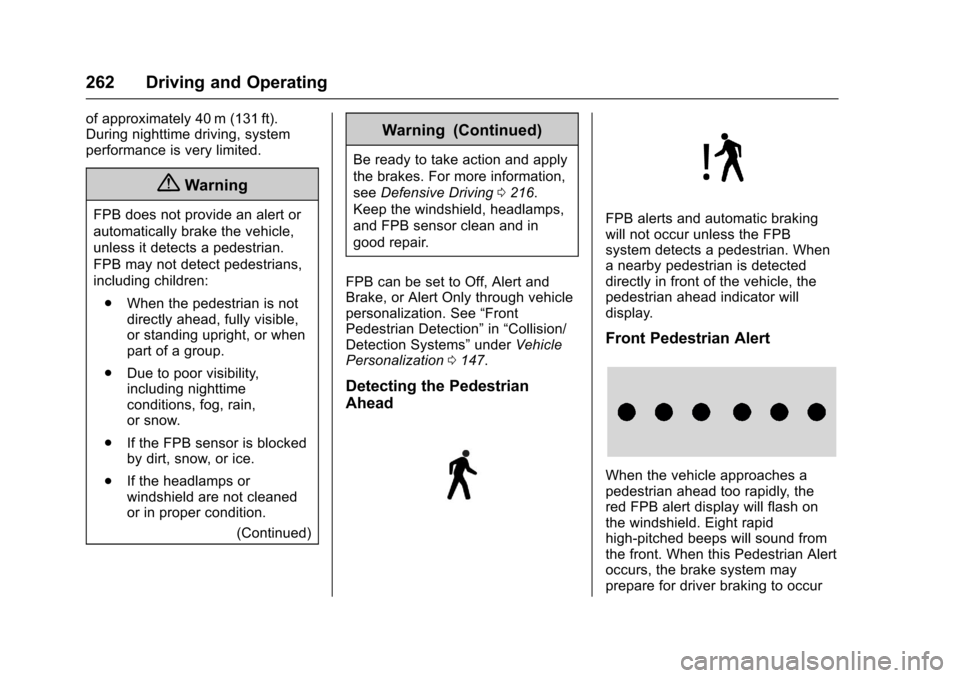
FPB alerts and automatic brakingwill not occur unless the FPBsystem detects a pedestrian. Whenanearbypedestrianisdetecteddirectly in front of the vehicle, thepedestrian ahead indicator willdisplay.
Front Pedestrian Alert
When the vehicle approaches apedestrian ahead too rapidly, thered FPB alert display will flash onthe windshield. Eight rapidhigh-pitched beeps will sound fromthe front. When this Pedestrian Alertoccurs, the brake system mayprepare for driver braking to occur
Page 331 of 419
Chevrolet Malibu Owner Manual (GMNA-Localizing-U.S./Canada/Mexico-10122664) - 2017 - crc - 5/23/16
330 Vehicle Care
matched to the tire/wheel positions,using a TPMS relearn tool, in thefollowing order: driver side front tire,passenger side front tire, passengerside rear tire, and driver side rear.See your dealer for service or topurchase a relearn tool. A TPMSrelearn tool can also be purchased.See Tire Pressure Monitor SensorActivation Tool atwww.gmtoolsandequipment.com orcall 1-800-GM TOOLS(1-800-468-6657).
There are two minutes to match thefirst tire/wheel position, andfive minutes overall to match all fourtire/wheel positions. If it takeslonger, the matching process stopsand must be restarted.
The TPMS sensor matchingprocess is:
1. Set the parking brake.
2. Place the vehicle in ON/RUN/START. SeeIgnitionPositions0225.
3. Make sure the Tire Pressureinfo page option is turned on.The info pages on the DIC can
be turned on and off throughthe Settings menu. SeeDriverInformation Center (DIC) (BaseLevel)0131orDriverInformation Center (DIC)(Uplevel)0134.
4. Use the DIC controls on theright side of the steering wheelto scroll to the Tire Pressurescreen under the DICinfo page.
5. Press and holdVin the center
of the DIC controls.
The horn sounds twice tosignal the receiver is in relearnmode and the TIRELEARNING ACTIVE messagedisplays on the DIC screen.
6. Start with the driver sidefront tire.
7. Place the relearn tool againstthe tire sidewall, near the valvestem. Then press the button toactivate the TPMS sensor.Ahornchirpconfirmsthatthesensor identification code hasbeen matched to this tire andwheel position.
8. Proceed to the passenger sidefront tire, and repeat theprocedure in Step 7.
9. Proceed to the passenger siderear tire, and repeat theprocedure in Step 7.
10. Proceed to the driver side reartire, and repeat the procedurein Step 7. The horn sounds twotimes to indicate the sensoridentification code has beenmatched to the driver side reartire, and the TPMS sensormatching process is no longeractive. The TIRE LEARNINGACTIVE message on the DICdisplay screen goes off.
11 . Tu r n t h e i g n i t i o n o f f .
12. Set all four tires to therecommended air pressurelevel as indicated on the Tireand Loading Information label.