climate control CHEVROLET MALIBU 2017 9.G User Guide
[x] Cancel search | Manufacturer: CHEVROLET, Model Year: 2017, Model line: MALIBU, Model: CHEVROLET MALIBU 2017 9.GPages: 419, PDF Size: 7.81 MB
Page 45 of 419
Chevrolet Malibu Owner Manual (GMNA-Localizing-U.S./Canada/Mexico-10122664) - 2017 - crc - 5/23/16
44 Keys, Doors, and Windows
To o p e n a r e a r d o o r w h e n t h e s a f e t ylock is on:
1. Unlock the door by activatingthe inside handle, by pressingthe power door lock switch,or by using the RemoteKeyless Entry (RKE)transmitter.
2. Open the door from theoutside.
When the safety lock is enabled,adults and older children will not beable to open the rear door from theinside. Cancel the safety locks toenable the doors to open from theinside.
To c a n c e l t h e s a f e t y l o c k :
1. Unlock the door and open itfrom the outside.
2. Move the lever rearward tounlock. Do the same for theother door.
Doors
Trunk
{Warning
Exhaust gases can enter the
vehicle if it is driven with the
liftgate, hatch/trunk open, or with
any objects that pass through the
seal between the body and the
hatch/trunk or liftgate. Engine
exhaust contains carbon
monoxide (CO) which cannot be
seen or smelled. It can cause
unconsciousness and even death.
If the vehicle must be driven with
the liftgate or hatch/trunk open:
.Close all of the windows.
.Fully open the air outlets onor under the instrumentpanel.
.Adjust the climate controlsystem to a setting thatbrings in only outside airand set the fan speed to the
(Continued)
Warning (Continued)
highest setting. See“Climate Control Systems”in the Index.
.If the vehicle is equippedwith a power liftgate, disablethe power liftgate function.
For more information about
carbon monoxide, seeEngine
Exhaust0232.
Trunk Release
To o p e n t h e t r u n k t h e v e h i c l e m u s tbe off or the shift lever must be inP(Park).
.PressXtwice quickly on the
RKE transmitter.
Page 50 of 419
Chevrolet Malibu Owner Manual (GMNA-Localizing-U.S./Canada/Mexico-10122664) - 2017 - crc - 5/23/16
Keys, Doors, and Windows 49
Lane Change Alert (LCA)
The vehicle may have LCA. SeeLane Change Alert (LCA)0264.
Turn Signal Indicator
The vehicle may have a turn signalindicator on the mirror housings.The indicator will flash when a turnsignal or the hazard warningflashers are used.
Folding Mirrors
Manual Folding Mirrors
The mirrors can be folded inwardtoward the vehicle to preventdamage when going through anautomatic car wash. Push the mirroroutward to return it to the originalposition.
Heated Mirrors
If equipped with heated mirrors:
K:The rear window defogger alsoheats the outside mirrors.
SeeDual Automatic Climate ControlSystem0208.
Reverse Tilt Mirrors
If equipped with memory seats, thepassenger and/or driver mirror tiltsto a preselected position when thevehicle is in R (Reverse). Thisallows the curb to be seen whenparallel parking.
The mirror(s) return to the originalposition when:
.The vehicle is shifted out ofR(Reverse),orremainsinR(Reverse)forabout30 seconds.
.The ignition is turned off.
.The vehicle is driven inR(Reverse)aboveasetspeed.
To t u r n t h i s f e a t u r e o n o r o f f , s e eVehicle Personalization0147.
Interior Mirrors
Interior Rearview Mirrors
Adjust the rearview mirror for a clearview of the area behind the vehicle.
Do not spray glass cleaner directlyon the mirror. Use a soft toweldampened with water.
Manual Rearview Mirror
If equipped, push the tab forward fordaytime use and pull it rearward fornighttime use to avoid glare of theheadlamps from behind.
Automatic Dimming
Rearview Mirror
If equipped, automatic dimmingreduces the glare of headlampsfrom behind. The dimming featurecomes on when the vehicle isstarted.
Page 62 of 419
Chevrolet Malibu Owner Manual (GMNA-Localizing-U.S./Canada/Mexico-10122664) - 2017 - crc - 5/23/16
Seats and Restraints 61
If available, the buttons are on theclimate control panel. To operate,the engine must be running.
PressLorMto heat the driver or
passenger seat cushion andseatback. Indicator lights on thebutton show the current setting.
Press the button once for thehighest setting. With each press ofthe button, the heated seat willchange to the next lower setting,and then to the off setting. Thelights indicate three for the highestsetting and one for the lowest.
The passenger seat may takelonger to heat up.
Press{orCto ventilate the driver
or passenger seat. Indicator lightson the button show the currentsetting.
Press the button once for thehighest setting. With each press ofthe button, the ventilated seat willchange to the next lower setting,and then to the off setting. Thelights indicate three for the highestsetting and one for the lowest.
Auto Heated Seats
When the vehicle is on, this featurewill automatically activate theheated seats at the level required bythe vehicle’sinteriortemperature.
The active high, medium, low, or offheated seat level will be indicatedby the manual heated seat buttonson the center stack. Use the manualheated seat buttons on the centerstack to turn auto heated seats off.If the passenger seat is unoccupied,the auto heated seats feature willnot activate that seat. The autoheated seats feature can beprogrammed to always be enabledwhen the vehicle is on.
SeeVehicle Personalization0147.
Remote Start Auto Heated andVentilated Seats
During a remote start, the heated orventilated seats, if equipped, can beturned on automatically. When it iscold outside, the heated seats turnon, and when it is hot outside theventilated seats turn on. The heatedor ventilated seats are canceledwhen the ignition is turned on. Press
the button to use the heated orventilated seats after the vehicle isstarted.
The heated or ventilated seatindicator lights on the button do notturn on during a remote start.
The heated seat temperatureperformance of an unoccupied seatmay be reduced. This is normal.
The heated or ventilated seats willnot turn on during a remote startunless they are enabled in thevehicle personalization menu. SeeRemote Vehicle Start038andVehicle Personalization0147.
Page 109 of 419
Chevrolet Malibu Owner Manual (GMNA-Localizing-U.S./Canada/Mexico-10122664) - 2017 - crc - 5/23/16
108 Instruments and Controls
4. Touch0to return to the
Time and Date menu.
Setting the 12/24 Hour Format
1. Press{,thentouchSettings.
2. Touch Time and Date, thenselect 12h or 24h format.
3. Touch0to return to the
Time and Date menu.
Setting the Month and Day
Format
1. Press{,thentouchSettings.
2. Touch Time and Date, then SetDate Format.
3. Select DD/MM/YYYY (day/month/year), MM/DD/YYYY(month/day/year), or YYYY/MM/DD (year/month/day)format.
4. Touch0to return to the
Time and Date menu.
Power Outlets
Power Outlet 12 Volt DirectCurrent
The accessory power outlets can beused to plug in electrical equipment,such as a cell phone or MP3 player.
There are two accessory poweroutlets:
.One on the center stack belowthe climate control system.
.One on the rear of the centerfloor console.
The outlet is powered when theignition is in ON/RUN or ACC/ACCESSORY, or until the driverdoor is opened within 10 minutes ofturning off the vehicle. SeeRetainedAccessory Power (RAP)0230.
Open the protective cover to use theaccessory power outlet.
Certain electrical accessories maynot be compatible with theaccessory power outlets and couldoverload vehicle or adapter fuses.If there is a problem, see yourdealer.
When adding electrical equipment,be sure to follow the installationinstructions included with theequipment. SeeAdd-On ElectricalEquipment0277.
Caution
Hanging heavy equipment from
the power outlet can cause
damage not covered by the
vehicle warranty. The power
outlets are designed for
accessory power plugs only, such
as cell phone charge cords.
Always unplug electrical equipmentwhen not in use and do not plug inequipment that exceeds themaximum 20 amps rating.
Power Outlet 110/120 Volt
Alternating Current
If equipped with this power outlet itcan be used to plug in electricalequipment that uses a maximumlimit of 150 watts.
Page 149 of 419
Chevrolet Malibu Owner Manual (GMNA-Localizing-U.S./Canada/Mexico-10122664) - 2017 - crc - 5/23/16
148 Instruments and Controls
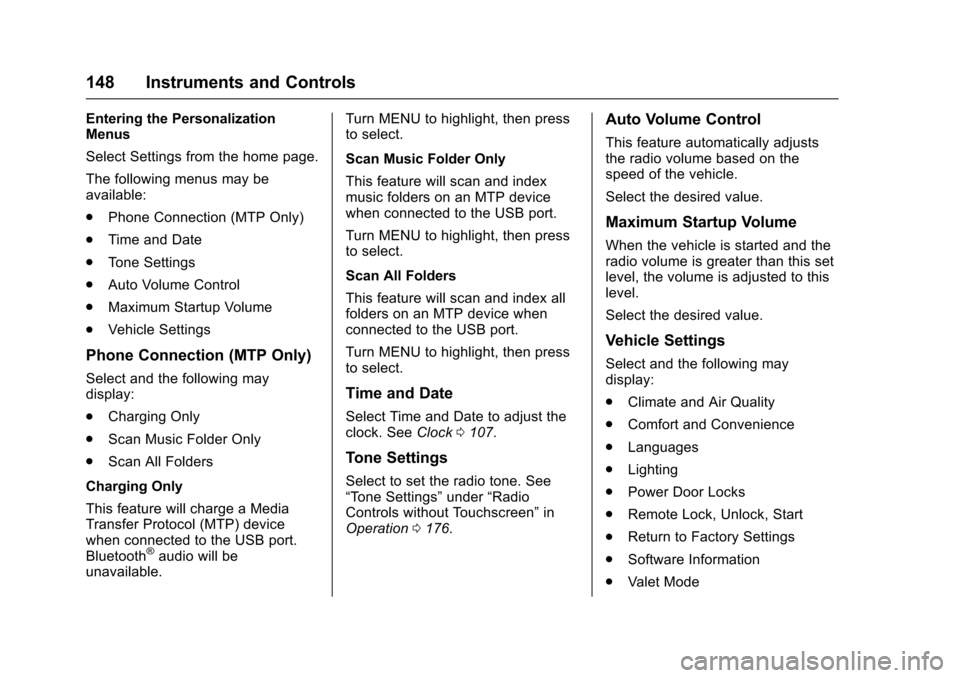
Entering the PersonalizationMenus
Select Settings from the home page.
The following menus may beavailable:
.Phone Connection (MTP Only)
.Time and Date
.To n e S e t t i n g s
.Auto Volume Control
.Maximum Startup Volume
.Vehicle Settings
Phone Connection (MTP Only)
Select and the following maydisplay:
.Charging Only
.Scan Music Folder Only
.Scan All Folders
Charging Only
This feature will charge a MediaTransfer Protocol (MTP) devicewhen connected to the USB port.Bluetooth®audio will beunavailable.
Turn MENU to highlight, then pressto select.
Scan Music Folder Only
This feature will scan and indexmusic folders on an MTP devicewhen connected to the USB port.
Turn MENU to highlight, then pressto select.
Scan All Folders
This feature will scan and index allfolders on an MTP device whenconnected to the USB port.
Turn MENU to highlight, then pressto select.
Time and Date
Select Time and Date to adjust theclock. SeeClock0107.
Tone Settings
Select to set the radio tone. See“To n e S e t t i n g s”under“RadioControls without Touchscreen”inOperation0176.
Auto Volume Control
This feature automatically adjuststhe radio volume based on thespeed of the vehicle.
Select the desired value.
Maximum Startup Volume
When the vehicle is started and theradio volume is greater than this setlevel, the volume is adjusted to thislevel.
Select the desired value.
Vehicle Settings
Select and the following maydisplay:
.Climate and Air Quality
.Comfort and Convenience
.Languages
.Lighting
.Power Door Locks
.Remote Lock, Unlock, Start
.Return to Factory Settings
.Software Information
.Va l e t M o d e
Page 150 of 419
Chevrolet Malibu Owner Manual (GMNA-Localizing-U.S./Canada/Mexico-10122664) - 2017 - crc - 5/23/16
Instruments and Controls 149
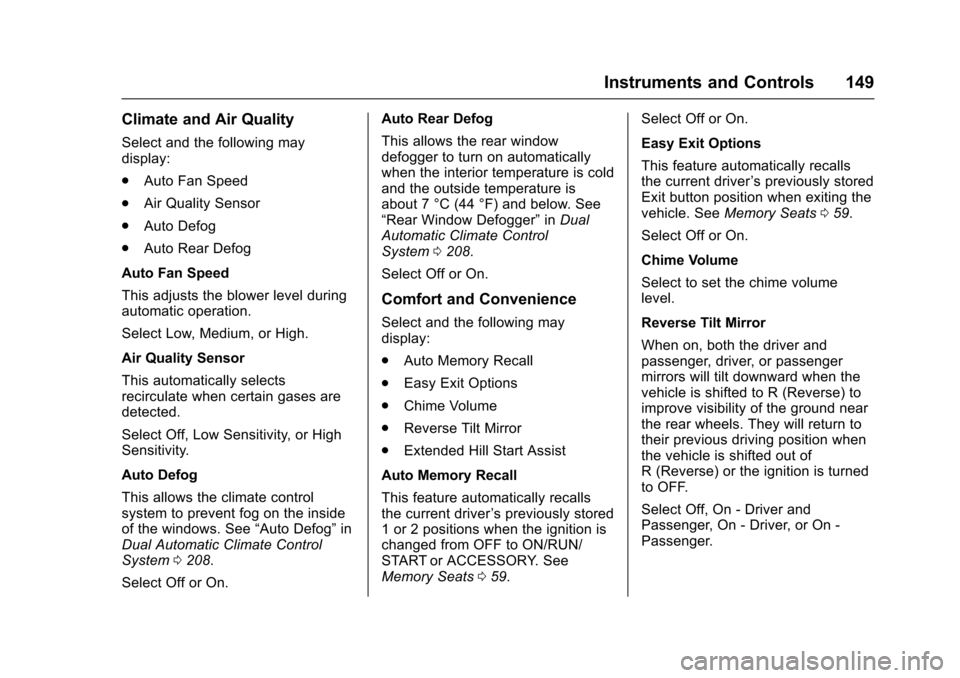
Climate and Air Quality
Select and the following maydisplay:
.Auto Fan Speed
.Air Quality Sensor
.Auto Defog
.Auto Rear Defog
Auto Fan Speed
This adjusts the blower level duringautomatic operation.
Select Low, Medium, or High.
Air Quality Sensor
This automatically selectsrecirculate when certain gases aredetected.
Select Off, Low Sensitivity, or HighSensitivity.
Auto Defog
This allows the climate controlsystem to prevent fog on the insideof the windows. See“Auto Defog”inDual Automatic Climate ControlSystem0208.
Select Off or On.
Auto Rear Defog
This allows the rear windowdefogger to turn on automaticallywhen the interior temperature is coldand the outside temperature isabout 7 °C (44 °F) and below. See“Rear Window Defogger”inDualAutomatic Climate ControlSystem0208.
Select Off or On.
Comfort and Convenience
Select and the following maydisplay:
.Auto Memory Recall
.Easy Exit Options
.Chime Volume
.Reverse Tilt Mirror
.Extended Hill Start Assist
Auto Memory Recall
This feature automatically recallsthe current driver’spreviouslystored1or2positionswhentheignitionischanged from OFF to ON/RUN/START or ACCESSORY. SeeMemory Seats059.
Select Off or On.
Easy Exit Options
This feature automatically recallsthe current driver’spreviouslystoredExit button position when exiting thevehicle. SeeMemory Seats059.
Select Off or On.
Chime Volume
Select to set the chime volumelevel.
Reverse Tilt Mirror
When on, both the driver andpassenger, driver, or passengermirrors will tilt downward when thevehicle is shifted to R (Reverse) toimprove visibility of the ground nearthe rear wheels. They will return totheir previous driving position whenthe vehicle is shifted out ofR(Reverse)ortheignitionisturnedto OFF.
Select Off, On - Driver andPassenger, On - Driver, or On -Passenger.
Page 154 of 419
Chevrolet Malibu Owner Manual (GMNA-Localizing-U.S./Canada/Mexico-10122664) - 2017 - crc - 5/23/16
Instruments and Controls 153
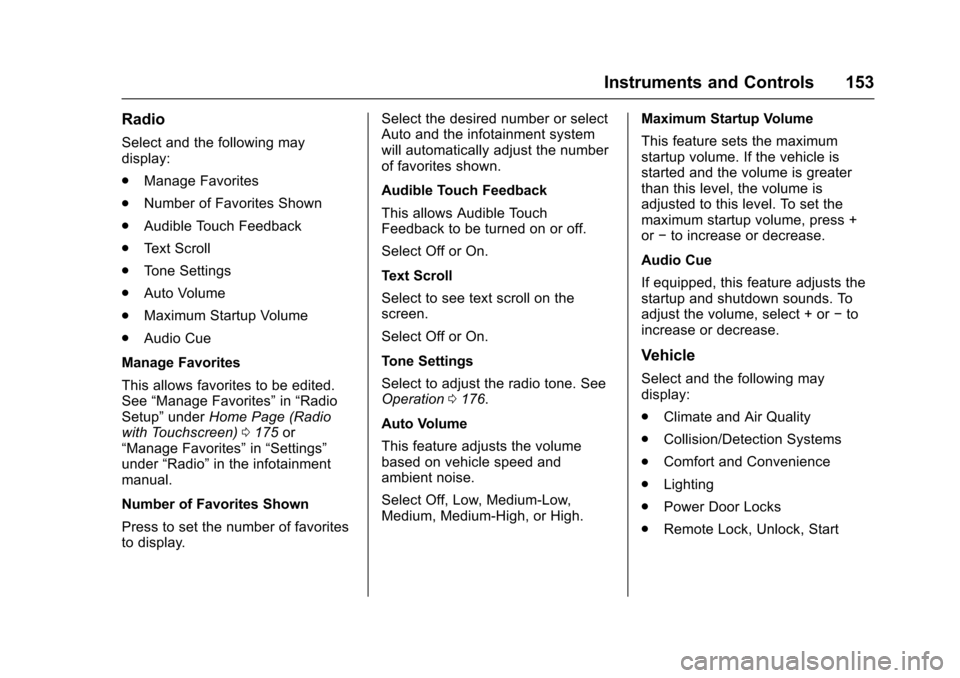
Radio
Select and the following maydisplay:
.Manage Favorites
.Number of Favorites Shown
.Audible Touch Feedback
.Te x t S c r o l l
.To n e S e t t i n g s
.Auto Volume
.Maximum Startup Volume
.Audio Cue
Manage Favorites
This allows favorites to be edited.See“Manage Favorites”in“RadioSetup”underHome Page (Radiowith Touchscreen)0175or“Manage Favorites”in“Settings”under“Radio”in the infotainmentmanual.
Number of Favorites Shown
Press to set the number of favoritesto display.
Select the desired number or selectAuto and the infotainment systemwill automatically adjust the numberof favorites shown.
Audible Touch Feedback
This allows Audible TouchFeedback to be turned on or off.
Select Off or On.
Text Scroll
Select to see text scroll on thescreen.
Select Off or On.
Tone Settings
Select to adjust the radio tone. SeeOperation0176.
Auto Volume
This feature adjusts the volumebased on vehicle speed andambient noise.
Select Off, Low, Medium-Low,Medium, Medium-High, or High.
Maximum Startup Volume
This feature sets the maximumstartup volume. If the vehicle isstarted and the volume is greaterthan this level, the volume isadjusted to this level. To set themaximum startup volume, press +or✓to increase or decrease.
Audio Cue
If equipped, this feature adjusts thestartup and shutdown sounds. Toadjust the volume, select + or✓toincrease or decrease.
Vehicle
Select and the following maydisplay:
.Climate and Air Quality
.Collision/Detection Systems
.Comfort and Convenience
.Lighting
.Power Door Locks
.Remote Lock, Unlock, Start
Page 155 of 419
Chevrolet Malibu Owner Manual (GMNA-Localizing-U.S./Canada/Mexico-10122664) - 2017 - crc - 5/23/16
154 Instruments and Controls
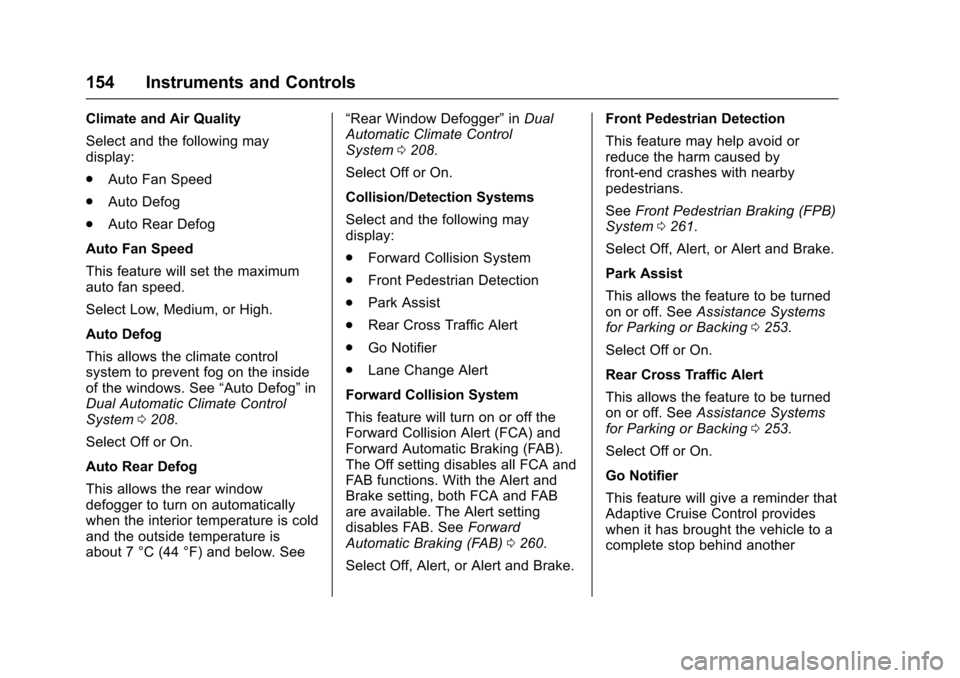
Climate and Air Quality
Select and the following maydisplay:
.Auto Fan Speed
.Auto Defog
.Auto Rear Defog
Auto Fan Speed
This feature will set the maximumauto fan speed.
Select Low, Medium, or High.
Auto Defog
This allows the climate controlsystem to prevent fog on the insideof the windows. See“Auto Defog”inDual Automatic Climate ControlSystem0208.
Select Off or On.
Auto Rear Defog
This allows the rear windowdefogger to turn on automaticallywhen the interior temperature is coldand the outside temperature isabout 7 °C (44 °F) and below. See
“Rear Window Defogger”inDualAutomatic Climate ControlSystem0208.
Select Off or On.
Collision/Detection Systems
Select and the following maydisplay:
.Forward Collision System
.Front Pedestrian Detection
.Park Assist
.Rear Cross Traffic Alert
.Go Notifier
.Lane Change Alert
Forward Collision System
This feature will turn on or off theForward Collision Alert (FCA) andForward Automatic Braking (FAB).The Off setting disables all FCA andFA B f u n c t i o n s . W i t h t h e A l e r t a n dBrake setting, both FCA and FABare available. The Alert settingdisables FAB. SeeForwardAutomatic Braking (FAB)0260.
Select Off, Alert, or Alert and Brake.
Front Pedestrian Detection
This feature may help avoid orreduce the harm caused byfront-end crashes with nearbypedestrians.
SeeFront Pedestrian Braking (FPB)System0261.
Select Off, Alert, or Alert and Brake.
Park Assist
This allows the feature to be turnedon or off. SeeAssistance Systemsfor Parking or Backing0253.
Select Off or On.
Rear Cross Traffic Alert
This allows the feature to be turnedon or off. SeeAssistance Systemsfor Parking or Backing0253.
Select Off or On.
Go Notifier
This feature will give a reminder thatAdaptive Cruise Control provideswhen it has brought the vehicle to acomplete stop behind another
Page 170 of 419
Chevrolet Malibu Owner Manual (GMNA-Localizing-U.S./Canada/Mexico-10122664) - 2017 - crc - 5/23/16
Lighting 169
Lighting Features
Entry Lighting
Some exterior lamps and most ofthe interior lamps turn on briefly atnight or in areas with limited lightingwhen the Remote Keyless Entry
(RKE) transmitterKbutton is
pressed. SeeRemote Keyless Entry(RKE) System Operation032.Afterabout 30 seconds the exterior lampsturn off, then the dome lamps andremaining interior lamps dim to off.Entry lighting can be disabledmanually by changing the ignitionout of the OFF position, or by
pressing the RKE transmitterQ
button.
This feature can be changed. SeeVehicle Personalization0147.
Exit Lighting
Some exterior lamps and interiorlights come on at night, or in areaswith limited lighting, when the driverdoor is opened after the ignition isturned off. The dome lamp comeson after the ignition is changed to
the OFF position. The exteriorlamps and dome lamp remain on forasetamountoftime,thenautomatically turn off.
The exterior lamps turn offimmediately by turning the exteriorlamp control off.
This feature can be changed. SeeVehicle Personalization0147.
Battery Load
Management
The vehicle has Electric PowerManagement (EPM), whichestimates the battery's temperatureand state of charge. It then adjuststhe voltage for best performanceand extended life of the battery.
When the battery's state of chargeis low, the voltage is raised slightlyto quickly bring the charge back up.When the state of charge is high,the voltage is lowered slightly toprevent overcharging. If the vehiclehas a voltage display on the DriverInformation Center (DIC), you may
see the voltage move up or down.This is normal. If there is a problem,an alert will be displayed.
The battery can be discharged atidle if the electrical loads are veryhigh. This is true for all vehicles.This is because the generator(alternator) may not be spinning fastenough at idle to produce all thepower that is needed for very highelectrical loads.
Ahighelectricalloadoccurswhenseveral of the following are on, suchas: headlamps, high beams, foglamps, rear window defogger,climate control fan at high speed,heated seats, engine cooling fans,trailer loads, and loads plugged intoaccessory power outlets.
EPM works to prevent excessivedischarge of the battery. It does thisby balancing the generator's outputand the vehicle's electrical needs.It can increase engine idle speed togenerate more power, wheneverneeded. It can temporarily reducethe power demands of someaccessories.
Page 177 of 419
Chevrolet Malibu Owner Manual (GMNA-Localizing-U.S./Canada/Mexico-10122664) - 2017 - crc - 5/23/16
176 Infotainment System
Settings :To u c h t o a c c e s s t h ePersonalization menu. SeeVehiclePersonalization0147.
Climate :If equipped, touch toaccess the Climate menu. SeeClimate Control Systems0205orDual Automatic Climate ControlSystem0208.
OnStar :If equipped, touch toaccess the OnStar menu. SeeOnStar Overview0397.
Energy :If equipped, touch toaccess the Energy menu.
Drive Mode :If equipped, touch toaccess the Drive Mode menu.
Operation
Radio Controls without
Touchscreen
The infotainment system is operatedby using the pushbuttons,multifunction knobs, and menusshown on the display.
Turning the System On or Off
O:Press and hold to turn thesystem on and off.
Automatic Switch-Off
If the infotainment system has beenturned on after the ignition is turnedoff, the system will turn offautomatically after 10 minutes.
Volume Control
O:Turn to adjust the volume or tocancel mute when the audio systemis muted.
PHONE :Press to activate OnStar.SeeOnStar Overview0397.
Press to mute the audio system.Press again to cancel mute.
Menu System
Controls
The MENU knob and BACK buttonare used to navigate the menusystem.
MENU Knob:
Turn to:
.Highlight a menu option.
.Select a value.
.Manually select radio stations.
Press to:
.Enter the menu system.
.Select or activate the highlightedmenu option.
.Confirm a set value.
.Turn a system setting on or off.
BACK:
Press to:
.Exit a menu.
.Go back to the previous menuscreen.
.Delete the last character in asequence.
.Press and hold to delete theentire character sequence.
Submenus
Abarontheright-handedgeofthemenu indicates that it has asubmenu with other options.
Tone Settings
The tone settings can be set foreach radio band and each audioplayer source.