maintenance CHEVROLET MALIBU 2017 9.G Owners Manual
[x] Cancel search | Manufacturer: CHEVROLET, Model Year: 2017, Model line: MALIBU, Model: CHEVROLET MALIBU 2017 9.GPages: 419, PDF Size: 7.81 MB
Page 2 of 419

Chevrolet Malibu Owner Manual (GMNA-Localizing-U.S./Canada/Mexico-10122664) - 2017 - crc - 5/23/16
ContentsIntroduction . . . . . . . . . . . . . . . . . . . . . . 2
In Brief . . . . . . . . . . . . . . . . . . . . . . . . . . . 5
Keys, Doors, and Windows . . . . . 31
Seats and Restraints . . . . . . . . . . . 54
Storage . . . . . . . . . . . . . . . . . . . . . . . 101
Instruments and Controls . . . . . . 103
Lighting . . . . . . . . . . . . . . . . . . . . . . . 163
Infotainment System . . . . . . . . . . 171
Climate Controls . . . . . . . . . . . . . . 205
Driving and Operating . . . . . . . . . 214
Vehicle Care . . . . . . . . . . . . . . . . . . 278
Service and Maintenance . . . . . 368
Te c h n i c a l D a t a . . . . . . . . . . . . . . . . 3 8 0
Customer Information . . . . . . . . . 383
Reporting Safety Defects . . . . . . 393
OnStar . . . . . . . . . . . . . . . . . . . . . . . . 397
Index . . . . . . . . . . . . . . . . . . . . 407
Page 6 of 419
Chevrolet Malibu Owner Manual (GMNA-Localizing-U.S./Canada/Mexico-10122664) - 2017 - crc - 6/1/16
In Brief 5
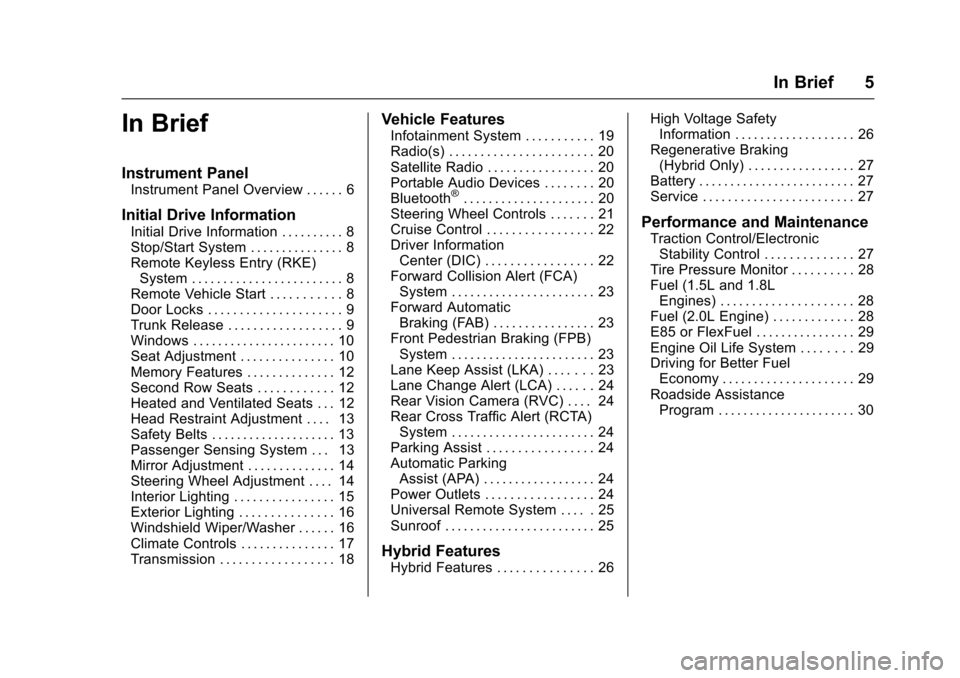
In Brief
Instrument Panel
Instrument Panel Overview . . . . . . 6
Initial Drive Information
Initial Drive Information . . . . . . . . . . 8Stop/Start System . . . . . . . . . . . . . . . 8Remote Keyless Entry (RKE)System . . . . . . . . . . . . . . . . . . . . . . . . 8Remote Vehicle Start . . . . . . . . . . . 8Door Locks . . . . . . . . . . . . . . . . . . . . . 9Trunk Release . . . . . . . . . . . . . . . . . . 9Windows . . . . . . . . . . . . . . . . . . . . . . . 10Seat Adjustment . . . . . . . . . . . . . . . 10Memory Features . . . . . . . . . . . . . . 12Second Row Seats . . . . . . . . . . . . 12Heated and Ventilated Seats . . . 12Head Restraint Adjustment . . . . 13Safety Belts . . . . . . . . . . . . . . . . . . . . 13Passenger Sensing System . . . 13Mirror Adjustment . . . . . . . . . . . . . . 14Steering Wheel Adjustment . . . . 14Interior Lighting . . . . . . . . . . . . . . . . 15Exterior Lighting . . . . . . . . . . . . . . . 16Windshield Wiper/Washer . . . . . . 16Climate Controls . . . . . . . . . . . . . . . 17Transmission . . . . . . . . . . . . . . . . . . 18
Vehicle Features
Infotainment System . . . . . . . . . . . 19Radio(s) . . . . . . . . . . . . . . . . . . . . . . . 20Satellite Radio . . . . . . . . . . . . . . . . . 20Portable Audio Devices . . . . . . . . 20Bluetooth®..................... 20Steering Wheel Controls . . . . . . . 21Cruise Control . . . . . . . . . . . . . . . . . 22Driver InformationCenter (DIC) . . . . . . . . . . . . . . . . . 22Forward Collision Alert (FCA)System . . . . . . . . . . . . . . . . . . . . . . . 23Forward AutomaticBraking (FAB) . . . . . . . . . . . . . . . . 23Front Pedestrian Braking (FPB)System . . . . . . . . . . . . . . . . . . . . . . . 23Lane Keep Assist (LKA) . . . . . . . 23Lane Change Alert (LCA) . . . . . . 24Rear Vision Camera (RVC) . . . . 24Rear Cross Traffic Alert (RCTA)System . . . . . . . . . . . . . . . . . . . . . . . 24Parking Assist . . . . . . . . . . . . . . . . . 24Automatic ParkingAssist (APA) . . . . . . . . . . . . . . . . . . 24Power Outlets . . . . . . . . . . . . . . . . . 24Universal Remote System . . . . . 25Sunroof . . . . . . . . . . . . . . . . . . . . . . . . 25
Hybrid Features
Hybrid Features . . . . . . . . . . . . . . . 26
High Voltage SafetyInformation . . . . . . . . . . . . . . . . . . . 26Regenerative Braking(Hybrid Only) . . . . . . . . . . . . . . . . . 27Battery . . . . . . . . . . . . . . . . . . . . . . . . . 27Service . . . . . . . . . . . . . . . . . . . . . . . . 27
Performance and Maintenance
Traction Control/ElectronicStability Control . . . . . . . . . . . . . . 27Tire Pressure Monitor . . . . . . . . . . 28Fuel (1.5L and 1.8LEngines) . . . . . . . . . . . . . . . . . . . . . 28Fuel (2.0L Engine) . . . . . . . . . . . . . 28E85 or FlexFuel . . . . . . . . . . . . . . . . 29Engine Oil Life System . . . . . . . . 29Driving for Better FuelEconomy . . . . . . . . . . . . . . . . . . . . . 29Roadside AssistanceProgram . . . . . . . . . . . . . . . . . . . . . . 30
Page 28 of 419
Chevrolet Malibu Owner Manual (GMNA-Localizing-U.S./Canada/Mexico-10122664) - 2017 - crc - 6/1/16
In Brief 27
SeeBattery - North America0301for important safety information.If an airbag has inflated, seeWhatWill You See after an AirbagInflates?075.
Only a trained service technicianwith the proper knowledge and toolsshould inspect, test, or replace thehigh voltage battery. See yourdealer if the high voltage batteryneeds service.
Regenerative Braking
(Hybrid Only)
Regenerative braking takes some ofthe energy from the moving vehicleand turns it back into electricalenergy. This energy is then stored inthe high voltage battery system,contributing to increased energyefficiency. SeeRegenerativeBraking (Hybrid Only)0240.
Battery
This vehicle has a standard 12-voltbattery and a high voltage hybridbattery. When a new standard12-volt battery is needed, see yourdealer for one that has thereplacement number shown on theoriginal battery's label. Only atrained service technician with theproper knowledge and tools shouldinspect, test, or replace the hybridbattery. See your dealer if the highvoltage hybrid battery needsservice. SeeBattery - NorthAmerica0301.
Service
Never try to do your own service onhybrid components. You can beinjured and the vehicle can bedamaged if you try to do your ownservice work. Service and repair ofthese hybrid components shouldonly be performed by a trainedservice technician with the properknowledge and tools. SeeDoingYour Own Service Work0280.
Performance and
Maintenance
Traction Control/
Electronic Stability
Control
The traction control system limitswheel spin. The system turns onautomatically every time the vehicleis started and begins to move.
The StabiliTrak system assists withdirectional control of the vehicle indifficult driving conditions. Thesystem turns on automatically everytime the vehicle is started andbegins to move.
.To t u r n o f f t r a c t i o n c o n t r o l , p r e s s
and releasegon the center
console.iilluminates in the
instrument cluster.
.Press and releasegagain to
turn on traction control.
Page 29 of 419
Chevrolet Malibu Owner Manual (GMNA-Localizing-U.S./Canada/Mexico-10122664) - 2017 - crc - 6/1/16
28 In Brief
.To t u r n o f f b o t h t r a c t i o n c o n t r o land StabiliTrak, press and
holdgon the center console,
untiliandgilluminate in the
instrument cluster.
.Press and releasegagain to
turn on both systems.
SeeTr a c t i o n C o n t r o l / E l e c t r o n i cStability Control0241.
Tire Pressure Monitor
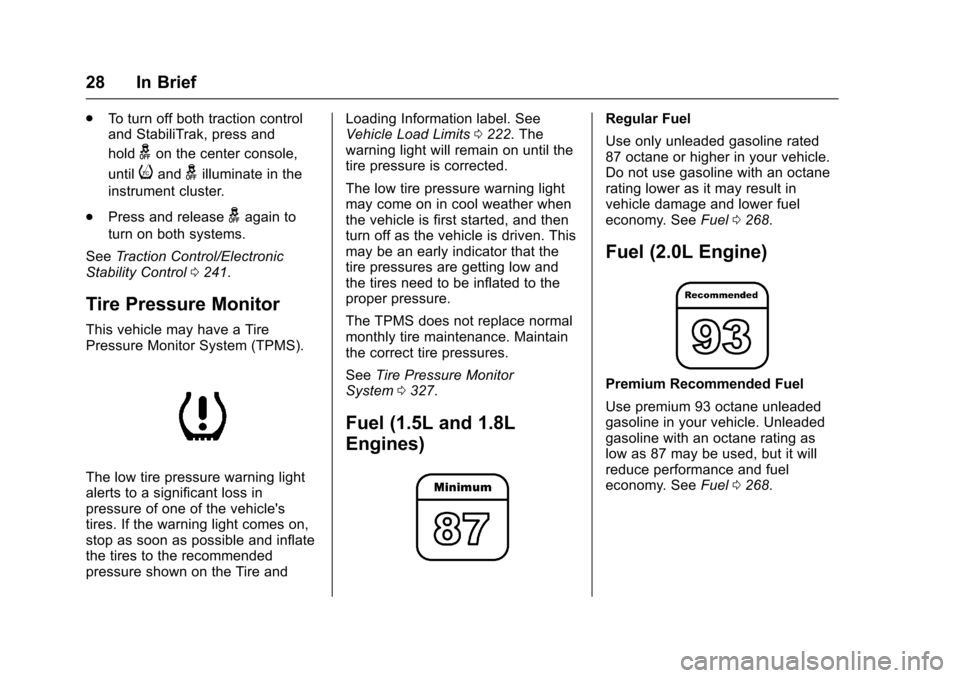
This vehicle may have a TirePressure Monitor System (TPMS).
The low tire pressure warning lightalerts to a significant loss inpressure of one of the vehicle'stires. If the warning light comes on,stop as soon as possible and inflatethe tires to the recommendedpressure shown on the Tire and
Loading Information label. SeeVehicle Load Limits0222.Thewarning light will remain on until thetire pressure is corrected.
The low tire pressure warning lightmay come on in cool weather whenthe vehicle is first started, and thenturn off as the vehicle is driven. Thismay be an early indicator that thetire pressures are getting low andthe tires need to be inflated to theproper pressure.
The TPMS does not replace normalmonthly tire maintenance. Maintainthe correct tire pressures.
SeeTire Pressure MonitorSystem0327.
Fuel (1.5L and 1.8L
Engines)
Regular Fuel
Use only unleaded gasoline rated87 octane or higher in your vehicle.Do not use gasoline with an octanerating lower as it may result invehicle damage and lower fueleconomy. SeeFuel0268.
Fuel (2.0L Engine)
Premium Recommended Fuel
Use premium 93 octane unleadedgasoline in your vehicle. Unleadedgasoline with an octane rating aslow as 87 may be used, but it willreduce performance and fueleconomy. SeeFuel0268.
Page 31 of 419
Chevrolet Malibu Owner Manual (GMNA-Localizing-U.S./Canada/Mexico-10122664) - 2017 - crc - 6/1/16
30 In Brief
.Combine several trips into asingle trip.
.Replace the vehicle's tires withthe same TPC Spec numbermolded into the tire's sidewallnear the size.
.Follow recommended scheduledmaintenance.
Roadside Assistance
Program
U.S.: 1-800-243-8872
TTY Users (U.S. Only):1-888-889-2438
Canada: 1-800-268-6800
New Chevrolet owners areautomatically enrolled in theRoadside Assistance Program.
SeeRoadside AssistanceProgram0387.
Page 83 of 419
Chevrolet Malibu Owner Manual (GMNA-Localizing-U.S./Canada/Mexico-10122664) - 2017 - crc - 5/23/16
82 Seats and Restraints
Yo u r d e a l e r a n d t h e s e r v i c e m a n u a lhave information about the locationof the airbag sensors, sensing anddiagnostic module, and airbagwiring.
In addition, the vehicle has apassenger sensing system for thefront outboard passenger position,which includes sensors that are partof the passenger seat. Thepassenger sensing system may notoperate properly if the original seattrim is replaced with non-GMcovers, upholstery, or trim; or withGM covers, upholstery, or trimdesigned for a different vehicle. Anyobject, such as an aftermarket seatheater or a comfort-enhancing pador device, installed under or on topof the seat fabric, could alsointerfere with the operation of thepassenger sensing system. Thiscould either prevent properdeployment of the passengerairbag(s) or prevent the passengersensing system from properlyturning off the passenger airbag(s).SeePassenger SensingSystem077.
If the vehicle has rollover roof-railairbags, seeDifferent Size Tiresand Wheels0334for additionalimportant information.
If you have to modify your vehiclebecause you have a disability andyou have questions about whetherthe modifications will affect thevehicle's airbag system, or if youhave questions about whether theairbag system will be affected if thevehicle is modified for any otherreason, call Customer Assistance.SeeCustomer AssistanceOffices0385.
Airbag System Check
The airbag system does not needregularly scheduled maintenance orreplacement. Make sure the airbagreadiness light is working. SeeAirbag Readiness Light0120.
Caution
If an airbag covering is damaged,
opened, or broken, the airbag
may not work properly. Do not
(Continued)
Caution (Continued)
open or break the airbag
coverings. If there are any
opened or broken airbag
coverings, have the airbag
covering and/or airbag module
replaced. For the location of the
airbags, seeWhere Are the
Airbags?072.Seeyourdealer
for service.
Replacing Airbag System
Parts after a Crash
{Warning
Acrashcandamagetheairbag
systems in the vehicle.
Adamagedairbagsystemmay
not properly protect you and your
passenger(s) in a crash, resulting
in serious injury or even death. To
help make sure the airbag
systems are working properly
after a crash, have them
(Continued)
Page 124 of 419
Chevrolet Malibu Owner Manual (GMNA-Localizing-U.S./Canada/Mexico-10122664) - 2017 - crc - 5/23/16
Instruments and Controls 123
Caution (Continued)
costly repairs not covered by the
vehicle warranty. This could also
affect the vehicle’sabilitytopass
an Emissions Inspection/
Maintenance test. See
Accessories and
Modifications0280.
If the light is flashing :Amalfunction has been detected thatcould damage the emission controlsystem and increase vehicleemissions. Diagnosis and servicemay be required.
To h e l p p r e v e n t d a m a g e , r e d u c evehicle speed and avoid hardaccelerations and uphill grades.If towing a trailer, reduce theamount of cargo being hauled assoon as possible.
If the light continues to flash, find asafe place to park. Turn the vehicleoff and wait at least 10 secondsbefore restarting the engine. If thelight is still flashing, follow the
previous guidelines and see yourdealer for service as soon aspossible.
If the light is on steady :Amalfunction has been detected.Diagnosis and service may berequired.
Check the following:
.If fuel has been added to thevehicle using the capless funneladapter, make sure that it hasbeen removed. See“Filling theTa n k w i t h a P o r t a b l e G a s C a n”underFilling the Tank0269.The diagnostic system candetect if the adapter has beenleft installed in the vehicle,allowing fuel to evaporate intothe atmosphere. A few drivingtrips with the adapter removedmay turn off the light.
.Poor fuel quality can causeinefficient engine operation andpoor driveability, which may goaway once the engine is warmedup. If this occurs, change thefuel brand. It may require at
least one full tank of the properfuel to turn the light off. SeeFuel0268.
If the light remains on, see yourdealer.
Emissions Inspection and
Maintenance Programs
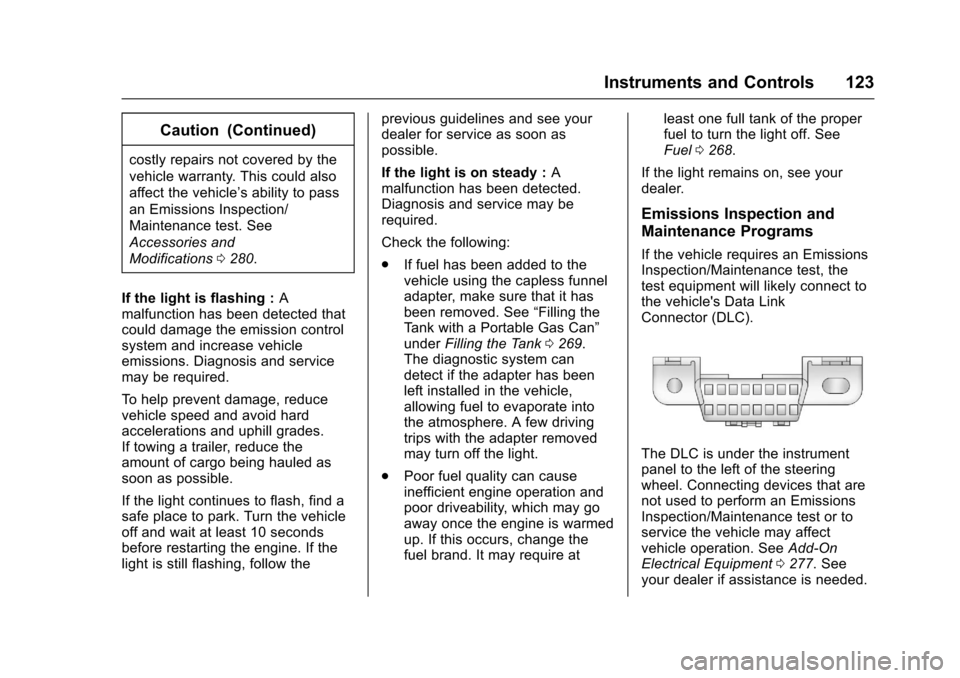
If the vehicle requires an EmissionsInspection/Maintenance test, thetest equipment will likely connect tothe vehicle's Data LinkConnector (DLC).
The DLC is under the instrumentpanel to the left of the steeringwheel. Connecting devices that arenot used to perform an EmissionsInspection/Maintenance test or toservice the vehicle may affectvehicle operation. SeeAdd-OnElectrical Equipment0277.Seeyour dealer if assistance is needed.
Page 129 of 419
Chevrolet Malibu Owner Manual (GMNA-Localizing-U.S./Canada/Mexico-10122664) - 2017 - crc - 5/23/16
128 Instruments and Controls
When the Light Flashes First andThen Is On Steady
If the light flashes for about a minuteand then stays on, there may be aproblem with the TPMS. If theproblem is not corrected, the lightwill come on at every ignition cycle.SeeTire Pressure MonitorOperation0328.
Engine Oil Pressure Light
Caution
Lack of proper engine oil
maintenance can damage the
engine. Driving with the engine oil
low can also damage the engine.
The repairs would not be covered
by the vehicle warranty. Check
the oil level as soon as possible.
Add oil if required, but if the oil
level is within the operating range
and the oil pressure is still low,
have the vehicle serviced. Always
follow the maintenance schedule
for changing engine oil.
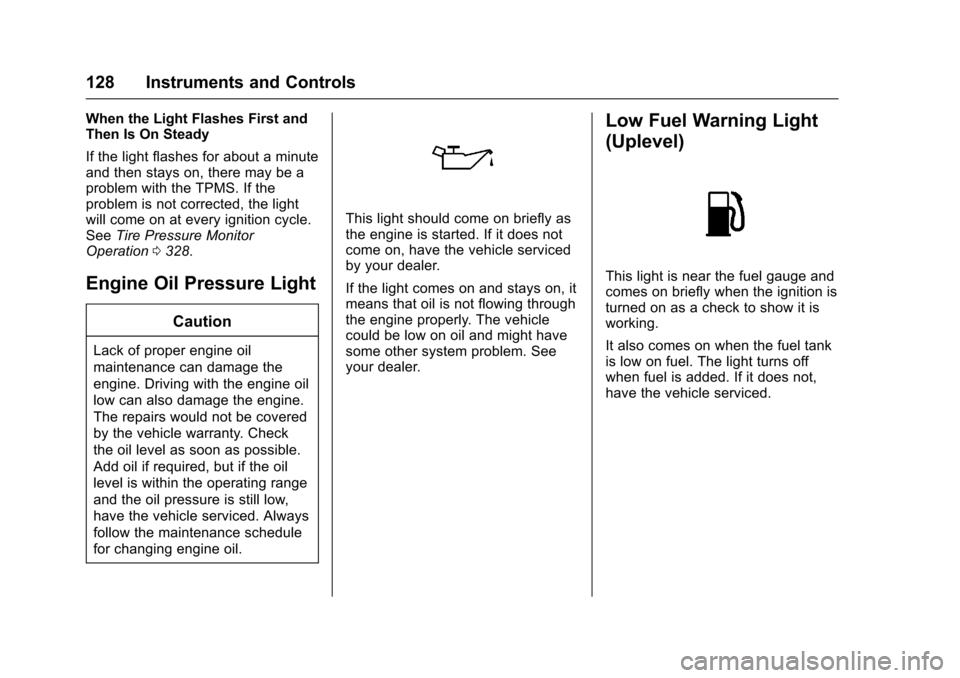
This light should come on briefly asthe engine is started. If it does notcome on, have the vehicle servicedby your dealer.
If the light comes on and stays on, itmeans that oil is not flowing throughthe engine properly. The vehiclecould be low on oil and might havesome other system problem. Seeyour dealer.
Low Fuel Warning Light
(Uplevel)
This light is near the fuel gauge andcomes on briefly when the ignition isturned on as a check to show it isworking.
It also comes on when the fuel tankis low on fuel. The light turns offwhen fuel is added. If it does not,have the vehicle serviced.
Page 134 of 419
Chevrolet Malibu Owner Manual (GMNA-Localizing-U.S./Canada/Mexico-10122664) - 2017 - crc - 5/23/16
Instruments and Controls 133
Remaining Oil Life :Displays anestimate of the oil's remaining usefullife. If REMAINING OIL LIFE 99% isdisplayed, that means 99% of thecurrent oil life remains.
When the remaining oil life is low,the CHANGE ENGINE OIL SOONmessage will appear on the display.SeeEngine Oil Messages0141.The oil should be changed as soonas possible. SeeEngine Oil0288.In addition to the engine oil lifesystem monitoring the oil life,additional maintenance isrecommended in the MaintenanceSchedule. SeeMaintenanceSchedule0369.
The Oil Life display must be resetafter each oil change. Do not resetthe Oil Life display accidentally atany time other than when the oil hasjust been changed. It cannot bereset accurately until the next oilchange. To reset the engine oil lifesystem, seeEngine Oil LifeSystem0291.
Oil Pressure :Oil pressure isdisplayed in either kilopascal (kPa)or in pounds per square inch (psi).
Oil pressure can vary with enginespeed, outside temperature, and oilviscosity. On some models, the oilpump will vary engine oil pressureaccording to engine needs. Oilpressure may change quickly as theengine speed or load varies. This isnormal. If the oil pressure warninglight or Driver Information Center(DIC) message indicates oilpressure outside the normaloperating range, check the vehicle'soil as soon as possible. SeeEngineOil Messages0141.
Tire Pressure :Displays a vehiclewith the approximate pressures ofall four tires. Tire pressure isdisplayed in either kilopascal (kPa)or in pounds per square inch (psi).SeeTire Pressure Monitor System0327andTire Pressure MonitorOperation0328.
Battery Voltage :Displays thecurrent battery voltage, if equipped.Battery voltage changes are normalwhile driving. SeeCharging SystemLight0122.Ifthereisaproblemwith the battery charging system,
the DIC will display a message. SeeBattery Voltage and ChargingMessages0138.
Coolant Temperature :Shows theengine coolant temperature in eitherdegrees Celsius (°C) or degreesFahrenheit (°F).
Speed Warning :This display isused to set the vehicle speed atwhich the speed warning chimesounds and the alert is displayed.The speed can be set by pressingVwhile the speed warning displayis showing.
Units :Movewxto change
between Metric or US when the Unit
display is active. PressVto confirm
the setting. This will change thedisplays on the DIC to the type ofmeasurements you select.
ECO Drive Assist Menu (ECO)
Items
Usewxto scroll through the
menu items. Not all items areavailable on every vehicle. Thefollowing is a list of all possiblemenu items:
Page 136 of 419
Chevrolet Malibu Owner Manual (GMNA-Localizing-U.S./Canada/Mexico-10122664) - 2017 - crc - 5/23/16
Instruments and Controls 135
DIC Info Page Options
The info pages on the DIC can beturned on or off through theSettings menu.
1. Pressoto access the cluster
applications.
2. Pressworxto scroll to the
Settings application.
3. PressVto enter the
Settings menu.
4. Scroll to Info Pages and
pressp.
5. Pressworxto move
through the list of possibleinformation displays.
6. PressVwhile an item is
highlighted to select ordeselect that item. When anitem is selected, a checkmarkwill appear next to it.
DIC Info Pages
The following is the list of allpossible DIC info page displays.Some may not be available for yourparticular vehicle. Some items may
not be turned on by default but canbe turned on through the Settingsapp. See“DIC Info Page Options”earlier in this section.
Speed :Shows the vehicle speed ineither kilometers per hour (km/h) ormiles per hour (mph).
Tr i p A o r Tr i p B :Shows thecurrent distance traveled, in eitherkilometers (km) or miles (mi), sincethe trip odometer was last reset.
This also shows the approximateaverage liters per 100 kilometers(L/100 km) or miles pergallon (mpg). This number iscalculated based on the number ofL/100 km (mpg) recorded since thelast time this menu item was reset.This number reflects only theapproximate average fuel economythat the vehicle has right now, andwill change as driving conditionschange.
Press and holdVwhile this display
is active to reset the trip odometerand the average fuel economy. TripAandTripBcanalsoberesetby
pressingpand choosing reset.
Fuel Range :Shows theapproximate distance the vehiclecan be driven without refueling.LOW will be displayed when thevehicle is low on fuel. The fuelrange estimate is based on anaverage of the vehicle's fueleconomy over recent driving historyand the amount of fuel remaining inthe fuel tank.
Oil Life :Shows an estimate of theoil's remaining useful life.If REMAINING OIL LIFE 99% isdisplayed, that means 99% of thecurrent oil life remains.
When the remaining oil life is low,the CHANGE ENGINE OIL SOONmessage will appear on the display.SeeEngine Oil Messages0141.The oil should be changed as soonas possible. SeeEngine Oil0288.In addition to the engine oil lifesystem monitoring the oil life,additional maintenance isrecommended in the MaintenanceSchedule. SeeMaintenanceSchedule0369.