Set time CHEVROLET MALIBU MAXX 2007 6.G User Guide
[x] Cancel search | Manufacturer: CHEVROLET, Model Year: 2007, Model line: MALIBU MAXX, Model: CHEVROLET MALIBU MAXX 2007 6.GPages: 510, PDF Size: 2.8 MB
Page 182 of 510
Delayed Headlamps
The delayed headlamps feature will continue to
illuminate the headlamps for 20 seconds after the
key is turned to off at night. Then the headlamps
will automatically turn off.
To override the 20 second delayed headlamp
feature while it is active turn the switch at the
end of the turn signal/multifunction lever to
the off/on position.
Daytime Running Lamps (DRL)
Daytime Running Lamps (DRL) can make it
easier for others to see the front of your vehicle
during the day. DRL can be helpful in many
different driving conditions, but they can be
especially helpful in the short periods after
dawn and before sunset. Fully functional
daytime running lamps are required on all
vehicles rst sold in Canada.The DRL system will turn your low-beam
headlamps on at a reduced brightness when
the following conditions are met:
The ignition is on.
The exterior lamp control is turned to
AUTO. In addition, Canadian vehicles
DRL will also turn on if you have turned
on the parking lamps.
The light sensor detects daytime light.
See the end of this section for more
information on the light sensor.
The shift lever is not in PARK (P).
While the DRL system is on, the taillamps,
sidemarker lamps, and instrument panel lights
will not be illuminated.
The DRL system will be off any time your
vehicle is in PARK (P). The DRL system on
U.S. vehicles can also be turned off by using
the off/on switch for one ignition cycle.
As with any vehicle, you should turn on the
regular headlamp system when you need it.
182
Page 183 of 510
Light Sensor
Your vehicle has a light sensor on top of the
instrument panel. Make sure it is not covered
or the headlamps may remain on when you
do not need them. The light sensor for the
DRL and Automatic Headlamp features is
located on top of the instrument panel.
The automatic headlamp system may be on
when driving through a parking garage, heavy
outcast weather, or a tunnel. This is normal.
Automatic Headlamp System
When it is dark enough outside, the automatic
headlamp system turns on the headlamps at
the normal brightness along with other lamps
such as the taillamps, sidemarker, parking lamps,
and the instrument panel lights. The radio lights
will also be dim.
Your vehicle has a light sensor on top of the
instrument panel that controls the automatic
headlamp system. Make sure it is not covered
or the automatic headlamp system will be on
when it is not needed.There is a delay in the transition between the
daytime and nighttime operation of the DRL
and the automatic headlamp systems so that
driving under bridges or bright overhead street
lights does not affect the system. The DRL
and automatic headlamp systems will only be
affected when the light sensor sees a change
in lighting lasting longer than this delay.
If you start your vehicle in a dark garage,
the automatic headlamp system comes on
immediately. Once you leave the garage, it takes
about one minute for the automatic headlamp
system to change to DRL if it is light outside.
During that delay, the instrument panel cluster may
not be as bright as usual. Make sure the instrument
panel brightness control is in the full bright position.
See “Instrument Panel Brightness Control” under
Instrument Panel Brightness on page 184.
To idle your vehicle with the automatic headlamp
system off, turn the ignition on and set the exterior
light switch to the off/on position. For Canadian
vehicles, the transaxle must stay in PARK (P) for
this function.
As with any vehicle, you should turn on the
regular headlamps when they are needed.
183
Page 185 of 510
Entry/Exit Lighting
When you open any door, the lamps inside of
your vehicle will go on. These lamps will fade
out 20 seconds after the last door is closed,
or when the ignition is turned on after all doors
have been closed. These lamps will also go
on when you press the trunk release button,
the unlock button or the panic button on the
remote keyless entry transmitter.
The lamps inside of your vehicle will turn on
for about 10 seconds after your key is removed
from the ignition to provide an illuminated exit.
Parade Dimming
Parade dimming is a separate lighting mode
of operation that is activated if the park lamps
are turned on during the day. Usually when
the park lamps are turned on during the day,
the display’s illumination and LEDs become lower
and the backlighting is activated. To avoid this
condition, backlighting is turned off, and the
displays and LEDs are set to a high predetermined
intensity when daylight conditions are detected
to enhance the display’s visibility during daytime.
Front Reading Lamps
Push the lens to turn the reading lamps on and
off. The reading lamps will turn on when the door
is open if the dome lamp is in the door position.
The reading lamps will also turn on with the
dome lamp switch in the on position. The lamps
will not turn on if the door is open and the
dome lamp is in the off position.
Rear Reading Lamps
The vehicle’s dome lamp may have two reading
lamps. The reading lamps turn on and off by
pushing on the lens.
Trunk Lamp
The trunk lamp comes on when you open
your trunk.
185
Page 190 of 510
Maximum Air Conditioning
On hot days, open the windows to let hot inside
air escape; then close them. This helps to reduce
the time it takes for your vehicle to cool down.
It also helps the system to operate more efficiently.
For quick cool down on hot days, do the following:
1. Select the
Cvent mode.
2. Select the highest fan speed.
3. Select
#air conditioning.
4. Select the
?recirculation mode.
5. Select the coolest temperature.
Using these settings together for long periods of
time may cause the air inside of your vehicle to
become too dry. To prevent this from happening,
after the air in your vehicle has cooled, turn the
recirculation mode off.
Defogging and Defrosting
Fog on the inside of windows is a result of high
humidity (moisture) condensing on the cool window
glass. This can be minimized if the climate control
system is used properly. There are two modes
to choose from to clear fog or frost from yourwindshield. Use the defog mode to clear the
windows of fog or moisture and warm the
passengers. Use the defrost mode to remove fog
or frost from the windshield more quickly.
Turn the right knob to select the defog or
defrost mode.
-(Defog):This mode splits the air between the
windshield and the oor outlets with a small amount
directed to the side windows. When you select
this mode, the system turns off recirculation
automatically. The air-conditioning compressor
will run unless the outside temperature is at or
below freezing. The air-conditioning compressor
will operate although the indicator light will not be
on. The air-conditioning indicator light will turn off
when defog is selected. If the air-conditioning
button is pressed while in defog mode, the indicator
light will turn on. If the button is pressed again, the
light will turn off. The recirculation mode cannot
be selected while in the defog mode. Do not drive
the vehicle until all the windows are clear.
1(Defrost):This mode directs most of the
air to the windshield with some air directed to
the oor vents. In this mode, the system will
automatically force outside air into your vehicle.
190
Page 195 of 510
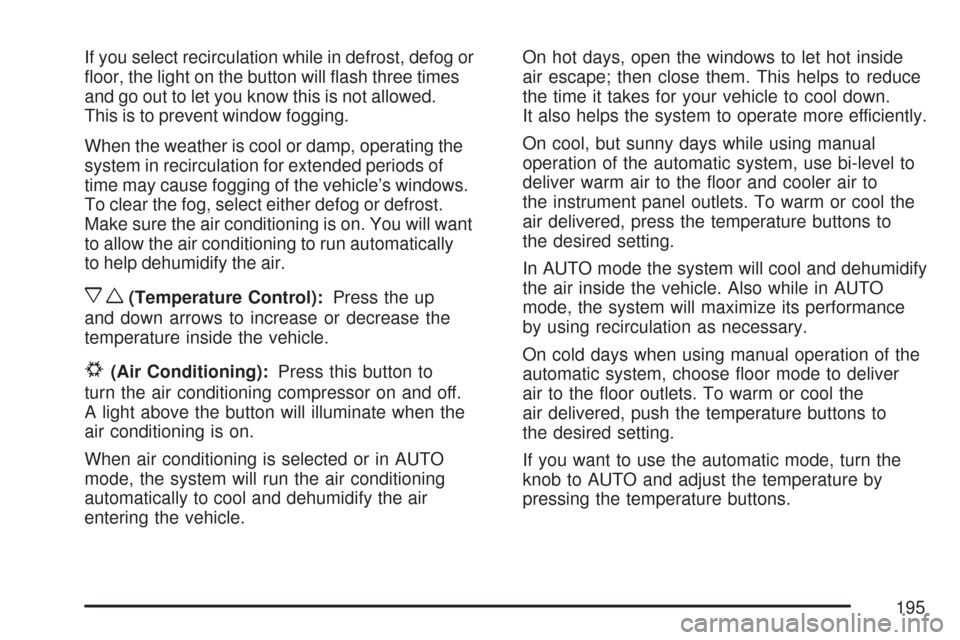
If you select recirculation while in defrost, defog or
oor, the light on the button will ash three times
and go out to let you know this is not allowed.
This is to prevent window fogging.
When the weather is cool or damp, operating the
system in recirculation for extended periods of
time may cause fogging of the vehicle’s windows.
To clear the fog, select either defog or defrost.
Make sure the air conditioning is on. You will want
to allow the air conditioning to run automatically
to help dehumidify the air.
xw(Temperature Control):Press the up
and down arrows to increase or decrease the
temperature inside the vehicle.
#(Air Conditioning):Press this button to
turn the air conditioning compressor on and off.
A light above the button will illuminate when the
air conditioning is on.
When air conditioning is selected or in AUTO
mode, the system will run the air conditioning
automatically to cool and dehumidify the air
entering the vehicle.On hot days, open the windows to let hot inside
air escape; then close them. This helps to reduce
the time it takes for your vehicle to cool down.
It also helps the system to operate more efficiently.
On cool, but sunny days while using manual
operation of the automatic system, use bi-level to
deliver warm air to the oor and cooler air to
the instrument panel outlets. To warm or cool the
air delivered, press the temperature buttons to
the desired setting.
In AUTO mode the system will cool and dehumidify
the air inside the vehicle. Also while in AUTO
mode, the system will maximize its performance
by using recirculation as necessary.
On cold days when using manual operation of the
automatic system, choose oor mode to deliver
air to the oor outlets. To warm or cool the
air delivered, push the temperature buttons to
the desired setting.
If you want to use the automatic mode, turn the
knob to AUTO and adjust the temperature by
pressing the temperature buttons.
195
Page 196 of 510
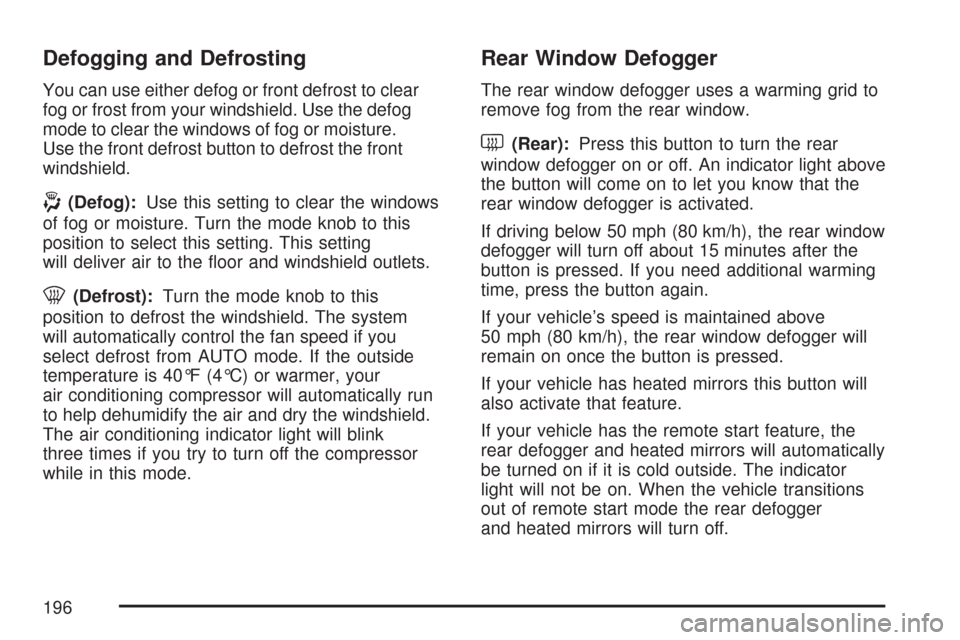
Defogging and Defrosting
You can use either defog or front defrost to clear
fog or frost from your windshield. Use the defog
mode to clear the windows of fog or moisture.
Use the front defrost button to defrost the front
windshield.
-(Defog):Use this setting to clear the windows
of fog or moisture. Turn the mode knob to this
position to select this setting. This setting
will deliver air to the oor and windshield outlets.
0(Defrost):Turn the mode knob to this
position to defrost the windshield. The system
will automatically control the fan speed if you
select defrost from AUTO mode. If the outside
temperature is 40°F (4°C) or warmer, your
air conditioning compressor will automatically run
to help dehumidify the air and dry the windshield.
The air conditioning indicator light will blink
three times if you try to turn off the compressor
while in this mode.
Rear Window Defogger
The rear window defogger uses a warming grid to
remove fog from the rear window.
<(Rear):Press this button to turn the rear
window defogger on or off. An indicator light above
the button will come on to let you know that the
rear window defogger is activated.
If driving below 50 mph (80 km/h), the rear window
defogger will turn off about 15 minutes after the
button is pressed. If you need additional warming
time, press the button again.
If your vehicle’s speed is maintained above
50 mph (80 km/h), the rear window defogger will
remain on once the button is pressed.
If your vehicle has heated mirrors this button will
also activate that feature.
If your vehicle has the remote start feature, the
rear defogger and heated mirrors will automatically
be turned on if it is cold outside. The indicator
light will not be on. When the vehicle transitions
out of remote start mode the rear defogger
and heated mirrors will turn off.
196
Page 207 of 510
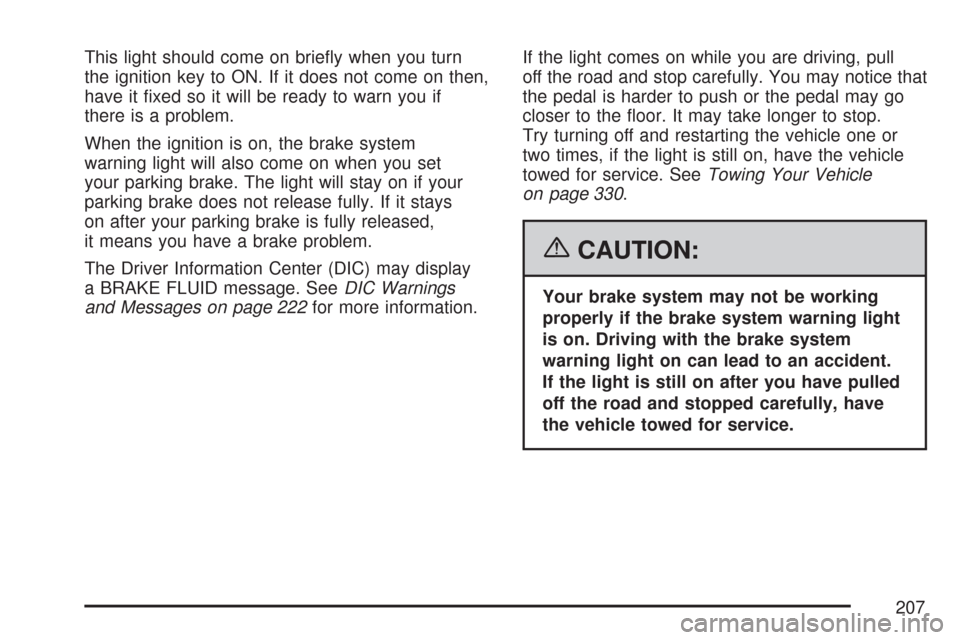
This light should come on briey when you turn
the ignition key to ON. If it does not come on then,
have it xed so it will be ready to warn you if
there is a problem.
When the ignition is on, the brake system
warning light will also come on when you set
your parking brake. The light will stay on if your
parking brake does not release fully. If it stays
on after your parking brake is fully released,
it means you have a brake problem.
The Driver Information Center (DIC) may display
a BRAKE FLUID message. SeeDIC Warnings
and Messages on page 222for more information.If the light comes on while you are driving, pull
off the road and stop carefully. You may notice that
the pedal is harder to push or the pedal may go
closer to the oor. It may take longer to stop.
Try turning off and restarting the vehicle one or
two times, if the light is still on, have the vehicle
towed for service. SeeTowing Your Vehicle
on page 330.
{CAUTION:
Your brake system may not be working
properly if the brake system warning light
is on. Driving with the brake system
warning light on can lead to an accident.
If the light is still on after you have pulled
off the road and stopped carefully, have
the vehicle towed for service.
207
Page 219 of 510
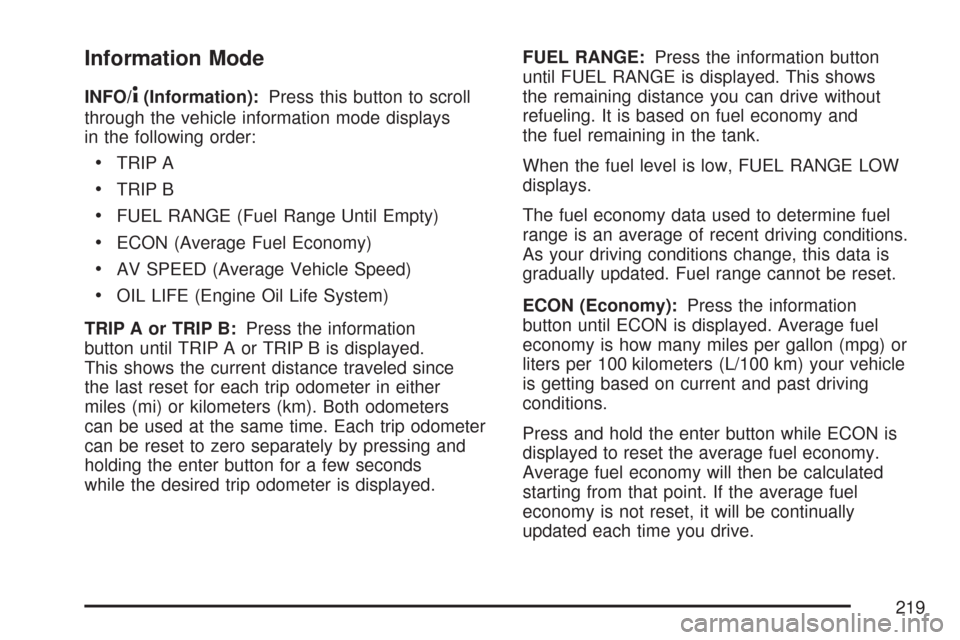
Information Mode
INFO/4(Information):Press this button to scroll
through the vehicle information mode displays
in the following order:
TRIP A
TRIP B
FUEL RANGE (Fuel Range Until Empty)
ECON (Average Fuel Economy)
AV SPEED (Average Vehicle Speed)
OIL LIFE (Engine Oil Life System)
TRIP A or TRIP B:Press the information
button until TRIP A or TRIP B is displayed.
This shows the current distance traveled since
the last reset for each trip odometer in either
miles (mi) or kilometers (km). Both odometers
can be used at the same time. Each trip odometer
can be reset to zero separately by pressing and
holding the enter button for a few seconds
while the desired trip odometer is displayed.FUEL RANGE:Press the information button
until FUEL RANGE is displayed. This shows
the remaining distance you can drive without
refueling. It is based on fuel economy and
the fuel remaining in the tank.
When the fuel level is low, FUEL RANGE LOW
displays.
The fuel economy data used to determine fuel
range is an average of recent driving conditions.
As your driving conditions change, this data is
gradually updated. Fuel range cannot be reset.
ECON (Economy):Press the information
button until ECON is displayed. Average fuel
economy is how many miles per gallon (mpg) or
liters per 100 kilometers (L/100 km) your vehicle
is getting based on current and past driving
conditions.
Press and hold the enter button while ECON is
displayed to reset the average fuel economy.
Average fuel economy will then be calculated
starting from that point. If the average fuel
economy is not reset, it will be continually
updated each time you drive.
219
Page 221 of 510
Exterior Light Flash During Remote Keyless
Entry Locking or Unlocking
Delayed Locking
Automatic Vehicle Unlocking: Specic Doors
Automatic Vehicle Unlocking: When Key is Off
or When Shift To Park
Exterior Perimeter Lighting During Remote
Keyless Entry Unlock
Select Language: (English, French, Spanish
or German)
When the desired option is reached, press the
enter button to toggle between the modes of
that option. To make a selection, press the
MENU button again.If no selection is made within 10 seconds,
the display reverts back to the previous
information displayed.
The MENU mode is exited when the information
button is pressed, a 10 second time period
has elapsed, the ignition is turned to OFF, or the
end of the MENU list is reached.
SeeDIC Vehicle Personalization on page 225for
more information on the personalization options.Enter
ENTER/r(Enter):Press this button to reset
certain functions and to turn off or acknowledge
messages on the DIC display. This button
also toggles through the options available in
each personalization menu.
221
Page 222 of 510
DIC Warnings and Messages
These messages appear if there is a problem
detected in one of your vehicle’s systems.
A message will clear when that condition is no
longer present on the vehicle. To acknowledge a
message and clear it from the display, press
any of the three DIC buttons. If the condition is
still present, the warning message will come back
on the next time the vehicle is turned off and
back on. With most messages, a warning chime
sounds when the message displays. Your
vehicle may have other warning messages.
AUTO (Automatic) LIGHTS OFF:This message
displays if the automatic headlamp system is
disabled with the headlamp switch.
AUTO (Automatic) LIGHTS ON:This message
displays if the automatic headlamp system is
enabled with the headlamp switch.BRAKE FLUID:This message displays to
inform the driver that the brake uid level is low
while the ignition is in ON. The brake system
warning light on the instrument panel cluster
also comes on. SeeBrake System Warning Light
on page 206for more information. Have the
brake system serviced by your dealer/retailer
as soon as possible.
CHANGE OIL SOON:This message displays
when the life of the engine oil has expired and it
should be changed.
When you acknowledge the CHANGE OIL SOON
message by clearing it from the display, you still
must reset the engine oil life system separately.
SeeEngine Oil Life System on page 362,Engine
Oil on page 359, andScheduled Maintenance
on page 460for more information.
222