instrument CHEVROLET MONTE CARLO 2004 User Guide
[x] Cancel search | Manufacturer: CHEVROLET, Model Year: 2004, Model line: MONTE CARLO, Model: CHEVROLET MONTE CARLO 2004Pages: 416, PDF Size: 4.56 MB
Page 81 of 416
Starting and Operating Your
Vehicle
New Vehicle Break-In
Notice:Your vehicle does not need an elaborate
“break-in.” But it will perform better in the long run
if you follow these guidelines:
Do not drive at any one speed — fast or
slow — for the rst 500 miles (805 km). Do not
make full-throttle starts.
Avoid making hard stops for the rst 200 miles
(322 km) or so. During this time your new
brake linings are not yet broken in. Hard stops
with new linings can mean premature wear
and earlier replacement. Follow this breaking-in
guideline every time you get new brake
linings.
Do not tow a trailer during break-in. SeeTowing
a Trailer on page 4-38for more information.
Ignition Positions
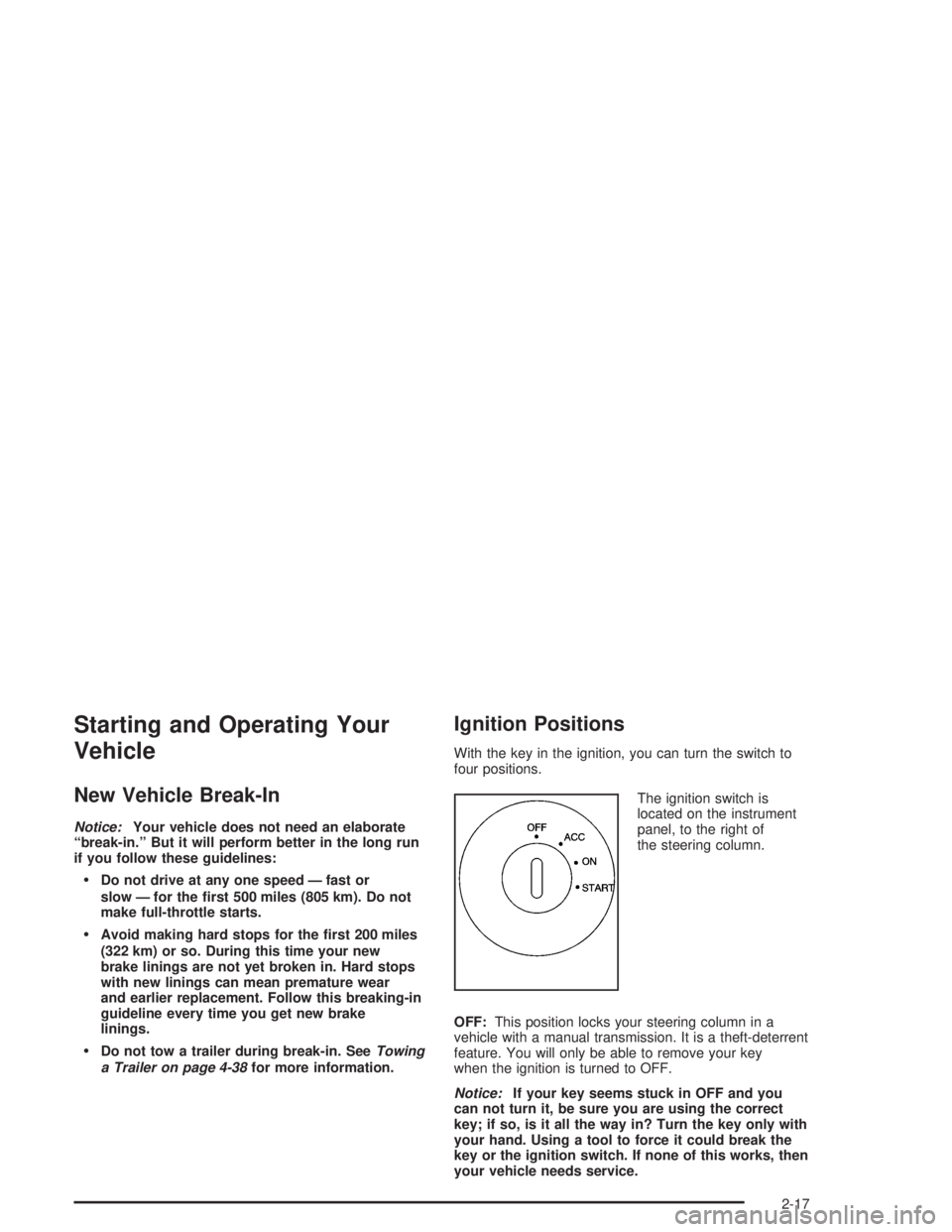
With the key in the ignition, you can turn the switch to
four positions.
The ignition switch is
located on the instrument
panel, to the right of
the steering column.
OFF:This position locks your steering column in a
vehicle with a manual transmission. It is a theft-deterrent
feature. You will only be able to remove your key
when the ignition is turned to OFF.
Notice:If your key seems stuck in OFF and you
can not turn it, be sure you are using the correct
key; if so, is it all the way in? Turn the key only with
your hand. Using a tool to force it could break the
key or the ignition switch. If none of this works, then
your vehicle needs service.
2-17
Page 82 of 416

ACC (ACCESSORY):This is the position in which you
can operate your electrical accessories. With the key
in this position, the ignition and automatic transaxle will
unlock.
ON:This is the position to which the switch returns after
you start the engine and release the switch. The switch
stays in ON while the engine is running. But even when
the engine is not running, you can use ON to operate
your electrical accessories and to display some
instrument panel cluster messages and warning lights.
START:This position starts the engine. When the
engine starts, release the key. The ignition switch will
return to ON for normal driving.
While the engine is not running, ACC and ON allow you
to operate your electrical accessories, such as the radio.
A warning chime will sound if you open the driver’s door
while the ignition is in OFF or ACC and the key is in
the ignition.
Retained Accessory Power (RAP)
With Retained Accessory Power (RAP), your power
windows, audio system and sunroof (option) will
continue to work for up to 10 minutes after the ignition is
turned to OFF and none of the doors is opened.
Starting Your Engine
Move your shift lever to PARK (P) or NEUTRAL (N).
Your engine won’t start in any other position — that’s a
safety feature. To restart when you’re already moving,
use NEUTRAL (N) only.
Notice:Shifting into PARK (P) with the vehicle
moving could damage the transaxle. Shift into
PARK (P) only when your vehicle is stopped.
Starting Your 3400 V6 Engine
1. With your foot off the accelerator pedal, turn your
ignition key to START. When the engine starts, let
go of the key. The idle speed will go down as
your engine warms up.
Notice:Holding your key in START for longer than
15 seconds at a time will cause your battery to
be drained much sooner. And the excessive heat
can damage your starter motor. Wait about 15
seconds between each try to help avoid draining
your battery or damaging your starter.
2. If the engine doesn’t start in 10 seconds, push the
accelerator pedal about one-quarter of the way
down while you turn the key to START. Do this until
the engine starts. As soon as it does, let go of
the key.
2-18
Page 86 of 416
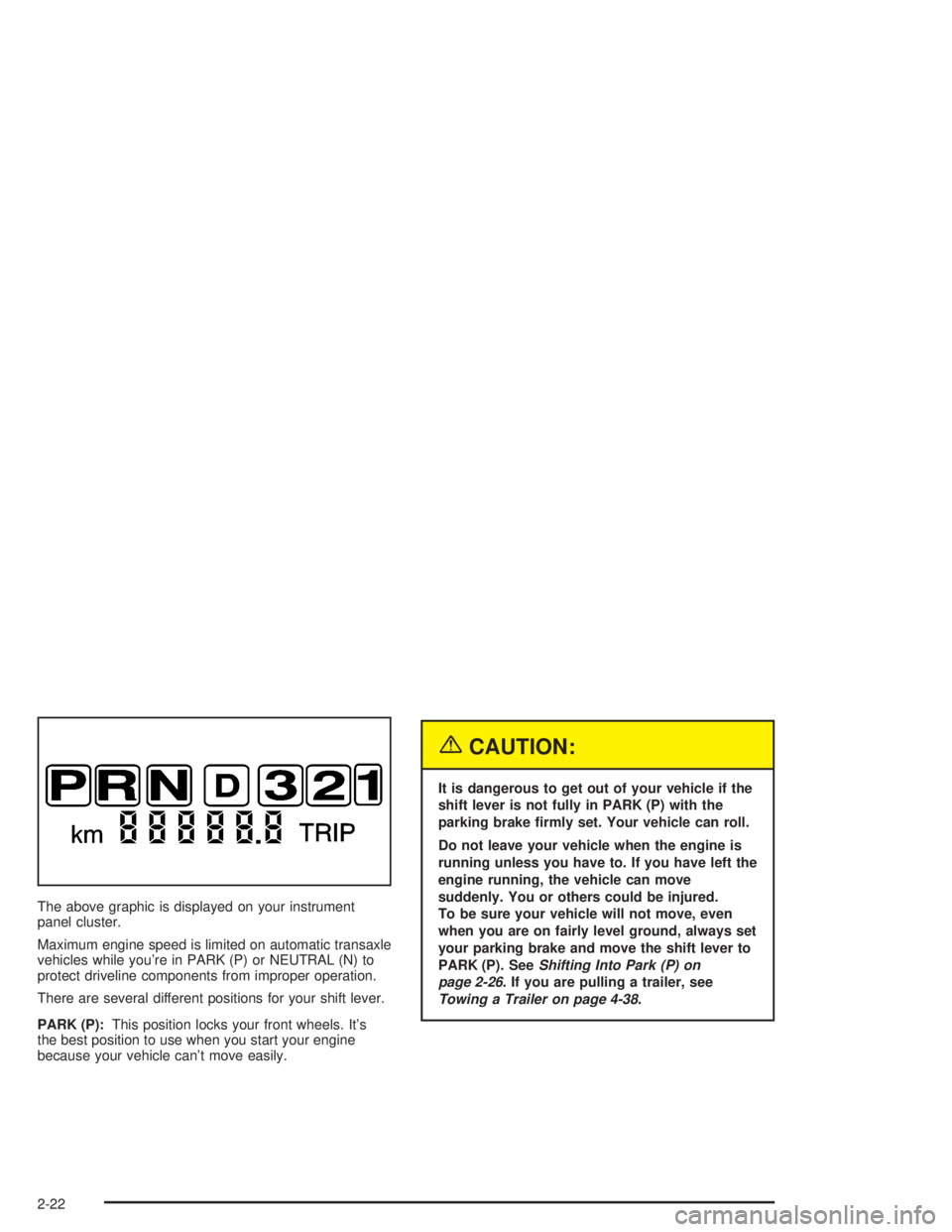
The above graphic is displayed on your instrument
panel cluster.
Maximum engine speed is limited on automatic transaxle
vehicles while you’re in PARK (P) or NEUTRAL (N) to
protect driveline components from improper operation.
There are several different positions for your shift lever.
PARK (P):This position locks your front wheels. It’s
the best position to use when you start your engine
because your vehicle can’t move easily.
{CAUTION:
It is dangerous to get out of your vehicle if the
shift lever is not fully in PARK (P) with the
parking brake rmly set. Your vehicle can roll.
Do not leave your vehicle when the engine is
running unless you have to. If you have left the
engine running, the vehicle can move
suddenly. You or others could be injured.
To be sure your vehicle will not move, even
when you are on fairly level ground, always set
your parking brake and move the shift lever to
PARK (P). SeeShifting Into Park (P) on
page 2-26. If you are pulling a trailer, see
Towing a Trailer on page 4-38.
2-22
Page 107 of 416
SETTINGS (Display Current Settings)
This displays all current settings.
OIL LIFE (GM Oil Life System Reset)
This feature allows you to reset the GM Oil Life System
Monitor after an oil change. SeeEngine Oil on
page 5-18. Be careful not to reset the OIL LIFE system
at any time other than when the oil has been changed.
To clear the CHANGE ENGINE OIL light from the
instrument panel cluster and reset the oil life system, do
the following:
1. Scroll, using the SEEK PSCAN up or down arrows,
until OIL LIFE appears on the display.
2. Press the 1 PREV or 2 NEXT button to enter the
submenu. RESET will then be displayed.
3. Press the TUNE DISP knob to reset. A chime will
be heard to verify the new setting and DONE will
be displayed for one second.
The CHANGE ENGINE OIL light is now reset. You can
either exit the programming mode by following the
instructions later in this section or program the next
feature available on your vehicle.
TIRE MON (Tire Ination Monitor Reset)
This feature allows you to reset the tire pressure
monitor after checking all tire pressures. SeeTires on
page 5-65. To clear the LOW TIRE PRESSURE
light from the instrument panel cluster and reset the low
tire pressure monitor, do the following:
1. Scroll, using the SEEK PSCAN up or down arrows,
until TIRE MON appears on the display.
2. Press the 1 PREV or 2 NEXT button to enter the
submenu. RESET will be displayed.
3. Press the TUNE DISP button to reset. A chime will
be heard to verify the new setting and DONE will
be displayed for one second.
The low tire pressure monitor is now reset. You can
either exit the programming mode by following the
instructions later in this section or program the next
feature available on your vehicle.
2-43
Page 115 of 416
Instrument Panel Overview...............................3-3
Hazard Warning Flashers................................3-5
Other Warning Devices...................................3-5
Horn.............................................................3-6
Tilt Wheel.....................................................3-6
Turn Signal/Multifunction Lever.........................3-6
Cruise Control..............................................3-10
Exterior Lamps.............................................3-13
Interior Lamps..............................................3-15
Accessory Power Outlets...............................3-18
Ashtrays and Cigarette Lighter........................3-19
Climate Controls............................................3-20
Dual Climate Control System..........................3-20
Passenger Compartment Air Filter...................3-26
Warning Lights, Gages and Indicators.............3-27
Instrument Panel Cluster................................3-28
Speedometer and Odometer...........................3-31
Tachometer.................................................3-32
Safety Belt Reminder Light.............................3-32
Air Bag Readiness Light................................3-33
Voltmeter Gage............................................3-34
Brake System Warning Light..........................3-34
Anti-Lock Brake System Warning Light.............3-36Traction Control System (TCS) Warning Light . . .3-36
Engine Coolant Temperature Gage..................3-37
Malfunction Indicator Lamp.............................3-38
Oil Pressure Indicator Light............................3-40
Cruise Control Light......................................3-41
Fuel Gage...................................................3-42
Message Center.............................................3-43
Service Traction System Warning Message......3-43
Traction Active Message................................3-43
Battery Warning Message..............................3-44
Hot Coolant Temperature Warning Message.....3-44
Low Oil Pressure Message............................3-45
Low Engine Oil Level Message.......................3-45
Change Engine Oil Message..........................3-46
Low Tire Message........................................3-46
Door Ajar Warning Message...........................3-47
Trunk Ajar Warning Message.........................3-47
Security Message.........................................3-48
Low Washer Fluid Warning Message...............3-48
Low Fuel Warning Message...........................3-49
Low Brake Fluid Warning Message.................3-49
Service Vehicle Soon Message.......................3-50
Highbeam Out Warning Message....................3-50
Section 3 Instrument Panel
3-1
Page 116 of 416
Driver Information Center (DIC).......................3-51
Trip Computer................................................3-53
Audio System(s).............................................3-54
Setting the Time...........................................3-54
Radio with Cassette......................................3-55
Radio with CD..............................................3-66
Radio with Cassette and CD..........................3-77
Theft-Deterrent Feature..................................3-90
Audio Steering Wheel Controls.......................3-91Understanding Radio Reception......................3-92
Care of Your Cassette Tape Player.................3-92
Care of Your CDs.........................................3-93
Care of Your CD Player................................3-94
Backglass Antenna.......................................3-94
XM™ Satellite Radio Antenna System
(48 Contiguous US States).........................3-95
Vehicle Customization Settings.......................3-95
Chime Level Adjustment................................3-95
Section 3 Instrument Panel
3-2
Page 118 of 416
Instrument Panel Overview
3-4
Page 119 of 416
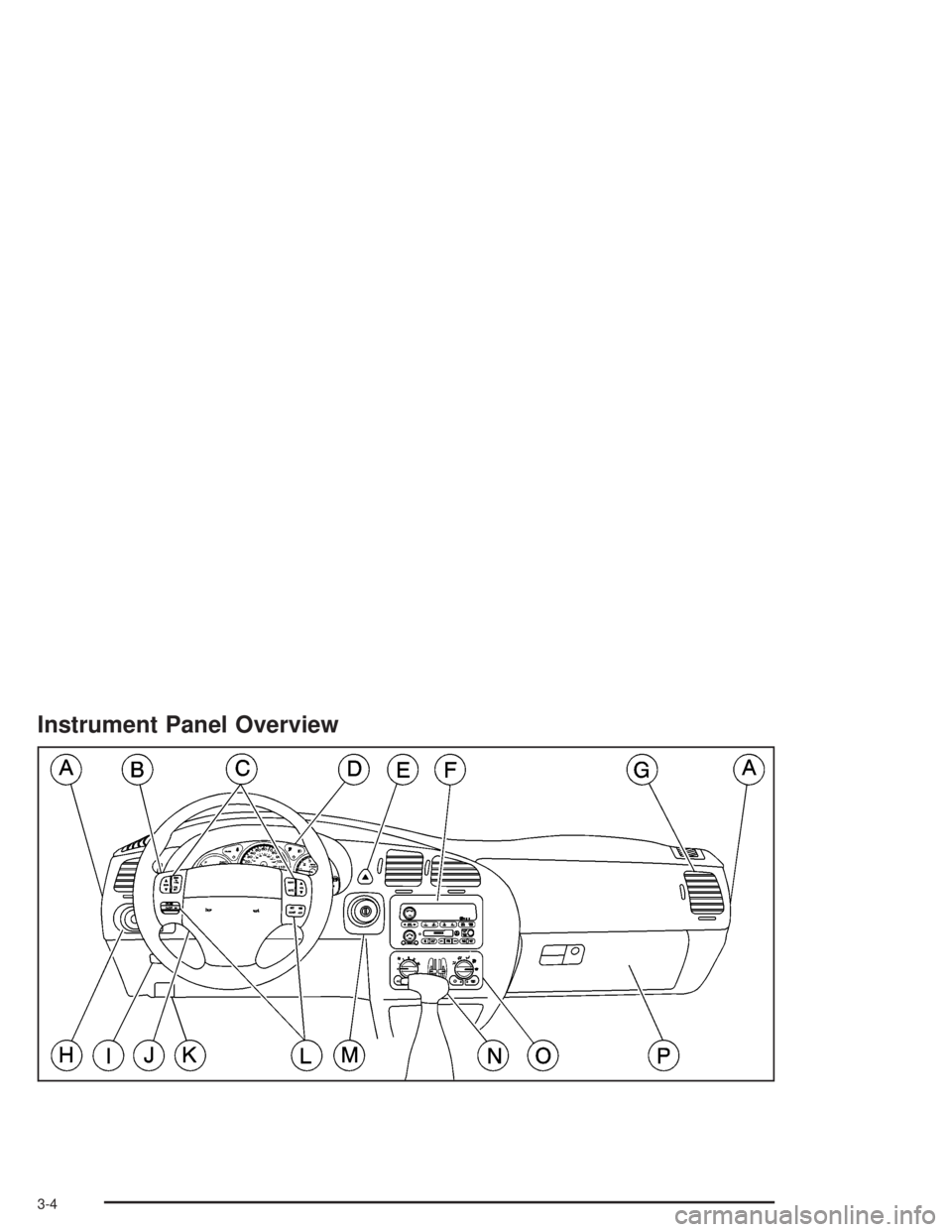
The main components of your instrument panel are listed here:
A. Instrument Panel Fuse Block. See “Instrument Panel
Fuse Block” underFuses and Circuit Breakers on
page 5-104.
B. Turn Signal/Multifunction Lever. SeeTurn
Signal/Multifunction Lever on page 3-7.
C. Audio Steering Wheel Controls (If Equipped).
SeeAudio Steering Wheel Controls on page 3-92.
D. Instrument Panel Cluster. SeeInstrument Panel
Cluster on page 3-29.
E. Hazard Warning Flasher Button. SeeHazard
Warning Flashers on page 3-6.
F. Audio System. SeeAudio System(s) on page 3-55.
G. Air Outlet. See “Outlet Adjustment” underDual
Climate Control System on page 3-21.
H. Exterior Lamps Control. SeeExterior Lamps on
page 3-14.I. Remote Trunk Release. See “Remote Trunk
Release” underTrunk on page 2-10.
J. Tilt Steering Wheel Lever. SeeTilt Wheel on
page 3-7.
K. Hood Release. SeeHood Release on page 5-10.
L. Steering Wheel Cruise Contol (If Equipped).
SeeCruise Control on page 3-11.
M. Ignition Switch. See “Ignition Positions” under
New Vehicle Break-In on page 2-17.
N. Automatic Transaxle Shift Lever. SeeAutomatic
Transaxle Operation on page 2-21.
O. Climate Controls. SeeDual Climate Control System
on page 3-21.
P. Glove Box. SeeGlove Box on page 2-40.
3-5
Page 120 of 416
Hazard Warning Flashers
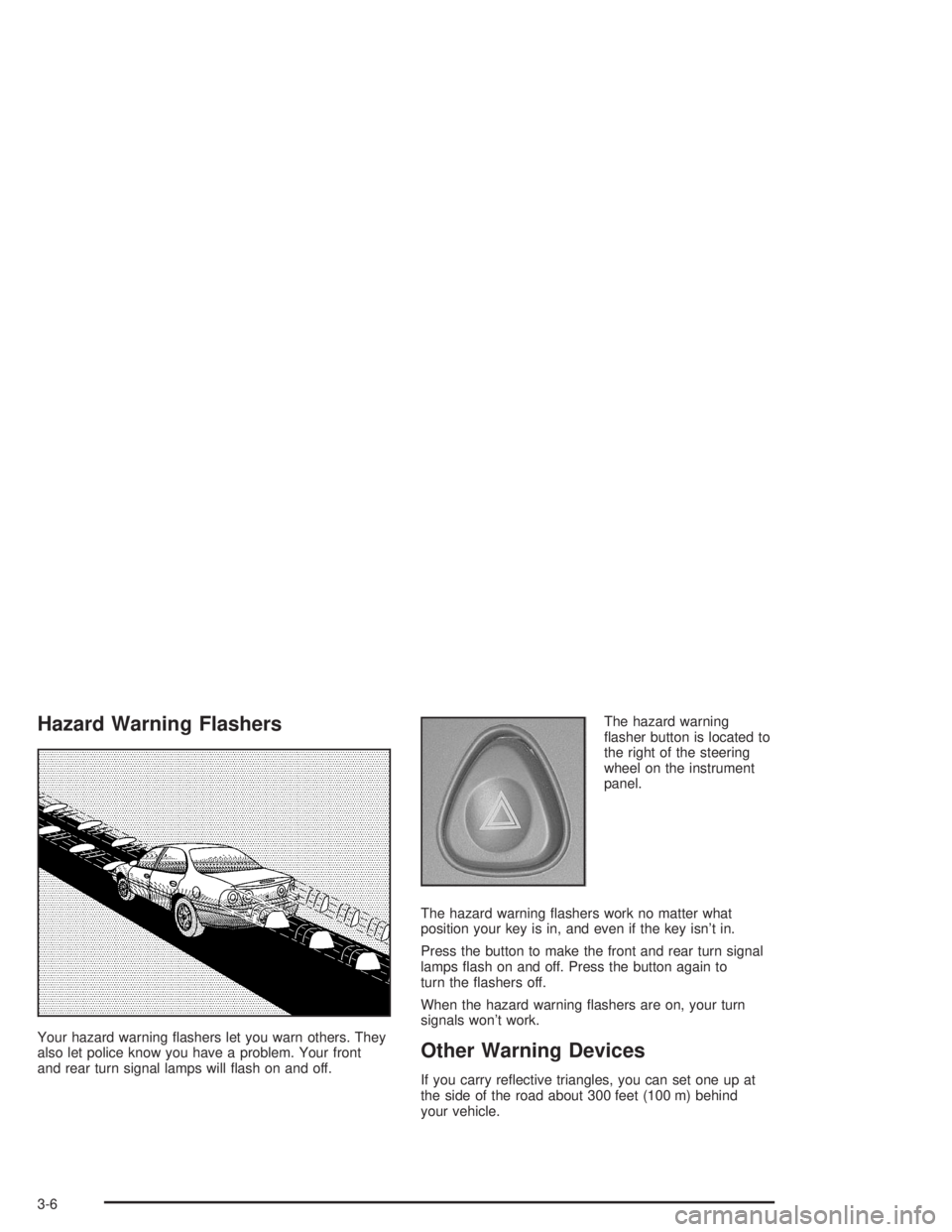
Your hazard warning ashers let you warn others. They
also let police know you have a problem. Your front
and rear turn signal lamps will ash on and off.The hazard warning
asher button is located to
the right of the steering
wheel on the instrument
panel.
The hazard warning ashers work no matter what
position your key is in, and even if the key isn’t in.
Press the button to make the front and rear turn signal
lamps ash on and off. Press the button again to
turn the ashers off.
When the hazard warning ashers are on, your turn
signals won’t work.Other Warning Devices
If you carry reective triangles, you can set one up at
the side of the road about 300 feet (100 m) behind
your vehicle.
3-6
Page 122 of 416
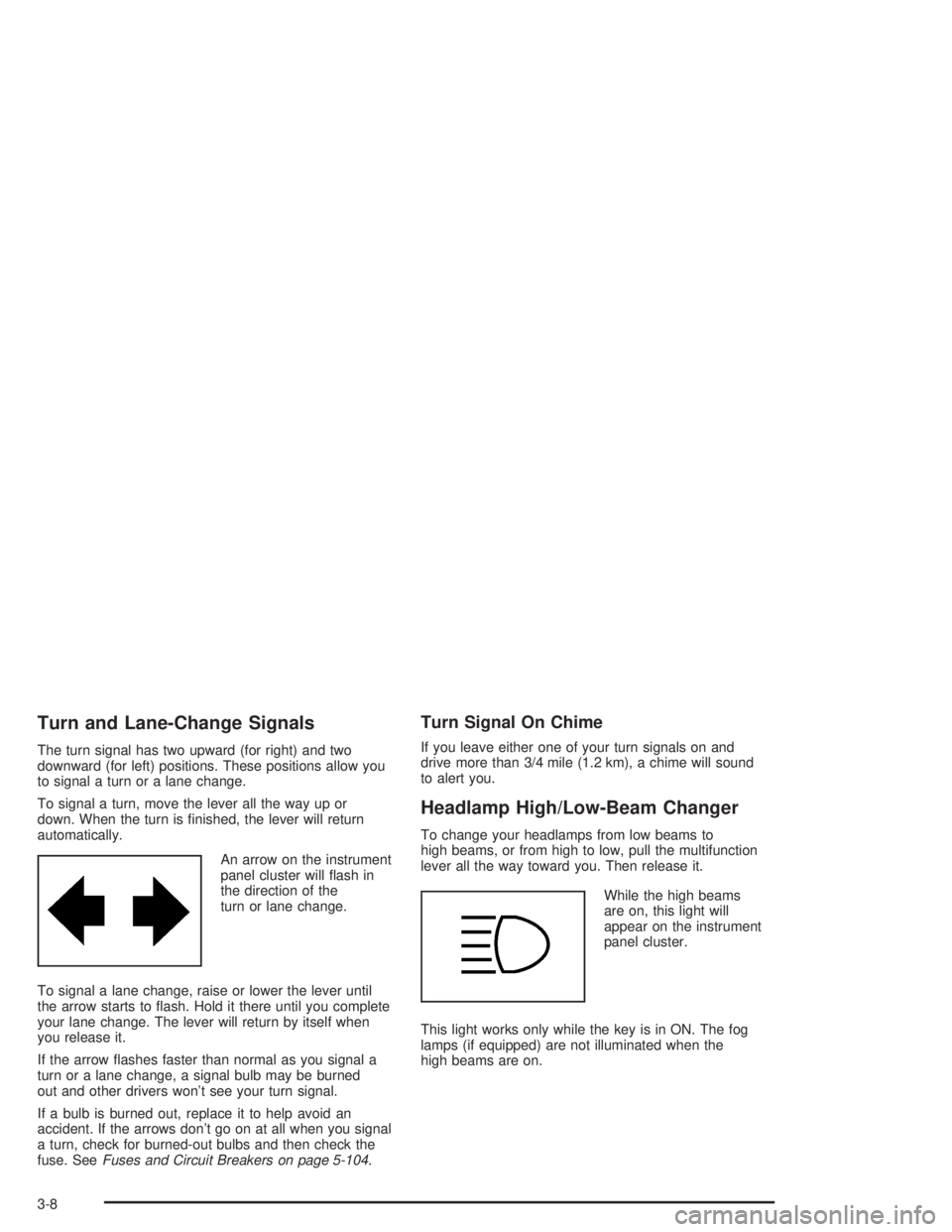
Turn and Lane-Change Signals
The turn signal has two upward (for right) and two
downward (for left) positions. These positions allow you
to signal a turn or a lane change.
To signal a turn, move the lever all the way up or
down. When the turn is nished, the lever will return
automatically.
An arrow on the instrument
panel cluster will ash in
the direction of the
turn or lane change.
To signal a lane change, raise or lower the lever until
the arrow starts to ash. Hold it there until you complete
your lane change. The lever will return by itself when
you release it.
If the arrow ashes faster than normal as you signal a
turn or a lane change, a signal bulb may be burned
out and other drivers won’t see your turn signal.
If a bulb is burned out, replace it to help avoid an
accident. If the arrows don’t go on at all when you signal
a turn, check for burned-out bulbs and then check the
fuse. SeeFuses and Circuit Breakers on page 5-104.
Turn Signal On Chime
If you leave either one of your turn signals on and
drive more than 3/4 mile (1.2 km), a chime will sound
to alert you.
Headlamp High/Low-Beam Changer
To change your headlamps from low beams to
high beams, or from high to low, pull the multifunction
lever all the way toward you. Then release it.
While the high beams
are on, this light will
appear on the instrument
panel cluster.
This light works only while the key is in ON. The fog
lamps (if equipped) are not illuminated when the
high beams are on.
3-8