CD changer CHEVROLET MONTE CARLO 2007 6.G Owners Manual
[x] Cancel search | Manufacturer: CHEVROLET, Model Year: 2007, Model line: MONTE CARLO, Model: CHEVROLET MONTE CARLO 2007 6.GPages: 456, PDF Size: 2.43 MB
Page 143 of 456
Instrument Panel Overview........................ 146
Hazard Warning Flashers.......................... 148
Other Warning Devices............................. 148
Horn.......................................................... 148
Tilt Wheel.................................................. 148
Turn Signal/Multifunction Lever.................. 149
Turn and Lane-Change Signals................. 150
Headlamp High/Low-Beam Changer.......... 151
Flash-to-Pass............................................ 151
Windshield Wipers..................................... 151
Windshield Washer.................................... 152
Cruise Control........................................... 153
Exterior Lamps.......................................... 156
Delayed Headlamps.................................. 157
Daytime Running Lamps (DRL)/
Automatic Headlamp System.................. 158
Fog Lamps................................................ 158
Instrument Panel Brightness...................... 159
Courtesy Lamps........................................ 159
Dome Lamp.............................................. 159
Entry Lighting............................................ 160
Delayed Entry Lighting.............................. 160
Delayed Exit Lighting................................. 160
Parade Dimming........................................ 161Reading Lamps......................................... 161
Electric Power Management...................... 161
Battery Run-Down Protection..................... 162
Accessory Power Outlet(s)........................ 162
Ashtray(s) and Cigarette Lighter................ 164
Climate Controls......................................... 164
Climate Control System............................. 164
Outlet Adjustment...................................... 168
Passenger Compartment Air Filter............. 169
Warning Lights, Gages, and Indicators..... 170
Instrument Panel Cluster........................... 171
Speedometer and Odometer...................... 172
Tachometer............................................... 172
Safety Belt Reminder Light........................ 173
Passenger Safety Belt Reminder Light....... 173
Airbag Readiness Light............................. 174
Passenger Airbag Status Indicator............. 175
Charging System Light.............................. 177
Brake System Warning Light..................... 177
Anti-Lock Brake System Warning Light...... 178
Traction Control System (TCS)
Warning Light........................................ 179
Engine Coolant Temperature
Warning Light........................................ 179
Section 3 Instrument Panel
143
Page 149 of 456
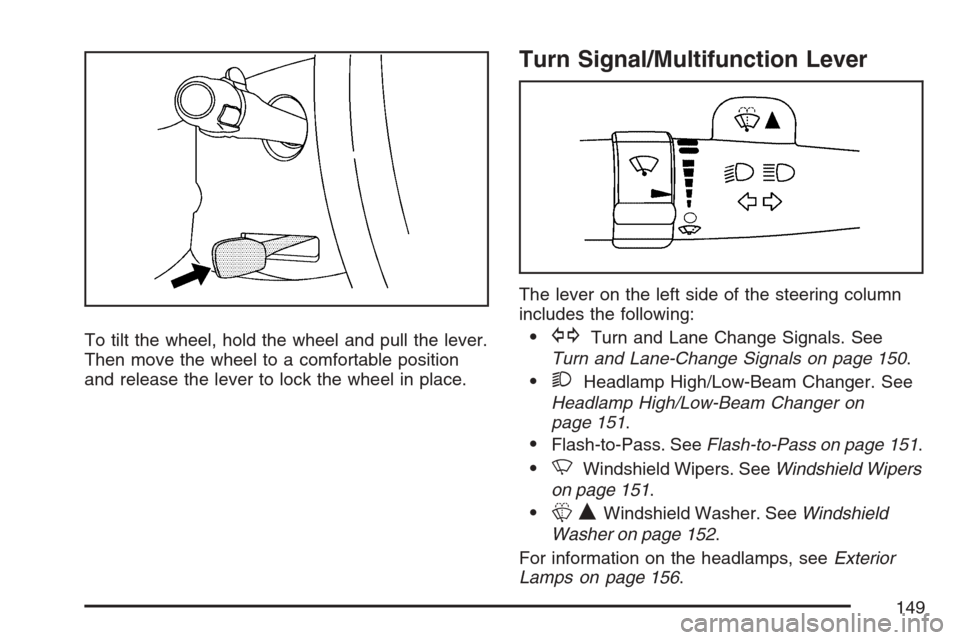
To tilt the wheel, hold the wheel and pull the lever.
Then move the wheel to a comfortable position
and release the lever to lock the wheel in place.
Turn Signal/Multifunction Lever
The lever on the left side of the steering column
includes the following:
GTurn and Lane Change Signals. See
Turn and Lane-Change Signals on page 150.
2Headlamp High/Low-Beam Changer. See
Headlamp High/Low-Beam Changer on
page 151.
Flash-to-Pass. SeeFlash-to-Pass on page 151.
NWindshield Wipers. SeeWindshield Wipers
on page 151.
LQWindshield Washer. SeeWindshield
Washer on page 152.
For information on the headlamps, seeExterior
Lamps on page 156.
149
Page 151 of 456
Headlamp High/Low-Beam Changer
To change your headlamps from low beams to high
beams, or from high to low, pull the multifunction
lever all the way toward you. Then release it.
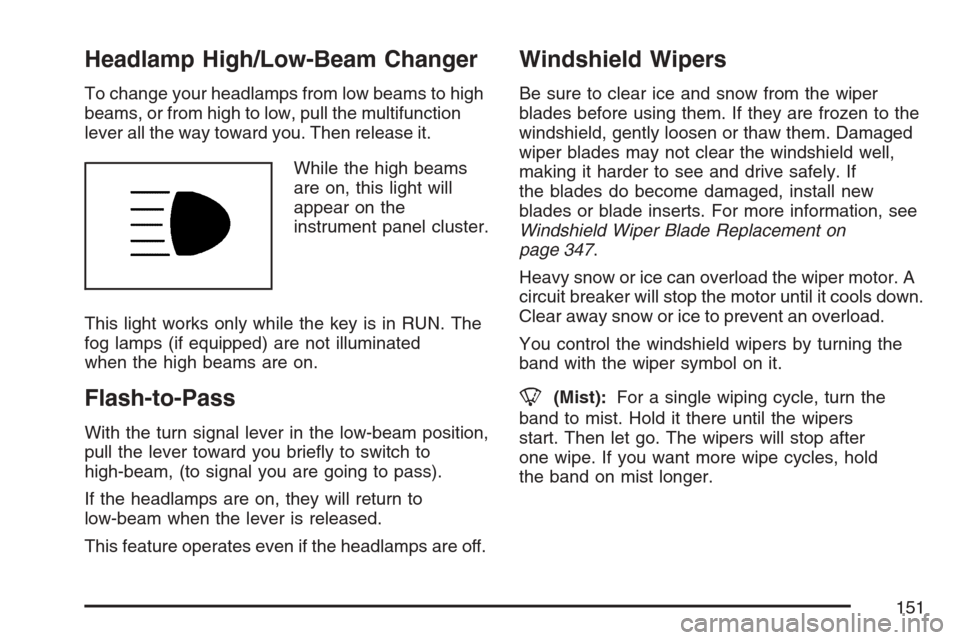
While the high beams
are on, this light will
appear on the
instrument panel cluster.
This light works only while the key is in RUN. The
fog lamps (if equipped) are not illuminated
when the high beams are on.
Flash-to-Pass
With the turn signal lever in the low-beam position,
pull the lever toward you briey to switch to
high-beam, (to signal you are going to pass).
If the headlamps are on, they will return to
low-beam when the lever is released.
This feature operates even if the headlamps are off.
Windshield Wipers
Be sure to clear ice and snow from the wiper
blades before using them. If they are frozen to the
windshield, gently loosen or thaw them. Damaged
wiper blades may not clear the windshield well,
making it harder to see and drive safely. If
the blades do become damaged, install new
blades or blade inserts. For more information, see
Windshield Wiper Blade Replacement on
page 347.
Heavy snow or ice can overload the wiper motor. A
circuit breaker will stop the motor until it cools down.
Clear away snow or ice to prevent an overload.
You control the windshield wipers by turning the
band with the wiper symbol on it.
8(Mist):For a single wiping cycle, turn the
band to mist. Hold it there until the wipers
start. Then let go. The wipers will stop after
one wipe. If you want more wipe cycles, hold
the band on mist longer.
151
Page 185 of 456
Fog Lamp Light
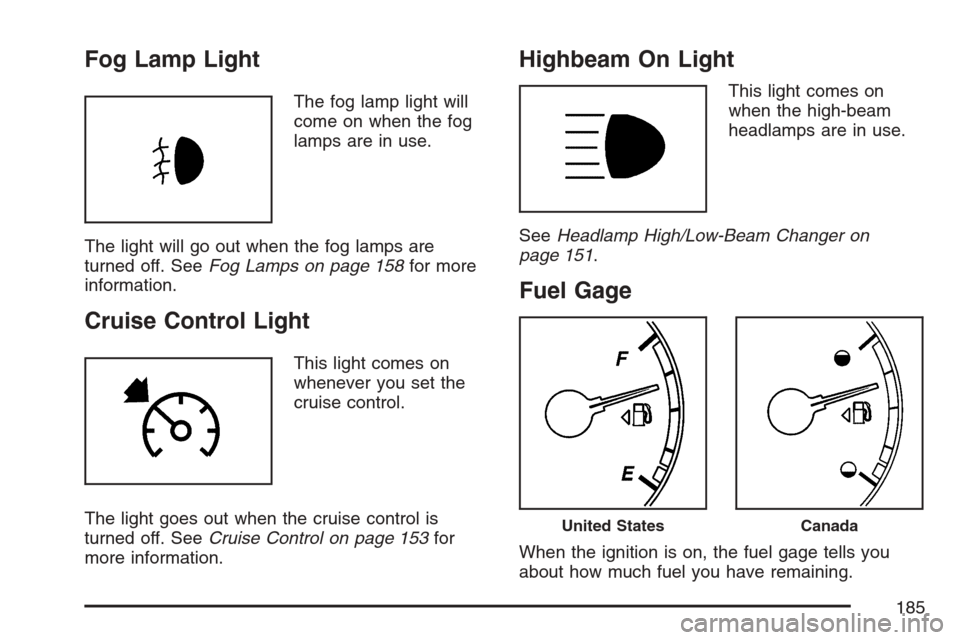
The fog lamp light will
come on when the fog
lamps are in use.
The light will go out when the fog lamps are
turned off. SeeFog Lamps on page 158for more
information.
Cruise Control Light
This light comes on
whenever you set the
cruise control.
The light goes out when the cruise control is
turned off. SeeCruise Control on page 153for
more information.
Highbeam On Light
This light comes on
when the high-beam
headlamps are in use.
SeeHeadlamp High/Low-Beam Changer on
page 151.
Fuel Gage
When the ignition is on, the fuel gage tells you
about how much fuel you have remaining.
United StatesCanada
185
Page 219 of 456

CD Messages
CHECK DISC:If an error message displays
and/or the CD ejects, it could be for one of the
following reasons:
It is very hot. When the temperature returns to
normal, the CD should play.
You are driving on a very rough road.
When the road becomes smoother, the CD
should play.
The CD is dirty, scratched, wet, or
upside down.
The air is very humid. If so, wait about an
hour and try again.
There could have been a problem while
burning the CD-R.
The label could be caught in the CD player.
If the CD is not playing correctly, for any
other reason, try a known good CD.
If any error occurs repeatedly or if an error cannot
be corrected, contact your dealer. If the radio
displays an error message, write it down
and provide it to your dealer while reporting
the problem.
Using the Auxiliary Input Jack
Your radio system has an auxiliary input jack
located on the lower right side of the faceplate.
This is not an audio output; do not plug the
headphone set into the front auxiliary input jack.
You can however, connect an external audio
device such as an iPod, laptop computer, MP3
player, CD changer, or cassette tape player, etc. to
the auxiliary input jack for use as another source
for audio listening.
Drivers are encouraged to set up any auxiliary
device while the vehicle is in PARK (P). See
Defensive Driving on page 246for more
information on driver distraction.
To use a portable audio player, connect a 3.5 mm
(1/8 inch) cable to the radio’s front auxiliary
input jack. When a device is connected, press the
radio CD/AUX button to begin playing audio
from the device over the vehicle speakers.
219
Page 230 of 456
CD Messages
CHECK DISC:If an error message displays
and/or the CD comes out, it could be for one of
the following reasons:
It is very hot. When the temperature returns to
normal, the CD should play.
You are driving on a very rough road.
When the road becomes smoother, the CD
should play.
The CD is dirty, scratched, wet, or
upside down.
The air is very humid. If so, wait about an
hour and try again.
There could have been a problem while
burning the CD.
The label could be caught in the CD player.
If the CD is not playing correctly, for any
other reason, try a known good CD.
If any error occurs repeatedly or if an error cannot
be corrected, contact your dealer. If the radio
displays an error message, write it down and
provide it to your dealer while reporting the
problem.
Using the Auxiliary Input Jack
Your radio system has an auxiliary input jack
located on the lower right side of the faceplate.
This is not an audio output; do not plug the
headphone set into the front auxiliary input jack.
You can however, connect an external audio
device such as an iPod, laptop computer, MP3
player, CD changer, or cassette tape player, etc. to
the auxiliary input jack for use as another source
for audio listening.
Drivers are encouraged to set up any auxiliary
device while the vehicle is in PARK (P). See
Defensive Driving on page 246for more
information on driver distraction.
To use a portable audio player, connect a 3.5 mm
(1/8 inch) cable to the radio’s front auxiliary
input jack. When a device is connected, press the
radio CD/AUX button to begin playing audio
from the device over the vehicle speakers.
O(Power/Volume):Turn this knob clockwise or
counterclockwise to increase or decrease the
volume of the portable player. You might need to
make additional volume adjustments from the
portable device.
230
Page 448 of 456
Fuel............................................................ 298
Additives.................................................. 300
California Fuel.......................................... 299
E85 (85% Ethanol)................................... 301
Filling a Portable Fuel Container.............. 305
Filling Your Tank...................................... 303
Fuels in Foreign Countries....................... 302
Gage....................................................... 185
Gasoline Octane...................................... 298
Gasoline Specications............................ 299
Fuses
Fuses and Circuit Breakers...................... 395
Instrument Panel Fuse Block................... 396
Underhood Fuse Block............................. 397
Windshield Wiper..................................... 395
G
Gage
Engine Coolant Temperature.................... 180
Fuel......................................................... 185
Speedometer........................................... 172
Tachometer.............................................. 172
Garage Door Opener..........................129, 130
Gasoline
Octane..................................................... 298
Specications........................................... 299Gasoline (cont.)
Glove Box................................................... 140
GM Mobility Reimbursement Program.......... 427
H
Hazard Warning Flashers............................ 148
Head Restraints............................................ 13
Headlamp
Aiming..................................................... 342
Headlamp Wiring......................................... 395
Headlamps
Bulb Replacement.................................... 342
Daytime Running Lamps/Automatic
Headlamp System................................ 158
Delayed................................................... 157
Flash-to-Pass........................................... 151
Halogen Bulbs......................................... 342
Headlamps, Front Turn Signal,
Sidemarker, and Parking Lamps........... 343
High/Low Beam Changer ......................... 151
Heated Seats................................................ 10
Heater......................................................... 164
Highbeam On Light..................................... 185
Highway Hypnosis....................................... 268
Hill and Mountain Roads............................. 268
448