instrument panel CHEVROLET OPTRA 2004 1.G User Guide
[x] Cancel search | Manufacturer: CHEVROLET, Model Year: 2004, Model line: OPTRA, Model: CHEVROLET OPTRA 2004 1.GPages: 346, PDF Size: 2.38 MB
Page 81 of 346
Liftgate (Hatchback)
{CAUTION:
It can be dangerous to drive with the liftgate
open because carbon monoxide (CO) gas can
come into your vehicle. You can’t see or smell
CO. It can cause unconsciousness and even
death. If you must drive with the liftgate open
or if electrical wiring or other cable
connections must pass through the seal
between the body and the liftgate:
Make sure all other windows are shut.
Turn the fan on your heating or cooling
system to its highest speed and select the
control setting that will force outside air
into your vehicle. SeeClimate Control
System on page 3-19.
If you have air outlets on or under the
instrument panel, open them all the way.
SeeEngine Exhaust on page 2-33.To unlock the liftgate on your hatchback from outside of
the vehicle, insert the key into the lock cylinder and
turn it clockwise or use the remote keyless entry
transmitter if your vehicle has one. Then pull up the
handle above the license plate to open the liftgate.
When closing the liftgate, close from the center to ensure
it fully latches. Although you may use one hand to unlock
the liftgate, it is recommended that two hands on the
upper surface be used to close the liftgate.
To lock the liftgate, insert the key into the lock cylinder
and turn it counterclockwise.
2-13
Page 87 of 346
Notice:If your key seems stuck in LOCK and you
can not turn it, be sure you are using the correct
key; if so, is it all the way in? If it is, then turn the
steering wheel left and right while you turn the
key hard. Turn the key only with your hand. Using a
tool to force it could break the key or the ignition
switch. If none of these works, then your vehicle
needs service.
LOCK:This position locks your steering wheel, ignition,
shift lever and transaxle. This is the only position in which
you can insert or remove the key. For easier key
operation when unlocking the steering wheel, move the
steering wheel from right to left and turn the key to ACC.
ACC (ACCESSORY):This position operates some of
your electrical accessories, such as the radio, but
not the ventilation fan.
ON:This is the position to which the switch returns
after you start your engine and release the key.
The switch stays in ON when the engine is running. But
even when the engine is not running, you can use
ON to operate your electrical accessories, and to display
some instrument panel warning lights.START:This position starts the engine. When the
engine starts, release the key. The switch will return to
ON for normal driving. Do not turn the key to START
if the engine is running.
Even if the engine is not running, ACC and ON allow
you to operate electrical accessories, such as the radio.
Starting Your Engine
Automatic Transaxle
Move your shift lever to PARK (P) or NEUTRAL (N).
Your engine won’t start in any other position — that’s a
safety feature. To restart when you’re already moving,
use NEUTRAL (N) only.
Notice:Shifting into PARK (P) with the vehicle
moving could damage the transaxle. Shift into
PARK (P) only when your vehicle is stopped.
Manual Transaxle
The gear selector should be in neutral and the parking
brake engaged. Hold the clutch pedal to the floor
and start the engine. Your vehicle won’t start if the clutch
pedal is not all the way down – that’s a safety feature.
2-19
Page 91 of 346
Automatic Transaxle Operation
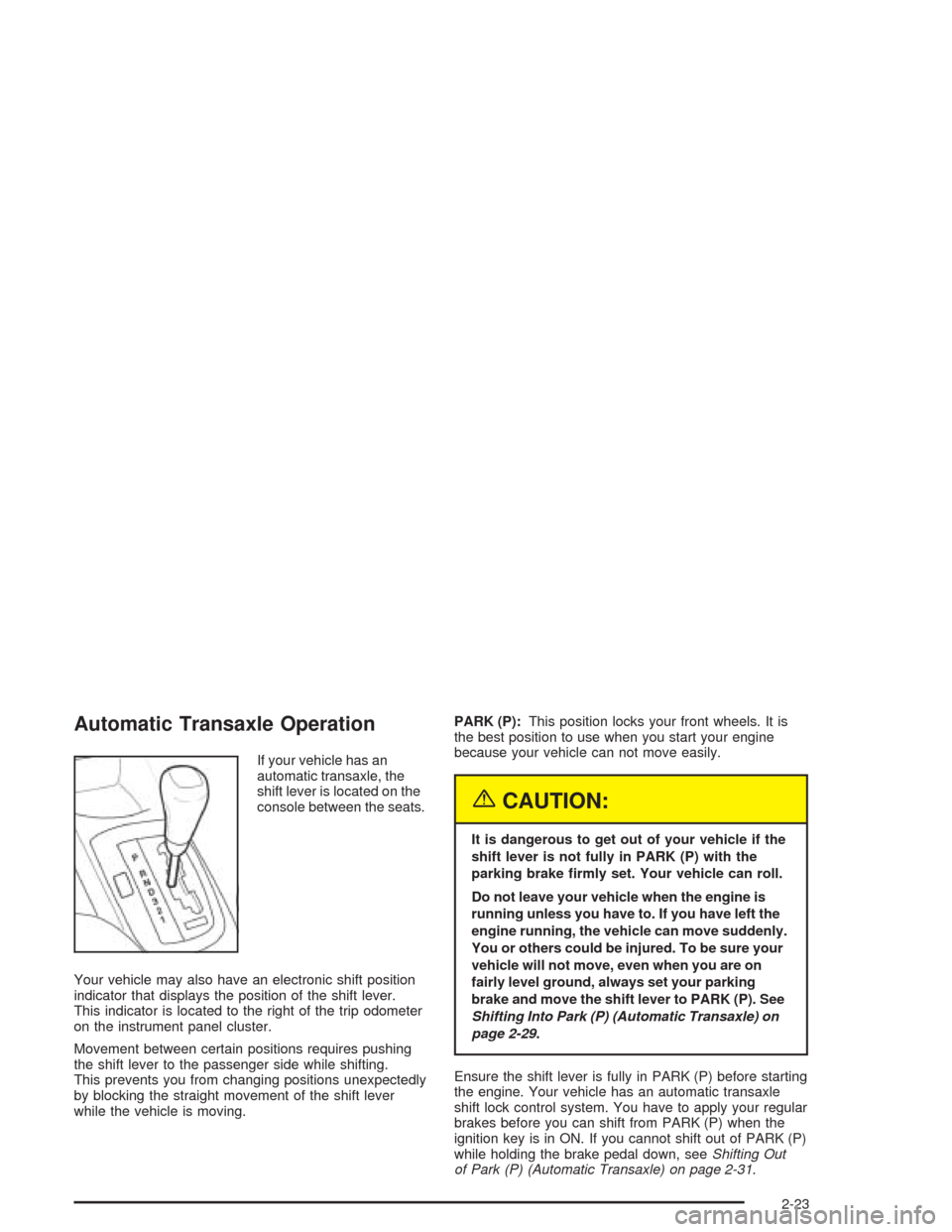
If your vehicle has an
automatic transaxle, the
shift lever is located on the
console between the seats.
Your vehicle may also have an electronic shift position
indicator that displays the position of the shift lever.
This indicator is located to the right of the trip odometer
on the instrument panel cluster.
Movement between certain positions requires pushing
the shift lever to the passenger side while shifting.
This prevents you from changing positions unexpectedly
by blocking the straight movement of the shift lever
while the vehicle is moving.PARK (P):This position locks your front wheels. It is
the best position to use when you start your engine
because your vehicle can not move easily.
{CAUTION:
It is dangerous to get out of your vehicle if the
shift lever is not fully in PARK (P) with the
parking brake rmly set. Your vehicle can roll.
Do not leave your vehicle when the engine is
running unless you have to. If you have left the
engine running, the vehicle can move suddenly.
You or others could be injured. To be sure your
vehicle will not move, even when you are on
fairly level ground, always set your parking
brake and move the shift lever to PARK (P). See
Shifting Into Park (P) (Automatic Transaxle) on
page 2-29.
Ensure the shift lever is fully in PARK (P) before starting
the engine. Your vehicle has an automatic transaxle
shift lock control system. You have to apply your regular
brakes before you can shift from PARK (P) when the
ignition key is in ON. If you cannot shift out of PARK (P)
while holding the brake pedal down, seeShifting Out
of Park (P) (Automatic Transaxle) on page 2-31.
2-23
Page 94 of 346
Hold Mode
If your vehicle’s transaxle has hold mode, you can
select this mode to drive with some characteristics of a
manual transaxle. With hold mode turned on, the
automatic transaxle will stay in a specific gear range.
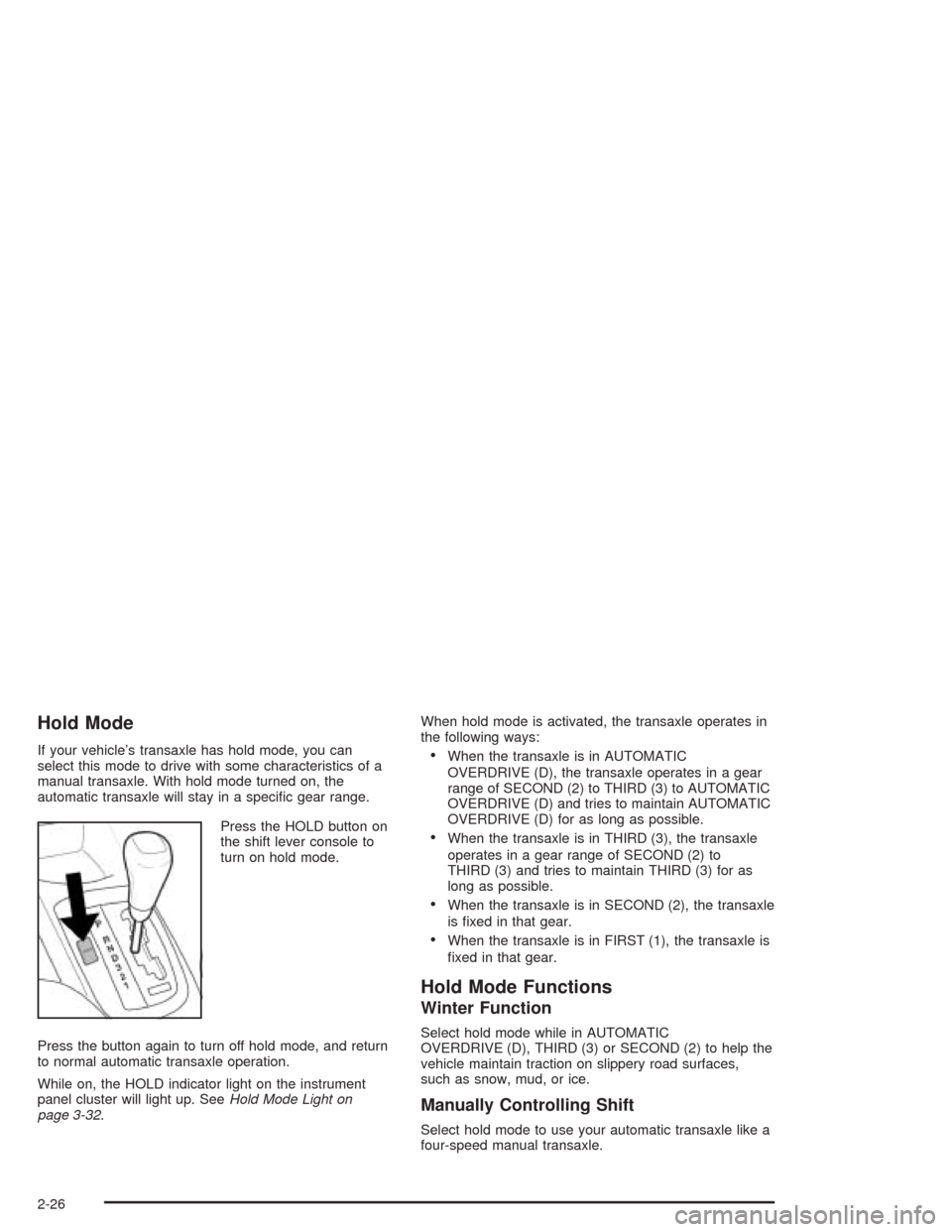
Press the HOLD button on
the shift lever console to
turn on hold mode.
Press the button again to turn off hold mode, and return
to normal automatic transaxle operation.
While on, the HOLD indicator light on the instrument
panel cluster will light up. SeeHold Mode Light on
page 3-32.When hold mode is activated, the transaxle operates in
the following ways:•When the transaxle is in AUTOMATIC
OVERDRIVE (D), the transaxle operates in a gear
range of SECOND (2) to THIRD (3) to AUTOMATIC
OVERDRIVE (D) and tries to maintain AUTOMATIC
OVERDRIVE (D) for as long as possible.
•When the transaxle is in THIRD (3), the transaxle
operates in a gear range of SECOND (2) to
THIRD (3) and tries to maintain THIRD (3) for as
long as possible.
•When the transaxle is in SECOND (2), the transaxle
is fixed in that gear.
•When the transaxle is in FIRST (1), the transaxle is
fixed in that gear.
Hold Mode Functions
Winter Function
Select hold mode while in AUTOMATIC
OVERDRIVE (D), THIRD (3) or SECOND (2) to help the
vehicle maintain traction on slippery road surfaces,
such as snow, mud, or ice.
Manually Controlling Shift
Select hold mode to use your automatic transaxle like a
four-speed manual transaxle.
2-26
Page 106 of 346
Sunglasses Storage Compartment
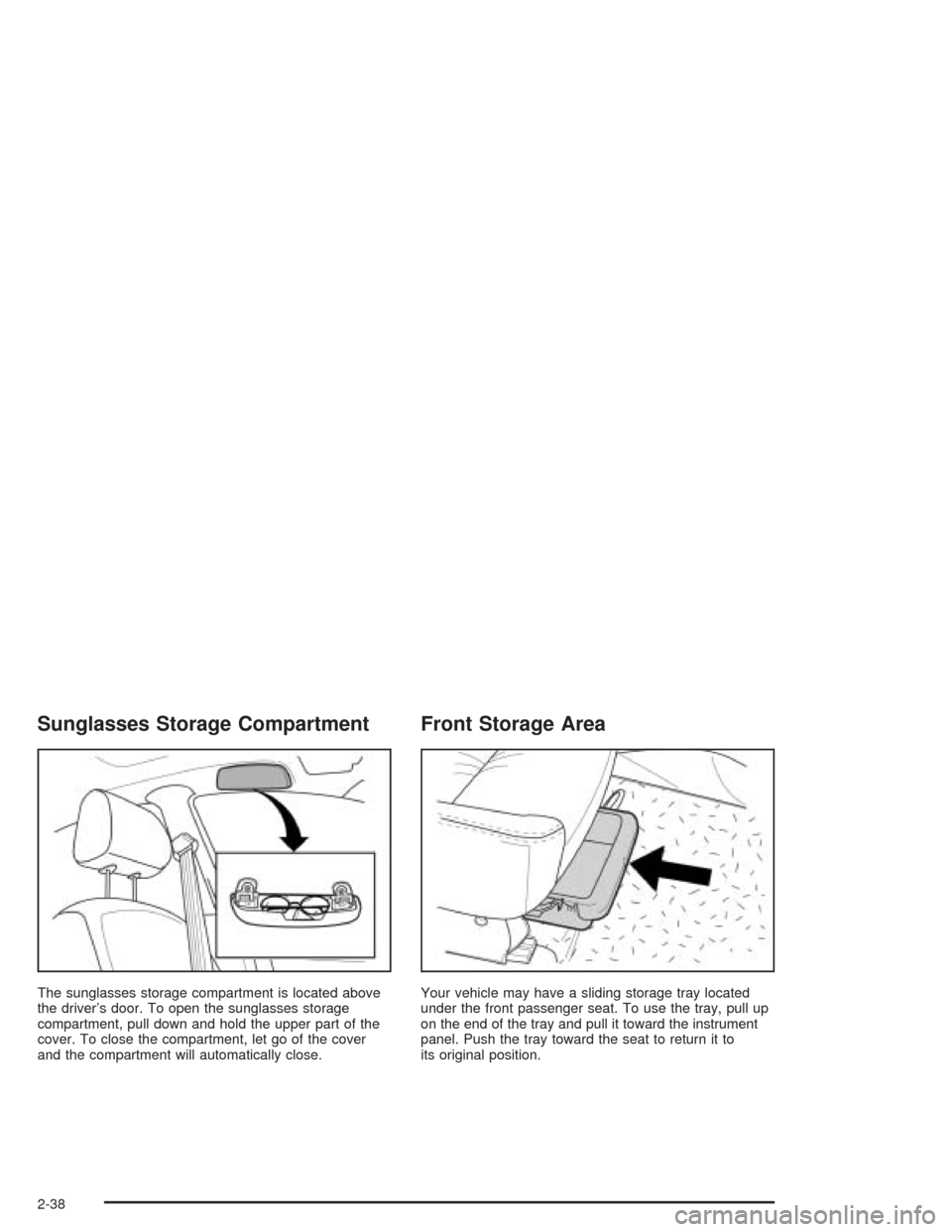
The sunglasses storage compartment is located above
the driver’s door. To open the sunglasses storage
compartment, pull down and hold the upper part of the
cover. To close the compartment, let go of the cover
and the compartment will automatically close.
Front Storage Area
Your vehicle may have a sliding storage tray located
under the front passenger seat. To use the tray, pull up
on the end of the tray and pull it toward the instrument
panel. Push the tray toward the seat to return it to
its original position.
2-38
Page 109 of 346
Instrument Panel Overview...............................3-2
Hazard Warning Flashers................................3-4
Other Warning Devices...................................3-5
Horn.............................................................3-5
Tilt Wheel.....................................................3-5
Turn Signal/Multifunction Lever.........................3-6
Windshield Wiper Lever...................................3-8
Cruise Control................................................3-9
Exterior Lamps.............................................3-12
Interior Lamps..............................................3-14
Accessory Power Outlets...............................3-16
Ashtrays and Cigarette Lighter........................3-17
Clock..........................................................3-18
Climate Controls............................................3-19
Climate Control System.................................3-19
Outlet Adjustment.........................................3-22
Passenger Compartment Air Filter...................3-23
Warning Lights, Gages, and Indicators............3-24
Instrument Panel Cluster................................3-26
Speedometer and Odometer...........................3-27
Tachometer.................................................3-27
Safety Belt Reminder Light.............................3-28
Safety Belt Reminder Tone............................3-28
Air Bag Readiness Light................................3-28Charging System Light..................................3-29
Brake System Warning Light..........................3-30
Anti-Lock Brake System Warning Light.............3-31
Speed Sensitive Power Steering (SSPS)
Warning Light...........................................3-31
Hold Mode Light...........................................3-32
Engine Coolant Temperature Gage..................3-32
Malfunction Indicator Lamp.............................3-33
Oil Pressure Light.........................................3-36
Fog Lamp Light............................................3-37
Cruise Control Light......................................3-37
Highbeam On Light.......................................3-38
Daytime Running Lamps Indicator Light...........3-38
Door Ajar Light.............................................3-38
Fuel Gage...................................................3-39
Low Fuel Warning Light.................................3-39
Audio System(s).............................................3-40
Radio with CD (Base Level)...........................3-40
Radio with CD (MP3)....................................3-44
Theft-Deterrent Feature..................................3-51
Radio Reception...........................................3-51
Care of Your CDs.........................................3-52
Care of Your CD Player................................3-52
Backglass Antenna.......................................3-52
Section 3 Instrument Panel
3-1
Page 110 of 346

Instrument Panel Overview
Sedan shown, Hatchback similar
3-2
Page 111 of 346
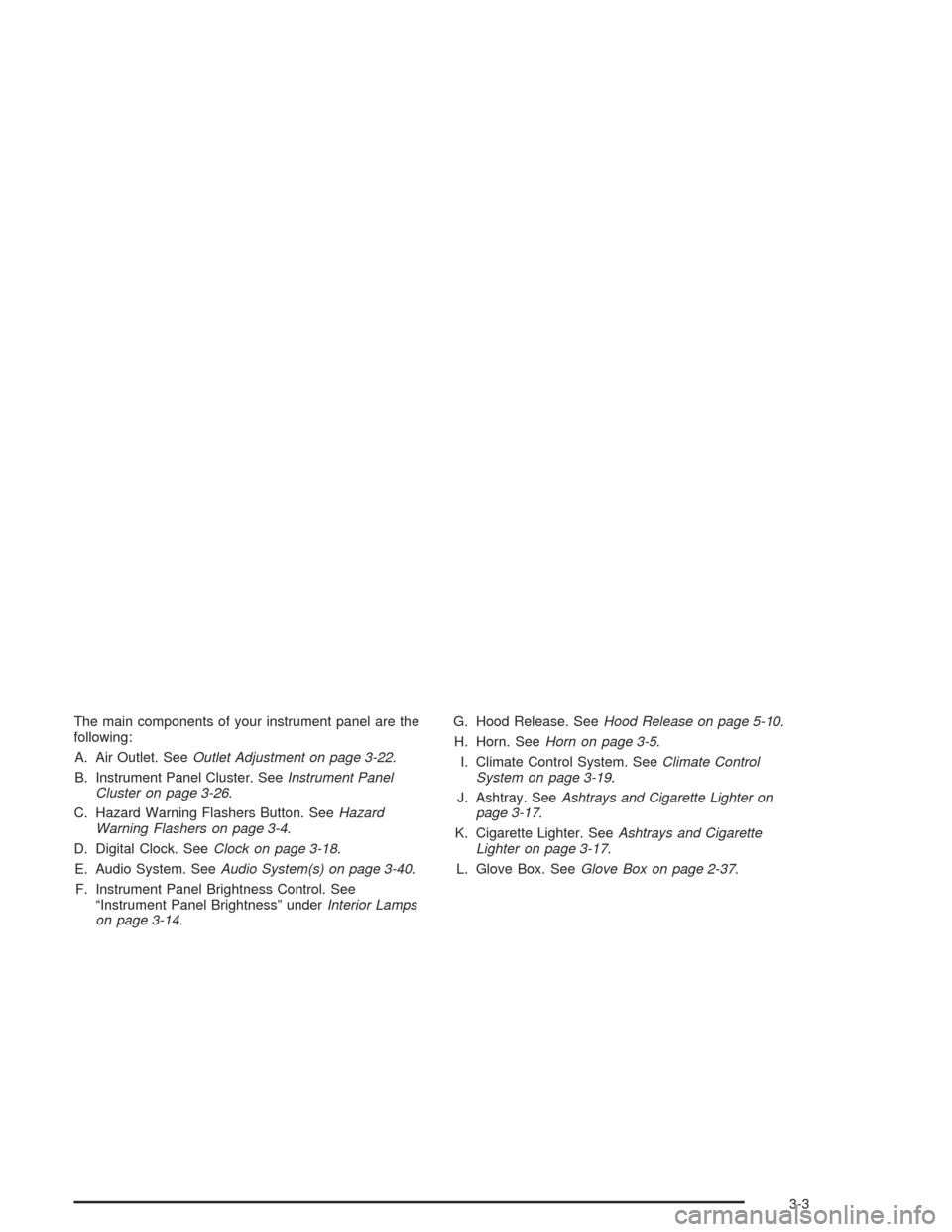
The main components of your instrument panel are the
following:
A. Air Outlet. SeeOutlet Adjustment on page 3-22.
B. Instrument Panel Cluster. SeeInstrument Panel
Cluster on page 3-26.
C. Hazard Warning Flashers Button. SeeHazard
Warning Flashers on page 3-4.
D. Digital Clock. SeeClock on page 3-18.
E. Audio System. SeeAudio System(s) on page 3-40.
F. Instrument Panel Brightness Control. See
“Instrument Panel Brightness” underInterior Lamps
on page 3-14.G. Hood Release. SeeHood Release on page 5-10.
H. Horn. SeeHorn on page 3-5.
I. Climate Control System. SeeClimate Control
System on page 3-19.
J. Ashtray. SeeAshtrays and Cigarette Lighter on
page 3-17.
K. Cigarette Lighter. SeeAshtrays and Cigarette
Lighter on page 3-17.
L. Glove Box. SeeGlove Box on page 2-37.
3-3
Page 112 of 346
Hazard Warning Flashers
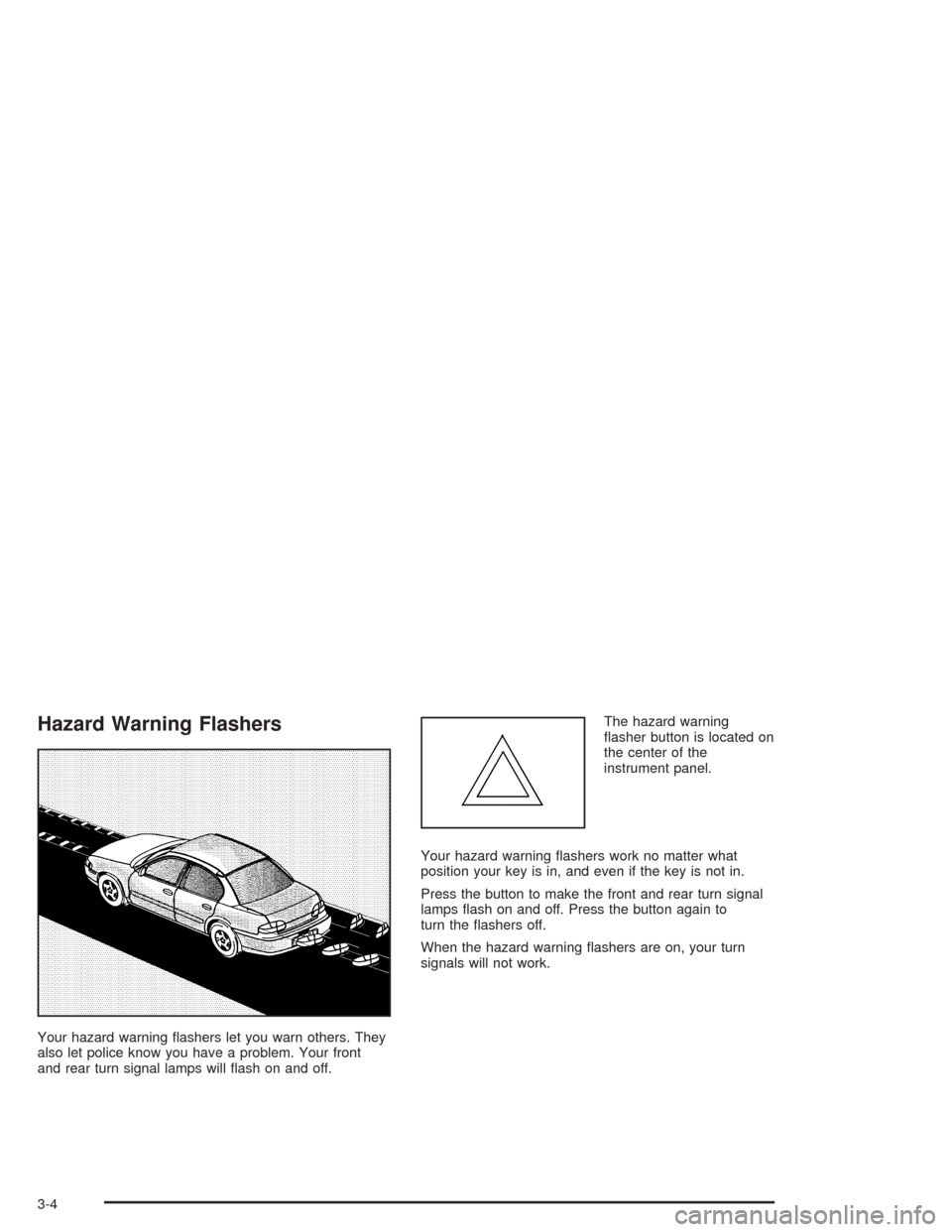
Your hazard warning flashers let you warn others. They
also let police know you have a problem. Your front
and rear turn signal lamps will flash on and off.The hazard warning
flasher button is located on
the center of the
instrument panel.
Your hazard warning flashers work no matter what
position your key is in, and even if the key is not in.
Press the button to make the front and rear turn signal
lamps flash on and off. Press the button again to
turn the flashers off.
When the hazard warning flashers are on, your turn
signals will not work.
3-4
Page 114 of 346
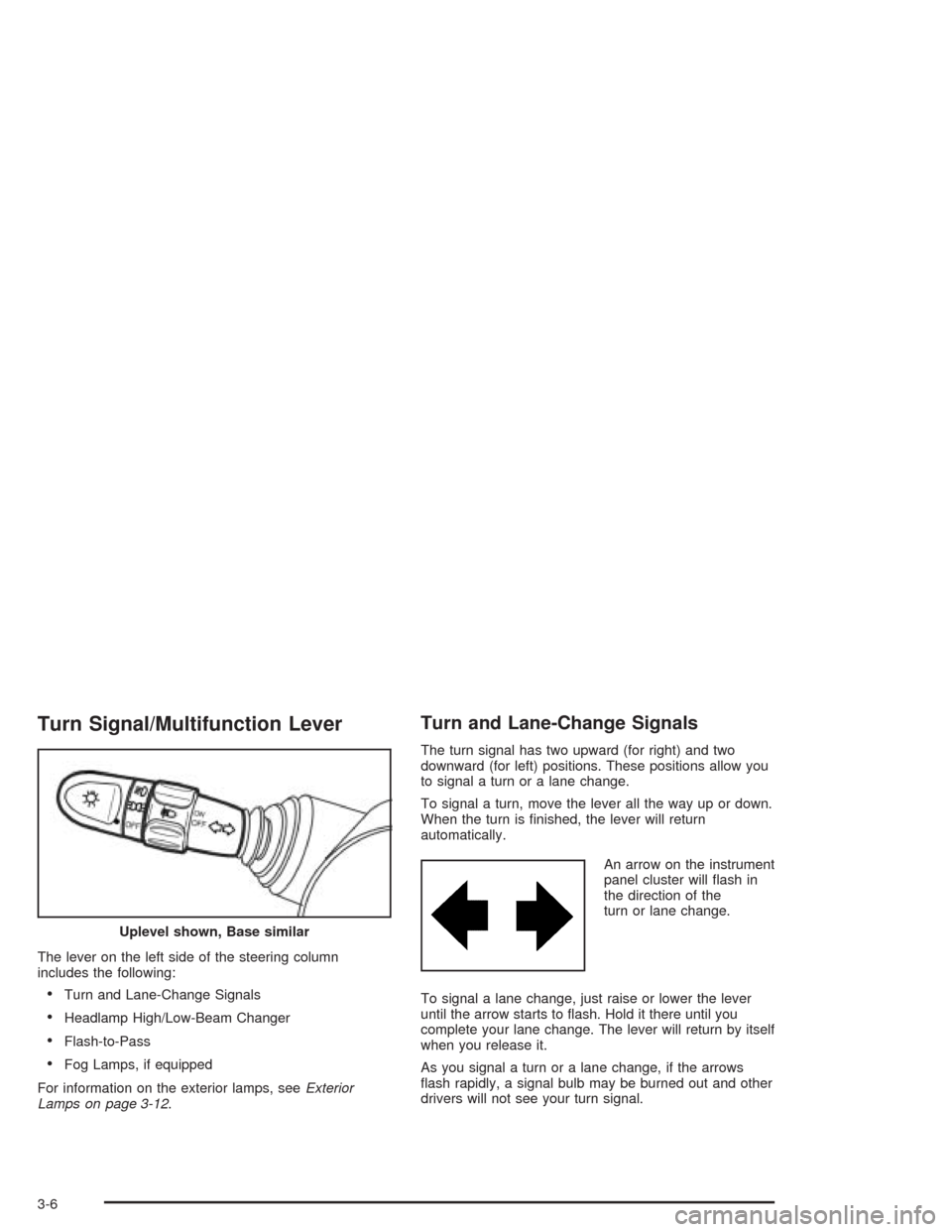
Turn Signal/Multifunction Lever
The lever on the left side of the steering column
includes the following:
•Turn and Lane-Change Signals
•Headlamp High/Low-Beam Changer
•Flash-to-Pass
•Fog Lamps, if equipped
For information on the exterior lamps, seeExterior
Lamps on page 3-12.
Turn and Lane-Change Signals
The turn signal has two upward (for right) and two
downward (for left) positions. These positions allow you
to signal a turn or a lane change.
To signal a turn, move the lever all the way up or down.
When the turn is finished, the lever will return
automatically.
An arrow on the instrument
panel cluster will flash in
the direction of the
turn or lane change.
To signal a lane change, just raise or lower the lever
until the arrow starts to flash. Hold it there until you
complete your lane change. The lever will return by itself
when you release it.
As you signal a turn or a lane change, if the arrows
flash rapidly, a signal bulb may be burned out and other
drivers will not see your turn signal. Uplevel shown, Base similar
3-6