ignition CHEVROLET S10 1994 2.G User Guide
[x] Cancel search | Manufacturer: CHEVROLET, Model Year: 1994, Model line: S10, Model: CHEVROLET S10 1994 2.GPages: 340, PDF Size: 18.45 MB
Page 75 of 340
Downloaded from www.Manualslib.com manuals search engine Electronic Transfer Case
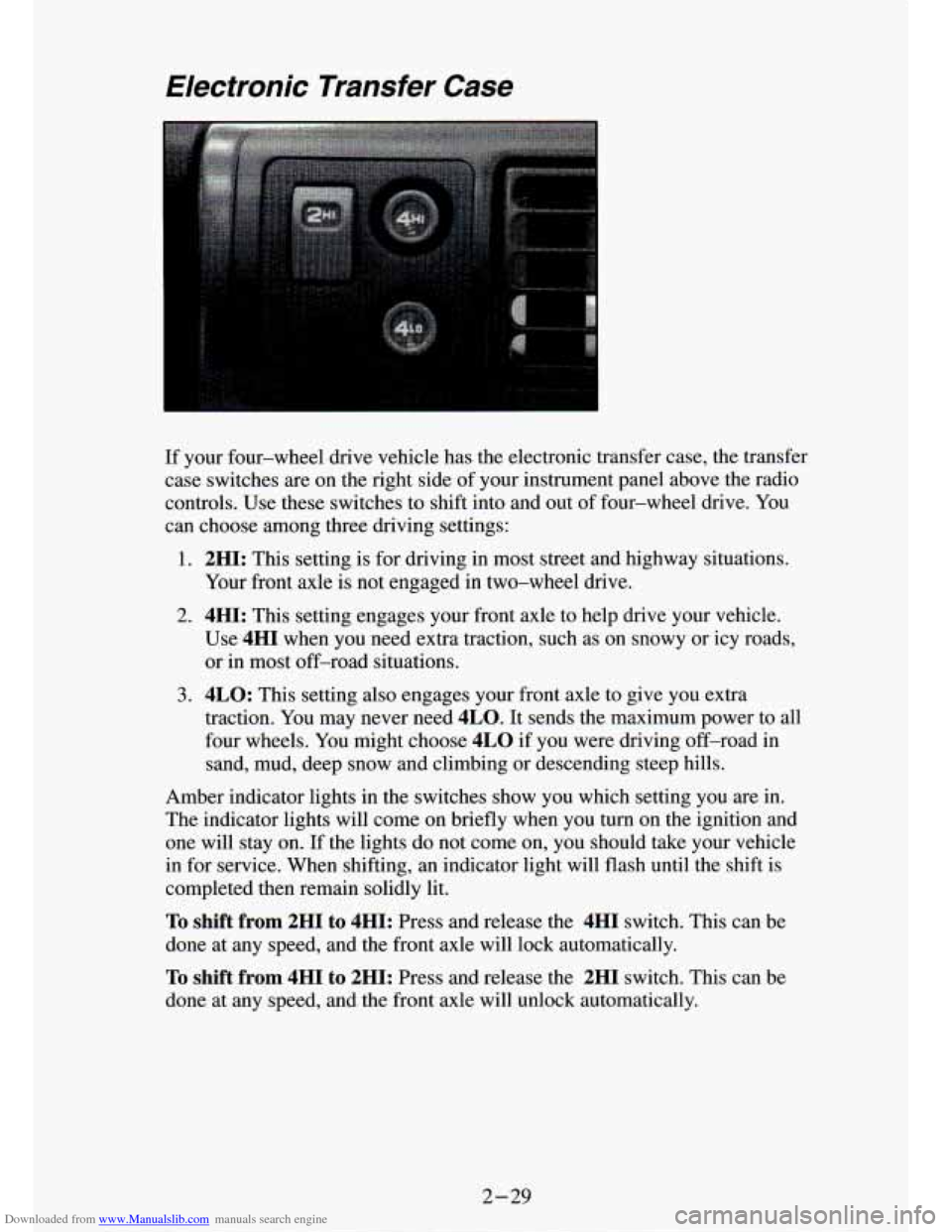
If your four-wheel drive vehicle has the electronic transfer case, the transfer
case switches are on the right side of your instrument panel above the radio
controls. Use these switches to shift into and out of four-wheel drive. You
can choose among three driving settings:
1. 2HI: This setting is for driving in most street and highway situations.
Your front axle is not engaged
in two-wheel drive.
2. 4HI: This setting engages your front axle to help drive your vehicle.
Use
4HI when you need extra traction, such as on snowy or icy roads, \
or in most off-road situations.
3. 4LO: This setting also engages your front axle to give you extra
traction. You may never need
4LO. It sends the maximum power to all
four wheels. You might choose
4LO if you were driving off-road in
sand, mud, deep snow and climbing or descending steep hills.
Amber indicator lights in the switches show you which setting \
you are in.
The indicator lights will come on briefly when you
turn on the ignition and
one
will stay on. If the lights do not come on, you should take your vehicle
in for service. When shifting, an indicator light will flash until the shift is
completed then remain solidly lit.
To shift from 2HI to 4HI: Press and release the 4HI switch. This can be
done at any speed, and the front axle will lock automatically.
To shift from 4HI to 2HI: Press and release the 2HI switch. This can be
done at any speed, and the front axle will unlock
; omaticallv.
2-29
Page 77 of 340
Downloaded from www.Manualslib.com manuals search engine t
Windows
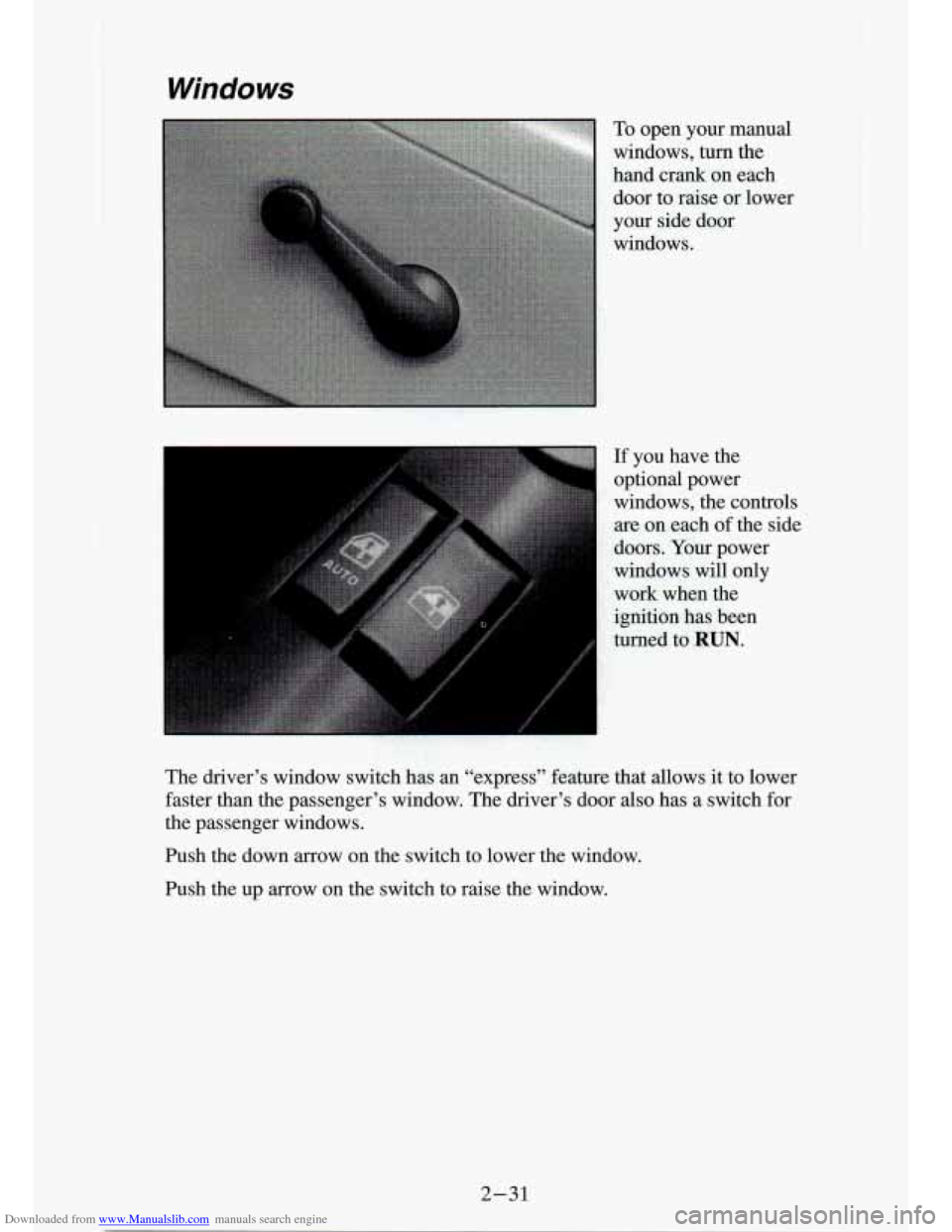
To open your manual
windows, turn the
hand crank on each
door to raise or lower
your side door
windows.
If you have the
optional power
windows, the controls
are on each of the side
doors. Your power
windows will only
work when the
ignition has been
turned to
RUN.
The driver’s window switch has an “express” feature that allows it to lower
faster than the passenger’s window.
The driver’s door also has a switch for
the passenger windows.
Push the down arrow on the switch to lower the window.
Push the up arrow on the switch to raise the window.
2-31
Page 90 of 340
Downloaded from www.Manualslib.com manuals search engine To Get Out of Cruise Control
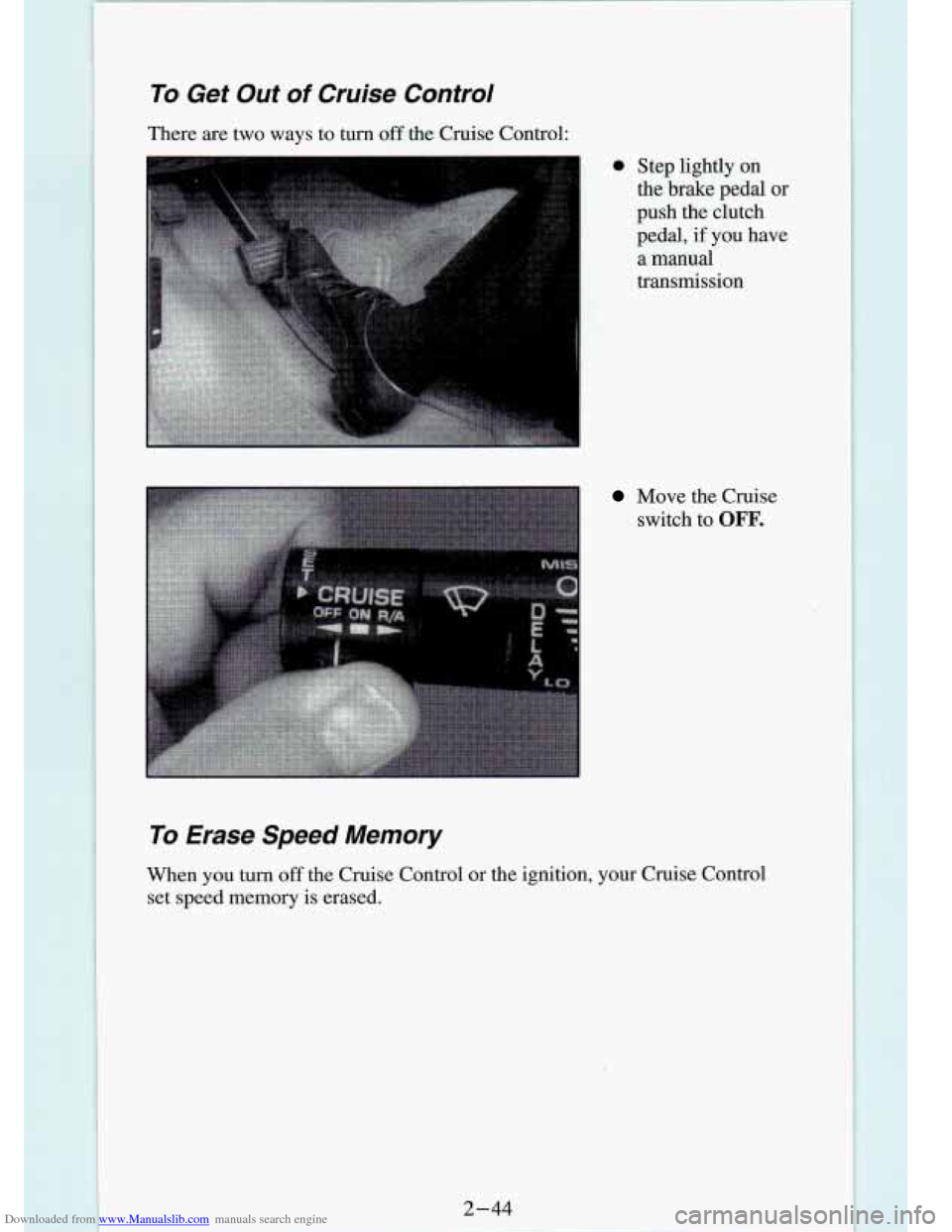
There are two ways to turn off the Cruise Control:
@ Step lightly on
the brake pedal or
push the clutch
pedal, if you have
a
manual
transmission
Move the Cruise switch to
OFF,
To Erase Speed Memory
When you turn off the Cruise Control or the ignition, your Cruise Control
set speed memory is erased.
Page 93 of 340
 Indicator Light
(Canada Only)
If your vehicle was first sold, when new, in Canada, you will\")
Downloaded from www.Manualslib.com manuals search engine Daytime Running Lights (DRL) Indicator Light
(Canada Only)
If your vehicle was first sold, when new, in Canada, you will\
have this light
on the instrument panel. It goes on whenever the Daytime Running Lights
are on, the ignition is on, the headlamp switch is
off, and the parking brake
is released.
Daytime Running Lights (Canada Only)
The Canadian Federal Government has decided that “Daytime Running \
Lights” (DRL) is a useful feature, in that
DRL can make your vehicle more
visible to pedestrians and other drivers during daylight hours. \
DRL is
required on new vehicles sold in Canada.
The high beam headlights will come
on at reduced brightness in daylight
when:
0 The ignition is on,
The headlight switch is off, and
The parking brake is released.
When you turn on your headlights, the DRL will switch off and the exterior
lights will come on. When you turn
off the headlights, the exterior lights
will go out and the high beams will change to the reduced brightness
of
DRL again.
The DRL indicator light on the instrument panel will go on whenever the
DRL is on. This light means that only the DRL is on. When you turn on
your exterior lights, this light will
20 out.
If the DRL indicator light is on at uawn or dusk, it is a reminder to turn on
your headlights.
2-47
Page 94 of 340
Downloaded from www.Manualslib.com manuals search engine Of course, you may still turn on the headlights any time you need to.
To idle your vehicle with the DRL off, set the parking brake. The DRL will
stay
off until you release the parking brake.
Headlights-On Reminder
A reminder tone will sound when your headlights or parking lights\
are
turned on and your ignition is in
OFF, LOCK or ACC. To turn the tone off,
turn the dimmer switch all the way down.
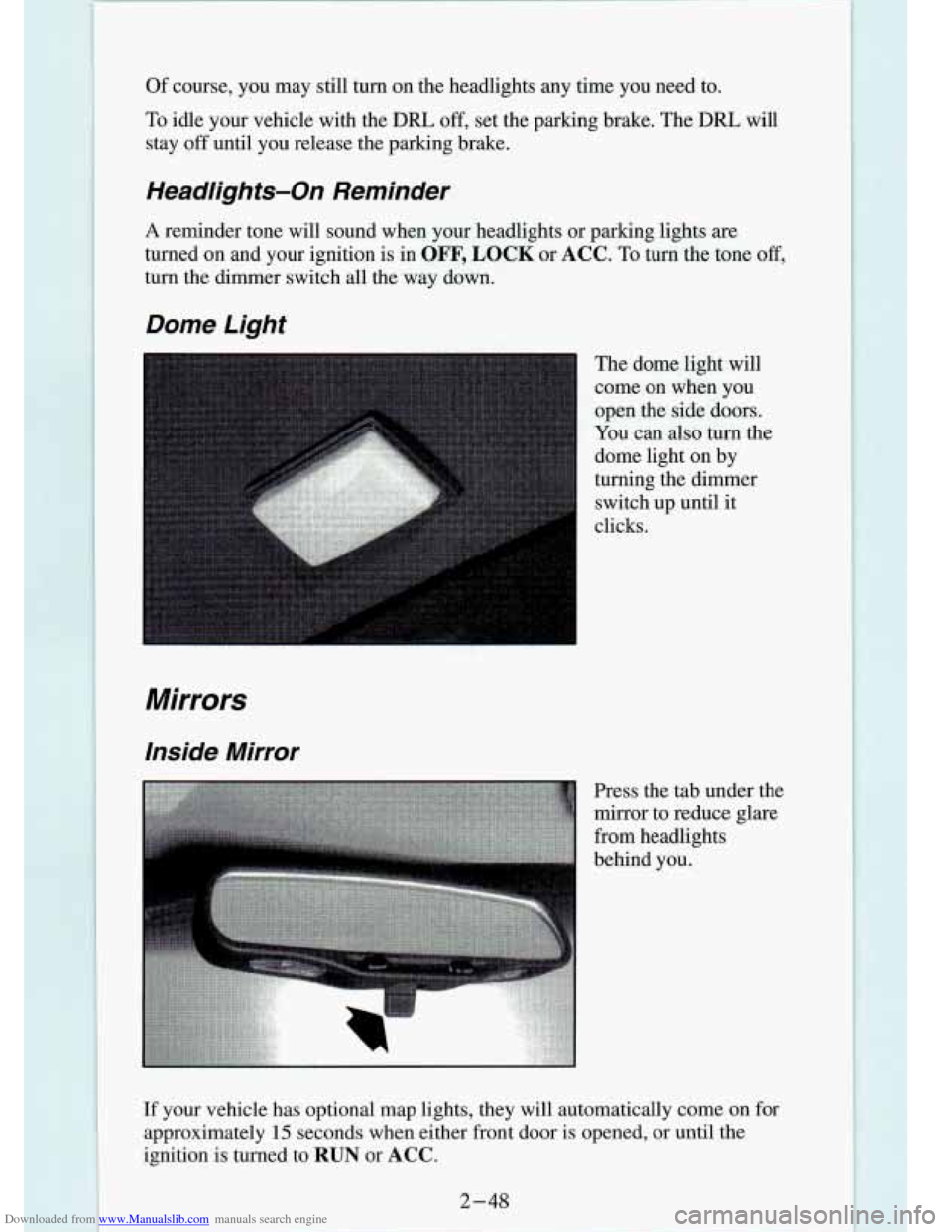
Dome Light
Mirrors
Inside Mirror
The dome light will
come
on when you
open the side
doors.
You can also turn the
dome light on by
turning the dimmer
switch up until it
clicks.
Press the tab under the
mirror to reduce glare
from headlights
behind you.
If your vehicle has optional map lights, they will automatically c\
ome on for
approximately
15 seconds when either front door is opened, or until the
ignition is turned to
RUN or ACC.
Page 95 of 340
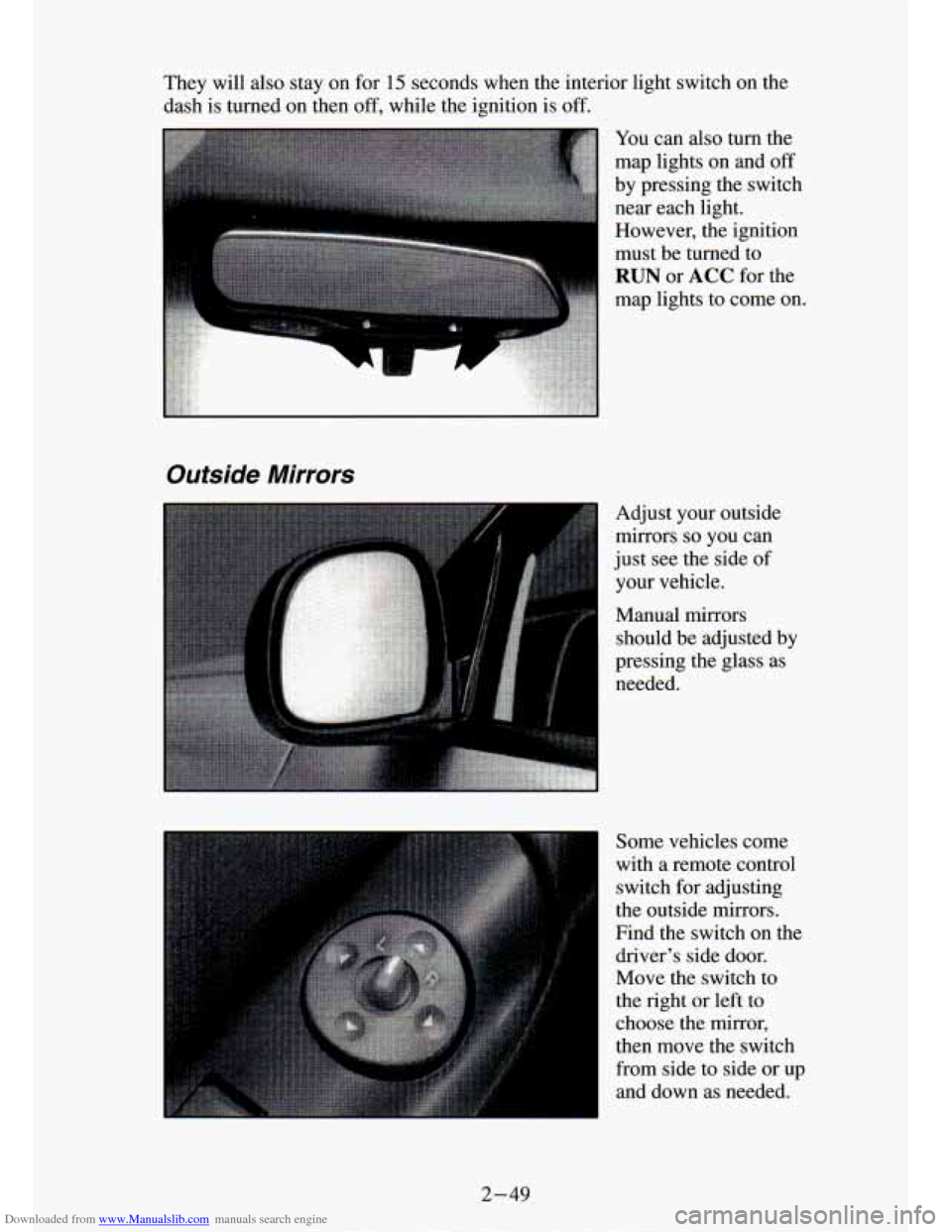
Downloaded from www.Manualslib.com manuals search engine They will also stay on for 15 seconds when the interior light switch on the
dash is turned on then
off, while the ignition is off.
Outside Mirrors
Adjust your outside
mirrors
so you can
just see the side of
your vehicle.
Manual
mirrors
should be adjusted by
pressing the glass as
needed.
Some vehicles come
with a remote control
switch for adjusting
the outside mirrors.
Find
the switch on the
driver's side door.
Move the switch to
the right
or left to
choose the mirror,
then move the switch
from side to side or up
and down as needed.
2-49
Page 104 of 340
Downloaded from www.Manualslib.com manuals search engine running at 2,000 revolutions per minute (rpm). The tachometer needle will
vary all the time that the engine is running.
The yellow warning range tells you that your engine speed is reach\
ing its
upper limits. Don’t drive very long with the tachometer in the yellow range.
If you have a manual transmission, shift to a higher gear as soon as possible.
If you have an automatic transmission, lift your foot off
of the accelerator
pedal
so that the transmission can select a higher gear.
The Red danger range tells you that your engine speed is at its upper limits.
You should immediately shift to a higher gear, or lift your foot
off of the
accelerator pedal. If you drive for very long with the tachometer in the red
danger range, engine damage will result.
NOTICE:
Do not operate the engine with the tachometer in the red area,
or engine damage
will occur.
I
Warning Lightsy Gages and Indicators
This section describes the warning lights and gages that may be on your
vehicle. The pictures will help you locate them.
Warning lights and gages can signal that something is wrong be\
fore it
becomes serious enough to cause an expensive repair or replacem\
ent.
Paying attention to your warning lights and gages could also s\
ave you or
others from injury.
Warning lights
go on when there may be or is a problem with one of your
vehicle’s functions.
As you will see in the details on the next few pages,
some warning lights come on briefly when you turn the ignition\
key just to
let you know they’re working. If you are familiar with this sec\
tion, you
should not
be alarmed when this happens.
Gages can indicate when there may be or is a problem with one
of your
vehicle’s functions. Often gages and warning lights work toge\
ther to let you
know when there’s a problem with your vehicle.
When one of the warning lights comes on and stays on when you are
driving, or when one of the gages shows there may be a problem, check the
section that tells you what to
do about it. Please follow the manual’s advice.
Waiting to do repairs can be costly
- and even dangerous. So please get to
know your warning lights and gages. They’re a big help.
2-58
I
Page 107 of 340
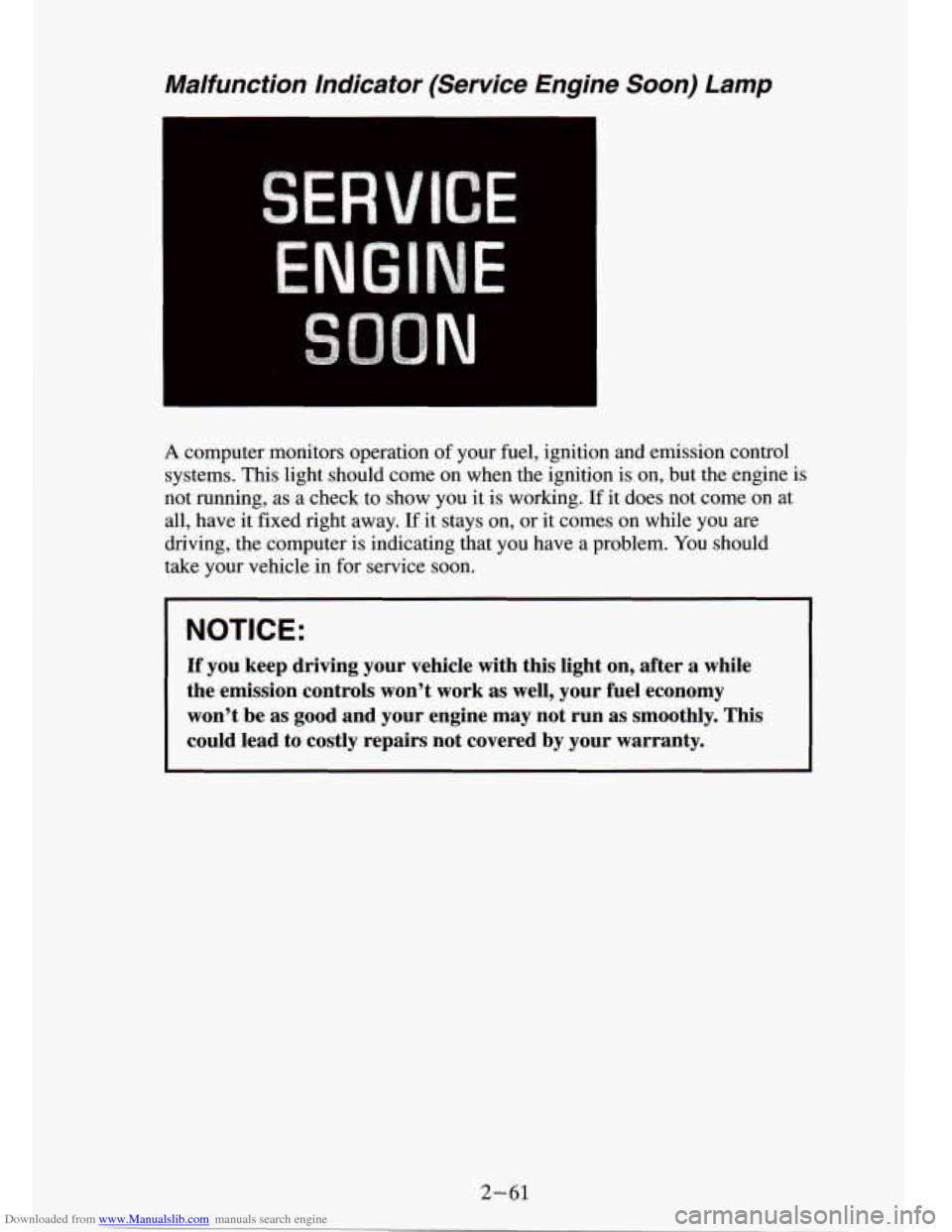
Downloaded from www.Manualslib.com manuals search engine Malfunction Indicator (Service Engine Soon) Lamp
A computer monitors operation of your fuel, ignition and emission control
systems. This light should come on when the ignition
is on, but the engine is
not running, as a check to show you it is working.
If it does not come on at
all, have it fixed right away.
If it stays on, or it comes on while you are
driving, the computer is indicating that you have a problem. You should
take your vehicle in for service soon.
NOTICE:
If you keep driving your vehicle with this light on, after a while
the emission controls won’t work as well, your fuel economy \
won’t be as good and your engine may
not run as smoothly. This
could lead to costly repairs not covered by your warranty.
2-61
Page 109 of 340
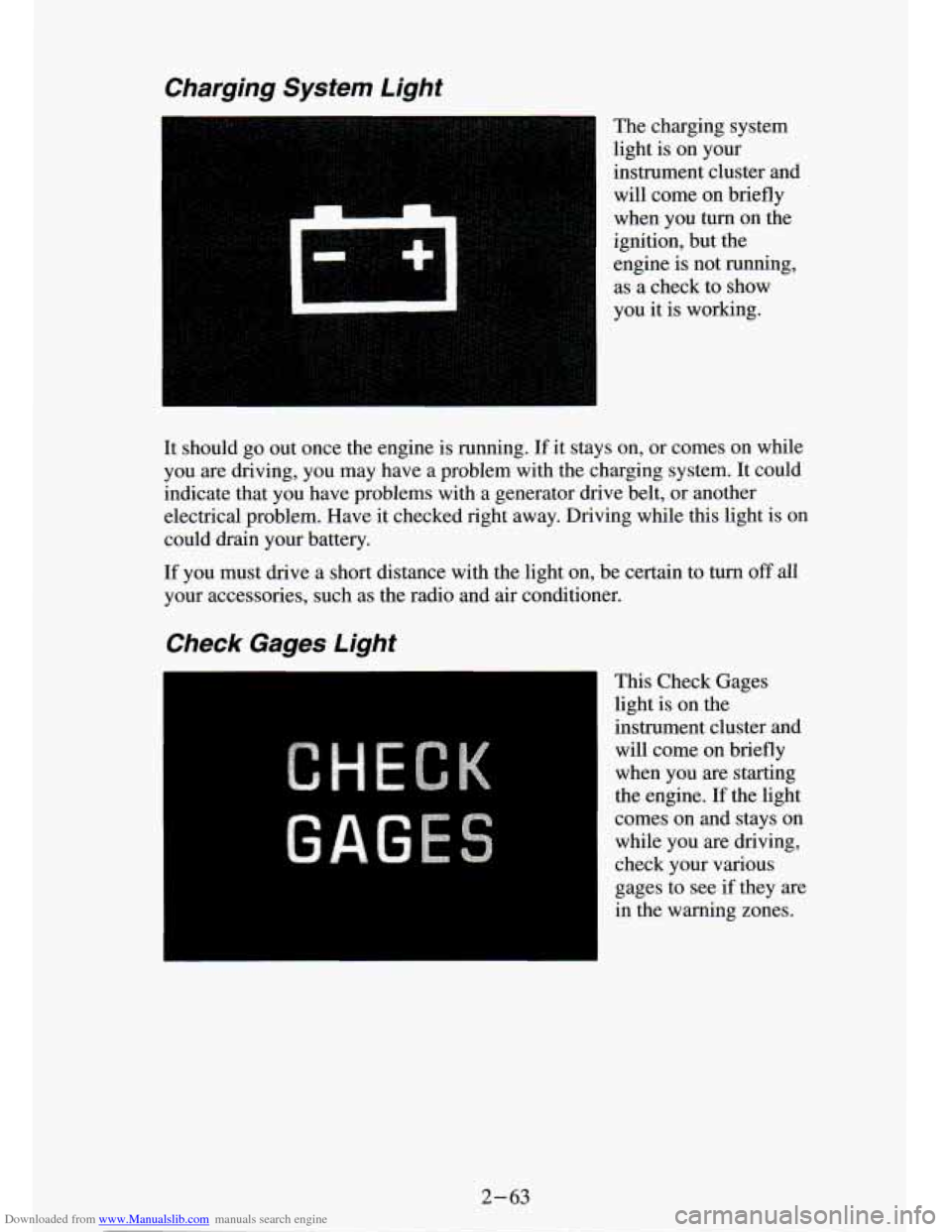
Downloaded from www.Manualslib.com manuals search engine Charging System Light
The charging system
light is on your
instrument cluster and will come on briefly
when you turn on the
ignition, but the
engine is not running,
as a check to show
you it is working.
It should
go out once the engine is running. If it stays on, or comes on while
you are driving, you may have a problem with the charging system.
It could
indicate that you have problems with a generator drive belt, or another
electrical problem. Have it checked right away. Driving while this light is on
could drain your battery.
If you must drive a short distance with the light on, be certain to turn off all
your accessories, such as the radio and air conditioner.
Check Gages Light
This Check Gages
light is on the
instrument cluster and
will come on briefly
when you are starting
the engine.
If the light
comes on and stays on while you are driving,
check your various
gages to see
if they are
in the warning zones.
2-63
Page 110 of 340
Downloaded from www.Manualslib.com manuals search engine :.
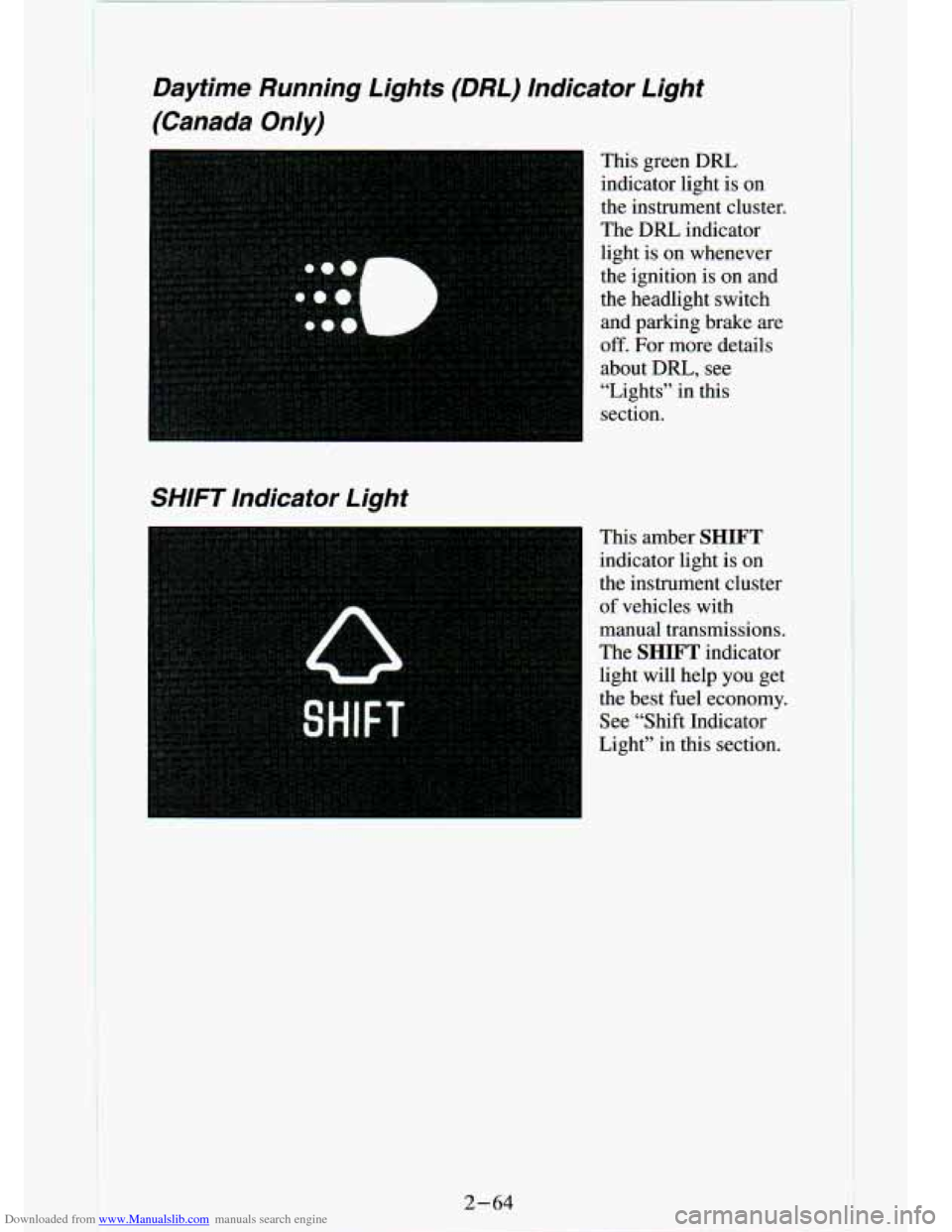
Daytime Running Lights (DRL) Indicator Light
(Canada Only)
This green DRL indicator light is on
the instrument cluster.
The
DRL indicator
light is on whenever
the ignition is
on and
the headlight switch
and parking brake are
off. For more details
about DRL,
see
“Lights” in this
section.
SHIFT Indicator Light
This amber SHIFT
indicator light is on
the instrument cluster
of vehicles with
manual transmissions.
The
SHIFT indicator
light will help
you get
the best fuel economy.
See “Shift Indicator
Light” in this section.
2-64