stop start CHEVROLET S10 1994 2.G Owners Manual
[x] Cancel search | Manufacturer: CHEVROLET, Model Year: 1994, Model line: S10, Model: CHEVROLET S10 1994 2.GPages: 340, PDF Size: 18.45 MB
Page 55 of 340
Downloaded from www.Manualslib.com manuals search engine Parking at Night
Park in a lighted spot, close all windows and lock your vehicle. Remember
to keep your valuables out
of sight. Put them in a storage area, or take them
with you.
Parking Lots
If you park in a lot where someone will be watching your vehicle, it’s best
to lock it up and take your keys. But what if you have to leave your ignition
key? What if you have to leave something valuable
in your vehicle?
Put your valuables in a storage area, like your glove box.
Lock all the doors except the driver’s.
Then take the door key with you.
New Vehicle “Break-In”
NOTICE:
Your modern vehicle doesn’t need an elaborate ‘70reak-in.” But
it will perform better in the long run if‘ you follow these
guidelines:
Keep your speed at 55 mph (88 km/h) or less for the first
500 miles (804 km).
Don’t drive at any one speed - fast or slow - for the first
500 miles (804 km). Don’t make full-throttle starts.
Avoid making hard stops for the first 200 miles (322 km) or
so. During this time your new brake linings aren’t yet broken
in. Hard stops with new linings can mean premature wear and
earlier replacement. Follow this “b’reaking-in” guideline
every time you get new brake linings.
2-9
Page 58 of 340
Downloaded from www.Manualslib.com manuals search engine Starting Your Engine
Engines start differently. The 8th digit of your Vehicle Identification
Number (VIN) shows the code letter or number for your engine. You will
find the VIN at the top left of your instrument panel. (See “Vehicle
Identification Number” in the Index.) Follow the proper steps to start the
engine.
Automatic transmission:
Move your shift lever to “P” (Park) or “N’ (Neutral). Your engine won’t
start in any other position
- that’s a safety feature. To restart when you’re
already moving, use
“N” (Neutral) only.
NOTICE:
Don’t try to shift to “P” (Park) if your vehicle is moving. If you
do, you could damage the transmission. Shift to “P” (Park) \
only
when your vehicle is stopped.
Manual transmission:
Hold the clutch pedal to the floor, then shift your gear selector to neutral
while starting the engine. Your vehicle won’t start
if the clutch pedal is not
all the way down
- that’s a safety feature.
To start your 2.2 Liter engine:
1. Without pushing the accelerator pedal, turn your ignition key t\
o “Start.”
When the engine starts, let go of the key. The idle speed will go down
as your engine gets
warm.
NOTICE:
Holding your key in “Start” for longer than 15 seconds at a time
will cause your battery to be drained much sooner. And the
excessive heat can damage your starter motor.
2. If your engine still won’t start (or starts but then stops), it could be
flooded with too much gasoline. Try pushing your accelerator pe\
dal all
the way to the floor and holding it there as you hold the key in “Start”
for about three seconds. If
the vehicle starts briefly but then stops
again, do the same thing, but this time keep the pedal down for five or
six seconds. This clears the extra gasoline from the engine.
2-12
Page 59 of 340
Downloaded from www.Manualslib.com manuals search engine NOTICE:
Your engine is designed to work with the electronics in your
vehicle.
If you add electrical parts or accessories, you could
change the way the fuel injection system operates. Before adding
electrical equipment, check
with your dealer. If you don’t, your
engine might not perform properly.
If you ever have to have your vehicle towed, see the part of this
manual that tells how to do it without damaging your vehicle.
See “Towing Your Vehicle” in the Index.
To start your 4.3 Liter engine:
1. Without pushing the accelerator pedal, turn your ignition key t\
o “Start.”
When the engine starts, let go of the key. The idle speed will go down
as your engine gets warm.
NOTICE:
Holding your key in “Start” for longer than 15 seconds at a time
will cause your battery to be drained much sooner.
And the
excessive heat can damage your starter motor.
2. If it doesn’t start right away, hold your key in “Start.” If
it doesn’t start
in three seconds, push the accelerator pedal about one-quarter
of the
way down for 12 more seconds, or until
it starts.
flooded with too much gasoline.
Try this:
3. If your engine still won’t start (or starts but then stops), it could be
Wait 15 seconds to let the starter motor cool down. Then push\
your accelerator pedal all the way to the floor.
Hold it there. Then, hold the
key in “Start” for no more than ten seconds. This clears the extra
gasoline from the engine.
If the engine still doesn’t start, wait another 15 seconds and do it all
again.
When the engine starts, let go of the key and the accelerator pedal.
2-13
Page 63 of 340
Downloaded from www.Manualslib.com manuals search engine R (Reverse)
Use this gear to back up.
NOTICE:
Shifting to “R” (Reverse) while your vehicle is moving forward
could damage your transmission. Shift to
“R” (Reverse) only
after your vehicle is stopped.
To rock your vehicle back and forth to get out of snow, ice or sand
without damaging your transmission, see
Tf You’re Stuck In Sand,
Mud, Ice
or Snow” in the hdex.
N (Neutral)
In this position, your engine doesn’t connect with the wheels. To restart
when you’re already moving, use
“N’ (Neutral) only. Also, use “N”
(Neutral) when your vehicle is being towed.
2- 17
Page 64 of 340
Downloaded from www.Manualslib.com manuals search engine NOTICE:
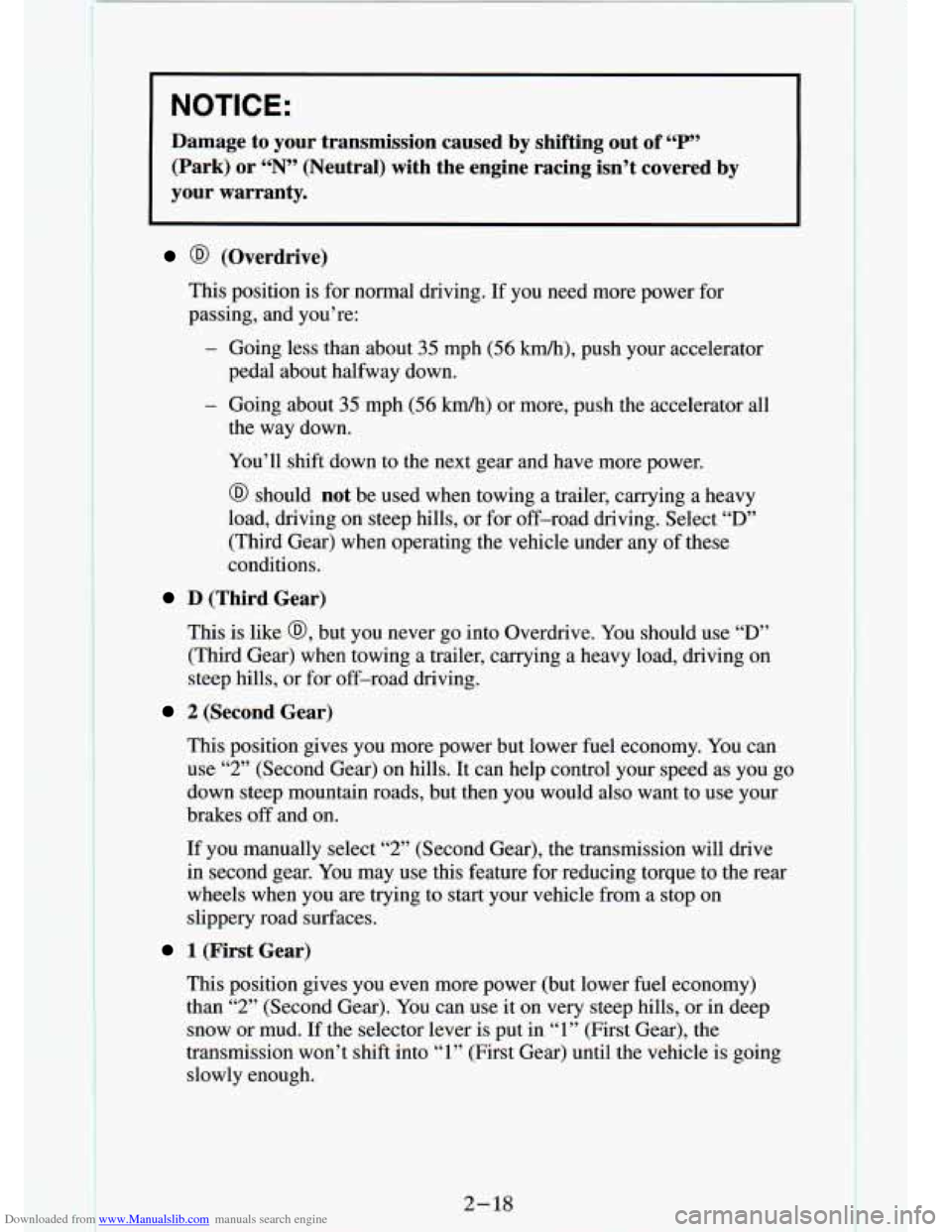
Damage to your transmission caused by shifting out of “P”
(Park) or “N” (Neutral) with the engine racing isn’t covered by
your warranty.
@ (Overdrive)
This position is for normal driving. If you need more p . rer f_ r
passing, and you’re:
- Going less than about 35 mph (56 ludh), push your accelerator
- Going about 35 mph (56 km/h) or more, push the accelerator all
pedal about halfway down.
the
way down.
You’ll shift down to the next gear and have more power.
@ should not be used when towing a trailer, carrying a heavy
load, driving on steep hills, or for off-road driving. Select
“D”
(Third Gear) when operating the vehicle under any of these
conditions.
D (Third Gear)
This is like @, but you never go into Overdrive. You should use “D”
(Third Gear) when towing a trailer, carrying a heavy load, driving on
steep hills, or for off-road driving.
2 (Second Gear)
This position gives you more power but lower fuel economy. You can
use
“2” (Second Gear) on hills. It can help control your speed as y\
ou go
down steep mountain roads, but then you would also want to use your
brakes
off and on.
If you manually select “2” (Second Gear), the transmission will drive
in second gear. You may use this feature for reducing torque to the rear
wheels when you are trying to start your vehicle from a stop on
slippery road surfaces.
1 (First Gear)
This position gives you even more power (but lower fuel economy)
than
“2” (Second Gear). You can use it on very steep hills, or in deep
snow or mud. If the selector lever is put in
“1” (First Gear), the
transmission won’t shift into
“1” (First Gear) until the vehicle is going
slowly enough.
2- 18
Page 66 of 340

Downloaded from www.Manualslib.com manuals search engine To Stop
Let up on the accelerator pedal and press the brake pedal. Just b\
efore
the vehicle stops, press the clutch pedal and the brake pedal, and\
shift
to
“N’ (Neutral).
N (Neutral)
Use this position when you start or idle your engine.
R (Reverse)
To back up, press down the clutch pedal, wait about 6 seconds, then
shift into
“R’ (Reverse). Then let up on the clutch pedal slowly while
pressing the accelerator pedal.
NOTICE:
Shift to “R” (Reverse) only after your vehicle is stopped.
Shifting to
“R” (Reverse) while your vehicle is moving could
damage your transmission.
Also, use “R” (Reverse), along with the parking brake, for parking your
vehicle.
Shift Light
If you have a manual
transmission, you
have a
SHIFT light.
This light will show
you when to shift to
the next higher gear
for best fuel economy.
When this light comes on, you can shift to the next high€ ;ear if weather,
road and traffic conditions let you. For the best fuel economy\
, accelerate slowly and shift when the light comes on.
While you accelerate, it is normal for the light to go on and
off if you
quickly change the position of the accelerator. Ignore the
SHIFT light when
you downshift.
2-20
F
Page 83 of 340
Downloaded from www.Manualslib.com manuals search engine For a single wiping cycle, turn the band to MIST. Hold it there until the
wipers start, then let go. The wipers will stop after one cycle. If you want
more cycles, hold the band on
MIST longer.
You can set the wiper speed for a long or short delay between wipes. This
can be very useful in light rain or snow. Turn the band to
choose the delay
time. The closer to
LO, the shorter the delay.
For steady wiping at low speed, turn the band away from you \
to the
LO
position. For high speed wiping, turn the band further, to HI. To stop the
wipers, move the band to the off symbol.
Remember that damaged wiper blades may prevent you from seeing \
well enough to drive safely.
To avoid damage, be sure to clear ice and snow from
the wiper blades before using them. If they’re frozen to the windshield,
carefully loosen or thaw them. If your blades do become damaged, get new
blades
or blade inserts.
Heavy snow or ice
c overload y---r wipers. A circuit breaker will stop
them until the motor cools. Clear away snow
or ice to prevent an overload.
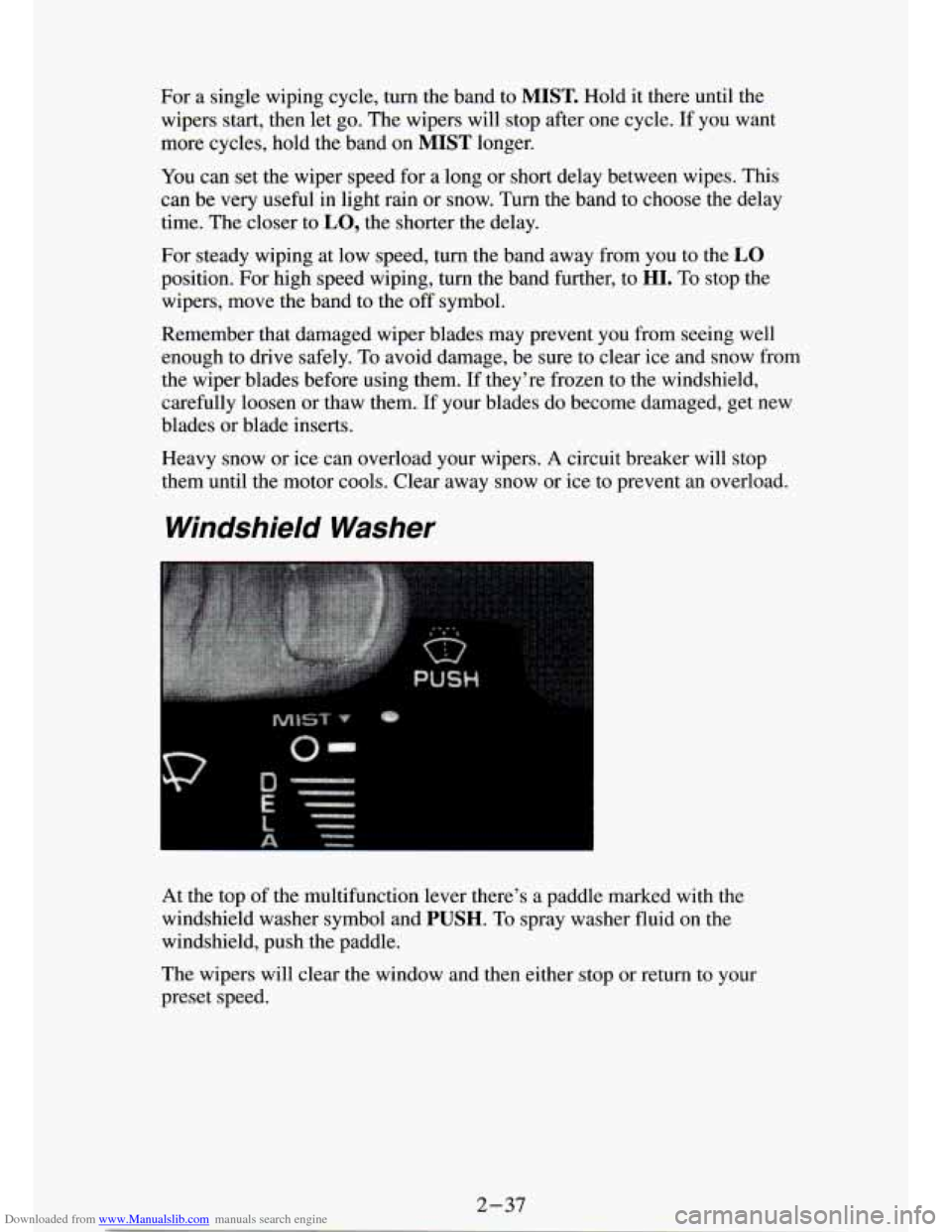
Windshield Washer
At the top of the multifunction lever there’s a paddle marked with the
windshield washer symbol and
PUSH. To spray washer fluid on the
windshield, push the paddle.
The wipers will clear the window and then either stop or return t\
o your
preset speed.
2-37
Page 105 of 340
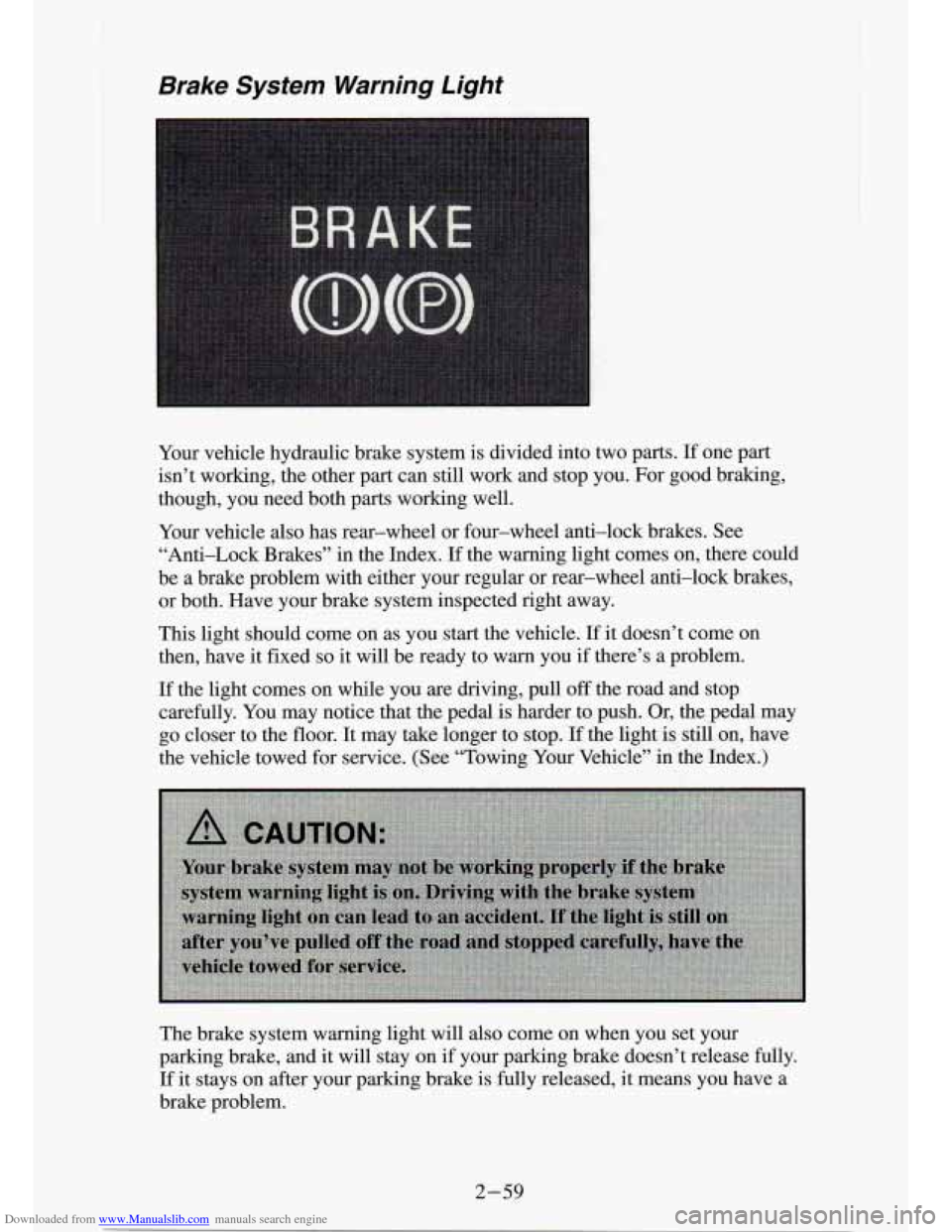
Downloaded from www.Manualslib.com manuals search engine Brake System Warning Light
Your vehicle hydraulic brake system is divided into two parts. If one part
isn’t working, the other part can still work and stop you. For good braking,
though, you need both parts working well.
Your vehicle also has rear-wheel or four-wheel anti-lock brakes. See \
“Anti-Lock Brakes” in the Index.
If the warning light comes on, there could
be a brake problem with either your regular or rear-wheel anti\
-lock brakes, or both. Have your brake system inspected right away.
This light should come on as you start the vehicle.
If it doesn’t come on
then, have it fixed
so it will be ready to warn you if there’s a problem.
If the light comes on while you are driving, pull off the road and stop
carefully. You may notice that the pedal
is harder to push. Or, the pedal may
go closer to the floor. It may take longer to stop.
If the light is still on, have
the vehicle towed for service. (See “Towing Your Vehicle” in the Index.)
The brake system warning light
will also come on when you set your
parking brake, and it will stay on
if your parking brake doesn’t release fully.
If it stays on after your parking brake is fully released, it means you have a
brake problem.
2-59
Page 106 of 340
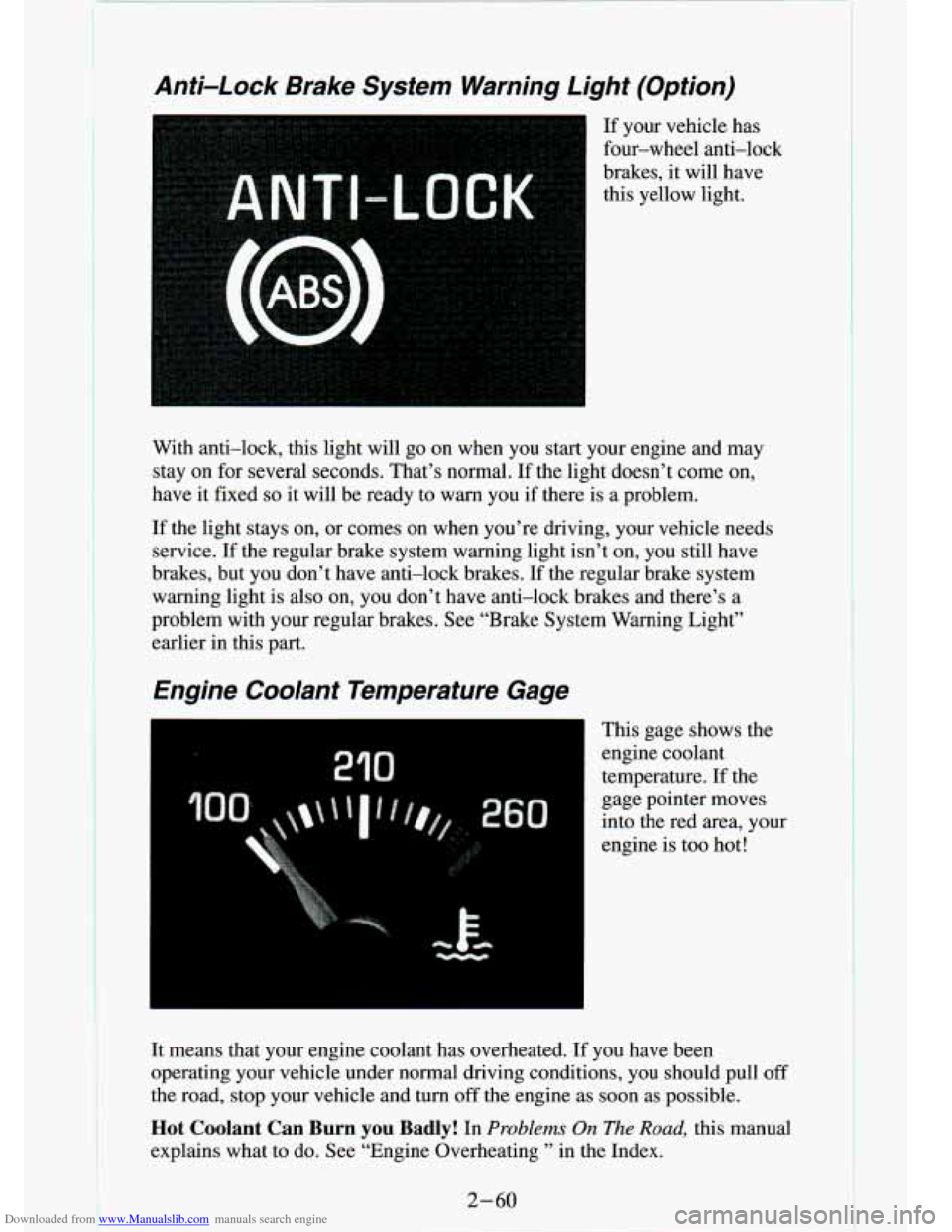
Downloaded from www.Manualslib.com manuals search engine Anti-Lock Brake System Warning Light (Option)
If your vehicle has
four-wheel anti-lock
brakes, it will have
this yellow light.
3
With anti-lock, this light will go on when you start your engine and may
stay on for several seconds. That’s normal. If the light doesn’t come \
on,
have it fixed
so it will be ready to warn you if there is a problem.
If the light stays on, or comes on when you’re driving, your vehic\
le needs
service.
If the regular brake system warning light isn’t on, you still \
have
brakes, but you don’t have anti-lock brakes.
If the regular brake system
warning light is also on, you don’t have anti-lock brakes and there’s a
problem with your regular brakes. See “Brake System Warning Light”
earlier in this part.
Engine Coolant Temperature Gage
I This gage shows the
engine coolant
temperature. If the
gage pointer moves
into the red area, your
engine is too hot!
It means that your engine coolant has overheated. If you have been
operating your vehicle under normal driving conditions, you shou\
ld pull
off
the road, stop your vehicle and turn off the engine as soon as possible.
Hot Coolant Can Burn you Badly! In Problems On The Road, this manual
explains what
to do. See “Engine Overheating ’’ in the Index.
2-60
Page 133 of 340
Downloaded from www.Manualslib.com manuals search engine To PIay A Compact Disc (CD)
NOTI( ::
I
Before you Degin, please note: DO NOT use mini-discs that are
called singles. They won’t eject.
USE FULL-SIZE COMPACT
DISCS.
If the disc player is very hot, or if you’re driving on a very rough
road,
a disc may come out or just not play. If you see the word
HOT on the display, the disc player is too hot to play the disc.
Press RCL to make the word HOT
go off the display. When
things get back
to normal, the disc should play again. Press
PWR to turn the system on.
Insert a disc partway into the slot, label side up. The player will pull it in.
Wait a few seconds and the disc should play.
If the disc comes back out, check whether:
The disc is upside down.
It is dirty, scratched, or wet.
0 Too much moisture is in the air. (If there is, wait about one hour and try
again.)
RCL
Press RCL to see what track is playing. Press
it again within 5 seconds to
see how long
it has been playing. The track number also appears when you
change the volume or when a new track starts to play.
COMP
Press the COMP button
to make soft and loud passages more nearly equal
in volume. COMP appears in the display while using this command.
RDM
The RDM button means random and when it is pressed, it causes the
CD
mechanism to play the tracks in a random order rather than in the sequential
1,2, 3 order.
REV
Press and hold the REV button to quickly return to a favorite passage. The
counter reading will be displayed when using this control.
FWD
Press and hold the FWD button
to advance quickly within a track. Release it
to resume playing. Watch the display to stop at a specific passage.