belt CHEVROLET S10 1995 2.G Owner's Guide
[x] Cancel search | Manufacturer: CHEVROLET, Model Year: 1995, Model line: S10, Model: CHEVROLET S10 1995 2.GPages: 354, PDF Size: 18.92 MB
Page 44 of 354
Downloaded from www.Manualslib.com manuals search engine Checking Your Restraint Systems
Now and then, make sure all your belts, buckles, latch plates, retractors,
anchorages and reminder systems are working properly. Look for any other
loose or damaged restraint system parts. If you see anything that might keep
a restraint system from doing its job, have it repaired.
Torn or frayed belts may not protect you in
a crash. They can rip apart under
impact forces.
If a belt is torn or frayed, get a new one right away.
Replacing Seat and Restraint System Parts
After
a Crash
If you’ve had a crash, do you need new belts’?
After a very minor collision, nothing may be necessary. But if the belts were
stretched, as they would be if worn during a more severe crash, then
YOU
need new belts.
If belts are cut or damaged, replace them. Collision damage also may mean
you will need to have safety belt or seat parts repaired or replaced. New
parts and repairs may be necessary even if
the belt wasn’t being used at the
time of the collision.
Before replacing any safety belt, see your dealer for
the correct part number.
You’ll need the model year and model number for your vehicle. The model
year
is on your title and registration. And you can find the model number on
the CertificatiodTire label of your vehicle. See “Certification/Tire Label” in
the Index.
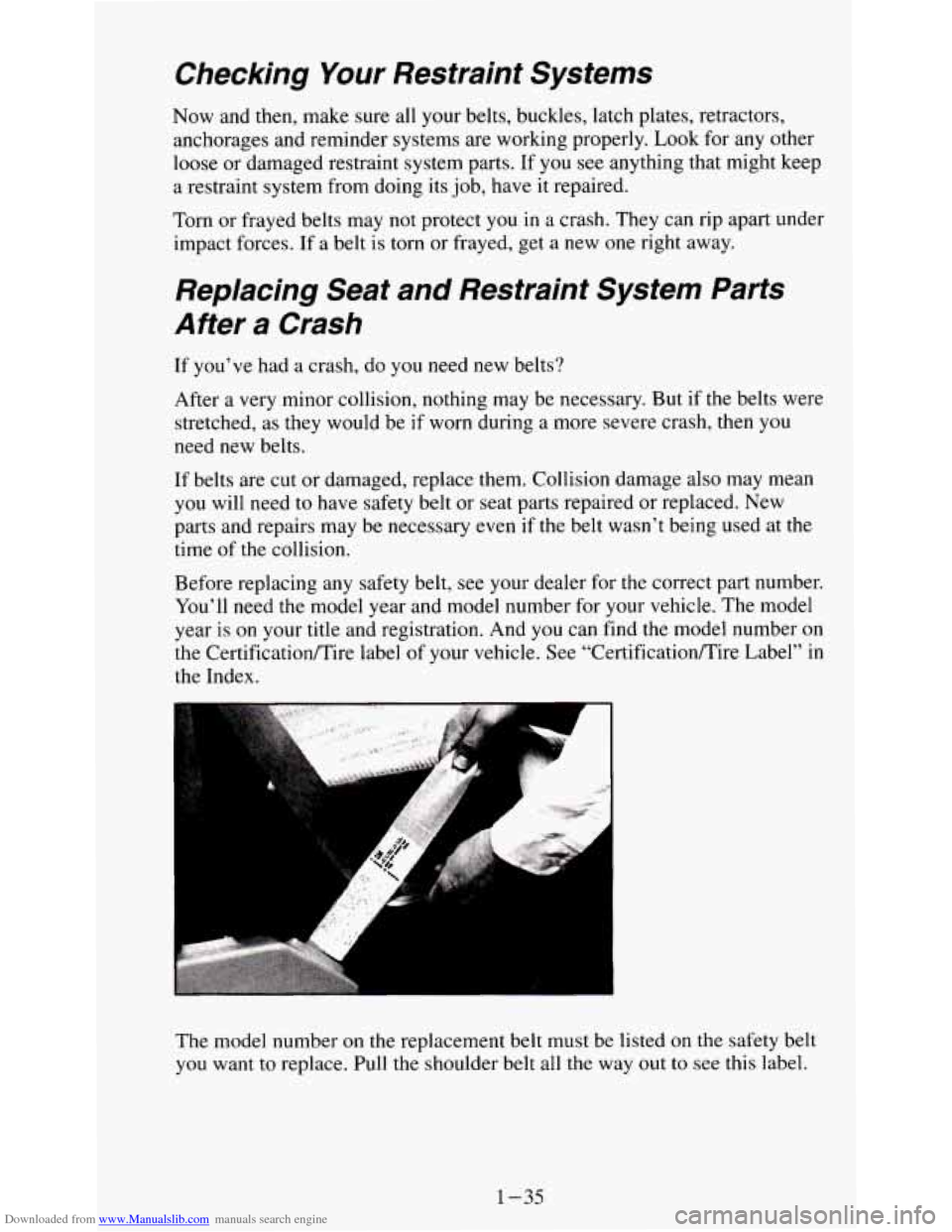
The model number
on the replacement belt must be listed on the safety belt
you want to replace. Pull the shoulder belt all
the way out to see this label.
1-35
Page 102 of 354
Downloaded from www.Manualslib.com manuals search engine Safety Belt Reminder Light
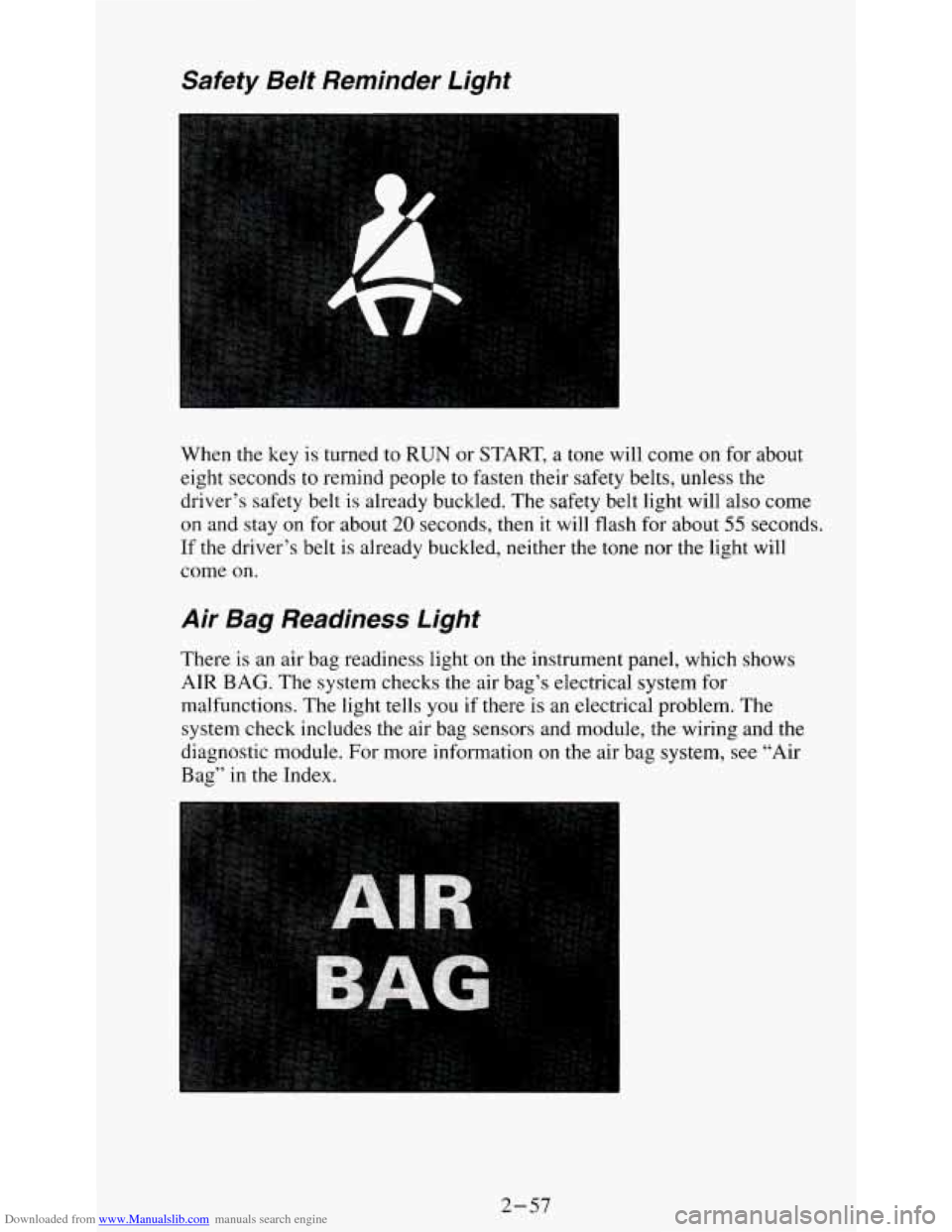
When the key is turned to RUN or START, a tone will come on for about
eight seconds
to remind people to fasten their safety belts, unless the
driver’s safety belt
is already buckled. The safety belt light will also come
on and stay on for about 20 seconds, then it will flash for about 55 seconds.
If the driver’s belt is already buckled, neither the tone nor the light will
come on.
Air Bag Readiness Light
There is an air bag readiness light on the instrument panel, which shows
AIR
BAG. The system checks the air bag’s electrical system for
malfunctions. The light tells you if there is an electrical problem.
The
system check includes the air bag sensors and module, the wiring and the
diagnostic module. For more information on the air bag system, see “Air
Bag” in the Index.
2-57
Page 107 of 354
Downloaded from www.Manualslib.com manuals search engine Charging System lndicator Light
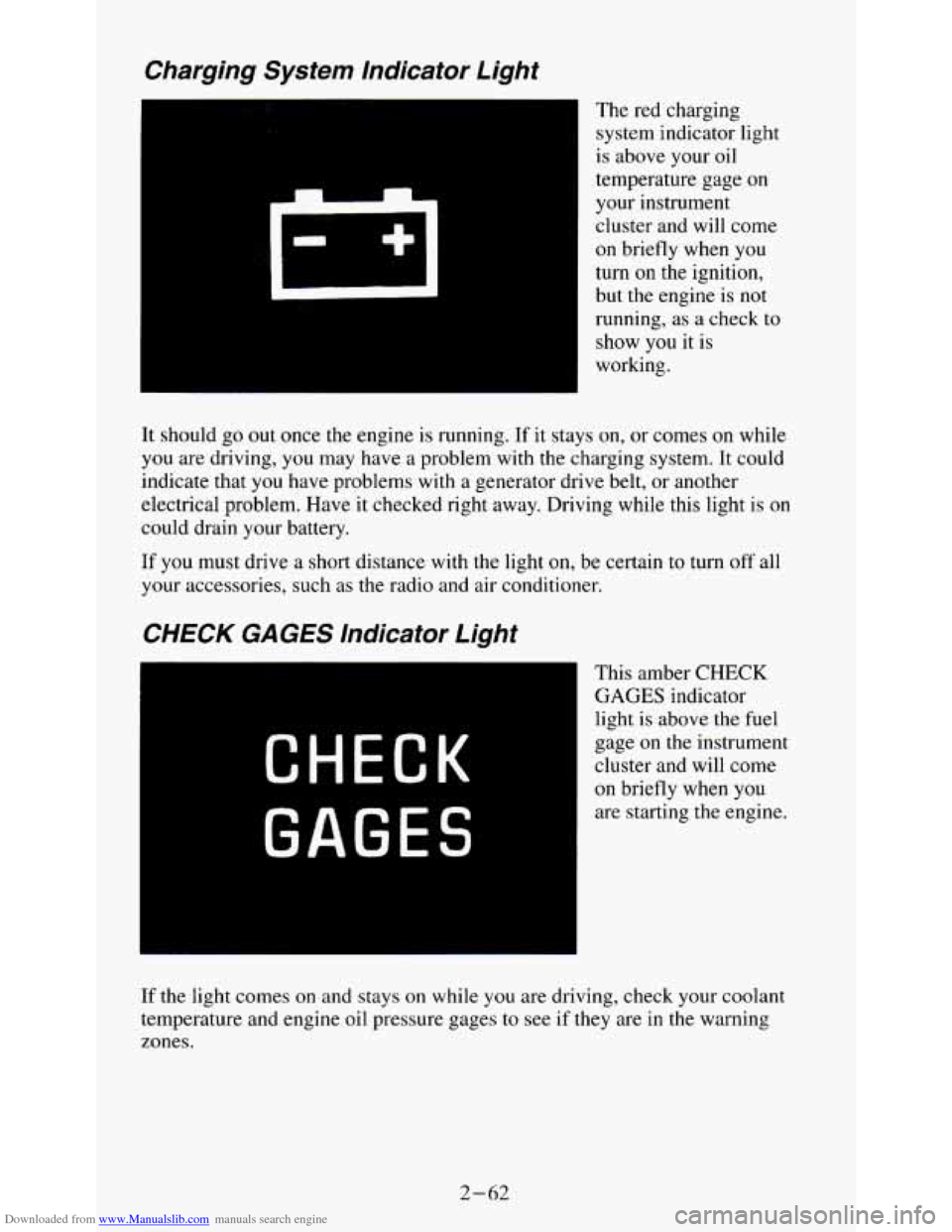
The red charging
system indicator light
is above your oil
temperature gage on
your instrument
cluster and will come
on briefly when you
turn
on the ignition,
but the engine is
not
running, as a check to
show you it is
working.
It should go
out once the engine is running. If it stays on, or comes on while
you are driving, you may have a problem with the charging system. It could
indicate that
you have problems with a generator drive belt, or another
electrical problem. Have it checked right away. Driving while this light is
on
could drain your battery.
If you must drive a short distance with the light on, be certain to turn off all
your accessories, such as the radio and air conditioner.
CHECK GAGES lndicator Light
CHECK
GAGES
This amber CHECK
GAGES indicator
light
is above the fuel
gage
on the instrument
cluster and will come
on briefly when you
are starting the engine.
If the light comes on and stays on while you are driving, check your coolant
temperature and engine oil pressure gages
to see if they are in the warning
zones.
2-62
Page 131 of 354
Downloaded from www.Manualslib.com manuals search engine NOTICE:
Before you add any sound equipment to your vehicle - like a
tape player,
CB radio, mobile telephone or two-way radio - be
sure you can add what you want. If
you can, it’s very important
to do it properly. Added sound equipment may interfere with th\
e
operation of your vehicle’s engine, Delco@ radio or other
systems, and even damage them. And, your vehicle’s systems
may interfere with the operation of sound equipment that has been added improperly.
So, before adding sound equipment, check with your dealer and
be sure to check Federal rules covering mobile radio and telephone units.
Care of Your Cassette Player and Tape
A tape player that is not cleaned regularly is subject to reduced sound
quality, ruining the cassette, or damaging the mechanism. Tape cassettes that
are not properly stored in their plastic cases away from contaminants, direct
sunlight, and extreme heat, may not operate properly and could cause
premature failure of the tape player.
Your tape player should be cleaned with every
50 hours of use to provide
optimum performance. Your radio may display “Cln” (Clean)
to indicate
that you have used your tape player for
50 hours without re-setting the tape
clean timer. If you notice a reduction in sound quality, regardless \
of when
the tape player was last cleaned, try playing a different cassette to see if the
tape
or tape player is at fault. If the second cassette results in no
improvement in sound quality, try cleaning the tape player.
Proper tape player cleaning should be done with a scrubbing action,
non-abrasive cleaning cassette. This is a wet-type cleaning system that uses
a cleaning cassette with pads which scrub the tape head as the hubs of the
cleaner cassette turn. To properly clean your tape player, follow instructions
with the cleaning cassette. If
you use this type of cleaner, the radio may
display an error and eject
the cartridge. This is normal and is the result of an
added feature in the tape player that detects broken tapes. If an error occurs,
you will need to insert the cleaning cassette at least
3 times to thoroughly
clean the tape player.
You may prefer
to use a non-scrubbing action, wet-type cleaner. This type
of cleaner uses a fabric belt to clean the tape head. This type of cleaner
cassette will not cause an error, but it may not clean the tape player as
thoroughly as the scrubbing type cleaner.
3-18
Page 134 of 354
Downloaded from www.Manualslib.com manuals search engine Your Driving and the Road
Section
1
Here you’ll find information about driving on different kinds of roads and in
varying weather conditions. We’ve also included many other useful tips on
driving.
Defensive Driving
The best advice anyone can give about driving is: Drive defensively.
Please start with a very important safety device in your vehicle:
Buckle up.
(See “Safety Belts” in the Index.)
Defensive driving really means “be ready for anything.” On city streets,
rural roads, or freeways,
it means “always expect the unexpected.”
4-1
Page 142 of 354
Downloaded from www.Manualslib.com manuals search engine An emergency like this requires close attention and a quick decision. If you
are holding the steering wheel at the recommended
9 and 3 o’clock
positions, you can turn it a
full 180 degrees very quickly without removing
either hand. But you have to act fast, steer quickly, and just as quickly
straighten the wheel once
you have avoided the object.
The fact that such emergency situations are always possible is a good reason
to practice defensive driving at all times and wear safety belts properly.
Off-Road Recovery
You may find sometime that your right wheels have dropped off the edge of
a road onto the shoulder while you’re driving.
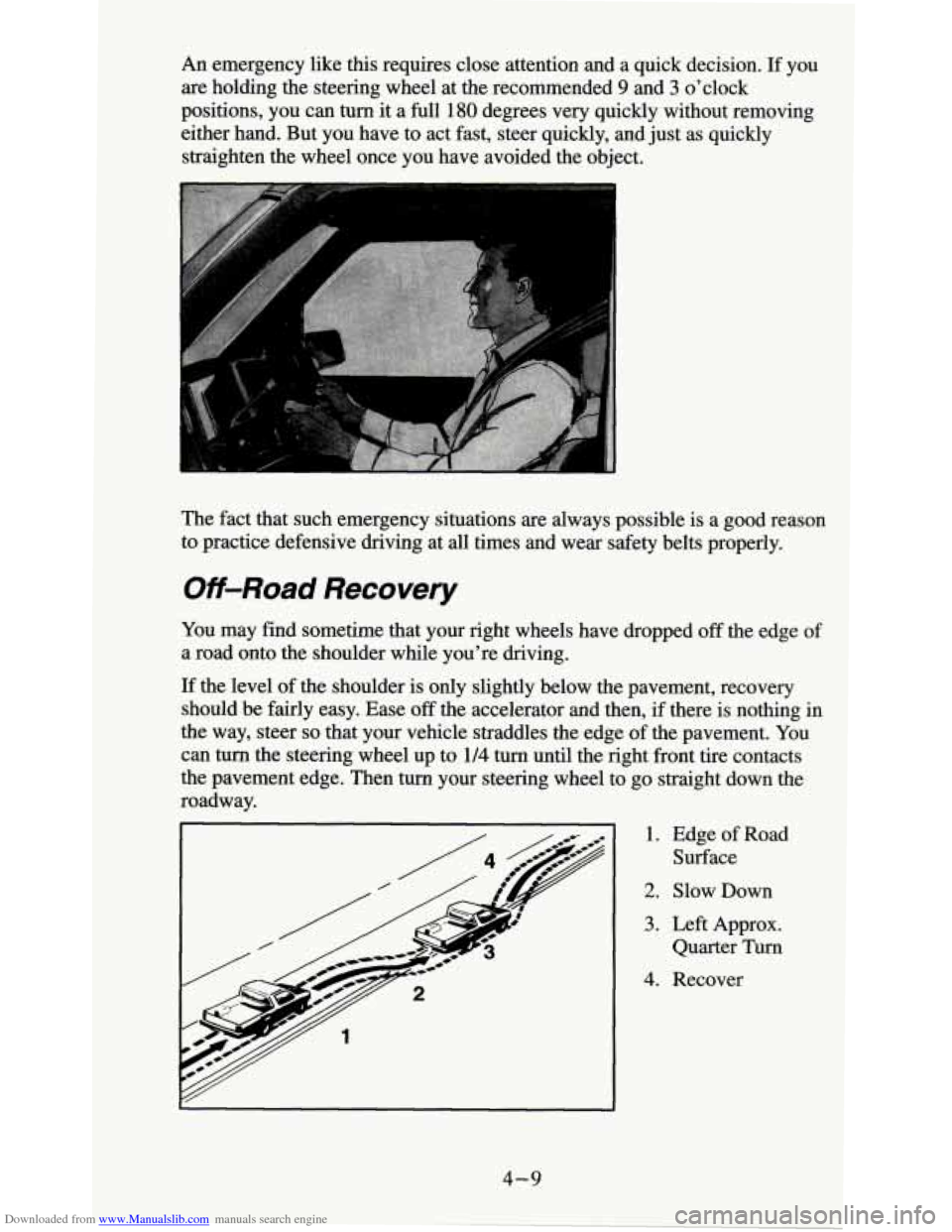
If the level of the shoulder is only slightly below the pavement, recovery
should be fairly easy. Ease
off the accelerator and then, if there is nothing in
the way, steer
so that your vehicle straddles the edge of the pavement. You
can turn the steering wheel up to 114 turn until the right front tire contacts
the pavement edge. Then turn your steering wheel to go straight down the
roadway.
1. Edge of Road
Surface
2. Slow Down
3. Left Approx.
Quarter Turn
4. Recover
4-9
Page 182 of 354
Downloaded from www.Manualslib.com manuals search engine When You Are Ready to Leave After Parking on a Hill
1. Apply your regular brakes and hold the pedal down while you:
Start your engine;
Shift into a gear; and
Release the parking brake.
2. Let up on the brake pedal.
3. Drive slowly until the trailer is clear of the chocks.
4. Stop and have someone pick up and store the chocks.
Maintenance When Trailer Towing
Your vehicle will need service more often when you’re pulling a trailer. See
the Maintenance Schedule for more on this. Things that are especially
important in trailer operation are automatic transmission fluid (don’t
overfill), engine oil, axle lubricant, belt, cooling system, and brake
adjustment. Each of these is covered in this manual, and the Index will help
you find them quickly. If you’re trailering, it’s a
good idea to review these
sections before you start your trip.
Check periodically to
see that all hitch nuts and bolts are tight.
Trailer Lighting Systems Wiring
See “Trailer Wiring Harness” in the Index.
4-49
Page 260 of 354
Downloaded from www.Manualslib.com manuals search engine When it’s Time for New Tires
You need a new tire if:
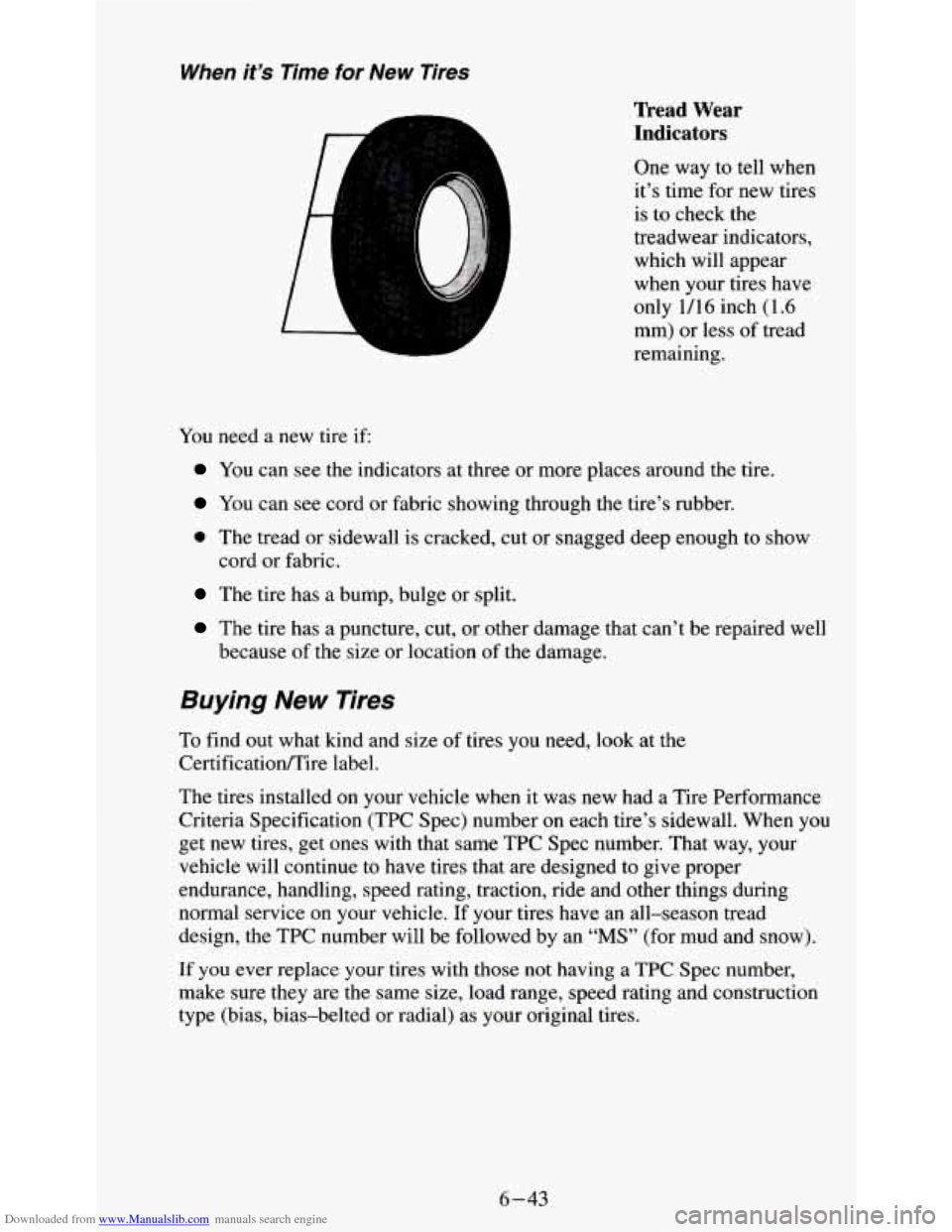
Tread Wear
Indicators
One way to tell when
it’s time for new tires
is to check the
treadwear indicators,
which will appear
when your tires have
only
1/16 inch (1.6
mm) or less of tread
remaining.
You can see the indicators at three or more places around the tire.
You can see cord or fabric showing through the tire’s rubber.
0 The tread or sidewall is cracked, cut or snagged deep enough to show
cord or fabric.
The tire has a bump, bulge or split.
The tire has a puncture, cut, or other damage that can’t be repaired well
because
of the size or location of the damage.
Buying New Tires
To find out what kind and size of tires you need, look at the
Certificationmire label.
The tires installed on your vehicle when it was new had a Tire Performance
Criteria Specification (TPC Spec) number on each tire’s sidewall. When you
get new tires, get ones with that same TPC Spec number. That way, your
vehicle will continue to have tires that are designed
to give proper
endurance, handling, speed rating, traction, ride and other things during
normal service on your vehicle. If your tires have an all-season tread
design, the TPC number will be followed by an
“MS” (for mud and snow).
If you ever replace your tires with those not having a TPC Spec number,
make sure they are the same size, load range, speed rating and construction
type (bias, bias-belted or radial) as your original tires.
6-43
Page 268 of 354
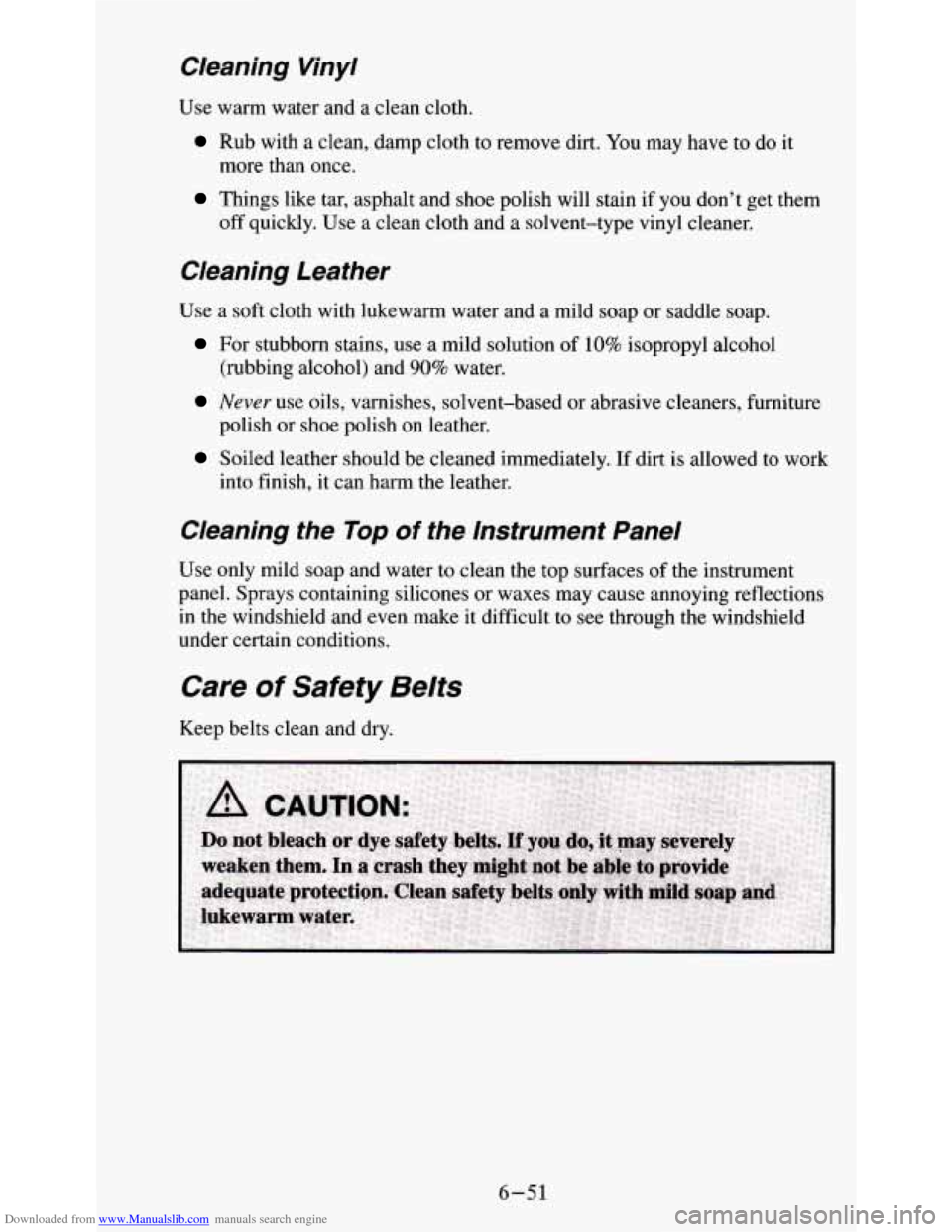
Downloaded from www.Manualslib.com manuals search engine Cleaning Vinyl
Use warm water and a clean cloth.
Rub with a clean, damp cloth to remove dirt. You may have to do it
more than once.
Things like tar, asphalt and shoe polish will stain if you don’t get them
off quickly. Use a clean cloth and a solvent-type vinyl cleaner,
Cleaning Leather
Use a soft cloth with lukewarm water and a mild soap or saddle soap.
For stubborn stains, use a mild solution of 10% isopropyl alcohol
Never use oils, varnishes, solvent-based or abrasive cleaners, furniture
(rubbing alcohol) and
90% water.
polish or shoe polish on leather.
Soiled leather should be cleaned immediately. If dirt is allowed to work
into finish,
it can harm the leather.
Cleaning the lop of the Instrument Panel
Use only mild soap and water to clean the top surfaces of the instrument
panel. Sprays containing silicones or waxes may cause annoying reflections
in the windshield and even make it difficult to see through the windshield
under certain conditions.
Care of Safety Belts
Keep belts clean and dry.
6-51
Page 281 of 354
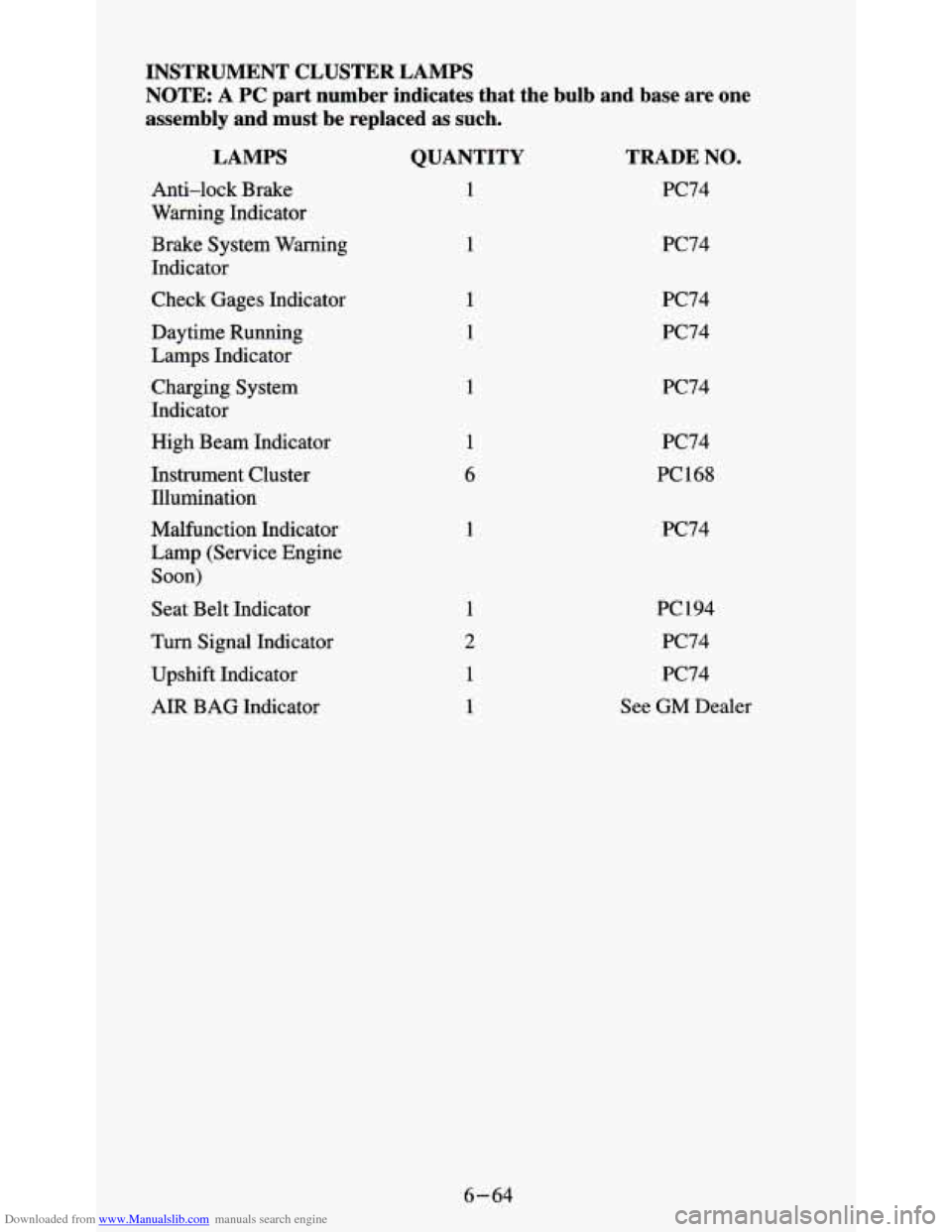
Downloaded from www.Manualslib.com manuals search engine INSTRUMENT CLUSTER LAMPS
NOTE:
A PC part number indicates that the bulb and base are one
assembly and must be replaced as such.
LAMPS
Anti-lock Brake
Warning Indicator
Brake System Warning
Indicator
Check Gages Indicator
Daytime Running
Lamps Indicator
Charging System
Indicator
High Beam Indicator
Instrument Cluster Illumination
Malfunction Indicator
Lamp (Service Engine
Soon)
Seat Belt Indicator
Turn Signal Indicator
Upshift Indicator
AIR BAG Indicator
QUANTITY
1
1
1
1
6
1
TRADE NO.
PC74
PC74
PC74
PC74
PC74
PC74
PC168
PC74
PC194 PC74
PC74
See GM Dealer
6-64