lock CHEVROLET S10 1997 2.G User Guide
[x] Cancel search | Manufacturer: CHEVROLET, Model Year: 1997, Model line: S10, Model: CHEVROLET S10 1997 2.GPages: 402, PDF Size: 21.04 MB
Page 50 of 402
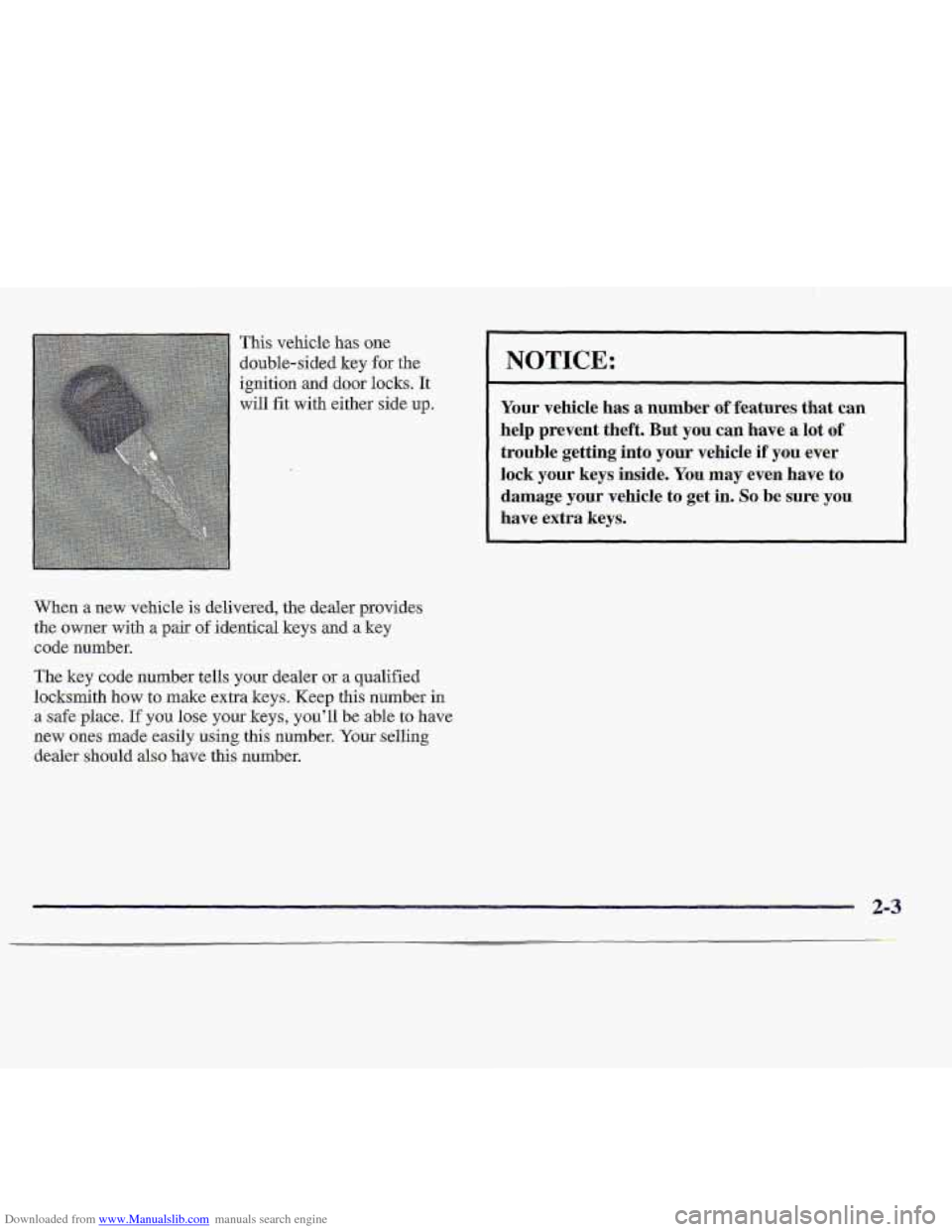
Downloaded from www.Manualslib.com manuals search engine This vehicle has one
double-sided key
for the
ignition
and door locks. It
will fit with either side up.
When a new vehicle is delivered, the dealer provides
the owner with a pair
of identical keys and a key
code number.
The key code number
teUs your dealer or a qualified
locksmith how
to make extra keys. Keep this number in
a safe place. If you lose your keys, .you’ll be able to have
new
ones made easily using. this number. Your selling
dealer should also have this number.
NOTICE:
Your vehicle has a number of features that can
help prevent theft. But
you can have a lot of
trouble .getting into
your vehicle if you ever
lock pur keys inside. You may even have to
damage
your vehicle to get in. SO be sure you
have extra keys.
Page 51 of 402
Downloaded from www.Manualslib.com manuals search engine YOU can use. your key to unlock your door from
the outside.
Unlocked doors can be dangerous.
Passengers
-- especially children -- can easily
open the doors and fall out. When a door is
locked, the inside
handle won't open it.
Outsiders
can easily enter through an unlocked
dobr when y0.u slow down or stop your vehicle.
This may not be so obvious: You increase the
chance of being thrown out o€ the vehicle in a
crash.if the doors aren't Iocked. Wear safety belts
properly, lock your doors, and you will. be far
better
off whenever you drive your vehicle.
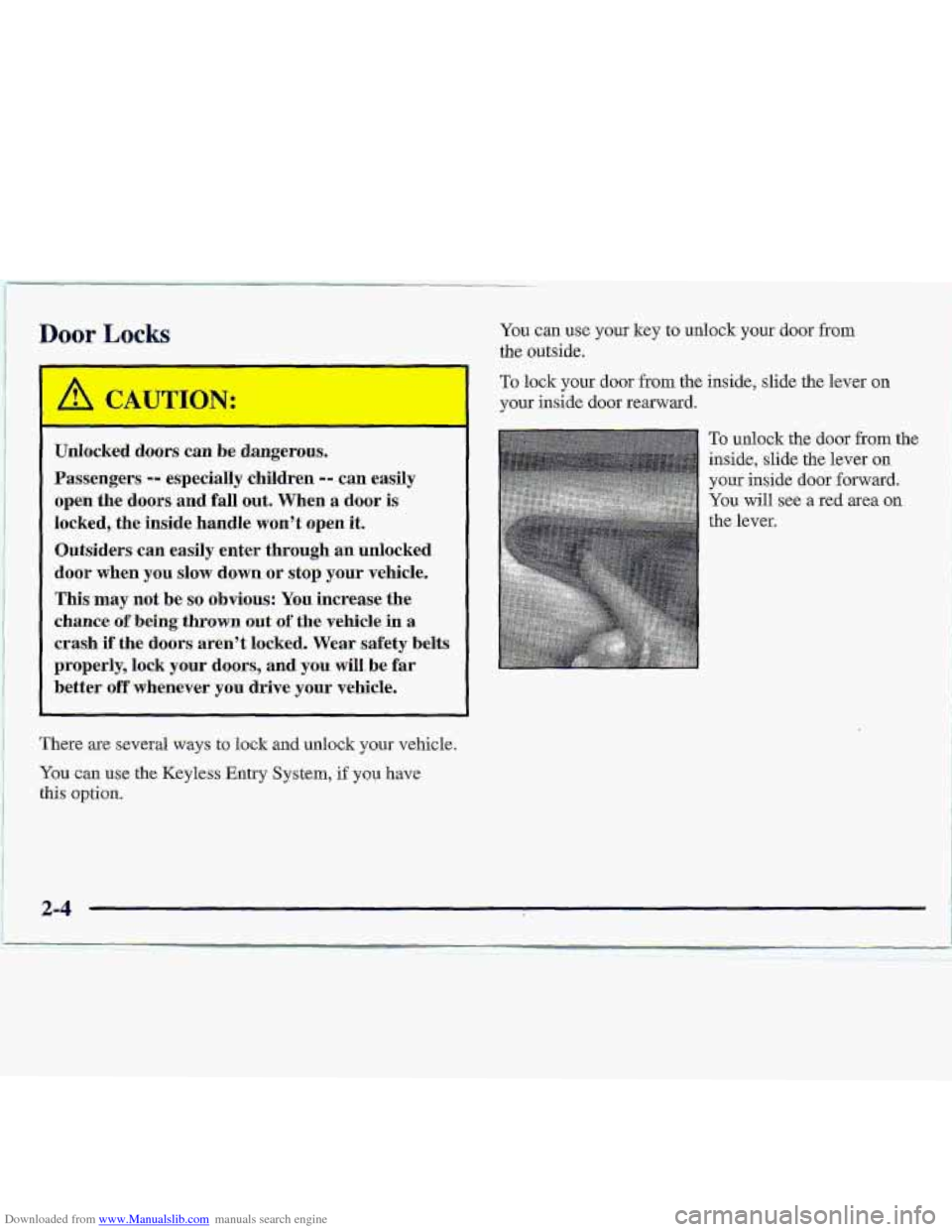
To lock your door from the inside, slide the lever on
your inside door rearward.
To unlock the door from the
inside, slide the lever 011
your inside door forward.
You will see a re.d area on
the lever.
There
are several ways to lock and unlock your vehicle.
You can use the Keyless Entry System, if y-ou have
this option.
2-4
Page 52 of 402
Downloaded from www.Manualslib.com manuals search engine Side Access Panel (Extended Cab)
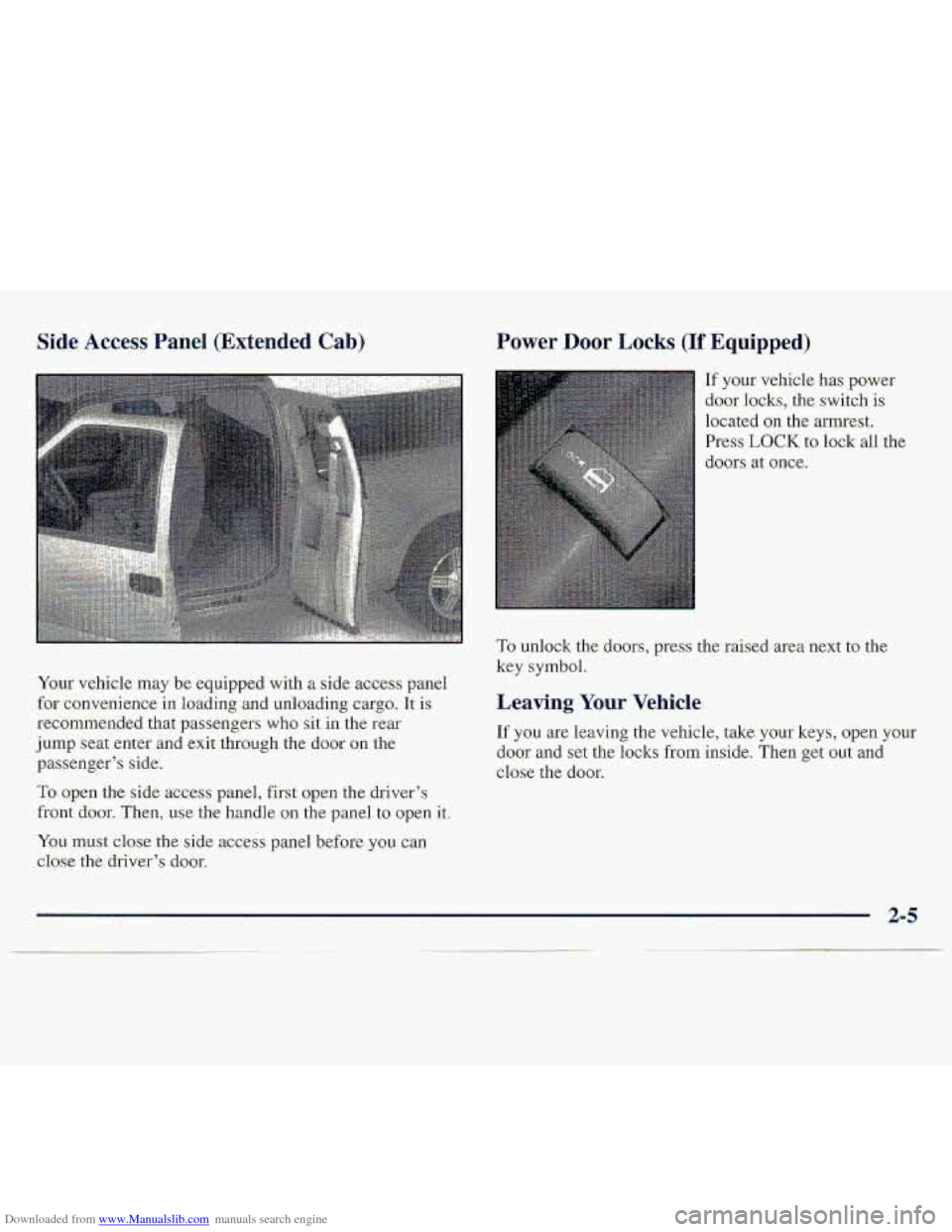
Your vehicle may be eq-uipped with a side acces-s panel
for c0nv.enienc.e in loading-and unloading cargo. It is
recommended that passengers
who sit in the rear-
.jump seat enter and exit through the door Qn the
passenger’s side,
To open the side access panel, first ope-n the driver’s
front .do.or. Then? use the handle on th.e panel tu open it.
You lnust close- the side access panel before you can
close the
driver’s door.
Power Do-or Locks (If Equipped)
If your- vehicle has power
door locks., the switch is
located on the armrest.
Press
LOCK to lodk all the
doors
at once.
To unlock the ,d.oors, press the raised area next to the
key symbol.
Leaving Your Vehicle
If you are leaving the vehicle, take your keys, open your
door and set tlie locl~s from i~.rQe. Then get out and
close the door.
Page 53 of 402
Downloaded from www.Manualslib.com manuals search engine Remote Keyless Entry System
(If Equipped)
If your vehicle has this option, youcan lock and unlock
your
doors from up to 30 feet (9 m) away .using the
remote keyless entry transmitter
supplied with your
vehicle. This
system. has
a range of about 3 feet (1 m) up to
.30 feet.(9 m). .At times .you-may notice-a decreas-e in
‘range. This is normal for any remote keyks-s entry
system.
If the transmitter does not work or if you have
t.0 stand .closer to your vehic1e.h the tfansl’nittei’ to
work, try this:
0
0
0
0
Check to determine if battery replacement or
resynchronization is necessary.
See the instruclioits
thtit fol1.0~.
Check the distance.
YOU may be to.0 far from your
vehicle. You may need to stand closer during rainy
or
snowy weather.
Check the location. Other vehicles. or objects may be
blocking the signal.
Take a few steps to the kft or
figh, hold the transmitter higher, and try again.
If you’re still having trouble, see your %M dealer or
a qudifiied technician for service.
Changes or modifications to. this system by other than an
authoi-ized service facility could void authorization to
use. this equipment.
Page 54 of 402
Downloaded from www.Manualslib.com manuals search engine Operation
When you press UNLOCK, the driver's door will
unlock automatically. If you press UNLOCK again
within five seconds, all the do.ors will unlock. .Press
L0CK:to lock all the' doors.
Matching. Transmitter(s) To Your Vehicle Battery
Replacement
Under normal use,
the battery in your .remote keyle-ss
entry transmitter- should la.st about two 'years.
You .ca tell the battery is weak if the transmitter won't
work
at the n.ormal range in any Io~atiQfi. .If you h.ave to
.get close 'to
your vehicle before the transmitter works,
it's probably
ti 3 to change the battery.
When repIacing the battery, use. care niot..to touch
any of the circuitry. Static from your body
transferred to these
surfaces may damage
the. transmitter.
2-7
Page 57 of 402
Downloaded from www.Manualslib.com manuals search engine Theft, Parking at Mght
Vehicle theft isbig Business, especially in.some cities,
Although your vehicle has a number of theft-detefren’t
-features, we know that nothin-g we put on
it can make
it.impassible
to steal. However, there’ are- ways you
.ean.bqlp.
Key in the Ignition
If you leave your vehicle with the keys inside, it’s; an
easy target for Joy riders or professional thieve-s -- .so
don’t .do it.
When you. park your-vehicle and open the driver’s dam,
you’ll he;rr a tone remiding you to remove your key
from the ignitipo and take it with you. Always do this.
Your steering wheel will be locked, and so will your
ignitkm: If you have an automatic tr-arcmission, taking
your key out also lacks your msmis.sian. And
remember to
lack.thc doors.
P&k in a lighted spot, close all windows and 1.ock.your
vehicle.. Remember to keep your valuables .out of sight.
Put .them in a storage are&
6.r take them with .you.
Parking .. Lots,
‘If you pafk in a lot where:someone will be watching.
your vehicle, it’s be:st
to lgck it up-and take ywr keys.
But what if you have to-leave your ignition key? What if
YOU have to leave something. valuable in your vehicle?
0. Put your vxl-luables i.n a. st;or.age. area, like your
glove
box.
Lock all the doors except the driver’s.
2-10
Page 58 of 402
Downloaded from www.Manualslib.com manuals search engine New Vehkk “Bre-ak-In”
NOTICE:
Your modern vehicle d.oesn’t need an elaborate
“break-in.”
But it will perform better in the long
run if you follow these guidelines:
0 Keep your speed at 55 mph (88 km/h) or
less far the first 500 miles (805 km).
Don’t drive at any one speed -- fast or
slow
-- for the first-500 miles (805 km).
Don’t make full-thro.ttle starts.
200 miles. (322 km) or so. During this time
your
new brake linings aren’t yetbro-ken
in. Hard stops with new linings cmmean
premature wear and earlier replacement.
Follow this breaking-in guideline every
time you
get new brake linings.
See “Tbwing a Trailer” in the Index for
more information..
Avoid makiilg hard stops for the first
Don’ttow a trailer during break-in.
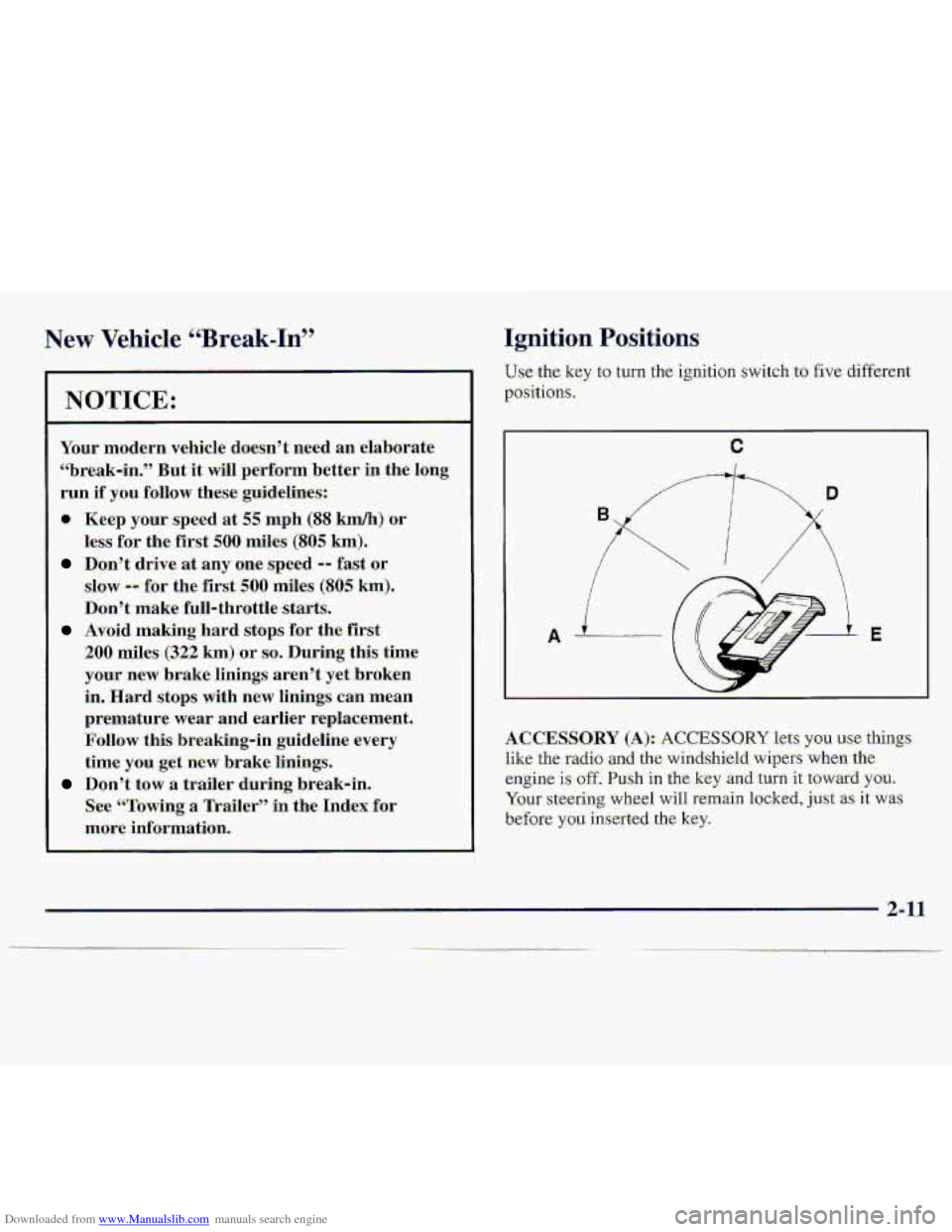
Ignition Positions
Use.the key to-turn the ignition switch to €ive different
positions,
A 3.
ACCESSORY (A):. ACCESSO-RY lets ysu .use‘-thi-ngs
like the radio ad the.winds,hield wipe-rs when the
engine is off. Push i.n the key -and turn it toward. YOU.
Your steering wheel will remain locked, just. as it was
before
you inserted the. key.
2-11
Page 59 of 402
Downloaded from www.Manualslib.com manuals search engine NOTICE:
Don't operate accessories. in the ACCESSORY
position far long periods of time. Prolonged.
operation
of accessories in the ACCESSORY
position could drain your battery-and prevent
you
from skarting your vehicle.
LOCK (E): This position locks your ignition; -steering
wheel-and tra-nsmiss-ion.
It's a theft-deterfeat feature.
You will oaly be able to remove your key whe.n the
ignition is turned to. LOCK.
.OFF (C); This position lets you turn off.the engine but
Tstill turn the steering wheel'. Us.e OFF if you must have
~yx.u- whic1.e in motion while -the erigine :is off (for
example, if your vehickis being towed).
RUN (I)): This is the positio-n for driving.
START (E): This starts your engine. On manual transmission
vehicles, turning t.he key
to
LOCK will lock the steerihgcolumn and result
in
a lass of ability to steer the vehicle. This could
cause
-a collision. If you need to turn the enghe
off while the vehicle is moving, turn the key only
to OFF. Don't press the key release button while
the vehicle is moving.
NOTICE:
If your key seems stuck in 'LOCK. and -you can't
turn it, be sure you
are using the corkect key; if
so, is it all the way in? If'ft is, then turn the
steering wheel left and right while you turn the
key h.ard. But t.urn the key only with
your hand.
Using
a tool to force it could. break the key or the
ignition switch.
'If none of this. works, then your
vehicle needs service.
2-12
Page 60 of 402
Downloaded from www.Manualslib.com manuals search engine Key Release Button
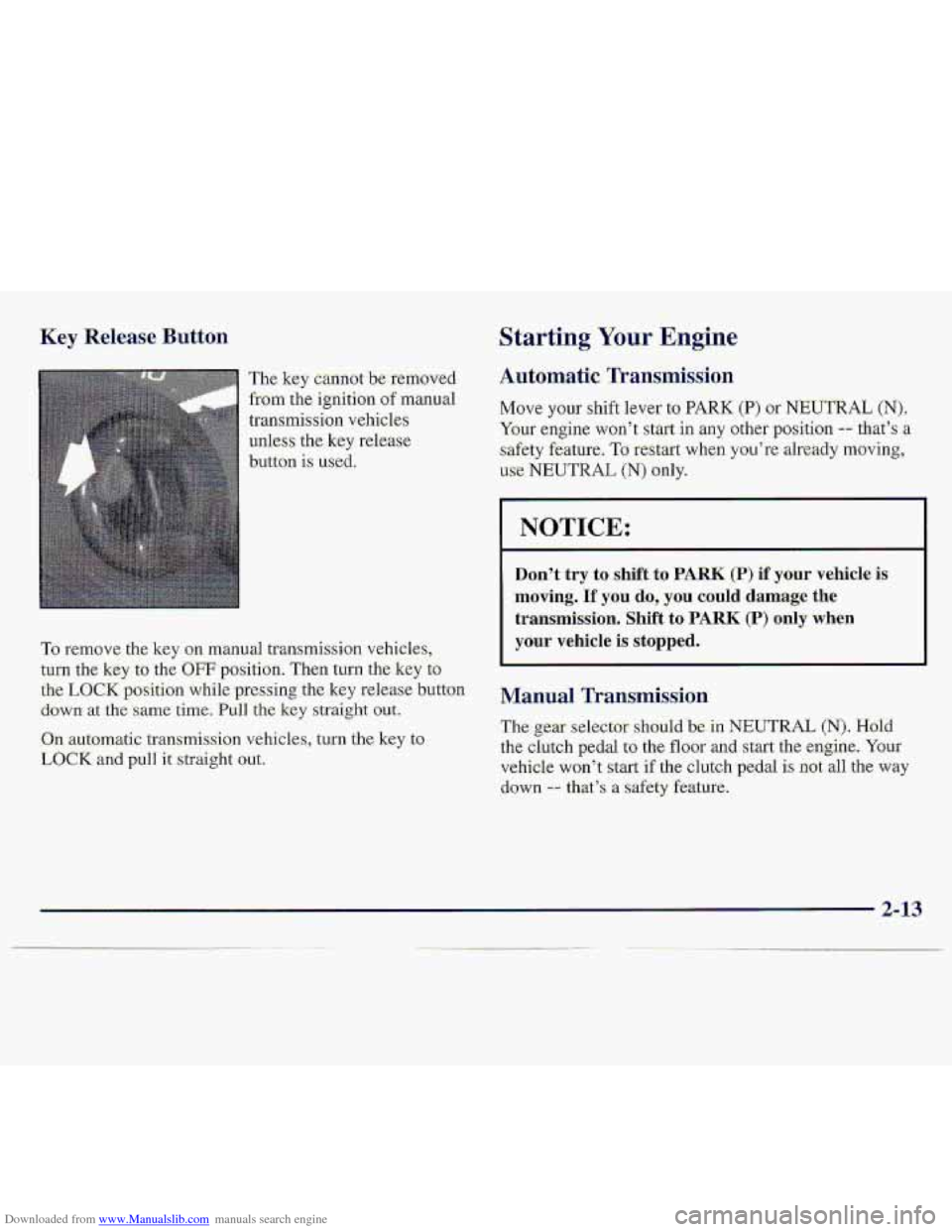
The key cannot b.e removed
from ttie ignition of manual
transmission vehicles
unless the
key release
button is used.
Starting Your ,Engine
Automatic Transmissio.n
Move your shift lever to PARK (P) or NEUTRAL (N).
Your engine won’t start in any .other position -- that’s a
safet,y feature. To reStart when you’re already moving,
use NEUTRAL (N) only.
I NOTICE:
Don’t try to shift to PARK (P) if your vehicle is
moving. If you do, you could damage the
transmission. Shift to
PARK (P) only when
your vehicle is stopped. To remove the key on manual transmission vehicles,
turn the key to the
OFF position. Then turn the key to
the LOCK position while pressing the key release button Manual Transmission
down- at the .s.arne time. Pull the key straight out.
On automatic transmission vehicles, tu,rn the key to
LOCK and pull it straight out.
The gear selector should be in NEUTRAL (N). Hold
the clutch pedal to the floor and start the engine. Your
vehicle won’t start if the clutch pedal is not all. the way
down -- that’s a safety feature.
2-.13
Page 64 of 402
Downloaded from www.Manualslib.com manuals search engine Automatic Transmission Operation
Your automatic transmission may have a shift lever
located
on the console between the seats or on the
steering column.
There are several different positions for your shift lever.
If your vehicle is equipped with a column shift lever,
it
features an electronic shift position indicator within the
instrument cluster. This display must be powered
anytime the shift lever is capable of being moved out
of
the PARK (P) position. This means that if your key is in
the
OFF position, but not locked, there will be a small
current drain
on your battery which could discharge
your battery over a period of time.
If you need to leave
your key in the ignition
in the OFF position for an
extended period, it is recommended that you disconnect
the battery cable from the battery
to prevent discharging
your battery.
PARK (P): This locks your rear wheels. It’s the best
position to use when you start your engine because your
vehicle can’t move easily.
Lf! C A TION:
It is dangerous to get out of your vehicle if the
shift lever is not fully in
PARK (P) with the
parking brake
firmly set. Your vehicle can roll.
Don’t leave your vehicle when the engine is
running unless you have to.
If you have left the
engine running, the vehicle can move suddenly.
You or others could be injured.
To be sure your
vehicle won’t move, even when you’re on fairly
level ground, always set your parking brake and
move the shift lever to
PARK (P).
If you have four-wheel drive, your vehicle
will be free to roll
-- even if your shift lever
is in
PARK (P) -- if your transfer case is in
NEUTRAL (N). So, be sure the transfer case is in
a drive gear, two-wheel high (2HI) or four-wheel
high (4HI) or four-wheel low (4LO)
-- not in
NEUTRAL (N). See “Shifting Into PARK (P)” in
the Index.
If you’re pulling a trailer, see “Towing
a Trailer’’ in the Index.
2-17