light CHEVROLET SS 2015 Service Manual
[x] Cancel search | Manufacturer: CHEVROLET, Model Year: 2015, Model line: SS, Model: CHEVROLET SS 2015Pages: 435, PDF Size: 6.27 MB
Page 125 of 435
Black plate (28,1)Chevrolet SS Sedan Owner Manual (GMNA-Localizing-U.S.-7707491) - 2015 -
crc - 9/18/14
5-28 Instruments and Controls
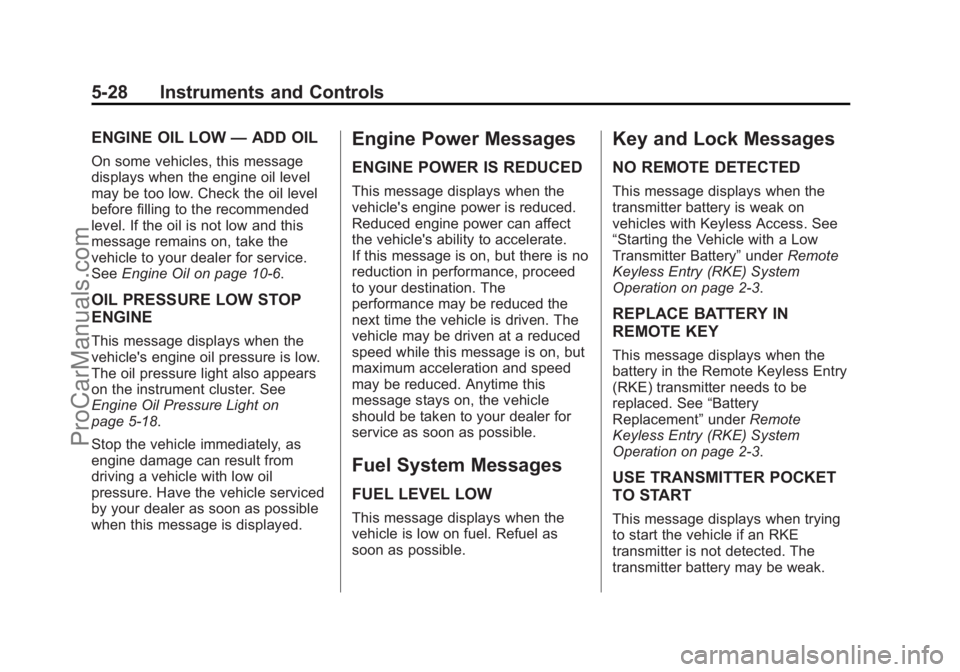
ENGINE OIL LOW—ADD OIL
On some vehicles, this message
displays when the engine oil level
may be too low. Check the oil level
before filling to the recommended
level. If the oil is not low and this
message remains on, take the
vehicle to your dealer for service.
See Engine Oil on page 10-6.
OIL PRESSURE LOW STOP
ENGINE
This message displays when the
vehicle's engine oil pressure is low.
The oil pressure light also appears
on the instrument cluster. See
Engine Oil Pressure Light on
page 5-18.
Stop the vehicle immediately, as
engine damage can result from
driving a vehicle with low oil
pressure. Have the vehicle serviced
by your dealer as soon as possible
when this message is displayed.
Engine Power Messages
ENGINE POWER IS REDUCED
This message displays when the
vehicle's engine power is reduced.
Reduced engine power can affect
the vehicle's ability to accelerate.
If this message is on, but there is no
reduction in performance, proceed
to your destination. The
performance may be reduced the
next time the vehicle is driven. The
vehicle may be driven at a reduced
speed while this message is on, but
maximum acceleration and speed
may be reduced. Anytime this
message stays on, the vehicle
should be taken to your dealer for
service as soon as possible.
Fuel System Messages
FUEL LEVEL LOW
This message displays when the
vehicle is low on fuel. Refuel as
soon as possible.
Key and Lock Messages
NO REMOTE DETECTED
This message displays when the
transmitter battery is weak on
vehicles with Keyless Access. See
“Starting the Vehicle with a Low
Transmitter Battery” underRemote
Keyless Entry (RKE) System
Operation on page 2-3.
REPLACE BATTERY IN
REMOTE KEY
This message displays when the
battery in the Remote Keyless Entry
(RKE) transmitter needs to be
replaced. See “Battery
Replacement” underRemote
Keyless Entry (RKE) System
Operation on page 2-3.
USE TRANSMITTER POCKET
TO START
This message displays when trying
to start the vehicle if an RKE
transmitter is not detected. The
transmitter battery may be weak.
ProCarManuals.com
Page 126 of 435
Black plate (29,1)Chevrolet SS Sedan Owner Manual (GMNA-Localizing-U.S.-7707491) - 2015 -
crc - 9/18/14
Instruments and Controls 5-29
See“Starting the Vehicle with a Low
Transmitter Battery” underRemote
Keyless Entry (RKE) System
Operation on page 2-3.
Lamp Messages
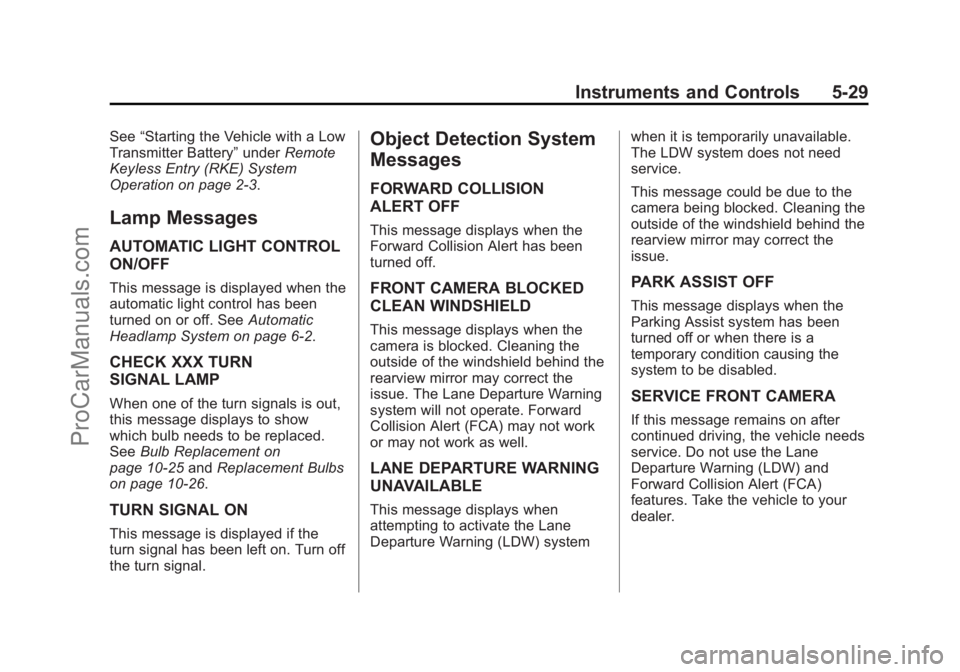
AUTOMATIC LIGHT CONTROL
ON/OFF
This message is displayed when the
automatic light control has been
turned on or off. See Automatic
Headlamp System on page 6-2.
CHECK XXX TURN
SIGNAL LAMP
When one of the turn signals is out,
this message displays to show
which bulb needs to be replaced.
See Bulb Replacement on
page 10-25 andReplacement Bulbs
on page 10-26.
TURN SIGNAL ON
This message is displayed if the
turn signal has been left on. Turn off
the turn signal.
Object Detection System
Messages
FORWARD COLLISION
ALERT OFF
This message displays when the
Forward Collision Alert has been
turned off.
FRONT CAMERA BLOCKED
CLEAN WINDSHIELD
This message displays when the
camera is blocked. Cleaning the
outside of the windshield behind the
rearview mirror may correct the
issue. The Lane Departure Warning
system will not operate. Forward
Collision Alert (FCA) may not work
or may not work as well.
LANE DEPARTURE WARNING
UNAVAILABLE
This message displays when
attempting to activate the Lane
Departure Warning (LDW) system when it is temporarily unavailable.
The LDW system does not need
service.
This message could be due to the
camera being blocked. Cleaning the
outside of the windshield behind the
rearview mirror may correct the
issue.
PARK ASSIST OFF
This message displays when the
Parking Assist system has been
turned off or when there is a
temporary condition causing the
system to be disabled.
SERVICE FRONT CAMERA
If this message remains on after
continued driving, the vehicle needs
service. Do not use the Lane
Departure Warning (LDW) and
Forward Collision Alert (FCA)
features. Take the vehicle to your
dealer.
ProCarManuals.com
Page 128 of 435
Black plate (31,1)Chevrolet SS Sedan Owner Manual (GMNA-Localizing-U.S.-7707491) - 2015 -
crc - 9/18/14
Instruments and Controls 5-31
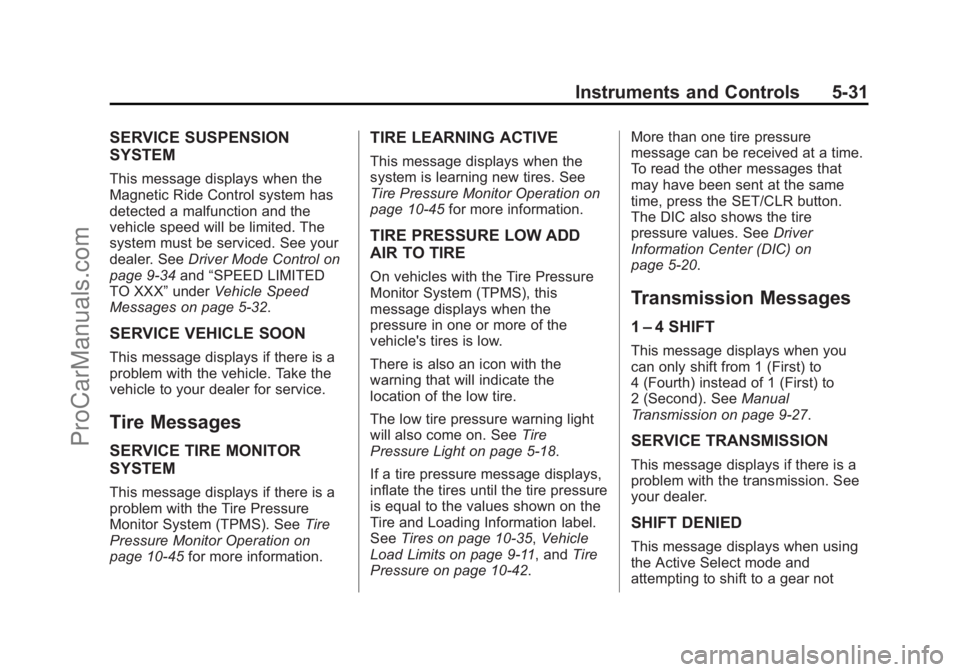
SERVICE SUSPENSION
SYSTEM
This message displays when the
Magnetic Ride Control system has
detected a malfunction and the
vehicle speed will be limited. The
system must be serviced. See your
dealer. SeeDriver Mode Control on
page 9-34 and“SPEED LIMITED
TO XXX” underVehicle Speed
Messages on page 5-32.
SERVICE VEHICLE SOON
This message displays if there is a
problem with the vehicle. Take the
vehicle to your dealer for service.
Tire Messages
SERVICE TIRE MONITOR
SYSTEM
This message displays if there is a
problem with the Tire Pressure
Monitor System (TPMS). See Tire
Pressure Monitor Operation on
page 10-45 for more information.
TIRE LEARNING ACTIVE
This message displays when the
system is learning new tires. See
Tire Pressure Monitor Operation on
page 10-45for more information.
TIRE PRESSURE LOW ADD
AIR TO TIRE
On vehicles with the Tire Pressure
Monitor System (TPMS), this
message displays when the
pressure in one or more of the
vehicle's tires is low.
There is also an icon with the
warning that will indicate the
location of the low tire.
The low tire pressure warning light
will also come on. See Tire
Pressure Light on page 5-18.
If a tire pressure message displays,
inflate the tires until the tire pressure
is equal to the values shown on the
Tire and Loading Information label.
See Tires on page 10-35, Vehicle
Load Limits on page 9-11, and Tire
Pressure on page 10-42. More than one tire pressure
message can be received at a time.
To read the other messages that
may have been sent at the same
time, press the SET/CLR button.
The DIC also shows the tire
pressure values. See
Driver
Information Center (DIC) on
page 5-20.
Transmission Messages
1 –4 SHIFT
This message displays when you
can only shift from 1 (First) to
4 (Fourth) instead of 1 (First) to
2 (Second). See Manual
Transmission on page 9-27.
SERVICE TRANSMISSION
This message displays if there is a
problem with the transmission. See
your dealer.
SHIFT DENIED
This message displays when using
the Active Select mode and
attempting to shift to a gear not
ProCarManuals.com
Page 130 of 435
Black plate (33,1)Chevrolet SS Sedan Owner Manual (GMNA-Localizing-U.S.-7707491) - 2015 -
crc - 9/18/14
Instruments and Controls 5-33
Vehicle
Personalization
Use the audio system controls to
access the personalization menus
for customizing vehicle features.
The following are all possible
personalization features. Depending
on the vehicle, some may not be
available.
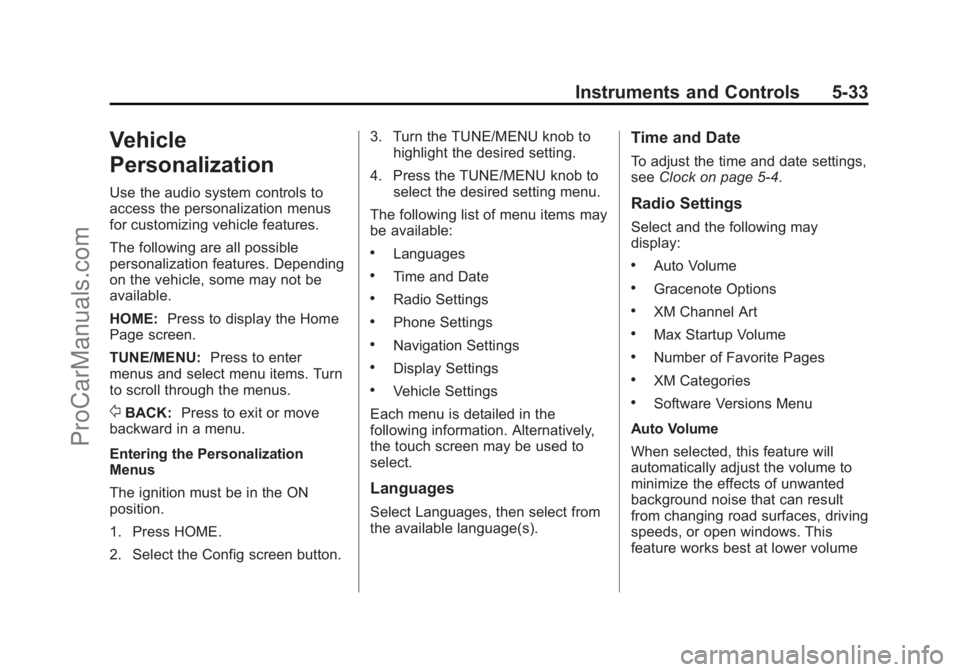
HOME:Press to display the Home
Page screen.
TUNE/MENU: Press to enter
menus and select menu items. Turn
to scroll through the menus.
/BACK: Press to exit or move
backward in a menu.
Entering the Personalization
Menus
The ignition must be in the ON
position.
1. Press HOME.
2. Select the Config screen button. 3. Turn the TUNE/MENU knob to
highlight the desired setting.
4. Press the TUNE/MENU knob to select the desired setting menu.
The following list of menu items may
be available:
.Languages
.Time and Date
.Radio Settings
.Phone Settings
.Navigation Settings
.Display Settings
.Vehicle Settings
Each menu is detailed in the
following information. Alternatively,
the touch screen may be used to
select.
Languages
Select Languages, then select from
the available language(s).
Time and Date
To adjust the time and date settings,
see Clock on page 5-4.
Radio Settings
Select and the following may
display:
.Auto Volume
.Gracenote Options
.XM Channel Art
.Max Startup Volume
.Number of Favorite Pages
.XM Categories
.Software Versions Menu
Auto Volume
When selected, this feature will
automatically adjust the volume to
minimize the effects of unwanted
background noise that can result
from changing road surfaces, driving
speeds, or open windows. This
feature works best at lower volume
ProCarManuals.com
Page 132 of 435

Black plate (35,1)Chevrolet SS Sedan Owner Manual (GMNA-Localizing-U.S.-7707491) - 2015 -
crc - 9/18/14
Instruments and Controls 5-35
.Map Display:Select to change
the screen background.
To change the overall brightness
setting for the display, use the
vehicle interior lighting
instrument panel illumination
control.
‐ The Automatic setting adjusts
the screen background
automatically depending on
the exterior lighting conditions.
‐ The Day setting brightens the
map background.
‐ The Night setting darkens the
map background.
.Speed Limits: Select to display
the posted speed limit on the
map, when available.
Vehicle Settings
Select and the following may
display:
.Climate and Air Quality
.Comfort and Convenience
.Collision/Detection Systems
.Lighting
.Power Door Locks
.Remote Lock/Unlock/Start
.Return to Factory Settings?
Climate and Air Quality
Select and the following may
display:
.Auto Fan Speed
.Remote Start Auto Cool Seat
.Remote Start Auto Heat Seat
Auto Fan Speed
This feature sets the climate control
fan speed to maintain the interior
temperature.
Select High, Medium, or Low.
Remote Start Auto Cool Seat
When on and it is hot outside, the
ventilated seats will turn on
automatically.
Select to turn on or off. Remote Start Auto Heat Seat
When on and it is cold outside, the
heated seats will turn on
automatically.
Select to turn on or off.
Comfort and Convenience
Select and the following may
display:
.Auto Memory Recall
.Chime Volume
.Button Chime
.Reverse Tilt Mirror
Auto Memory Recall
When on, this feature will recall the
stored seat positions for the Remote
Keyless Entry (RKE) transmitter
being used. See Memory Seats on
page 3-5.
Select On or Off.
Chime Volume
This allows the selection of the
chime volume level.
ProCarManuals.com
Page 133 of 435

Black plate (36,1)Chevrolet SS Sedan Owner Manual (GMNA-Localizing-U.S.-7707491) - 2015 -
crc - 9/18/14
5-36 Instruments and Controls
Select Normal or High.
Button Chime
Select to turn this feature on or off.
Reverse Tilt Mirror
This allows the reverse tilt mirror to
be set to on or off.
Select On or Off.
Collision/Detection Systems
Select and the following may
display, if equipped:
.Side Blind Zone Alert
.Rear Cross Traffic Alert
Side Blind Zone Alert
This allows the Side Blind Zone
Alert feature to be turned on or off.
See Side Blind Zone Alert (SBZA)
on page 9-48.
Select On or Off. Rear Cross Traffic Alert
This allows the Rear Cross Traffic
Alert feature to be turned on or off.
See
Assistance Systems for Parking
or Backing on page 9-41.
Select On or Off.
Lighting
Select and the following may
display:
.Vehicle Locator Lights
.Exit Lighting
Vehicle Locator Lights
Select to turn this feature on or off.
When on, the headlamps and
back-up lamps will flash when
Kis
pressed on the RKE transmitter.
Exit Lighting
This allows the selection of how
long the exterior lamps stay on
when leaving the vehicle when it is
dark outside.
Select Off, 30 Seconds, 1 Minute,
or 2 Minutes. Power Door Locks
Select and the following may
display:
.Open Door Anti Lock Out
.Auto Door Unlock
.Delay Door Lock
Open Door Anti Lock Out
When on, this feature will keep the
driver door from locking when the
door is open. If off, the Delayed
Door Lock menu will be available.
Select On or Off.
Auto Door Unlock
This allows the selection of which
doors will automatically unlock when
the vehicle is shifted into P (Park)
and for a manual transmission when
the ignition is turned off.
Select All Doors, Driver Door, or Off.
ProCarManuals.com
Page 134 of 435

Black plate (37,1)Chevrolet SS Sedan Owner Manual (GMNA-Localizing-U.S.-7707491) - 2015 -
crc - 9/18/14
Instruments and Controls 5-37
Delay Door Lock
When on, this feature will delay the
locking of the doors. To override the
delay, press the power door lock
switch on the door.
Select On or Off.
Remote Lock/Unlock/Start
Select and the following may
display:
.Remote Unlock Feedback
.Remote Lock Feedback
.Remote Door Unlock
.Passive Door Unlock
.Passive Door Lock
.Remote Left in Veh. Reminder
Remote Unlock Feedback
If equipped, this allows the selection
of what type of feedback is given
when unlocking the vehicle with the
RKE transmitter.
Select Flash Lights or Off. Remote Lock Feedback
This allows the selection of what
type of feedback is given when
locking the vehicle with the Remote
Keyless Entry (RKE) transmitter.
Select Lights and Horn, Lights Only,
Horn Only, or Off.
Remote Door Unlock
This allows the selection of which
doors will unlock when pressing
K
on the RKE transmitter.
Select Driver Door or All Doors.
When set to Driver Door, the driver
door will unlock the first time
Kis
pressed and all doors will unlock
when
Kis pressed a second time.
When set to All Doors, all of the
doors will unlock with the first press
of
K.
Passive Door Unlock
This allows the selection of what
doors will unlock when using the
button on the driver door to unlock
the vehicle. Select All Doors or Driver
Door Only.
Passive Door Lock
This allows passive locking to be
turned on or off and selects
feedback. See
Remote Keyless
Entry (RKE) System Operation on
page 2-3.
Select On with Horn Chirp, On,
or Off.
Remote Left in Veh. Reminder
Select to turn this feature on or off.
This feature sounds an alert when
the RKE transmitter is left in the
vehicle.
Return to Factory Settings?
Select to return all vehicle
personalization to the default
settings.
Select Yes or No.
ProCarManuals.com
Page 136 of 435

Black plate (1,1)Chevrolet SS Sedan Owner Manual (GMNA-Localizing-U.S.-7707491) - 2015 -
crc - 9/11/14
Lighting 6-1
Lighting
Exterior Lighting
Exterior Lamp Controls . . . . . . . . 6-1
Headlamp High/Low-BeamChanger . . . . . . . . . . . . . . . . . . . . . 6-1
Flash-to-Pass . . . . . . . . . . . . . . . . . 6-1
Daytime Running Lamps (DRL) . . . . . . . . . . . . . . . . 6-2
Automatic Headlamp System . . . . . . . . . . . . . . . . . . . . . . 6-2
Hazard Warning Flashers . . . . . 6-3
Turn and Lane-Change Signals . . . . . . . . . . . . . . . . . . . . . . 6-3
Fog Lamps . . . . . . . . . . . . . . . . . . . . 6-3
Interior Lighting
Instrument Panel Illumination Control . . . . . . . . . . . . . . . . . . . . . . 6-4
Dome Lamps . . . . . . . . . . . . . . . . . 6-4
Reading Lamps . . . . . . . . . . . . . . . 6-4
Lighting Features
Entry Lighting . . . . . . . . . . . . . . . . . 6-5
Exit Lighting . . . . . . . . . . . . . . . . . . . 6-5
Battery Power Protection . . . . . . 6-5
Exterior Lighting
Exterior Lamp Controls
The exterior lamp control is on the
instrument panel to the left of the
steering wheel.
There are four positions:
O(Off): Briefly turn to this position
to turn the automatic light control off
or on again.
AUTO (Automatic): Automatic
operation of the headlamps at
normal brightness and other exterior
lamps.
;(Parking Lamps): Turns on the
parking lamps including all lamps,
except the headlamps.
5(Headlamps): Turns on the
headlamps together with the parking
lamps and instrument panel lights.
Headlamp High/
Low-Beam Changer
The headlamps must be on for this
feature to work.
Push the turn signal lever away
from you to turn the high beams on.
The
3indicator light turns on in the
instrument cluster when the
high-beam headlamps are on.
Push the lever away from you to
return to low beams.
Flash-to-Pass
To flash the high beams, pull the
lever toward you. The lamps remain
on high beam as long as the lever
is held.
ProCarManuals.com
Page 137 of 435
Black plate (2,1)Chevrolet SS Sedan Owner Manual (GMNA-Localizing-U.S.-7707491) - 2015 -
crc - 9/11/14
6-2 Lighting
Daytime Running
Lamps (DRL)
DRL can make it easier for others to
see the front of your vehicle during
the day.
The DRL system makes the
headlamps come on at a reduced
brightness when the following
conditions are met:
.The engine is running.
.The exterior lamp control is
in AUTO.
.Shift lever is out of (P) Park
position.
.Park brake is disengaged
(Manual Transmission).
.The light sensor determines it is
daytime.
When the DRL are on, the taillamps,
instrument panel lights, and other
lamps will not be on. The headlamps automatically switch
from DRL to the regular headlamps
depending on the darkness of the
surroundings. See
“Automatic
Headlamp System” following.
To turn off the DRL, turn the exterior
lamp control to
Oand then release.
Automatic Headlamp
System
When it is dark enough outside and
the exterior lamp control is in the
automatic position, the headlamps
and parking lamps will turn on and
off automatically. See Exterior Lamp
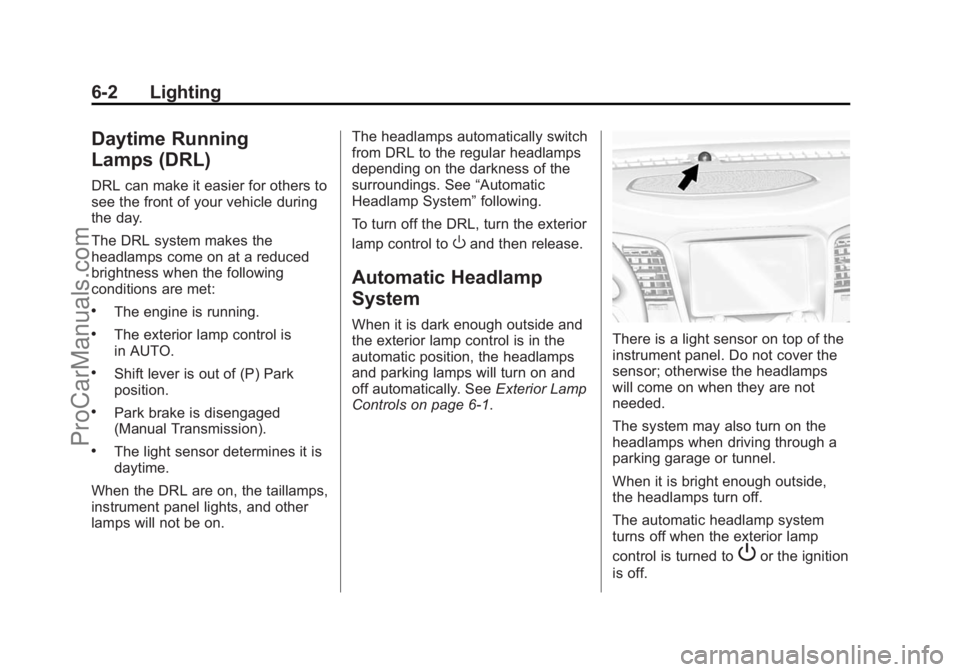
Controls on page 6-1.There is a light sensor on top of the
instrument panel. Do not cover the
sensor; otherwise the headlamps
will come on when they are not
needed.
The system may also turn on the
headlamps when driving through a
parking garage or tunnel.
When it is bright enough outside,
the headlamps turn off.
The automatic headlamp system
turns off when the exterior lamp
control is turned to
Por the ignition
is off.
ProCarManuals.com
Page 138 of 435

Black plate (3,1)Chevrolet SS Sedan Owner Manual (GMNA-Localizing-U.S.-7707491) - 2015 -
crc - 9/11/14
Lighting 6-3
The automatic headlamp system
defaults to on with each ignition
cycle.
Hazard Warning Flashers
|(Hazard Warning Flasher):
Press this button on the center
stack near the audio system, to
make the front and rear turn signal
lamps flash on and off. Press again
to turn the flashers off.
Turn and Lane-Change
Signals
Move the turn signal lever all the
way up or down to signal a turn.
An arrow on the instrument cluster
flashes in the direction of the turn or
lane change.
Raise or lower the lever until the
arrow starts to flash to signal a lane
change. Hold it there until the lane
change is completed. If the lever is
briefly pressed and released, the
turn signal flashes three times.
The turn signal can be turned off
manually by moving the lever back
to its original position. If after signaling a turn or lane
change, the arrow flashes rapidly or
does not come on, a signal bulb
may be burned out.
Have any burned out bulbs
replaced. If a bulb is not burned out,
check the fuse. See
Fuses on
page 10-27.
Fog Lamps
To turn on the fog lamps, the ignition
and the headlamps or parking lamps
must be on.
If the fog lamps are turned on while
the exterior lamp control is in the
AUTO position, the headlamps
come on automatically.
#(Fog Lamps): Press to turn on
or off. An indicator light on the
instrument cluster comes on when
the fog lamps are on.
Some localities have laws that
require the headlamps to be on
along with the fog lamps.
ProCarManuals.com