ignition CHEVROLET SSR 2004 1.G Service Manual
[x] Cancel search | Manufacturer: CHEVROLET, Model Year: 2004, Model line: SSR, Model: CHEVROLET SSR 2004 1.GPages: 398, PDF Size: 2.49 MB
Page 172 of 398
Automatic Locking
This feature allows you to choose how the vehicle’s
doors are locked. Press the personalization button until
AUTOMATIC LOCKING appears in the display. To
access the modes for AUTOMATIC LOCKING, press
the select button. Once AUTOMATIC LOCKING is
selected, press the select button to scroll through the
following modes:
Mode 1:LOCK DOORS OUT OF PARK
Mode 2:LOCK DOORS WITH SPEED
If you choose Mode 1, the doors will lock when the
vehicle is shifted out of PARK (P).
If you choose Mode 2, the doors will lock when the
vehicle speed is above 8 mph (13 km/h) for three
seconds.
Scroll through the list of modes. When the mode you
want is displayed on the DIC, press personalization
button to set your choice, return to the personalization
menu, and advance to the next programmable feature.
For more information on automatic door locks see
Programmable Automatic Door Locks on page 2-8.
Automatic Unlocking
This feature allows you to choose how the vehicle’s
doors are unlocked. Press the personalization button
until AUTOMATIC UNLOCKING appears in the display.
To access the modes for AUTOMATIC UNLOCKING,
press the select button. Once AUTOMATIC
UNLOCKING is selected, press the select button to
scroll through the following modes:
Mode 1:UNLOCK ALL IN PARK
Mode 2:UNLOCK ALL AT KEY OUT
Mode 3:UNLOCK DRIVER IN PARK
Mode 4:UNLOCK DOORS MANUALLY
If you choose Mode 1, all of the doors will unlock when
the vehicle is shifted into PARK (P).
If you choose Mode 2, all of the doors will unlock when
the key is taken out of the ignition.
If you choose Mode 3, the driver’s door ill be unlocked
when the vehicle is shifted into PARK (P).
If you choose Mode 4, the doors will not be unlocked
automatically.
Scroll through the list of modes. When the mode you
want is displayed on the DIC, press personalization
button to set your choice, return to the personalization
menu, and advance to the next programmable feature.
For more information on automatic door locks see
Programmable Automatic Door Locks on page 2-8.
3-56
Page 175 of 398
Perimeter Lighting
This feature allows you to choose whether or not certain
exterior lamps turn on when the unlock button on the
remote keyless entry transmitter is pressed. Press
the personalization button until PERIMETER LIGHTING
appears in the display. To access the modes for
PERIMETER LIGHTING, press the select button. Once
PERIMETER LIGHTING is selected, press the select
button to scroll through the following modes:
Mode 1:PERIMETER LIGHTING ON
Mode 2:PERIMETER LIGHTING OFF
If you choose Mode 1, the headlamps and back-up
lamps will come on for 40 seconds, if it is dark enough
outside, when you unlock the vehicle with the remote
keyless entry transmitter.
Scroll through the list of modes. When the mode you
want is displayed on the DIC, press personalization
button to set your choice, return to the personalization
menu, and advance to the next programmable feature.
Seat Position Recall
This feature allows you to choose how any previously
programmed seat position is recalled. Press the
personalization button until SEAT POSITION RECALL
appears in the display. To access the modes for
SEAT POSITION RECALL, press the select button.
Once SEAT POSITION RECALL is selected, press the
select button to scroll through the following modes:
Mode 1:SEAT POSITION RECALL OFF
Mode 2:SEAT POSITION RECALL AT KEY IN
Mode 3:SEAT POSITION RECALL ON REMOTE
If you choose Mode 1, the memory seat position you
saved will only be recalled when the memory
button 1 or 2 is pressed.
If you choose Mode 2, the memory seat position you
saved will be recalled when you put the key in the
ignition.
If you choose Mode 3, the memory seat position you
saved will be recalled when you unlock the vehicle with
the remote keyless entry transmitter.
Scroll through the list of modes. When the mode you
want is displayed on the DIC, press personalization
button to set your choice, return to the personalization
menu, and advance to the next programmable
feature. SeeMemory Seat on page 2-52for more
information.
3-59
Page 177 of 398

Audio System(s)
Notice:Before adding any sound equipment to
your vehicle, like a tape player, CB radio, mobile
telephone, or two-way radio, make sure that it can
be added by checking with your dealer. Also,
check federal rules covering mobile radio and
telephone units. If sound equipment can be added,
it is very important to do it properly. Added
sound equipment may interfere with the operation
of your vehicle’s engine, radio, or other systems,
and even damage them. Your vehicle’s systems may
interfere with the operation of sound equipment
that has been added improperly.
Figure out which audio system is in your vehicle, nd
out what your audio system can do, and how to operate
all of its controls.
Setting the Time
The radio may have a button marked with an H or HR to
represent hours and an M or MN to represent minutes.
Press and hold the hour button until the correct hour
appears on the display. AM or PM will appear on
the display for morning or evening hours. Press and
hold the minute button until the correct minute appears
on the display. The time can be set with the ignition
on or off.
To synchronize the time with an FM station broadcasting
Radio Data System (RDS) information, press and
hold the hour and minute buttons at the same time for
two seconds until UPDATED and the clock symbol
appear on the display. If the time is not available from
the station, NO UPDAT will appear on the display.
RDS time is broadcast once a minute. After tuning to an
RDS broadcast station, it may take a few minutes for
the time to update.
3-61
Page 178 of 398

Radio with CD
Playing the Radio
PWR (Power):Press this knob to turn the system on
and off.
VOL (Volume):Turn this knob to increase or to
decrease volume.
AUTO VOL (Automatic Volume):With automatic
volume, your audio system will adjust automatically to
make up for road and wind noise as you drive by
increasing the volume as vehicle speed increases.Set the volume at the desired level. Press this button to
select LOW, MEDIUM, or HIGH. AVOL will appear
on the display. Each higher setting will provide more
volume compensation as vehicle speed increases.
To turn automatic volume off, press this button until
AVOL OFF appears on the display.
DISP (Display):Press this knob to switch the display
between the radio station frequency and the time.
Time display is available with the ignition turned off.
For RDS, press this knob to change what appears on
the display while using RDS. The display options
are station name, RDS station frequency, PTY, and the
name of the program (if available).
To change the default on the display, press this knob
until you see the display you want, then hold the
knob for two seconds. The radio will produce one beep
and selected display will now be the default.
3-62
Page 184 of 398

If the current tuned station does not broadcast traffic
announcements, press this button and the radio
will seek to a station that does. When the radio nds a
station that broadcasts traffic announcements, it will
stop and TRAF will be displayed. When a traffic
announcement comes on the tuned radio station you
will hear it. If no station is found, NO TRAFFIC will
appear on the display.
If TRAF is on the display you can press the TRAF
button to turn off the traffic announcements.
Your radio will play the traffic announcement even if the
volume is low. Your radio will interrupt the play of a
CD if the last tuned station broadcasts traffic
announcements.
Radio Messages
CAL ERR (Calibration Error):Your audio system has
been calibrated for your vehicle from the factory. If
CAL ERR appears on the display it means that your
radio has not been congured properly for your vehicle
and must be returned to the dealer for service.
LOCKED:This message is displayed when the
Theftlock
®system has locked up. Your vehicle must be
returned to the dealer for service.
Playing a CD
Insert a CD partway into the slot, label side up. The
player will pull it in and the CD should begin playing. The
CD symbol will appear on the display. If you want to
insert a CD with the ignition off, rst press the eject
button or the DISP knob.
As each new track starts to play, the track number will
appear on the display.
If you turn off the ignition or radio with a CD in the
player, it will stay in the player. When you turn on the
ignition or radio, the CD will start playing, where it
stopped, if it was the last selected audio source.
The CD player can play the smaller 8 cm single CDs
with an adapter ring. Full-size CDs and the smaller CDs
are loaded in the same manner.
If playing a CD-R the sound quality may be reduced
due to CD-R quality, the method of recording, the quality
of the music that has been recorded, and the way the
CD-R has been handled. You may experience an
increase in skipping, difficulty in nding tracks, and/or
difficulty in loading and ejecting. If these problems occur
try a known good CD.
3-68
Page 186 of 398

DISP (Display):Press this knob to see how long the
current track has been playing. ET and the elapsed time
will appear on the display. To change the default on
the display (track or elapsed time), press the knob until
you see the display you want, then hold the knob for
two seconds. The radio will produce one beep and the
selected display will now be the default.
BAND:Press this button to listen to the radio when a
CD is playing. The inactive CD will remain safely
inside the radio for future listening.
CD AUX (Auxiliary):Press this button to play a CD
when listening to the radio.
Z(Eject):Press this button to stop a CD when it is
playing or to eject a CD when it is not playing. Eject
may be activated with either the ignition or radio off. CDs
may be loaded with the radio and ignition off if this
button is pressed rst.
CD Messages
If the CD comes out, it could be for one of the following
reasons:
It is very hot. When the temperature returns to
normal, the CD should play.
You are driving on a very rough road. When the
road becomes smooth, the CD should play.
The CD is dirty, scratched, wet, or upside down.
The air is very humid. If so, wait about an hour and
try again.
There may have been a problem while burning the
CD.
The label may be caught in the CD player.
If the CD is not playing correctly, for any other reason,
try a known good CD.
If any error occurs repeatedly or if an error cannot be
corrected, contact your dealer. If your radio displays an
error message, write it down and provide it to your
dealer when reporting the problem.
3-70
Page 188 of 398

To use this feature set the volume at the desires level.
Press the AUTO VOL button until AVOL appears on
the display. This feature works best at lower volume
settings where background noise may be louder than the
audio. At high volume settings, where the audio is
much louder than the background noise, there will be no
change in the audio level. To turn automatic volume
off, press the AUTO VOL button until AVOL OFF
appears on the display.
RCL (Recall):Press this knob to switch the display
between the radio station frequency and the time. Press
this knob with the ignition off to display the time.
To change the default on the display, press the knob
until you see the display you want, then hold the
knob for two seconds. The radio will produce one beep
and the selected display will now be the default.Finding a Station
AM FM:Press this button to switch between FM1,
FM2, and AM. The display will show your selection.
TUNE:Turn this knob to select radio stations.
sSEEKt:Press the right or the left arrow to go to
the next or to the previous station and stay there.
The radio will seek only to stations that are in the
selected band and only to those with a strong signal.
sSCANt:Press and hold either SCAN arrow
for two seconds until SC appears on the display and
you hear a beep. The radio will go to a station, play for
a few seconds, then go on to the next station. Press
either SCAN arrow again to stop scanning.
To scan preset stations, press and hold either SCAN
arrow for more than four seconds. PRESET SCAN will
appear on the display and you will hear a double
beep. The radio will go to a preset station stored on
your pushbuttons, play for a few seconds, then go on to
the next preset station. Press either SCAN arrow
again to stop scanning presets.
The radio will scan only to stations that are in the
selected band and only to those with a strong signal.
3-72
Page 195 of 398

LOAD CDZ:Press the LOAD side of this button to
load CDs into the CD player. This CD player will
hold up to six CDs.
To insert one CD, do the following:
1. Turn the ignition on.
2. Press and release the LOAD side of the LOAD CD
button.
3. Wait for the light, located to the right of the slot, to
turn green.
4. Load a CD. Insert the CD partway into the slot,
label side up. The player will pull the CD in.
When a CD is inserted, the CD symbol will appear on
the display. If you select an equalization setting for your
CD, it will be activated each time you play a CD.The CD will begin to play automatically. As each new
track starts to play, the track number will appear on the
display.
To insert multiple CDs, do the following:
1. Turn the ignition on.
2. Press and hold the LOAD side of the LOAD CD
button for two seconds.
You will hear a beep and the light, located to the
right of the slot, will begin to ash.
3. Once the light stops ashing and turns green, load
a CD. Insert the CD partway into the slot, label side
up. The player will pull the CD in.
Once the CD is loaded, the light will begin ashing
again. Once the light stops ashing and turns
green you can load another CD. The CD player
takes up to six CDs. Do not try to load more
than six.
3-79
Page 229 of 398

If you drive regularly in steep country, or if you are
planning to visit there, here are some tips that can make
your trips safer and more enjoyable.
Keep your vehicle in good shape. Check all uid
levels and also the brakes, tires, cooling system
and transmission. These parts can work hard
on mountain roads.
Know how to go down hills. The most important
thing to know is this: let your engine do some of
the slowing down. Shift to a lower gear when you go
down a steep or long hill.
{CAUTION:
If you do not shift down, your brakes could get
so hot that they would not work well. You
would then have poor braking or even none
going down a hill. You could crash. Shift down
to let your engine assist your brakes on a
steep downhill slope.
{CAUTION:
Coasting downhill in NEUTRAL (N) or with the
ignition off is dangerous. Your brakes will have
to do all the work of slowing down. They could
get so hot that they would not work well. You
would then have poor braking or even none
going down a hill. You could crash. Always
have your engine running and your vehicle in
gear when you go downhill.
Know how to go uphill. You may want to shift down
to a lower gear. The lower gears help cool your
engine and transmission, and you can climb the hill
better.
Stay in your own lane when driving on two-lane
roads in hills or mountains. Do not swing wide
or cut across the center of the road. Drive at speeds
that let you stay in your own lane.
4-25
Page 294 of 398
Notice:Ignoring these steps could result in costly
damage to your vehicle that would not be covered
by your warranty.
Trying to start your vehicle by pushing or pulling it
will not work, and it could damage your vehicle.
1. Check the other vehicle. It must have a 12-volt
battery with a negative ground system.
Notice:If the other vehicle’s system is not a 12-volt
system with a negative ground, both vehicles can
be damaged. Only use vehicles with 12-volt systems
with negative grounds to jump start your vehicle.
2. Get the vehicles close enough so the jumper cables
can reach, but be sure the vehicles aren’t touching
each other. If they are, it could cause a ground
connection you don’t want. You wouldn’t be able to
start your vehicle and the bad grounding could
damage the electrical systems.
To avoid the possibility of the vehicles rolling, set
the parking brake rmly on both vehicles involved in
the jump start procedure. Put your transmission
in PARK (P) before setting the parking brake.
Notice:If you leave your radio or other accessories
on during the jump starting procedure, they could
be damaged. The repairs would not be covered
by your warranty. Always turn off your radio and
other accessories when jump starting your vehicle.3. Turn off the ignition on both vehicles. Unplug
unnecessary accessories plugged into the cigarette
lighter or in the accessory power outlets. Turn off
the radio and all lamps that aren’t needed. This will
avoid sparks and help save both batteries. And it
could save your radio.
4. Open the hoods and locate the positive (+) and
negative (−) terminal locations on the other
vehicle. Your vehicle has a remote positive (+) jump
starting terminal and a remote negative (−) jump
starting terminal. You should always use these
remote terminals instead of the terminals on the
battery.
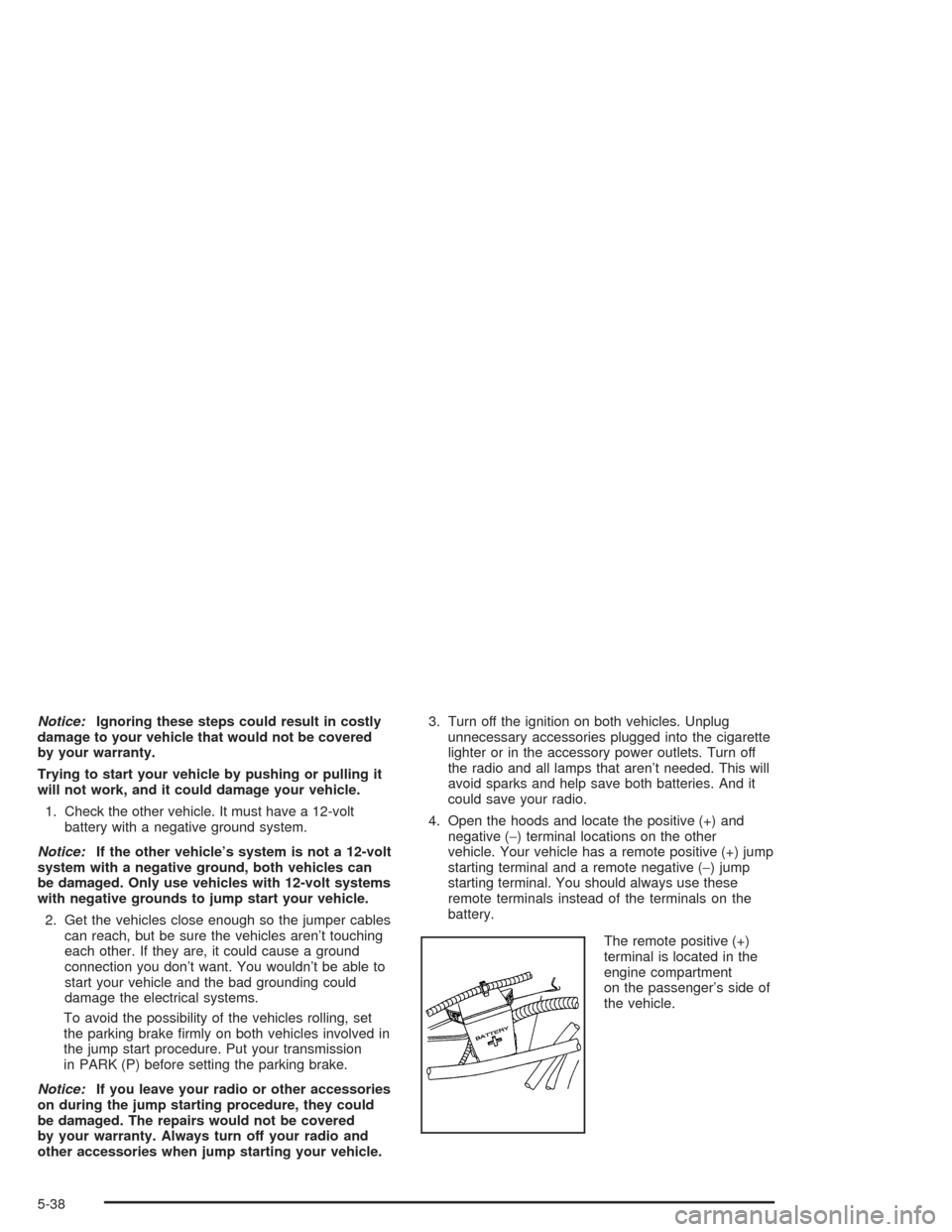
The remote positive (+)
terminal is located in the
engine compartment
on the passenger’s side of
the vehicle.
5-38