ignition CHEVROLET SSR 2005 1.G Owners Manual
[x] Cancel search | Manufacturer: CHEVROLET, Model Year: 2005, Model line: SSR, Model: CHEVROLET SSR 2005 1.GPages: 388, PDF Size: 2.5 MB
Page 10 of 388
Heated Seats
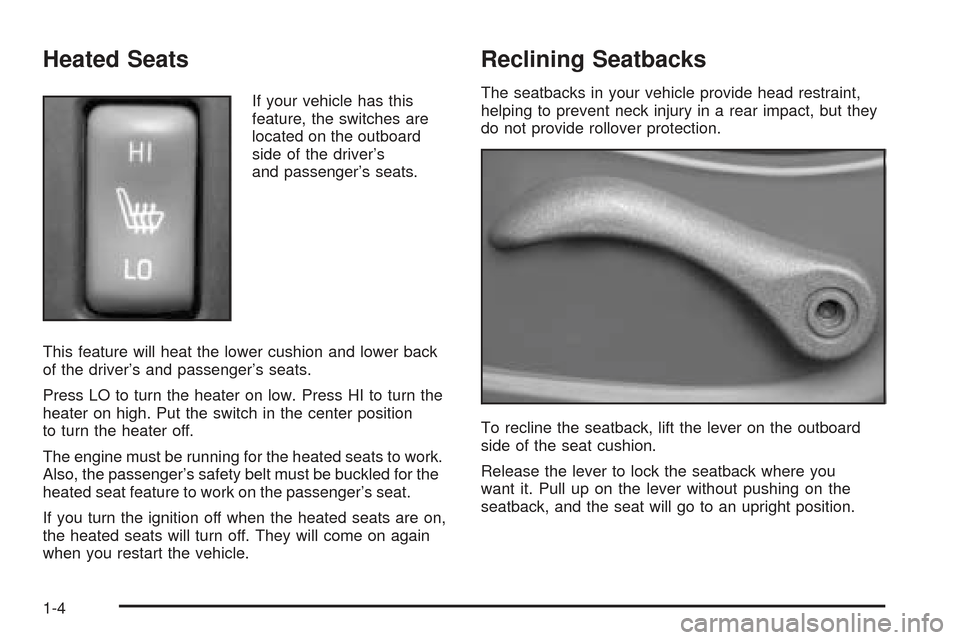
If your vehicle has this
feature, the switches are
located on the outboard
side of the driver’s
and passenger’s seats.
This feature will heat the lower cushion and lower back
of the driver’s and passenger’s seats.
Press LO to turn the heater on low. Press HI to turn the
heater on high. Put the switch in the center position
to turn the heater off.
The engine must be running for the heated seats to work.
Also, the passenger’s safety belt must be buckled for the
heated seat feature to work on the passenger’s seat.
If you turn the ignition off when the heated seats are on,
the heated seats will turn off. They will come on again
when you restart the vehicle.
Reclining Seatbacks
The seatbacks in your vehicle provide head restraint,
helping to prevent neck injury in a rear impact, but they
do not provide rollover protection.
To recline the seatback, lift the lever on the outboard
side of the seat cushion.
Release the lever to lock the seatback where you
want it. Pull up on the lever without pushing on the
seatback, and the seat will go to an upright position.
1-4
Page 55 of 388

To turn off the passenger’s frontal airbag, insert your
ignition key into the switch, push in, and move the
switch to off position.
The airbag off light, located on the roof panel above
the rearview mirror, will come on and stay on to let
you know that the passenger’s frontal airbag is off. United States
Canada
United States
Canada
1-49
Page 56 of 388

SeeAirbag Off Light on page 3-28. The passenger’s
frontal airbag will remain off until you turn it back
on again.
{CAUTION:
If the airbag readiness light ever comes on
when you have turned off the passenger’s
frontal airbag, it means that something may be
wrong with the airbag system. The passenger’s
frontal airbag could inate even though the
switch is off. If this ever happens, do not let
anyone whom the national government has
identied as a member of a passenger airbag
risk group sit in the passenger’s position
(for example, do not secure a rear-facing child
restraint in your vehicle) until you have your
vehicle serviced.To turn the passenger’s frontal airbag on again, insert
your ignition key into the switch, push in, and move
the switch to the on position.United States
Canada
1-50
Page 57 of 388
Servicing Your Airbag-Equipped
Vehicle
Airbags affect how your vehicle should be serviced.
There are parts of the airbag system in several places
around your vehicle. Your dealer and the service manual
have information about servicing your vehicle and the
airbag system. To purchase a service manual, see
Service Publications Ordering Information on page 7-12.
{CAUTION:
For up to 10 seconds after the ignition key is
turned off and the battery is disconnected, an
airbag can still inate during improper service.
You can be injured if you are close to an airbag
when it inates. Avoid yellow connectors. They
are probably part of the airbag system. Be sure
to follow proper service procedures, and make
sure the person performing work for you is
qualied to do so.
The airbag system does not need regular maintenance.
Restraint System Check
Checking Your Restraint Systems
Now and then, make sure the safety belt reminder
light and all your belts, buckles, latch plates, retractors
and anchorages are working properly. Look for any
other loose or damaged safety belt system parts. If you
see anything that might keep a safety belt system
from doing its job, have it repaired.
Torn or frayed safety belts may not protect you in a
crash. They can rip apart under impact forces. If a belt
is torn or frayed, get a new one right away.
Also look for any opened or broken airbag covers, and
have them repaired or replaced. (The airbag system
does not need regular maintenance.)
1-51
Page 59 of 388

Keys...............................................................2-3
Remote Keyless Entry System.........................2-5
Remote Keyless Entry System Operation...........2-6
Doors and Locks.............................................2-9
Door Locks....................................................2-9
Power Door Locks........................................2-10
Programmable Automatic Door Locks..............2-10
Tailgate.......................................................2-11
Windows........................................................2-11
Power Windows............................................2-12
Sun Visors...................................................2-13
Theft-Deterrent Systems..................................2-13
Content Theft-Deterrent.................................2-13
Passlock
®....................................................2-15
Starting and Operating Your Vehicle................2-15
New Vehicle Break-In....................................2-15
Ignition Positions..........................................2-16
Retained Accessory Power (RAP)...................2-17
Starting Your Engine.....................................2-17
Automatic Transmission Operation...................2-19
Manual Transmission Operation......................2-21
Parking Brake..............................................2-23
Shifting Into Park (P)
(Automatic Transmission)............................2-24Shifting Out of Park (P)
(Automatic Transmission)............................2-25
Parking Your Vehicle
(Manual Transmission)...............................2-25
Parking Over Things That Burn.......................2-26
Engine Exhaust............................................2-26
Running Your Engine While You Are Parked.......2-27
Mirrors...........................................................2-28
Manual Rearview Mirror.................................2-28
Automatic Dimming Rearview Mirror
with HomeLink
®........................................2-28
Outside Power Heated Mirrors........................2-29
Outside Convex Mirror...................................2-29
Outside Automatic Dimming
Heated Mirror...........................................2-30
HomeLink
®Transmitter...................................2-30
HomeLink®..................................................2-30
Programming the HomeLink®..........................2-31
Storage Areas................................................2-35
Glove Box...................................................2-35
Cupholder(s)................................................2-35
Instrument Panel Storage Area.......................2-35
Center Console Storage Area.........................2-35
Map Pocket.................................................2-35
Section 2 Features and Controls
2-1
Page 61 of 388
Keys
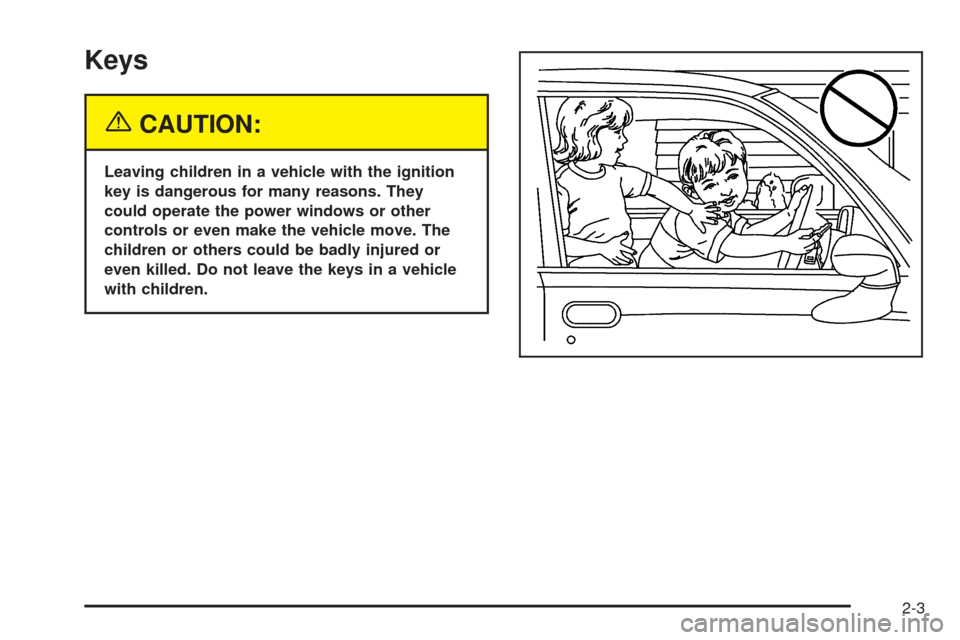
{CAUTION:
Leaving children in a vehicle with the ignition
key is dangerous for many reasons. They
could operate the power windows or other
controls or even make the vehicle move. The
children or others could be badly injured or
even killed. Do not leave the keys in a vehicle
with children.
2-3
Page 62 of 388

One key is used for the
ignition, the doors and all
locks except the center
console and trailer hitch.
If you need a new key, contact your dealer for
assistance. In an emergency, contact Chevrolet
Roadside Assistance. SeeRoadside Assistance
Program on page 7-6for more information.
Notice:If you ever lock your keys in your vehicle,
you may have to damage the vehicle to get in.
Be sure you have spare keys.Center Console Storage Area Key
A separate key is
provided for locking
the center console
storage area.
2-4
Page 68 of 388
Power Door Locks
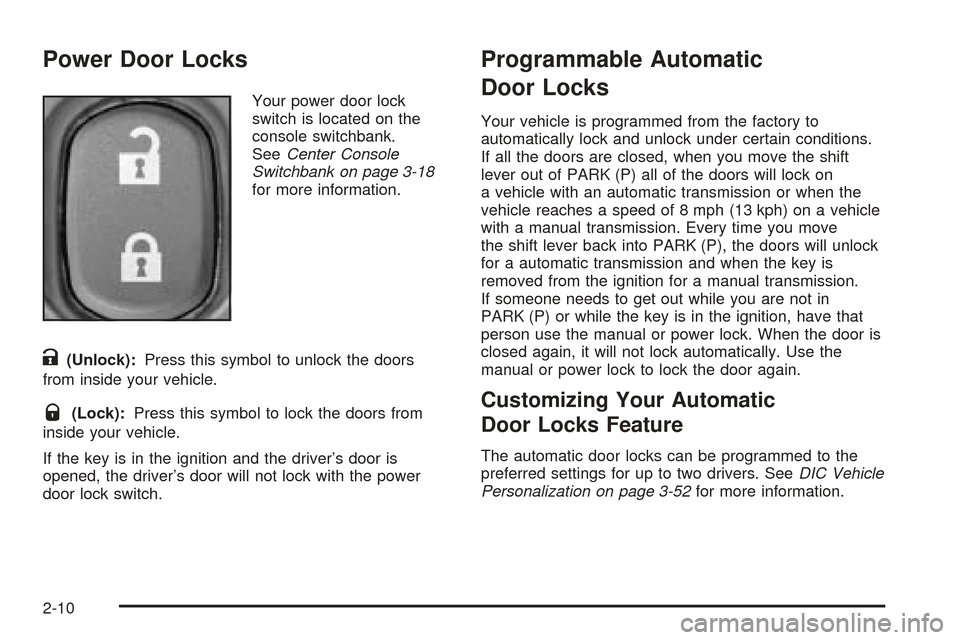
Your power door lock
switch is located on the
console switchbank.
SeeCenter Console
Switchbank on page 3-18
for more information.
K(Unlock):Press this symbol to unlock the doors
from inside your vehicle.
Q(Lock):Press this symbol to lock the doors from
inside your vehicle.
If the key is in the ignition and the driver’s door is
opened, the driver’s door will not lock with the power
door lock switch.
Programmable Automatic
Door Locks
Your vehicle is programmed from the factory to
automatically lock and unlock under certain conditions.
If all the doors are closed, when you move the shift
lever out of PARK (P) all of the doors will lock on
a vehicle with an automatic transmission or when the
vehicle reaches a speed of 8 mph (13 kph) on a vehicle
with a manual transmission. Every time you move
the shift lever back into PARK (P), the doors will unlock
for a automatic transmission and when the key is
removed from the ignition for a manual transmission.
If someone needs to get out while you are not in
PARK (P) or while the key is in the ignition, have that
person use the manual or power lock. When the door is
closed again, it will not lock automatically. Use the
manual or power lock to lock the door again.
Customizing Your Automatic
Door Locks Feature
The automatic door locks can be programmed to the
preferred settings for up to two drivers. SeeDIC Vehicle
Personalization on page 3-52for more information.
2-10
Page 70 of 388
Power Windows
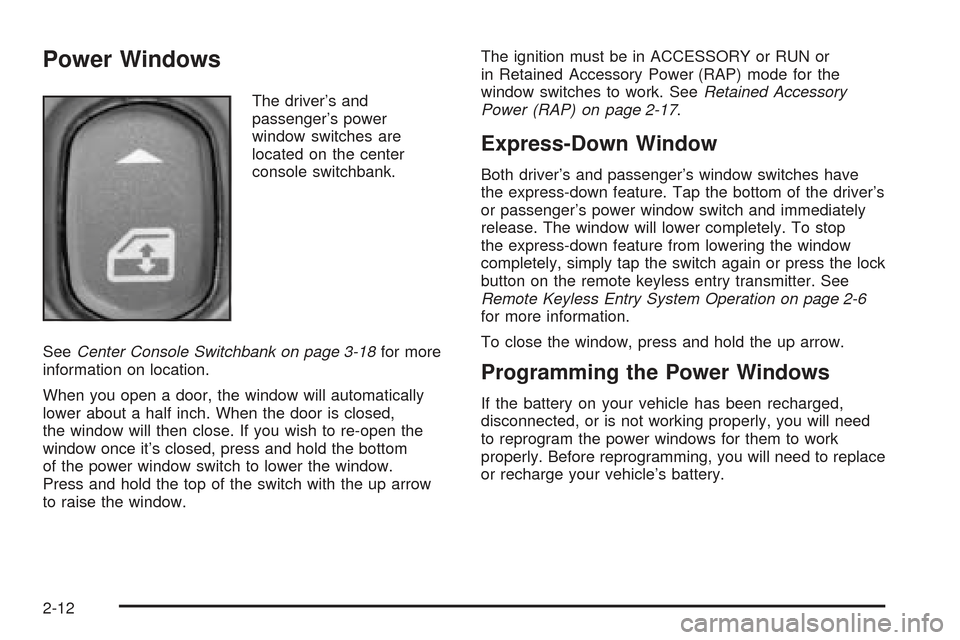
The driver’s and
passenger’s power
window switches are
located on the center
console switchbank.
SeeCenter Console Switchbank on page 3-18for more
information on location.
When you open a door, the window will automatically
lower about a half inch. When the door is closed,
the window will then close. If you wish to re-open the
window once it’s closed, press and hold the bottom
of the power window switch to lower the window.
Press and hold the top of the switch with the up arrow
to raise the window.The ignition must be in ACCESSORY or RUN or
in Retained Accessory Power (RAP) mode for the
window switches to work. SeeRetained Accessory
Power (RAP) on page 2-17.
Express-Down Window
Both driver’s and passenger’s window switches have
the express-down feature. Tap the bottom of the driver’s
or passenger’s power window switch and immediately
release. The window will lower completely. To stop
the express-down feature from lowering the window
completely, simply tap the switch again or press the lock
button on the remote keyless entry transmitter. See
Remote Keyless Entry System Operation on page 2-6
for more information.
To close the window, press and hold the up arrow.
Programming the Power Windows
If the battery on your vehicle has been recharged,
disconnected, or is not working properly, you will need
to reprogram the power windows for them to work
properly. Before reprogramming, you will need to replace
or recharge your vehicle’s battery.
2-12
Page 71 of 388

To program the windows, follow these steps:
1. With the ignition in ACCESSORY or RUN,
close the doors.
2. Fully lower the windows using the driver’s power
window switches. Then raise the windows
completely.
The windows are now programmed.
Sun Visors
To block out glare, you can swing down the sun visors.
You can also move them from side to side.
Lighted Visor Vanity Mirrors
Pull the visor down and lift the cover to expose the
mirror. The light will automatically come on. The light
will go out when you close the cover.
Theft-Deterrent Systems
Vehicle theft is big business, especially in some cities.
Although your vehicle has a number of theft-deterrent
features, we know that nothing we put on it can make
it impossible to steal.
Content Theft-Deterrent
Your vehicle is equipped with a content theft-deterrent
alarm system.
With this system, the
security light will ash
as you open the door
(if your ignition is off).
This light reminds you to activate the theft-deterrent
system. Here’s how to do it:
1. Open the door.
2. Lock the door with the power door lock switch or
the remote keyless entry transmitter. The security
light should come on and stay on.
3. Close all doors. The security light should go off
after approximately 30 seconds. The alarm is not
armed until the security light goes off.
Your vehicle has a feature that allows you to
program alarm warning feedback when locking the
doors using the remote keyless entry transmitter.
See “Alarm Warning Type” underDIC Vehicle
Personalization on page 3-52, for programing
instructions.
2-13