light CHEVROLET TAHOE 1995 1.G User Guide
[x] Cancel search | Manufacturer: CHEVROLET, Model Year: 1995, Model line: TAHOE, Model: CHEVROLET TAHOE 1995 1.GPages: 486, PDF Size: 27.22 MB
Page 91 of 486
Downloaded from www.Manualslib.com manuals search engine 0
0
0
0
THIRD GEAR (3), FOURTH GEAR (4) and FIFTH GEAR (5) -
Shift into THIRD GEAR (3), FOURTH GEAR (4) and FIFTH GEAR
(5) the same way you do for SECOND GEAR (2). Slowly let up on the
clutch pedal
as you press the accelerator pedal.
To Stop - Let up on the accelerator pedal and press the brake pedal.
Just before the vehicle stops, press the clutch pedal and the brake pedal,
and shift to NEUTRAL
(N).
NEUTRAL (N) - Use this position when you start or idle your
engine.
REVERSE (R) - To back up, first press down the clutch pedal. Wait
about
5 seconds for the internal parts to stop spinning and then, shift
into REVERSE (R). Let up on the clutch pedal slowly while pressing
the accelerator pedal.
NOTICE:
Shift to REVERSE (R) only after your vehicle is stopped.
Shifting to REVERSE
(R) while your vehicle is moving could
damage your transmission.
Also, use REVERSE (R), along with the parking brake, when turning
off your engine and parking your vehicle.
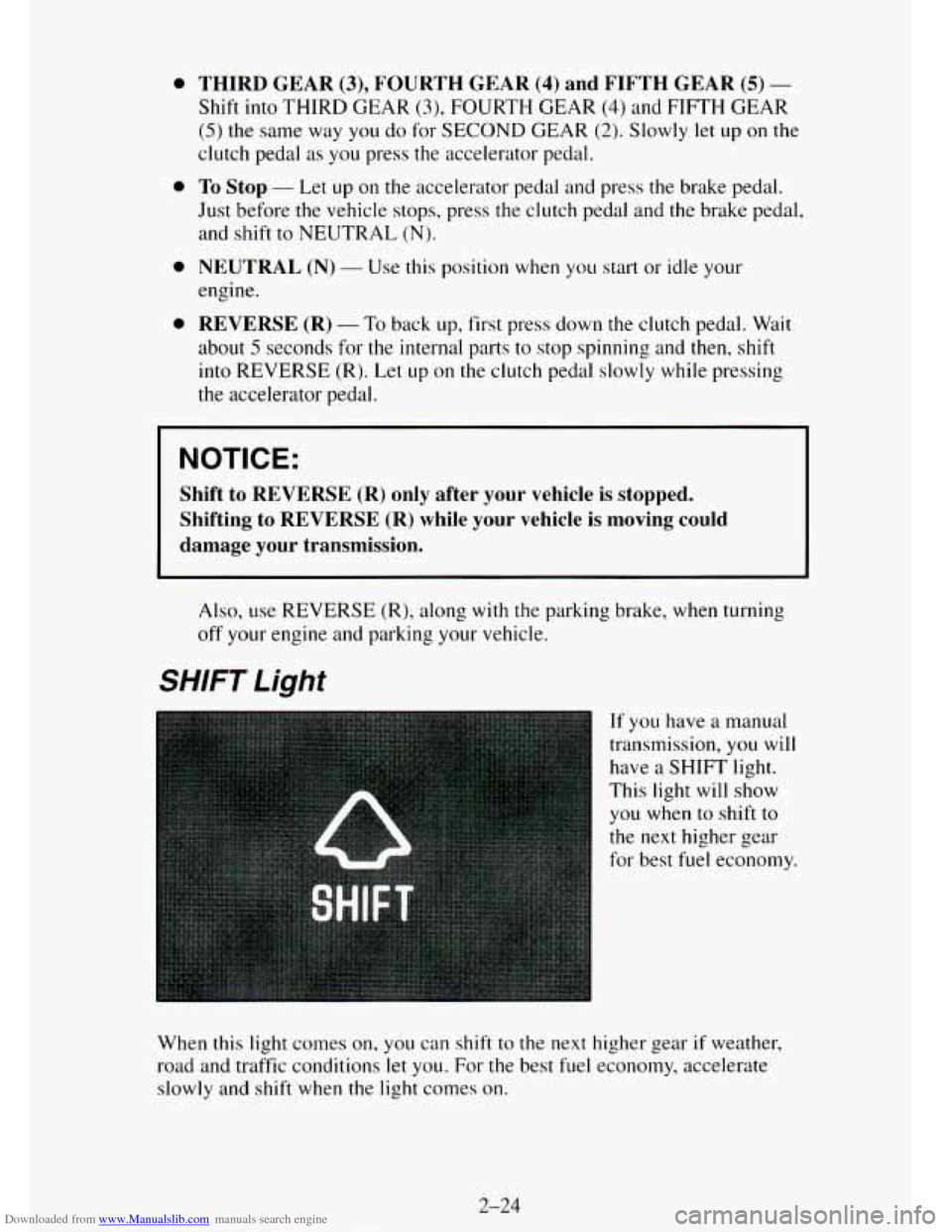
SHIFT Light
If you have a manual
transmission, you will
have a
SHIFT light.
This light will show
you when to shift to
the
next higher gear
for best fuel economy.
When
this light comes on, you can shift to the next higher gear if weather,
road and traffic conditions let you.
For the best fuel economy, accelerate
slowly and shift when the light comes on.
2-24
Page 92 of 486
Downloaded from www.Manualslib.com manuals search engine While you accelerate, it is normal for the light to go on and off if you
quickly change
the position of the accelerator. Ignore the SHIFT light when
you downshift.
Four-Wheel-Drive Vehicles Only: If your vehicle has four-wheel drive
and
is equipped with a manual transmission, disregard the SHIFT light
when the transfer case
is in 4-LOW.
Manual Transmission Shift Speeds
If your speed drops below 20 mph (32 km/h), or if the engine is not running
smoothly,
you should downshift to the next lower gear. You may have to
downshift two or more gears
to keep the engine running smoothly or for
good performance.
A CAUTION:
If you skip more ;than one gear when you downshift, you could
lose control of your vehicle. And you could injure yourself or
others. Don’t shift down more than one gear when you
downshift.
NOTICE:
If you skip more than one gear when you downshift, or if you
race the engine when you downshift, you can damage the engine,
clutch or transmission.
Locking Rear Axle
If you have this feature, your rear axle can give you additional traction on
snow, mud, ice, sand or gravel. It works like a standard axle most of the
time, but when
one of the rear wheels has no traction and the other does, the
locking feature will allow the wheel with traction to move the vehicle.
2-25
Page 93 of 486
Downloaded from www.Manualslib.com manuals search engine Parking Brake
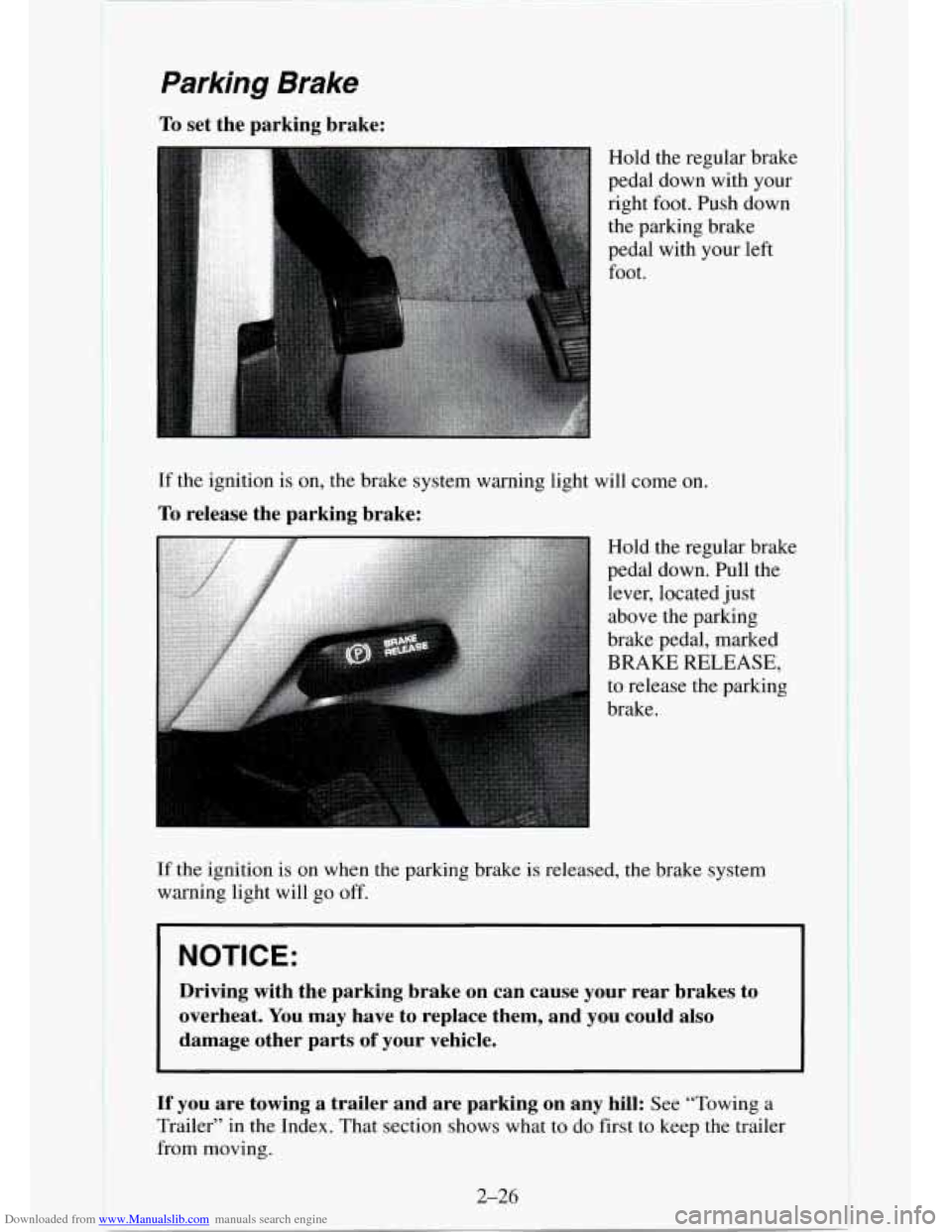
To set the parking brake:
Hold the regular brake
pedal down with your
right foot. Push down
the parking brake
pedal with your left
foot.
If the ignition is on, the brake system warning light will come on.
To release the parking brake:
Hold the regular brake
pedal down. Pull the
lever, located just
above the parking
brake pedal, marked
BRAKE RELEASE,
to release the parking
brake.
If the ignition is on when the parking brake is released, the brake system
warning light will
go off.
I NOTICE:
Driving with the parking brake on can cause your rear brakes to
overheat. You may have to replace them, and you could also
damage other parts
of your vehicle.
If you are towing a trailer and are parking on any hill: See “Towing a
Trailer” in the Index. That section shows what to do first to keep the trailer
from moving.
2-26
I I
Page 101 of 486
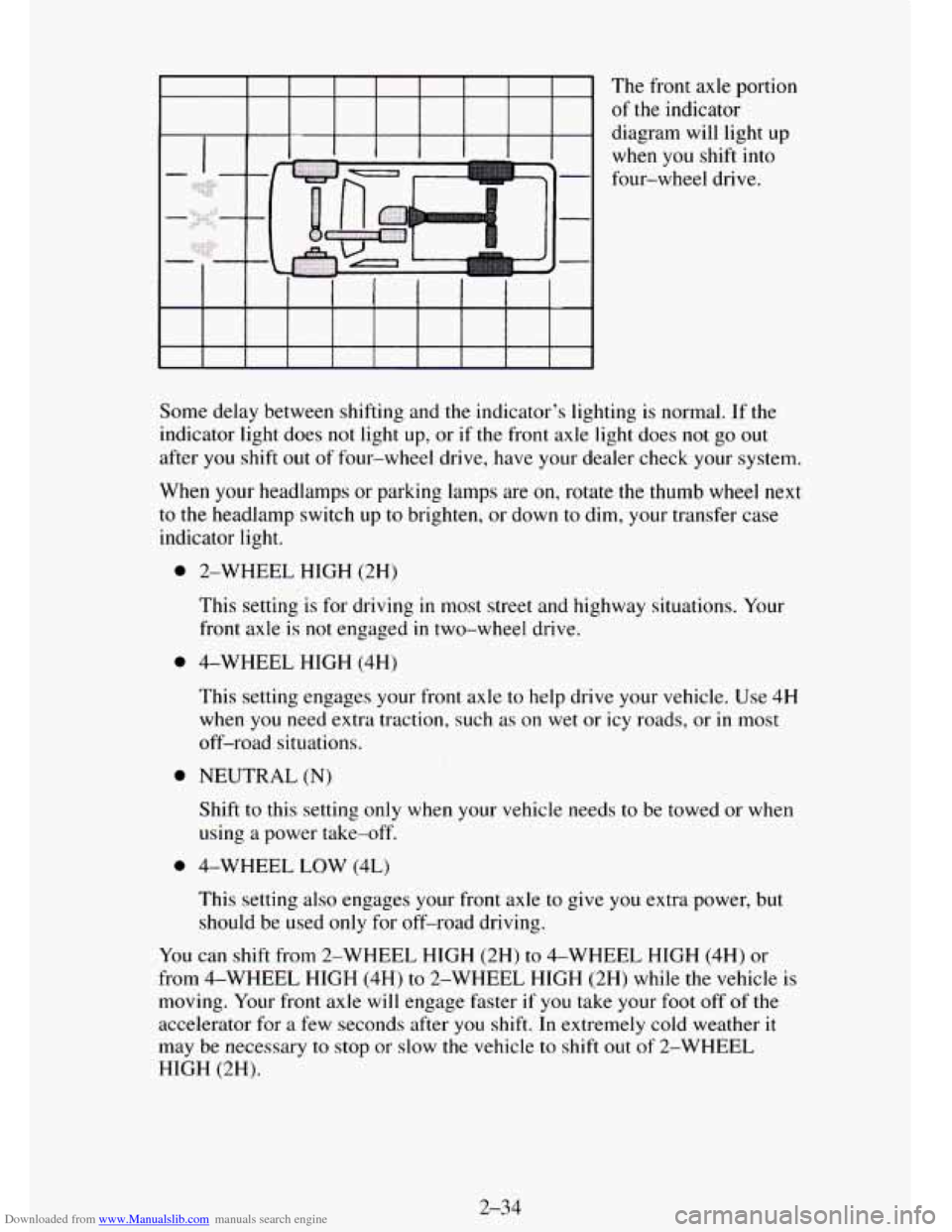
Downloaded from www.Manualslib.com manuals search engine The front axle portion
of
the indicator
diagram will light up
when you shift into
four-wheel drive.
Some delay between shifting and the indicator's lighting is normal.
If the
indicator light does
not light up, or if the front axle light does not go out
after you shift out of four-wheel drive, have your dealer check your system.
When your headlamps or parking lamps are
on, rotate the thumb wheel next
to the headlamp switch up to brighten, or down to dim, your transfer case
indicator light.
0
0
0
0
2-WHEEL HIGH (2H)
This setting
is for driving in most street and highway situations. Your
front axle
is not engaged in two-wheel drive.
4-WHEEL HIGH (4H)
This setting engages your front axle to help drive your vehicle. Use 4H
when
you need extra traction, such as on wet or icy roads, or in most
off-road situations.
NEUTRAL
(N)
Shift to this setting only when your vehicle needs to be towed or when
using
a power take-off.
4-WHEEL LOW (4L)
This setting
also engages your front axle to give you extra power, but
should be used only for off-road driving.
You can shift from 2-WHEEL HIGH (2H) to 4-WHEEL HIGH (4H) or
from 4-WHEEL HIGH (4H) to 2-WHEEL HIGH (2H) while the vehicle
is
moving. Your front axle will engage faster if you take your foot off of the
accelerator for
a few seconds after you shift. In extremely cold weather it
may be necessary to stop or slow the vehicle to shift out of 2-WHEEL
HIGH (2H).
2-34
Page 102 of 486
Downloaded from www.Manualslib.com manuals search engine To shift into or out of 4-WHEEL LOW (4L)or NEUTRAL (N):
0 Slow the vehicle to a roll, about 1-3 mph (2-5 kdh) and shift an
automatic transmission into neutral, or with a manual transmission
press the clutch pedal.
Shift the transfer case shift lever in one continuous motion.
Don’t pause in NEUTRAL
(N) as you shift the transfer case into 4-WHEEL
LOW (4L), or your gears could clash.
Remember that driving in 4-WHEEL HIGH (4H) or 4-WHEEL LOW (4L)
may reduce fuel economy. Also, driving in four-wheel drive on dry
pavement could cause your tires to wear faster and make your transfer case
harder
to shift.
Front Axle Locking Feature
I ne front axle locks and unlocks automatically when you shift the transfer
case. Some delay for the axle to lock or unlock is normal. If the outside
temperature is very hot, or the vehicle has been used under hard driving
conditions, there may be a slight delay for the axle to unlock.
Windows
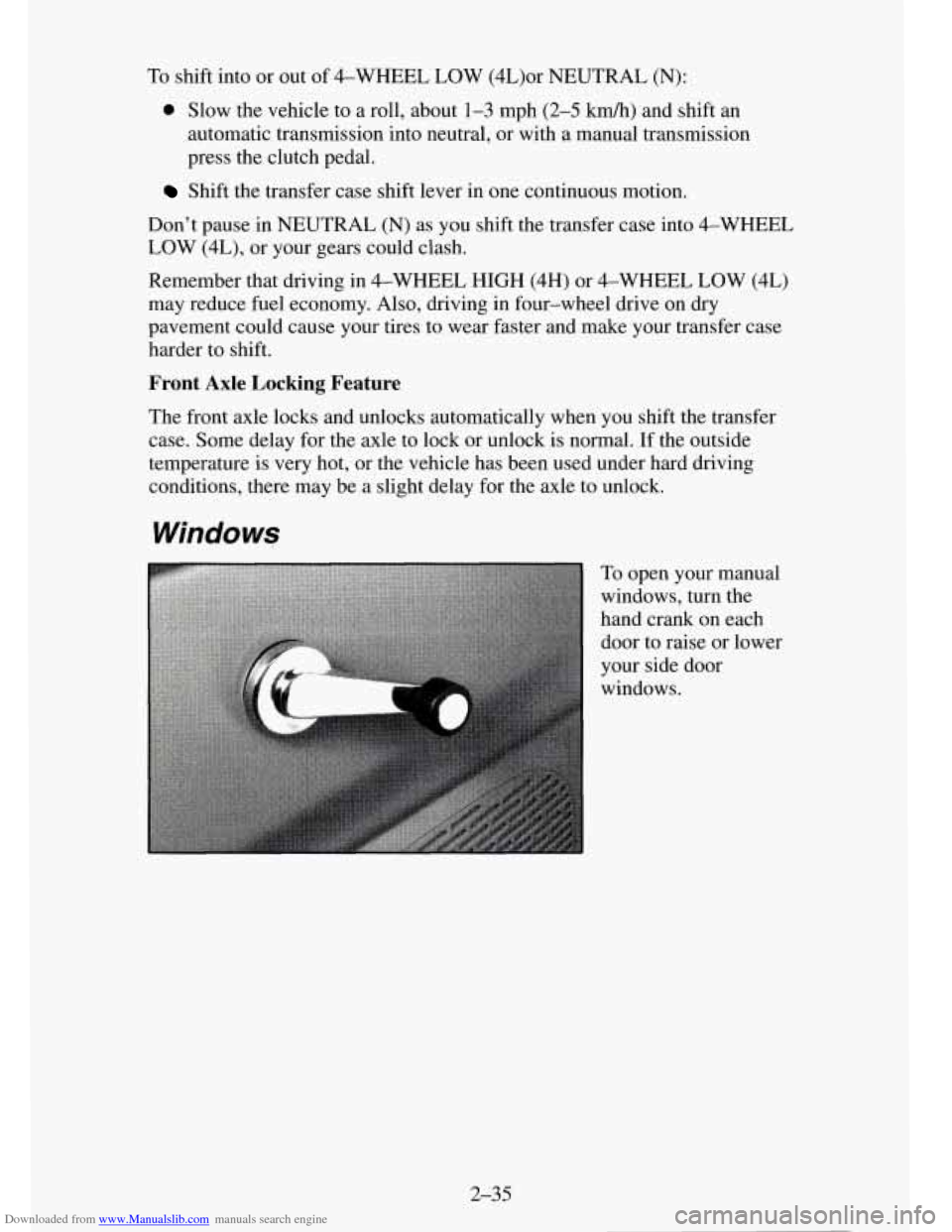
To open your manual
windows, turn the
hand crank on each
door to raise or lower
your side door
windows.
2-35
Page 103 of 486
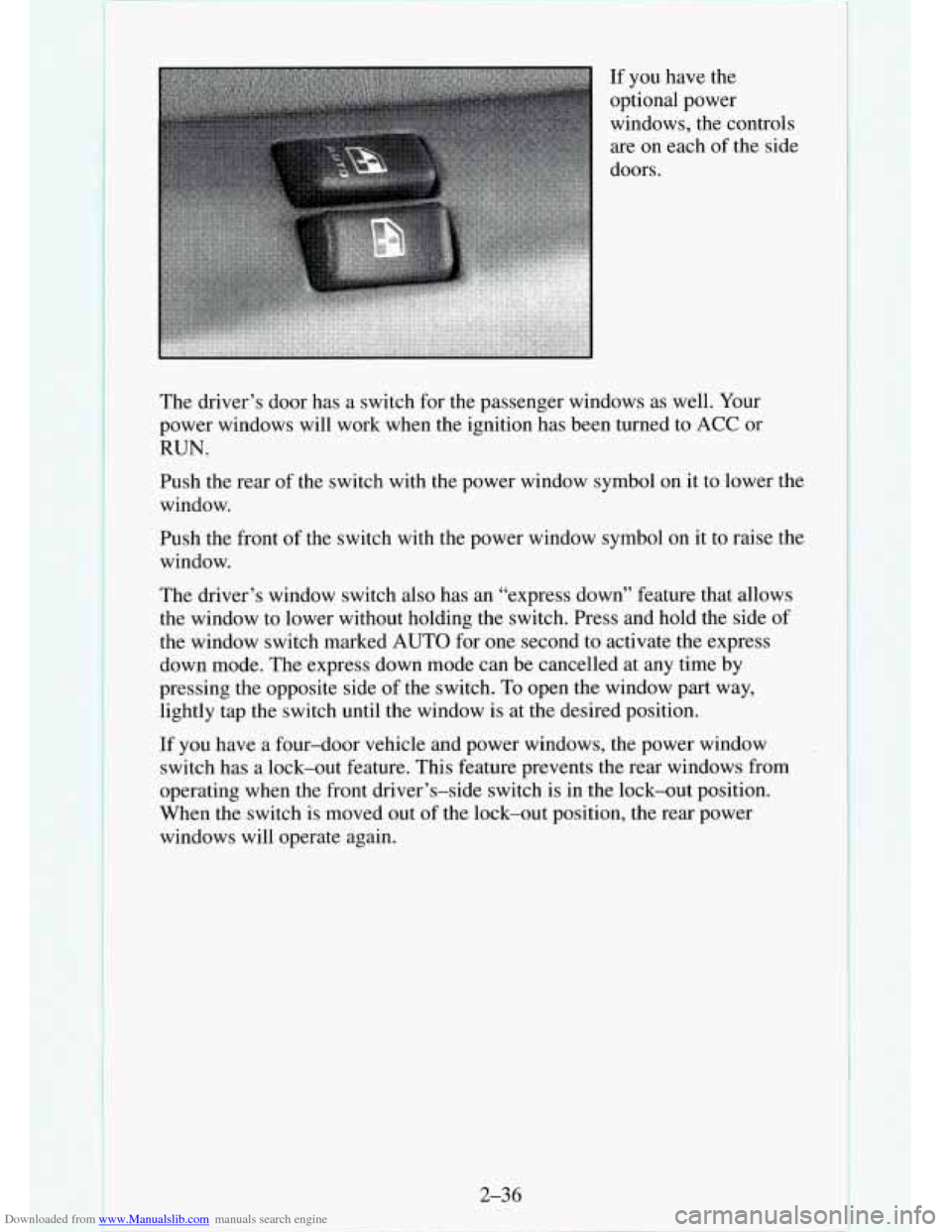
Downloaded from www.Manualslib.com manuals search engine The driver’s door has a switch for the passenger windows as well. Your
power windows will work when the ignition has been turned to
ACC or
RUN.
Push the rear of the switch with the power window symbol on it to lower the
window.
Push the front of the switch with the power window symbol on
it to raise the
window.
The driver’s window switch also has an “express down” feature that allows
the window to lower without holding the switch. Press and hold the side
of
the window switch marked AUTO for one second to activate the express
down mode. The express down mode can be cancelled at any time by
pressing the opposite side
of the switch. To open the window part way,
lightly tap the switch until the window is at the desired position.
If you have a four-door vehicle and power windows, the power window
switch has a lock-out feature. This feature prevents the rear windows from
operating when the front driver’s-side switch
is in the lock-out position.
When the switch is moved
out of the lock-out position, the rear power
windows will operate again.
2-36
I
Page 108 of 486
Downloaded from www.Manualslib.com manuals search engine Headlamp High-Low Beam
... ..
Windshield Wipers
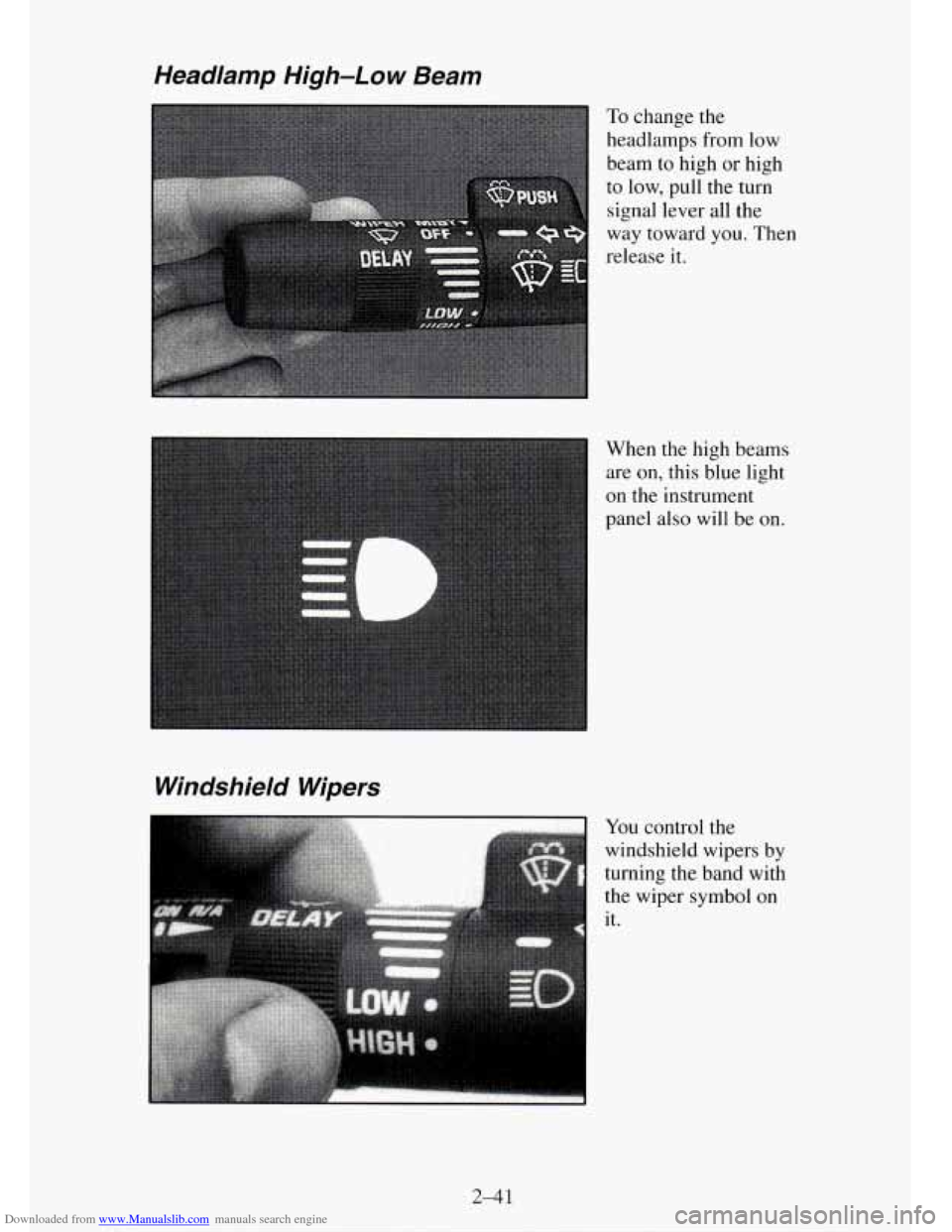
To change the
headlamps from low
beam to high or high
to
low, pull the turn
signal lever all the
way toward
you. Then
release it.
When the high beams
are
on, this blue light
on the instrument
panel also will be on.
You control the
windshield wipers by
turning
the band with
the wiper symbol on it.
2-41
Page 109 of 486
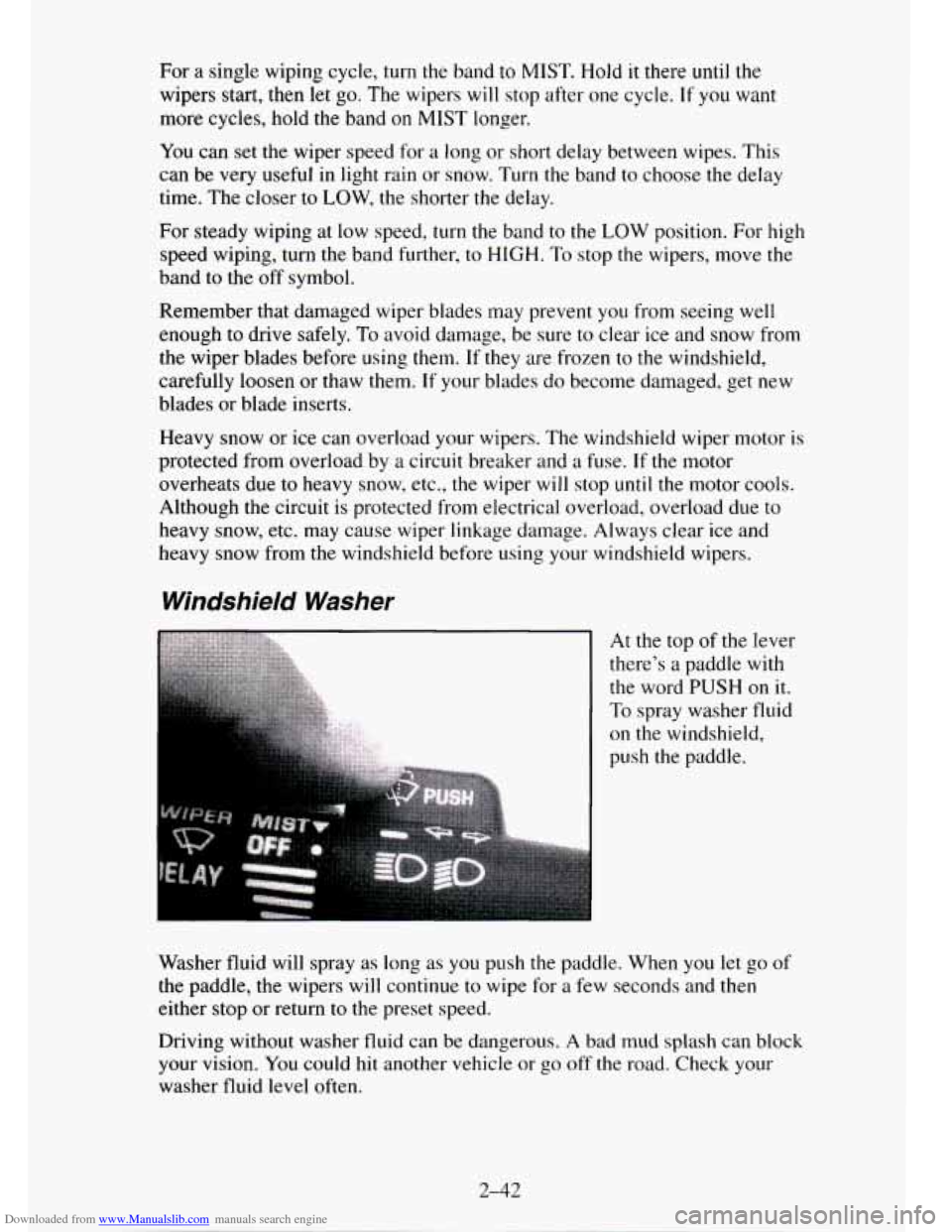
Downloaded from www.Manualslib.com manuals search engine For a single wiping cycle, turn the band to MIST. Hold it there until the
wipers start, then let go. The wipers will stop after one cycle. If you want
more cycles, hold the band
on MIST longer.
You can set the wiper speed for a long or short delay between wipes. This
can be very useful in light rain or snow. Turn the band to choose the delay
time. The closer
to LOW, the shorter the delay.
For steady wiping at low speed,
turn the band to the LOW position. For high
speed wiping, turn the band further, to
HIGH. To stop the wipers, move the
band to the off symbol.
Remember that damaged wiper blades may prevent
you from seeing well
enough to drive safely.
To avoid damage, be sure to clear ice and snow from
the wiper blades before using them.
If they are frozen to the windshield,
carefully loosen or thaw them.
If your blades do become damaged, get new
blades
or blade inserts.
Heavy snow or ice can overload your wipers. The windshield wiper motor is
protected from overload by a circuit breaker and
a fuse. If the motor
overheats due to heavy snow, etc.,
the wiper will stop until the motor cools.
Although the circuit is protected from electrical overload, overload due
to
heavy snow, etc. may cause wiper linkage damage. Always clear ice and
heavy snow from the windshield before using your windshield wipers.
Windshield Washer
At the top of the lever
there’s a paddle with
the word PUSH on it.
To spray washer fluid
on the windshield,
push the paddle.
Washer fluid will spray as long as
you push the paddle. When you let go of
the paddle, the wipers will continue to wipe for a few seconds and then
either stop or return to the preset speed.
Driving without washer fluid can be dangerous.
A bad mud splash can block
your vision. You
could hit another vehicle or go off the road. Check your
washer fluid level often.
2-42
Page 114 of 486
Downloaded from www.Manualslib.com manuals search engine Using Cruise Control on Hills
How well your Cruise Control will work on hills depends upon your speed,
load, and the steepness
of the hills. When going up steep hills, you may
have
to step on the accelerator pedal to maintain your speed. If the steepness
of the hill causes the vehicle speed to drop more than 15 mph (9.4 km/h)
below the set speed, your Cruise Control will automatically disengage.
When going downhill, you may have to brake or shift to
a lower gear to
keep your speed down. Of course, applying the brake takes you out
of
Cruise Control. Many drivers find this to be too much trouble and don’t use
Cruise Control on steep hills.
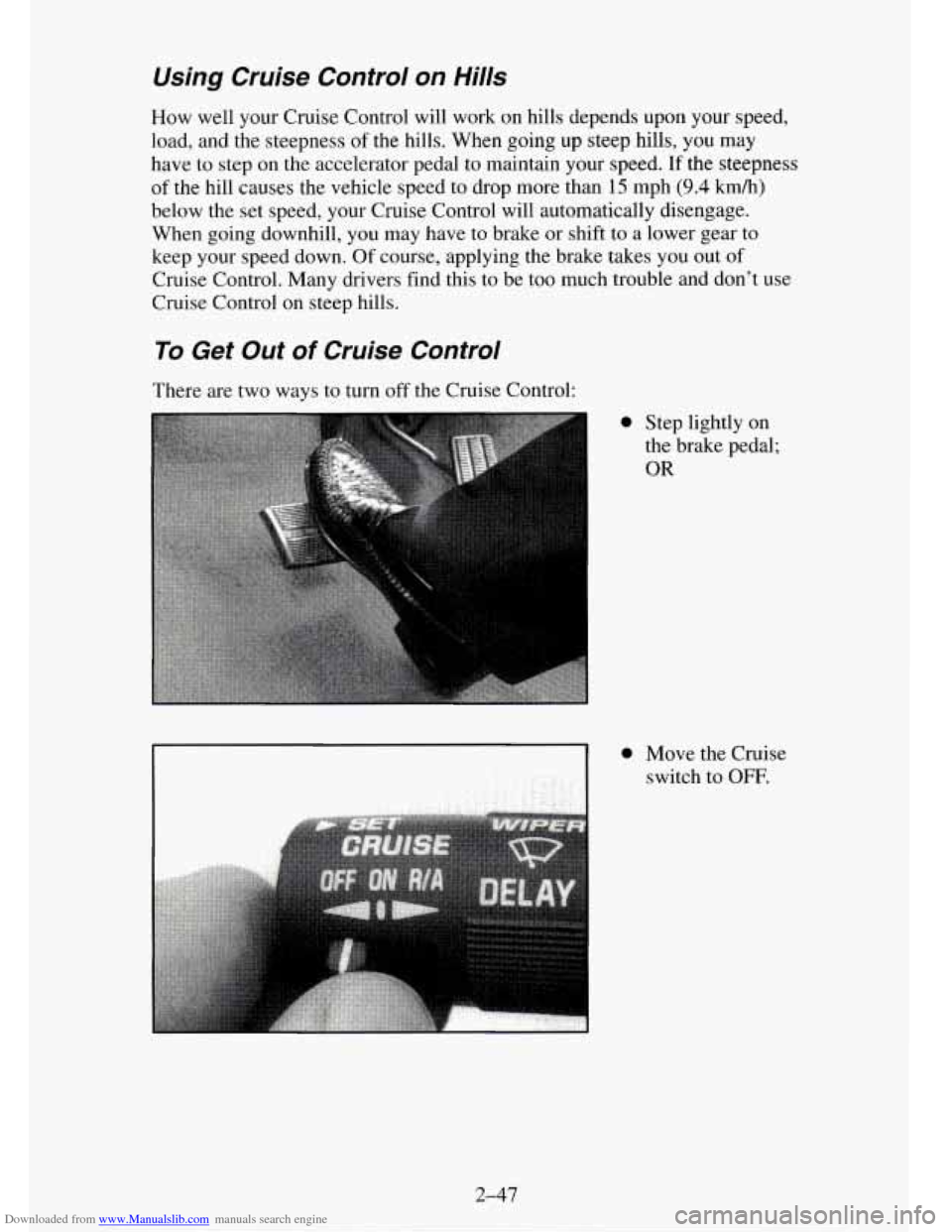
To Get Out of Cruise Control
There are two ways to turn off the Cruise Control:
0 Step lightly on
the brake pedal;
OR
2-47
Page 115 of 486
Downloaded from www.Manualslib.com manuals search engine To Erase Speed Memory
When you turn off the Cruise Control or the ignition, your Cruise Control
set speed memory
is erased.
Headamps and Vehicle Lighting
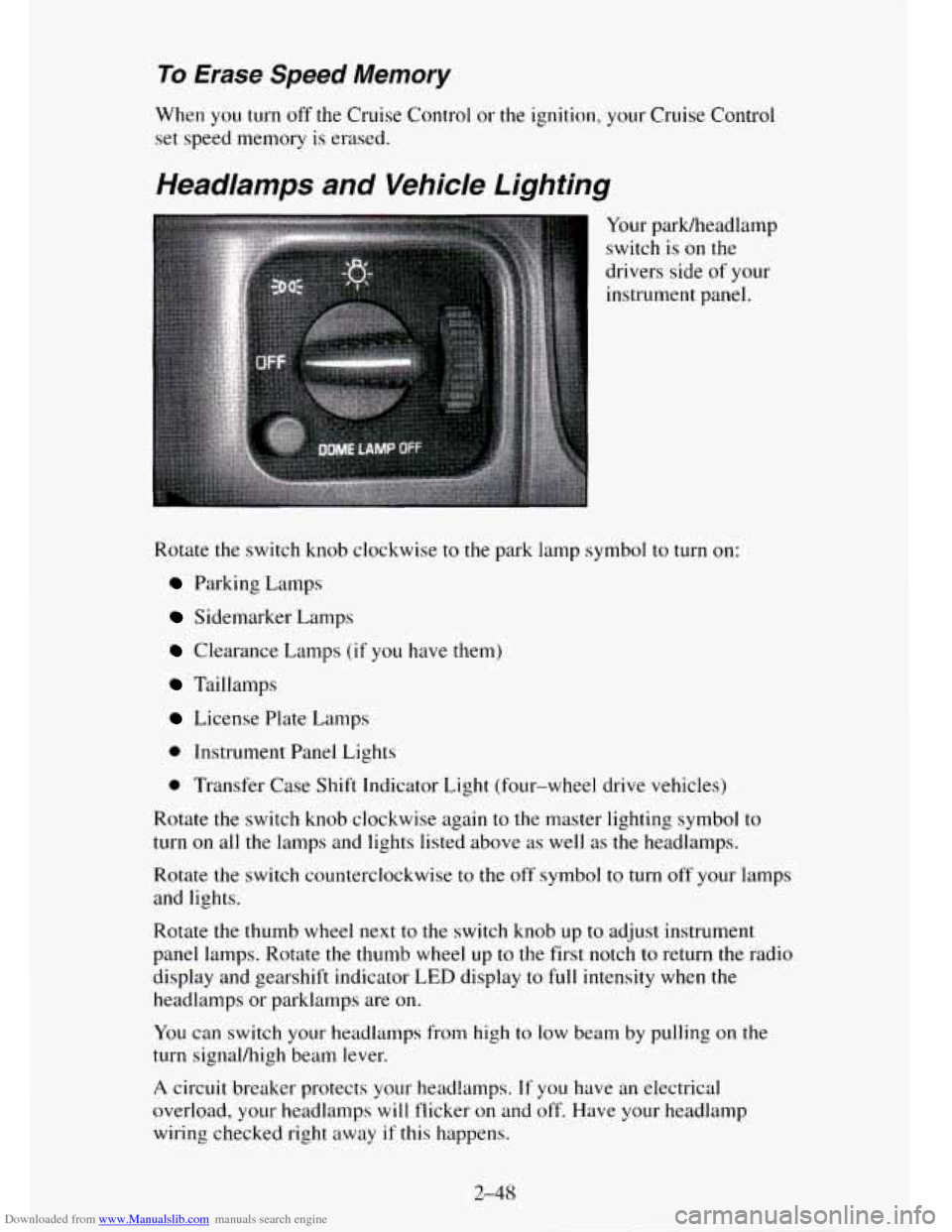
Your parWheadlamp
switch
is on the
drivers side
of your
instrument panel.
Rotate
the switch knob clockwise to the park lamp symbol to turn on:
Parking Lamps
Sidemarker Lamps
Clearance Lamps (if you have them}
Taillamps
License Plate Lamps
0 Instrument Panel Lights
0 Transfer Case Shift Indicator Light (four-wheel drive vehicles)
Rotate
the switch knob clockwise again to the master lighting symbol to
turn on all the lamps and lights listed above as well as the headlamps.
Rotate the switch counterclockwise to the off sylnbol to turn
off your lamps
and lights.
Rotate the thumb wheel
next to the switch knob up to adjust instrument
panel lamps. Rotate the thumb wheel up to the first notch to return
the radio
display and gearshift indicator LED display
to full intensity when the
headlamps or parklamps are on.
You can switch your headlamps from high to low beam by pulling on the
turn signal/high beam lever.
A circuit breaker protects your headlamps. If you have an electrical
overload, your headlamps
will flicker on and off. Have your headlamp
wiring checked right away
if this happens.
2-48