radio CHEVROLET TRACKER 1995 User Guide
[x] Cancel search | Manufacturer: CHEVROLET, Model Year: 1995, Model line: TRACKER, Model: CHEVROLET TRACKER 1995Pages: 354, PDF Size: 18.24 MB
Page 118 of 354
Setting the Tone To Play a Cassette Tape
Your tape player is built to work best with tapes that are
30 to 45 minutes long on each side. Tapes longer than
that are
so thin they may not work well in this player.
The longer side with the tape visible should face to the
right.
If you hear nothing or hear just a garbled sound, it
may not be in squarely. Press STOP or EJECT to
remove the tape
and start over.
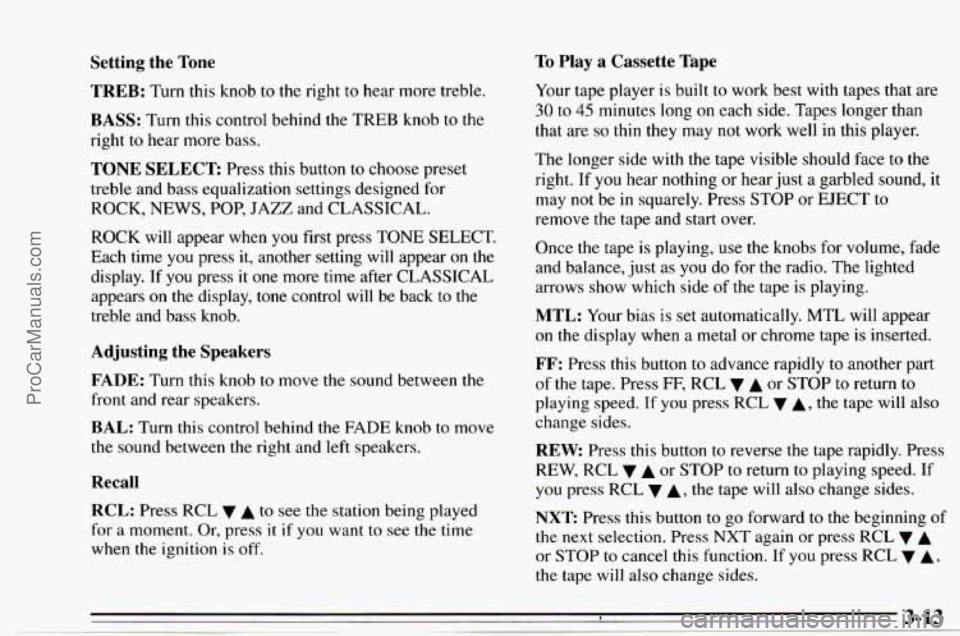
TREB: Turn this knob to the right to hear more treble.
BASS: Turn this control behind the TREB knob to the
right
to hear more bass.
TONE SELECT Press this button to choose preset
treble and bass equalization settings designed for
ROCK, NEWS, POP, JAZZ and CLASSICAL.
ROCK will appear when you first press TONE SELECT.
Each time you press it, another setting will appear on the
display. If you press it one more
time after CLASSICAL
appears on
the display, tone control will be back to the
treble and bass
knob.
Adjusting the Speakers
FADE:
Turn this knob to move the sound between the
front and rear speakers.
BAL: Turn this control behind the FADE knob to move
the sound between the right and
left speakers.
Recall
RCL: Press RCL v A to see the station being played
for
a moment. Or, press it if you want to see the time
when the ignition is off. Once
the tape is playing,
use the knobs for volume, fade
and balance, just as you do for the radio. The lighted
arrows
show which side of the tape is playing.
MTL: Your bias is set automatically. MTL will appear
on the display
when a metal or chrome tape is inserted.
FF: Press this button to advance rapidly to another part
of the tape. Press
FF, RCL v A or STOP to return to
playing speed.
If you press RCL 7 A, the tape will also
change sides.
REW. Press this button to reverse the tape rapidly. Press
REW, RCL
v A or STOP to return to playing speed. If
you press RCL
A, the tape will also change sides.
NXT Press this button to go forward to the beginning of
the next selection. Press NXT again or press RCL v A
or STOP to cancel this function. If you press RCL v A,
the tape will also change sides.
8 3-13
- ~ ProCarManuals.com
Page 119 of 354
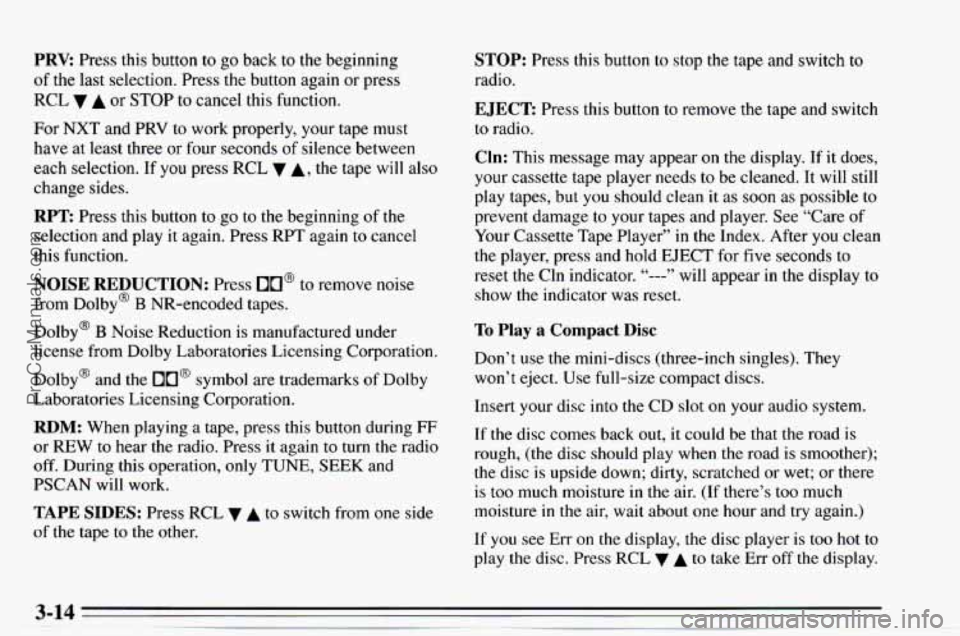
PRV Press this button to go back to the beginning
of the last selection. Press the button again or press
RCL
A or STOP to cancel this function.
For NXT and PRV to work properly, your tape must
have at least three or four seconds
of silence between
each selection. If you press RCL
A, the tape will also
change sides.
RPT Press this button to go to the beginning of the
selection and play it again. Press RPT again to cancel
this function.
NOISE REDUCTION: Press OU@ to remove noise
from Dolby@
B NR-encoded tapes.
Dolby@
B Noise Reduction is manufactured under
license from Dolby Laboratories Licensing Corporation.
Dolby@ and the
DO@ symbol are trademarks of Dolby
Laboratories Licensing Corporation.
RDM: When playing a tape, press this button during FF
or REW to hear the radio. Press it again to turn the radio
off. During this operation, only TUNE, SEEK and
PSCAN will
work.
TAPE SIDES: Press RCL v A to switch from one side
of the tape to the other.
STOP: Press this button to stop the tape and switch to
radio.
EJECT Press this button to remove the tape and switch
to radio.
Cln: This message may appear on the display. If it does,
your cassette tape player needs to be cleaned. It
will still
play tapes, but you should clean it
as soon as possible to
prevent damage to your tapes and player. See “Care of
Your Cassette Tape Player”
in the Index. After you clean
the player, press and hold EJECT for five seconds to
reset the Cln indicator.
“---” will appear in the display to
show the indicator was reset.
To Play a Compact Disc
Don’t use the mini-discs (three-inch singles). They
won’t eject. Use full-size compact discs.
Insert your disc into the CD slot on your audio system.
If the disc comes back out, it could be that the road is
rough, (the disc should
play when the road is smoother);
the disc is upside down; dirty, scratched or wet; or there
is too much moisture
in the air. (If there’s too much
moisture
in the air, wait about one hour and try again.)
If you see
Err on the display, the disc player is too hot to
play the disc. Press
RCL 7 A to take Err off the display.
ProCarManuals.com
Page 120 of 354
Track Number and Playing Time: Press RCL A to
see which track is playing. Press
it again within five
seconds to see how long
it has been playing.
The track number
also appears when the disc is inserted
or you change the volume.
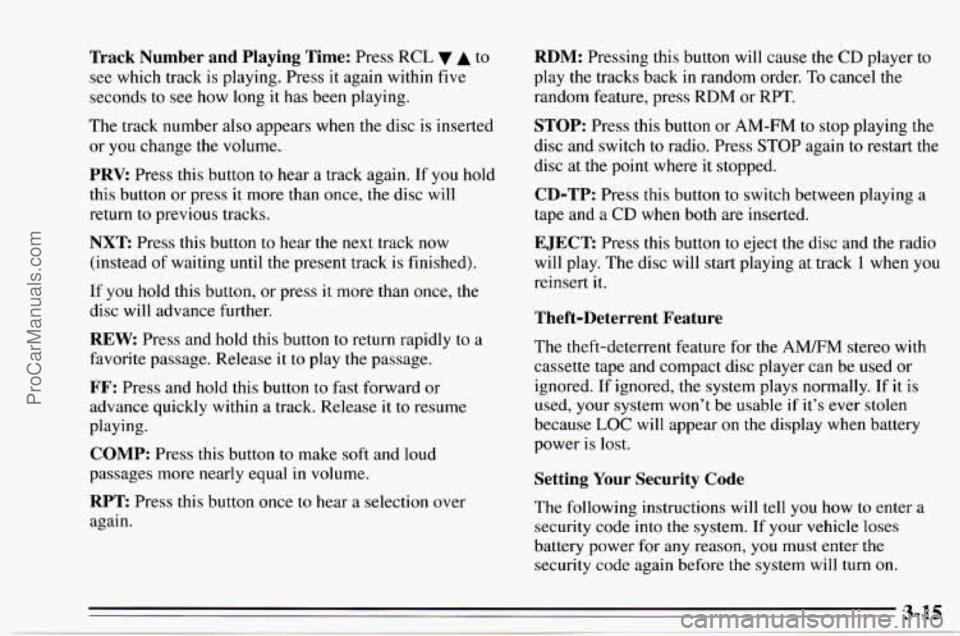
PRV: Press this button to hear a track again. If you hold
this button or press
it more than once, the disc will
return to previous tracks.
NXT Press this button to hear the next track now
(instead of waiting
until the present track is finished).
If you hold this button, or press
it more than once, the
disc will advance further.
REW Press and hold this button to return rapidly to a
favorite passage. Release it to play the passage.
FF: Press and hold this button to fast forward or
advance quickly within a track. Release
it to resume
playing.
COMP: Press this button to make soft and loud
passages more nearly equal in volume.
RPT Press this button once to hear a selection over
again.
RDM: Pressing this button will cause the CD player to
play the tracks back
in random order. To cancel the
random feature, press RDM or RPT.
STOP: Press this button or AM-FM to stop playing the
disc and switch to radio. Press STOP again to restart the
disc
at the point where it stopped.
CD-TP: Press this button to switch between playing a
tape and a CD when both are inserted.
EJECT: Press this button to eject the disc and the radio
will play. The disc will start playing at track 1 when you
reinsert
it.
Theft-Deterrent Feature
The theft-deterrent feature for the AM/FM stereo with
cassette tape and compact disc player can be used or
ignored.
If ignored, the system plays normally. If it is
used, your system won't be usable
if it's ever stolen
because
LOC will appear on the display when battery
power
is lost.
Setting Your Security Code
The following instructions will tell you how to enter a
security code into the system. If your vehicle loses
battery power for any reason, you must enter the
security code again before the system will
turn on.
ProCarManuals.com
Page 121 of 354
Write down any four-digit number and keep it in a safe
place.
Turn the ignition switch to the
ACC or ON position.
Turn the audio system off.
Press the 1 and
4 buttons together. Hold them down until
(‘---- ” shows on the display.
You are now ready to enter your security code.
Don’t
wait more than 15 seconds between steps.
Press
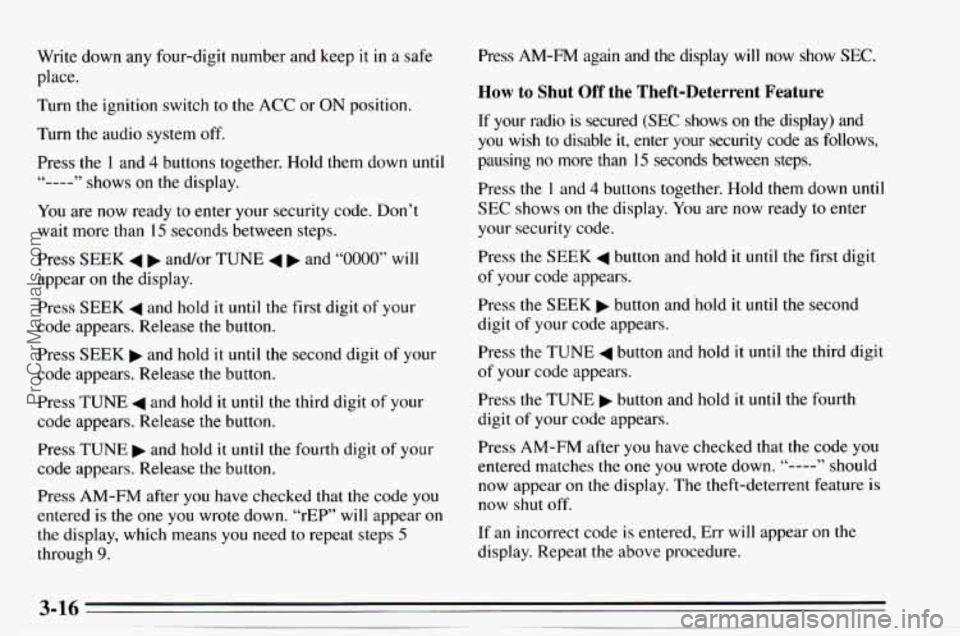
SEEK 4 b and/or TUNE 4 b and “0000” will
appear
on the display.
Press
SEEK 4 and hold it until the first digit of your
code appears. Release the button.
Press SEEK and hold
it until the second digit of your
code appears. Release the button.
Press TUNE
4 and hold it until the third digit of your
code appears. Release the button.
Press
TUNE and hold it until the fourth digit of your
code appears. Release the button.
Press
AM-FM after you have checked that the code you
entered is the one you wrote down. “rEP” will appear
on
the display, which means you need to repeat steps 5
through 9.
Press AM-FM again and the display will now show SEC.
How to Shut Off the Theft-Deterrent Feature
If your radio is secured (SEC shows on the display) and
you wish to disable it, enter your security code as follows,
pausing
no more than 15 seconds between steps.
Press the
1 and 4 buttons together. Hold them down until
SEC shows on the display. You are now ready to enter
your security code.
Press
the SEEK 4 button and hold it until the first digit
of your code appears.
Press
the SEEK b button and‘hold it until the second
digit of your code appears.
Press the TUNE
4 button and hold it until the third digit
of your code appears.
Press
the TUNE b button and hold it until the fourth
digit
of your code appears.
Press
AM-FM after you have checked that the code you
entered matches
the one you wrote down. “---- ” should
now appear
on the display. The theft-deterrent feature is
now shut off.
If an incorrect code is entered, Err will appear on the
display. Repeat
the above procedure.
ProCarManuals.com
Page 122 of 354
To Unlock the System After a Power Loss
If power is disrupted to the radio while in the SEC
mode, the unit will not work and LOC will show
on the
display whenever the ignition
is on. To unlock the unit.
press
4 SEEK b or 4 TUNE and “0000” will appear
on the display.
Press the
SEEK 4 button and hold it until the first digit
of your code appears.
Press the SEEK button and hold it until the second
digit of your code appears.
Press the
TUNE 4 button and hold it until the third digit
of your code appears.
Press the TUNE
b button and hold it until the fourth
digit of your code appears.
Understanding Radio Reception
FM Stereo
FM stereo will give you the best sound. But FM signals
will reach
only about 10 to 40 miles (16 to 65 km). And,
tall buildings or hills can interfere with
FM signals,
causing the sound
to come and go.
AM
The range for most AM stations is greater than for FM,
especially at night. The longer range, however, can
cause stations to interfere with each other.
AM can pick
up noise from things like storms and power lines. Try
reducing the treble to reduce this noise if you ever get it.
Press AM-FM after you have checked that the code
matches the one you wrote down. Now
SEC will appear
on the display.
(If an incorrect code is entered, Err will
appear on
the display. Repeat the above procedure.)
ProCarManuals.com
Page 123 of 354
Tips about Your Audio System
Hearing damage from loud noise is almost undetectable
until it is
too late. Your hearing can adapt to higher
volumes
of sound. Sound that seems normal can be loud
and harmful to your hearing. Take precautions by
adjusting the volume control
on your radio to a safe
sound level before your hearing adapts
to it.
To help avoid hearing loss or damage:
Adjust the volume control to the lowest setting.
Increase volume slowly until you hear comfortably
and clearly.
NOTICE:
Before you add any sound equipment to your
vehicle
-- like a tape player, CB radio, mobile
telephone or two-way radio
-- be sure you can
add what you want.
If you can, it’s very
important to do it properly. Added sound
equipment may interfere with the operation
of
your vehicle’s engine, Delco’ radio or other
systems, and even damage them. And, your
vehicle’s systems may interfere with the
operation of sound equipment that has been
added improperly.
So, before adding sound equipment, check with
your dealer and be sure to check Federal rules
covering mobile radio and telephone units.
ProCarManuals.com
Page 124 of 354
Care of Your Cassette Tape Player
A tape player that is not cleaned regularly can cause
reduced sound quality, ruined cassettes, or a damaged
mechanism. Cassette
tapes should be stored in their
cases away from contaminants, direct sunlight, and
extreme heat. If they aren’t, they
may not operate
properly or
cause failure of the tape player.
Your tape player should be cleaned regularly each
month or after every
50 hours of use. Your radio may
display Cln to indicate
that you have used your tape
player for
50 hours without resetting the tape clean
timer.
If you notice a reduction in sound quality, try a
known good cassette
to see if the tape or the tape player
is at fault. If this other cassette has no improvement in
sound quality, clean the tape player.
Cleaning may be done
with a scrubbing action,
non-abrasive cleaning cassette. This system uses a
cleaning cassette with pads which scrub
the tape head as
the hubs of the cleaner cassette turn. It is normal for the
cartridge to eject
while cleaning. Insert the cassette at
least three times to ensure thorough cleaning.
A
scrubbing action cleaning cassette is available through
your Chevrolet/Geo dealership.
You may also choose a non-scrubbing action, wet type
cleaner which uses a cassette
with a fabric belt to clean
the tape head. This type
of cleaning cassette will not eject.
It may not
clean as thoroughly as the scrubbing
type cleaner.
Cassettes
are subject to wear and the sound quality may
degrade over time. Always make sure that
the cassette
tape is in good condition before you have your tape
player serviced.
Care of Your Compact Discs
Handle discs carefully. Store them in their original cases
or other protective cases and away from direct sunlight
and dust. If
the surface of a disc is soiled, dampen a
clean, soft cloth
in a mild, neutral detergent solution and
clean it, wiping from the center to the edge.
Be sure never to touch the signal surface when handling
discs. Pick up discs by grasping the outer edges or the
edge of the hole and
the outer edge.
Antenna
Use the knob on the end of the antenna to raise the
antenna. To lower it, hold the antenna mast near the roof
and feed it into the holder.
Do not try to lower the
antenna using the knob. Keep the antenna mast clean for
good performance.
Always lower the antenna before entering a car wash. If
you have the convertible top, also lower the antenna
before removing
or installing the top.
ProCarManuals.com
Page 180 of 354
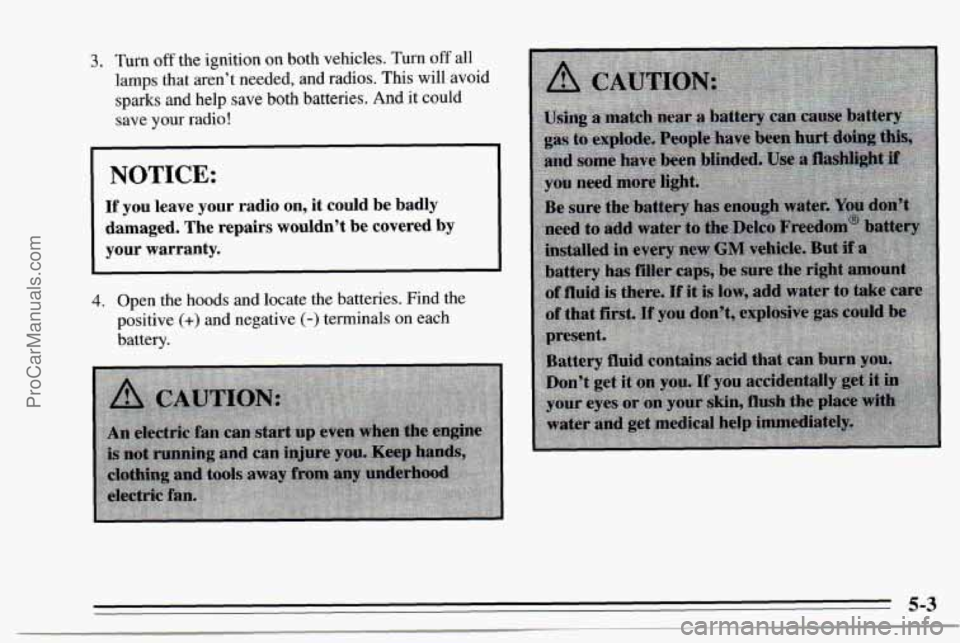
3. Turn off the ignition on both vehicles. Turn off all
lamps that aren’t needed, and radios. This will avoid
sparks and help save both batteries. And it could
save
your radio!
NOTICE:
If you leave your radio on, it could be badly
damaged. The repairs wouldn’t be covered by your warranty.
4.
Open the hoods and locate the batteries. Find the
positive
(+) and negative (-) terminals on each
battery.
ProCarManuals.com
Page 272 of 354
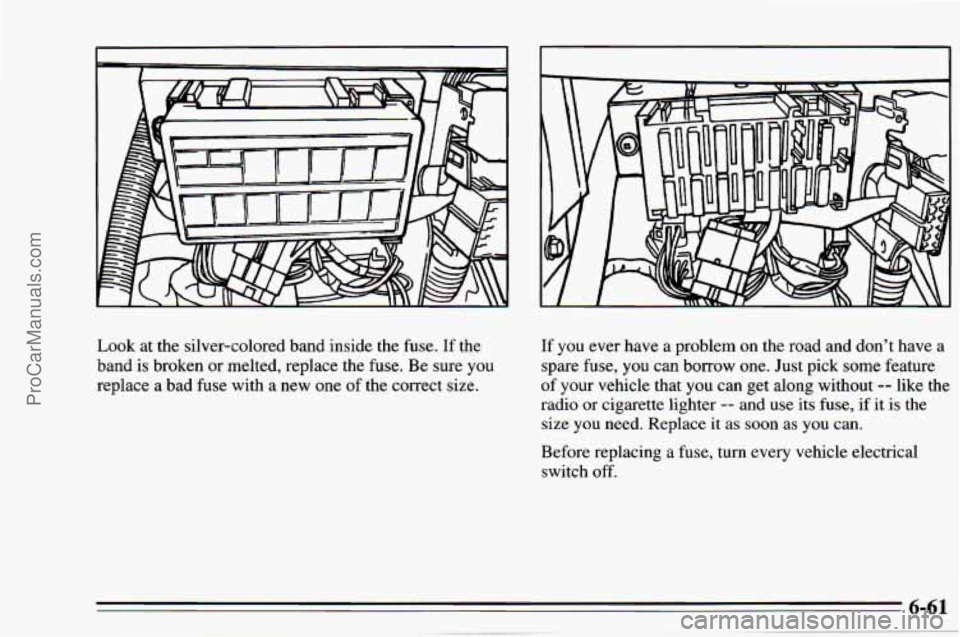
Look at the silver-colored band inside the fuse. If the
band is broken
or melted, replace the fuse. Be sure you
replace a bad fuse with a
new one of the correct size. If
you ever have a problem on the road and don’t have a
spare fuse, you can borrow one. Just pick some feature
of your vehicle that you can get along without -- like the
radio or cigarette lighter
-- and use its fuse, if it is the
size you need. Replace it as soon
as you can.
Before replacing
a fuse, turn every vehicle electrical
switch
off.
ProCarManuals.com
Page 274 of 354
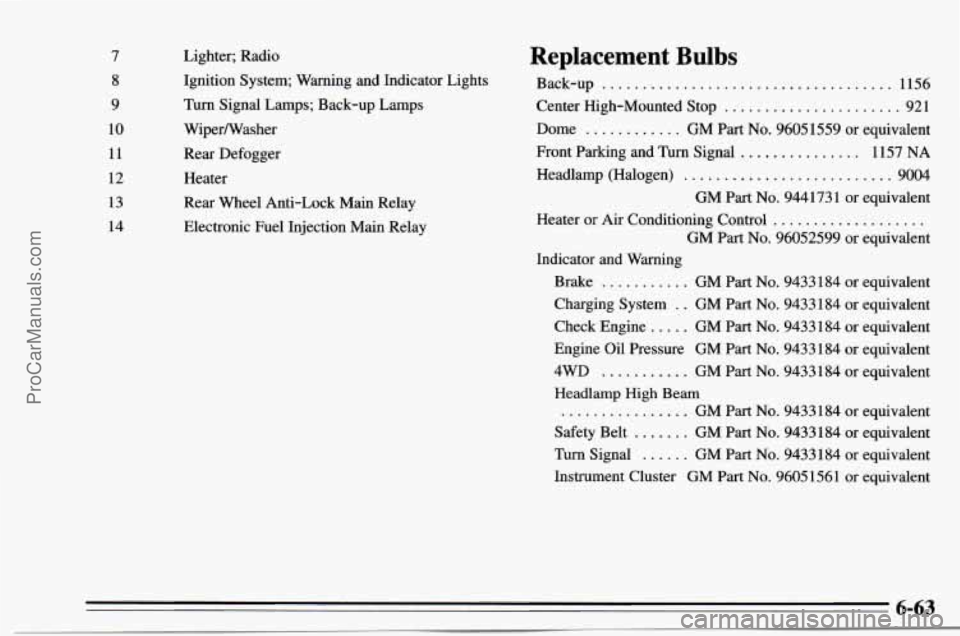
7 8
9
10 11
12
13
14 Lighter;
Radio
Ignition System; Warning and Indicator Lights
Turn Signal Lamps; Back-up Lamps
WiperNasher
Rear Defogger
Heater
Rear Wheel Anti-Lock Main Relay
Electronic Fuel Injection Main Relay Replacement Bulbs
Back-up .................................... 1156
Center High-Mounted Stop
...................... 921
Dome
............ GM Part No. 9605 1559 or equivalent
Front Parking and Turn Signal
............... 1157 NA
Headlamp (Halogen) .......................... 9004
GM Part
No. 944173 1 or equivalent
GM Part
No. 96052599 or equivalent
Heater
or Air
Conditioning Control ...................
Indicator and Warning
Brake
........... GM Part No. 9433184 or equivalent
Check Engine
..... GM Part No. 9433184 or equivalent
4WD ........... GM Part No. 9433184 or equivalent
................ GM Part No. 9433184 or equivalent
Safety Belt
....... GM Part No. 9433184 or equivalent
Turn Signal
...... GM Part No. 9433 184 or equivalent
Charging System
. . GM Part No. 9433184
or equivalent
Engine Oil Pressure GM Part
No. 9433184 or equivalent
Headlamp High Beam
Instrument Cluster GM Part
No. 9605 1561 or equivalent
6-63
ProCarManuals.com