instrument panel CHEVROLET TRACKER 1998 1.G User Guide
[x] Cancel search | Manufacturer: CHEVROLET, Model Year: 1998, Model line: TRACKER, Model: CHEVROLET TRACKER 1998 1.GPages: 386, PDF Size: 21.17 MB
Page 74 of 386
Downloaded from www.Manualslib.com manuals search engine Overdrive Off Switch (If Equipped)
The Overdrive Off switch is located on the left side of
the shifter.
By operating the Overdrive Off switch, the
four-speed automatic transmission (three-speed plus
overdrive} can be converted to a three-speed automatic
transmission. While in the three-speed mode, the
transmission will
not shift into the Overdrive position.
To convert the transmission to the three-speed mode,
push in the Overdrive
off switch and release it. The
switch comes out and the
OD/OFF indicator light on the
instrument panel comes on.
To return the transmission to the four-speed mode,
push in the Overdrive
off switch again. The switch will
remain in and the
OD/OFF indicator light goes off.
Please note that if the transfer case shift lever is in the
4L position, the four-speed automatic transmission will
remain in the three-speed mode.
Manual Transmission Operation
5-Speed
L
L
1
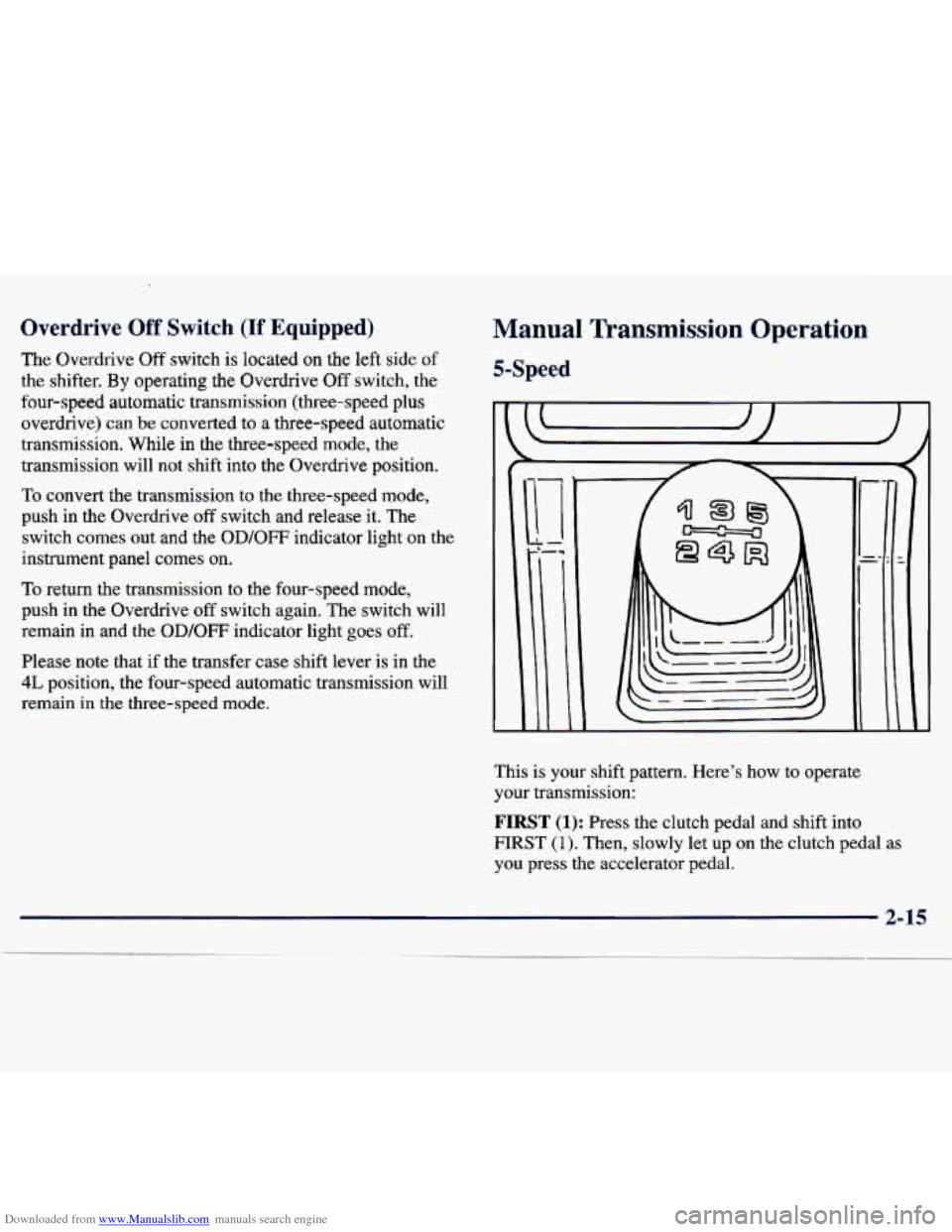
This is your shift pattern. Here's how to operate
your transmission:
FIRST (1): Press the clutch pedal and shift into
FIRST (1). Then, slowly let up on the clutch pedal as
you press the accelerator pedal.
2-15
Page 89 of 386
Downloaded from www.Manualslib.com manuals search engine firn SignaVMultifunction Lever
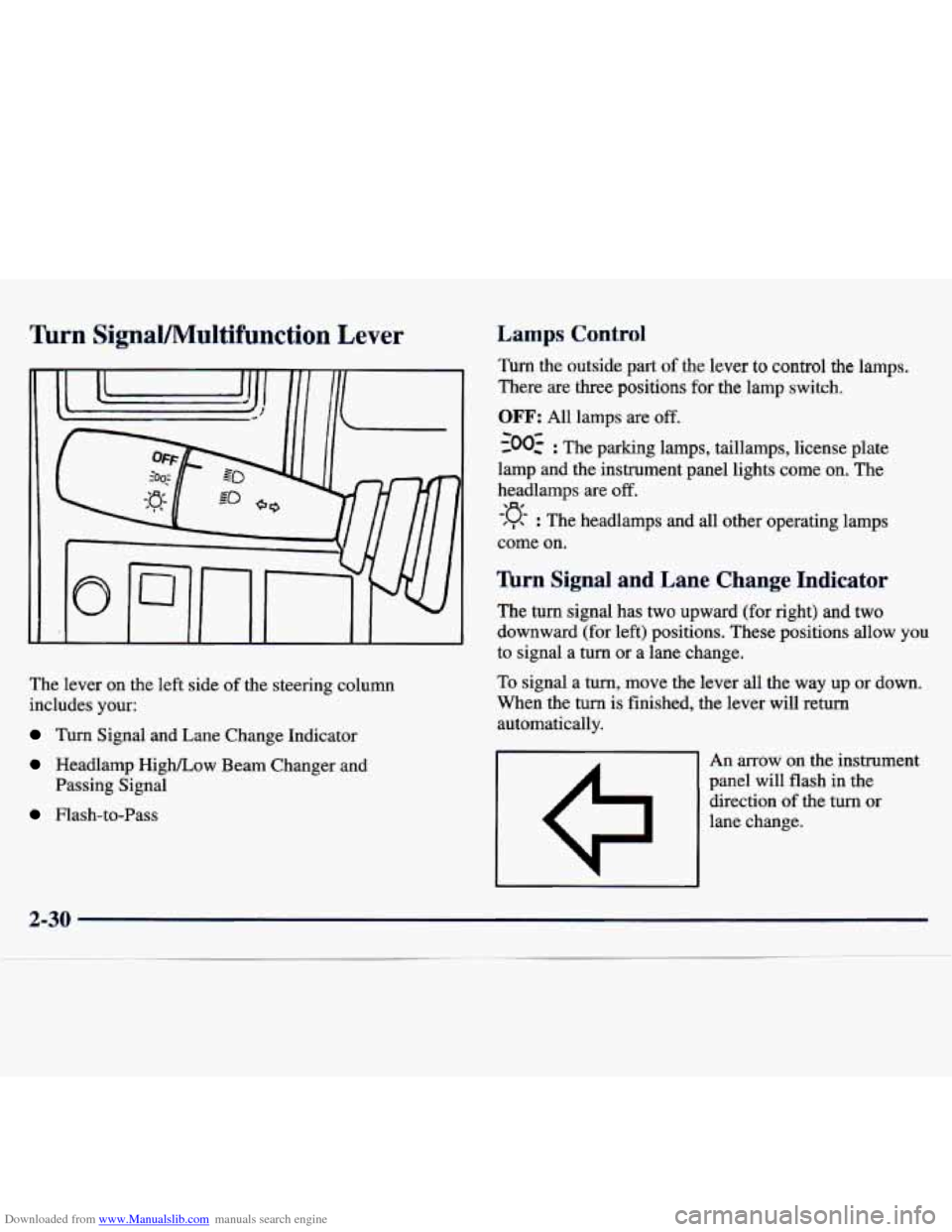
The lever on the left side of the steering column
includes your:
Turn Signal and Lane Change Indicator
Headlamp High/Low Beam Changer and
Passing Signal
Flash-to-Pass
Lamps Control
Turn the outside part of the lever to control the lamps.
There
are three positions for the lamp switch.
OFF: All lamps are off.
~00~ : The parking lamps, taillamps, license plate
lamp and the instrument panel lights come on. The
headlamps are
off.
-:q- : The headlamps and all other operating lamps
come on.
lbrn Signal and Lane Change Indicator
The turn signal has two upward (for right) and two
downward (for left) positions. These positions allow you
to signal a
turn or a lane change.
To signal a turn, move the lever all the way
up or down.
When the turn is finished, the lever will return
automatically.
An arrow on the instrument
panel will flash in the direction
of the turn or
lane change.
a-erv
Page 90 of 386
Downloaded from www.Manualslib.com manuals search engine To signal a lane change, just raise or lower the lever
until the arrow
starts to flash. Hold it there until you
complete your lane change. The lever will return by
itself when you release
it.
As you signal a turn or a lane change, if the arrows
don’t flash but just stay on, a signal bulb may be burned
out and other drivers won’t
see your turn signal.
If a bulb is burned out, replace it to help avoid an
accident. If the arrows don’t go on at all when you
signal a
turn, check the fuse (see “Fuses and Circuit
Breakers” in the Index) and for burned-out bulbs.
Lamps On Reminder
If you turn the ignition off, remove the key, open the
door and leave the lamps on, a tone will remind you
to
turn off your lamps.
Headlamp High/Low Beam Changer
First, you must have the headlamps on. For high beams,
push the
turn signal lever toward the instrument panel.
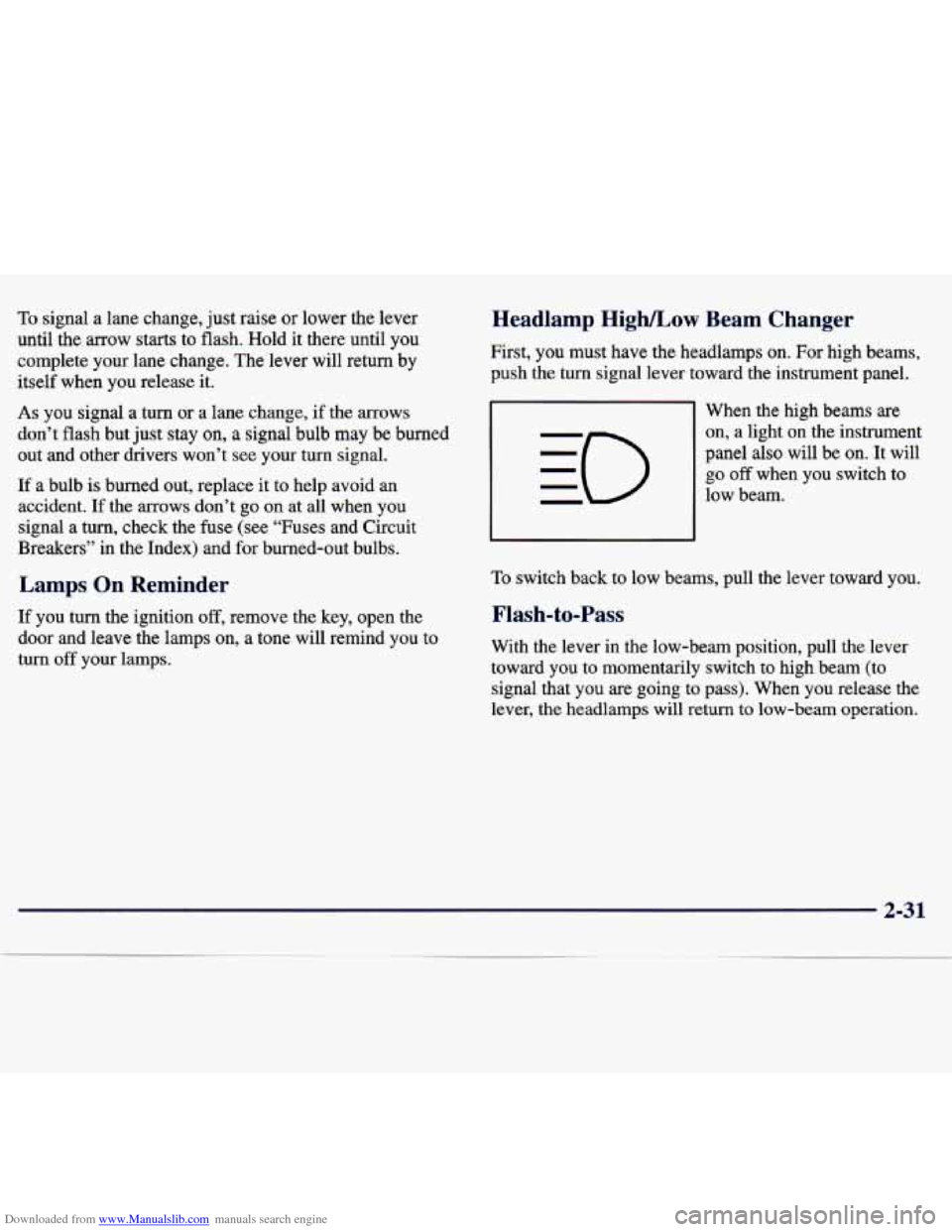
When the high beams are
on, a light on the instrument
panel also will be on. It will
go off when you switch to
low beam.
To switch back to low beams, pull the lever toward you.
Flash-to-Pass
With the lever in the low-beam position, pull the lever
toward you to momentarily switch to high beam (to
signal that you are going to pass). When you release the
lever,
the headlamps will return to low-beam operation.
2-31
Page 93 of 386
Downloaded from www.Manualslib.com manuals search engine a
0
Cruise control can be dangerous where you
can’t drive safely
at a steady speed. So,
don’t use your cruise control on winding
roads or in heavy traffic.
Cruise control can be dangerous on
slippery roads. On such roads,
fast changes
in tire traction can cause needless wheel
spinning, and you could lose control. Don’t
use cruise control on slippery roads.
Setting Cruise Control
I .& CAUTION:
If you leave your cruise control switch on when
you’re not using cruise, you might hit
a button
and go into cruise when you don’t want to. You
could be startled and even lose control. Keep the
cruise control switch
off until you want to use it.
. , .... .... . ,. . .
,. .
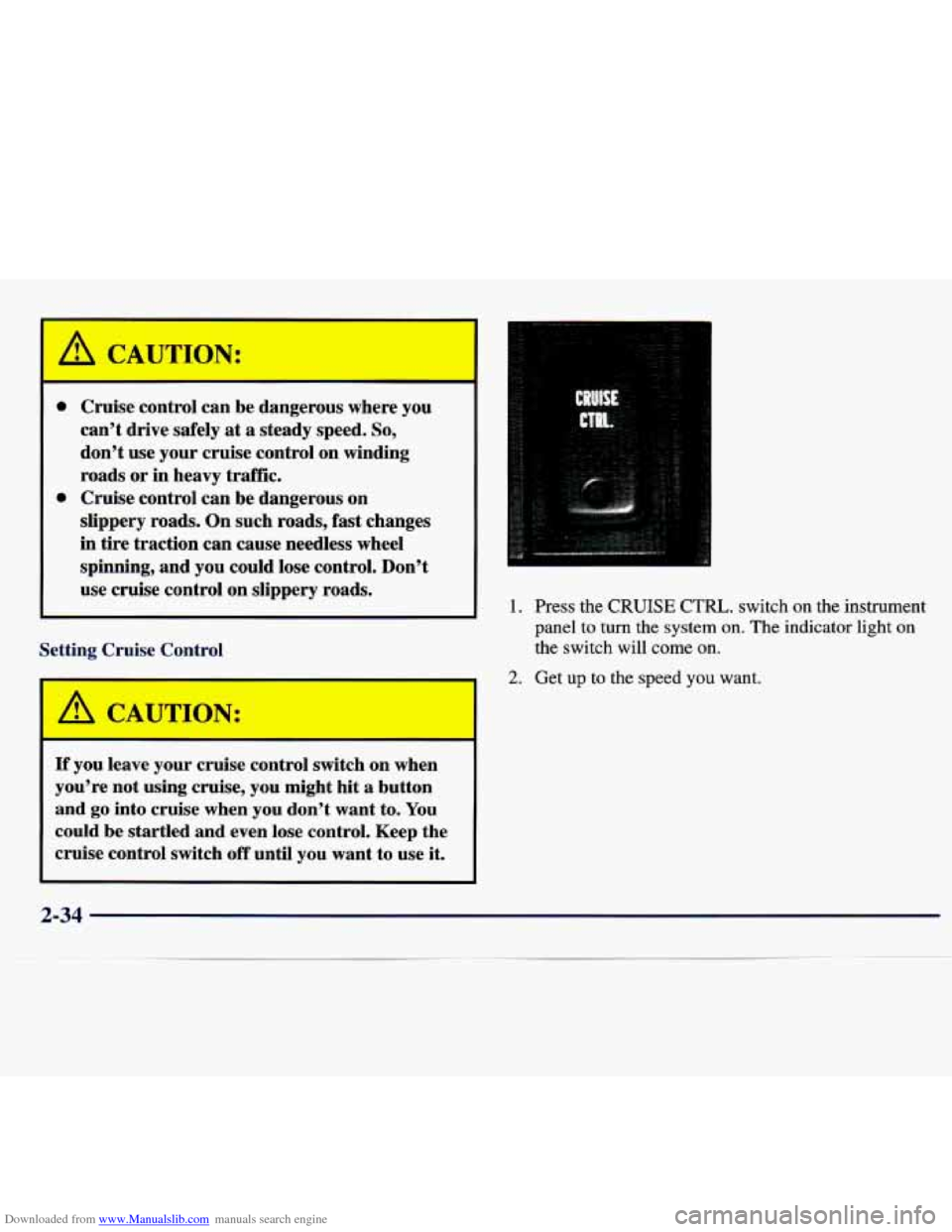
1. Press the CRUISE CTRL. switch on the instrument
panel to turn the system on. The indicator light on
the switch will come on.
2. Get up to the speed you want.
2-34
Page 95 of 386
Downloaded from www.Manualslib.com manuals search engine Increasing Speed While Using Cruise Control
There are two ways to go to a higher speed.
Use the accelerator pedal to go to a higher speed.
Turn the lever to COAST/SET and release. Take
your foot
off the accelerator pedal. You’ll now
cruise at the higher speed.
at RESUME/ACCEL until you get up to the speed
you want, then release the lever.
Turn the lever to RESUME/ACCEL. Hold the lever
Reducing Speed While Using Cruise Control
To reduce your speed, turn and hold the lever in the
COASTISET position until you reach the lower speed
you want, then release the lever.
Passing Another Vehicle While Using Cruise Control
Use the accelerator pedal to increase your speed. When
you take your
foot off the pedal, your vehicle will slow
down to the cruise control speed you set earlier.
Using Cruise Control on Hills
How well your cruise control will work on hills depends
upon your speed, load and
the steepness of the hills.
When going up steep hills, you may have to step on the
accelerator pedal
to maintain your speed. When going
downhill, you may have to brake or shift to a lower
gear
to keep your speed down. Of course, applying the brake
takes you out of cruise control. Many drivers find this to
be too much trouble and don’t use cruise control on
steep hills.
Getting Out of Cruise Control
There are three ways to turn off cruise control:
Step lightly on the brake pedal, or push the clutch
pedal if you have a manual transmission.
Push in the CANCEL button on the end of the
cruise control lever.
Press the CRUISE CTlU switch on the
instrument panel.
Erasing Speed Memory
When you turn off the cruise control or the ignition,
your cruise control set speed memory
is erased.
2-36
Page 96 of 386
Downloaded from www.Manualslib.com manuals search engine Exterior Lamps
Daytime Running Lamps
Daytime Running Lamps (DIU) can make it easier
for others to see the front of your vehicle during the
day.
DRL can be helpful in many different driving
conditions, but they can be especially helpful in the
short periods after dawn and before sunset.
The DIU system will make your low-beam headlamps
come on at
a reduced brightness when:
0 The ignition is on,
0 The headlamp switch is off and
The parking brake is released.
When you turn on the headlamp switch, your DRL will
go out, and your headlamps will come on.
The other lamps that come on with your headlamps
will also come on. To
idle your vehicle with the DRL off, set the parking
brake. The
DRL will stay off until you release the
parking brake.
As with any vehicle, you should turn on the regular
headlamp system when you need it.
Interior Lamps
Instrument Panel Brightness Control
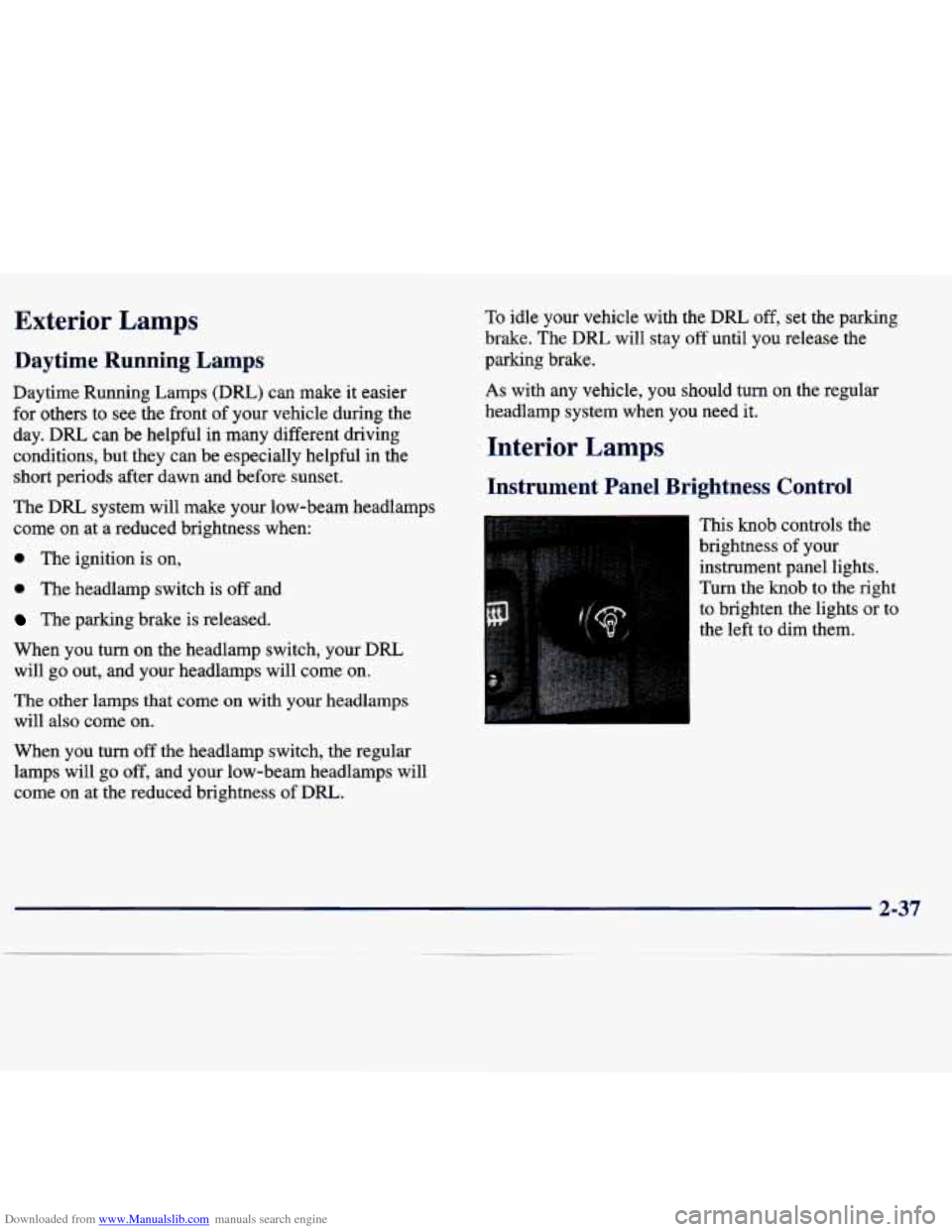
This knob controls the
brightness of your
instrument panel lights.
Turn the knob
to the right
to brighten the lights or to
the left to dim them.
When
you turn off the headlamp switch, the regular
lamps will go off, and your low-beam headlamps will
come on at the reduced brightness of DRL.
2-37
Page 98 of 386
Downloaded from www.Manualslib.com manuals search engine Power Remote Control Mirrors
(If Equipped)
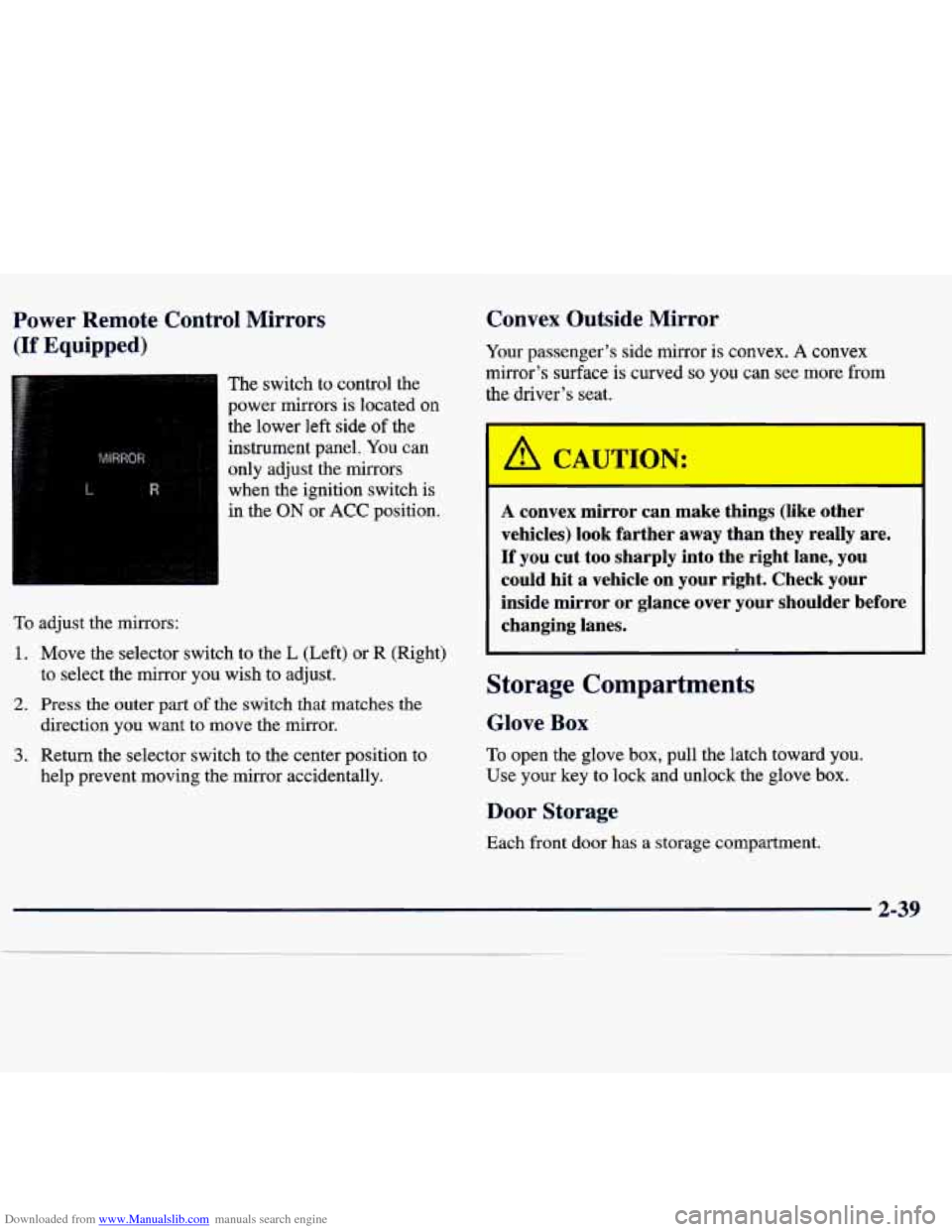
The switch to control the
power mirrors
is located on
the lower left side
of the
instrument panel.
You can
only adjust the mirrors
when the ignition switch is
in the
ON or ACC position.
To adjust the mirrors:
1. Move the selector switch to the L (Left) or R (Right)
to select the
mirror you wish to adjust.
2. Press the outer part of the switch that matches the
3. Return the selector switch to the center position to direction you want to move
the mirror.
help prevent moving the mirror accidentally.
Convex Outside Mirror
Your passenger’s side mirror is convex. A convex
mirror’s surface is curved
so you can Bee more from
the driver’s seat.
/A CA,TION:
A convex mirror can make things (like other
vehicles) look farther away than they really are.
If you cut too sharply into the right lane, you
could hit a vehicle on your right. Check your
inside mirror or glance over your shoulder before changing lanes.
Storage Compartments
Glove Box
To open the glove box, pull the latch toward you.
Use your key to lock and unlock the glove box.
Door Storage
Each front door has a storage compartment.
2-39
Page 113 of 386
Downloaded from www.Manualslib.com manuals search engine Instrument Panel
2-54
Page 114 of 386
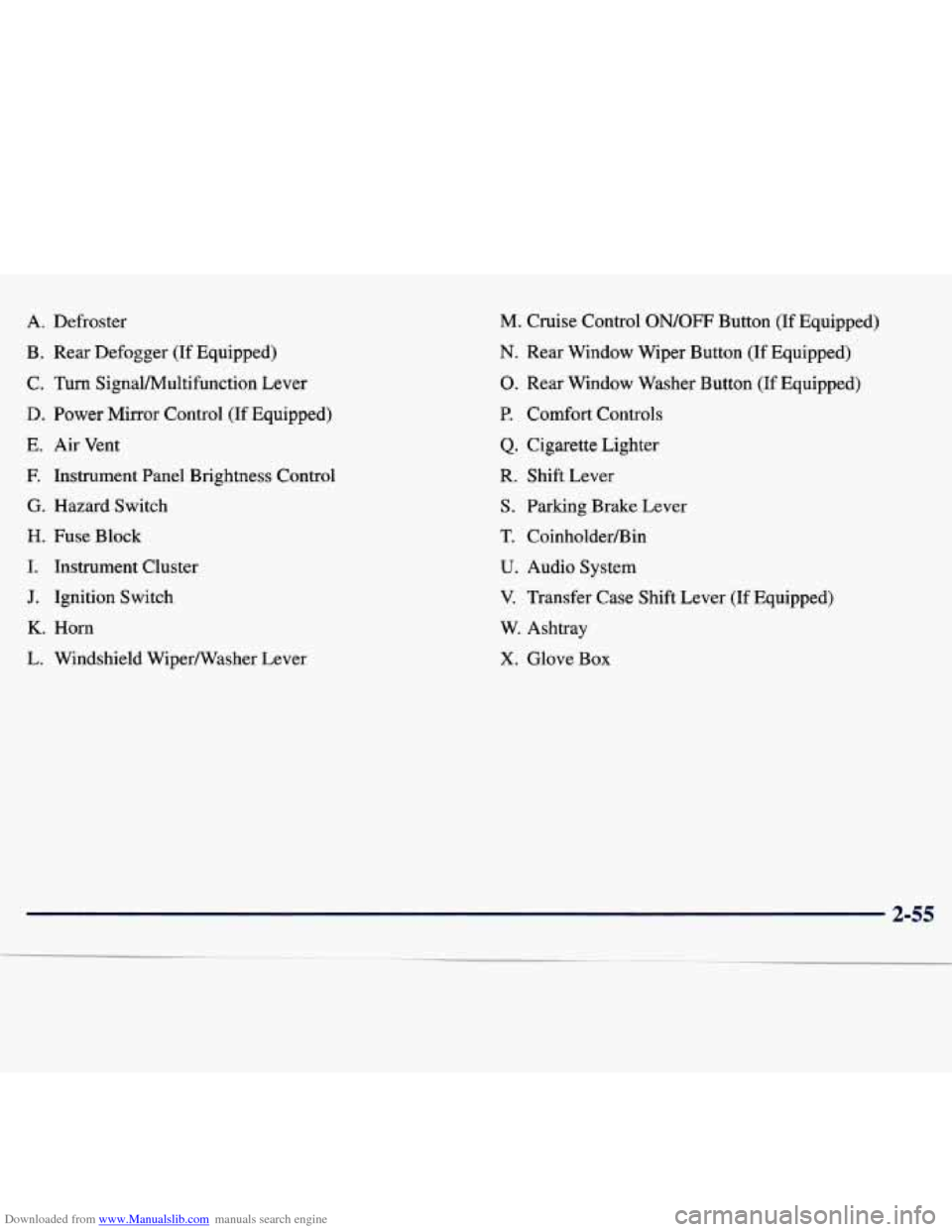
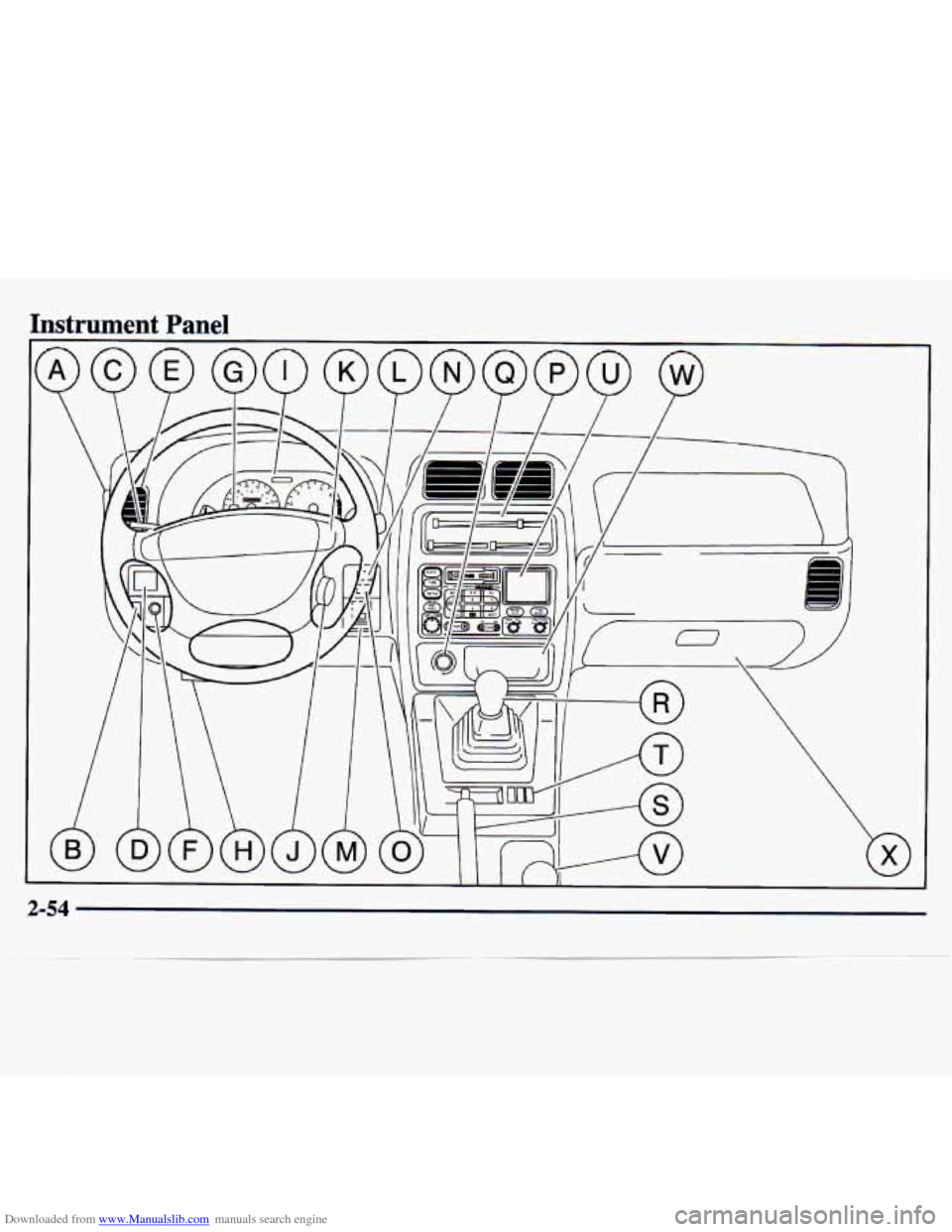
Downloaded from www.Manualslib.com manuals search engine A. Defroster
B. Rear Defogger (If Equipped)
C.
Turn SignalMultifunction Lever
D. Power Mirror Control (If Equipped)
E. Air Vent
E Instrument Panel Brightness Control
G. Hazard Switch
H. Fuse Block
I. Instrument Cluster
J. Ignition Switch
K. Horn
L. Windshield WiperNasher Lever
M. Cruise Control ON/OFF Button (If Equipped)
N. Rear Window Wiper Button (If Equipped)
0. Rear Window Washer Button (If Equipped)
P. Comfort Controls
Q. Cigarette Lighter
R. Shift Lever
S. Parking Brake Lever
T. CoinholderBin
U. Audio System
V. Transfer Case Shift Lever (If Equipped)
W. Ashtray
X. Glove Box
2-55
Page 115 of 386
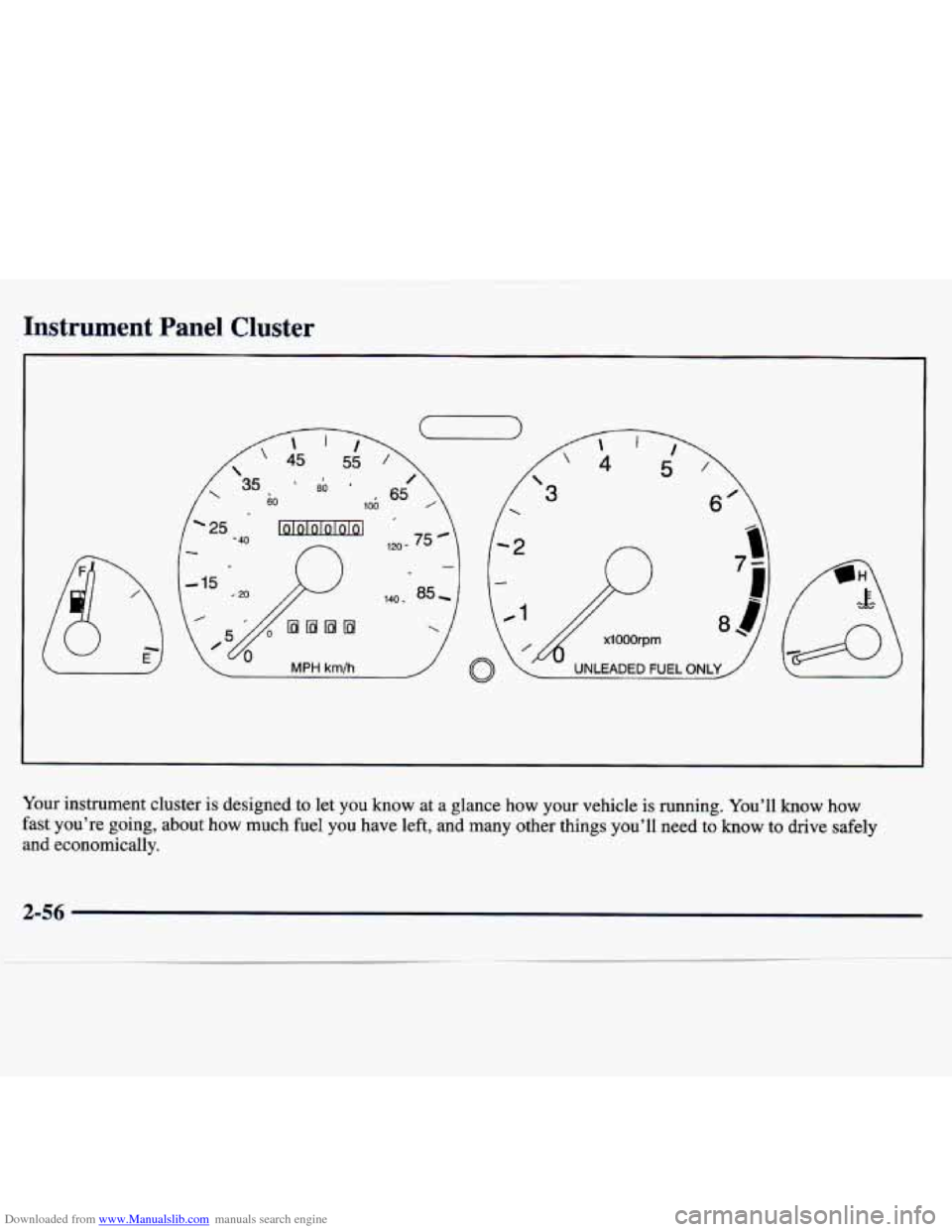
Downloaded from www.Manualslib.com manuals search engine Instrument Panel Cluster
Your instrument cluster is designed to let you know at a glance how your vehicle is running. You’ll know how
fast you’re going, about how much fuel you have left, and many \
other things you’ll need to know to drive safely
and economically.
2-56