four wheel drive CHEVROLET TRACKER 1998 1.G Owners Manual
[x] Cancel search | Manufacturer: CHEVROLET, Model Year: 1998, Model line: TRACKER, Model: CHEVROLET TRACKER 1998 1.GPages: 386, PDF Size: 21.17 MB
Page 4 of 386
Downloaded from www.Manualslib.com manuals search engine About Driving Your Vehicle
As with other vehicles of this type, failure to operate
this vehicle correctly may result in loss of control or
an accident. Be sure to read the “on-pavement” and
“off-road” driving guidelines in this manual. (See
“Driving Guidelines” and “Off-Road Driving with
Your Four-Wheel-Drive Vehicle” in
the Index.)
How to Use this Manual
Many people read their owner’s manual from beginning
to end when they first receive their new vehicle.
If you
do this, it will help you learn about the features and
controls for your vehicle. In this manual, you’ll find
that pictures and words work together to explain
things quickly.
Index
A good place to look for what you need is the Index in
back of the manual. It’s an alphabetical list of what’s in
the manual, and the page number where you’ll find it.
Safety Warnings and Symbols
You will find a number of safety cautions in this book.
We use a box and the word CAUTION to tell you
about things that could hurt you if you were to ignore
the warning.
I
I
These mean there is something that could hurt
you or other people.
In the caution area, we tell you what the hazard is. Then
we tell you what to do to help avoid or reduce the
hazard. Please read these cautions. If you don’t, you or
others could be hurt.
iii
Page 60 of 386
Downloaded from www.Manualslib.com manuals search engine e Section 2 Features and Controls
Here you can learn about the many standard and optional features on your vehicle, and information on starting,
shifting and braking. Also explained are the instrument panel a\
nd the warning systems that tell you if everything is
working properly
-- and what to do if you have a problem.
2-2
2-4
2-6 2-6
2-7
2-8
2-9
2-1
1
2- 15
2-18
2-2
1
2-23
2-25
2-26
Keys
Door Locks Tailgate
Theft
New Vehicle “Break-In”
Ignition Positions Starting Your Engine
Automatic Transmission Operation
Manual Transmission Operation
Four-wheel Drive (If Equipped)
Parking Brake
Shifting Into PARK (P) (Automatic
Transmission Only) Shifting Out
of PARK (P) (Automatic
Transmission)
Parking Over Things That Burn
2-27
2-27
2-29
2-29
2-30
2-37
2-37
2-38
2-39
2-40
2-40
2-4
1
2-54
2-56
2-58
Engine Exhaust
Running Your Engine While You’re Parked
(Automatic Transmission)
Windows
Horn
Turn SignaYMultifunction Lever
Exterior Lamps
Interior Lamps Mirrors Storage Compartments
Ashtrays and Cigarette Lighter
Sun Visors
Convertible Top (If Equipped)
Instrument Panel
Instrument Panel Cluster
Warning Lights, Gages and Indicators
Page 67 of 386
Downloaded from www.Manualslib.com manuals search engine Ignition Positions
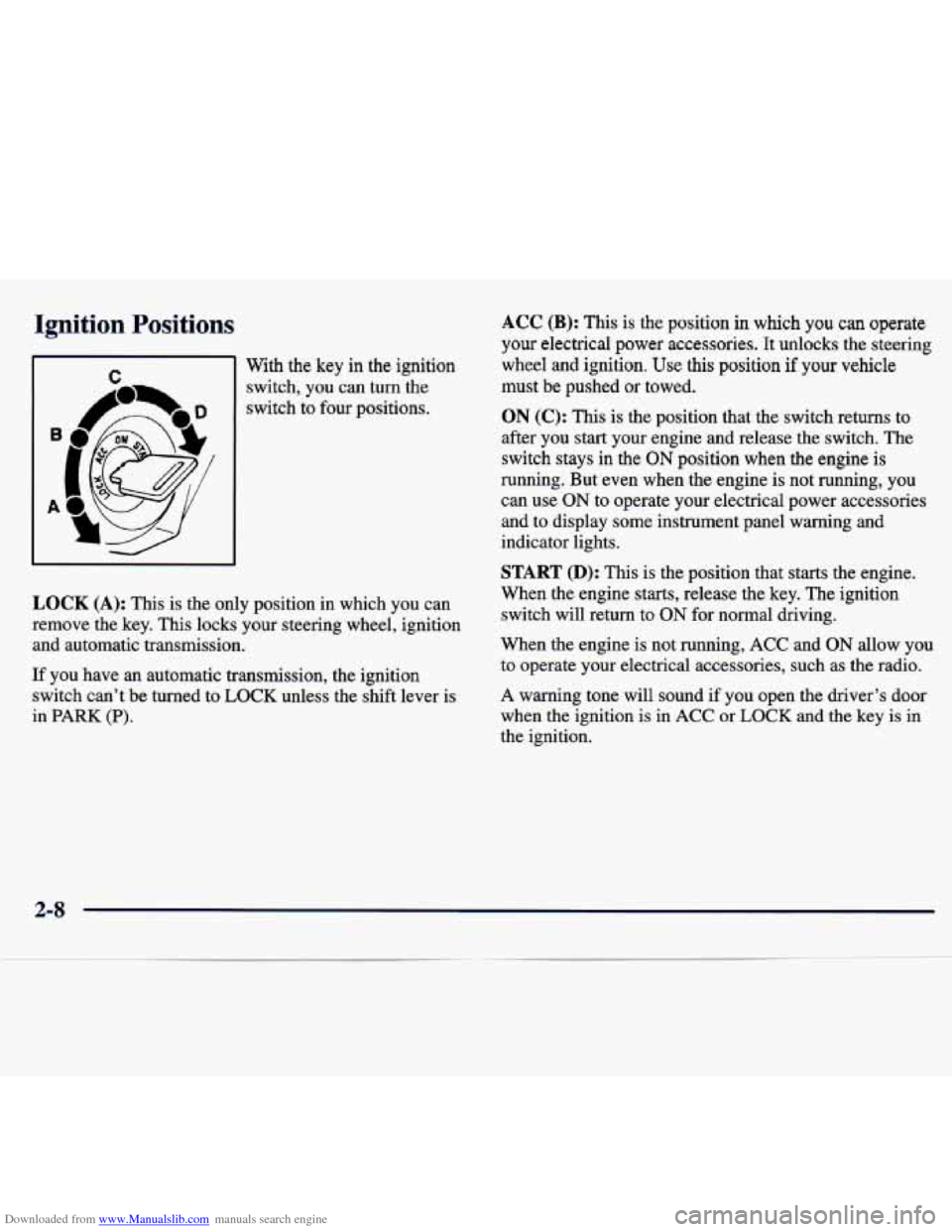
m I With the key in the ignition
rr
4 I
switch, you can turn the
switch to four positions.
LOCK (A): This is the only position in which you can
remove the key. This locks your steering wheel, ignition and automatic transmission.
If you have
an automatic transmission, the ignition
switch can’t be turned to
LOCK unless the shift lever is
in
PARK (P).
ACC (B): This is the position in which you can operate
your electrical power accessories. It unlocks the steering
wheel and ignition. Use this position
if your vehicle
must be pushed or towed.
ON (C): This is the position that the switch returns to
after you start your engine and release the switch. The
switch stays in the
ON position when the engine is
running. But even when
the engine is not running, you
can use
ON to operate your electrical power accessories
and
to display some instrument panel warning and
indicator lights.
START (D): This is the position that starts the engine.
When the engine starts, release the key. The ignition
switch will return to
ON for normal driving.
When the engine is not running,
ACC and ON allow you
to operate your electrical accessories, such as the radio.
A warning tone will sound if you open the driver’s door
when the ignition is in
ACC or LOCK and the key is in
the ignition.
2-8
Page 70 of 386
Downloaded from www.Manualslib.com manuals search engine Automatic Transmission Operation
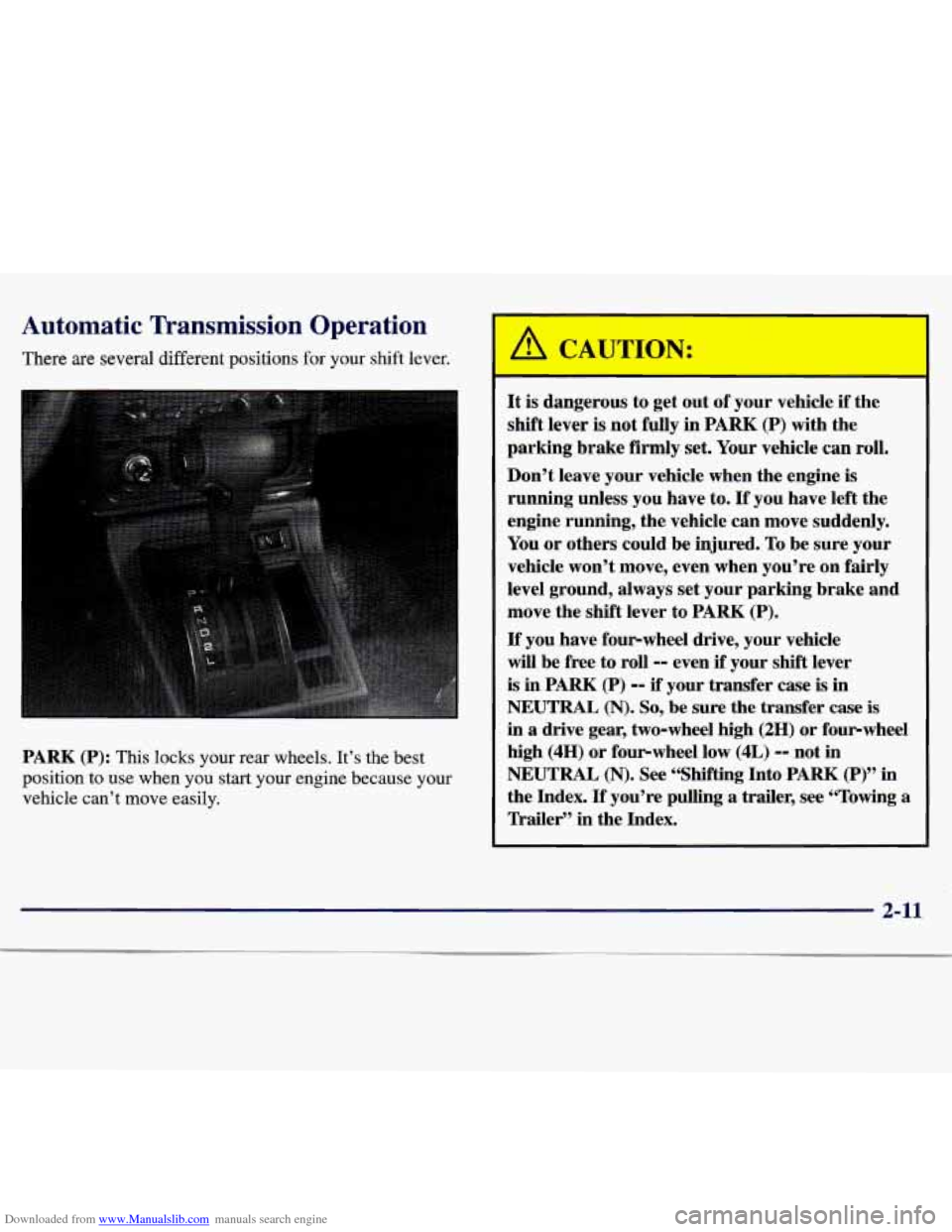
There are several different positions for your shift lever.
PARK
(P): This locks your rear wheels. It’s the best
position to use when
you start your engine because your
vehicle can’t move easily. It
is dangerous to
get out of your vehicle if the
shift lever is not fully in
PARK (P) with the
parking brake firmly
set. Your vehicle can roll.
Don’t leave your vehicle when the engine is
running unless you have to.
If you have left the
engine running, the vehicle can move suddenly.
You or others could be injured. To be sure your
vehicle won’t move, even when you’re
on fairly
level ground, always set your parking brake and
move the shift lever to PARK
(P).
If you have four-wheel drive, your vehicle
will be free to roll
-0 even if your shift lever
is in PARK (P) -- if your transfer case is in
NEUTRAL (N). So, be sure the transfer case is
in a drive gear, two-wheel high (2H) or four-wheel
high (4H) or four-wheel low (4L)
-- not in
NEUTRAL
(N). See “Shifting Into PARK (P)” in
the Index.
If you’re pulling a trailer, see “Towing a
lkailer” in the Index.
2-11
Page 72 of 386
Downloaded from www.Manualslib.com manuals search engine DRIVE (D): This position is for normal driving.
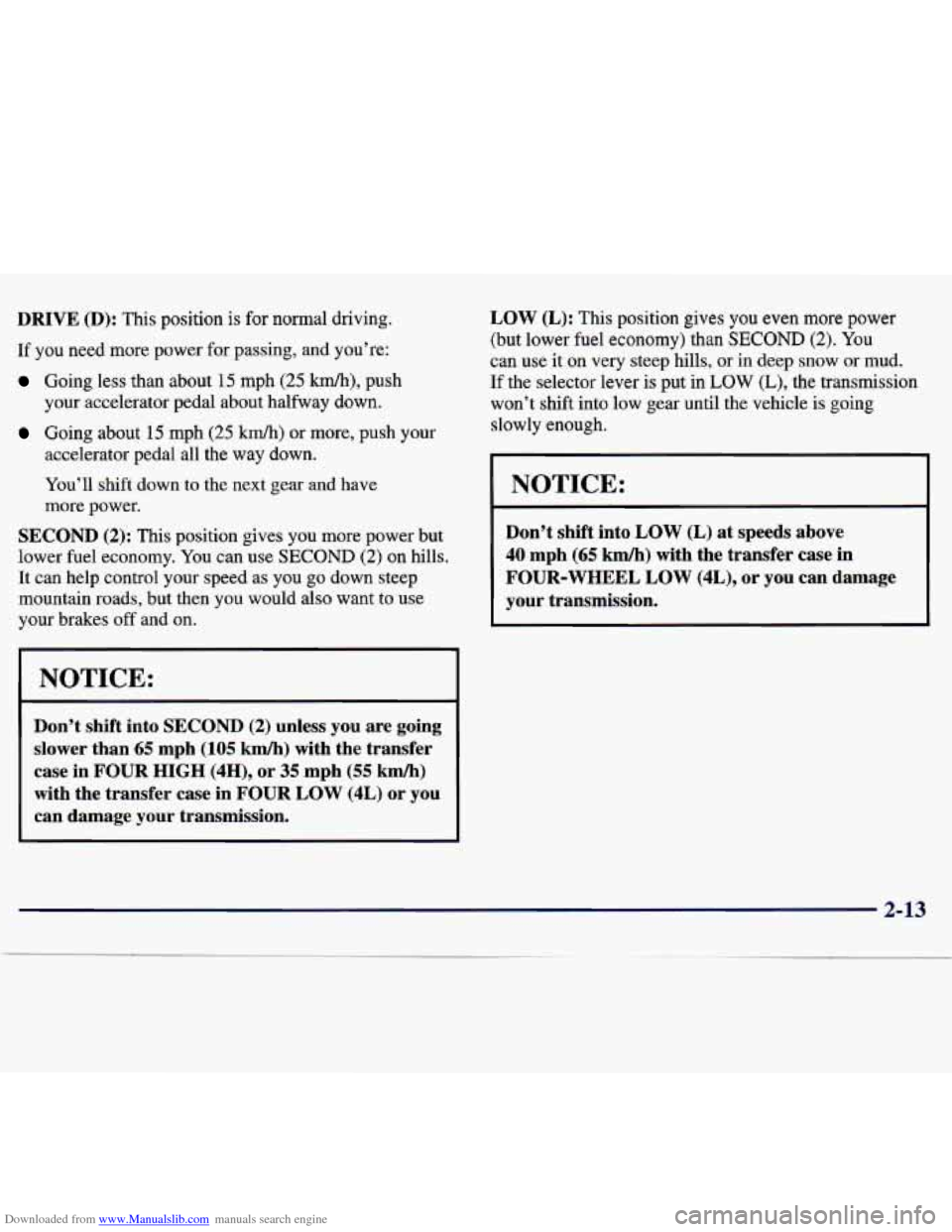
If you need more power for passing, and you’re:
Going less than about 15 mph (25 km/h), push
your accelerator pedal about halfway down.
Going about 15 mph (25 km/h) or more, push your
accelerator pedal all the way down.
You’ll shift down
to the next gear and have
more power.
SECOND (2): This position gives you more power but
lower fuel economy. You can use SECOND (2) on hills.
It
can help control your speed as you go down steep
mountain roads, but then
you would also want to use
your brakes
off and on.
NOTICE:
Don’t shift into SECOND (2) unless you are going
slower than
65 mph (105 kmh) with the transfer
case in
FOUR HIGH (4H), or 35 mph (55 km/h)
with the transfer case in FOUR LOW (4L) or you
can damage your transmission. LOW
(L): This position gives you even more power
(but lower
fuel economy) than SECOND (2). You
can use it on very steep hills, or in deep snow or mud.
If the selector lever
is put in LOW (L), the transmission
won’t shift into
low gear until the vehicle is going
slowly enough.
I NOTICE:
Don’t shift into LOW (L) at speeds above
40 mph
(65 kmh) with the transfer case in
FOUR-WHEEL LOW
(4L), or you can damage
your transmission.
2-13
Page 73 of 386
Downloaded from www.Manualslib.com manuals search engine NOTICE:
If your rear wheels can’t rotate, don’t try to
drive. This might happen
if you were stuck in
very deep sand or mud
or were up against a solid
object. You could damage your transmission.
Also, if you stop when going uphill, don’t hold
your vehicle there with only the accelerator
pedal. This could overheat and damage the
transmission.
Use your brakes to hold your
vehicle in position on a hill.
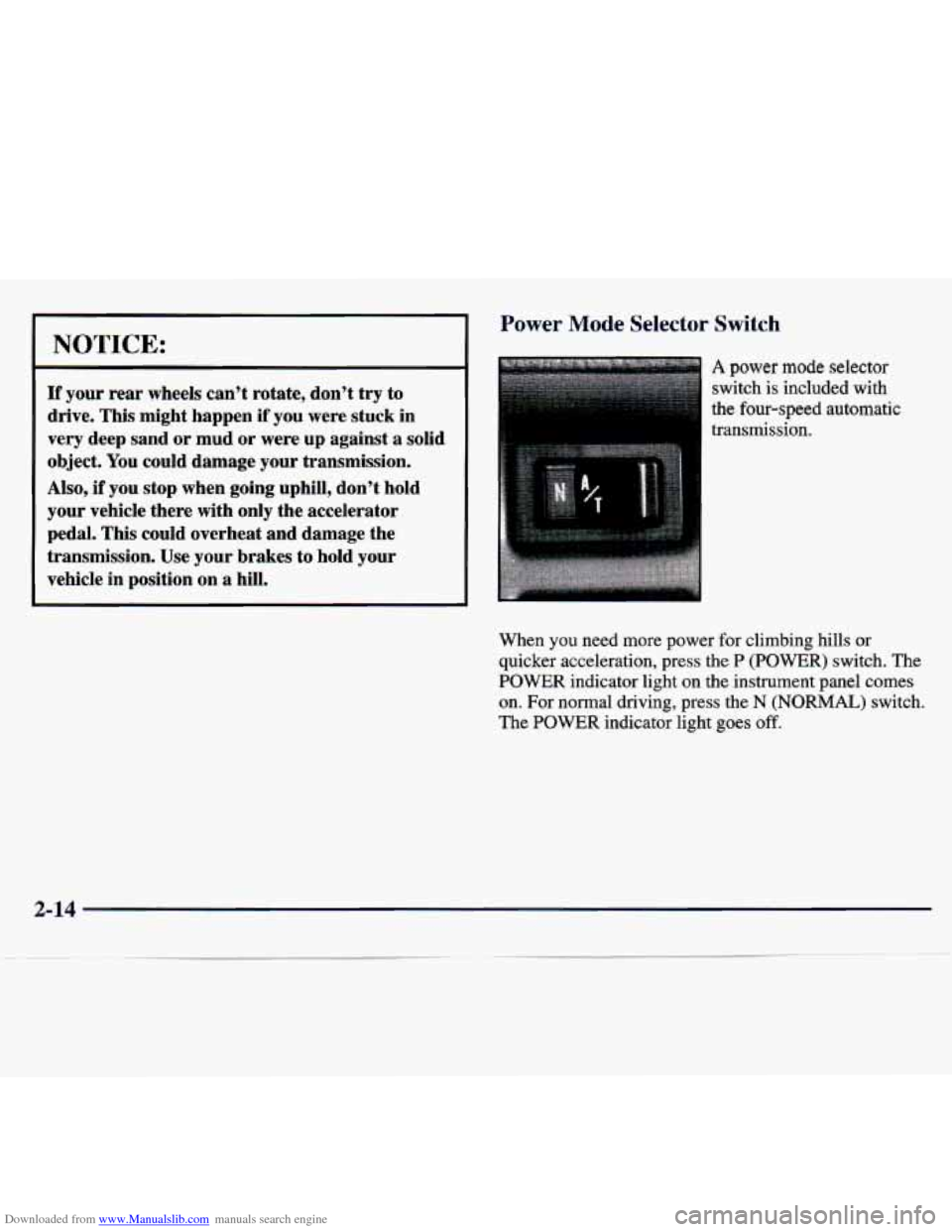
Power Mode Selector Switch
A power mode selector
switch is included
with
the four-speed automatic
transmission.
When
you need more power for climbing hills or
quicker acceleration, press
the P (POWER) switch. The
POWER indicator light on the instrument panel comes
on. For normal driving, press the N (NORMAL) switch.
The POWER indicator light goes
off.
2-14
Page 77 of 386
Downloaded from www.Manualslib.com manuals search engine Four- Wheel Drive (If Equipped)
If your vehicle has four-wheel drive, you can send your
engine’s driving power to all four wheels for extra
traction. To shift out of two-wheel drive and into
four-wheel drive, lock the freewheeling hubs (manual
hubs only)
and move the transfer case shift lever to
FOUR-WHEEL HIGH (4H) or FOUR-WHEEL
LOW (4L) (see
the following). You should use
TWO-WHEEL HIGH (2H) for most normal driving.
NOTICE:
Driving in FOUR-WHEEL HIGH (4H) or
FOUR-WHEEL LOW (4L) positions for a long
time on dry
or wet pavement could shorten the
life of your vehicle’s drivetrain.
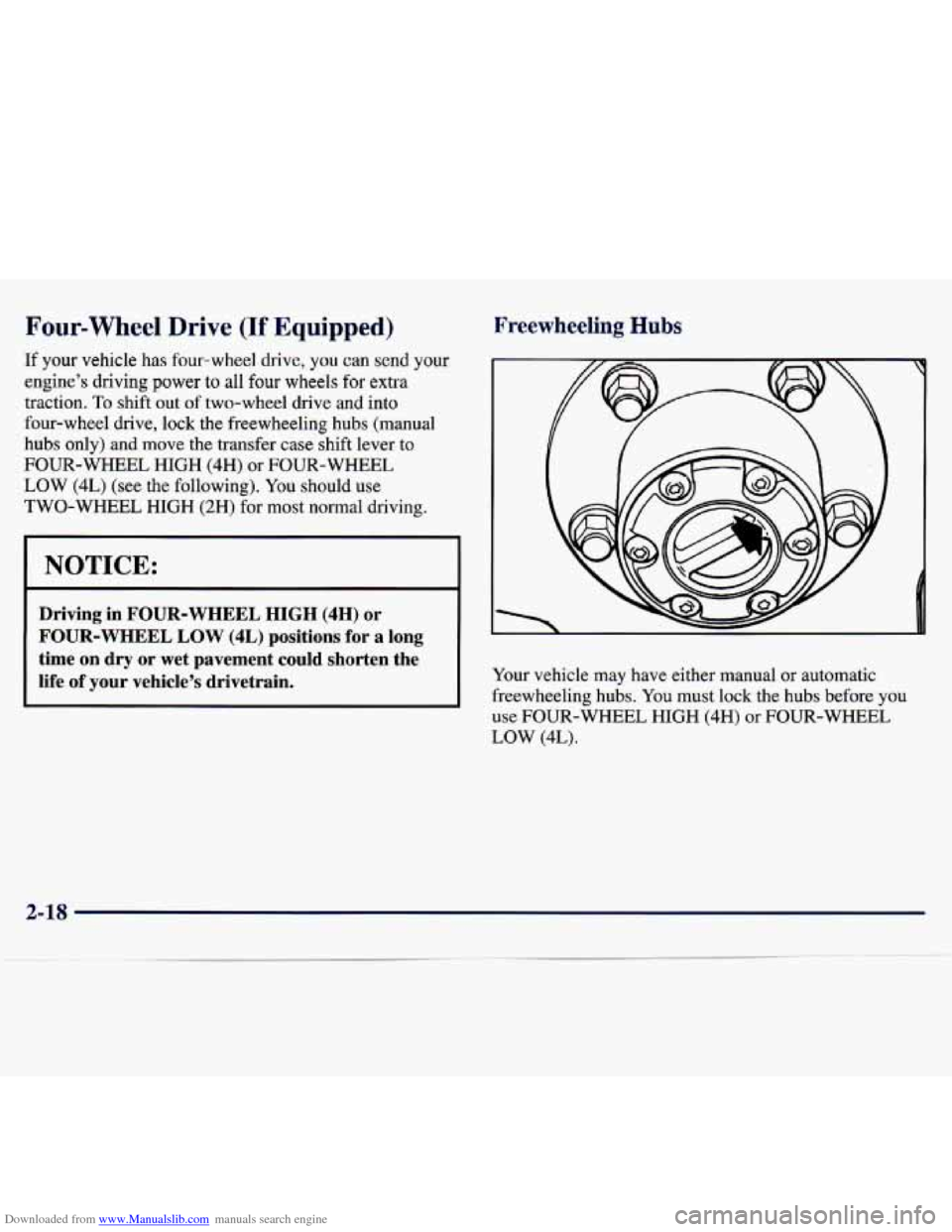
Freewheeling Hubs
Your vehicle may have either manual or automatic
freewheeling hubs.
You must lock the hubs before you
use FOUR-WHEEL HIGH (4H)
or FOUR-WHEEL
LOW (4L).
2-18
Page 78 of 386
Downloaded from www.Manualslib.com manuals search engine Manual
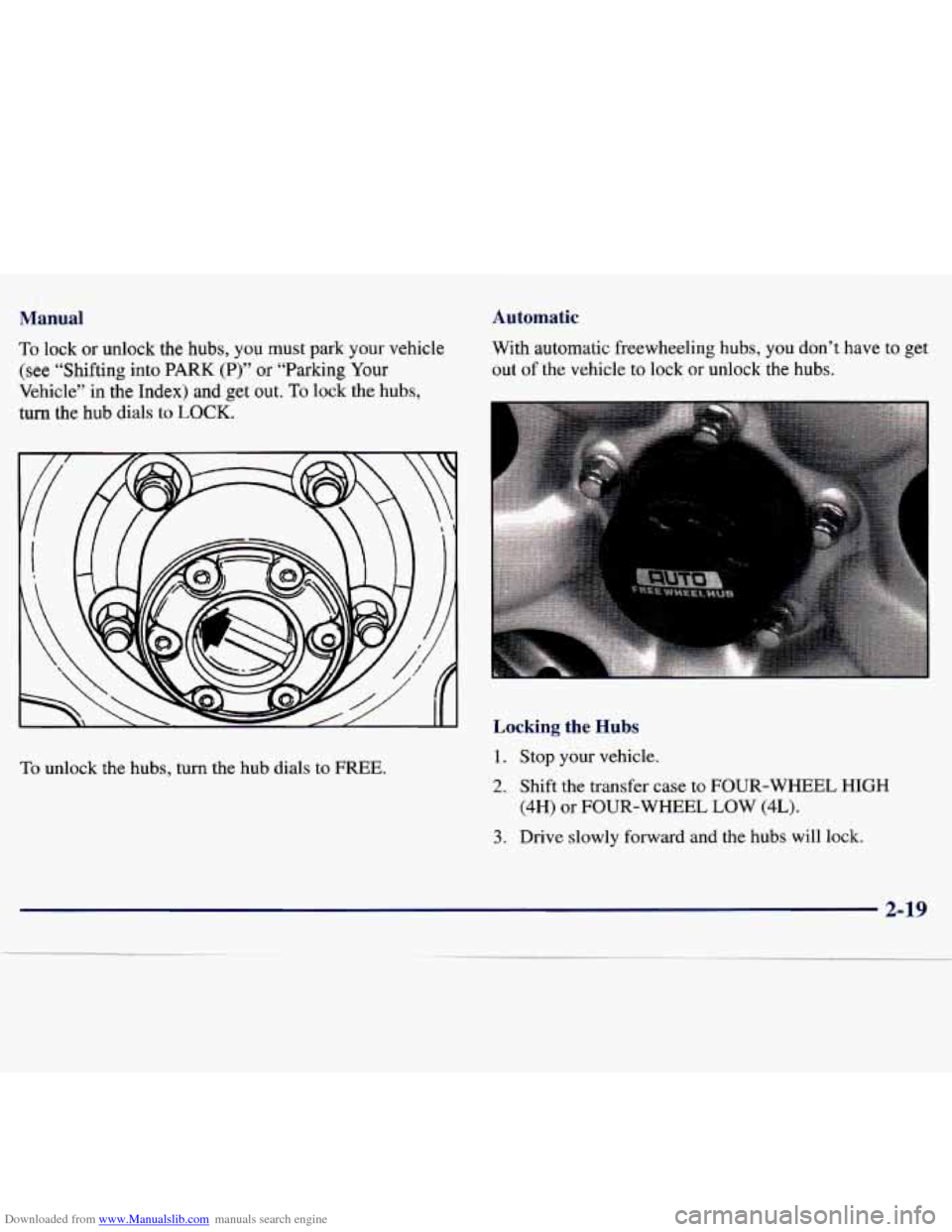
To lock or unlock the hubs, you must park your vehicle
(see “Shifting into PARK (P)” or “Parking Your
Vehicle” in the Index) and get out.
To lock the hubs,
turn the hub dials to
LOCK.
To unlock the hubs, turn the hub dials to FREE.
Automatic
With automatic freewheeling hubs, you don’t have to get
out
of the vehicle to lock or unlock the hubs.
Locking the Hubs
1. Stop your vehicle.
2. Shift the transfer case to FOUR-WHEEL HIGH
(4H)
or FOUR-WHEEL LOW (4L).
3. Drive slowly forward and the hubs will lock.
2-19
Page 79 of 386
Downloaded from www.Manualslib.com manuals search engine Unlocking the Hubs
1. Stop your vehicle.
2. Drive 7 feet (2 m) in the direction opposite to the
direction
you were driving before you stopped.
3. Then, press
the clutch if you have a manual
transmission, and shift the transfer case to
TWO-WHEEL HIGH (2H). The hubs will unlock.
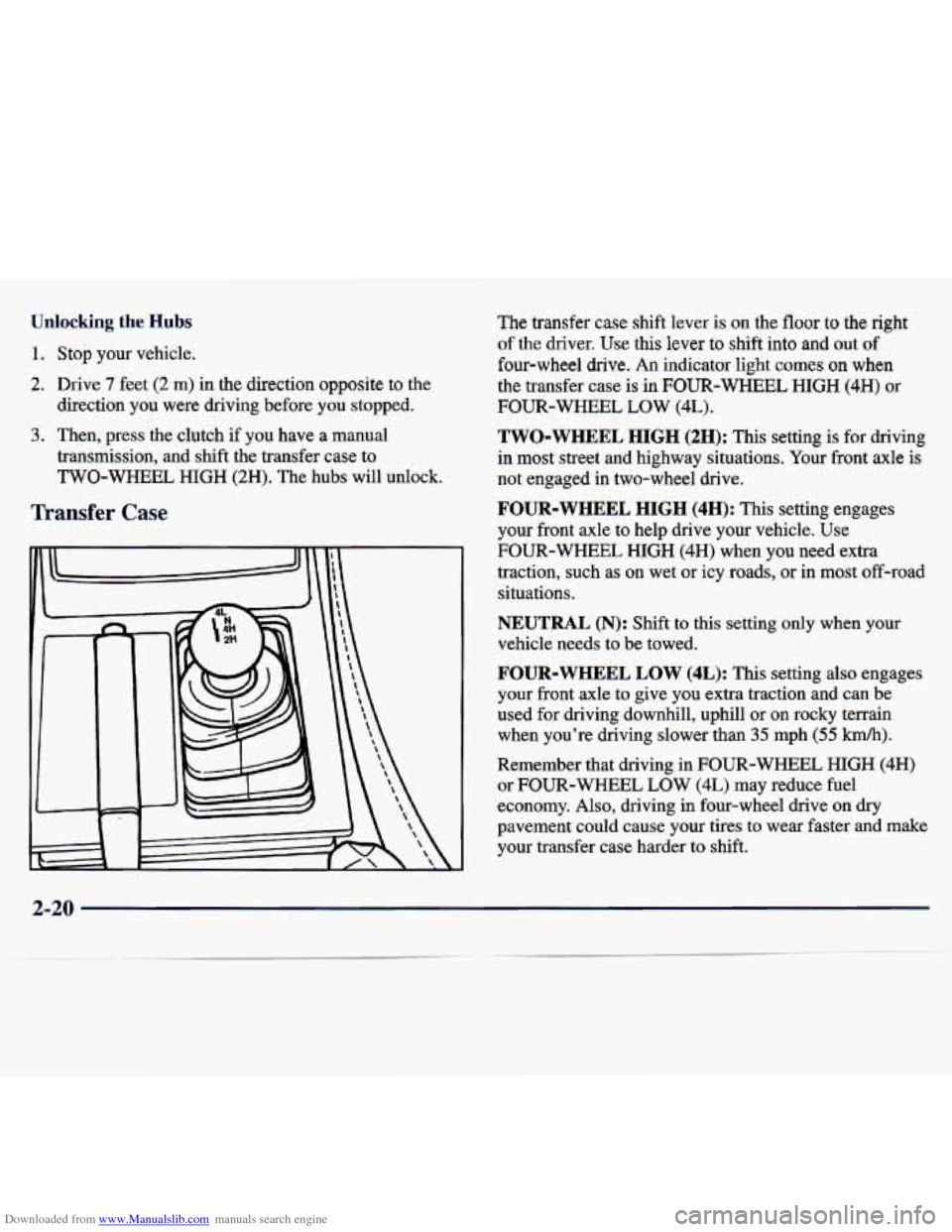
Transfer Case
E
The transfer case shift lever is on the floor to the right
of the driver.
Use this lever to shift into and out of
four-wheel drive.
An indicator light comes on when
the transfer case is in FOUR-WHEEL HIGH (4H) or
FOUR-WHEEL LOW (4L).
TWO-WHEEL HIGH (2H): This setting is for driving
in
most street and highway situations. Your front axle is
not engaged in two-wheel drive.
FOUR-WHEEL HIGH (4H): This setting engages
your front axle to help drive your vehicle. Use
FOUR-WHEEL HIGH (4H) when you need extra
traction, such as on wet or icy roads,
or in most off-road
situations.
NEUTRAL (N): Shift to this setting only when your
vehicle needs to be towed.
FOUR-WHEEL LOW (4L): This setting also engages
your front axle to give you extra traction and can be
used for driving downhill, uphill or on rocky terrain
when you’re driving slower than 35 mph (55
km/h).
Remember that driving in FOUR-WHEEL HIGH (4H)
or FOUR-WHEEL LOW (4L) may reduce fuel
economy. Also, driving in four-wheel drive on
dry
pavement could cause your tires to wear faster and make
your transfer case harder to shift.
2-20
Page 82 of 386
![CHEVROLET TRACKER 1998 1.G Owners Manual Downloaded from www.Manualslib.com manuals search engine Shifting Into PARK (P)
(Automatic Translnission Only)
It can be dz Jerous to get out of you] ehicle if
the shift lever is not full](/img/24/8351/w960_8351-81.png "CHEVROLET TRACKER 1998 1.G Owners Manual Downloaded from www.Manualslib.com manuals search engine Shifting Into PARK (P)
(Automatic Translnission Only)
It can be dz Jerous to get out of you] ehicle if
the shift lever is not full")
Downloaded from www.Manualslib.com manuals search engine Shifting Into PARK (P)
(Automatic Translnission Only)
It can be dz Jerous to get out of you] ehicle if
the shift lever is not fully in PARK (P) with the
parking brake firmly set. Your vehicle can roll.
If you have left the engine running, the vehicle
can move suddenly. You
or others could be
injured. To be sure your vehicle won’t move, even
when you’re on fairly level ground, use the steps
that follow.
If you have four-wheel drive and
your transfer case
is in NEUTRAL (N), your
vehicle will be free to roll, even if your shift
lever
is in PARK (P). So, be sure the transfer
case
is in a drive gear -0 not in NEUTRAL (N).
If you’re pulling a trailer, see &‘Towing a Trailer”
in the Index.
1. Hold the brake pedal down with your right foot and
set the parking
brake.
2. Move the shift lever into PARK (P) by holding in the
button
on the lever and pushing the lever all the way
toward the front
of your vehicle.
3. If you have four-wheel drive, be sure the transfer
case is in a drive gear
-- not in NEUTRAL (N).
4. Move the key to LOCK.
5. Remove the key and take it with you. If you can
leave your vehicle with the key in your hand, your
vehicle is in
PARK (P).
2-23