navigation CHEVROLET TRAIL BLAZER 2007 1.G Owners Manual
[x] Cancel search | Manufacturer: CHEVROLET, Model Year: 2007, Model line: TRAIL BLAZER, Model: CHEVROLET TRAIL BLAZER 2007 1.GPages: 574, PDF Size: 2.94 MB
Page 146 of 574
OnStar®Services
For new vehicles with OnStar®, the Safe & Sound
Plan, or the Directions & Connections®Plan is
included for one year from the date of purchase.
You can extend this plan beyond the rst year,
or upgrade to the Directions & Connections
®Plan.
For more information, press the OnStar®button
to speak with an advisor. Some OnStar®services
(such as Remote Door Unlock or Stolen Vehicle
Location Assistance) may not be available
until you register with OnStar
®.
Available Services with Safe &
Sound®Plan
Automatic Notication of Airbag Deployment
Advanced Automatic Crash Notication
(AACN) (If equipped)
Link to Emergency Services
Roadside Assistance
Stolen Vehicle Location Assistance
AccidentAssist
Remote Door Unlock/Vehicle Alert
OnStar®Vehicle Diagnostics
GM Goodwrench®On Demand Diagnostics
OnStar®Hands-Free Calling with
30 complimentary minutes
OnStar®Virtual Advisor (U.S. Only)
Available Services included with
Directions & Connections®Plan
All Safe and Sound Plan Services
Driving Directions - Advisor delivered or
OnStar®Turn-by-Turn Navigation (If equipped)
RideAssist
Information and Convenience Services
146
Page 168 of 574
StabiliTrak®Indicator Light......................... 210
Engine Coolant Temperature Gage............ 211
Tire Pressure Light.................................... 211
Malfunction Indicator Lamp........................ 212
Oil Pressure Gage..................................... 215
Change Engine Oil Light........................... 216
Security Light............................................ 216
Cruise Control Light.................................. 217
Reduced Engine Power Light.................... 217
Highbeam On Light................................... 217
Service Four-Wheel Drive Warning Light...... 218
Check Gages Warning Light...................... 218
Gate Ajar Light.......................................... 218
Fuel Gage................................................. 219
Low Fuel Warning Light............................ 219
Check Gas Cap Light................................ 219
Driver Information Center (DIC).................. 220
DIC Operation and Displays...................... 221
DIC Warnings and Messages.................... 224
DIC Vehicle Customization........................ 231Audio System(s)......................................... 238
Setting the Time........................................ 239
Radio with CD (Base)............................... 240
Radio with CD (MP3)................................ 250
Radio with Six-Disc CD............................. 260
Using an MP3........................................... 274
XM Radio Messages................................. 280
Navigation/Radio System........................... 284
Rear Seat Entertainment System............... 284
Rear Seat Audio (RSA)............................. 298
Theft-Deterrent Feature............................. 300
Audio Steering Wheel Controls.................. 300
Radio Reception........................................ 301
Care of Your CDs and DVDs.................... 302
Care of the CD and DVD Player............... 302
Fixed Mast Antenna.................................. 303
XM™ Satellite Radio Antenna System....... 303
Chime Level Adjustment............................ 303
Section 3 Instrument Panel
168
Page 284 of 574
Navigation/Radio System
Your vehicle may have a navigation radio system.
The navigation system has built-in features
intended to minimize driver distraction. Technology
alone, no matter how advanced, can never replace
your own judgment. See the Navigation System
manual for some tips to help you reduce
distractions while driving.
Rear Seat Entertainment System
Your vehicle may have the Digital Versatile
Disc (DVD) Rear Seat Entertainment (RSE)
system. The RSE system includes a DVD player,
a video display screen, two sets of wireless
headphones, and a remote control.
Parental Control
This button is located behind the video screen.
Press this button while a DVD or CD is playing
to freeze the video and mute the audio. The video
screen displays Parental Control ON and the
power indicator light on the DVD player ashes.It also disables all other button operations from
the remote control and the DVD player, with
the exception of the eject button. Press this button
again to restore operation of the DVD player.
This button can also be used to turn the DVD
player power on and automatically resume play if
the ignition is in RUN, ACCESSORY, or if RAP
is active.
Before You Drive
The RSE system is for rear seat passengers only.
The driver cannot safely view the video screen
while driving and should not try to do so.
Headphones
The RSE system includes two sets of wireless
headphones.
Each set of headphones has an ON/OFF control.
An indicator light illuminates on the headphones
when they are on. If the light does not illuminate,
the batteries may need to be replaced. See “Battery
Replacement” following for more information.
Each set of headphones has a volume knob.
To adjust the volume, adjust this knob.
284
Page 286 of 574
Stereo RCA Jacks
The RCA jacks are located behind the video
screen. The RCA jacks allow audio and video
signals to be connected from an auxiliary device
such as a camcorder or a video game unit to
the RSE system. Standard RCA cables, not
included, are needed to connect the auxiliary
device to the RCA jacks. The yellow connector
inputs video and the red and white connectors
input right and left audio. Refer to the
manufacturer’s instructions for proper
connection of the auxiliary device.
To use the auxiliary inputs on the RSE system,
connect an external auxiliary device to the
color-coded RCA jacks and turn both the
auxiliary device and the RSE system power on.
If the RSE system had been previously in the
DVD player mode, pressing the SRCE button
on the faceplate or the remote control switches
the RSE system between the auxiliary device
and the DVD player.
How to Change the Video Format when
in the Auxiliary Mode
The auxiliary input video format is preset to NTSC.
In some countries, the video format may be in
the PAL system. To change the video format,
perform the following:
1. Press the
zdisplay menu button.
2. Press the down
qnavigation arrow to
highlight the Video Format option.
3. Press the
rbutton to select Video Format.
4. Press the left
por rightonavigation
arrows to select the desired video format.
5. Press the
rbutton to accept the change.
Audio Output
Audio from the DVD player or auxiliary inputs can
be heard through the following possible sources:
Wireless Headphones
Vehicle Speakers
Vehicle wired headphone jacks on the
Rear Seat Audio system (if equipped)
286
Page 289 of 574
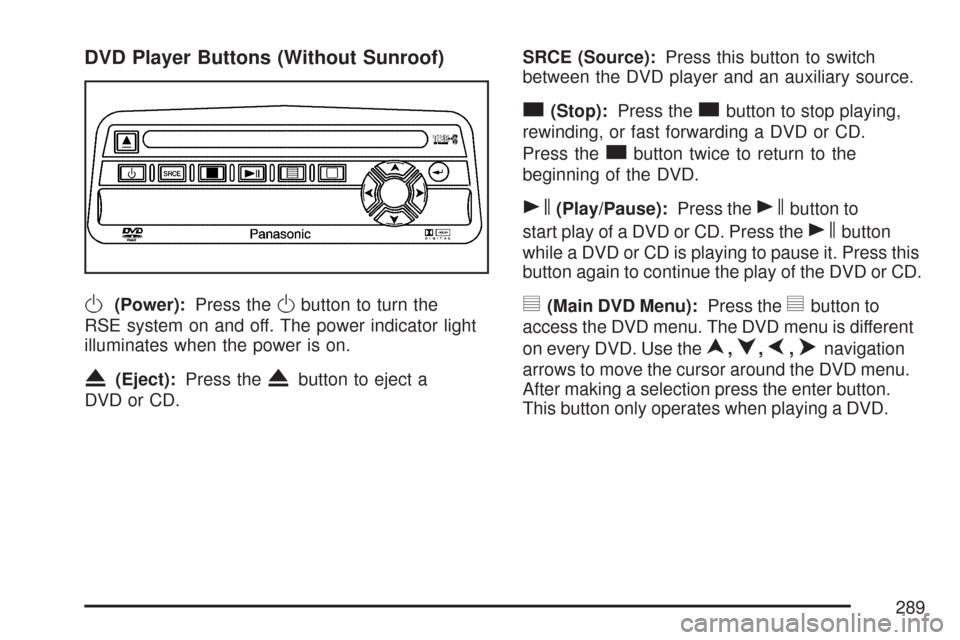
DVD Player Buttons (Without Sunroof)
O(Power):Press theObutton to turn the
RSE system on and off. The power indicator light
illuminates when the power is on.
X(Eject):Press theXbutton to eject a
DVD or CD.SRCE (Source):Press this button to switch
between the DVD player and an auxiliary source.
c(Stop):Press thecbutton to stop playing,
rewinding, or fast forwarding a DVD or CD.
Press the
cbutton twice to return to the
beginning of the DVD.
s(Play/Pause):Press thesbutton to
start play of a DVD or CD. Press the
sbutton
while a DVD or CD is playing to pause it. Press this
button again to continue the play of the DVD or CD.
y(Main DVD Menu):Press theybutton to
access the DVD menu. The DVD menu is different
on every DVD. Use the
n,q,p,onavigation
arrows to move the cursor around the DVD menu.
After making a selection press the enter button.
This button only operates when playing a DVD.
289
Page 290 of 574
z(Set-up Menu):Press thezbutton to
adjust the color, tint, brightness, contrast,
display mode, and dynamic range compression.
The dynamic range compression feature can
be used to reduce loud audio and increase
low audio produced by some DVDs.
To change a feature back to the factory default
setting, press the
zbutton to display the feature,
then press and hold this button until the default
setting displays.
While playing an Audio or DVD disc, press and
hold the
zbutton to display and to remove
the track and time information.
n,q,p,o(Menu Navigation Arrows):
Use the arrows to navigate through a menu.
r(Enter):Press therbutton to select
the choices that are highlighted in any menu.
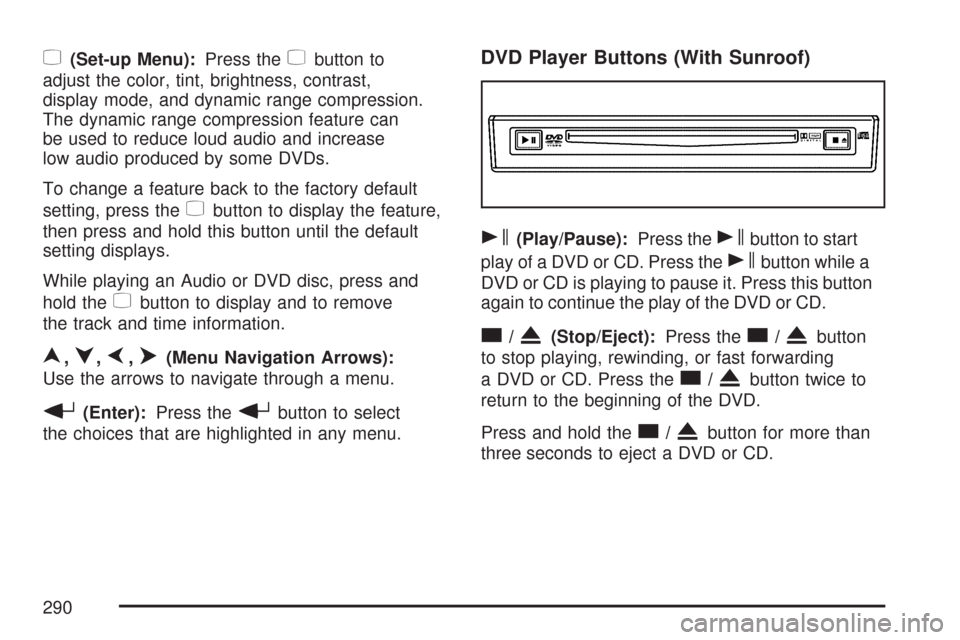
DVD Player Buttons (With Sunroof)
s(Play/Pause):Press thesbutton to start
play of a DVD or CD. Press the
sbutton while a
DVD or CD is playing to pause it. Press this button
again to continue the play of the DVD or CD.
c/X(Stop/Eject):Press thec/Xbutton
to stop playing, rewinding, or fast forwarding
a DVD or CD. Press the
c/Xbutton twice to
return to the beginning of the DVD.
Press and hold the
c/Xbutton for more than
three seconds to eject a DVD or CD.
290
Page 292 of 574
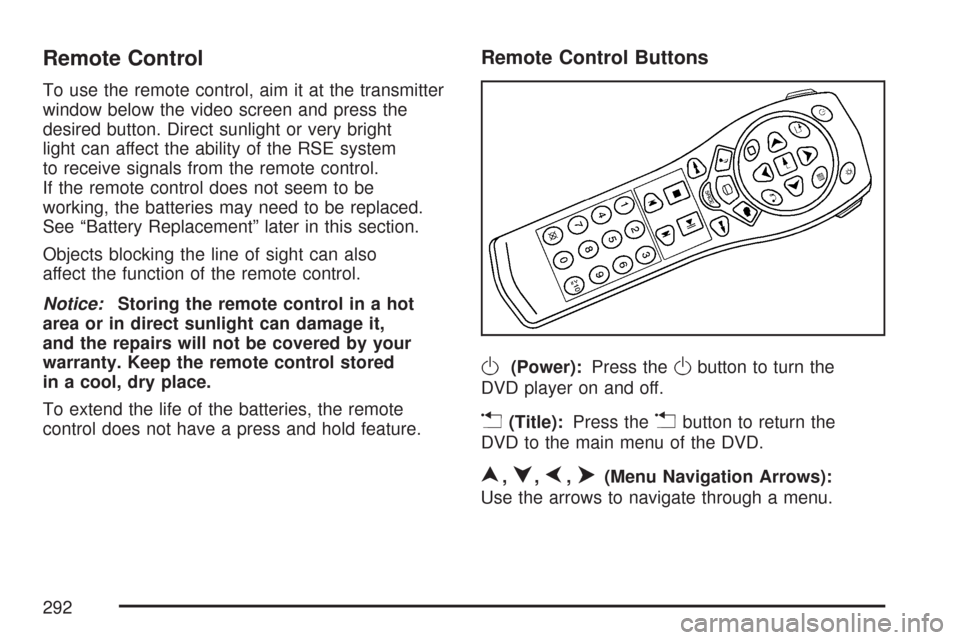
Remote Control
To use the remote control, aim it at the transmitter
window below the video screen and press the
desired button. Direct sunlight or very bright
light can affect the ability of the RSE system
to receive signals from the remote control.
If the remote control does not seem to be
working, the batteries may need to be replaced.
See “Battery Replacement” later in this section.
Objects blocking the line of sight can also
affect the function of the remote control.
Notice:Storing the remote control in a hot
area or in direct sunlight can damage it,
and the repairs will not be covered by your
warranty. Keep the remote control stored
in a cool, dry place.
To extend the life of the batteries, the remote
control does not have a press and hold feature.
Remote Control Buttons
O(Power):Press theObutton to turn the
DVD player on and off.
v(Title):Press thevbutton to return the
DVD to the main menu of the DVD.
n,q,p,o(Menu Navigation Arrows):
Use the arrows to navigate through a menu.
292
Page 294 of 574
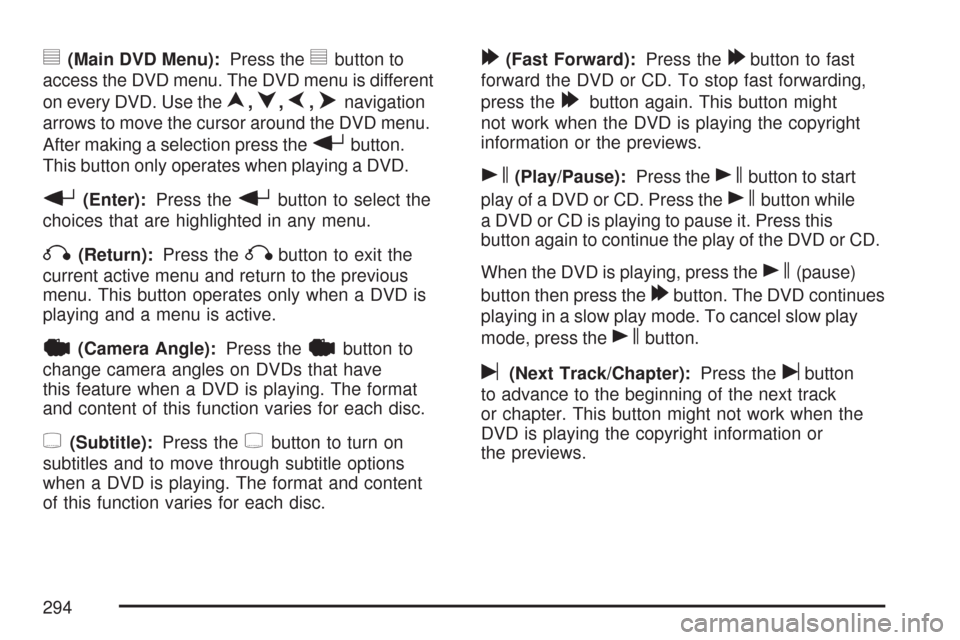
y(Main DVD Menu):Press theybutton to
access the DVD menu. The DVD menu is different
on every DVD. Use the
n,q,p,onavigation
arrows to move the cursor around the DVD menu.
After making a selection press the
rbutton.
This button only operates when playing a DVD.
r(Enter):Press therbutton to select the
choices that are highlighted in any menu.
q(Return):Press theqbutton to exit the
current active menu and return to the previous
menu. This button operates only when a DVD is
playing and a menu is active.
|(Camera Angle):Press the|button to
change camera angles on DVDs that have
this feature when a DVD is playing. The format
and content of this function varies for each disc.
{(Subtitle):Press the{button to turn on
subtitles and to move through subtitle options
when a DVD is playing. The format and content
of this function varies for each disc.
[(Fast Forward):Press the[button to fast
forward the DVD or CD. To stop fast forwarding,
press the
[button again. This button might
not work when the DVD is playing the copyright
information or the previews.
s(Play/Pause):Press thesbutton to start
play of a DVD or CD. Press the
sbutton while
a DVD or CD is playing to pause it. Press this
button again to continue the play of the DVD or CD.
When the DVD is playing, press the
s(pause)
button then press the
[button. The DVD continues
playing in a slow play mode. To cancel slow play
mode, press the
sbutton.
u(Next Track/Chapter):Press theubutton
to advance to the beginning of the next track
or chapter. This button might not work when the
DVD is playing the copyright information or
the previews.
294
Page 537 of 574
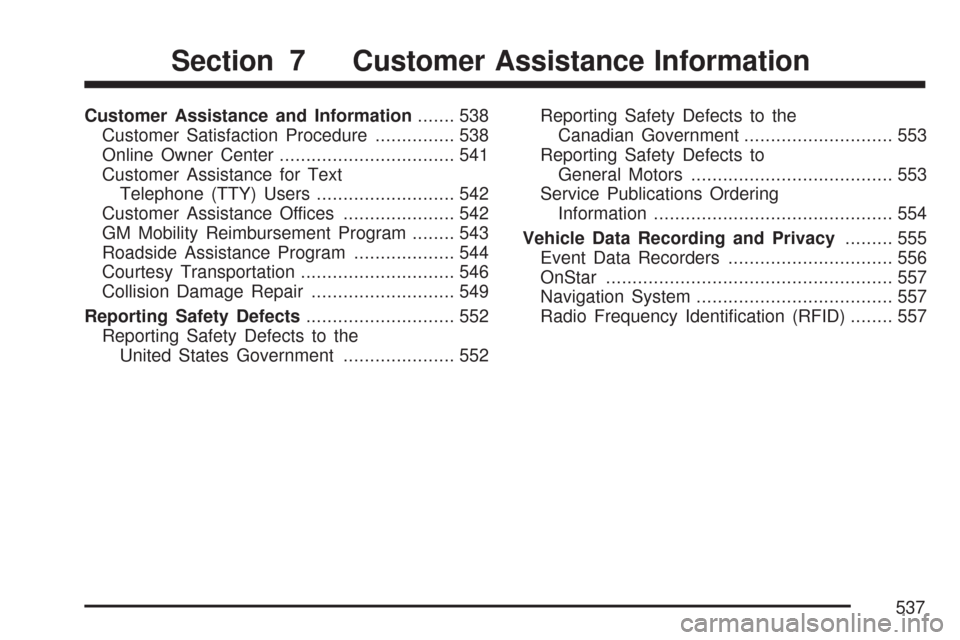
Customer Assistance and Information....... 538
Customer Satisfaction Procedure............... 538
Online Owner Center................................. 541
Customer Assistance for Text
Telephone (TTY) Users.......................... 542
Customer Assistance Offices..................... 542
GM Mobility Reimbursement Program........ 543
Roadside Assistance Program................... 544
Courtesy Transportation............................. 546
Collision Damage Repair........................... 549
Reporting Safety Defects............................ 552
Reporting Safety Defects to the
United States Government..................... 552Reporting Safety Defects to the
Canadian Government............................ 553
Reporting Safety Defects to
General Motors...................................... 553
Service Publications Ordering
Information............................................. 554
Vehicle Data Recording and Privacy......... 555
Event Data Recorders............................... 556
OnStar...................................................... 557
Navigation System..................................... 557
Radio Frequency Identication (RFID)........ 557
Section 7 Customer Assistance Information
537
Page 557 of 574
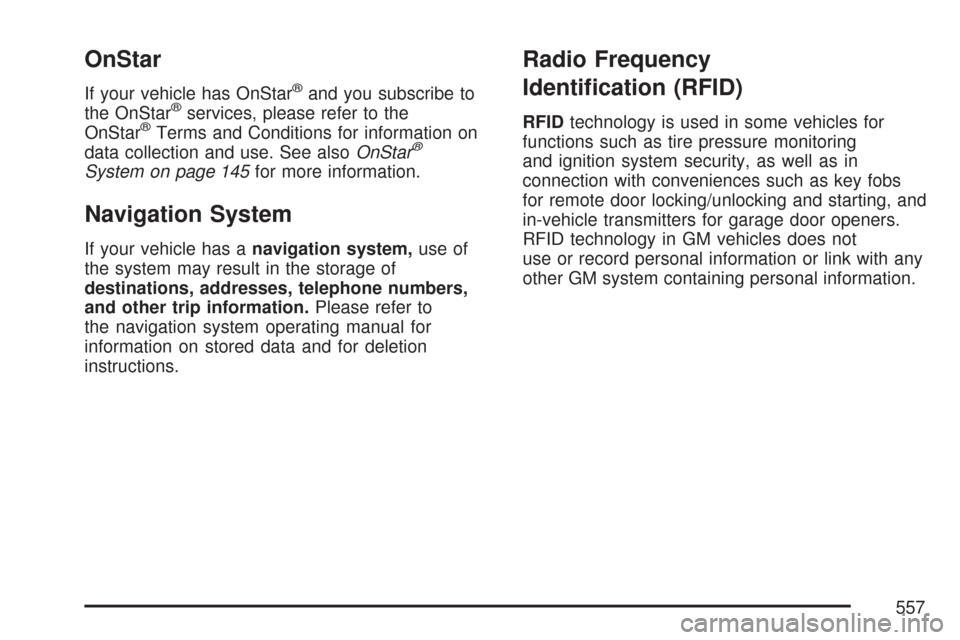
OnStar
If your vehicle has OnStar®and you subscribe to
the OnStar®services, please refer to the
OnStar®Terms and Conditions for information on
data collection and use. See alsoOnStar®
System on page 145for more information.
Navigation System
If your vehicle has anavigation system,use of
the system may result in the storage of
destinations, addresses, telephone numbers,
and other trip information.Please refer to
the navigation system operating manual for
information on stored data and for deletion
instructions.
Radio Frequency
Identication (RFID)
RFIDtechnology is used in some vehicles for
functions such as tire pressure monitoring
and ignition system security, as well as in
connection with conveniences such as key fobs
for remote door locking/unlocking and starting, and
in-vehicle transmitters for garage door openers.
RFID technology in GM vehicles does not
use or record personal information or link with any
other GM system containing personal information.
557