service CHEVROLET TRAVERSE 2009 1.G Owner's Manual
[x] Cancel search | Manufacturer: CHEVROLET, Model Year: 2009, Model line: TRAVERSE, Model: CHEVROLET TRAVERSE 2009 1.GPages: 422, PDF Size: 2.06 MB
Page 109 of 422
OnStar Hands-Free Calling
OnStar Hands-Free Calling allows
eligible OnStar subscribers to make
and receive calls using voice
commands. Hands-Free Calling is
fully integrated into the vehicle, and
can be used with OnStar Pre-Paid
Minute Packages. Most vehicles
include 30 trial minutes good for
60 days. Hands-Free Calling can
also be linked to a Verizon Wireless
service plan in the U.S. or a Bell
Mobility service plan in Canada,
depending on eligibility. To nd out
more, refer to the OnStar Owner’s
Guide in the vehicle’s glove box, visit
onstar.com or onstar.ca, or speak
with an OnStar advisor by pressing
the OnStar button or calling
1-888-4-ONSTAR (1-888-466-7827).
OnStar Turn-by-Turn
Navigation
Vehicles with the OnStar
Turn-by-Turn Navigation system
can provide voice-guided driving
directions. Press the OnStar button
to have an OnStar advisor locate a
business or address and download
driving directions to the vehicle.
Voice-guided directions to the
desired destination will play through
the audio system speakers. See the
OnStar Owner’s Guide for more
information.
OnStar Virtual Advisor
OnStar Virtual Advisor is a feature of
OnStar Hands-Free Calling that uses
minutes to access location-based
weather, local traffic reports, and
stock quotes. Press the phone button
and give a few simple voice
commands to browse through the
various topics. See the OnStar
Owner’s Guide for more information.
This feature is only available in the
continental U.S.
OnStar Steering Wheel
Controls
This vehicle may have a Talk/Mute
button that can be used to interact
with OnStar Hands-Free Calling.
SeeAudio Steering Wheel Controls
on page 3-125for more information.
On some vehicles, the mute button
can be used to dial numbers
into voice mail systems, or to dial
phone extensions. See the
OnStar Owner’s Guide for more
information.
Features and Controls 2-45
Page 110 of 422
How OnStar Service Works
The OnStar system can record and
transmit vehicle information. This
information is automatically sent to
an OnStar Call Center when the
OnStar button is pressed, the
emergency button is pressed, or if
the airbags or AACN system deploy.
This information usually includes
the vehicle’s GPS location and, in
the event of a crash, additional
information regarding the crash that
the vehicle was involved in (e.g.
the direction from which the vehicle
was hit). When the Virtual Advisor
feature of OnStar Hands-Free
Calling is used, the vehicle also
sends OnStar the vehicle’s
GPS location so they can provide
services where it is located.
OnStar service cannot work unless
the vehicle is in a place where
OnStar has an agreement with a
wireless service provider for service
in that area. OnStar service also
cannot work unless the vehicle is in a
place where the wireless serviceprovider OnStar has hired for that
area has coverage, network capacity
and reception when the service is
needed, and technology that is
compatible with the OnStar service.
Not all services are available
everywhere, particularly in remote or
enclosed areas, or at all times.
Location information about the
vehicle is only available if the GPS
satellite signals are unobstructed
and available.
The vehicle must have a working
electrical system, including adequate
battery power, for the OnStar
equipment to operate. There are
other problems OnStar cannot
control that may prevent OnStar
from providing OnStar service at
any particular time or place.
Some examples are damage to
important parts of the vehicle in a
crash, hills, tall buildings, tunnels,
weather or wireless phone network
congestion.Your Responsibility
Increase the volume of the radio if
the OnStar advisor cannot be heard.
If the light next to the OnStar
buttons is red, the system may not
be functioning properly. Press
the OnStar button and request a
vehicle diagnostic. If the light
appears clear (no light is appearing),
your OnStar subscription has
expired and all services have been
deactivated. Press the OnStar
button to conrm that the OnStar
equipment is active.
2-46 Features and Controls
Page 111 of 422
Universal Home
Remote System
The Universal Home Remote
System provides a way to
replace up to three hand-held
Radio-Frequency (RF) transmitters
used to activate devices such
as garage door openers, security
systems, and home lighting.
This device complies with Part 15 of
the FCC Rules. Operation is subject
to the following two conditions:
1. This device may not cause
harmful interference.
2. This device must accept any
interference received, including
interference that may cause
undesired operation.This device complies with RSS-210
of Industry Canada. Operation is
subject to the following two
conditions:
1. This device may not cause
interference.
2. This device must accept any
interference received, including
interference that may cause
undesired operation of the
device.
Changes or modications to this
system by other than an authorized
service facility could void
authorization to use this equipment.
Universal Home Remote
System Operation
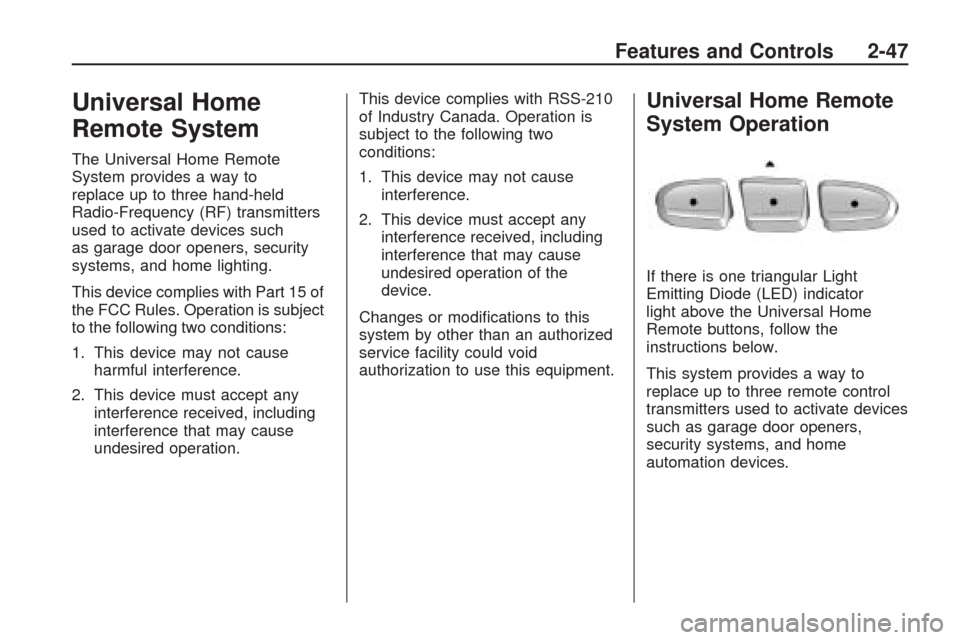
If there is one triangular Light
Emitting Diode (LED) indicator
light above the Universal Home
Remote buttons, follow the
instructions below.
This system provides a way to
replace up to three remote control
transmitters used to activate devices
such as garage door openers,
security systems, and home
automation devices.
Features and Controls 2-47
Page 153 of 422
Airbag Readiness Light
This light shows if there is an
electrical problem. The system
check includes the airbag sensor,
the pretensioners, the airbag
modules, the wiring and the crash
sensing and diagnostic module.
For more information on the airbag
system, seeAirbag System on
page 1-46.
This light will come on and stay on
for several seconds when the vehicle
is started. Then the light should
go out.
If the airbag readiness light stays
on after the vehicle has been started
or comes on when while driving,
the airbag system may not work
properly. Have the vehicle serviced
right away.{CAUTION
If the airbag readiness light stays
on after the vehicle is started or
comes on while driving, it means
the airbag system might not be
working properly. The airbags in
the vehicle might not inate in a
crash, or they could even inate
without a crash. To help avoid
injury, have the vehicle serviced
right away.
Passenger Airbag Status
Indicator
The vehicle has a passenger
sensing system. SeePassenger
Sensing System on page 1-53
for important safety information.
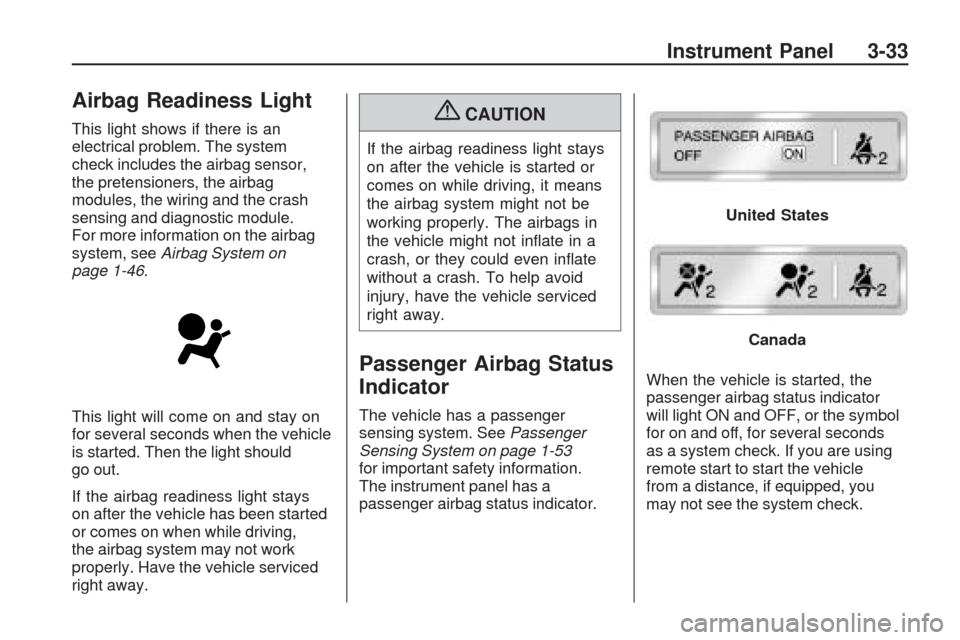
The instrument panel has a
passenger airbag status indicator.When the vehicle is started, the
passenger airbag status indicator
will light ON and OFF, or the symbol
for on and off, for several seconds
as a system check. If you are using
remote start to start the vehicle
from a distance, if equipped, you
may not see the system check.
United States
Canada
Instrument Panel 3-33
Page 154 of 422
Then, after several more seconds,
the status indicator will light either
ON or OFF, or either the on or off
symbol to let you know the status of
the right front passenger frontal
airbag.
If the word ON or the on symbol is
lit on the passenger airbag status
indicator, it means that the right front
passenger frontal airbag is enabled
(may inate).
If the word OFF or the off symbol
is lit on the passenger airbag
status indicator, it means that the
passenger sensing system has
turned off the right front passenger
frontal airbag.If, after several seconds, both
status indicator lights remain on,
or if there are no lights at all, there
may be a problem with the lights
or the passenger sensing system.
See your dealer/retailer for service.
{CAUTION
If the airbag readiness light ever
comes on and stays on, it means
that something may be wrong with
the airbag system. To help avoid
injury to yourself or others, have
the vehicle serviced right away.
SeeAirbag Readiness Light on
page 3-33for more information,
including important safety
information.
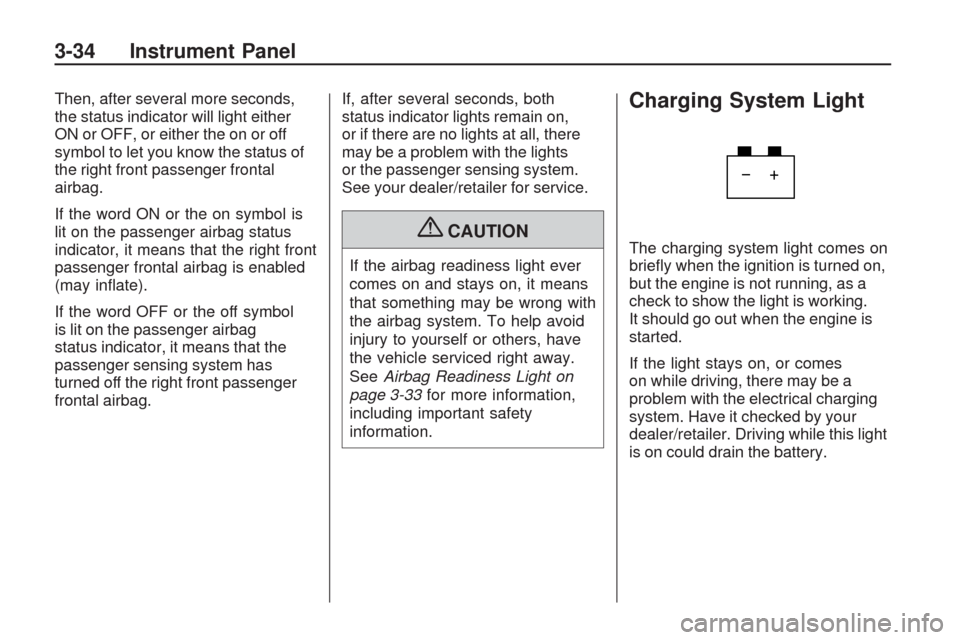
Charging System Light
The charging system light comes on
briey when the ignition is turned on,
but the engine is not running, as a
check to show the light is working.
It should go out when the engine is
started.
If the light stays on, or comes
on while driving, there may be a
problem with the electrical charging
system. Have it checked by your
dealer/retailer. Driving while this light
is on could drain the battery.
3-34 Instrument Panel
Page 155 of 422
When this light comes on, the
Driver Information Center (DIC) also
displays the SERVICE BATTERY
CHARGING SYSTEM message.
SeeDIC Warnings and Messages
on page 3-56for more information.
If a short distance must be driven
with the light on, be sure to turn off
all accessories, such as the radio
and air conditioner.
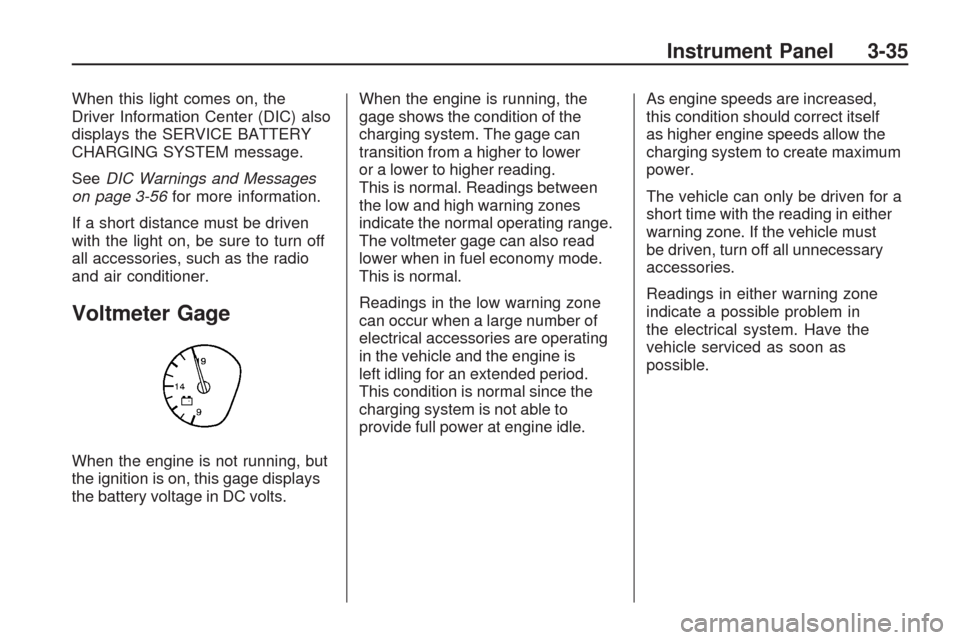
Voltmeter Gage
When the engine is not running, but
the ignition is on, this gage displays
the battery voltage in DC volts.When the engine is running, the
gage shows the condition of the
charging system. The gage can
transition from a higher to lower
or a lower to higher reading.
This is normal. Readings between
the low and high warning zones
indicate the normal operating range.
The voltmeter gage can also read
lower when in fuel economy mode.
This is normal.
Readings in the low warning zone
can occur when a large number of
electrical accessories are operating
in the vehicle and the engine is
left idling for an extended period.
This condition is normal since the
charging system is not able to
provide full power at engine idle.As engine speeds are increased,
this condition should correct itself
as higher engine speeds allow the
charging system to create maximum
power.
The vehicle can only be driven for a
short time with the reading in either
warning zone. If the vehicle must
be driven, turn off all unnecessary
accessories.
Readings in either warning zone
indicate a possible problem in
the electrical system. Have the
vehicle serviced as soon as
possible.
Instrument Panel 3-35
Page 156 of 422
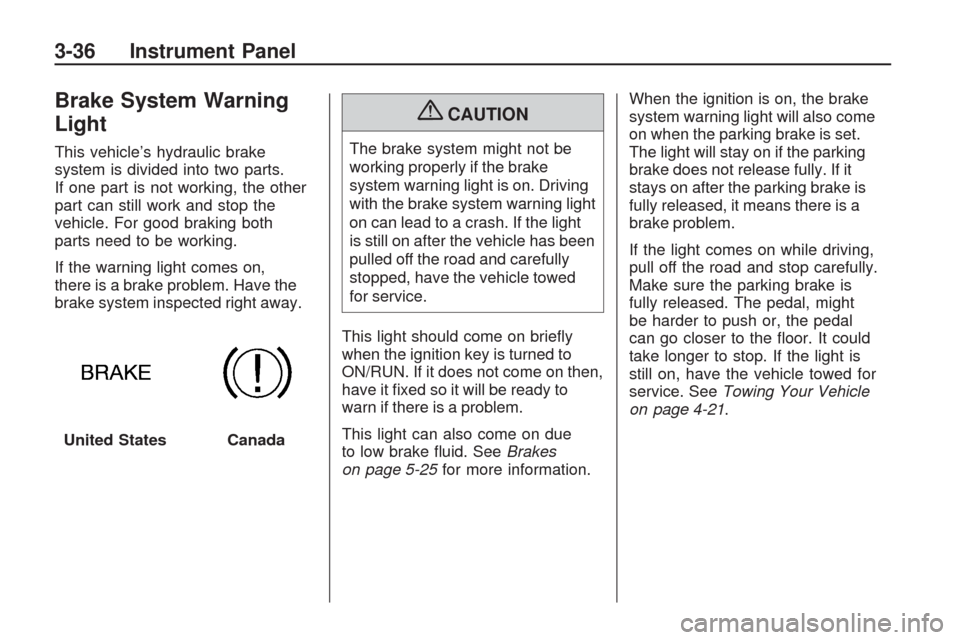
Brake System Warning
Light
This vehicle’s hydraulic brake
system is divided into two parts.
If one part is not working, the other
part can still work and stop the
vehicle. For good braking both
parts need to be working.
If the warning light comes on,
there is a brake problem. Have the
brake system inspected right away.
{CAUTION
The brake system might not be
working properly if the brake
system warning light is on. Driving
with the brake system warning light
on can lead to a crash. If the light
is still on after the vehicle has been
pulled off the road and carefully
stopped, have the vehicle towed
for service.
This light should come on briey
when the ignition key is turned to
ON/RUN. If it does not come on then,
have it xed so it will be ready to
warn if there is a problem.
This light can also come on due
to low brake uid. SeeBrakes
on page 5-25for more information.When the ignition is on, the brake
system warning light will also come
on when the parking brake is set.
The light will stay on if the parking
brake does not release fully. If it
stays on after the parking brake is
fully released, it means there is a
brake problem.
If the light comes on while driving,
pull off the road and stop carefully.
Make sure the parking brake is
fully released. The pedal, might
be harder to push or, the pedal
can go closer to the oor. It could
take longer to stop. If the light is
still on, have the vehicle towed for
service. SeeTowing Your Vehicle
on page 4-21.
United States
Canada
3-36 Instrument Panel
Page 157 of 422
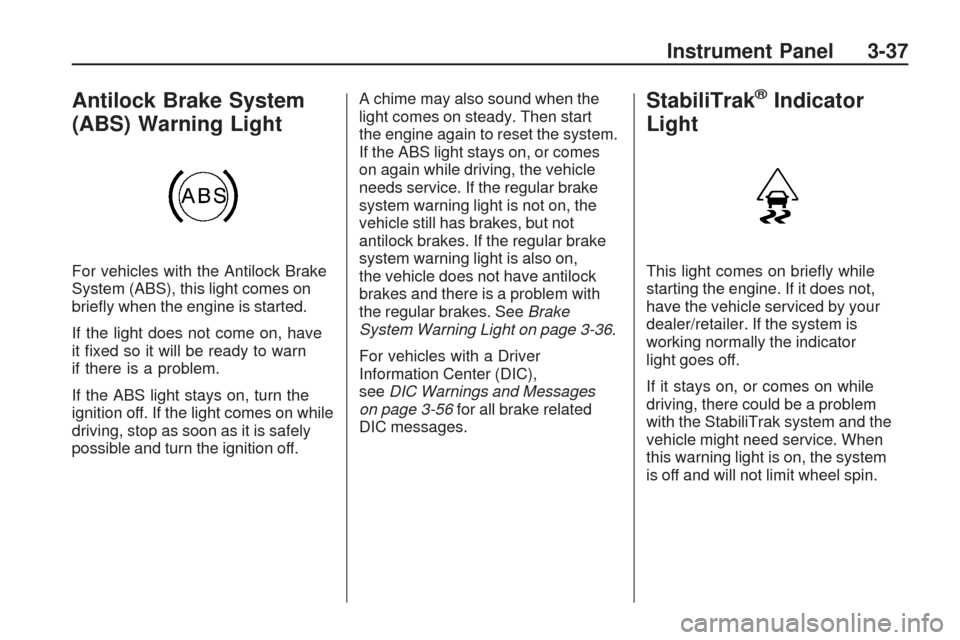
Antilock Brake System
(ABS) Warning Light
For vehicles with the Antilock Brake
System (ABS), this light comes on
briey when the engine is started.
If the light does not come on, have
it xed so it will be ready to warn
if there is a problem.
If the ABS light stays on, turn the
ignition off. If the light comes on while
driving, stop as soon as it is safely
possible and turn the ignition off.A chime may also sound when the
light comes on steady. Then start
the engine again to reset the system.
If the ABS light stays on, or comes
on again while driving, the vehicle
needs service. If the regular brake
system warning light is not on, the
vehicle still has brakes, but not
antilock brakes. If the regular brake
system warning light is also on,
the vehicle does not have antilock
brakes and there is a problem with
the regular brakes. SeeBrake
System Warning Light on page 3-36.
For vehicles with a Driver
Information Center (DIC),
seeDIC Warnings and Messages
on page 3-56for all brake related
DIC messages.
StabiliTrak®Indicator
Light
This light comes on briey while
starting the engine. If it does not,
have the vehicle serviced by your
dealer/retailer. If the system is
working normally the indicator
light goes off.
If it stays on, or comes on while
driving, there could be a problem
with the StabiliTrak system and the
vehicle might need service. When
this warning light is on, the system
is off and will not limit wheel spin.
Instrument Panel 3-37
Page 158 of 422
This light ashes when the
StabiliTrak system is active.
If the StabiliTrak system warning
light comes on and stays on for
an extended period of time when
the system is turned on, the vehicle
needs service. SeeStabiliTrak
®
System on page 4-5for more
information.
Engine Coolant
Temperature Warning
Light
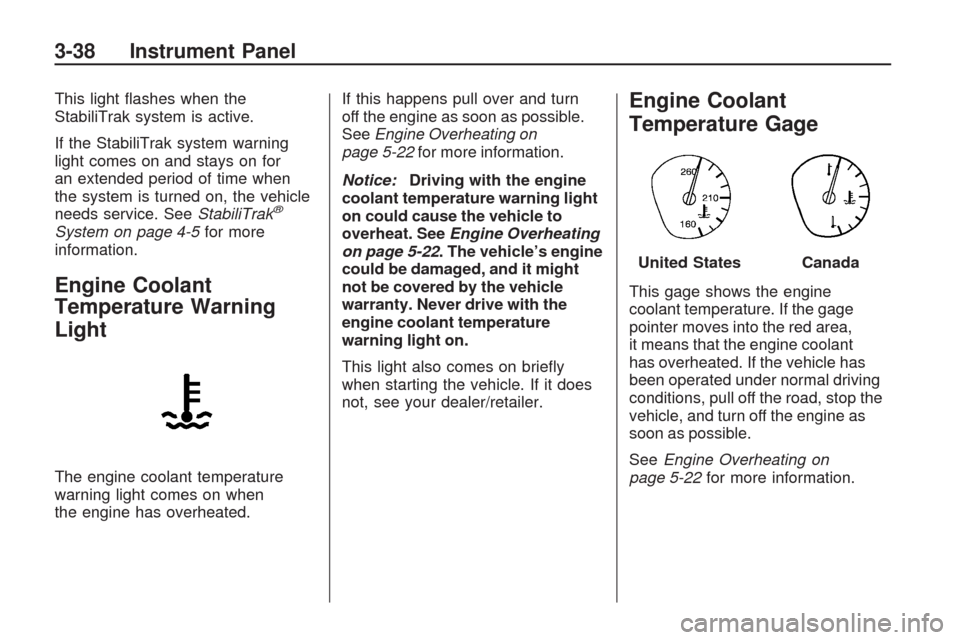
The engine coolant temperature
warning light comes on when
the engine has overheated.If this happens pull over and turn
off the engine as soon as possible.
SeeEngine Overheating on
page 5-22for more information.
Notice:Driving with the engine
coolant temperature warning light
on could cause the vehicle to
overheat. SeeEngine Overheating
on page 5-22. The vehicle’s engine
could be damaged, and it might
not be covered by the vehicle
warranty. Never drive with the
engine coolant temperature
warning light on.
This light also comes on briey
when starting the vehicle. If it does
not, see your dealer/retailer.
Engine Coolant
Temperature Gage
This gage shows the engine
coolant temperature. If the gage
pointer moves into the red area,
it means that the engine coolant
has overheated. If the vehicle has
been operated under normal driving
conditions, pull off the road, stop the
vehicle, and turn off the engine as
soon as possible.
SeeEngine Overheating on
page 5-22for more information.
United StatesCanada
3-38 Instrument Panel
Page 159 of 422
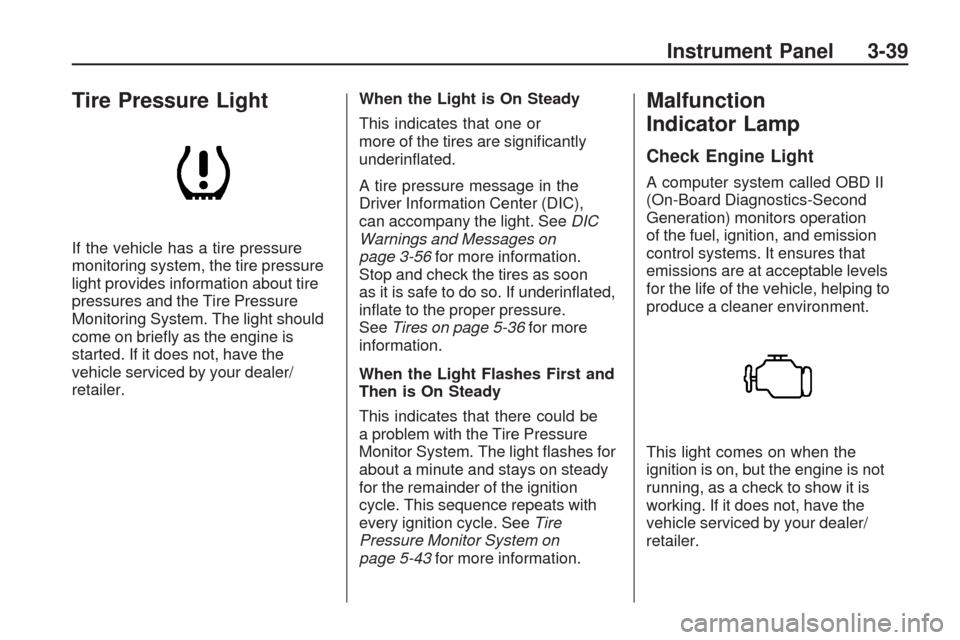
Tire Pressure Light
If the vehicle has a tire pressure
monitoring system, the tire pressure
light provides information about tire
pressures and the Tire Pressure
Monitoring System. The light should
come on briey as the engine is
started. If it does not, have the
vehicle serviced by your dealer/
retailer.When the Light is On Steady
This indicates that one or
more of the tires are signicantly
underinated.
A tire pressure message in the
Driver Information Center (DIC),
can accompany the light. SeeDIC
Warnings and Messages on
page 3-56for more information.
Stop and check the tires as soon
as it is safe to do so. If underinated,
inate to the proper pressure.
SeeTires on page 5-36for more
information.
When the Light Flashes First and
Then is On Steady
This indicates that there could be
a problem with the Tire Pressure
Monitor System. The light ashes for
about a minute and stays on steady
for the remainder of the ignition
cycle. This sequence repeats with
every ignition cycle. SeeTire
Pressure Monitor System on
page 5-43for more information.
Malfunction
Indicator Lamp
Check Engine Light
A computer system called OBD II
(On-Board Diagnostics-Second
Generation) monitors operation
of the fuel, ignition, and emission
control systems. It ensures that
emissions are at acceptable levels
for the life of the vehicle, helping to
produce a cleaner environment.
This light comes on when the
ignition is on, but the engine is not
running, as a check to show it is
working. If it does not, have the
vehicle serviced by your dealer/
retailer.
Instrument Panel 3-39