Air CHEVROLET TRAX 2013 1.G Service Manual
[x] Cancel search | Manufacturer: CHEVROLET, Model Year: 2013, Model line: TRAX, Model: CHEVROLET TRAX 2013 1.GPages: 408, PDF Size: 6.59 MB
Page 112 of 408
Black plate (8,1)Chevrolet TRAX Owner Manual - 2013 - CRC - 3/6/13
5-8 Instruments and Controls
Warning Lights,
Gauges, and
Indicators
Warning lights and gauges can
signal that something is wrong
before it becomes serious enough
to cause an expensive repair or
replacement. Paying attention to the
warning lights and gauges could
prevent injury.Warning lights come on when there
could be a problem with a vehicle
function. Some warning lights come
on briefly when the engine is started
to indicate they are working.
Gauges can indicate when there
could be a problem with a vehicle
function. Often gauges and warning
lights work together to indicate a
problem with the vehicle.
When one of the warning lights
comes on and stays on while
driving, or when one of the gauges
shows there may be a problem,
check the section that explains what
to do. Follow this manual's advice.
Waiting to do repairs can be costly
and even dangerous.
Page 116 of 408
Black plate (12,1)Chevrolet TRAX Owner Manual - 2013 - CRC - 3/6/13
5-12 Instruments and Controls
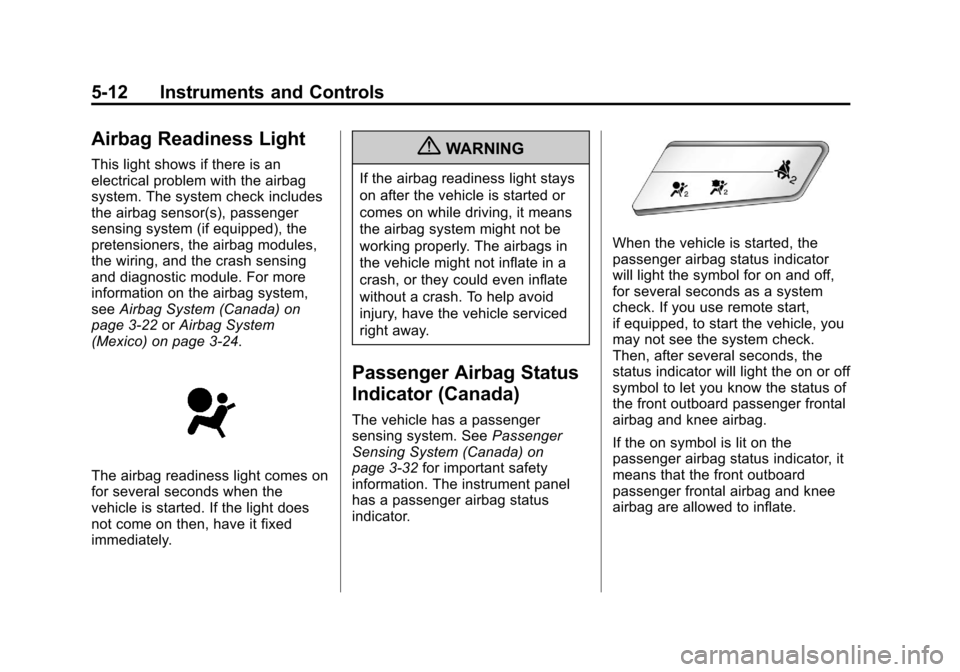
Airbag Readiness Light
This light shows if there is an
electrical problem with the airbag
system. The system check includes
the airbag sensor(s), passenger
sensing system (if equipped), the
pretensioners, the airbag modules,
the wiring, and the crash sensing
and diagnostic module. For more
information on the airbag system,
seeAirbag System (Canada) on
page 3‑22 orAirbag System
(Mexico) on page 3‑24.
The airbag readiness light comes on
for several seconds when the
vehicle is started. If the light does
not come on then, have it fixed
immediately.
{WARNING
If the airbag readiness light stays
on after the vehicle is started or
comes on while driving, it means
the airbag system might not be
working properly. The airbags in
the vehicle might not inflate in a
crash, or they could even inflate
without a crash. To help avoid
injury, have the vehicle serviced
right away.
Passenger Airbag Status
Indicator (Canada)
The vehicle has a passenger
sensing system. See Passenger
Sensing System (Canada) on
page 3‑32 for important safety
information. The instrument panel
has a passenger airbag status
indicator.
When the vehicle is started, the
passenger airbag status indicator
will light the symbol for on and off,
for several seconds as a system
check. If you use remote start,
if equipped, to start the vehicle, you
may not see the system check.
Then, after several seconds, the
status indicator will light the on or off
symbol to let you know the status of
the front outboard passenger frontal
airbag and knee airbag.
If the on symbol is lit on the
passenger airbag status indicator, it
means that the front outboard
passenger frontal airbag and knee
airbag are allowed to inflate.
Page 117 of 408
Black plate (13,1)Chevrolet TRAX Owner Manual - 2013 - CRC - 3/6/13
Instruments and Controls 5-13
If the off symbol is lit on the
passenger airbag status indicator, it
means that the passenger sensing
system has turned off the front
outboard passenger frontal airbag
and knee airbag.
If, after several seconds, both status
indicator lights remain on, or if there
are no lights at all, there may be a
problem with the lights or the
passenger sensing system. See
your dealer for service.
{WARNING
If the airbag readiness light ever
comes on and stays on, it means
that something may be wrong
with the airbag system. To help
avoid injury to yourself or others,
have the vehicle serviced right
away. SeeAirbag Readiness
Light on page 5‑12 for more
information, including important
safety information.
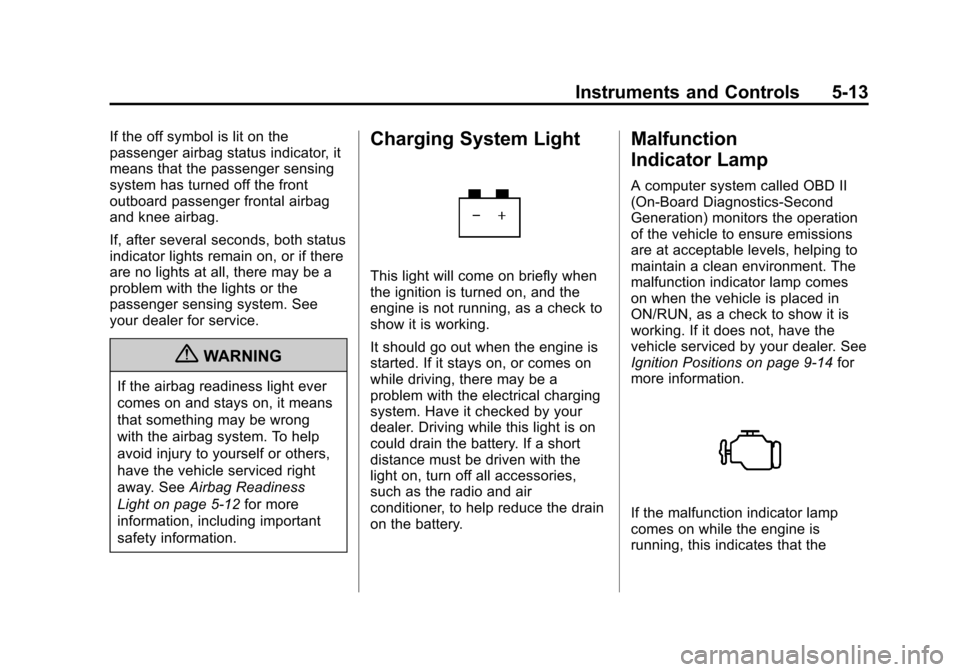
Charging System Light
This light will come on briefly when
the ignition is turned on, and the
engine is not running, as a check to
show it is working.
It should go out when the engine is
started. If it stays on, or comes on
while driving, there may be a
problem with the electrical charging
system. Have it checked by your
dealer. Driving while this light is on
could drain the battery. If a short
distance must be driven with the
light on, turn off all accessories,
such as the radio and air
conditioner, to help reduce the drain
on the battery.
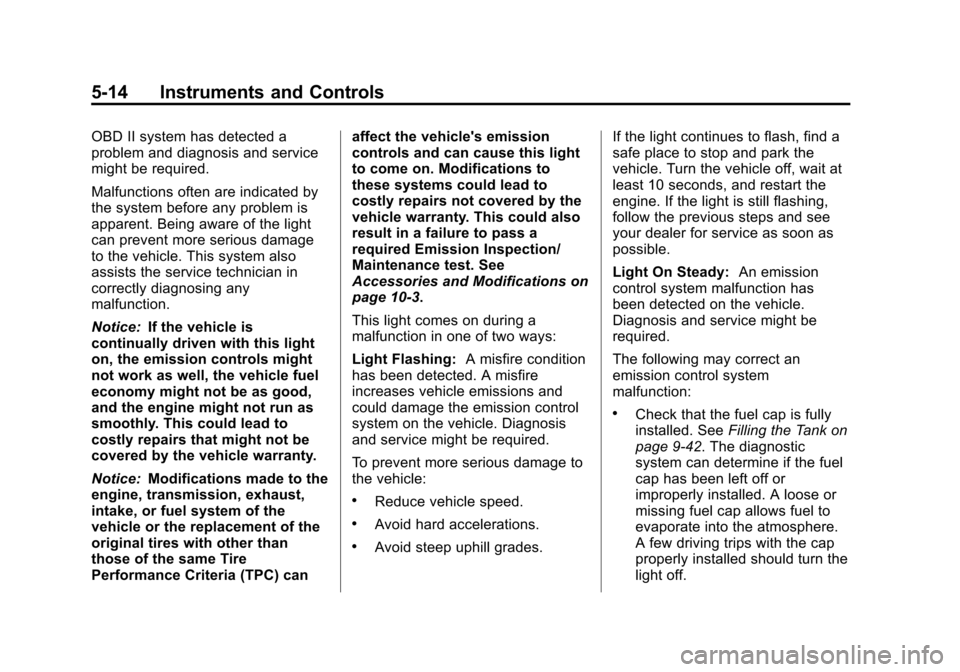
Malfunction
Indicator Lamp
A computer system called OBD II
(On-Board Diagnostics-Second
Generation) monitors the operation
of the vehicle to ensure emissions
are at acceptable levels, helping to
maintain a clean environment. The
malfunction indicator lamp comes
on when the vehicle is placed in
ON/RUN, as a check to show it is
working. If it does not, have the
vehicle serviced by your dealer. See
Ignition Positions on page 9‑14 for
more information.
If the malfunction indicator lamp
comes on while the engine is
running, this indicates that the
Page 118 of 408
Black plate (14,1)Chevrolet TRAX Owner Manual - 2013 - CRC - 3/6/13
5-14 Instruments and Controls
OBD II system has detected a
problem and diagnosis and service
might be required.
Malfunctions often are indicated by
the system before any problem is
apparent. Being aware of the light
can prevent more serious damage
to the vehicle. This system also
assists the service technician in
correctly diagnosing any
malfunction.
Notice:If the vehicle is
continually driven with this light
on, the emission controls might
not work as well, the vehicle fuel
economy might not be as good,
and the engine might not run as
smoothly. This could lead to
costly repairs that might not be
covered by the vehicle warranty.
Notice: Modifications made to the
engine, transmission, exhaust,
intake, or fuel system of the
vehicle or the replacement of the
original tires with other than
those of the same Tire
Performance Criteria (TPC) can affect the vehicle's emission
controls and can cause this light
to come on. Modifications to
these systems could lead to
costly repairs not covered by the
vehicle warranty. This could also
result in a failure to pass a
required Emission Inspection/
Maintenance test. See
Accessories and Modifications on
page 10‑3.
This light comes on during a
malfunction in one of two ways:
Light Flashing:
A misfire condition
has been detected. A misfire
increases vehicle emissions and
could damage the emission control
system on the vehicle. Diagnosis
and service might be required.
To prevent more serious damage to
the vehicle:
.Reduce vehicle speed.
.Avoid hard accelerations.
.Avoid steep uphill grades. If the light continues to flash, find a
safe place to stop and park the
vehicle. Turn the vehicle off, wait at
least 10 seconds, and restart the
engine. If the light is still flashing,
follow the previous steps and see
your dealer for service as soon as
possible.
Light On Steady:
An emission
control system malfunction has
been detected on the vehicle.
Diagnosis and service might be
required.
The following may correct an
emission control system
malfunction:
.Check that the fuel cap is fully
installed. See Filling the Tank on
page 9‑42. The diagnostic
system can determine if the fuel
cap has been left off or
improperly installed. A loose or
missing fuel cap allows fuel to
evaporate into the atmosphere.
A few driving trips with the cap
properly installed should turn the
light off.
Page 124 of 408
Black plate (20,1)Chevrolet TRAX Owner Manual - 2013 - CRC - 3/6/13
5-20 Instruments and Controls
may not be covered by the
vehicle warranty. SeeEngine
Overheating on page 10‑18.
The engine coolant temperature
warning light comes on when the
engine has overheated.
If this happens, pull over and turn
off the engine as soon as possible.
See Engine Overheating on
page 10‑18.
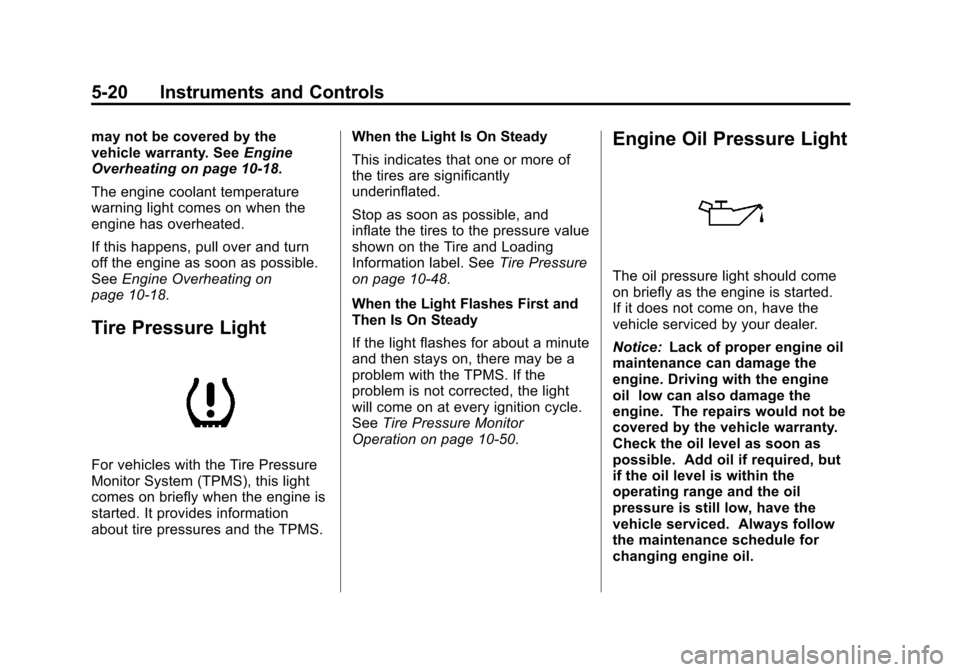
Tire Pressure Light
For vehicles with the Tire Pressure
Monitor System (TPMS), this light
comes on briefly when the engine is
started. It provides information
about tire pressures and the TPMS. When the Light Is On Steady
This indicates that one or more of
the tires are significantly
underinflated.
Stop as soon as possible, and
inflate the tires to the pressure value
shown on the Tire and Loading
Information label. See
Tire Pressure
on page 10‑48.
When the Light Flashes First and
Then Is On Steady
If the light flashes for about a minute
and then stays on, there may be a
problem with the TPMS. If the
problem is not corrected, the light
will come on at every ignition cycle.
See Tire Pressure Monitor
Operation on page 10‑50.
Engine Oil Pressure Light
The oil pressure light should come
on briefly as the engine is started.
If it does not come on, have the
vehicle serviced by your dealer.
Notice: Lack of proper engine oil
maintenance can damage the
engine. Driving with the engine
oil low can also damage the
engine. The repairs would not be
covered by the vehicle warranty.
Check the oil level as soon as
possible. Add oil if required, but
if the oil level is within the
operating range and the oil
pressure is still low, have the
vehicle serviced. Always follow
the maintenance schedule for
changing engine oil.
Page 126 of 408
Black plate (22,1)Chevrolet TRAX Owner Manual - 2013 - CRC - 3/6/13
5-22 Instruments and Controls
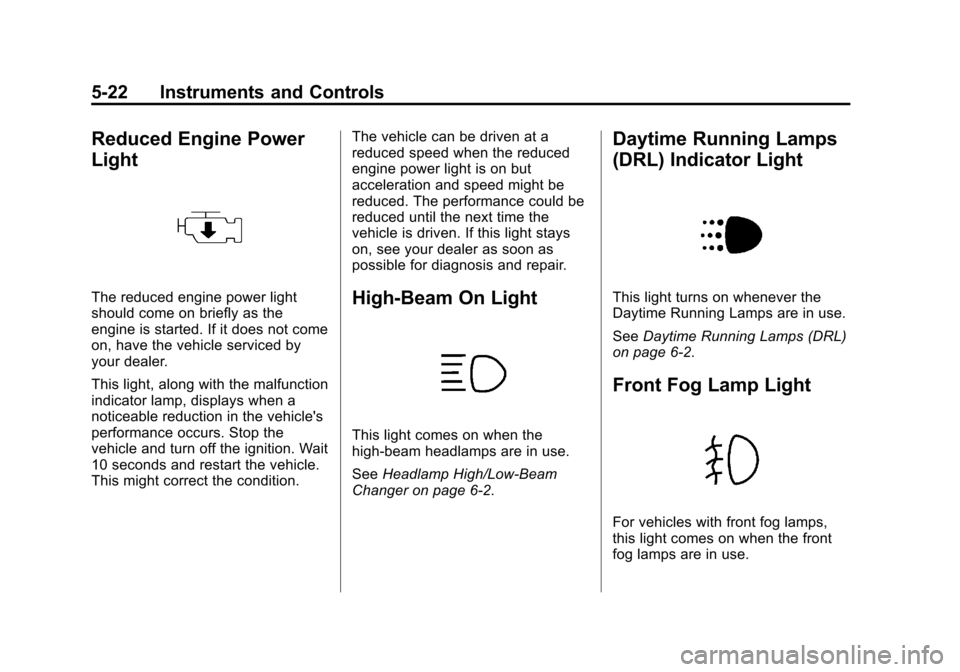
Reduced Engine Power
Light
The reduced engine power light
should come on briefly as the
engine is started. If it does not come
on, have the vehicle serviced by
your dealer.
This light, along with the malfunction
indicator lamp, displays when a
noticeable reduction in the vehicle's
performance occurs. Stop the
vehicle and turn off the ignition. Wait
10 seconds and restart the vehicle.
This might correct the condition.The vehicle can be driven at a
reduced speed when the reduced
engine power light is on but
acceleration and speed might be
reduced. The performance could be
reduced until the next time the
vehicle is driven. If this light stays
on, see your dealer as soon as
possible for diagnosis and repair.High-Beam On Light
This light comes on when the
high-beam headlamps are in use.
See
Headlamp High/Low-Beam
Changer on page 6‑2.
Daytime Running Lamps
(DRL) Indicator Light
This light turns on whenever the
Daytime Running Lamps are in use.
See Daytime Running Lamps (DRL)
on page 6‑2.
Front Fog Lamp Light
For vehicles with front fog lamps,
this light comes on when the front
fog lamps are in use.
Page 136 of 408
Black plate (32,1)Chevrolet TRAX Owner Manual - 2013 - CRC - 3/6/13
5-32 Instruments and Controls
Personalization Menu (Radio
With Touchscreen)
Settings can be made with the
ignition ON and the vehicle not
moving.
The following are all possible
personalization features. Depending
on the vehicle, some may not be
available.
D(Home):Press to access the
Home Page Menu.
QorR: Press to scroll through the
menus or setup items.
4: Press to exit, or return to the
previous screen or menu.
To access the menu:
1. Press
D.
2. Press Settings.
3. Press Vehicle Settings.
Press the menu item to select it.
Each of the menus is detailed in the
following information. Settings menus and functions may
vary depending on vehicle option.
The following list of menu items may
be available:
.Climate & Air Quality
.Cluster display info
.Comfort & Convenience
.Collision/detection
.Lighting
.Power Door Locks
.Lock, Unlock Settings
.Rear Camera Option
.Vehicle Factory Settings
.Sport Mode Settings
.Language
.Text Scroll
.Touch Beep Volume
.Max Startup Volume
.About
.DivX®VOD
Climate and Air Quality
Select the Climate and Air Quality
menu and the following may be
displayed:
.Auto Fan Speed
.Auto Compartment Zone Temp
.Rear Zone Temp
.Air Quality Sensor
.Air Conditioning Mode
.Auto Defog
.Auto Rear Defog
.Auto Cooled Vented Seats
.Auto Heated Seats
.Remote Start Auto Seat Cool
.Remote Start Heated Seats
Auto Fan Speed
This allows the selection of the
automatic fan speed. It can be
adjusted to run lower or higher than
normal.
Page 137 of 408
Black plate (33,1)Chevrolet TRAX Owner Manual - 2013 - CRC - 3/6/13
Instruments and Controls 5-33
Press Auto Fan Speed when
highlighted. Select Low, Medium,
or High. Press
4.
Auto Compartment Zone Temp
This allows the selection of the
compartment zone temperature
setting when the vehicle is
restarted.
Press Auto Compartment Zone
Temp when highlighted. Select
Single Zone, Dual Zone, or Last
Setting. Press
4.
Rear Zone Temp
This allows the selection of the rear
temperature setting when the
vehicle is restarted.
Press Rear Zone Temp when
highlighted. Select Off, Rear Mimic
Front, or Rear Last Known.
Press
4.
Air Quality Sensor
This allows the selection of whether
the system will operate at high or
low sensitivity. Press Air Quality Sensor when
highlighted. Select Off, Low
Sensitivity, High Sensitivity.
Press
4.
Air Conditioning Mode
This allows the selection of
automatic start of the air
conditioning upon vehicle start.
Selecting On indicates the air
conditioning will be on when the
vehicle is started. Selecting Off
turns the air conditioning off each
time the vehicle is started. Last
Setting will resume the last setting
when the vehicle was shut off.
Press Air Conditioning Mode when
highlighted. Select Off, On, or Last
Setting. Press
4.
Auto Defog
This allows the auto defog to be
turned on or off.
Press Auto Defog when highlighted.
Select On or Off. Press
4. Auto Rear Defog
This allows the auto rear defog to
be turned on or off. This feature will
automatically turn on the rear
window defogger when it is cold
outside.
Press Auto Rear Defog when
highlighted. Select On or Off.
Press
4.
Auto Cooled Vented Seats
When on, this feature will turn the
cooled seats on when using remote
start on warm days.
Press Auto Cooled Vented Seats
when highlighted. Select On or Off.
Press
4.
Auto Heated Seats
When on, this feature will turn the
heated seats on.
Press Auto Heated Seats when
highlighted. Select On or Off.
Press
4.
Page 154 of 408
Black plate (2,1)Chevrolet TRAX Owner Manual - 2013 - CRC - 3/6/13
7-2 Infotainment System
Introduction
Infotainment
Determine which radio the vehicle
has and read the following pages to
become familiar with its features.
{WARNING
Taking your eyes off the road for
extended periods could cause a
crash resulting in injury or death
to you or others. Do not give
extended attention to infotainment
tasks while driving.
This system provides access to
many audio and non-audio listings.
To minimize taking your eyes off the
road while driving, do the following
while the vehicle is parked:
.Become familiar with the
operation and controls of the
audio system.
.Set up the tone, speaker
adjustments, and preset radio
stations.
See Defensive Driving on page 9‑3.
Notice: Contact your dealer
before adding any equipment.
Adding audio or communication
equipment could interfere with
the operation of the engine, radio,
or other systems, and could
damage them. Follow federal
rules covering mobile radio and
telephone equipment.
Customer Assistance
Assistance is available to help with
Bluetooth pairing, application
downloading and installation, other
mobile device interface, and
operation support of the
infotainment system. Specialists are
available when calling this
Customer Assistance number:
U.S. (855) 4 SUPPORT (478-7767).
Theft-Deterrent Feature
The infotainment system has an
electronic security system installed
to prevent theft.
The infotainment system only works
in the vehicle in which it was first
installed, and cannot be used in
another vehicle.
Page 178 of 408
Black plate (26,1)Chevrolet TRAX Owner Manual - 2013 - CRC - 3/6/13
7-26 Infotainment System
.clock/temp display: To
display the clock and
temperature on the full
screen, select On or Off.
.display settings: Adjust the
brightness and contrast of
the screen.
3. Press
4.
Bluetooth Audio
Streaming Audio
If equipped, music may be played
from a paired Bluetooth. See
Bluetooth (Overview) on page 7‑28
or Bluetooth (Infotainment Controls)
on page 7‑30 orBluetooth (Voice
Recognition) on page 7‑39 for help
pairing a device.
The music can be controlled by
controls on the device.
To play music via Bluetooth:
1. Power on the device, pair, and connect the device. The device
will displayed “GM Audio
Source.” 2. Once paired, press CD/AUX to
select Bluetooth Audio.
3. Press the play button on the device to begin playback.
When selecting Bluetooth audio, the
radio may not be able to launch the
audio player on the connected
device to start playing. When the
vehicle is not moving, choose the
phone to begin playback.
All devices launch audio differently.
When selecting Bluetooth audio as
a source, the radio may show as
paused on the screen. Press play
on the device to begin playback.
Some phones support sending
Bluetooth music information to
display on the radio. When the radio
receives this information, it will
check to see if any album art is
available and display it. For more
information about your phone and
supported Bluetooth features, see
www.gm.com/bluetooth.
Navigation
OnStar®System
If equipped, this vehicle has a
comprehensive, in-vehicle system
that can connect to a live Advisor
for Emergency, Security, Navigation,
Connection, and Diagnostic
Services.
For safety, some features are
disabled while the vehicle is in
motion.
Control Panel Overview
OnStar Light
The OnStar system status light is
next to the OnStar buttons. If the
status light is:
.Solid Green: System is ready.
.Flashing Green: On a call.
.Red: Indicates a problem.