info CHEVROLET TRAX 2013 1.G Service Manual
[x] Cancel search | Manufacturer: CHEVROLET, Model Year: 2013, Model line: TRAX, Model: CHEVROLET TRAX 2013 1.GPages: 408, PDF Size: 6.59 MB
Page 117 of 408
Black plate (13,1)Chevrolet TRAX Owner Manual - 2013 - CRC - 3/6/13
Instruments and Controls 5-13
If the off symbol is lit on the
passenger airbag status indicator, it
means that the passenger sensing
system has turned off the front
outboard passenger frontal airbag
and knee airbag.
If, after several seconds, both status
indicator lights remain on, or if there
are no lights at all, there may be a
problem with the lights or the
passenger sensing system. See
your dealer for service.
{WARNING
If the airbag readiness light ever
comes on and stays on, it means
that something may be wrong
with the airbag system. To help
avoid injury to yourself or others,
have the vehicle serviced right
away. SeeAirbag Readiness
Light on page 5‑12 for more
information, including important
safety information.
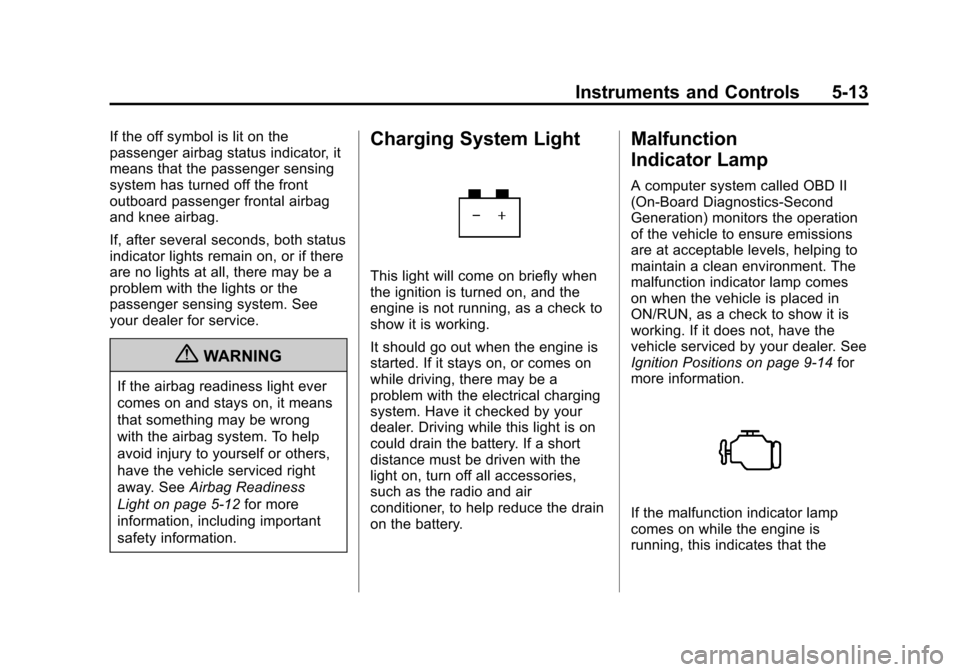
Charging System Light
This light will come on briefly when
the ignition is turned on, and the
engine is not running, as a check to
show it is working.
It should go out when the engine is
started. If it stays on, or comes on
while driving, there may be a
problem with the electrical charging
system. Have it checked by your
dealer. Driving while this light is on
could drain the battery. If a short
distance must be driven with the
light on, turn off all accessories,
such as the radio and air
conditioner, to help reduce the drain
on the battery.
Malfunction
Indicator Lamp
A computer system called OBD II
(On-Board Diagnostics-Second
Generation) monitors the operation
of the vehicle to ensure emissions
are at acceptable levels, helping to
maintain a clean environment. The
malfunction indicator lamp comes
on when the vehicle is placed in
ON/RUN, as a check to show it is
working. If it does not, have the
vehicle serviced by your dealer. See
Ignition Positions on page 9‑14 for
more information.
If the malfunction indicator lamp
comes on while the engine is
running, this indicates that the
Page 120 of 408
Black plate (16,1)Chevrolet TRAX Owner Manual - 2013 - CRC - 3/6/13
5-16 Instruments and Controls
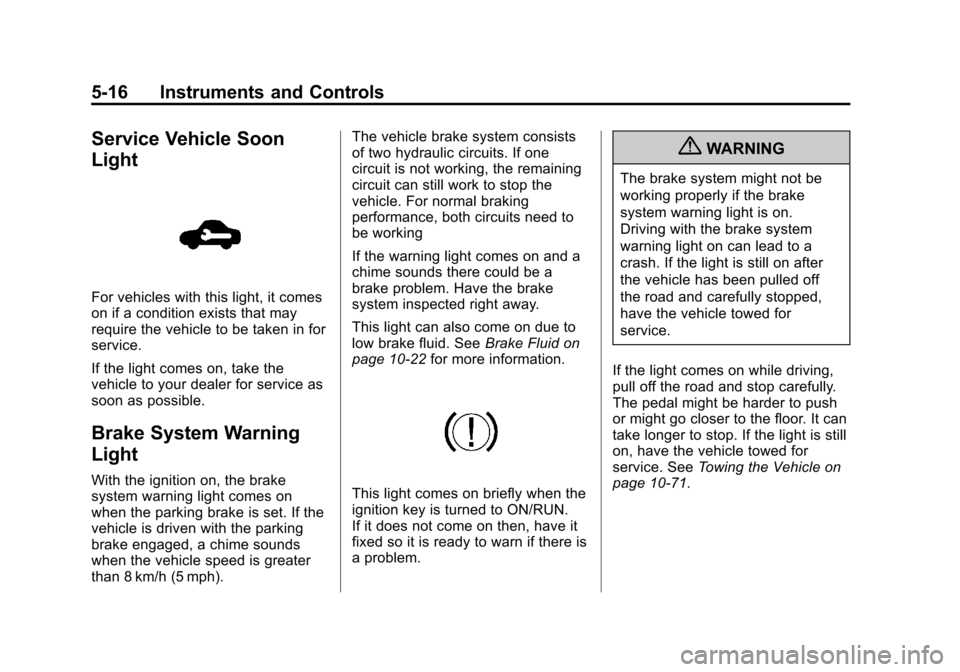
Service Vehicle Soon
Light
For vehicles with this light, it comes
on if a condition exists that may
require the vehicle to be taken in for
service.
If the light comes on, take the
vehicle to your dealer for service as
soon as possible.
Brake System Warning
Light
With the ignition on, the brake
system warning light comes on
when the parking brake is set. If the
vehicle is driven with the parking
brake engaged, a chime sounds
when the vehicle speed is greater
than 8 km/h (5 mph).The vehicle brake system consists
of two hydraulic circuits. If one
circuit is not working, the remaining
circuit can still work to stop the
vehicle. For normal braking
performance, both circuits need to
be working
If the warning light comes on and a
chime sounds there could be a
brake problem. Have the brake
system inspected right away.
This light can also come on due to
low brake fluid. See
Brake Fluid on
page 10‑22 for more information.This light comes on briefly when the
ignition key is turned to ON/RUN.
If it does not come on then, have it
fixed so it is ready to warn if there is
a problem.
{WARNING
The brake system might not be
working properly if the brake
system warning light is on.
Driving with the brake system
warning light on can lead to a
crash. If the light is still on after
the vehicle has been pulled off
the road and carefully stopped,
have the vehicle towed for
service.
If the light comes on while driving,
pull off the road and stop carefully.
The pedal might be harder to push
or might go closer to the floor. It can
take longer to stop. If the light is still
on, have the vehicle towed for
service. See Towing the Vehicle on
page 10‑71.
Page 121 of 408
Black plate (17,1)Chevrolet TRAX Owner Manual - 2013 - CRC - 3/6/13
Instruments and Controls 5-17
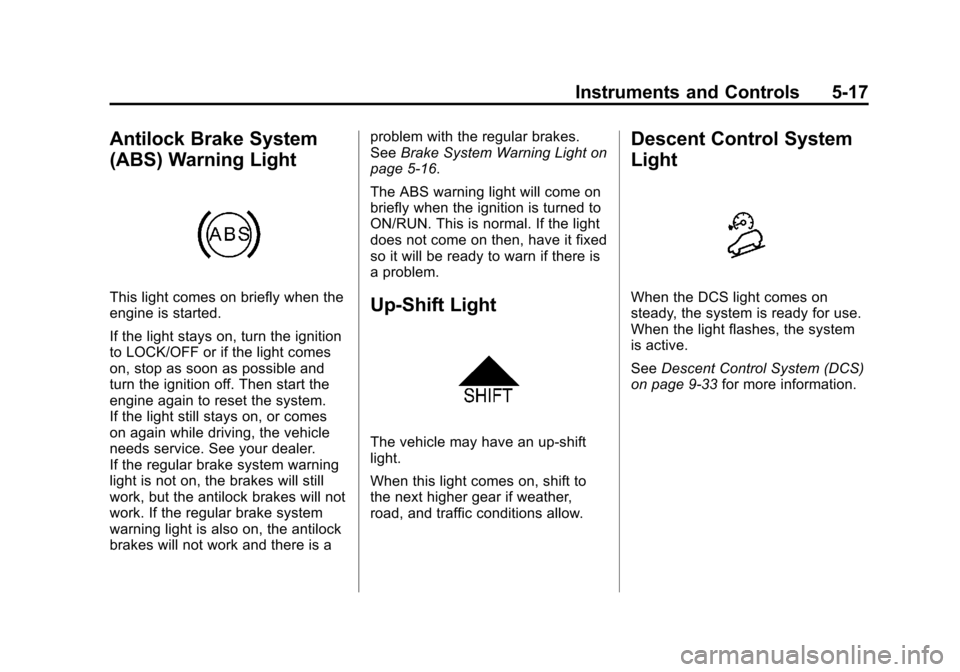
Antilock Brake System
(ABS) Warning Light
This light comes on briefly when the
engine is started.
If the light stays on, turn the ignition
to LOCK/OFF or if the light comes
on, stop as soon as possible and
turn the ignition off. Then start the
engine again to reset the system.
If the light still stays on, or comes
on again while driving, the vehicle
needs service. See your dealer.
If the regular brake system warning
light is not on, the brakes will still
work, but the antilock brakes will not
work. If the regular brake system
warning light is also on, the antilock
brakes will not work and there is aproblem with the regular brakes.
See
Brake System Warning Light on
page 5‑16.
The ABS warning light will come on
briefly when the ignition is turned to
ON/RUN. This is normal. If the light
does not come on then, have it fixed
so it will be ready to warn if there is
a problem.Up-Shift Light
The vehicle may have an up-shift
light.
When this light comes on, shift to
the next higher gear if weather,
road, and traffic conditions allow.
Descent Control System
Light
When the DCS light comes on
steady, the system is ready for use.
When the light flashes, the system
is active.
See Descent Control System (DCS)
on page 9‑33 for more information.
Page 122 of 408
Black plate (18,1)Chevrolet TRAX Owner Manual - 2013 - CRC - 3/6/13
5-18 Instruments and Controls
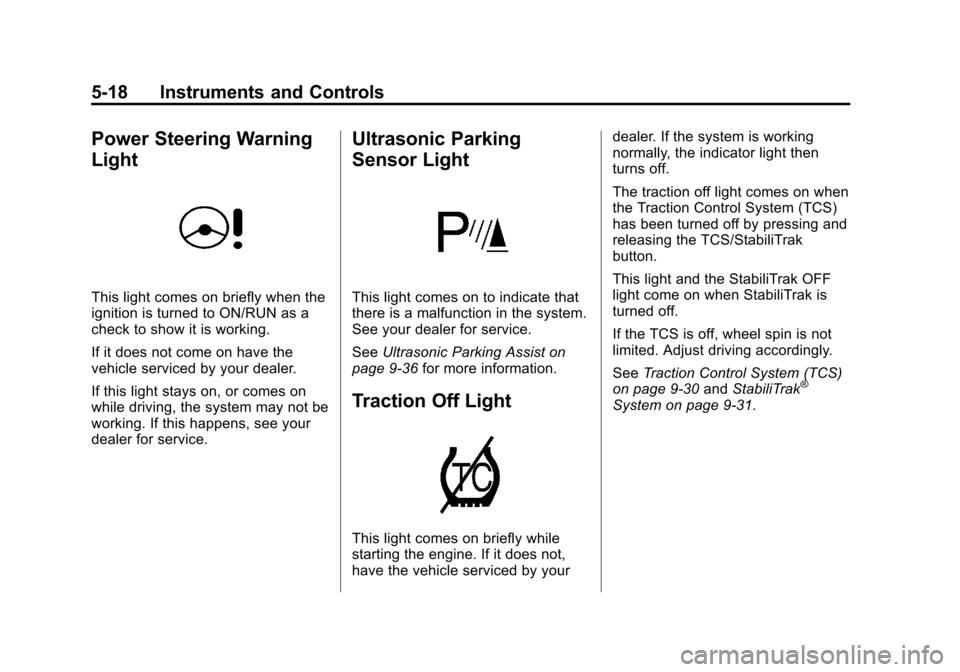
Power Steering Warning
Light
This light comes on briefly when the
ignition is turned to ON/RUN as a
check to show it is working.
If it does not come on have the
vehicle serviced by your dealer.
If this light stays on, or comes on
while driving, the system may not be
working. If this happens, see your
dealer for service.
Ultrasonic Parking
Sensor Light
This light comes on to indicate that
there is a malfunction in the system.
See your dealer for service.
SeeUltrasonic Parking Assist on
page 9‑36 for more information.
Traction Off Light
This light comes on briefly while
starting the engine. If it does not,
have the vehicle serviced by your dealer. If the system is working
normally, the indicator light then
turns off.
The traction off light comes on when
the Traction Control System (TCS)
has been turned off by pressing and
releasing the TCS/StabiliTrak
button.
This light and the StabiliTrak OFF
light come on when StabiliTrak is
turned off.
If the TCS is off, wheel spin is not
limited. Adjust driving accordingly.
See
Traction Control System (TCS)
on page 9‑30 andStabiliTrak
®
System on page 9‑31.
Page 124 of 408
Black plate (20,1)Chevrolet TRAX Owner Manual - 2013 - CRC - 3/6/13
5-20 Instruments and Controls
may not be covered by the
vehicle warranty. SeeEngine
Overheating on page 10‑18.
The engine coolant temperature
warning light comes on when the
engine has overheated.
If this happens, pull over and turn
off the engine as soon as possible.
See Engine Overheating on
page 10‑18.
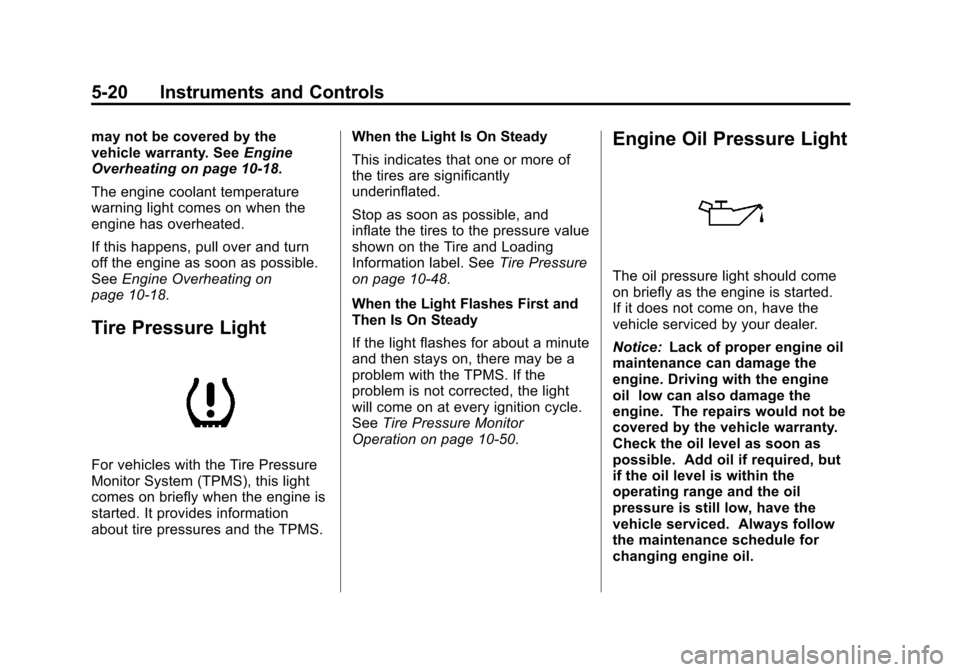
Tire Pressure Light
For vehicles with the Tire Pressure
Monitor System (TPMS), this light
comes on briefly when the engine is
started. It provides information
about tire pressures and the TPMS. When the Light Is On Steady
This indicates that one or more of
the tires are significantly
underinflated.
Stop as soon as possible, and
inflate the tires to the pressure value
shown on the Tire and Loading
Information label. See
Tire Pressure
on page 10‑48.
When the Light Flashes First and
Then Is On Steady
If the light flashes for about a minute
and then stays on, there may be a
problem with the TPMS. If the
problem is not corrected, the light
will come on at every ignition cycle.
See Tire Pressure Monitor
Operation on page 10‑50.
Engine Oil Pressure Light
The oil pressure light should come
on briefly as the engine is started.
If it does not come on, have the
vehicle serviced by your dealer.
Notice: Lack of proper engine oil
maintenance can damage the
engine. Driving with the engine
oil low can also damage the
engine. The repairs would not be
covered by the vehicle warranty.
Check the oil level as soon as
possible. Add oil if required, but
if the oil level is within the
operating range and the oil
pressure is still low, have the
vehicle serviced. Always follow
the maintenance schedule for
changing engine oil.
Page 127 of 408
Black plate (23,1)Chevrolet TRAX Owner Manual - 2013 - CRC - 3/6/13
Instruments and Controls 5-23
The light goes out when the front
fog lamps are turned off. SeeFront
Fog Lamps on page 6‑4 for more
information.
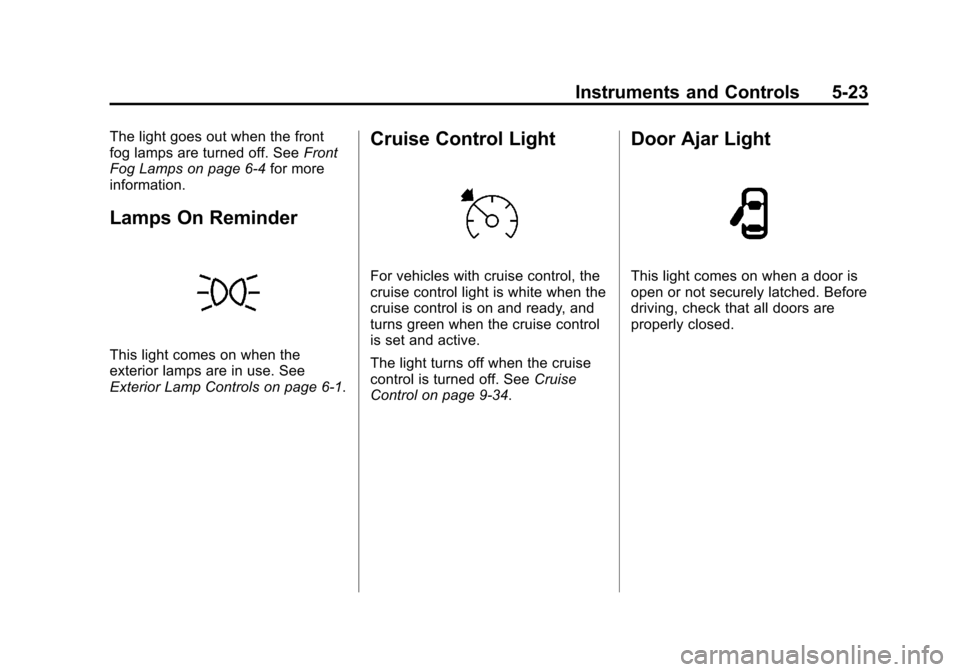
Lamps On Reminder
This light comes on when the
exterior lamps are in use. See
Exterior Lamp Controls on page 6‑1.
Cruise Control Light
For vehicles with cruise control, the
cruise control light is white when the
cruise control is on and ready, and
turns green when the cruise control
is set and active.
The light turns off when the cruise
control is turned off. See Cruise
Control on page 9‑34.
Door Ajar Light
This light comes on when a door is
open or not securely latched. Before
driving, check that all doors are
properly closed.
Page 128 of 408
Black plate (24,1)Chevrolet TRAX Owner Manual - 2013 - CRC - 3/6/13
5-24 Instruments and Controls
Information Displays
Driver Information
Center (DIC)
The DIC displays information about
your vehicle. It also displays
warning messages if a system
problem is detected. SeeVehicle
Messages on page 5‑27. All
messages appear in the DIC display
in the instrument cluster.
DIC Operation and Displays
The DIC has different displays
which can be accessed by using the
DIC buttons on the turn signal lever
on the left side of the steering
wheel. The DIC displays trip, fuel,
and warning messages if a system
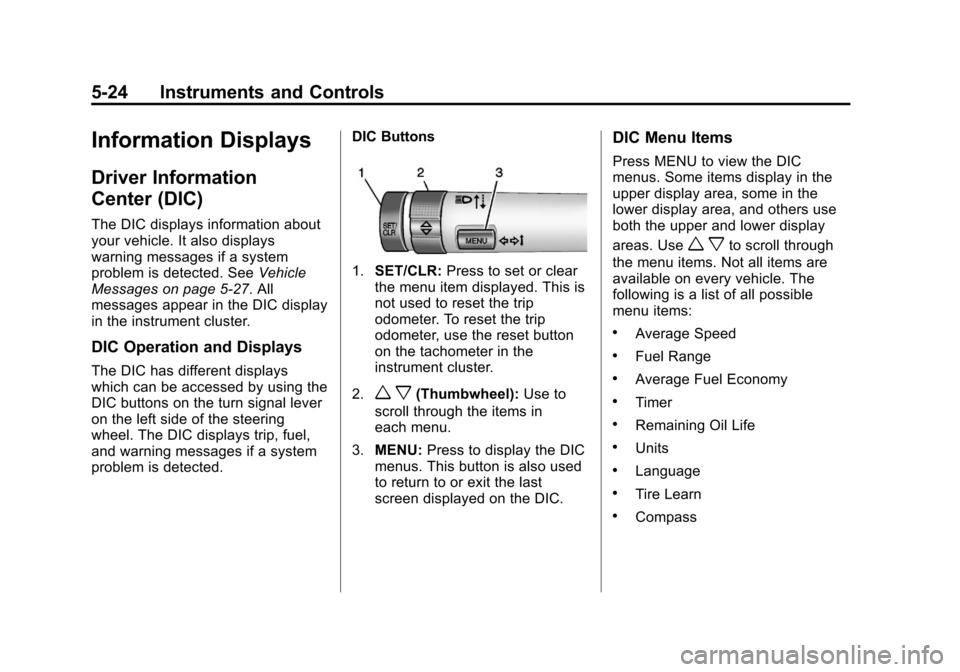
problem is detected. DIC Buttons
1.
SET/CLR: Press to set or clear
the menu item displayed. This is
not used to reset the trip
odometer. To reset the trip
odometer, use the reset button
on the tachometer in the
instrument cluster.
2.
w x(Thumbwheel): Use to
scroll through the items in
each menu.
3. MENU: Press to display the DIC
menus. This button is also used
to return to or exit the last
screen displayed on the DIC.
DIC Menu Items
Press MENU to view the DIC
menus. Some items display in the
upper display area, some in the
lower display area, and others use
both the upper and lower display
areas. Use
w xto scroll through
the menu items. Not all items are
available on every vehicle. The
following is a list of all possible
menu items:
.Average Speed
.Fuel Range
.Average Fuel Economy
.Timer
.Remaining Oil Life
.Units
.Language
.Tire Learn
.Compass
Page 130 of 408
Black plate (26,1)Chevrolet TRAX Owner Manual - 2013 - CRC - 3/6/13
5-26 Instruments and Controls
Remaining Oil Life
This menu is not available while the
vehicle is moving. This display
shows an estimate of the oil's
remaining useful life. If 99
:% is
displayed, that means 99% of the
current oil life remains.
When the remaining oil life is low,
the Code 82 message will appear
on the display. The oil should be
changed as soon as possible. See
Engine Oil on page 10‑9. In addition
to the engine oil life system
monitoring the oil life, additional
maintenance is recommended in the
Maintenance Schedule. See
Maintenance Schedule on
page 11‑3.
Remember, the oil life display must
be reset after each oil change. It will
not reset itself. Also, be careful not
to reset the oil life display
accidentally at any time other than
when the oil has just been changed.
It cannot be reset accurately until
the next oil change. To reset the
engine oil life system, press the SET/CLR button while the oil life
display is active. See
Engine Oil
Life System on page 10‑11.
Units
This menu is not available while the
vehicle is moving. Press SET/CLR
while the unit display is active and
move
w xto change units when
UNIT SET is displayed. Press SET/
CLR to confirm the setting. Select 1,
2, or 3 for the unit display. 1 is
Imperial units, 2 is US units, and 3
is metric units. This will change the
displays on the cluster and DIC to
the type of measurements selected.
Language
This menu is not available while the
vehicle is moving. Press SET/CLR
while the language display is active
and move
w xto change the
language of the displays when
LANG SET is displayed. Select 1 or
2 for the language display. 1 is
Alphabet and 2 is Arabic Numeral.
Press SET/CLR to confirm the
setting. Tire Learn
This menu is not available while the
vehicle is moving. This display
allows for matching of the TPMS
sensors. See
Tire Pressure Monitor
System on page 10‑49 andTire
Pressure Monitor Operation on
page 10‑50.
Compass
See Compass on page 5‑4 for
information on setting and
recalibrating the compass.
Page 136 of 408
Black plate (32,1)Chevrolet TRAX Owner Manual - 2013 - CRC - 3/6/13
5-32 Instruments and Controls
Personalization Menu (Radio
With Touchscreen)
Settings can be made with the
ignition ON and the vehicle not
moving.
The following are all possible
personalization features. Depending
on the vehicle, some may not be
available.
D(Home):Press to access the
Home Page Menu.
QorR: Press to scroll through the
menus or setup items.
4: Press to exit, or return to the
previous screen or menu.
To access the menu:
1. Press
D.
2. Press Settings.
3. Press Vehicle Settings.
Press the menu item to select it.
Each of the menus is detailed in the
following information. Settings menus and functions may
vary depending on vehicle option.
The following list of menu items may
be available:
.Climate & Air Quality
.Cluster display info
.Comfort & Convenience
.Collision/detection
.Lighting
.Power Door Locks
.Lock, Unlock Settings
.Rear Camera Option
.Vehicle Factory Settings
.Sport Mode Settings
.Language
.Text Scroll
.Touch Beep Volume
.Max Startup Volume
.About
.DivX®VOD
Climate and Air Quality
Select the Climate and Air Quality
menu and the following may be
displayed:
.Auto Fan Speed
.Auto Compartment Zone Temp
.Rear Zone Temp
.Air Quality Sensor
.Air Conditioning Mode
.Auto Defog
.Auto Rear Defog
.Auto Cooled Vented Seats
.Auto Heated Seats
.Remote Start Auto Seat Cool
.Remote Start Heated Seats
Auto Fan Speed
This allows the selection of the
automatic fan speed. It can be
adjusted to run lower or higher than
normal.
Page 138 of 408
Black plate (34,1)Chevrolet TRAX Owner Manual - 2013 - CRC - 3/6/13
5-34 Instruments and Controls
Remote Start Auto Seat Cool
When on, this feature will turn the
cooled seats on when using the
remote start on hot days.
Press Remote Start Auto Seat Cool
when highlighted and open the
menu. Select On or Off. Press
4.
Remote Start Heated Seats
When on, this feature will turn the
heated seats on when using the
remote start on cold days.
Press Remote Start Heated Seats
when highlighted. Select On or Off.
Press
4.
Cluster Display Info
Select the Cluster Display Info
menu and the following may be
displayed:
.Cluster Eco Telltale
Cluster Eco Telltale
This allows eco telltale information
display to be turned on or off. Press Cluster Eco Telltale when
highlighted. Select On or Off or turn.
Press
4.
Comfort and Convenience
Select the Comfort and
Convenience menu and the
following may be displayed:
.Chime Volume
.Easy Exit Steering Column
.Easy Exit Driver Seat
.Auto Parking Mirror Tilt
.Personalization By Driver
.Auto Wipe in Reverse Gear
Chime Volume
This allows selection of the chime
volume level.
Press Chime Volume when
highlighted. Select Normal or High.
Press
4. Easy Exit Steering Column
This allows the selection of the
Easy Exit Steering Column position
when exiting the vehicle.
Press Easy Exit Steering Column
when highlighted. Select Off,
On-Column In, On-Column Up,
On-Column In & Up. Press
4.
Easy Exit Driver Seat
This will move the seat back to
make it easier to exit the vehicle.
Press Easy Exit Driver Seat when
highlighted. Select On or Off.
Press
4.
Auto Parking Mirror Tilt
This allows the selection of the
reverse tilt mirror feature on or off.
When on, both the driver and
passenger mirrors will tilt downward
when vehicle is shifted to
R (Reverse) to improve visibility of
the ground near the rear wheels.
They will return to their previous
driving position when the vehicle is