battery CHEVROLET VENTURE 1998 User Guide
[x] Cancel search | Manufacturer: CHEVROLET, Model Year: 1998, Model line: VENTURE, Model: CHEVROLET VENTURE 1998Pages: 474, PDF Size: 25.26 MB
Page 198 of 474
The power outlets can be used to plug in electrical
equipment such as a cellular telephone,
CB radio, etc.
Follow the proper installation instructions that are
included
with any electrical equipment you install.
When not in use, always cover the rear outlet with the
protective cap.
To replace the cover on the rear outlet, line up the tabs
at the back
of the cover and put the cover in place. Push
down on the tab to secure the cover.
I NOTICE:
When using the accessory power outlet:
Maximum load of any electrical equipment
should not exceed
20 amps.
Be sure to turn off any electrical equipment
when not in use. Leaving electrical
equipment on for extended periods can
drain your battery.
2-81
ProCarManuals.com
Page 204 of 474
Air Bag Readiness Light
There is an air bag readiness light on the instrument
panel, which shows
a deployed air bag. The system
checks the air bag’s electrical system for malfunctions.
The light tells you if there is an electrical problem.
The system check includes the air bag sensors, the air
bag module, the wiring and the diagnostic module. For
more information on
the air bag system, see “Air Bag”
in the Index.
This light will come on
when you start your engine,
and
it will flash for a few
seconds. Then the light
should go out. This means
the system is ready.
If the air bag readiness light stays on after you start the
engine or comes on when you are driving, your air bag
system may not work properly. Have your vehicle
serviced right away.
The air bag readiness light should flash for
a few
seconds when you turn the ignition key to
RUN. If the
light doesn’t come on then, have it fixed
so it will be
ready to warn you
if there is a problem.
Charging System Indicator Light
1+1
The charging system light
will come on when you turn
on the ignition as a check to
show you it is working. It
will remain on as long as
the engine is not running.
It should go out once the engine is running. If
it stays
on, or comes on while you are driving, you may have a
problem with the charging system. It could indicate that
you have problems with a generator
drive belt, or
another electrical problem. Have
it checked right away.
Driving while this light
is on could drain your battery.
If you must drive a short distance with the light
on, be
certain to turn off all your accessories, such as the radio
and air conditioner.
Brake System Warning Light
When the ignition is on, the brake system warning light
will come on when you set your parking brake. The light
will stay on if your parking brake doesn’t release fully.
If it stays on after your parking brake is fully released, it
means you have a brake problem.
2-87
ProCarManuals.com
Page 245 of 474
PREV (1): Press this button to go back to the
start
of the current track if more than eight seconds have
played. Press PREV again to go to the previous track on
the disc.
NEXT (3): Press this button to advance to the next track
on the disc.
REV (4): Press and hold this button to quickly reverse
within a track. As the CD reverses, elapsed time will be
displayed to help you find the correct passage.
FWD (6): Press and hold this button to quickly advance
within a track. As the
CD advances, elapsed time will be
displayed to help you find the correct passage.
SEEK: Press the left arrow while playing a CD to go
back to
the start of the current track. It will go back to
the current track if more than eight seconds have played.
Press the left arrow again
to go to previous tracks. Press
the right arrow to go to the next higher track on the disc.
RANDOM: Press P.SCAN to enter the random play
mode. RANDOM will appear on the display. While in
this mode, the tracks on the discs will be played in
random order.
If you press SEEK, PREV or NEXT
while in the random mode, the PREV or NEXT track
will be scanned randomly. Press P.SCAN again to turn
off RANDOM and return to normal operation.
RECALL: Press this button to see what track is
currently playing. Press
RECALL again within five
seconds to see how long the track has been playing.
When a new track starts to play, the track number will
also appear. Press RECALL a third time and the time of
day will be displayed.
TAPE AUX: With a disc loaded in the player and the
radio playing, press this button once to play the compact
disc. To return to playing the radio, press AM-FM.
If
both a cassette tape and CD are loaded, press TAPE
AUX to switch between the tape and compact disc.
EJECT Press this button on the remote player to eject a
compact disc.
Theft-Deterrent Feature (If Equipped)
THEFTLOCK@ is designed to discourage theft of your
radio.
It works by using a secret code to disable all radio
functions whenever battery power is removed. Your
audio system is equipped with THEFTLOCK
if
THEFTLOCK is displayed on the front of the radio.
The THEFTLOCK feature for the radio may be used or
ignored. If ignored, the system plays normally and the
radio is not protected by the feature. If
THEFTLOCK is
activated, your radio will not operate if stolen.
3-26
ProCarManuals.com
Page 246 of 474
When THEFTLOCK is activated, the radio will display
LOC to indicate a locked condition anytime battery
power has been interrupted. If your battery loses power
for any reason, you must unlock the radio with the secret
code before it will operate.
Activating the Theft-Deterrent Feature
The instructions which follow explain how to enter your
secret code to activate the THEFTLOCK system. It is
recommended that you read through all nine steps
before starting the procedure.
NOTE: If you allow more than
15 seconds to elapse
between any steps, the radio automatically reverts to
time and you must start the procedure over at Step
4.
1. Write down any three or four-digit number from
000 to 1999 and keep it in a safe place separate from
the vehicle.
2. Turn the ignition to ACCESSORY or RUN.
3. Turn the radio off.
4. Press the 1 and 4 buttons together. Hold them down
until
--- shows on the display. Next you will use the
secret code number which you have written down.
5. Press MN and 000 will appear on the display.
6. Press MN again to make the last two digits agree
with your code.
7. Press HR to make the first one or two digits agree
with your code.
code matches the secret code you have written down.
The display will
show REP to let you know that you
need to repeat Steps
5 through 7 to confirm your
secret code.
8. Press AM-FM after you have confirmed that the
9. Press AM-FM and this time the display will show
SEC to let you know that your radio is secure. The
indicator by the volume control will begin flashing
when the ignition
is turned off.
Unlocking the Theft-Deterrent Feature After a
Power
Loss
Enter your secret code as follows; pause no more than
15 seconds between steps:
1. LOC appears when the ignition is on.
2. Press MN and 000 will appear on the display.
3. Press MN again to make the last two digits agree
with your code.
4. Press HR to make the first one or two digits agree
with your code.
3-27
ProCarManuals.com
Page 247 of 474
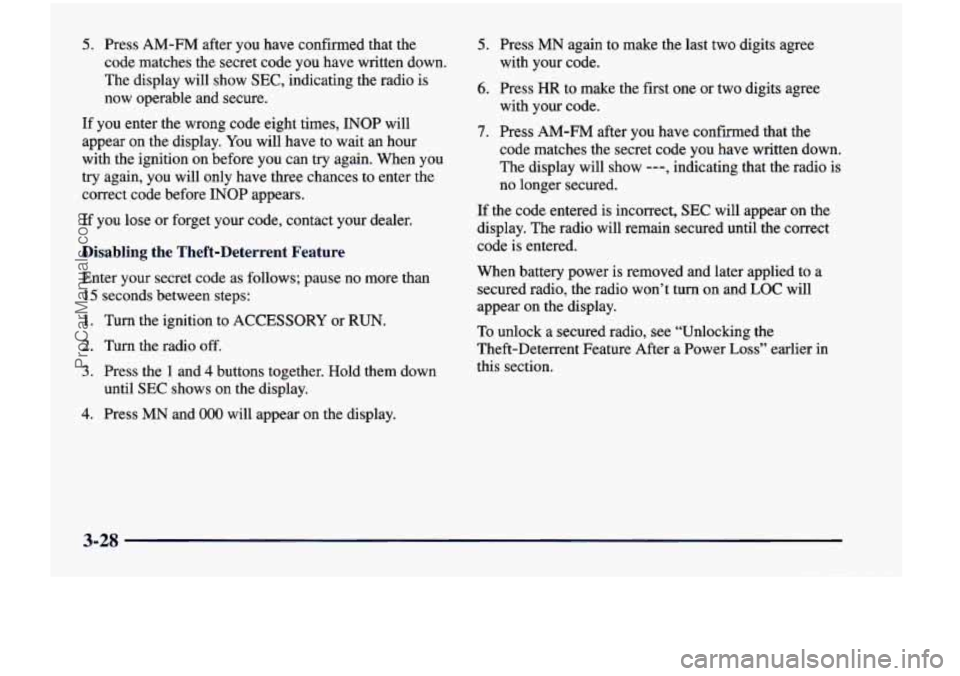
5. Press AM-FM after you have confirmed that the
code matches the secret code you have written down.
The display will show
SEC, indicating the radio is
now operable and secure.
If you enter the wrong code eight times, INOP will
appear
on the display. You will have to wait an hour
with the ignition on before you can try again. When you
try again, you will only have three chances to enter the
correct code before INOP appears.
If you lose or forget your code, contact your dealer.
Disabling the Theft-Deterrent Feature
Enter your secret code as follows; pause no more than
15 seconds between steps:
1. Turn the ignition to ACCESSORY or RUN.
2. Turn the radio off.
3. Press the 1 and 4 buttons together. Hold them down
until
SEC shows on the display.
4. Press MN and 000 will appear on the display.
5. Press MN again to make the last two digits agree
with your code.
6. Press HR to make the first one or two digits agree
with your code.
7. Press AM-FM after you have confirmed that the
code matches the secret code you have written down.
The display will show
---, indicating that the radio is
no longer secured.
If the code entered is incorrect, SEC will appear on the
display. The radio will remain secured until the correct
code is entered.
When battery power is removed and later applied
to a
secured radio, the radio won’t turn on and
LOC will
appear on the display.
To unlock a secured radio, see “Unlocking the
Theft-Deterrent Feature After a Power
Loss” earlier in
this section.
3-28
ProCarManuals.com
Page 283 of 474
Run your engine only as long as you must. This saves
fuel. When you run the engine, make it go a little faster
than just idle. That is, push the accelerator slightly. This
uses less fuel for the heat that you get and
it keeps the
battery charged.
You will need a well-charged battery to
restart the vehicle, and possibly for signaling later on with your headlamps. Let the heater run for a while.
Then, shut the engine off and close the window almost
all the way to preserve the heat. Start the engine again
and repeat this only when you feel really uncomfortable
from the cold. But do it as little as possible. Preserve the
fuel as long
as you can. To help keep warm, you can get
out of the vehicle and do some fairly vigorous exercises
every half hour or so until help comes.
Loading Your Vehicle
COLD TIRE PRESSURE
00
00
on
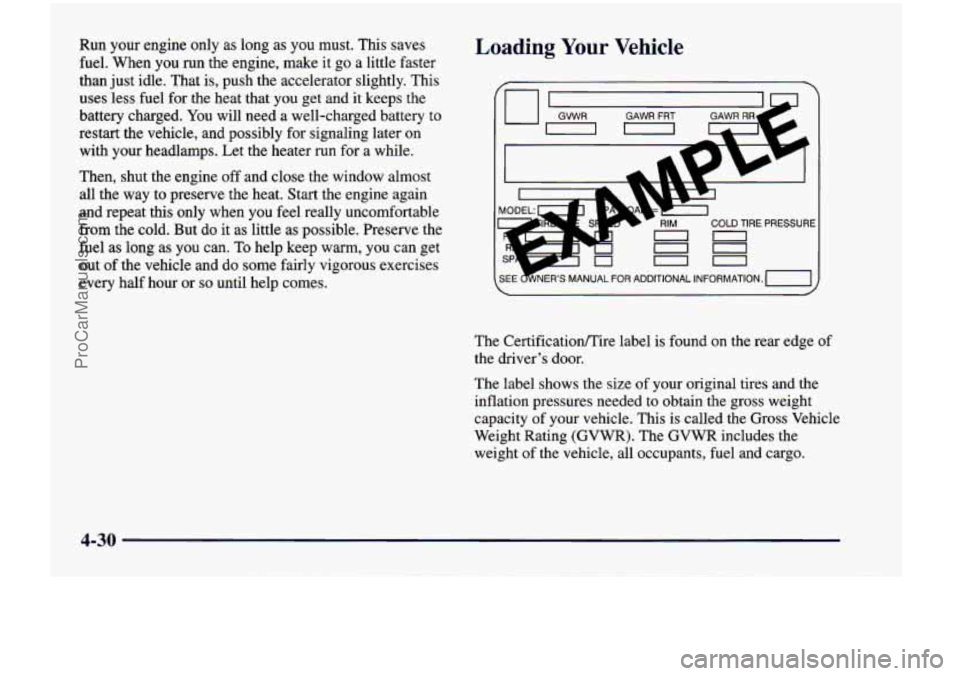
The Certificationire label is found on the rear edge of
the driver’s door.
The label shows the size of your original tires and the
inflation pressures needed to obtain the gross weight
capacity of your vehicle. This
is called the Gross Vehicle
Weight Rating (GVWR). The GVWR includes the
weight of the vehicle, all occupants, fuel and cargo.
4-30
ProCarManuals.com
Page 285 of 474
Things you put inside your vehicle can strike
and injure people in a sudden stop or turn, or in
a crash.
0 Put things in the cargo area of your vehicle.
0 Never stack heavier things, like suitcases,
Try to spread the
weight evenly.
inside the vehicle
so that some of them are
above the tops
of the seats.
Don’t leave an unsecured child restraint in
your vehicle.
0 When you carry something inside the
vehicle, secure
it whenever you can.
0 Don’t leave a seat folded down unless you
need to.
Payload (Cargo Van Only)
The payload capacity is shown on the Certificatioflire
label. This is the maximum load capacity that your
vehicle can carry. Be sure to include the weight of the people inside as part
of your load.
If you added any
accessories or equipment after your vehicle left the
factory, remember to subtract the weight
of these things
from the payload. You should never exceed the
GVWR
or the GAWR. Your dealer can help you determine
your payload.
Electronic Level Control (Option)
On vehicles equipped with the optional electronic level
control, the rear of the vehicle is automatically kept
level as you load or unload your vehicle. However, you
should still not exceed the
GVWR or the GAM.
You may hear the compressor operating when you load
or unload your vehicle, and periodically as the system
self-adjusts.
This is normal.
The compressor should operate for brief periods of time.
If the sound continues for an extended period of time,
your vehicle needs service. To keep your battery from
being drained, you may want to remove the ELC fuse in
the fuse control panel until you can get your vehicle
serviced (see “Fuses and Circuit Breakers” in the Index)\
.
Using heavier suspension components to get added
durability might not change your weight ratings. Ask
your dealer to help you load your vehicle the right way.
4-32
ProCarManuals.com
Page 300 of 474
Jump Starting
If your battery has run down, you may want to use
another vehicle and some jumper cables to start your
vehicle. But please use the following steps listed to
do it safely.
On vehicles equipped with the optional power sliding
door, a low voltage battery
or replacing a battery may
cause the system to become inoperative. See “Power
Sliding Door” in the Index for more information.
I
Batteries can h t you. They can be dangerous
because:
0 They contain acid that can burn you.
0 They contain gas that can explode or ignite.
0 They contain enough electricity to
If you don’t follow these steps exactly, some or all
of these things can hurt you.
burn
you.
NOTICE:
Ignoring these steps could result in costly damage
to your vehicle that wouldn’t be covered by
your warranty.
Trying to start your vehicle by pushing or pulling
it won’t work, and it could damage your vehicle.
1. Check the other vehicle. It must have
a 12-volt
battery with a negative ground system.
NOTICE: -1
If the other system isn’t a 12-volt system with a
negative ground, both vehicles can be damaged.
5-3
ProCarManuals.com
Page 301 of 474
2. Get the vehicles close enough so the jumper cables
can reach, but be sure the vehicles aren’t touching
each other.
If they are, it could cause a ground
connection
you don’t want. You wouldn’t be able to
start your vehicle, and the bad grounding could
damage the electrical systems.
I NOTICE:
To avoid the possibility of the vehicles rolling, set
the parking brake firmly on both vehicles
involved in the jump
start procedure. Put an
automatic transaxle in PARK
(P).
NOTICE:
If you leave your radio on, it could be badly
damaged. The repairs wouldn’t be covered by
your warranty.
3. Turn off the ignition on both vehicles. Unplug
unnecessary accessories plugged into the cigarette
lighter or the accessory power outlet. Turn
off all
lamps that aren’t needed as well as radios. This will
avoid sparks and help save both batteries. In
addition, it could save your radio!
4. Open the hoods and locate the batteries. Find
the positive
(+) and negative (-) terminals on
each battery.
I CAUTION:
An electric fan can start up even when the engine
is not running and can injure you. Keep hands,
clothing and tools
away from any underhood
electric fan.
5-4
ProCarManuals.com
Page 302 of 474
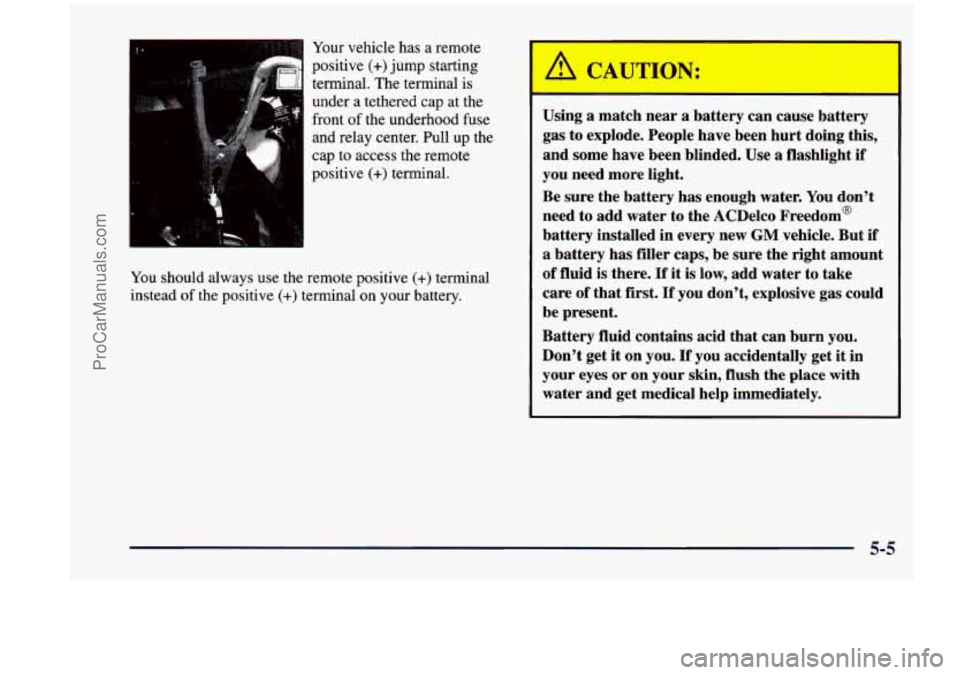
Your vehicle has a remote
positive (+)jump starting
terminal. The terminal is
under a tethered cap at the
front of the underhood fuse
and relay center. Pull up
the
cap to access the remote
positive
(+) terminal.
You should always use the remote positive
(+) terminal
instead of the positive
(+) terminal on your battery. Using
a match near a battery can cause battery
gas to explode. People have been hurt doing this,
and some have been blinded.
Use a flashlight if
you need more light.
Be sure the battery
has enough water. You don’t
need to add water to the ACDelco Freedom’
battery installed in every new
GM vehicle. But if
a battery has filler caps, be sure the right amount
of fluid is there. If it is low, add water to take
care of that first.
If you don’t, explosive gas could
be present.
Battery fluid contains acid that can burn you.
Don’t get
it on you. If you accidentally get it in
your eyes or
on your skin, flush the place with
water and get medical help immediately.
5-5
ProCarManuals.com