warning CHEVROLET VENTURE 1998 Owner's Manual
[x] Cancel search | Manufacturer: CHEVROLET, Model Year: 1998, Model line: VENTURE, Model: CHEVROLET VENTURE 1998Pages: 474, PDF Size: 25.26 MB
Page 214 of 474
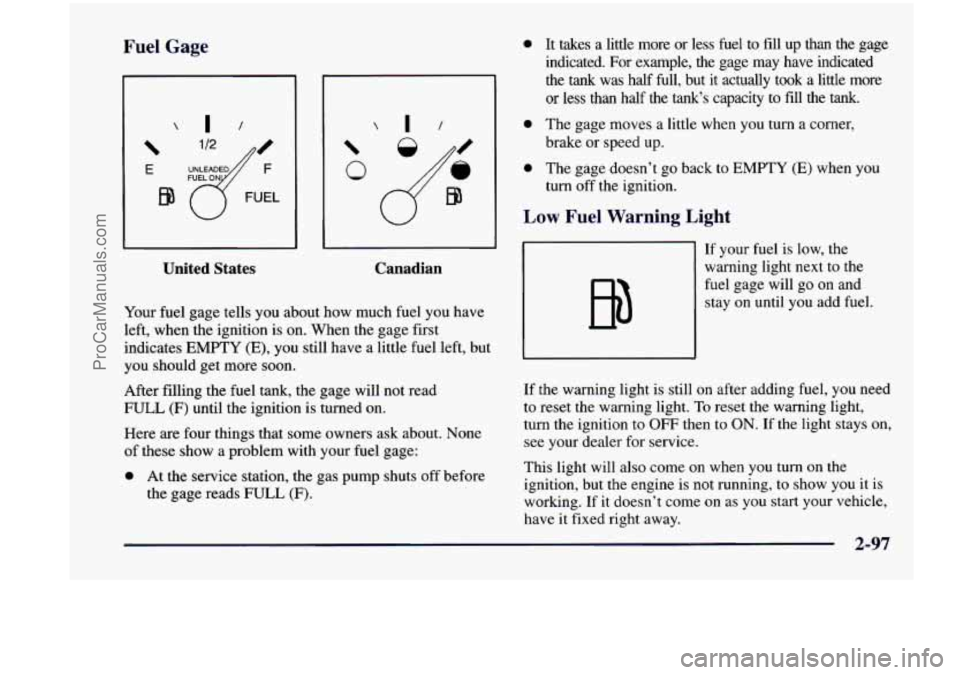
Fr. __ Gage
E
EQ
United States Canadian
Your fuel
gage tells you about how much fuel you have
left, when the ignition is on. When the gage first
indicates
EMPTY (E), you still have a little fuel left, but
you should get more soon.
After filling the fuel tank, the gage will not read
FULL
(F) until the ignition is turned on.
Here
are four things that some owners ask about. None
of these show a problem with your fuel gage:
0 At the service station, the gas pump shuts off before
the gage reads FULL
(F).
0 It takes a little more or less fuel to fill up than the gage
indicated.
For example, the gage may have indicated
the
tank was half Eull, but it actually took a little more
or less than half the tank‘s capacity to fill the tank.
0 The gage moves a little when you turn a corner,
brake or speed up.
0 The gage doesn’t go back to EMPTY (E) when you
turn off the ignition.
Low Fuel Warning Light
If your fuel is low, the
warning light next to the
fuel gage will go on and stay on until you add fuel.
If the warning light is still on after adding fuel, you need
to reset the warning light.
To reset the warning light,
turn the ignition to OFF then to
ON. If the light stays on,
see your dealer for service.
This light will also come on when you turn on the
ignition, but the engine is not running, to show you
it is
working. If it doesn’t come on as you start your vehicle,
have it fixed right away.
2-97
ProCarManuals.com
Page 260 of 474
Avoid needless heavy braking. Some people drive in
spurts
-- heavy acceleration followed by heavy
braking
-- rather than keeping pace with traffic. This is a
mistake. Your brakes may not have time to cool between
hard stops. Your brakes
will wear out much faster if you
do a lot of heavy braking. If you keep pace with the
traffic and allow realistic following distances, you will
eliminate a lot
of unnecessary braking. That means
better braking and longer brake life.
If your engine ever stops while you’re driving, brake
normally but don’t pump your brakes. If you do, the
pedal may get harder to push down. If your engine
stops, you will still have some power brake assist. But
you will use it when you brake. Once the power assist is
used up, it may take longer to stop and the brake pedal
will be harder to push.
I - .Lock P
rour vehicle has anti-lock brakes (ABS). ABS is an
advanced electronic braking system that will help
prevent a braking skid.
When you start your engine, or when you begin
to drive
away, your anti-lock brake system will check itself. You
may hear a momentary motor or clicking noise while
this test is going on, and you may even notice that your
brake pedal moves a little. (You may
also hear a clicking
noise if you leave the ignition in the
RUN position for
about four seconds before starting the vehicle.) This
is normal.
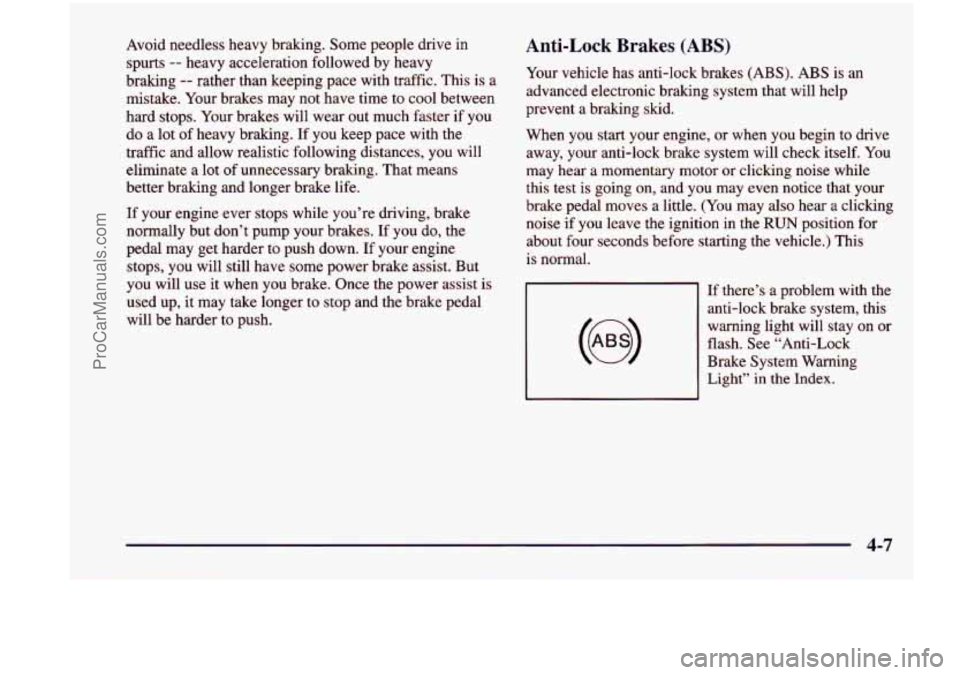
‘;es (ABS)
If there’s a problem with the
anti-lock brake system, this
warning light will stay on or
flash. See “Anti-Lock
Brake System Warning
Light”
in the Index.
4-7
ProCarManuals.com
Page 263 of 474
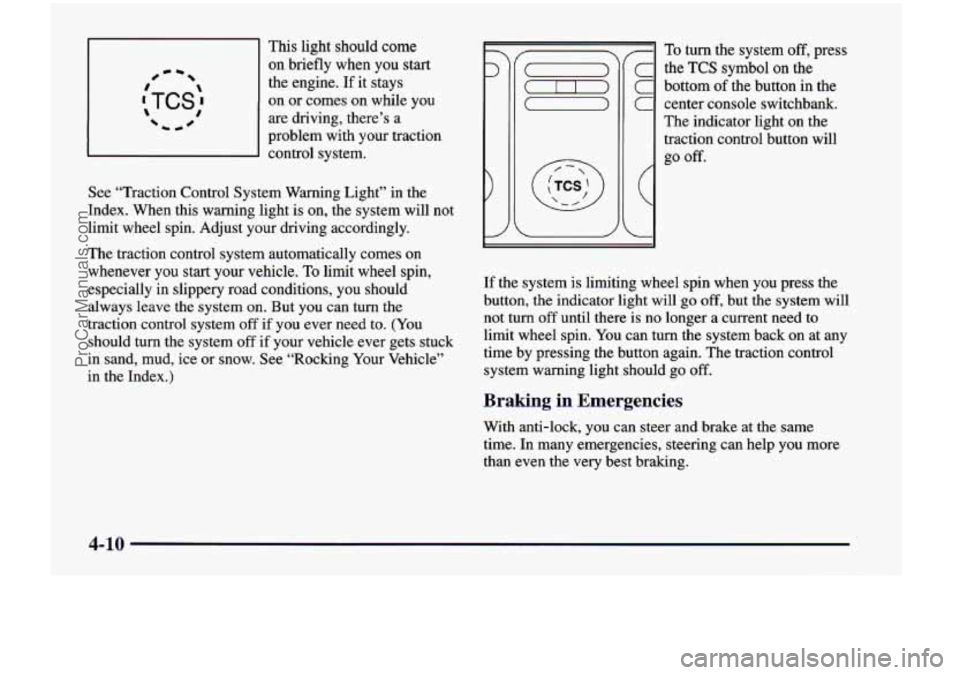
This light should come
on briefly when you start #- -
:TCS: 1 0
the engine. If it stays
on
or comes on while you
are driving, there’s a
problem with your traction
d control system.
See “Traction Control System Warning Light” in the
Index. When this warning light
is on, the system will not
limit wheel spin. Adjust your driving accordingly.
The traction control system automatically comes
on
whenever you start your vehicle. To limit wheel spin,
especially in slippery road conditions, you should
always leave the system on. But you can turn the
traction control system off if you ever need to. (You
should turn the system off if your vehicle ever gets stuck
in sand, mud, ice or snow. See “Rocking Your Vehicle”
in the Index.)
7
C
C
C
(
L
To turn the system off, press
the
TCS symbol on the
bottom
of the button in the
center console switchbank.
The indicator light on the
traction control button will
go
off.
If the system is limiting wheel spin when you press the
button,
the indicator light will go off, but the system will
not turn
off until there is no longer a current need to
limit wheel spin. You can turn the system back
on at any
time by pressing the button again. The traction control
system warning light should go
off.
Braking in Emergencies
With anti-lock, you can steer and brake at the same
time. In many emergencies, steering can help you more
than even the very best braking.
4-10
ProCarManuals.com
Page 268 of 474
Loss of Control
Let’s review what driving experts say about what
happens when the three control systems (brakes, steering
and acceleration) don’t have enough friction where the
tires meet the road to do what the driver has asked.
In any emergency, don’t give up. Keep trying to steer and
constantly seek
an escape route or area of less danger.
Skidding
In a skid, a driver can lose control of the vehicle.
Defensive drivers avoid most skids by taking reasonable
care suited to existing conditions, and by not “overdriving”\
those conditions. But skids are always possible.
The three types of skids correspond to your vehicle’s
three control systems. In the braking skid, your wheels
aren’t rolling. In the steering
or cornering skid, too
much speed or steering in a curve causes tires to slip and
lose cornering force. And in the acceleration skid, too
much throttle causes the driving wheels
to spin.
A cornering
skid and an acceleration skid are best
handled by easing your foot
off the accelerator pedal. If
your vehicle starts to slide, ease your foot off the
accelerator pedal and quickly steer the way you want the
vehicle to go.
If you start steering quickly enough, your
vehicle may straighten out. Always be ready for a
second skid if it occurs.
Of course, traction is reduced when water, snow, ice,
gravel or other material is on the road. For safety, you’ll\
want to slow down and adjust your driving to these
conditions. It is important
to slow down on slippery
surfaces because stopping distance will be longer and
vehicle control more limited.
While driving on a surface with reduced traction,
try
your best to avoid sudden steering, acceleration or
braking (including engine braking by shifting to a lower
gear). Any sudden changes could cause the tires to slide.
You may not realize the surface is slippery until your
vehicle is skidding. Learn to recognize warning
clues
-- such as enough water, ice or packed snow on
the road to make a “mirrored surface” -- and slow
down when you have any doubt.
Remember: Any anti-lock brake system
(ABS) helps
avoid only the braking skid.
ProCarManuals.com
Page 274 of 474
City Driving
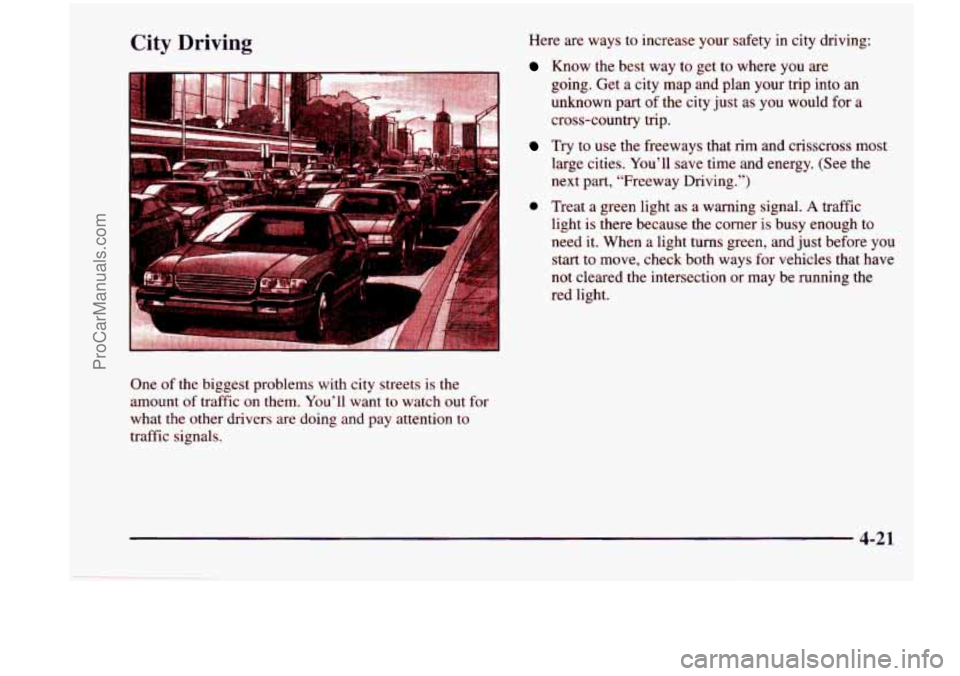
One of the biggest problems with city streets is the
amount of traffic on them. You’ll want to watch out for
what the other drivers are doing
and pay attention to
traffic signals. Here
are ways
to increase your safety in city driving:
Know the best way to get to where you are
going. Get a city map and plan your trip into an
unknown part of the city just as you would for a
cross-country trip.
Try to use the freeways that rim and crisscross most
large cities. You’ll save time and energy.
(See the
next part, “Freeway Driving.”)
0 Treat a green light as a warning signal. A traffic
light is there because the corner
is busy enough to
need it. When a light turns green,
and just before you
start to move, check both ways for vehicles that have
not cleared the intersection or may be running the
red light.
4-21
ProCarManuals.com
Page 279 of 474
Winter Driving Include an ice scraper, a small brush or broom, a supply
of windshield washer fluid, a rag, some winter outer
clothing, a small shovel, a flashlight, a red cloth and
reflective warning triangles. And,
if you will be driving
under severe conditions, include a small bag of
sand, a
piece of old carpet or a couple
of burlap bags to help
provide traction. Be sure you properly secure these
items in your vehicle.
Driving on Snow or Ice
Most of the time, those places where your tires meet the
road probably have good traction.
However, if there is snow or ice between your tires and
the road, you can have a very slippery situation. You’ll
have
a lot less traction or “grip” and will need to be
very careful.
Here are some tips for winter driving:
Have your vehicle in good shape for winter.
You may want to put winter emergency supplies in
your vehicle.
4-26
ProCarManuals.com
Page 298 of 474
0 Section 5 Problems on the Road
Here you’ll find what to do about some problems that can occur on the road.
5-2
5-2
5-3
5-8
5-13
5-24
Hazard Warning Flashers
Other Warning Devices
Jump Starting
Towing
Your Vehicle
Engine Overheating
If a Tire Goes Flat
5 -24
5-24
5-34
5-35
Air Inflator (Option)
Changing a Flat Tire
Compact Spare Tire
If You’re
Stuck: In Sand, Mud,
Ice or Snow
5-1
ProCarManuals.com
Page 299 of 474
Hazard Warning Flashers
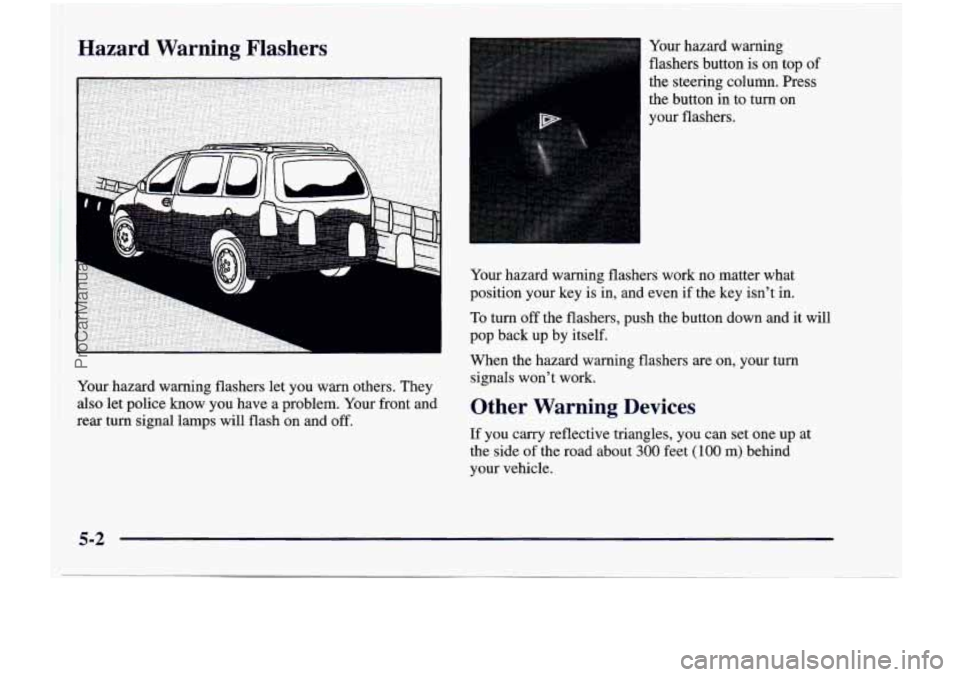
Your hazard warning flashers let you warn others. They
also let police know you have a problem. Your front and
rear turn signal lamps will flash on and off.
Your hazard warning
flashers button is on top
of
the steering column. Press
the button in to turn on
your flashers.
Your hazard warning flashers work no matter what
position your key is in, and even
if the key isn’t in.
To turn off the flashers, push the button down and it will
pop back up by itself.
When the hazard warning flashers
are on, your turn
signals won’t work.
Other Warning Devices
If you carry reflective triangles, you can set one up at
the side of the road about
300 feet (100 m) behind
your vehicle.
5-2
ProCarManuals.com
Page 305 of 474
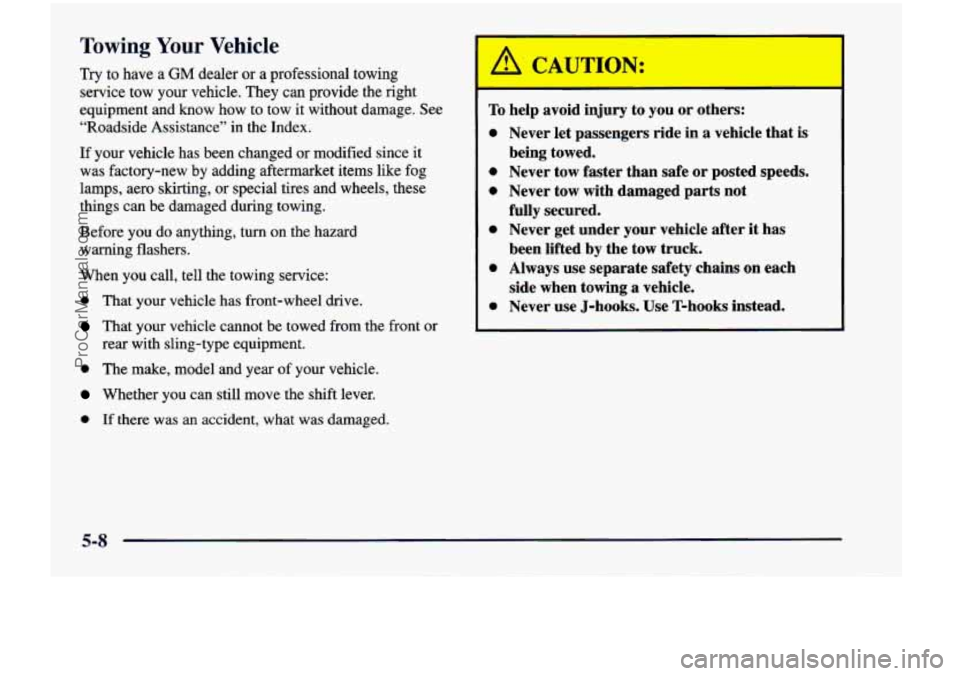
Towing Your Vehicle
Try to have a GM dealer or a professional towing
service tow your vehicle. They can provide the right
equipment and know how to tow it without damage. See
“Roadside Assistance” in the Index.
If your vehicle has been changed or modified since it
was factory-new
by adding aftermarket items like fog
lamps, aero skirting,
or special tires and wheels, these
things can be damaged during towing.
Before you do anything, turn on the hazard
warning flashers.
When you call, tell
the towing service:
0 That your vehicle has front-wheel drive.
That your vehicle cannot be towed from the front or
0 The make, model and year of your vehicle.
Wether you can still move the shift lever.
0 If there was an accident, what was damaged.
rear with sling-type
equipment.
To
0
0
e
0
0
0
help avoid
injury to you or others:
Never let passengers ride in a vehicle that is
being towed.
Never tow faster than safe
or posted speeds.
Never tow with damaged parts not
fully secured.
Never get under your vehicle after it has
been lifted by the tow truck.
Always use separate safety chains on each
side when towing a vehicle.
Never use J-hooks. Use T-hooks instead.
5-8
ProCarManuals.com
Page 312 of 474
If No Steam Is Coming From Your Engine
If you get the overheat warning but see or hear no
steam, the problem may not be
too serious. Sometimes
the engine can get a little too hot when you:
0 Climb a long hill on a hot day.
0 Stop after high-speed driving.
0 Idle for long periods in traffic.
0 Tow a trailer.
If you get the overheat warning with no sign of steam,
try this for a minute or
so:
1. Turn off your air conditioner.
2. Turn on your heater to full hot at the highest fan
speed and open the window as necessary.
3. If you’re in a traffic jam, shift to NEUTRAL (N);
otherwise, shift to the highest gear while
driving
-- AUTOMATIC OVERDRIVE (D)
or THIRD
(3).
If you no longer have the overheat warning, you
can drive. Just to
be safe, drive slower for about
10 minutes. If the warning doesn’t come back on,
you can drive normally.
If the warning continues, pull over, stop, and
park your
vehicle right away.
If there’s still no sign of steam, you can idle the engine
for two or three minutes while you’re parked, to see if
the warning stops. But then, if you still have the
warning,
turn ofthe engine and get everyone out of the
vehicle
until it cools down. Also, see “Overheated
Engine Protection Operating Mode” listed previously in
this section.
You may decide not to lift the hood but to get service
help right away.
5-15
ProCarManuals.com