wheel CHEVROLET VENTURE 2004 1.G User Guide
[x] Cancel search | Manufacturer: CHEVROLET, Model Year: 2004, Model line: VENTURE, Model: CHEVROLET VENTURE 2004 1.GPages: 516, PDF Size: 3.33 MB
Page 183 of 516
Instrument Panel Overview...............................3-4
Hazard Warning Flashers................................3-6
Other Warning Devices...................................3-7
Horn.............................................................3-7
Tilt Wheel.....................................................3-7
Turn Signal/Multifunction Lever.........................3-8
Exterior Lamps.............................................3-16
Interior Lamps..............................................3-18
Switchbanks.................................................3-21
Instrument Panel Switchbank..........................3-21
Overhead Console Switchbank.......................3-22
Ultrasonic Rear Parking Assist (URPA)............3-22
Accessory Power Outlets...............................3-25
Climate Controls............................................3-26
Climate Control System.................................3-26
Outlet Adjustment.........................................3-29
Rear Climate Control System
(Without Entertainment System)...................3-29
Rear Climate Control System
(With Entertainment System).......................3-32
Passenger Compartment Air Filter...................3-34Warning Lights, Gages, and Indicators............3-36
Instrument Panel Cluster................................3-37
Speedometer and Odometer...........................3-39
Tachometer.................................................3-40
Safety Belt Reminder Light.............................3-41
Air Bag Readiness Light................................3-41
Brake System Warning Light..........................3-42
Anti-Lock Brake System Warning Light.............3-43
Traction Control System (TCS) Warning Light . . .3-43
Engine Coolant Temperature Gage..................3-44
Malfunction Indicator Lamp.............................3-45
Fuel Gage...................................................3-49
Message Center.............................................3-50
Service Traction System Warning Message......3-50
Traction Active Message................................3-51
Engine Coolant Temperature Warning
Message..................................................3-52
Charging System Indicator Message................3-52
Low Oil Pressure Message............................3-53
Change Engine Oil Message..........................3-54
Power Sliding Door Warning Message.............3-54
Section 3 Instrument Panel
3-1
Page 184 of 516
Door Ajar Warning Message...........................3-55
Rear Hatch Ajar Warning Message..................3-56
PASS-Key
®III Security Message....................3-56
All-Wheel Drive Disable Warning Message.......3-57
Low Fuel Warning Message...........................3-57
Driver Information Center (DIC).......................3-58
Audio System(s).............................................3-61
Setting the Time for Radios without Radio
Data Systems (RDS)..................................3-61
Setting the Time for Radios with Radio Data
Systems (RDS).........................................3-61
AM-FM Radio...............................................3-62
Radio with CD (Base Level)...........................3-65
Radio with CD (MP3)....................................3-76
Radio with Six-Disc CD.................................3-93Entertainment System..................................3-108
Rear Seat Audio (RSA)
(Without Entertainment System).................3-116
Rear Seat Audio (RSA)
(With Entertainment System).....................3-118
Theft-Deterrent Feature
(Non-RDS Radios)...................................3-119
Theft-Deterrent Feature
(RDS Radios)..........................................3-119
Audio Steering Wheel Controls......................3-120
Radio Reception.........................................3-121
Care of Your CDs and DVDs........................3-121
Care of Your CD and DVD Player.................3-122
Fixed Mast Antenna....................................3-122
XM™ Satellite Radio Antenna System............3-122
Section 3 Instrument Panel
3-2
Page 189 of 516
Other Warning Devices
If you carry reective triangles, you can set one up at
the side of the road about 300 feet (100 m) behind your
vehicle.
Horn
You can sound the horn by pressing the horn symbols
on your steering wheel.
Tilt Wheel
A tilt wheel allows you to adjust the steering wheel
before you drive. You can raise it to the highest level to
give your legs more room when you exit and enter
the vehicle.
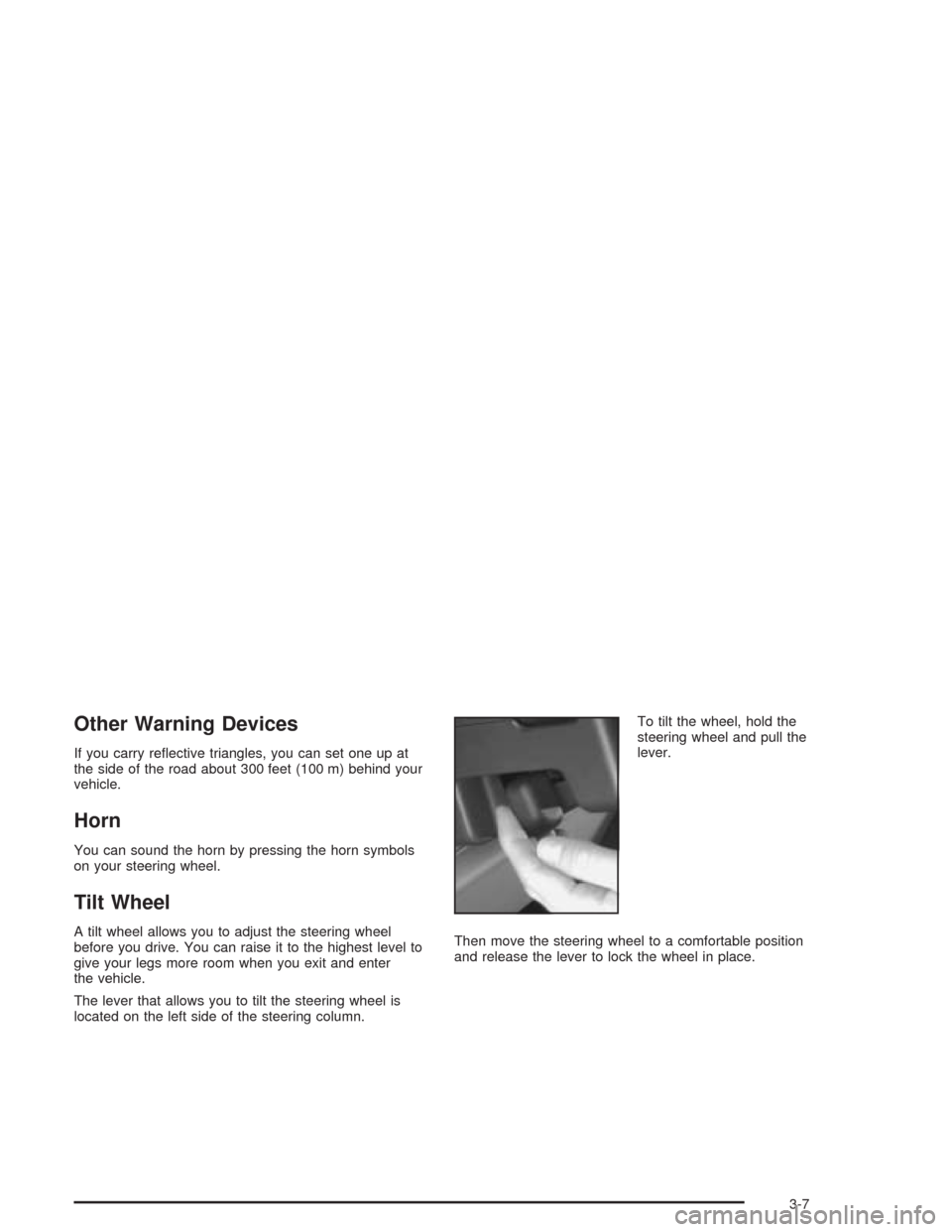
The lever that allows you to tilt the steering wheel is
located on the left side of the steering column.To tilt the wheel, hold the
steering wheel and pull the
lever.
Then move the steering wheel to a comfortable position
and release the lever to lock the wheel in place.
3-7
Page 194 of 516
Cruise Control
Your vehicle may have cruise control. With cruise
control, you can maintain a speed of about 25 mph
(40 km/h) or more without keeping your foot on
the accelerator. This can really help on long trips.
Cruise control does not work at speeds below about
25 mph (40 km/h).
When you apply your brakes, the cruise control
disengages.
{CAUTION:
Cruise control can be dangerous where you
can not drive safely at a steady speed. So, do
not use your cruise control on winding roads
or in heavy traffic.
CAUTION: (Continued)
CAUTION: (Continued)
Cruise control can be dangerous on slippery
roads. On such roads, fast changes in tire
traction can cause needless wheel spinning,
and you could lose control. Do not use cruise
control on slippery roads.
If your vehicle is in cruise control when the optional
traction control system begins to limit wheel spin, the
cruise control will automatically disengage. SeeTraction
Control System (TCS) on page 4-10. When road
conditions allow you to safely use it again, you may turn
the cruise control back on.
3-12
Page 200 of 516
Interior Lamps
Instrument Panel Brightness
The thumbwheel for this feature is located below the
exterior lamps control. Turn the thumbwheel to the right
to brighten the lights, or to the left to dim them.
Interior Lamps Control
Turn the thumbwheel all the way to the right to turn on
the interior lamps, if the interior lamps override
switch is off. Turn the thumbwheel to the left to turn the
lamps off.
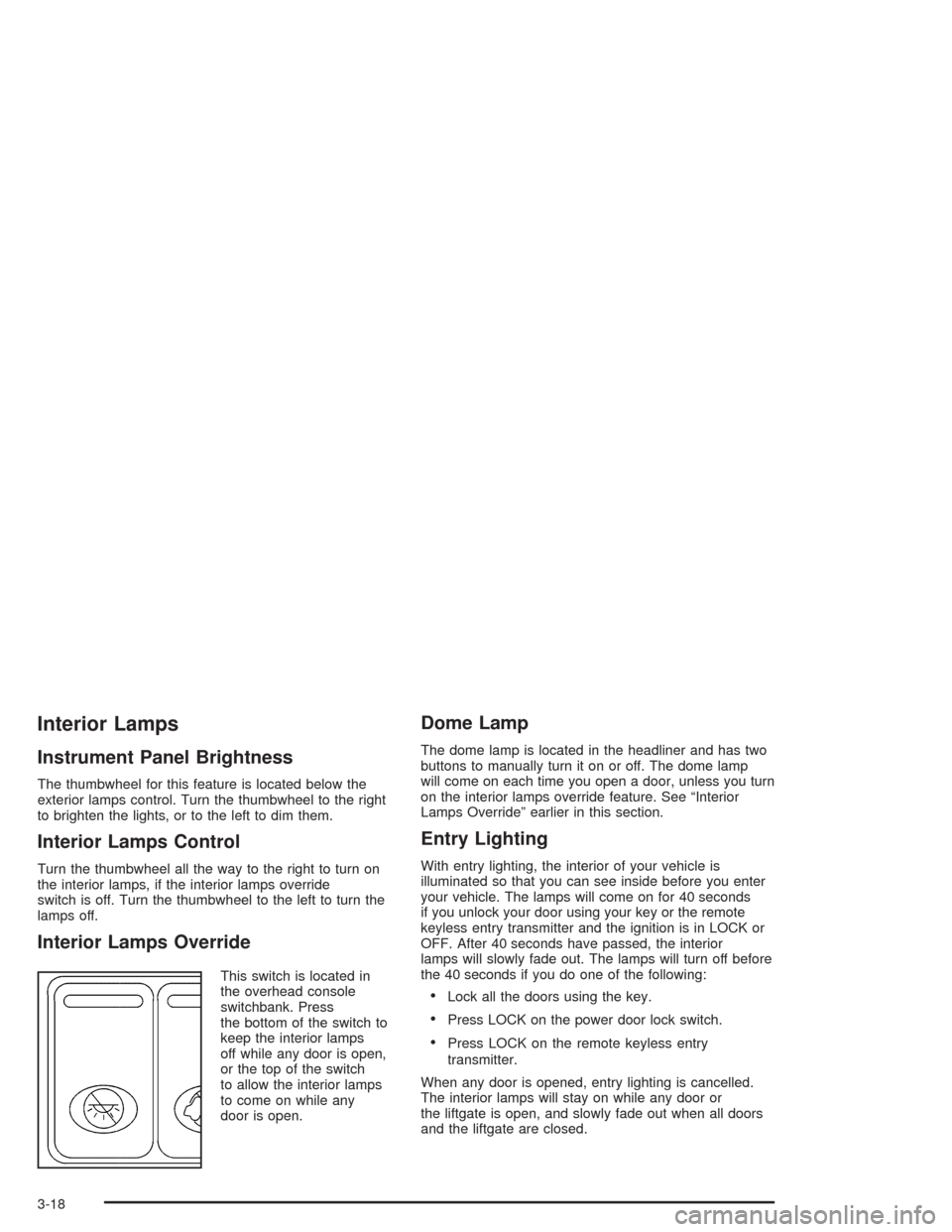
Interior Lamps Override
This switch is located in
the overhead console
switchbank. Press
the bottom of the switch to
keep the interior lamps
off while any door is open,
or the top of the switch
to allow the interior lamps
to come on while any
door is open.
Dome Lamp
The dome lamp is located in the headliner and has two
buttons to manually turn it on or off. The dome lamp
will come on each time you open a door, unless you turn
on the interior lamps override feature. See “Interior
Lamps Override” earlier in this section.
Entry Lighting
With entry lighting, the interior of your vehicle is
illuminated so that you can see inside before you enter
your vehicle. The lamps will come on for 40 seconds
if you unlock your door using your key or the remote
keyless entry transmitter and the ignition is in LOCK or
OFF. After 40 seconds have passed, the interior
lamps will slowly fade out. The lamps will turn off before
the 40 seconds if you do one of the following:
Lock all the doors using the key.
Press LOCK on the power door lock switch.
Press LOCK on the remote keyless entry
transmitter.
When any door is opened, entry lighting is cancelled.
The interior lamps will stay on while any door or
the liftgate is open, and slowly fade out when all doors
and the liftgate are closed.
3-18
Page 203 of 516
Battery Run-Down Protection
Your vehicle has a feature to help prevent you from
draining the battery, in case you accidentally leave the
interior lamps on. If you leave any interior lamps on while
the ignition is in LOCK or OFF, they will automatically turn
off after 10 minutes. The lamps will not come back on
again until you do one of the following:
Turn the ignition to RUN or ACCESSORY.
Turn the interior lamps thumbwheel all the way to the
right, then slightly back to the left.
Open a closed door, or close and reopen a door.
If your vehicle has less than 15 miles (25 km) on the
odometer, the battery saver will turn off the lamps after
only three minutes.
Switchbanks
There are two sets of switchbanks located in the front of
the vehicle. The switches will vary with the options
that are on your vehicle.
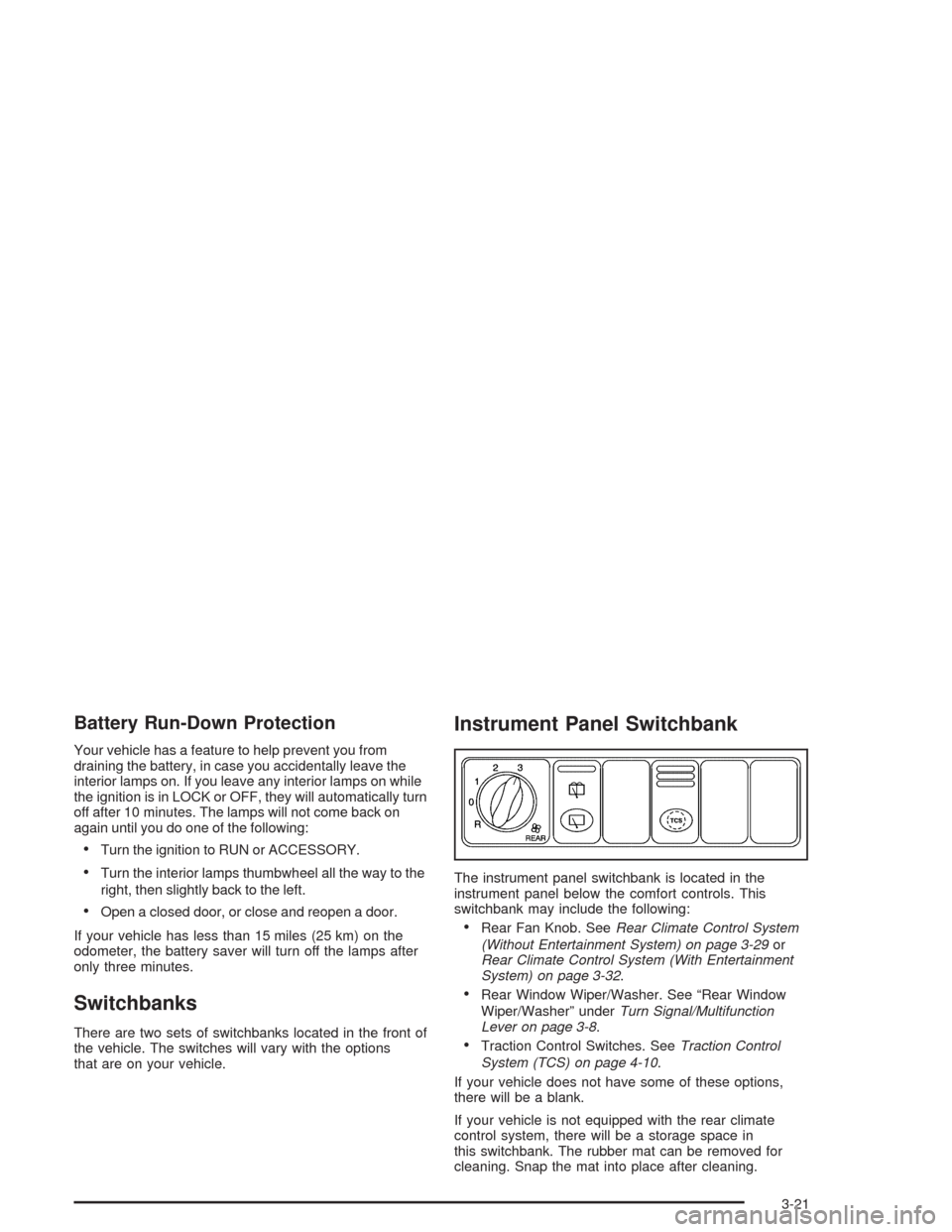
Instrument Panel Switchbank
The instrument panel switchbank is located in the
instrument panel below the comfort controls. This
switchbank may include the following:
Rear Fan Knob. SeeRear Climate Control System
(Without Entertainment System) on page 3-29or
Rear Climate Control System (With Entertainment
System) on page 3-32.
Rear Window Wiper/Washer. See “Rear Window
Wiper/Washer” underTurn Signal/Multifunction
Lever on page 3-8.
Traction Control Switches. SeeTraction Control
System (TCS) on page 4-10.
If your vehicle does not have some of these options,
there will be a blank.
If your vehicle is not equipped with the rear climate
control system, there will be a storage space in
this switchbank. The rubber mat can be removed for
cleaning. Snap the mat into place after cleaning.
3-21
Page 233 of 516
When this message is displayed, the traction control
system will not limit wheel spin. Adjust your driving
accordingly.
The message may appear for the following reasons:
If there’s a brake system problem that is specically
related to traction control, the traction control
system will turn off and the warning message will
come on.
If your brakes begin to overheat, the traction control
system will turn off and the warning message will
come on until your brakes cool down.
If the traction control system is affected by an
engine-related problem, the system will turn off and
the warning message will come on.
If the traction control system warning message comes
on and stays on for an extended period of time when the
system is turned on, your vehicle needs service.
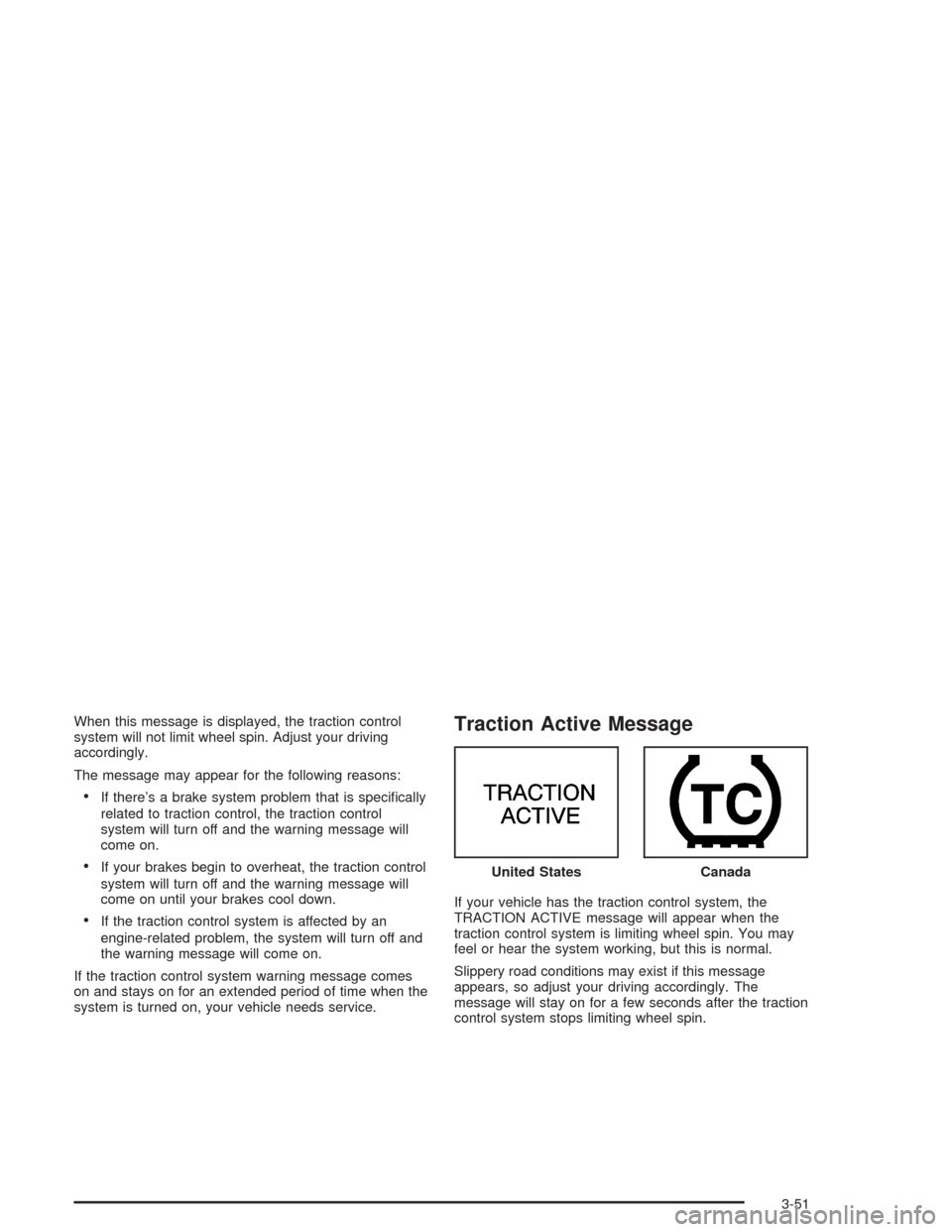
Traction Active Message
If your vehicle has the traction control system, the
TRACTION ACTIVE message will appear when the
traction control system is limiting wheel spin. You may
feel or hear the system working, but this is normal.
Slippery road conditions may exist if this message
appears, so adjust your driving accordingly. The
message will stay on for a few seconds after the traction
control system stops limiting wheel spin.United States
Canada
3-51
Page 239 of 516
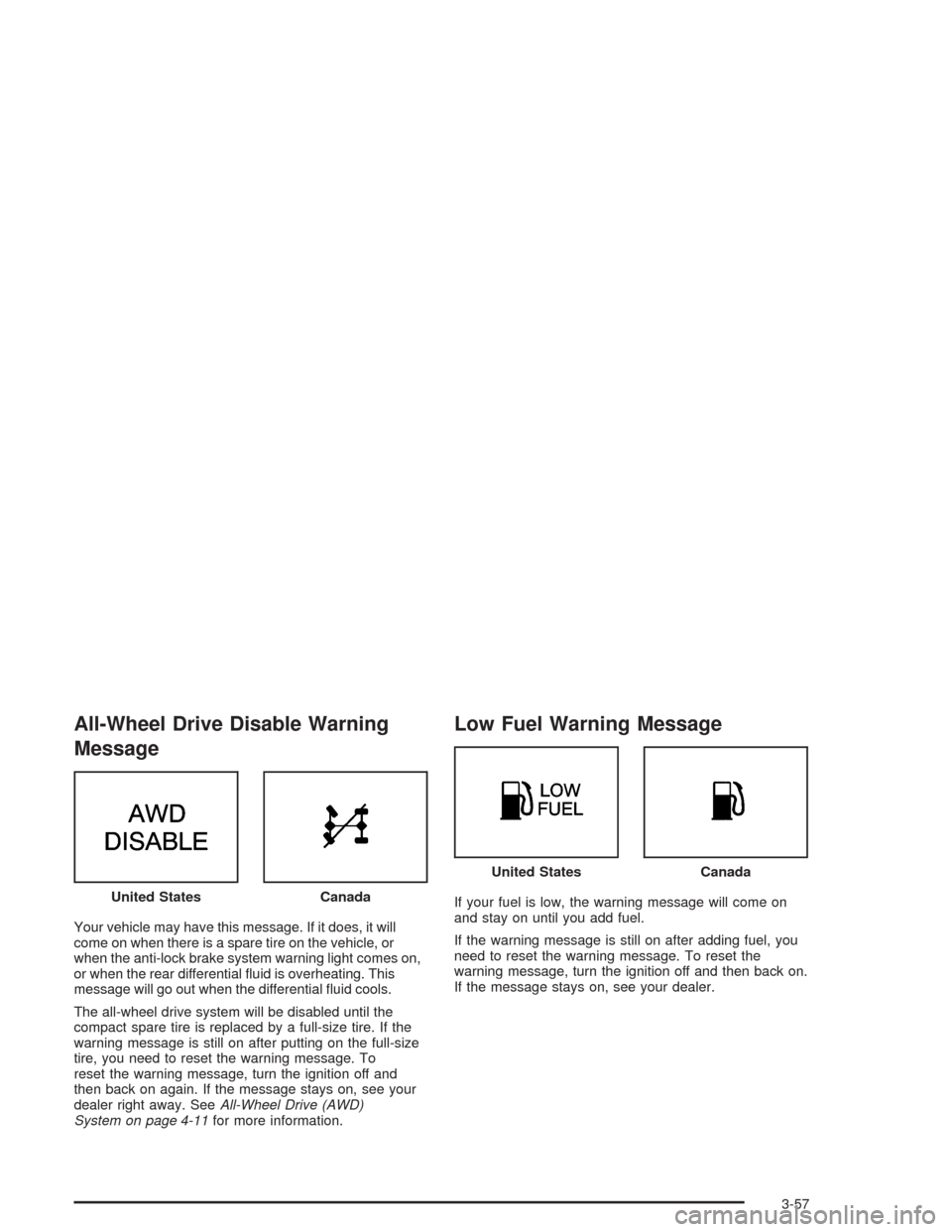
All-Wheel Drive Disable Warning
Message
Your vehicle may have this message. If it does, it will
come on when there is a spare tire on the vehicle, or
when the anti-lock brake system warning light comes on,
or when the rear differential uid is overheating. This
message will go out when the differential uid cools.
The all-wheel drive system will be disabled until the
compact spare tire is replaced by a full-size tire. If the
warning message is still on after putting on the full-size
tire, you need to reset the warning message. To
reset the warning message, turn the ignition off and
then back on again. If the message stays on, see your
dealer right away. SeeAll-Wheel Drive (AWD)
System on page 4-11for more information.
Low Fuel Warning Message
If your fuel is low, the warning message will come on
and stay on until you add fuel.
If the warning message is still on after adding fuel, you
need to reset the warning message. To reset the
warning message, turn the ignition off and then back on.
If the message stays on, see your dealer. United StatesCanada
United StatesCanada
3-57
Page 302 of 516
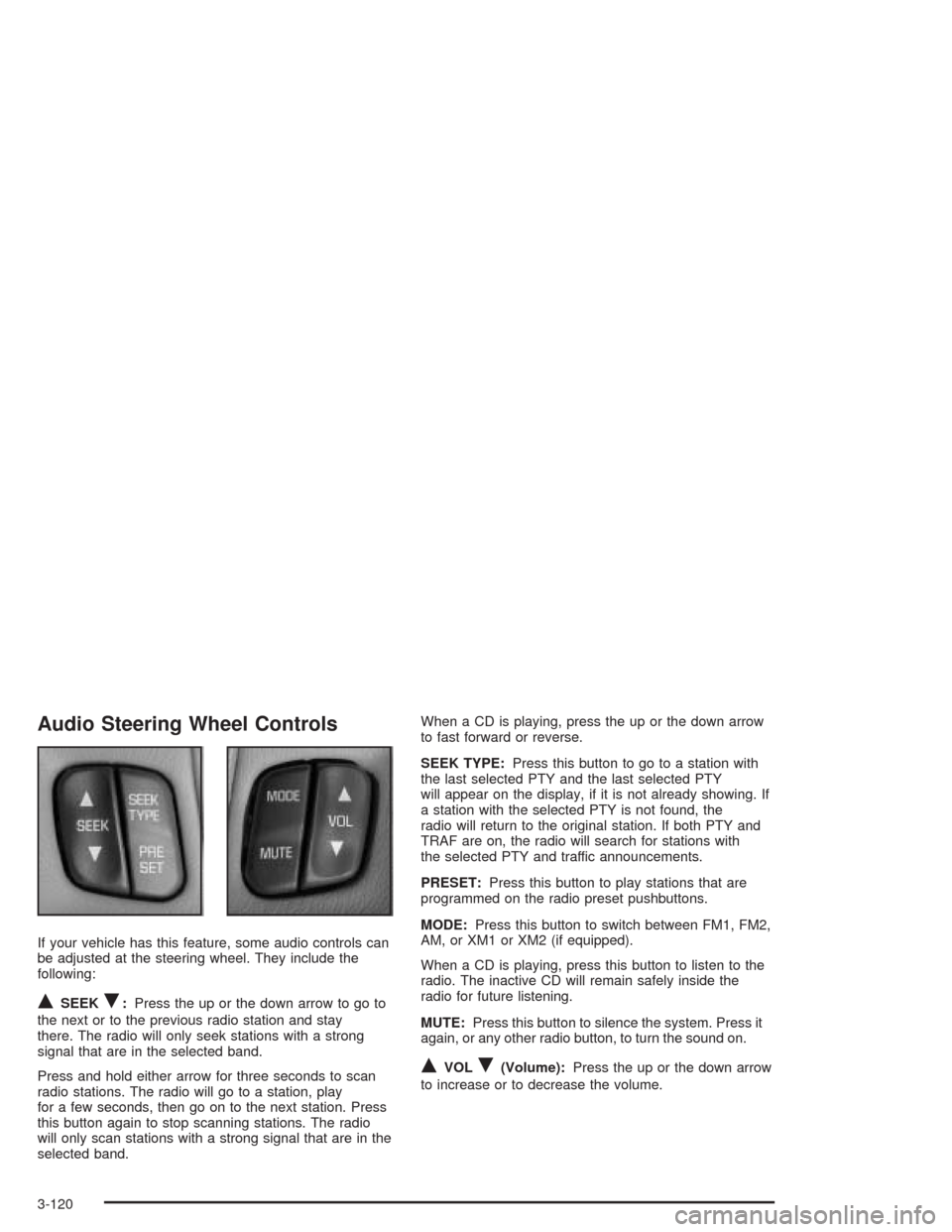
Audio Steering Wheel Controls
If your vehicle has this feature, some audio controls can
be adjusted at the steering wheel. They include the
following:
QSEEKR:Press the up or the down arrow to go to
the next or to the previous radio station and stay
there. The radio will only seek stations with a strong
signal that are in the selected band.
Press and hold either arrow for three seconds to scan
radio stations. The radio will go to a station, play
for a few seconds, then go on to the next station. Press
this button again to stop scanning stations. The radio
will only scan stations with a strong signal that are in the
selected band.When a CD is playing, press the up or the down arrow
to fast forward or reverse.
SEEK TYPE:Press this button to go to a station with
the last selected PTY and the last selected PTY
will appear on the display, if it is not already showing. If
a station with the selected PTY is not found, the
radio will return to the original station. If both PTY and
TRAF are on, the radio will search for stations with
the selected PTY and traffic announcements.
PRESET:Press this button to play stations that are
programmed on the radio preset pushbuttons.
MODE:Press this button to switch between FM1, FM2,
AM, or XM1 or XM2 (if equipped).
When a CD is playing, press this button to listen to the
radio. The inactive CD will remain safely inside the
radio for future listening.
MUTE:Press this button to silence the system. Press it
again, or any other radio button, to turn the sound on.
QVOLR(Volume):Press the up or the down arrow
to increase or to decrease the volume.
3-120
Page 305 of 516
Your Driving, the Road, and Your Vehicle..........4-2
Defensive Driving...........................................4-2
Drunken Driving.............................................4-2
Control of a Vehicle........................................4-6
Braking.........................................................4-6
Traction Control System (TCS).......................4-10
All-Wheel Drive (AWD) System.......................4-11
Steering......................................................4-12
Off-Road Recovery.......................................4-14
Passing.......................................................4-14
Loss of Control.............................................4-16
Driving at Night............................................4-17
Driving in Rain and on Wet Roads..................4-19City Driving..................................................4-22
Freeway Driving...........................................4-23
Before Leaving on a Long Trip.......................4-25
Highway Hypnosis........................................4-26
Hill and Mountain Roads................................4-26
Winter Driving..............................................4-28
If You Are Stuck: In Sand, Mud, Ice or Snow . . .4-32
Towing..........................................................4-33
Towing Your Vehicle.....................................4-33
Recreational Vehicle Towing...........................4-34
Loading Your Vehicle....................................4-35
Level Control...............................................4-40
Towing a Trailer...........................................4-41
Section 4 Driving Your Vehicle
4-1