heating CHEVROLET VENTURE 2004 1.G Owners Manual
[x] Cancel search | Manufacturer: CHEVROLET, Model Year: 2004, Model line: VENTURE, Model: CHEVROLET VENTURE 2004 1.GPages: 516, PDF Size: 3.33 MB
Page 132 of 516
Liftgate
To unlock or lock the liftgate from the outside, use the
remote keyless entry transmitter. For more information,
seeRemote Keyless Entry System Operation on
page 2-5.
Open the liftgate using the handle located above the
license plate. Once slightly opened, the liftgate will rise
by itself. Lamps in the rear of the vehicle will come
on, illuminating the rear cargo area. SeeInterior Lamps
on page 3-14.
Notice:If you open the liftgate without checking for
overhead obstructions such as a garage door,
you could break the liftgate glass. Always check to
make sure the area above the liftgate is clear
before opening it.{CAUTION:
It can be dangerous to drive with the liftgate
open because carbon monoxide (CO) gas can
come into your vehicle. You can’t see or smell
CO. It can cause unconsciousness and even
death. If you must drive with the liftgate open
or if electrical wiring or other cable
connections must pass through the seal
between the body and the liftgate:
Make sure all other windows are shut.
Turn the fan on your heating or cooling
system to its highest speed and select the
control setting that will force outside air
into your vehicle. SeeClimate Control
System on page 3-21.
If you have air outlets on or under the
instrument panel, open them all the way.
SeeEngine Exhaust on page 2-43.
2-22
Page 208 of 516
Climate Controls
Climate Control System
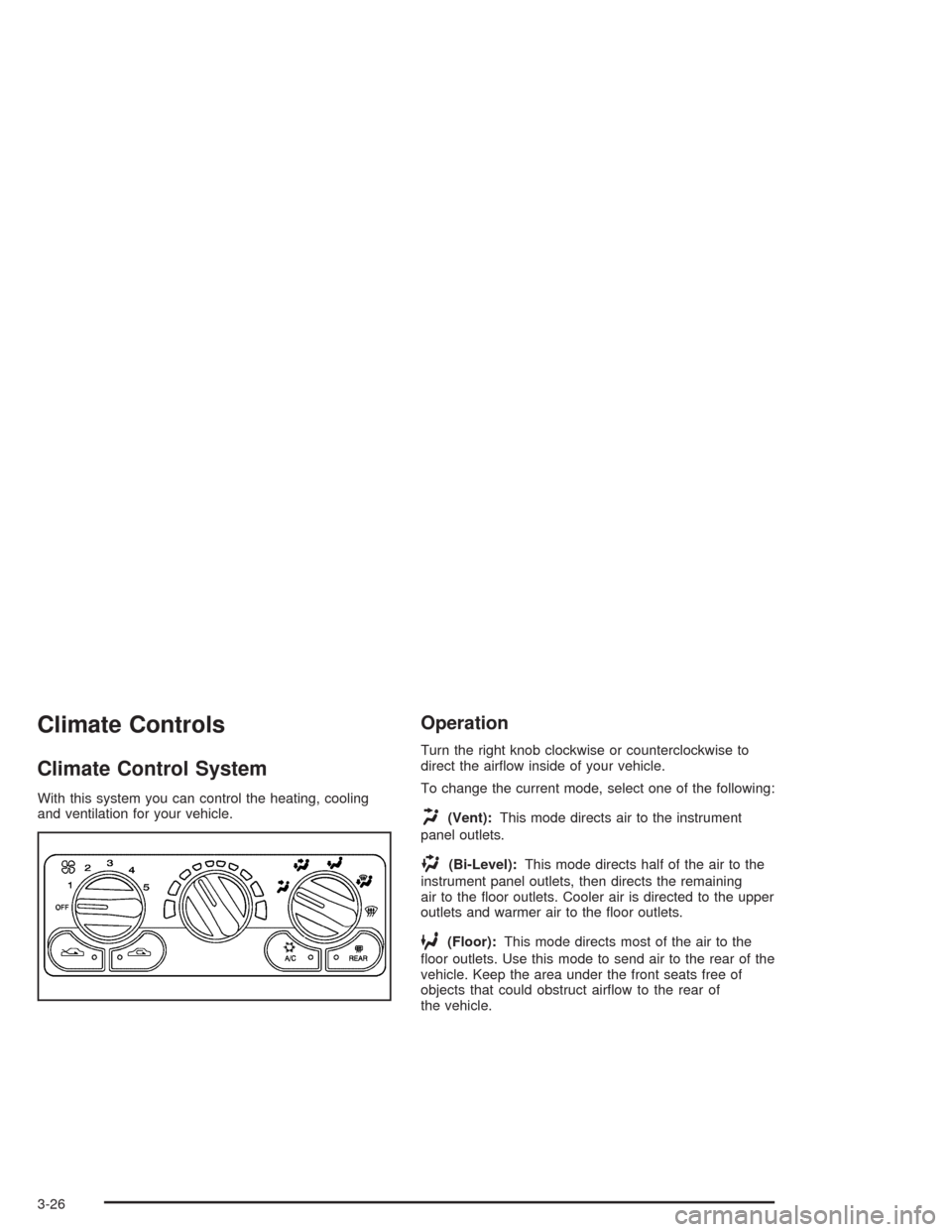
With this system you can control the heating, cooling
and ventilation for your vehicle.
Operation
Turn the right knob clockwise or counterclockwise to
direct the airow inside of your vehicle.
To change the current mode, select one of the following:
H(Vent):This mode directs air to the instrument
panel outlets.
)(Bi-Level):This mode directs half of the air to the
instrument panel outlets, then directs the remaining
air to the oor outlets. Cooler air is directed to the upper
outlets and warmer air to the oor outlets.
6(Floor):This mode directs most of the air to the
oor outlets. Use this mode to send air to the rear of the
vehicle. Keep the area under the front seats free of
objects that could obstruct airow to the rear of
the vehicle.
3-26
Page 212 of 516
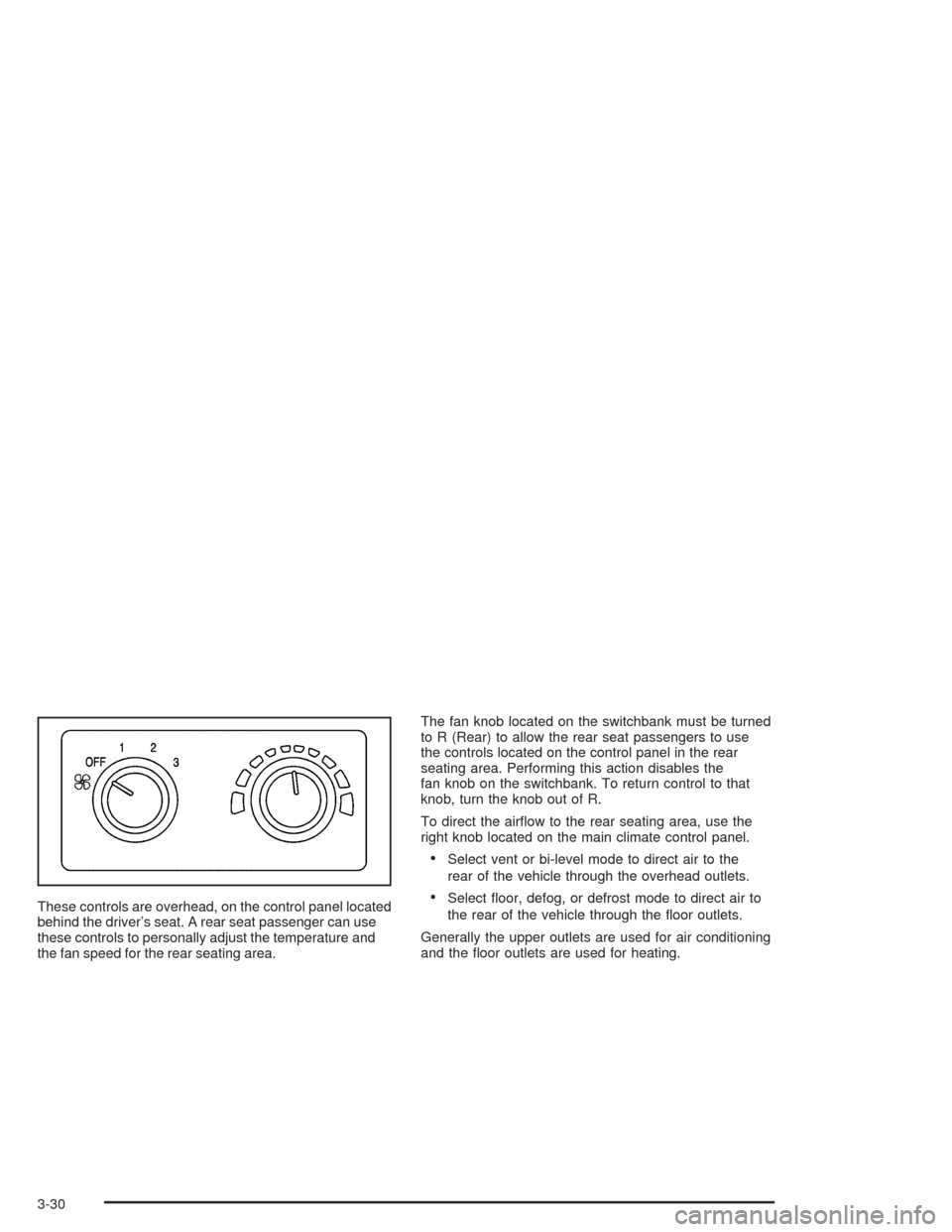
These controls are overhead, on the control panel located
behind the driver’s seat. A rear seat passenger can use
these controls to personally adjust the temperature and
the fan speed for the rear seating area.The fan knob located on the switchbank must be turned
to R (Rear) to allow the rear seat passengers to use
the controls located on the control panel in the rear
seating area. Performing this action disables the
fan knob on the switchbank. To return control to that
knob, turn the knob out of R.
To direct the airow to the rear seating area, use the
right knob located on the main climate control panel.
Select vent or bi-level mode to direct air to the
rear of the vehicle through the overhead outlets.
Select oor, defog, or defrost mode to direct air to
the rear of the vehicle through the oor outlets.
Generally the upper outlets are used for air conditioning
and the oor outlets are used for heating.
3-30
Page 214 of 516
Rear Climate Control System
(With Entertainment System)
Your vehicle may have a rear climate control system
that allows the driver to adjust the fan speed or a
rear seat passenger to set a separate temperature and
adjust the fan speed, for the rear seating area. This
system works with the main climate control system in
your vehicle.
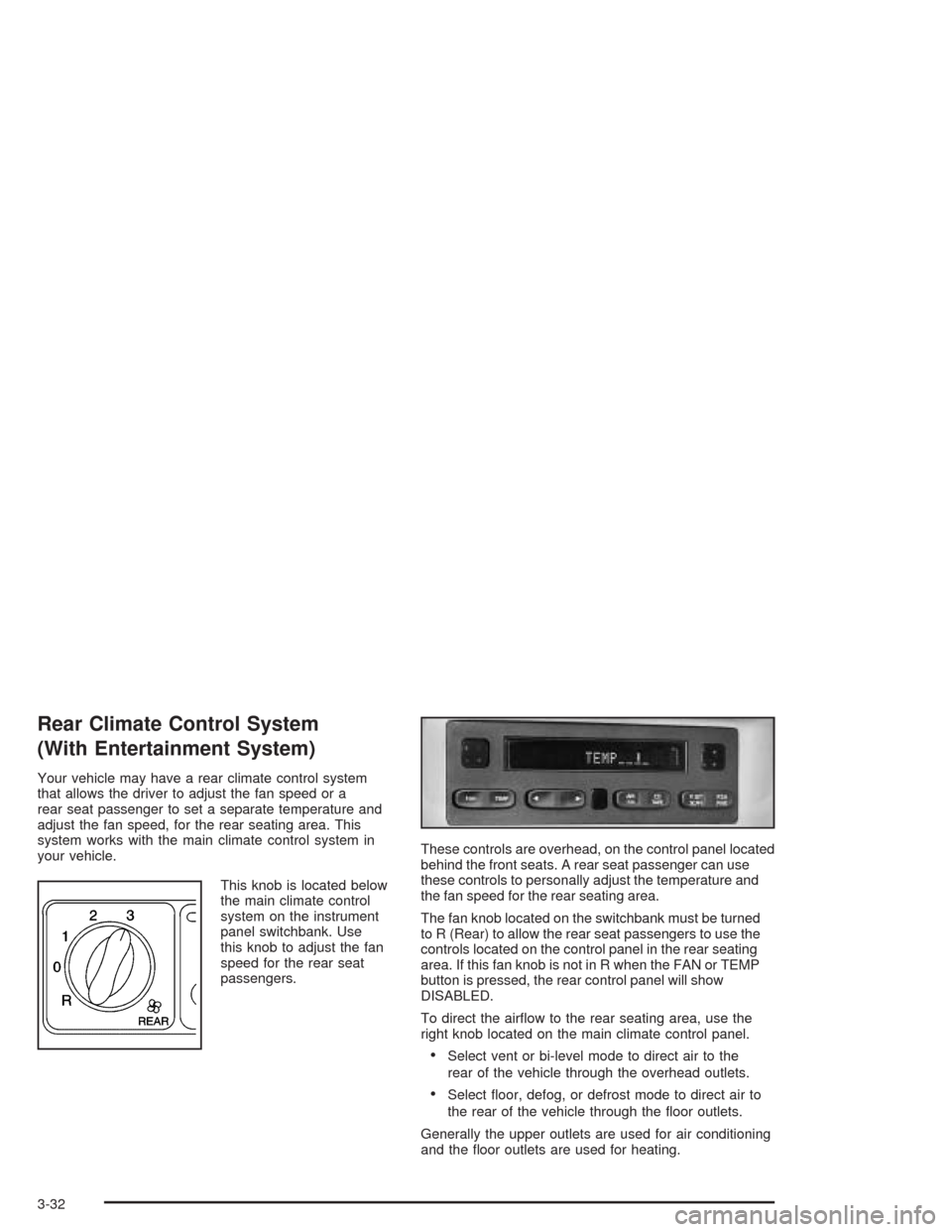
This knob is located below
the main climate control
system on the instrument
panel switchbank. Use
this knob to adjust the fan
speed for the rear seat
passengers.These controls are overhead, on the control panel located
behind the front seats. A rear seat passenger can use
these controls to personally adjust the temperature and
the fan speed for the rear seating area.
The fan knob located on the switchbank must be turned
to R (Rear) to allow the rear seat passengers to use the
controls located on the control panel in the rear seating
area. If this fan knob is not in R when the FAN or TEMP
button is pressed, the rear control panel will show
DISABLED.
To direct the airow to the rear seating area, use the
right knob located on the main climate control panel.
Select vent or bi-level mode to direct air to the
rear of the vehicle through the overhead outlets.
Select oor, defog, or defrost mode to direct air to
the rear of the vehicle through the oor outlets.
Generally the upper outlets are used for air conditioning
and the oor outlets are used for heating.
3-32
Page 227 of 516
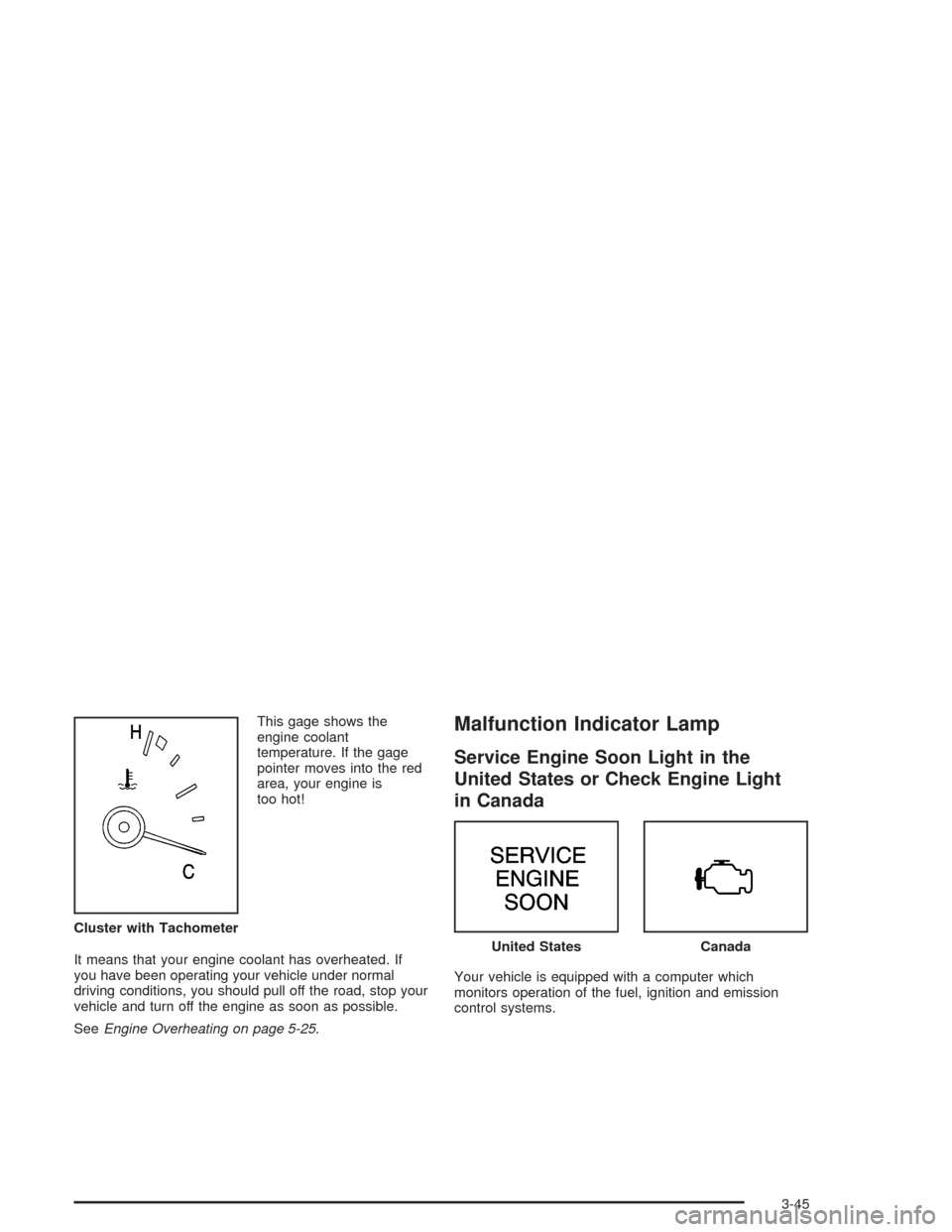
This gage shows the
engine coolant
temperature. If the gage
pointer moves into the red
area, your engine is
too hot!
It means that your engine coolant has overheated. If
you have been operating your vehicle under normal
driving conditions, you should pull off the road, stop your
vehicle and turn off the engine as soon as possible.
SeeEngine Overheating on page 5-25.Malfunction Indicator Lamp
Service Engine Soon Light in the
United States or Check Engine Light
in Canada
Your vehicle is equipped with a computer which
monitors operation of the fuel, ignition and emission
control systems. Cluster with Tachometer
United StatesCanada
3-45
Page 234 of 516
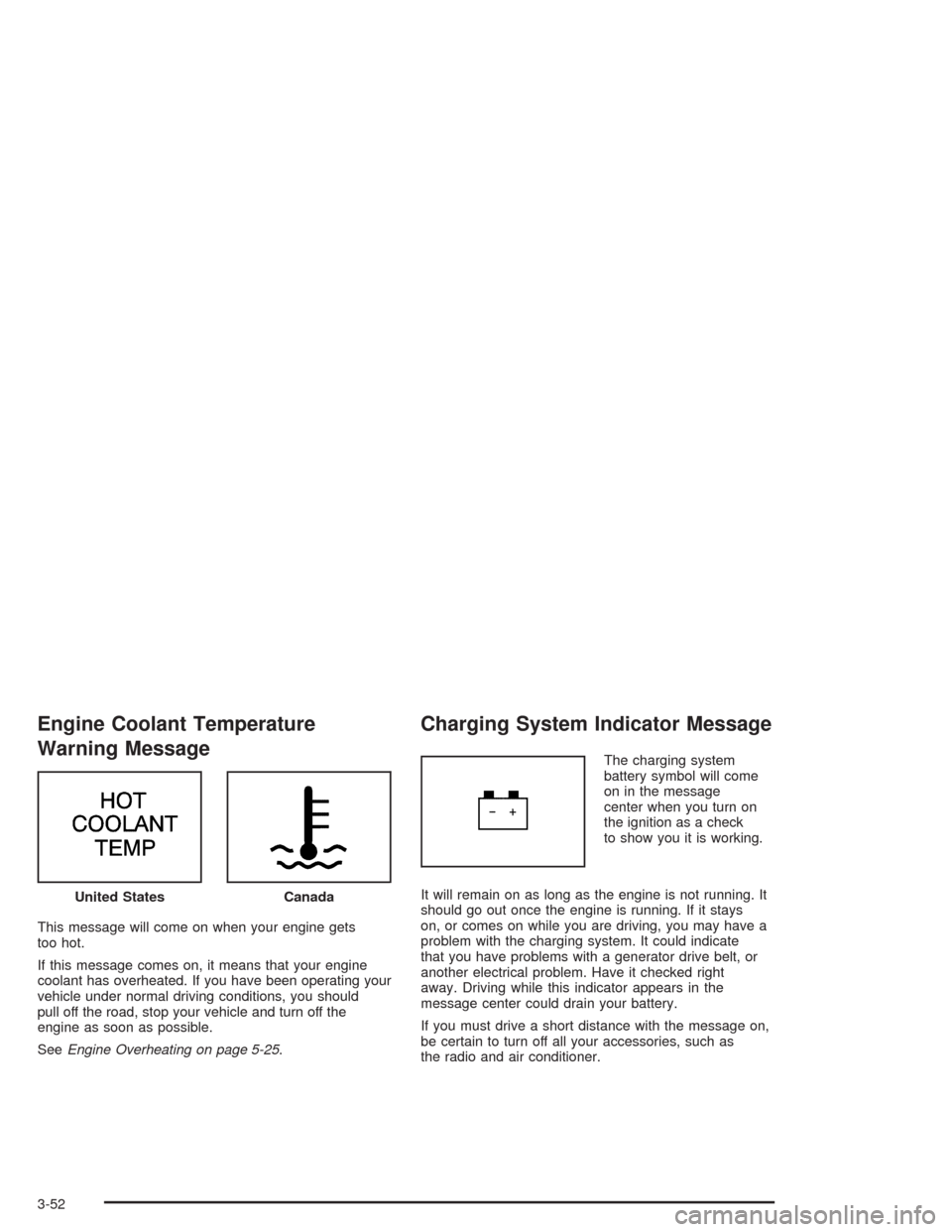
Engine Coolant Temperature
Warning Message
This message will come on when your engine gets
too hot.
If this message comes on, it means that your engine
coolant has overheated. If you have been operating your
vehicle under normal driving conditions, you should
pull off the road, stop your vehicle and turn off the
engine as soon as possible.
SeeEngine Overheating on page 5-25.
Charging System Indicator Message
The charging system
battery symbol will come
on in the message
center when you turn on
the ignition as a check
to show you it is working.
It will remain on as long as the engine is not running. It
should go out once the engine is running. If it stays
on, or comes on while you are driving, you may have a
problem with the charging system. It could indicate
that you have problems with a generator drive belt, or
another electrical problem. Have it checked right
away. Driving while this indicator appears in the
message center could drain your battery.
If you must drive a short distance with the message on,
be certain to turn off all your accessories, such as
the radio and air conditioner. United States
Canada
3-52
Page 239 of 516
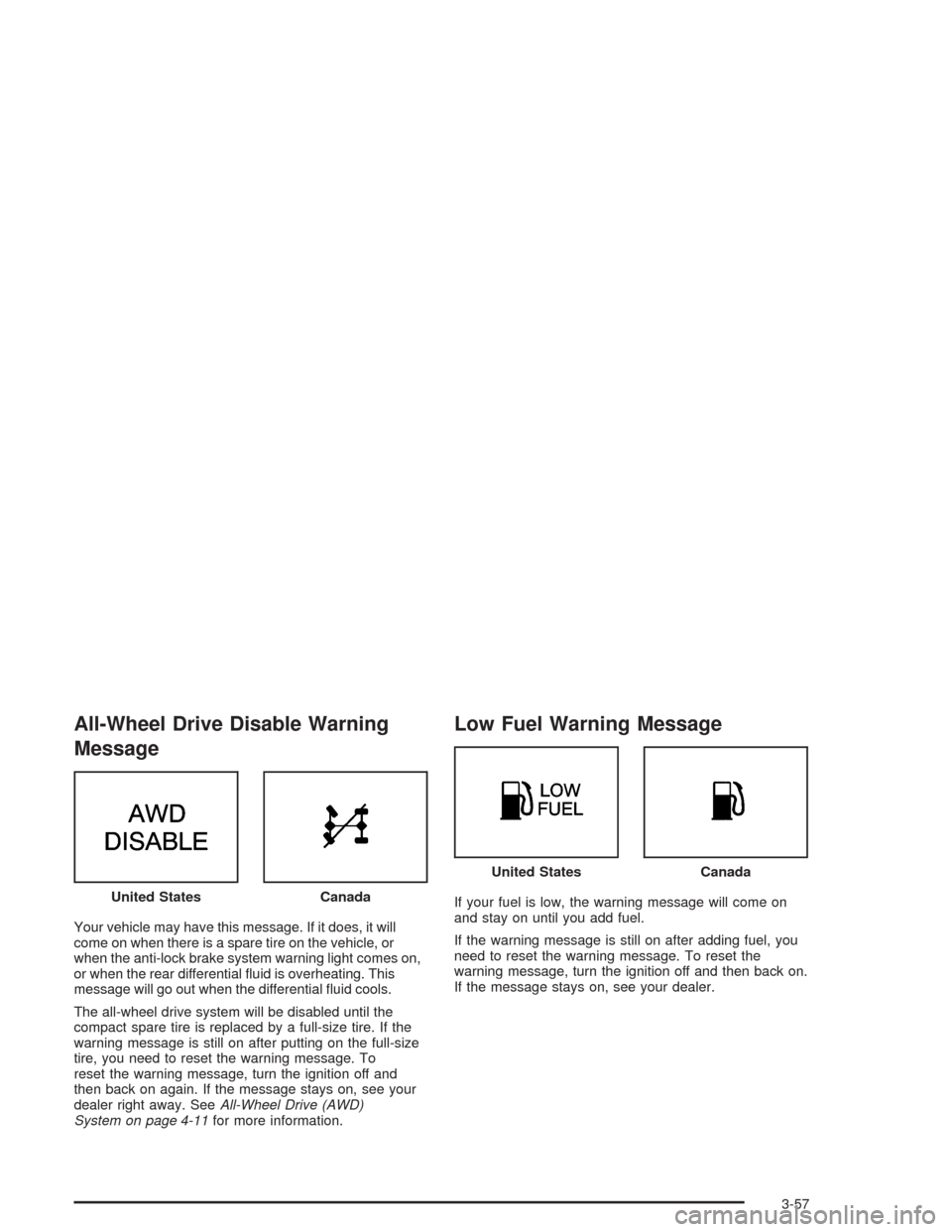
All-Wheel Drive Disable Warning
Message
Your vehicle may have this message. If it does, it will
come on when there is a spare tire on the vehicle, or
when the anti-lock brake system warning light comes on,
or when the rear differential uid is overheating. This
message will go out when the differential uid cools.
The all-wheel drive system will be disabled until the
compact spare tire is replaced by a full-size tire. If the
warning message is still on after putting on the full-size
tire, you need to reset the warning message. To
reset the warning message, turn the ignition off and
then back on again. If the message stays on, see your
dealer right away. SeeAll-Wheel Drive (AWD)
System on page 4-11for more information.
Low Fuel Warning Message
If your fuel is low, the warning message will come on
and stay on until you add fuel.
If the warning message is still on after adding fuel, you
need to reset the warning message. To reset the
warning message, turn the ignition off and then back on.
If the message stays on, see your dealer. United StatesCanada
United StatesCanada
3-57
Page 315 of 516
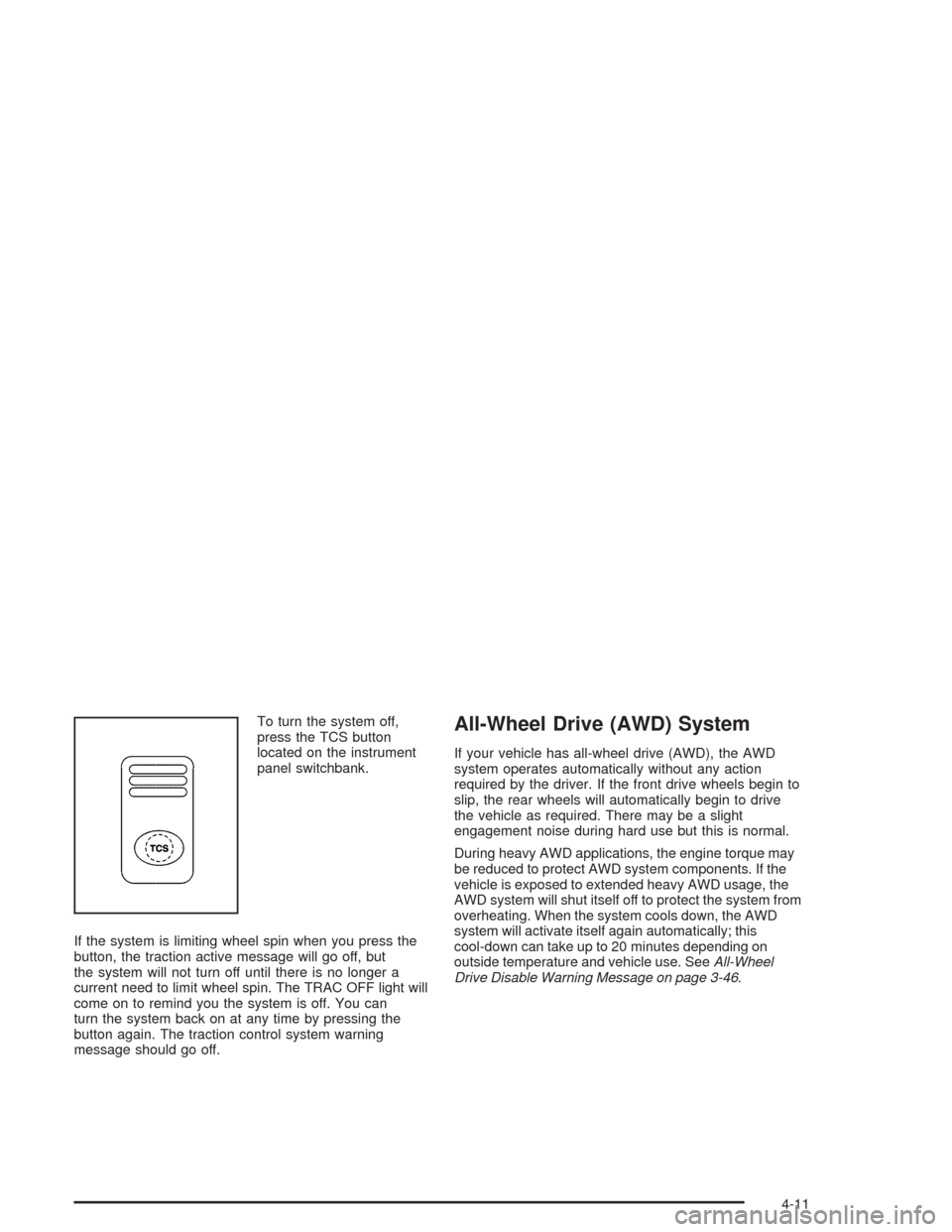
To turn the system off,
press the TCS button
located on the instrument
panel switchbank.
If the system is limiting wheel spin when you press the
button, the traction active message will go off, but
the system will not turn off until there is no longer a
current need to limit wheel spin. The TRAC OFF light will
come on to remind you the system is off. You can
turn the system back on at any time by pressing the
button again. The traction control system warning
message should go off.All-Wheel Drive (AWD) System
If your vehicle has all-wheel drive (AWD), the AWD
system operates automatically without any action
required by the driver. If the front drive wheels begin to
slip, the rear wheels will automatically begin to drive
the vehicle as required. There may be a slight
engagement noise during hard use but this is normal.
During heavy AWD applications, the engine torque may
be reduced to protect AWD system components. If the
vehicle is exposed to extended heavy AWD usage, the
AWD system will shut itself off to protect the system from
overheating. When the system cools down, the AWD
system will activate itself again automatically; this
cool-down can take up to 20 minutes depending on
outside temperature and vehicle use. SeeAll-Wheel
Drive Disable Warning Message on page 3-46.
4-11
Page 349 of 516
Driving with a Trailer
{CAUTION:
If you have a rear-most window open and you
pull a trailer with your vehicle, carbon
monoxide (CO) could come into your vehicle.
You can not see or smell CO. It can cause
unconsciousness or death. SeeEngine
Exhaust on page 2-37. To maximize your safety
when towing a trailer:
Have your exhaust system inspected for
leaks, and make necessary repairs before
starting on your trip.
Keep the rear-most windows closed.
If exhaust does come into your vehicle
through a window in the rear or another
opening, drive with your front, main
heating or cooling system on and with the
fan on any speed. This will bring fresh,
outside air into your vehicle. Do not use
the climate control setting for maximum air
because it only recirculates the air inside
your vehicle. SeeClimate Control System
on page 3-21.Towing a trailer requires a certain amount of experience.
Before setting out for the open road, you will want to
get to know your rig. Acquaint yourself with the feel of
handling and braking with the added weight of the trailer.
And always keep in mind that the vehicle you are
driving is now a good deal longer and not nearly as
responsive as your vehicle is by itself.
Before you start, check all trailer hitch parts and
attachments, safety chains, electrical connector, lamps,
tires, and mirror adjustment. If the trailer has electric
brakes, start your vehicle and trailer moving and
then apply the trailer brake controller by hand to be sure
the brakes are working. This lets you check your
electrical connection at the same time.
During your trip, check occasionally to be sure that the
load is secure, and that the lamps and any trailer
brakes are still working.
4-45
Page 353 of 516
Service............................................................5-3
Doing Your Own Service Work.........................5-3
Adding Equipment to the Outside of Your
Vehicle......................................................5-4
Fuel................................................................5-4
Gasoline Octane............................................5-4
Gasoline Specications....................................5-5
California Fuel...............................................5-5
Additives.......................................................5-6
Fuels in Foreign Countries...............................5-6
Filling Your Tank............................................5-7
Filling a Portable Fuel Container.....................5-10
Checking Things Under the Hood....................5-10
Hood Release..............................................5-11
Engine Compartment Overview.......................5-12
Engine Oil...................................................5-13
Engine Air Cleaner/Filter................................5-18
Automatic Transaxle Fluid..............................5-20
Engine Coolant.............................................5-22
Radiator Pressure Cap..................................5-25
Engine Overheating.......................................5-25
Cooling System............................................5-28
Power Steering Fluid.....................................5-36
Windshield Washer Fluid................................5-38
Brakes........................................................5-39
Battery........................................................5-42Jump Starting...............................................5-43
All-Wheel Drive..............................................5-48
Bulb Replacement..........................................5-50
Halogen Bulbs..............................................5-50
Headlamps..................................................5-50
Front Turn Signal, Sidemarker and Parking
Lamps.....................................................5-52
Taillamps, Turn Signal, Stoplamps and
Back-up Lamps.........................................5-54
Replacement Bulbs.......................................5-56
Windshield Wiper Blade Replacement..............5-56
Tires..............................................................5-58
Ination - Tire Pressure.................................5-68
Tire Inspection and Rotation...........................5-69
When It Is Time for New Tires.......................5-71
Buying New Tires.........................................5-71
Uniform Tire Quality Grading..........................5-72
Wheel Alignment and Tire Balance..................5-74
Wheel Replacement......................................5-74
Tire Chains..................................................5-75
Accessory Inator.........................................5-76
If a Tire Goes Flat........................................5-78
Changing a Flat Tire.....................................5-78
Compact Spare Tire......................................5-96
Section 5 Service and Appearance Care
5-1